Changelog
See what's new and improved in Rize.
Try the latest features — start your free trial today.
Start Free TrialTracking Alerts, PTO Days, Hours Budgets and a Week of Fixes
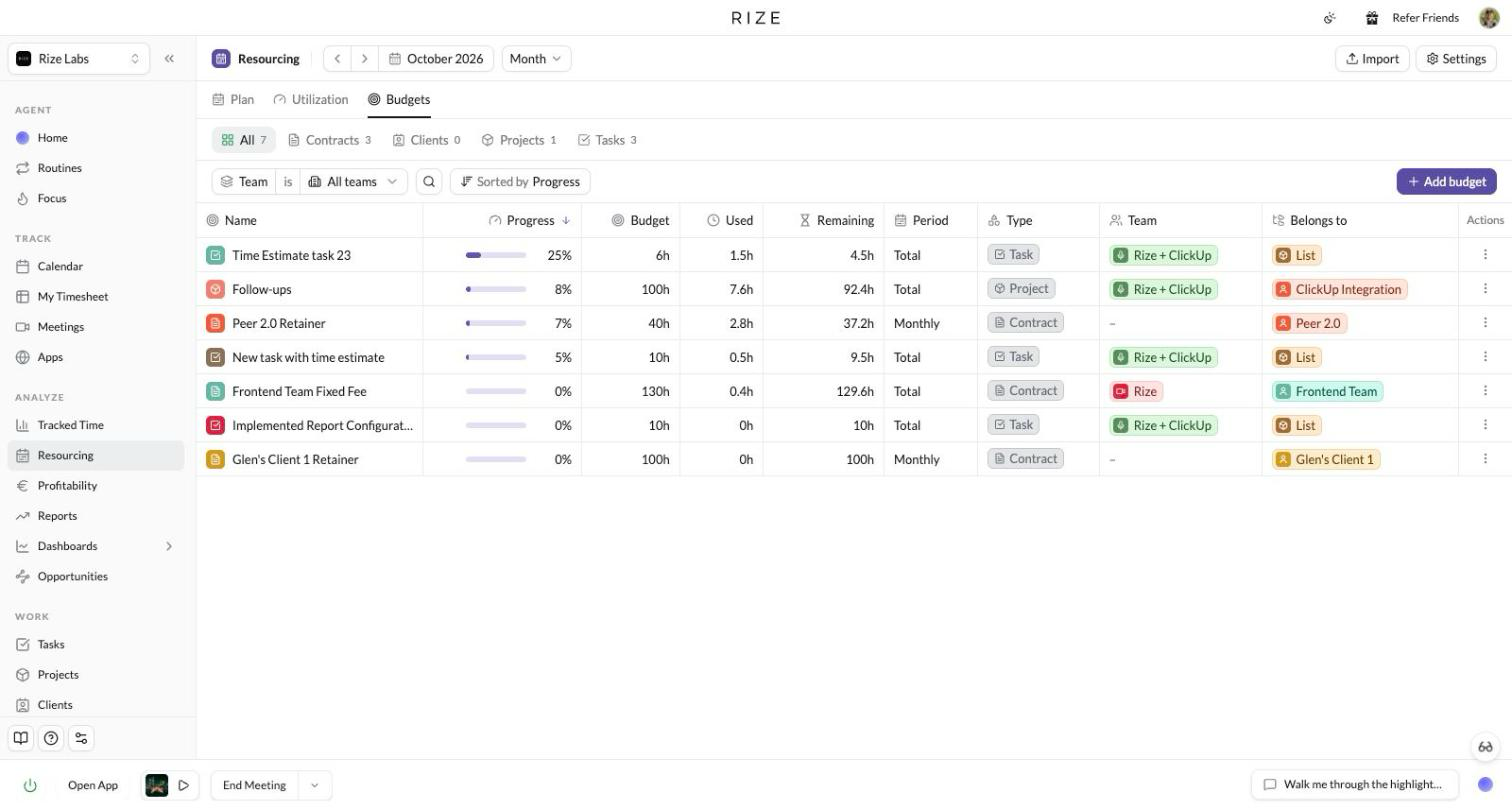
Rize now tells you when tracking has stopped, marks PTO days on Calendar and My Timesheet, joins same-tag Calendar blocks with a horizontal scroll toggle, lists every hours budget on a Resourcing tab, opens Display Language to everyone, and fixes a long list of contract, report, calendar, focus and desktop issues from the week after the October release.
Rize v3.0.149: A New Desktop Widget
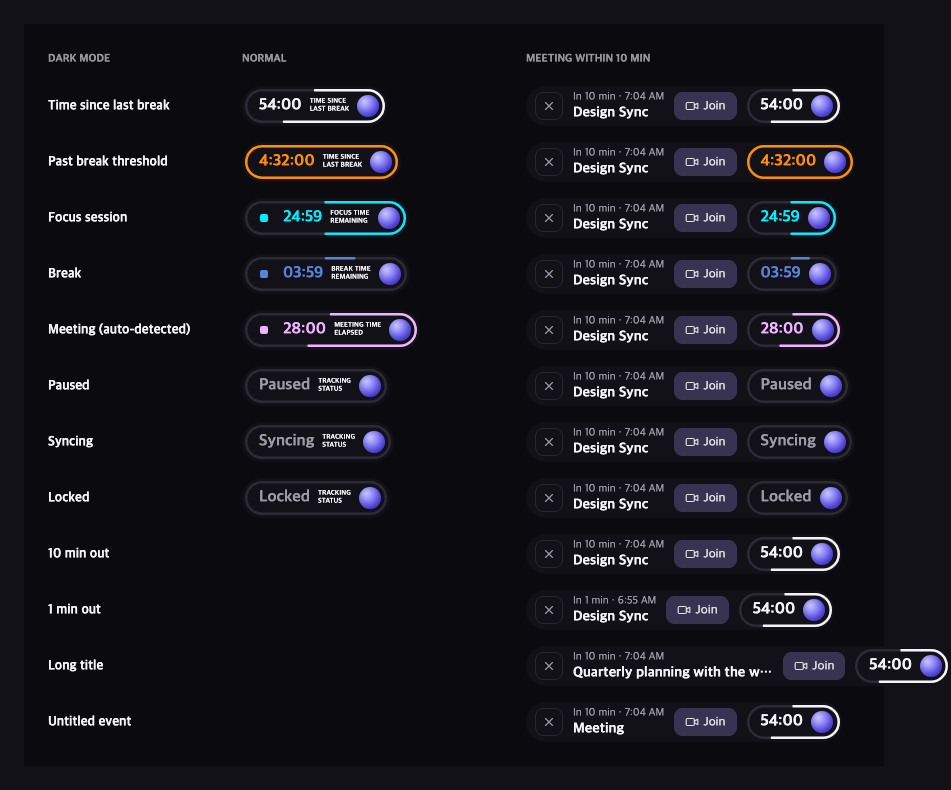
Rize v3.0.149 replaces the desktop widget with a floating pill that shows your timer, your next meeting, and the agent, with Focus Timer, Work hours, Minimal and Expanded styles to choose from, plus a long list of small fixes to tracking, shortcuts, sessions and updates.
App Icons Everywhere and an Apps Column in My Timesheet
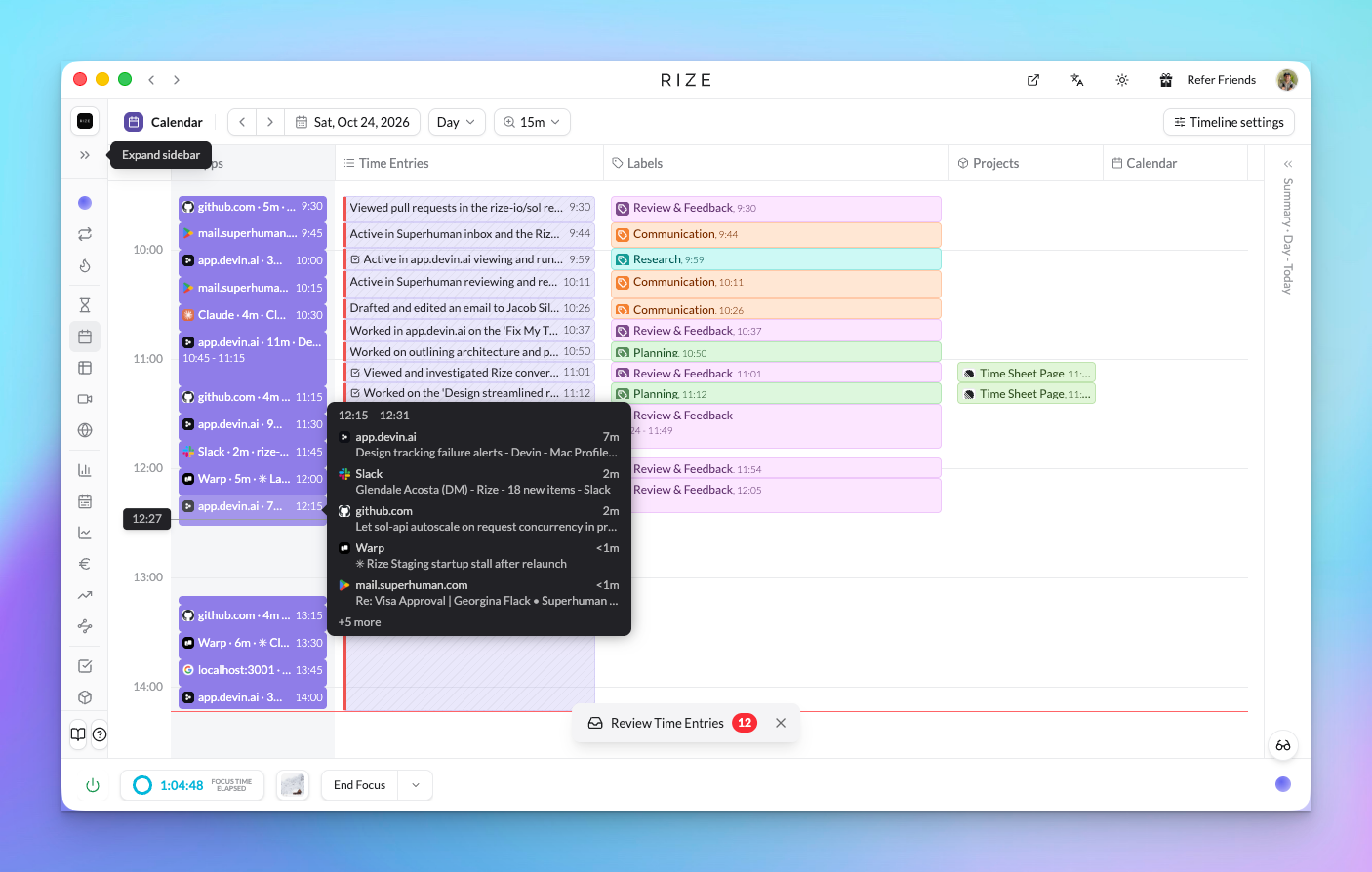
Rize now shows the real icon for every app and website, groups your Calendar activity by app and title, and adds an Apps column, grouping pills, and a Status filter to My Timesheet.
A Whole New Rize: A Simpler Design for Automatic Time Tracking
Our biggest release yet starts with a new design: a calmer theme in light and dark, consistent components and date pickers, table-based views that pack more in with less clutter, and a side sheet for client, project, and task records.
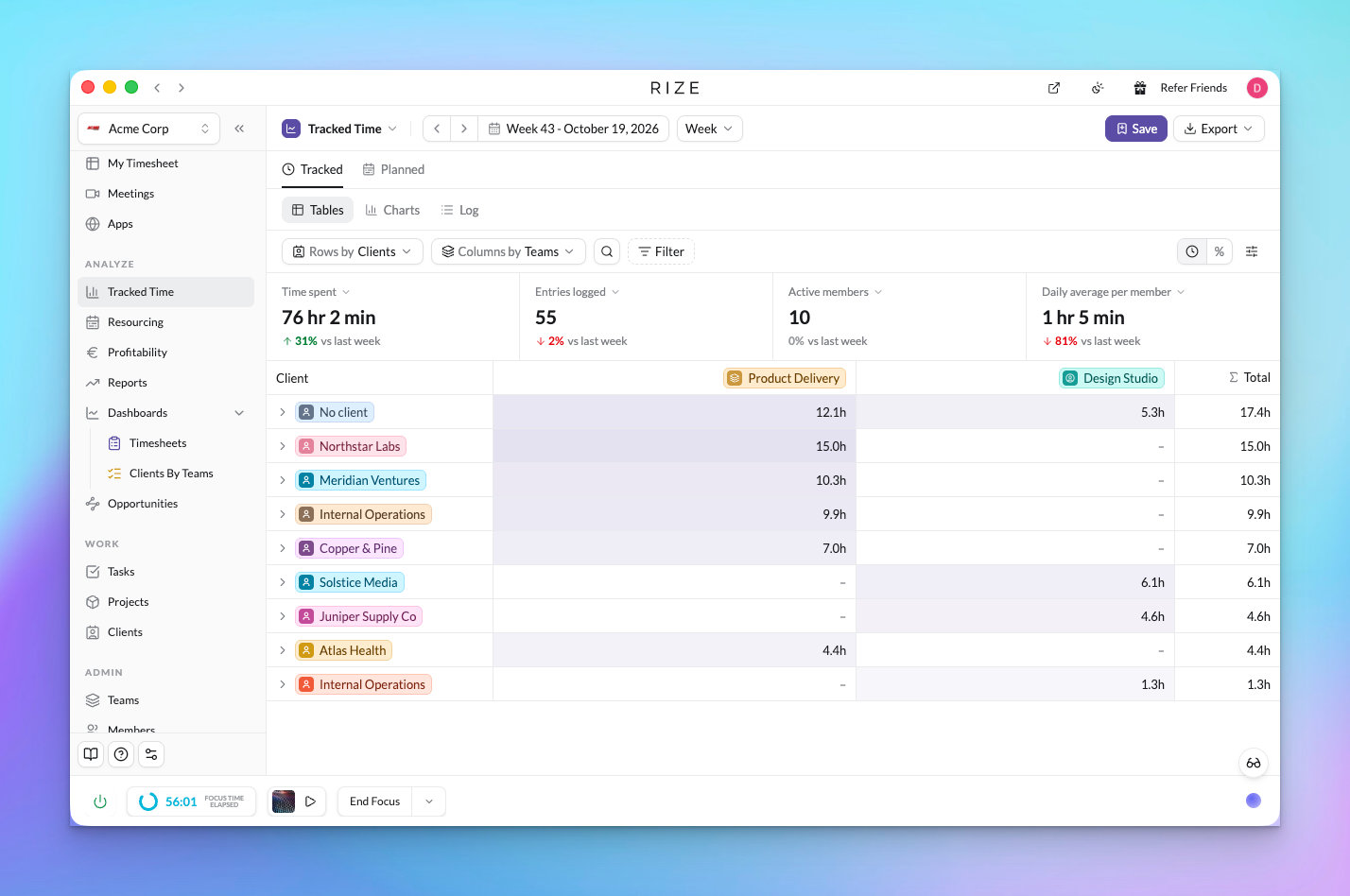
Tracked Time, Dashboards, and AI Reports: Time Tracking Views You Save and Analyze
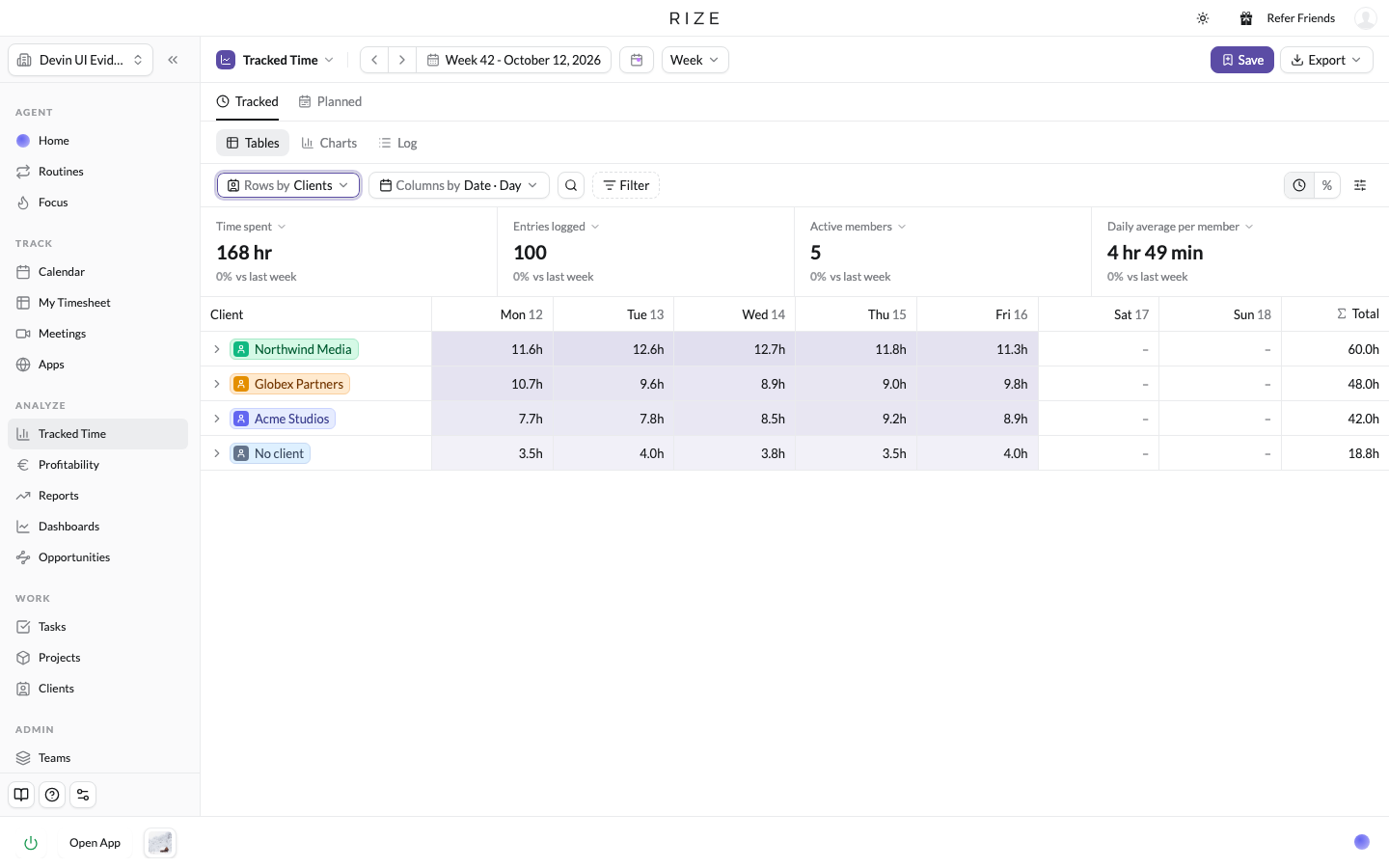
Time Entries is now Tracked Time: pick the rows, pick the columns, filter, chart, and export. Save any view as a dashboard pinned in your sidebar, link an AI report to it, and chat with it by @mention.
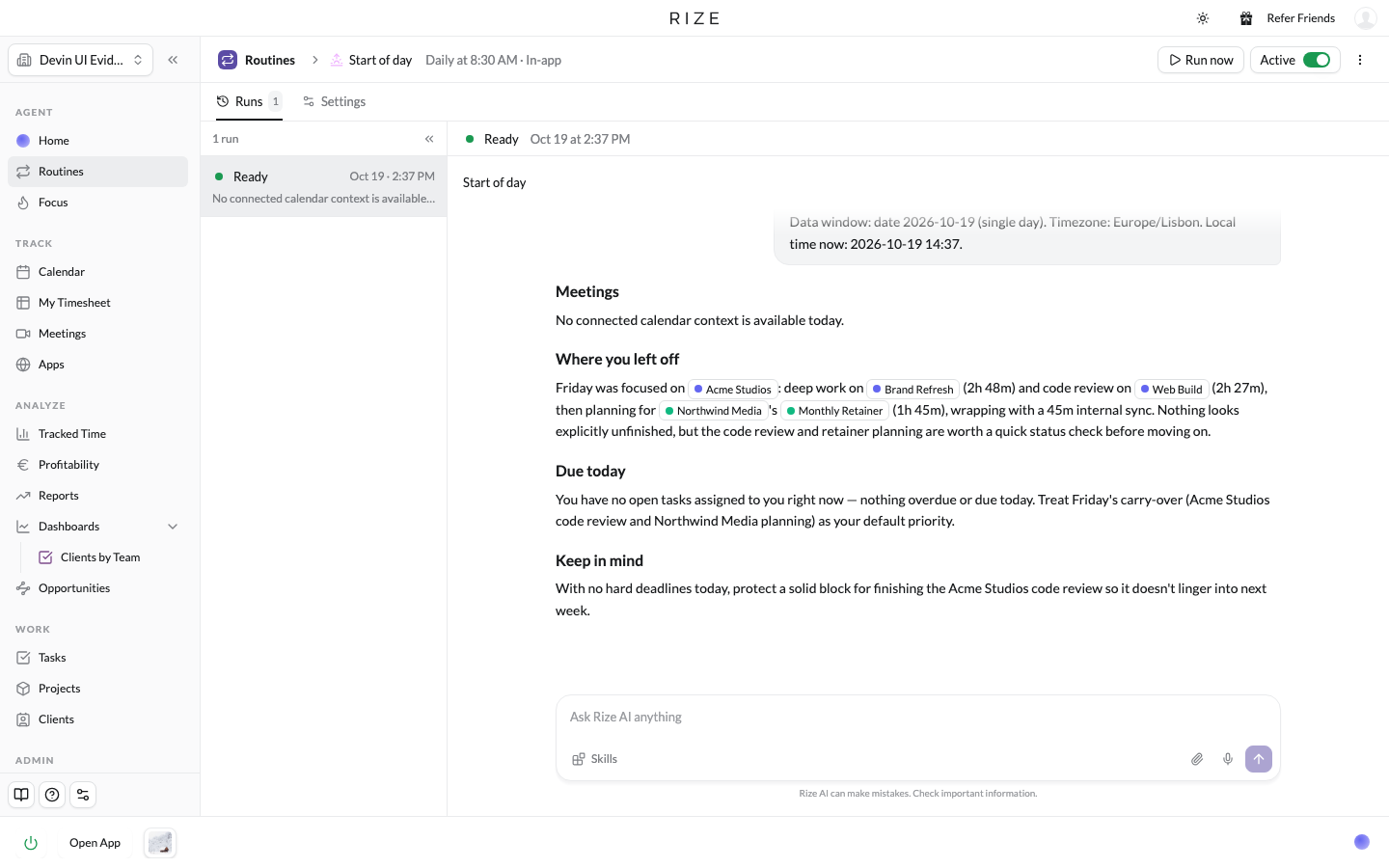
Routines: Run the Rize AI Agent on a Schedule to Automate Your Time Tracking Workflow
Routines run the Rize agent on a set schedule for a specific task, for you, your team, or the whole workspace. Each routine now has its own page with its run history, settings, and output side by side.
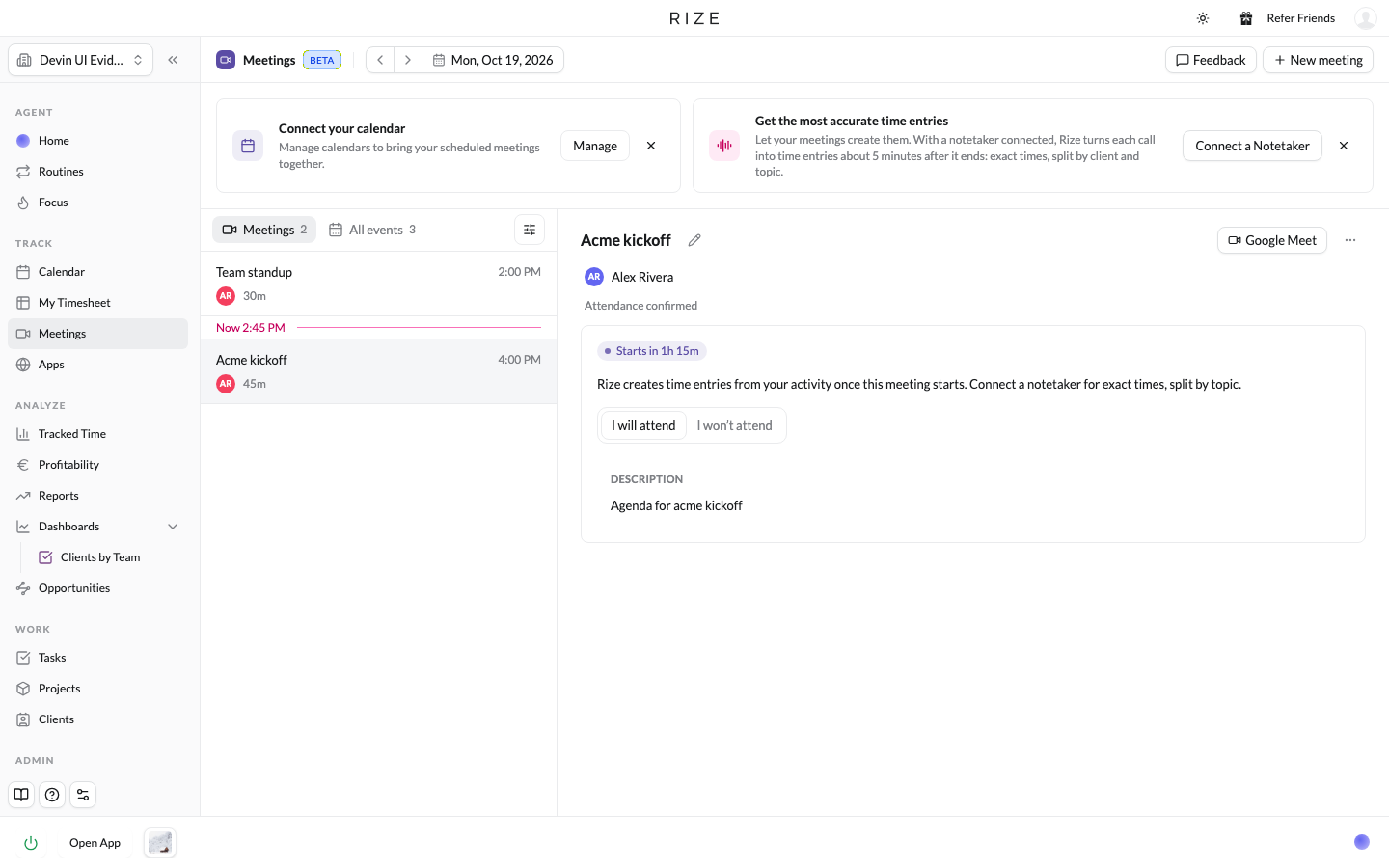
Meetings with Transcripts (Beta): Automatic Meeting Time Tracking with Fathom and Granola
A new Meetings page in beta: see every calendar event and detected meeting, confirm attendance, and connect Fathom or Granola so Rize imports the transcript and tags the time to the right client, project, and task.
@Mentions in Rize AI Chat and the New Rize Web App
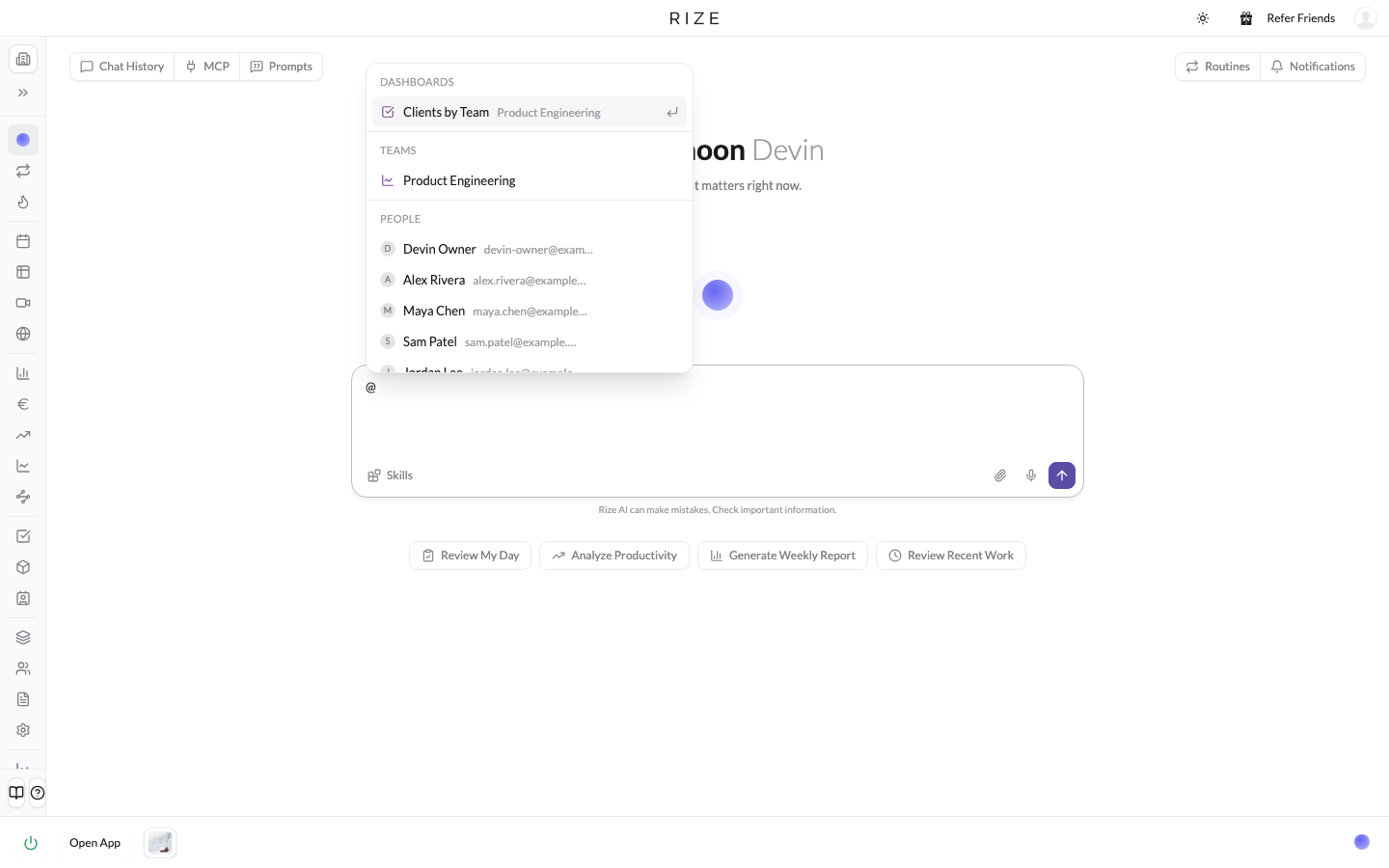
Type @ in the agent to mention a dashboard, team, person, client, project, or skill, in chat, routines, reports, and skills. And every desktop page now has an Open in browser button that opens the same page in the Rize web app.
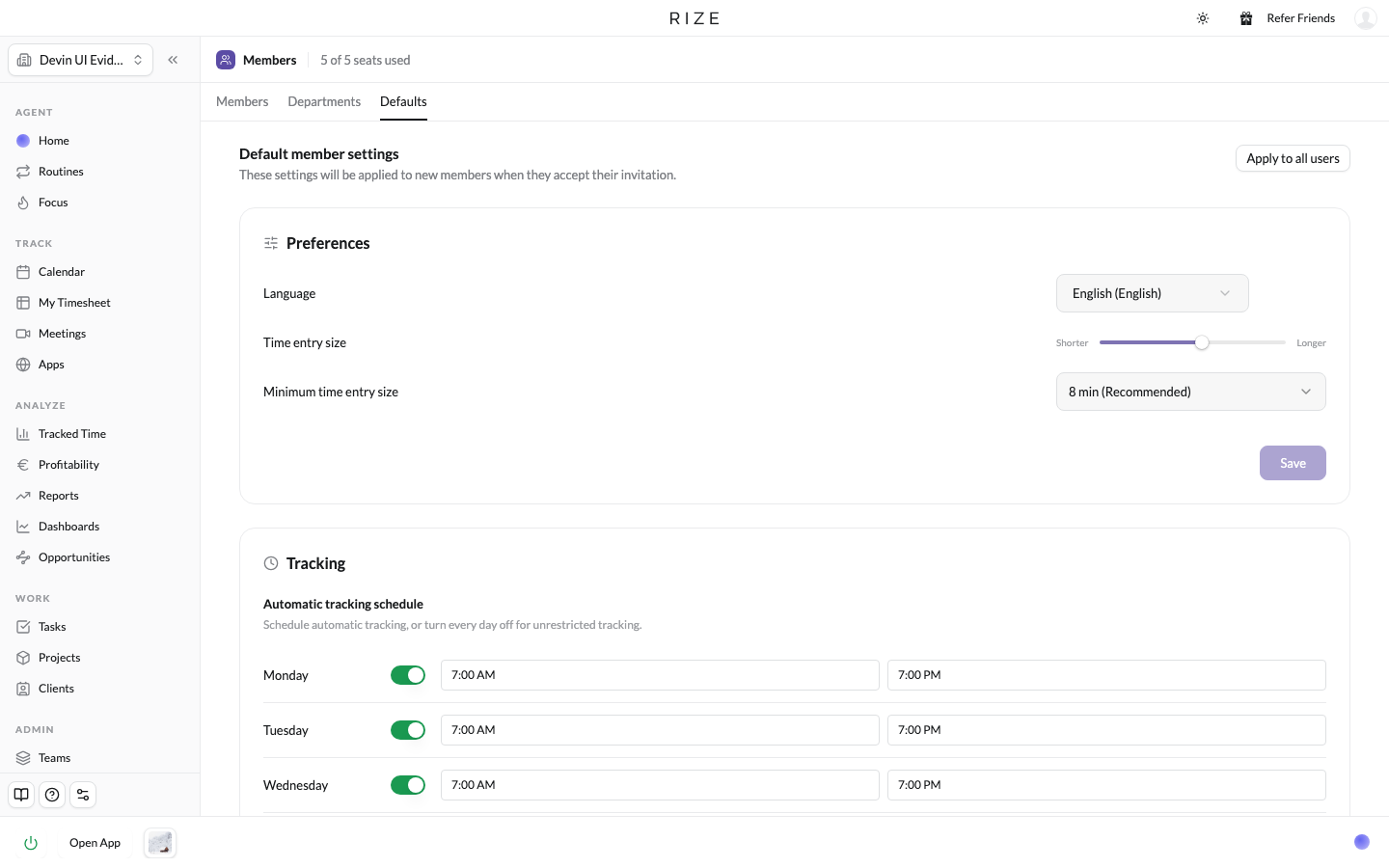
Workspace Defaults: Set Up Time Tracking for Your Whole Team
Set the tracking, notification, and time entry settings every member should start with, apply them to the whole workspace, and have new members inherit them when they join.
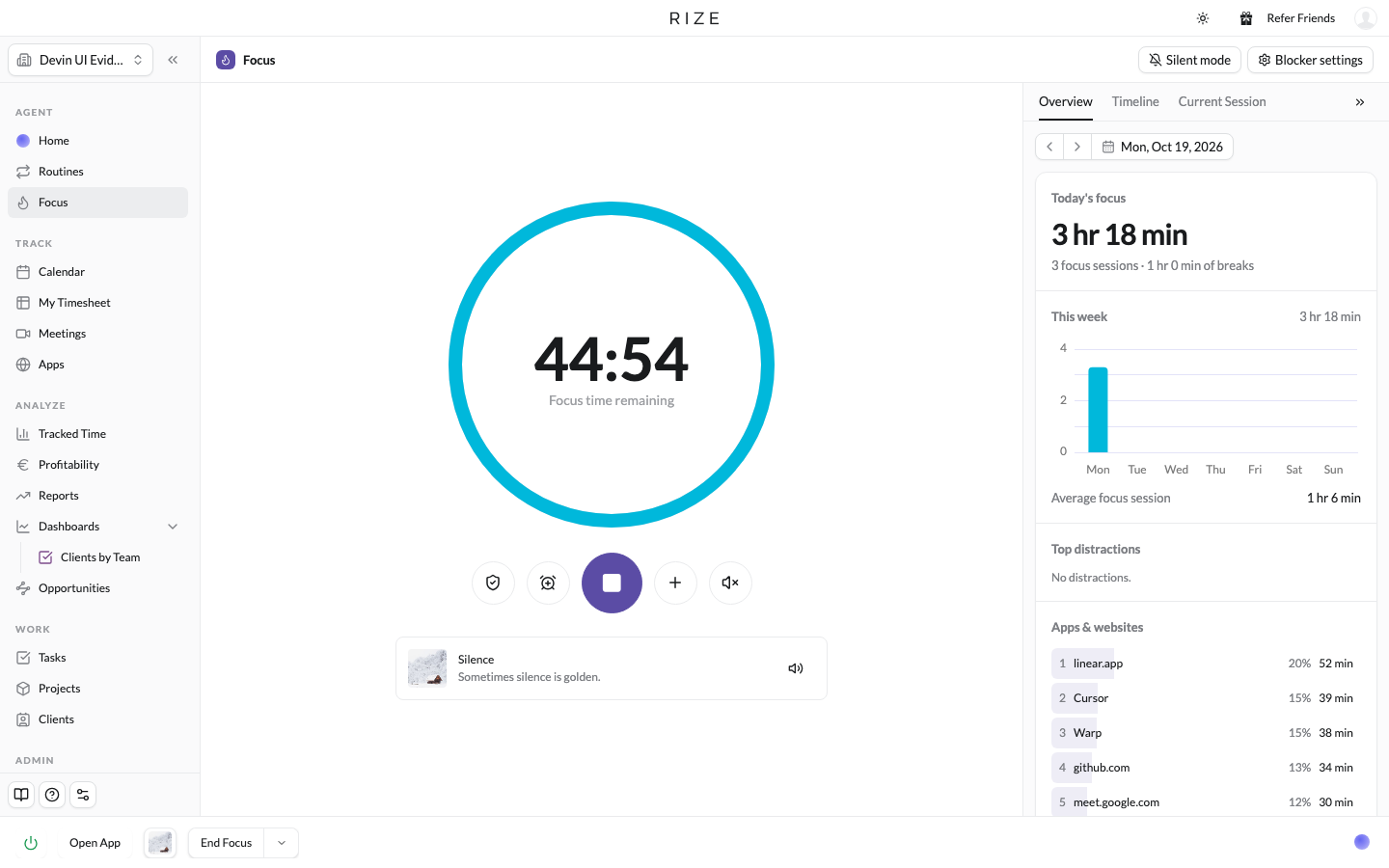
The New Focus Page and Silent Mode: Focus Timer, Distraction Blocker, and Quiet Tracking
Timer is now Focus: a large session timer with one-click distraction blocking, Auto-detect or Manual session start, a collapsible sidebar with your focus stats, top distractions, timeline, and current session, and a new Silent mode that pauses notifications and sessions.
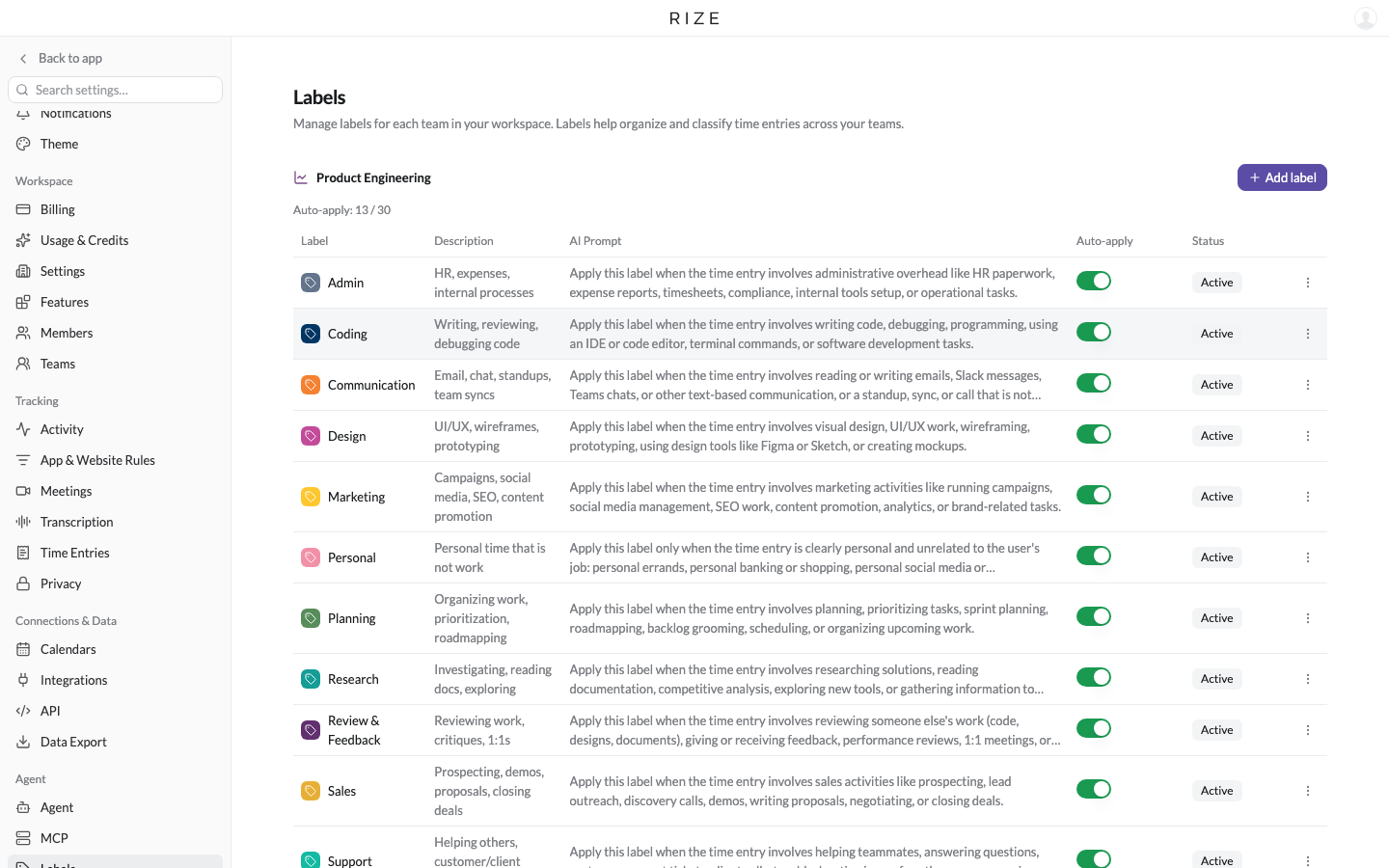
Unlimited Labels and Auto-apply: Choose Which Labels the AI Assigns
Create as many labels as your team needs. A new Auto-apply setting decides which labels the AI assigns to time entries on its own, with the rest available for manual tagging, agents, and the API.
Titles and Departments
Create titles and departments for your workspace, assign titles to members, and see where each role and department spends its time.

Member settings and tracking schedules
Manage member profiles, permissions, agent preferences, time zones, and tracking schedules from the Members page.
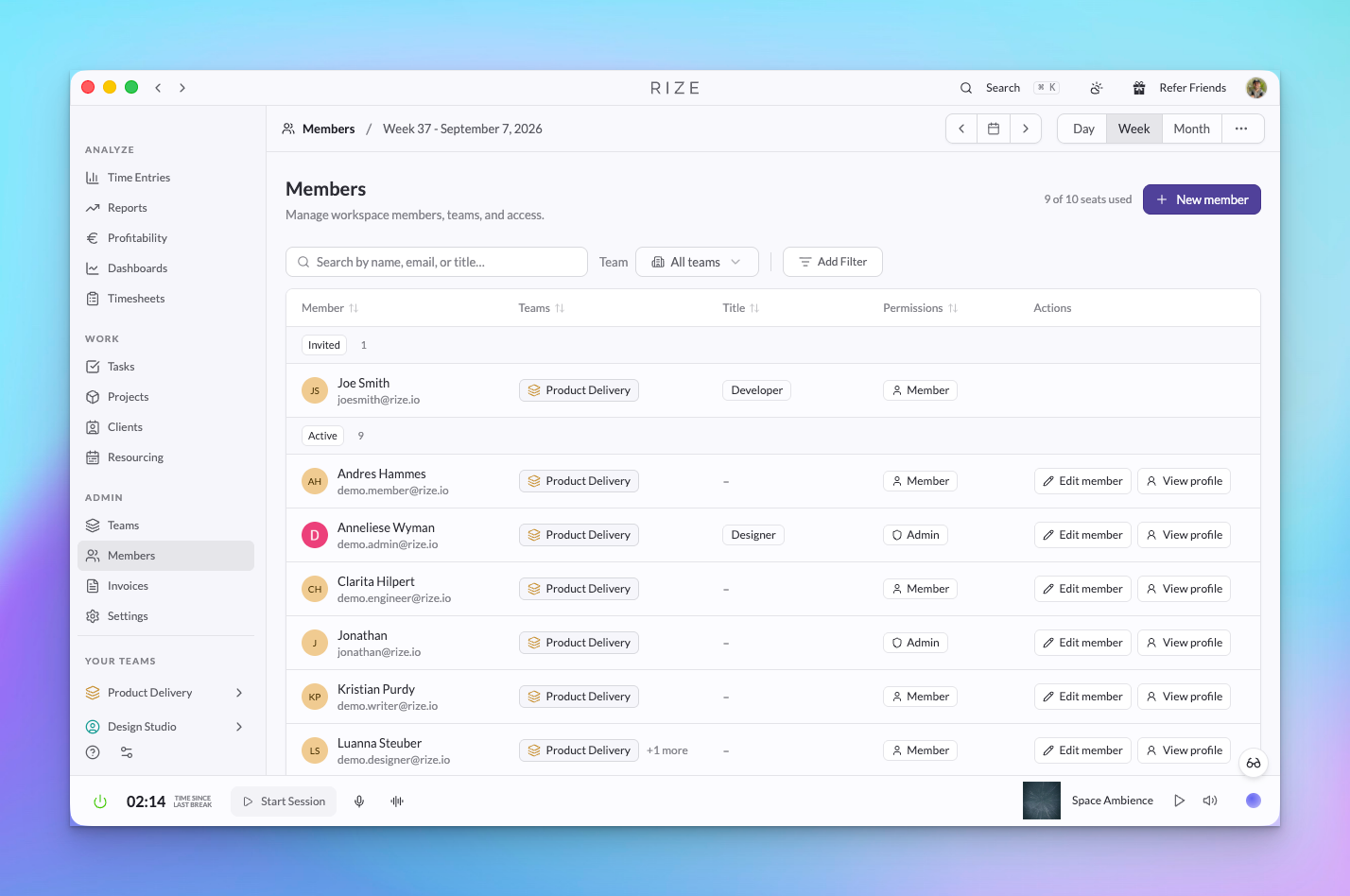
Categories Are Going Away: Labels and App & Website Rules
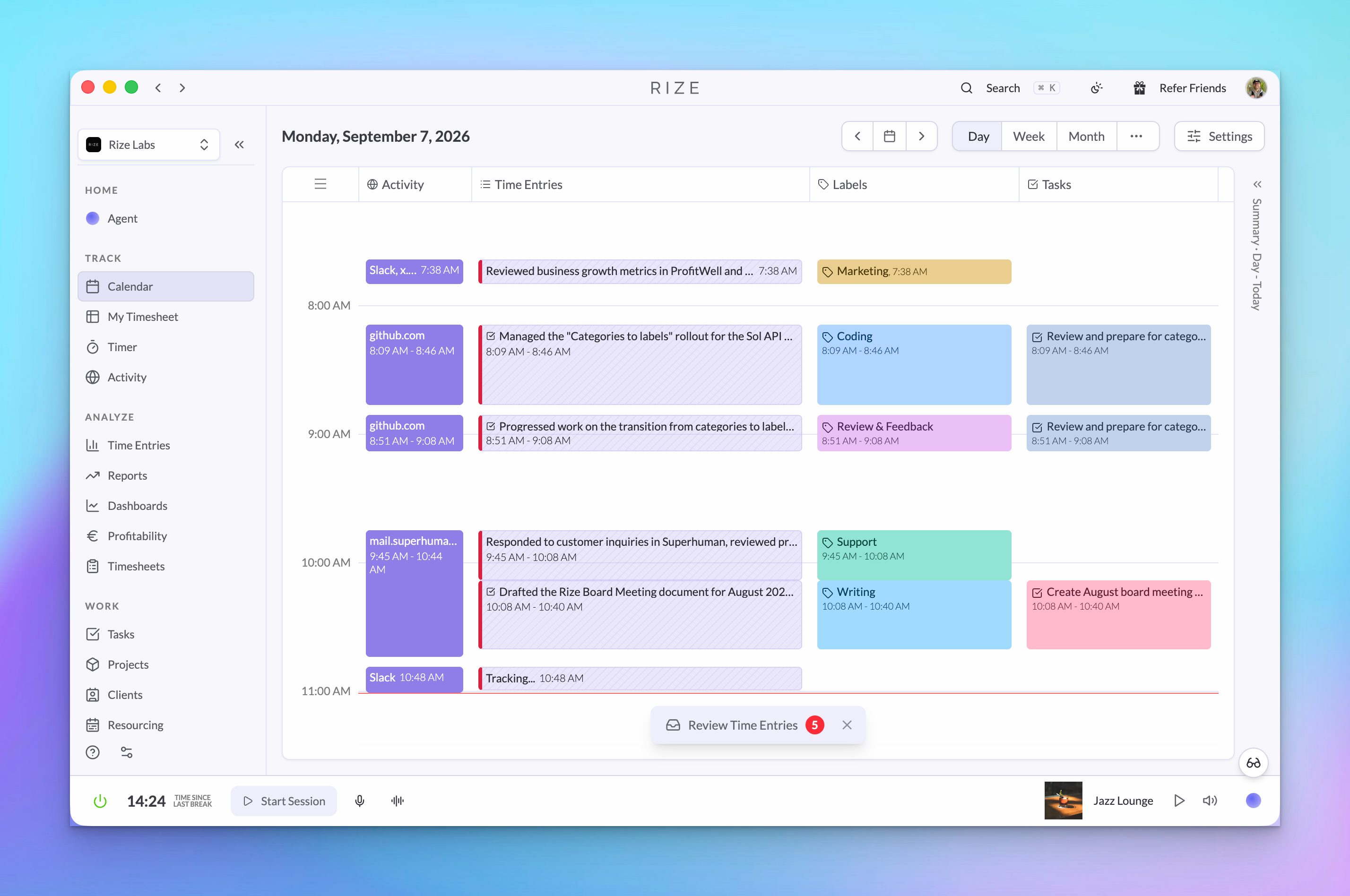
Rize is deprecating categories. Labels on time entries replace them for reporting, and per-app rules replace them for focus, meeting, idle, and do-not-track behavior. Also new: external task IDs in CSV exports, an admin-only team creation setting, and client billing details on invoices.
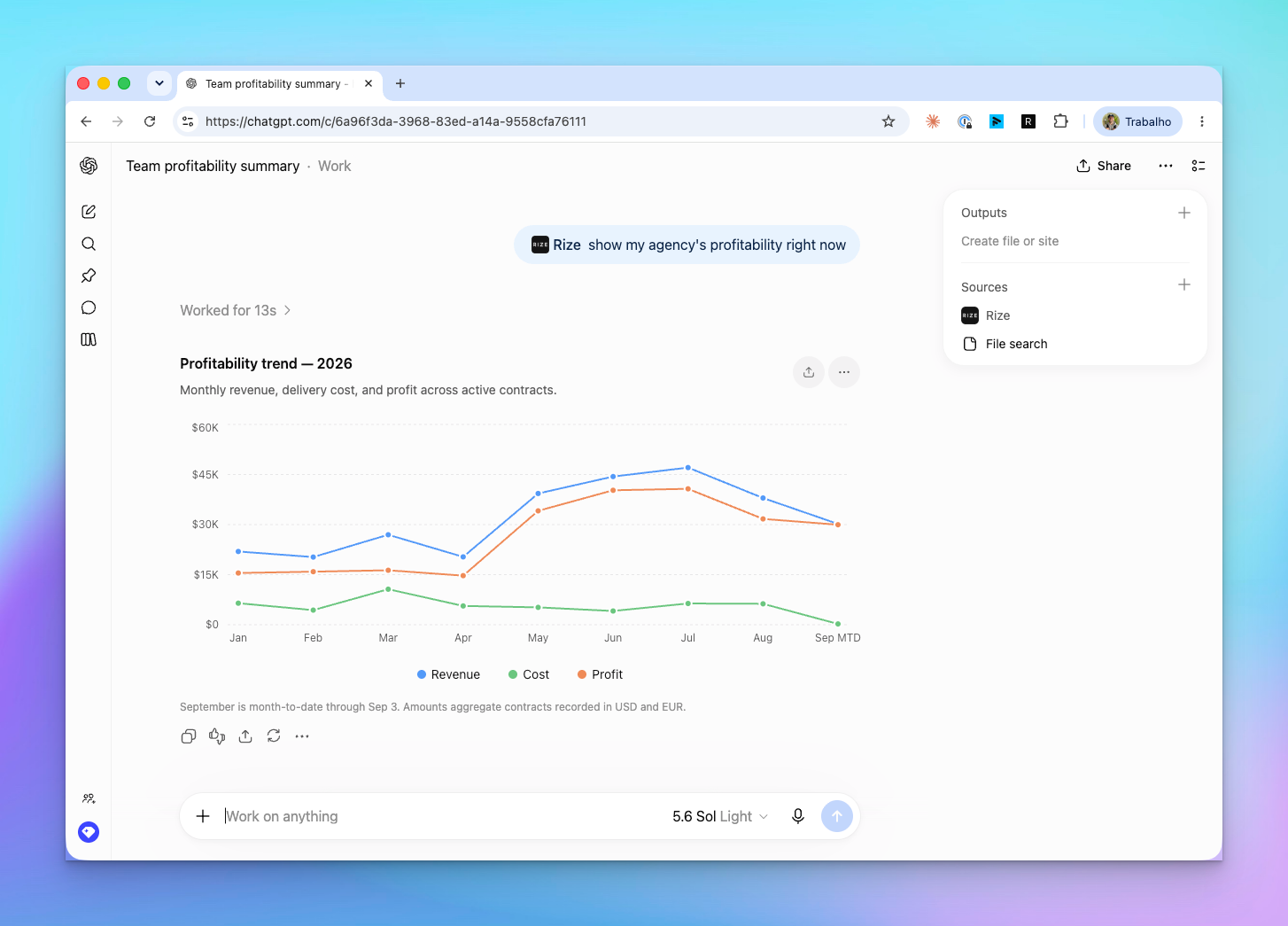
Rize Is Now an Official ChatGPT Partner
Rize is published in the ChatGPT app directory. Connect in one click, then type @Rize to ask ChatGPT about your tracked time, pending suggestions, team allocation, and client profitability.
Rize for Agencies and Teams: Automate Profitability, Capacity Planning, Invoicing
Rize now runs the operating side of an agency, accounting firm, or consultancy: profitability, resourcing, invoicing, timesheets, and permissions, all from automatically tracked time and all available in the Agent, API, and MCP.
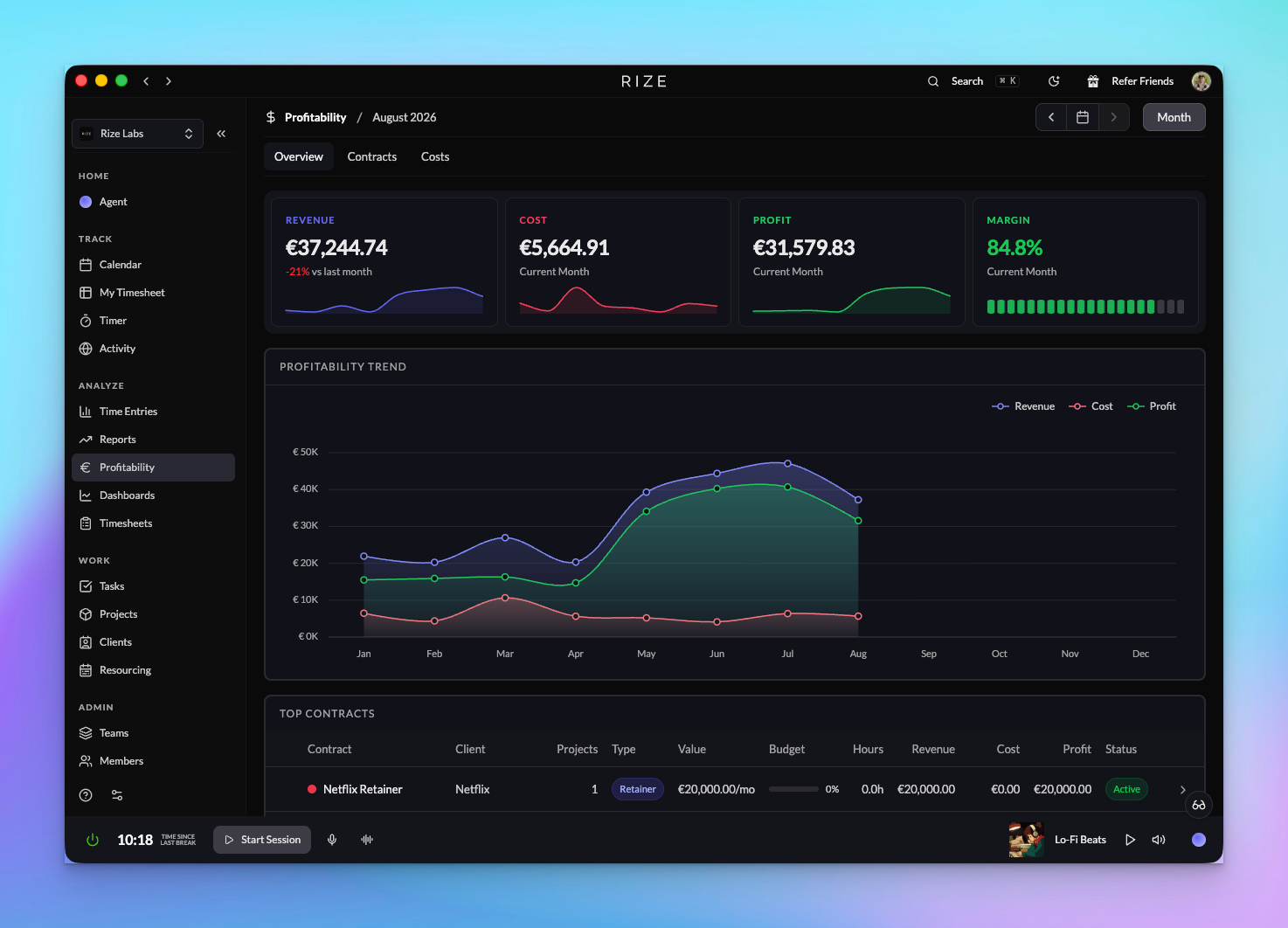
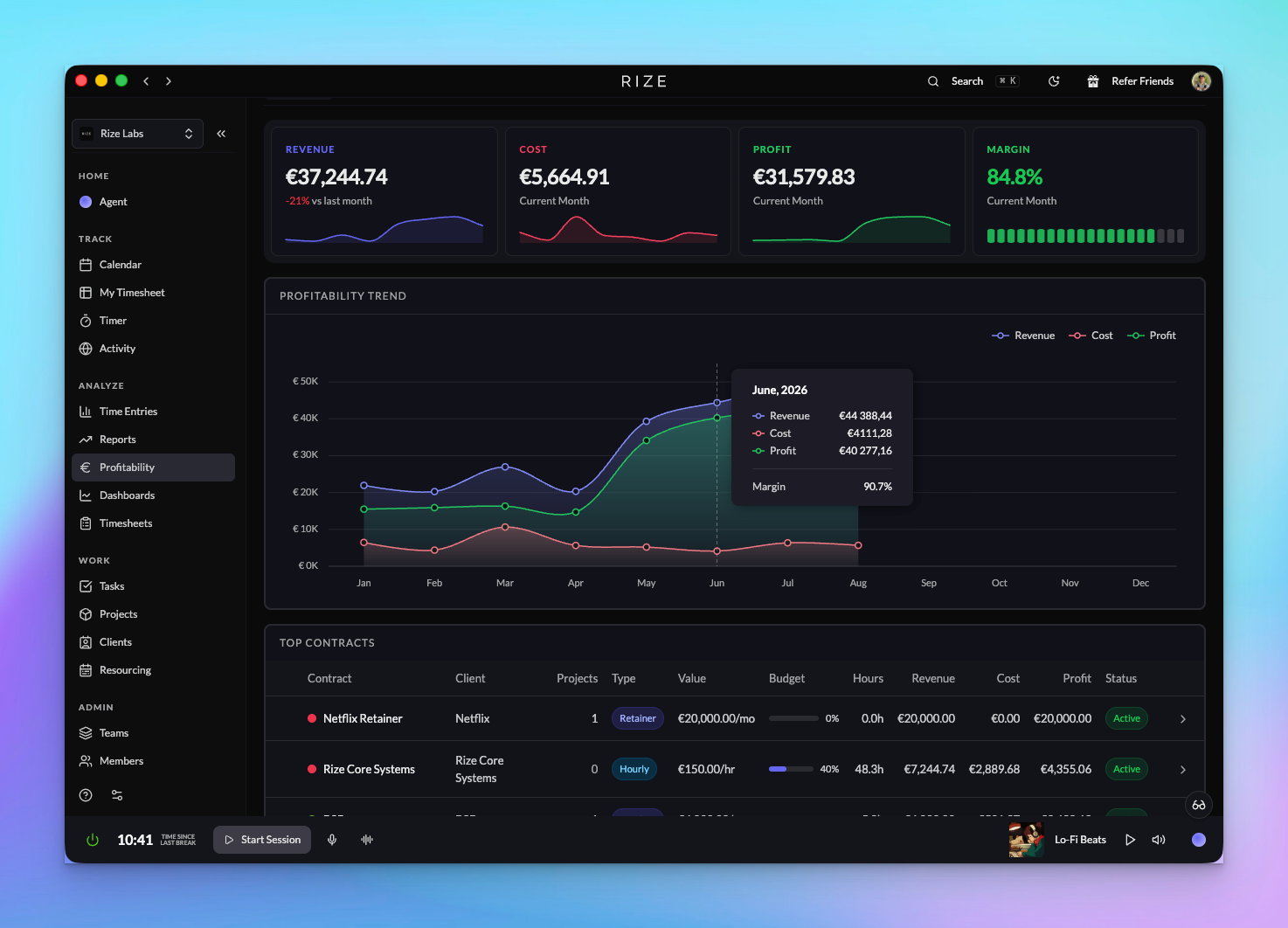
Profitability for Agencies and Firms
See revenue, cost, and margin by client, project, and member across your organization, built from hourly, retainer, and hybrid contracts, cost rates, budgets, and automatically tracked time.
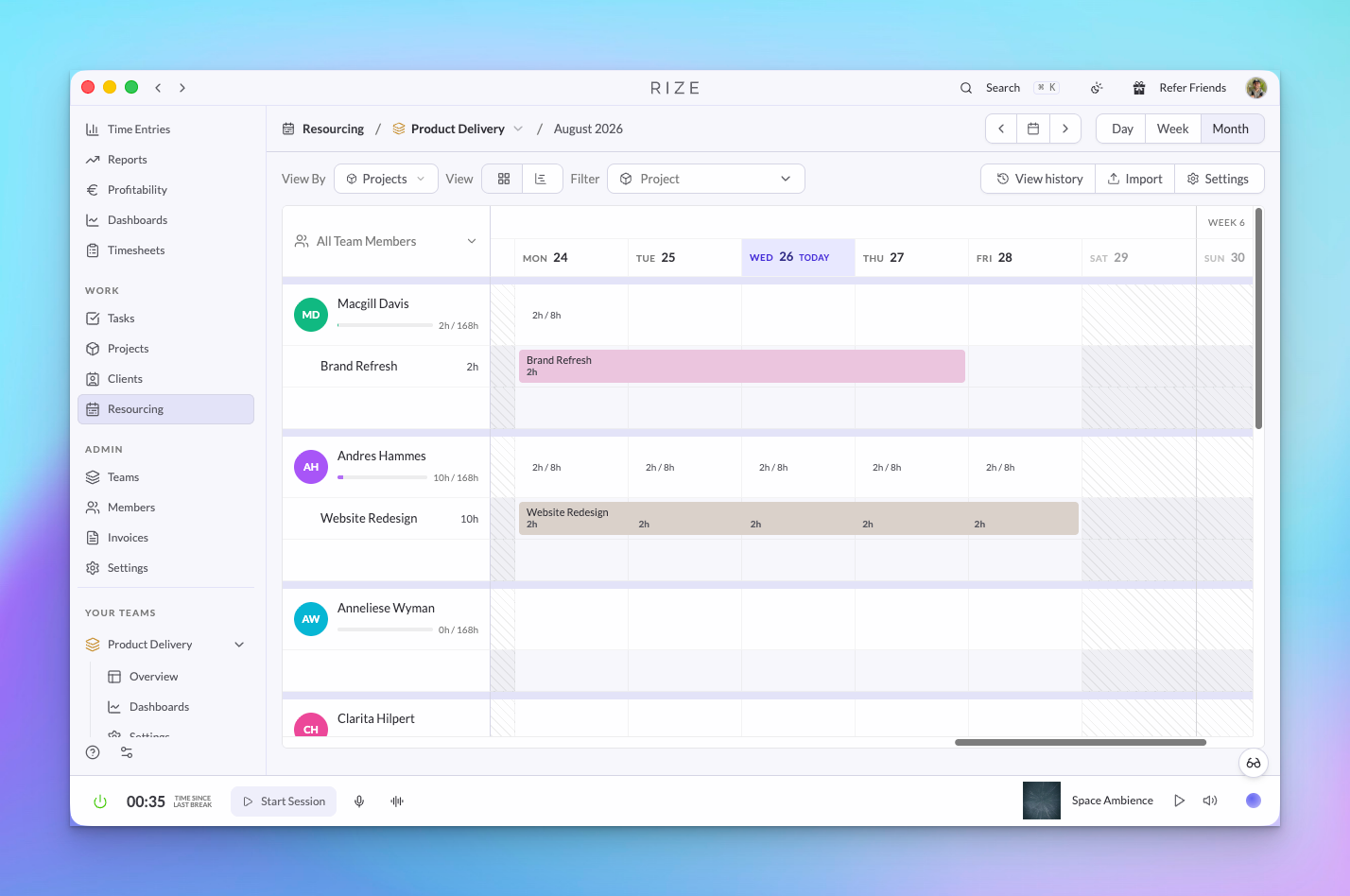
Resourcing: Utilization and Planning
Schedule assignments per member and week, import a plan from CSV, and compare scheduled hours to automatically tracked hours to see capacity and utilization across a team or organization.
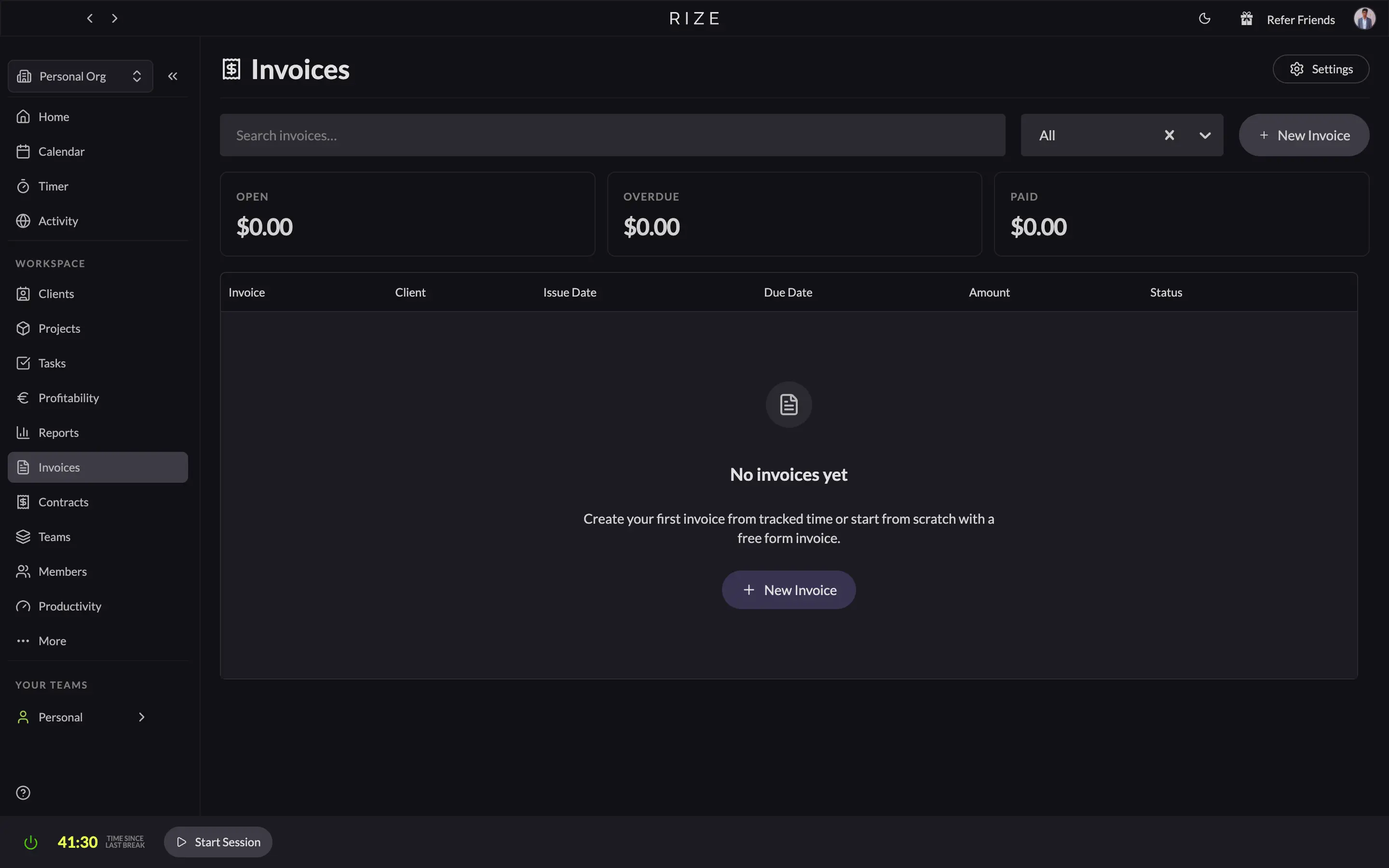
Invoicing: From Tracked Time to Paid
Rize generates invoices from automatically tracked time. Pick a client and a date range, choose how line items are described, review them, send the PDF, and record payments as they land.
Teams, Members, and Permissions
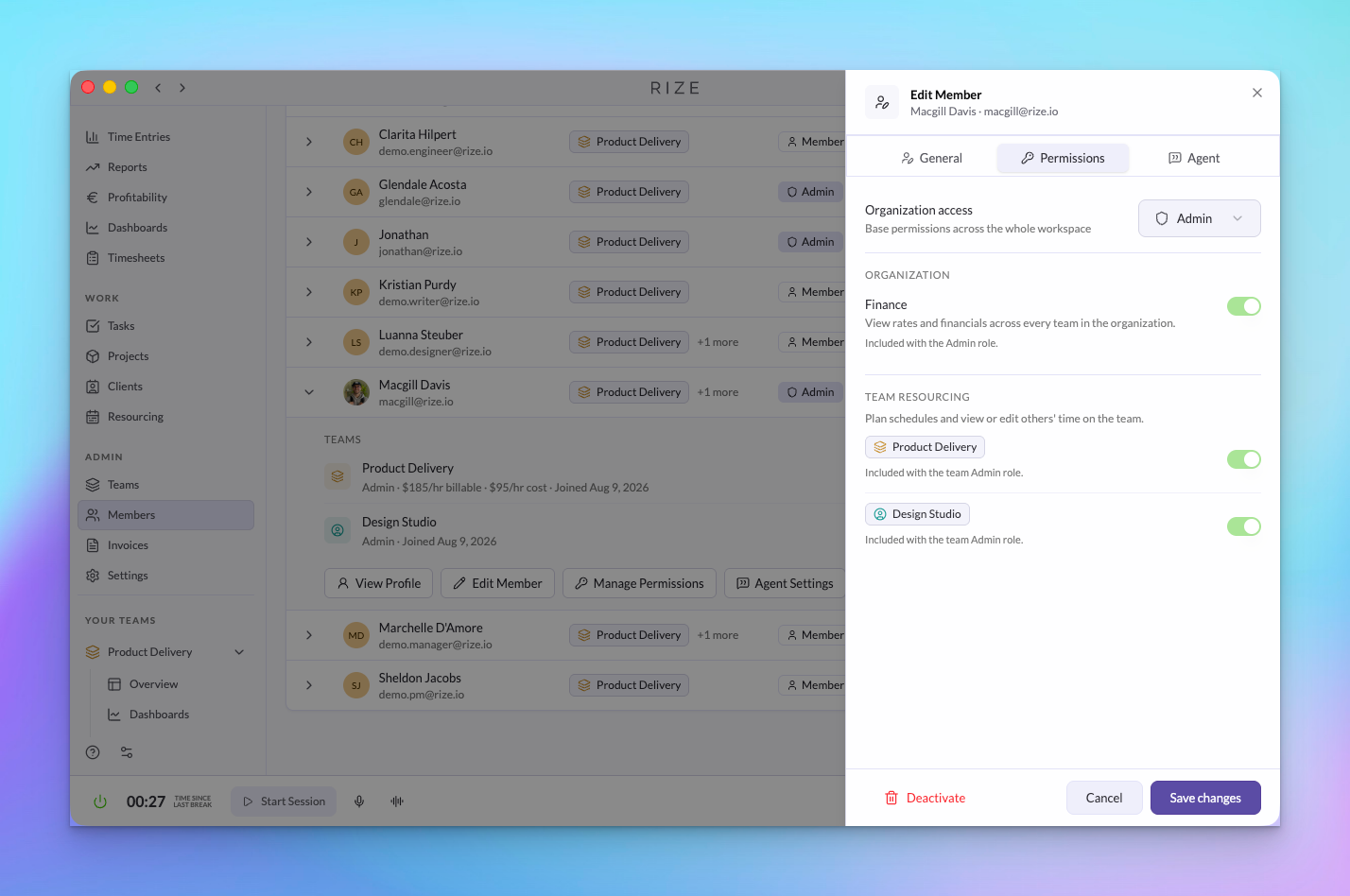
Organization roles, four team roles, and Finance and Resourcing grants give each person exactly the access their job needs, managed from one organization Members page.