Detecting meetings accurately has been hard for Rize for a long time. Most tracking runs off the active window, and a call can look like a dozen different apps. This release adds a Meetings page, attendance confirmation, and transcript import from your meeting recorder, so Rize knows what the call was about and tags the time accordingly. It is in beta today, with a general rollout soon.
HOW TO TURN IT ON
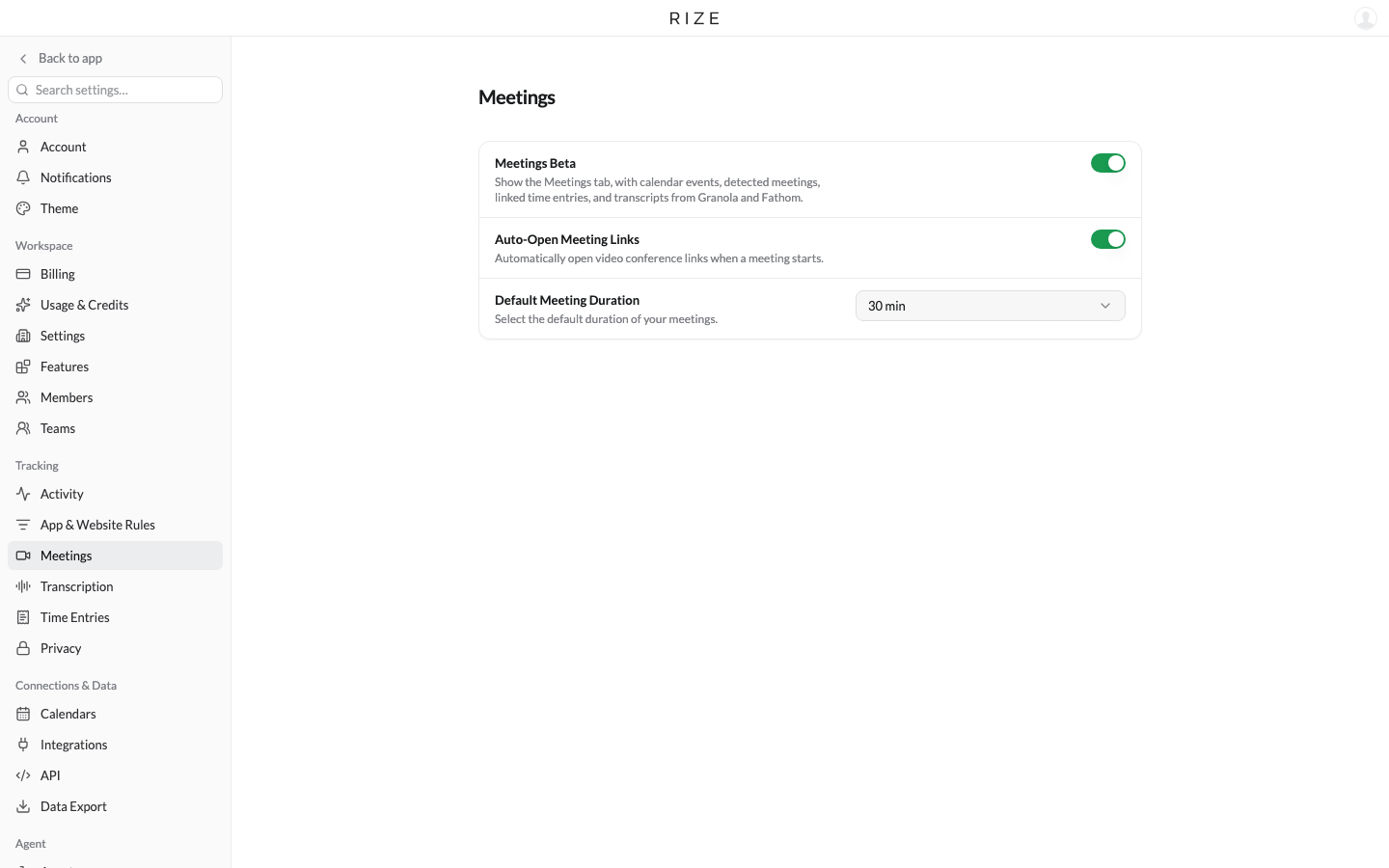
Open Settings, then Meetings and turn on Meetings Beta, or open Meetings under Track in the sidebar and click Enable Meetings Beta. Calendars and meeting recorders are linked from the gear menu on the Meetings page.
NEW
The Meetings page
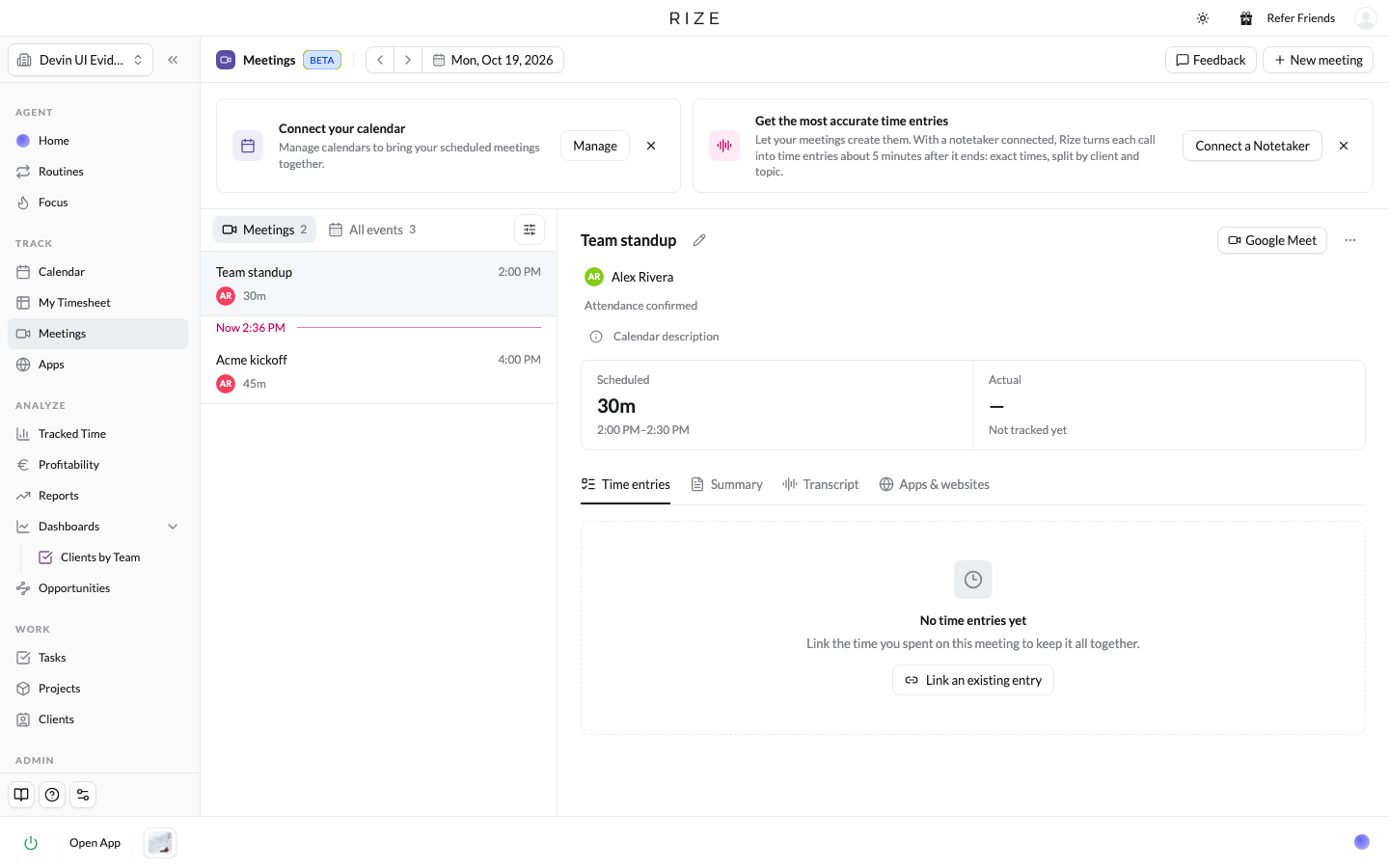
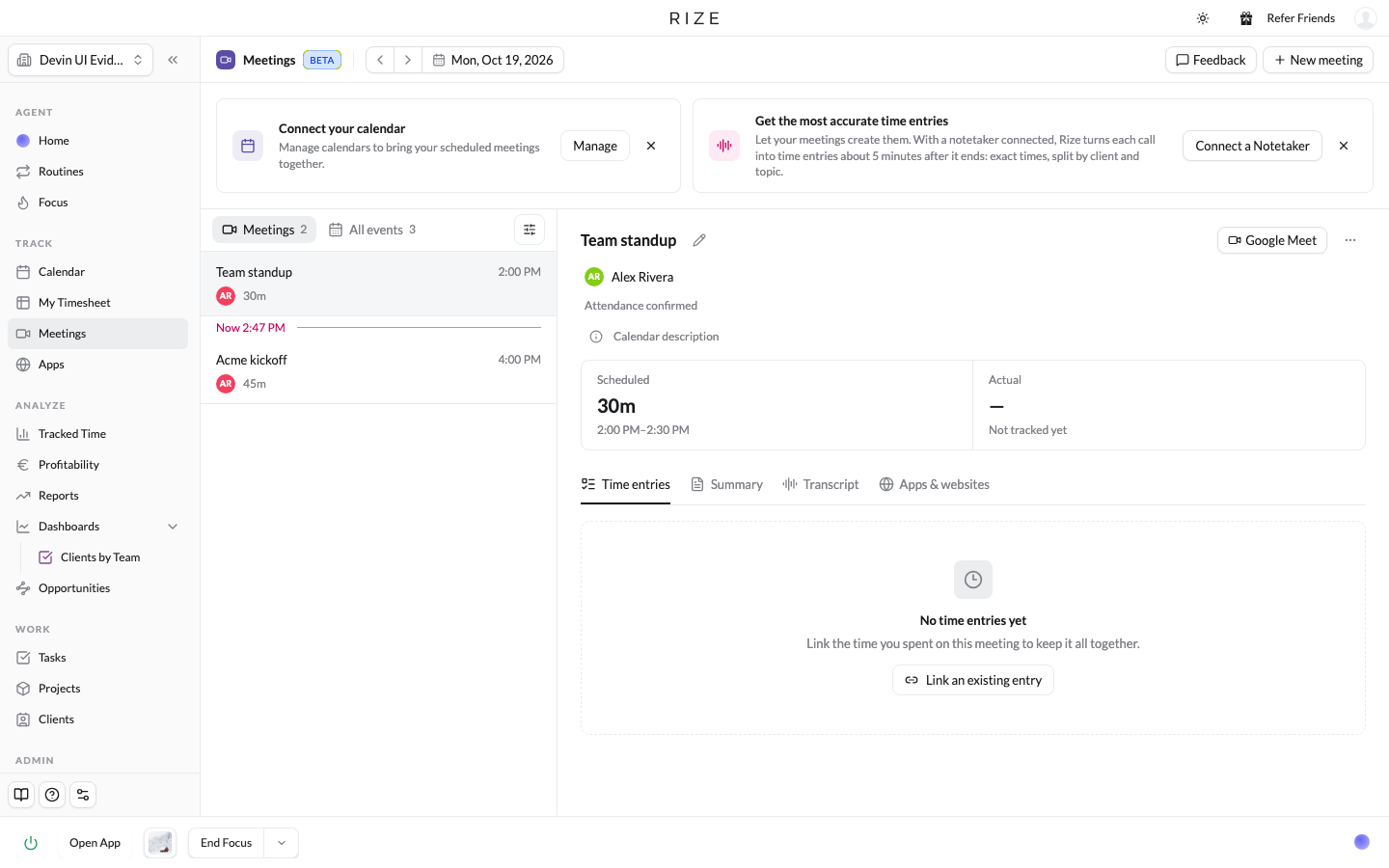
Every calendar event and every meeting Rize detects from your activity is listed by day, split into Meetings and All events, with a marker at the current time. Click into one to see the attendees, scheduled versus actual time, and four tabs: Time entries, Summary, Transcript, and Apps & websites. A plain calendar event can be turned into a meeting with one click, once or always for that recurring event. You can also add a meeting Rize did not see with New meeting.
Confirm attendance
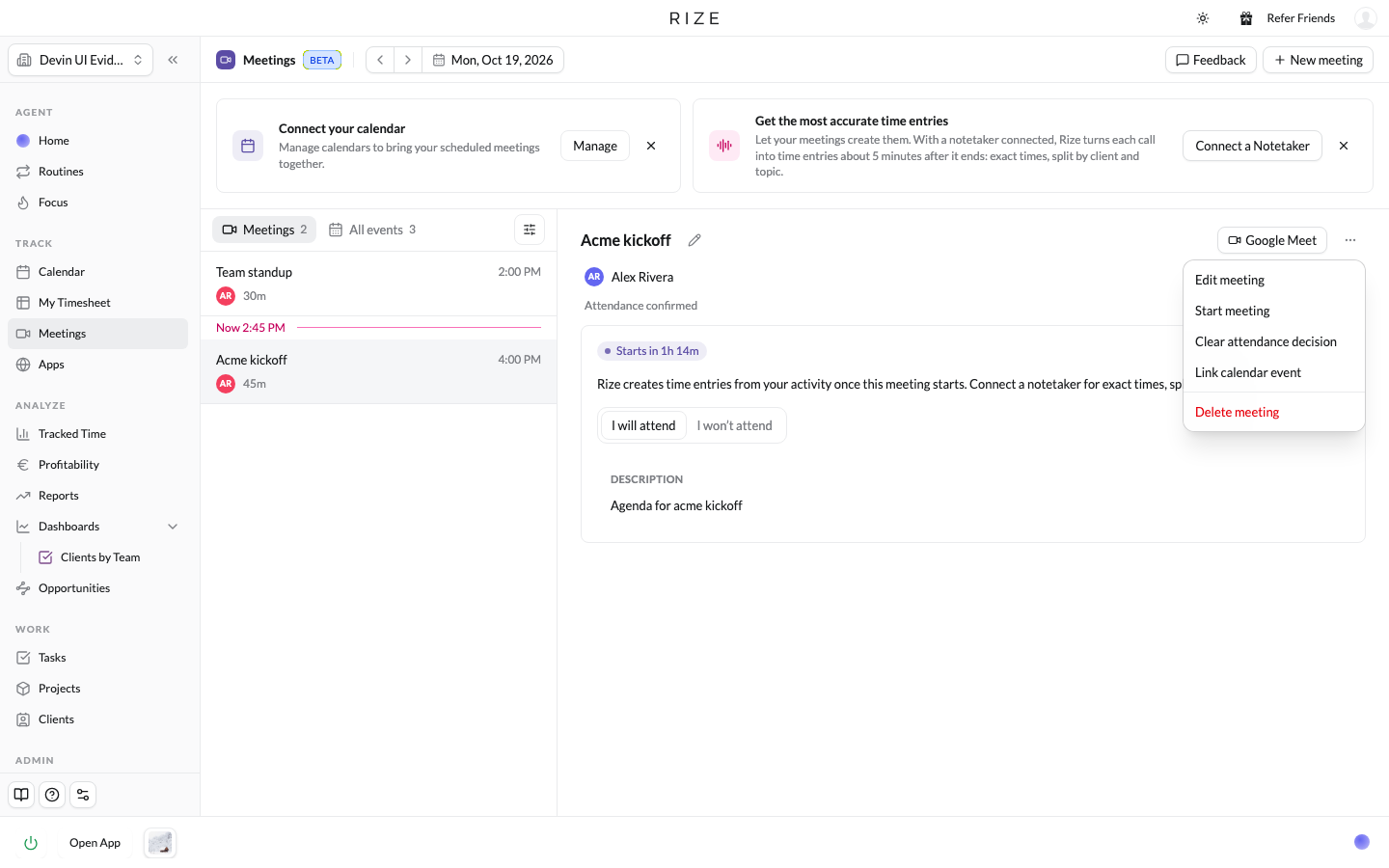
If you are skipping a meeting, click Not attending and Rize will not track time to it. It moves to All events, with an undo in case you clicked by mistake. If Rize missed a meeting you were in, Mark as attended records the scheduled window, and Edit meeting lets you set the actual start and end. Rize fills in any part of that window that is not tracked yet and never shortens time you already have.
Connect your meeting recorder
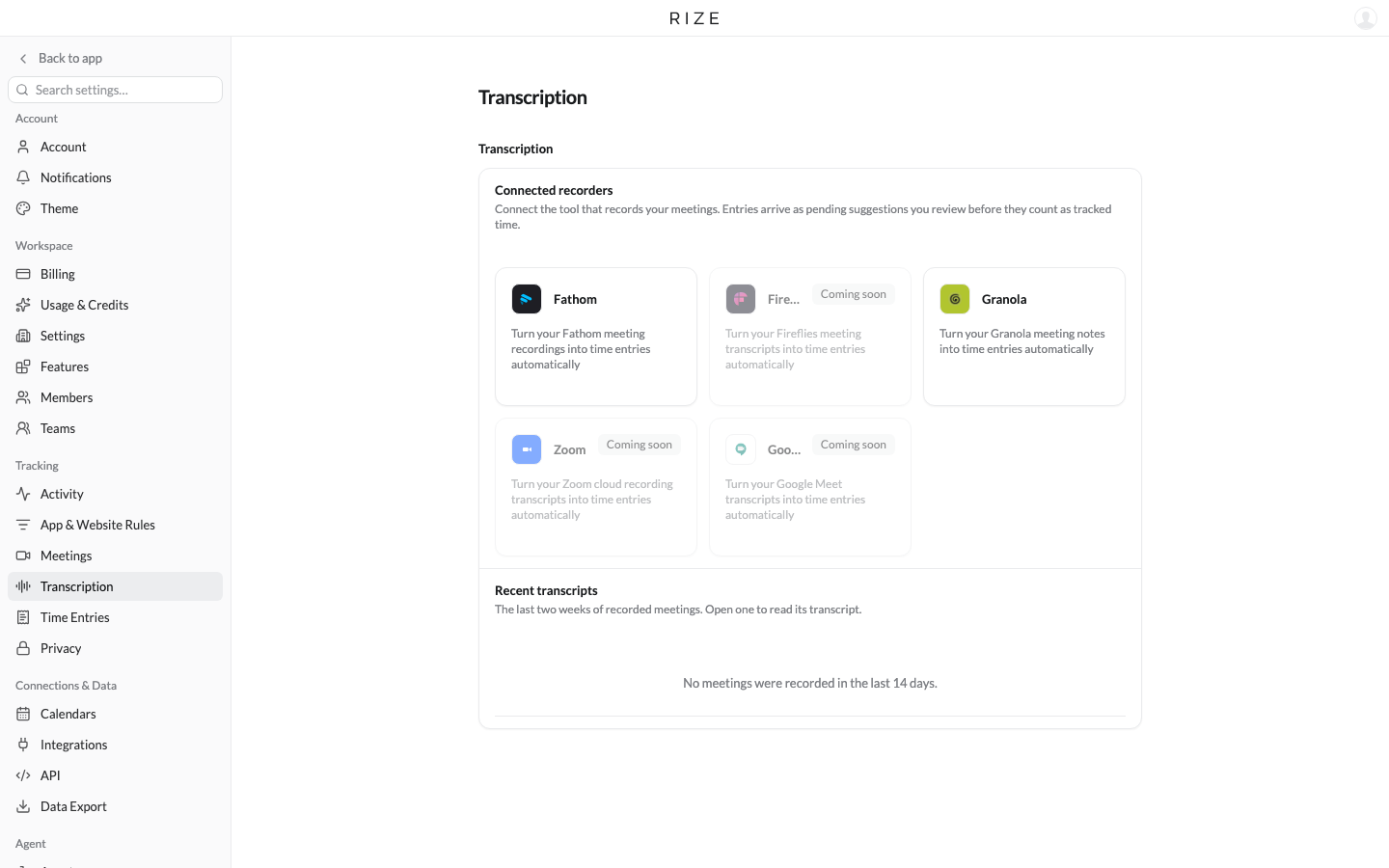
This is the big one. Open Meeting recorders from the gear menu on the Meetings page, or Settings, then Transcription, and connect Fathom or Granola. Rize imports each call's transcript about five minutes after the meeting ends. Zoom, Google Meet, and Fireflies are coming soon.
Transcripts tag the time
Once a transcript is in, Rize creates a time entry for the meeting and tags it to the client, project, and task the conversation was about, not just the app you had open. If you already have an entry covering that time, the transcript details are added to it instead of creating a duplicate. The entry arrives as a suggestion for you to review. Open the meeting to see the summary, the tags Rize chose, and the activity underneath. You can change any tag, and the entry stays linked to the transcript it came from.
WHAT IT CHANGES
Meeting time has been the least accurate part of automatic tracking. With the transcript, Rize has the context it needs, and the time around a call lands on the right work. Enable the beta, connect a recorder, and let us know what you think from support chat in the app.