Tracking time accurately only matters if it reaches an invoice. Until now, that last step meant exporting a CSV, re-keying hours into another tool, and hoping nothing got lost along the way. Invoicing is built into Rize, and since the first release it has picked up configurable line item descriptions and an organization-wide invoices view.
NEW
Generate an invoice from tracked time
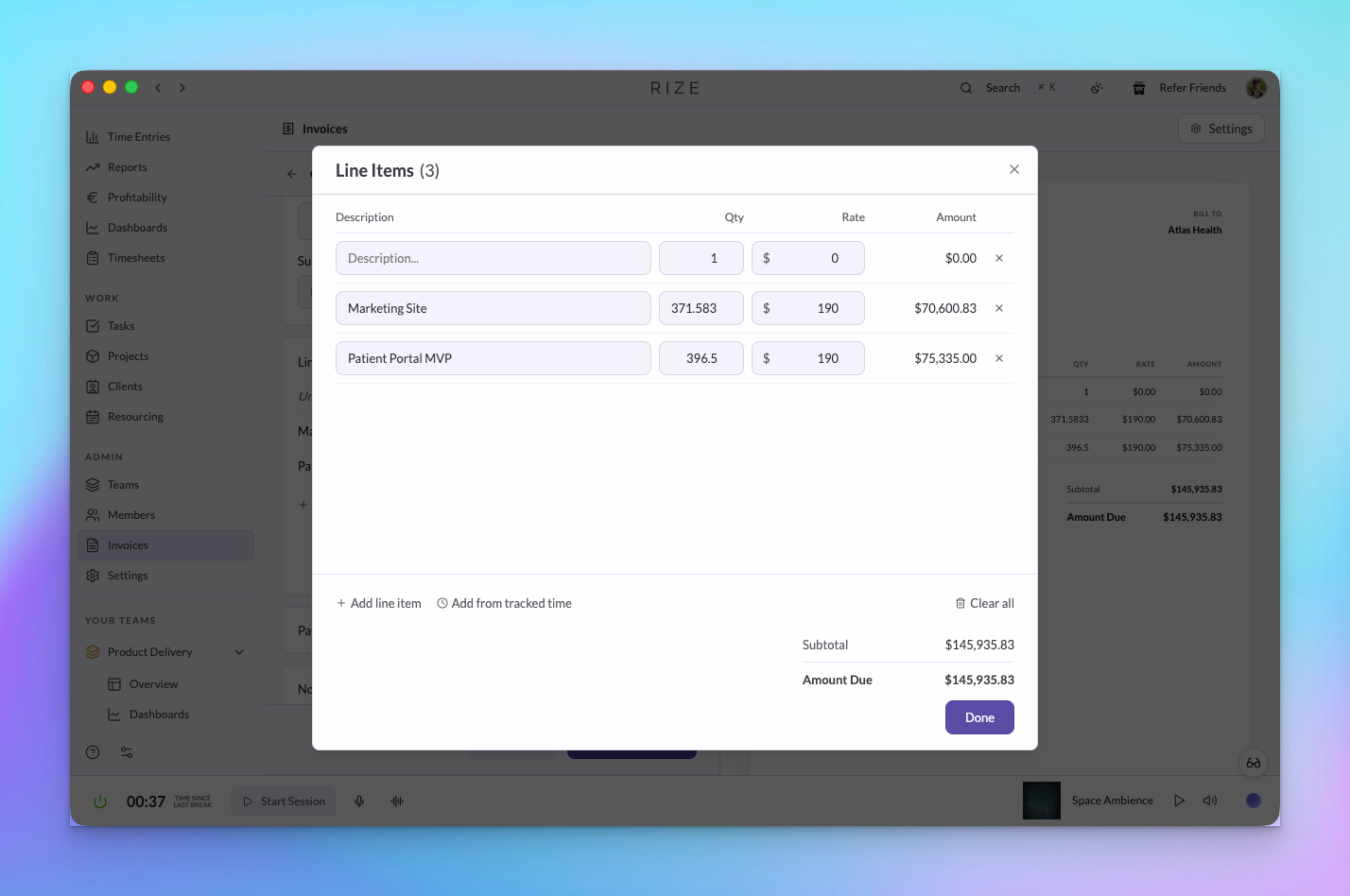
Pick a client and a date range. Rize builds the invoice from the work it already captured in the background, turning tracked entries into line items. Because the capture is automatic, the hours are on the invoice whether or not anyone remembered to run a timer.
Line item descriptions you control
Set a description format once and every line item follows it. Combine tokens for the date, client, project, task, member, and entry description, for example {{date}} – {{project}}: {{task}}. The preview shows every line item as it will appear before you confirm, and the format is saved per organization so the next invoice reads the same way. Hybrid contract overage lines use the same format.
Send it, then track what gets paid
- Set payment terms and add payment instructions per invoice
- Send a PDF by email to the recipients on the invoice
- Record full or partial payments and watch the outstanding balance settle
- Bill each client in their own currency
Void, do not delete
Invoices move through draft, sent, and paid. A mistake gets voided rather than deleted, so numbering stays in sequence and your records stay clean for accounting. Voided invoices remain visible with their status and timestamp.
Invoices across the organization
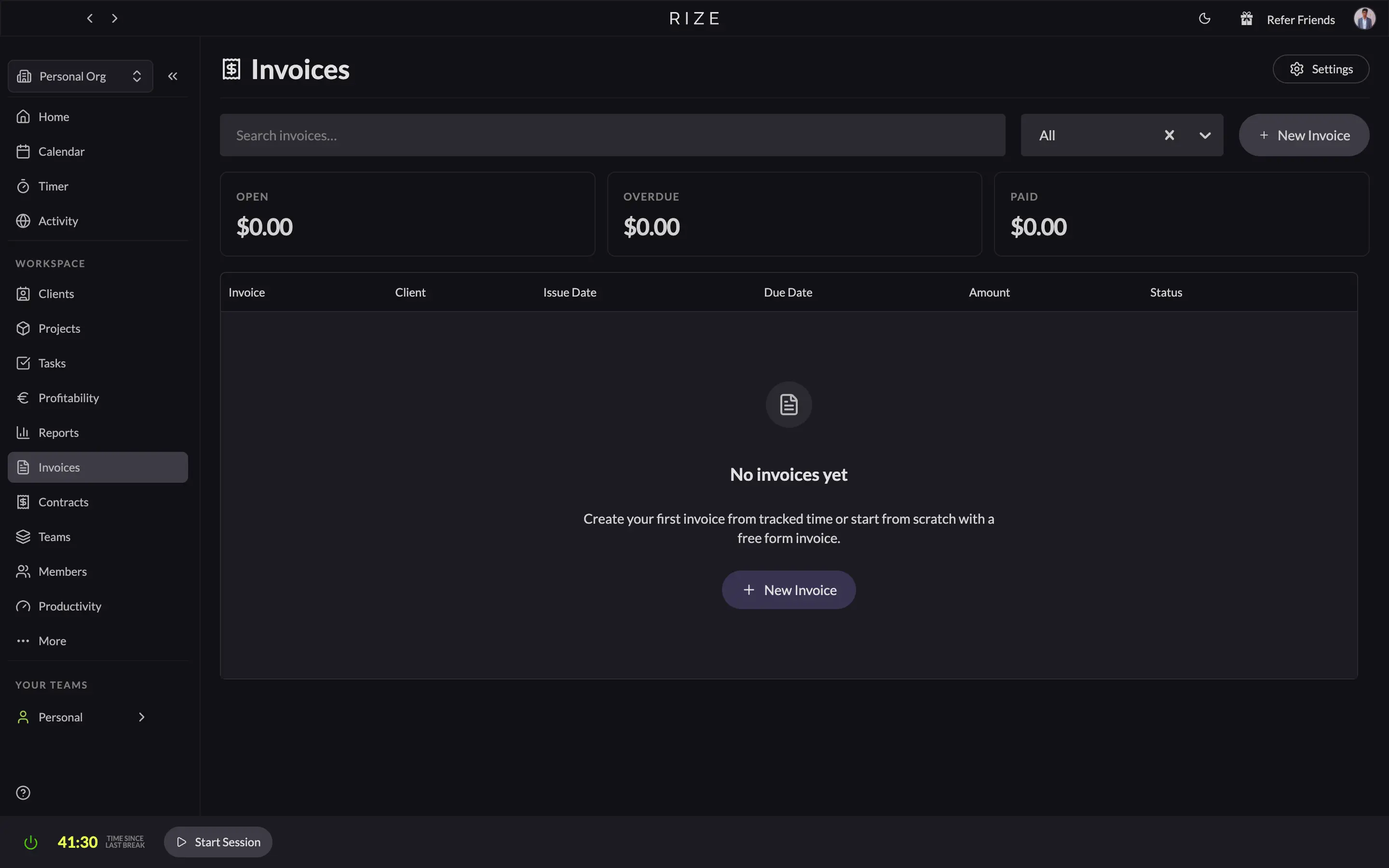
The organization Invoices page lists invoices from every team with status, search, and summary totals, so finance can see what is drafted, sent, outstanding, and paid without opening each team.
If your billing already lives in Harvest, FreshBooks, QuickBooks, or Xero, nothing changes. CSV export and the Zapier integration still work, and built-in invoicing is an option rather than a replacement. Card payment processing on the invoice itself is still handled by those tools.
Read more on the invoicing feature page.