A few weeks ago we launched the Rize Agent. Today we're shipping the operating data it runs on.
Rize is ready for agencies, accounting firms, consultancies, and teams of 10 or more. Tracked time now feeds profitability, capacity, budgets, invoices, and client work automatically, with no manual timesheets.
Most firms run these numbers in four or five tools stitched together with spreadsheets, and every one of them depends on people remembering to log hours. Rize captures the work in the background, so the numbers below are built from what happened rather than what was submitted.
With this release you can run your agency, firm, or team on Rize:
- See revenue, cost, and margin by client, project, and member, from hourly, retainer, and hybrid contracts.
- Plan capacity, schedule assignments, and compare scheduled hours to tracked hours.
- Invoice clients from tracked time and record payments without leaving Rize.
- Brand new permissions built for teams and organizations. Your agents inherit your permissions too.
- Review time in My Timesheet and Team Timesheets instead of chasing submissions.
- Sync tracked time to Asana tasks automatically.
- Run every one of these workflows from the Rize Agent, the API, and MCP.
WHAT'S NEW
Profitability for agencies and firms
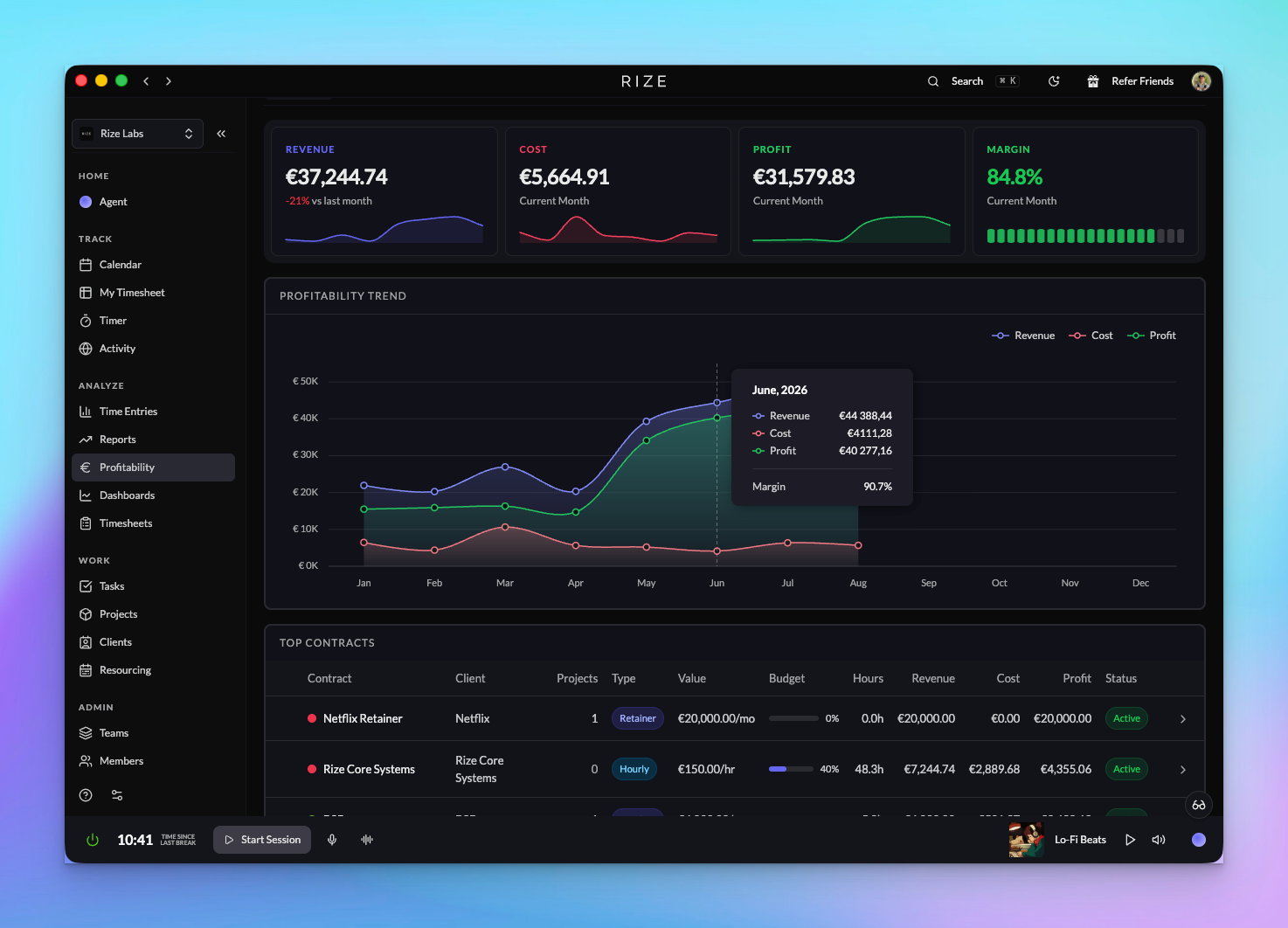
Profitability shows revenue, cost, and profit across your whole organization or a single team. Set up hourly, retainer, or hybrid contracts per client, add cost rates per member, track budgets and expenses, and see the margin on every client and project from time that was captured automatically.
Read the Profitability changelog
Resourcing: utilization and planning
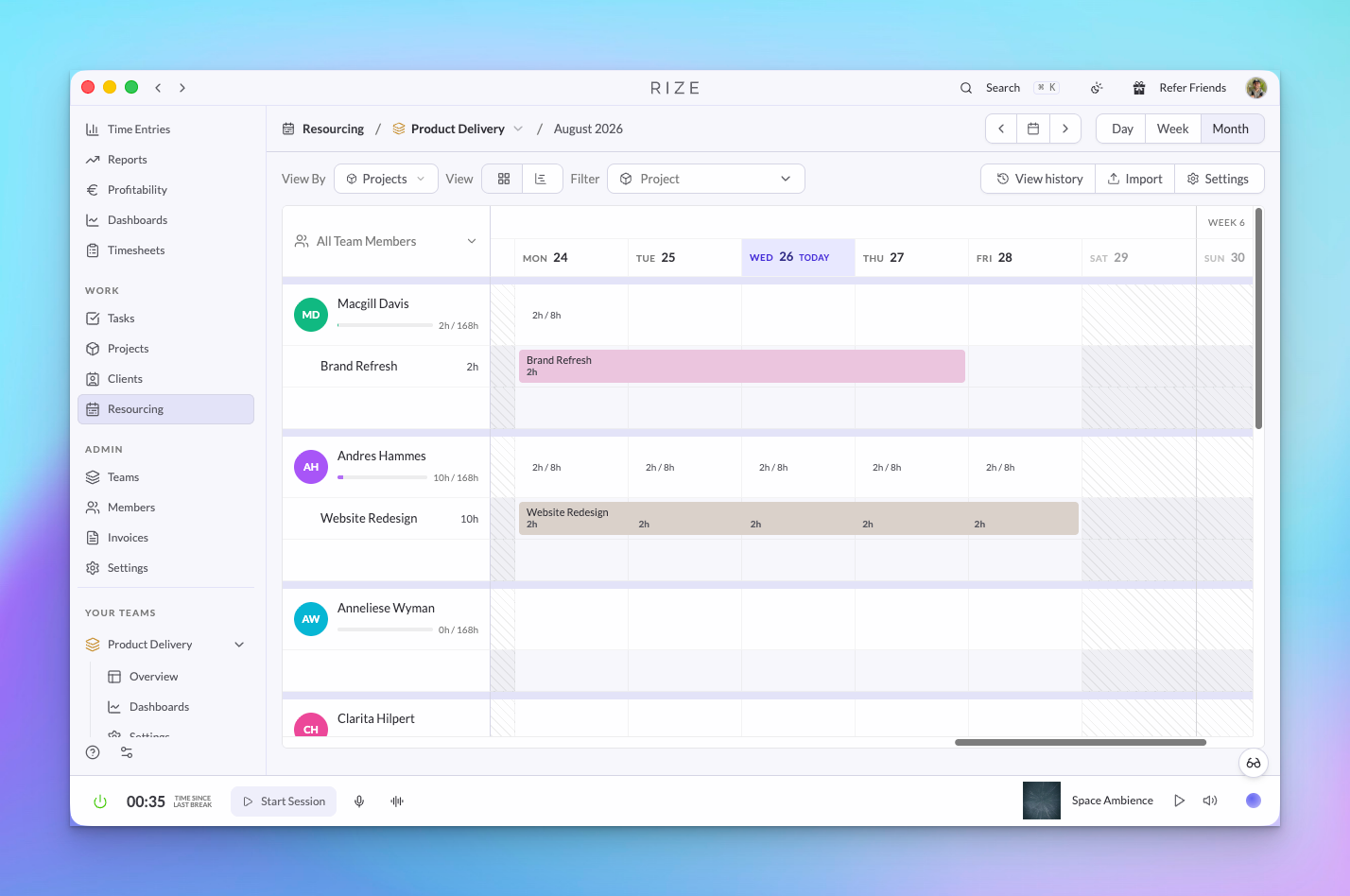
Resourcing is the planning side of the same data. Schedule assignments per member and week, set working days and holidays, import a plan from CSV, and compare scheduled hours to what was actually tracked so you can see who is over capacity before the month ends.
Invoicing in Rize
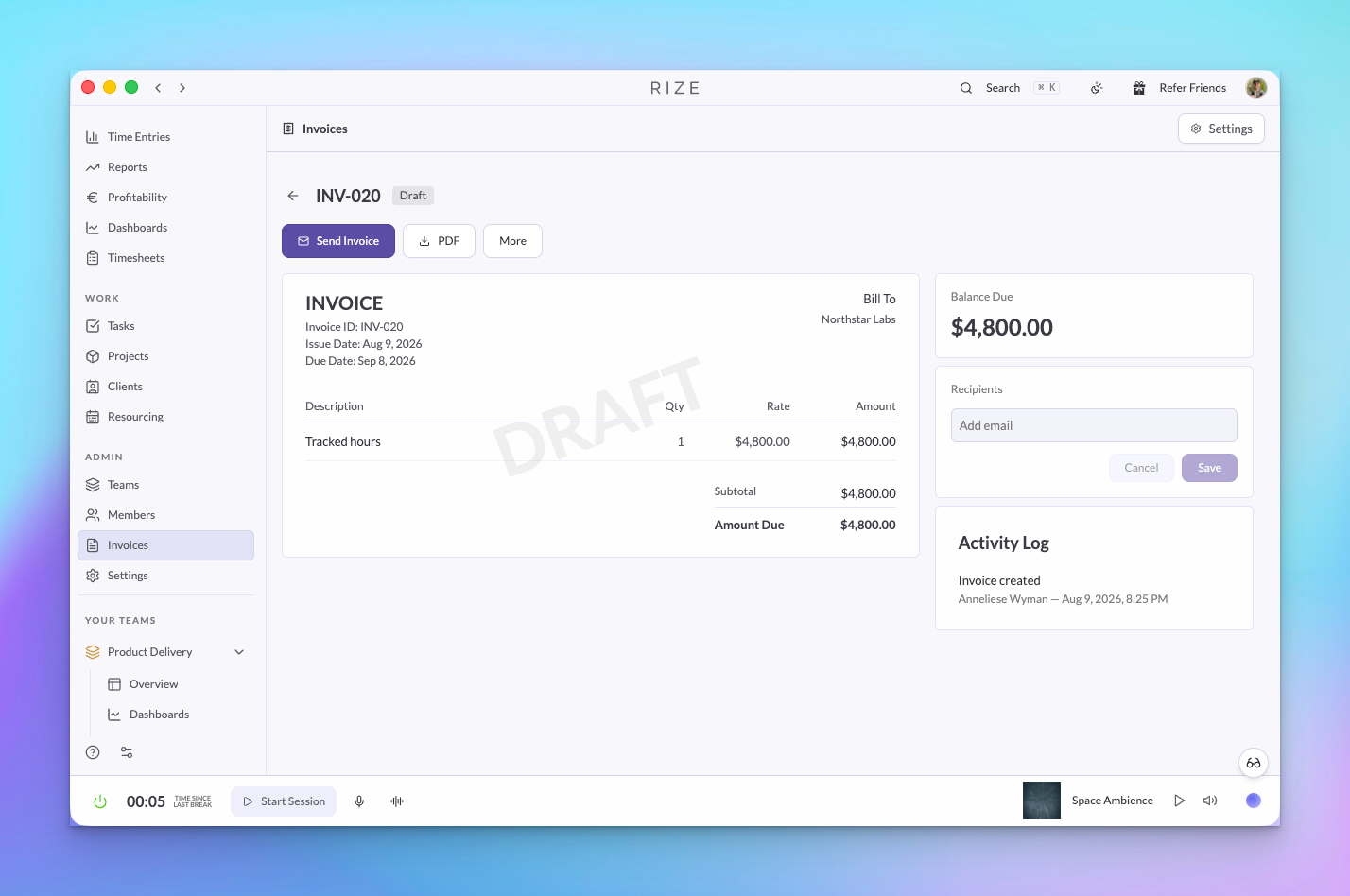
Pick a client and a date range and Rize builds the invoice from tracked time. Line items now follow a description format you control, so the invoice reads the way your clients expect. Send the PDF, record full or partial payments, and void mistakes without breaking your numbering.
Teams, members, and permissions
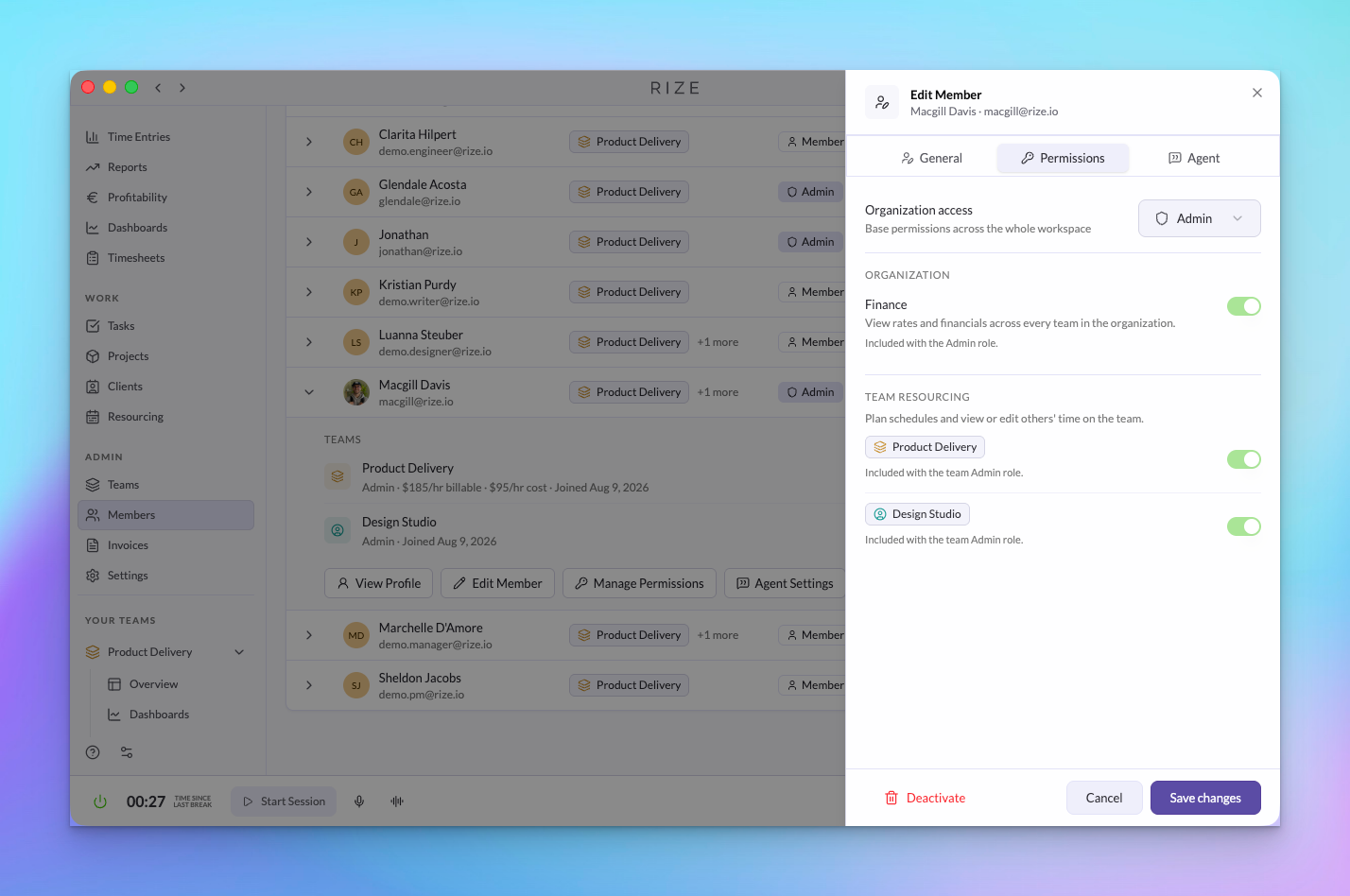
Permissions now separate organization roles, team roles, and two grants. Admins, Managers, Members, and Viewers each see what their job needs. A Finance grant gives someone the numbers across the whole organization without admin power, and a Resourcing grant lets an ops lead plan capacity and edit time on one team.
Read the Permissions changelog
My Timesheet and Team Timesheets
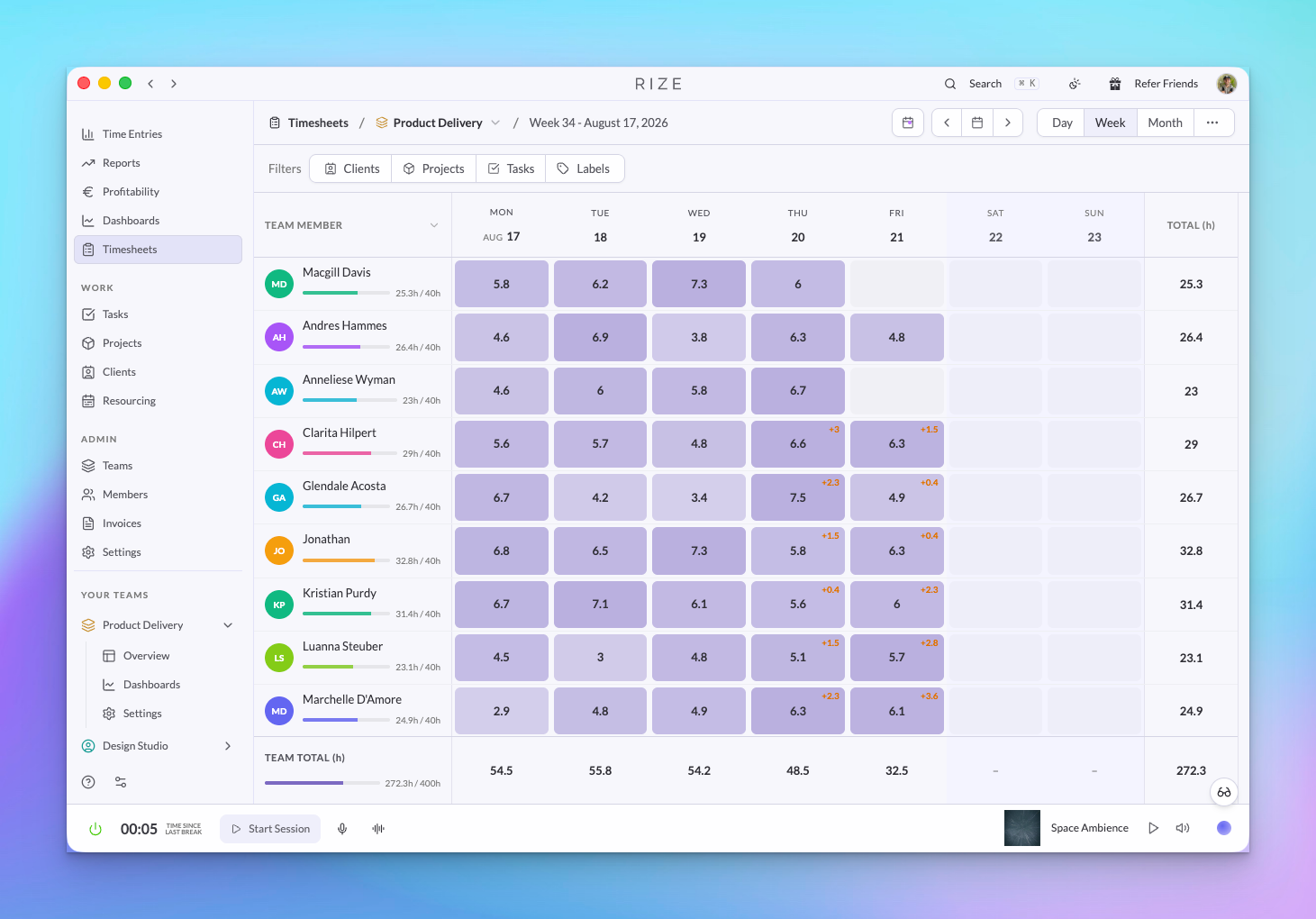
Timesheets are the review layer. My Timesheet is where each person confirms their own week. Team Timesheets is where admins, managers, and viewers scan daily hours, pending time, and capacity across a team without asking anyone to submit anything.
Asana integration with time tracking
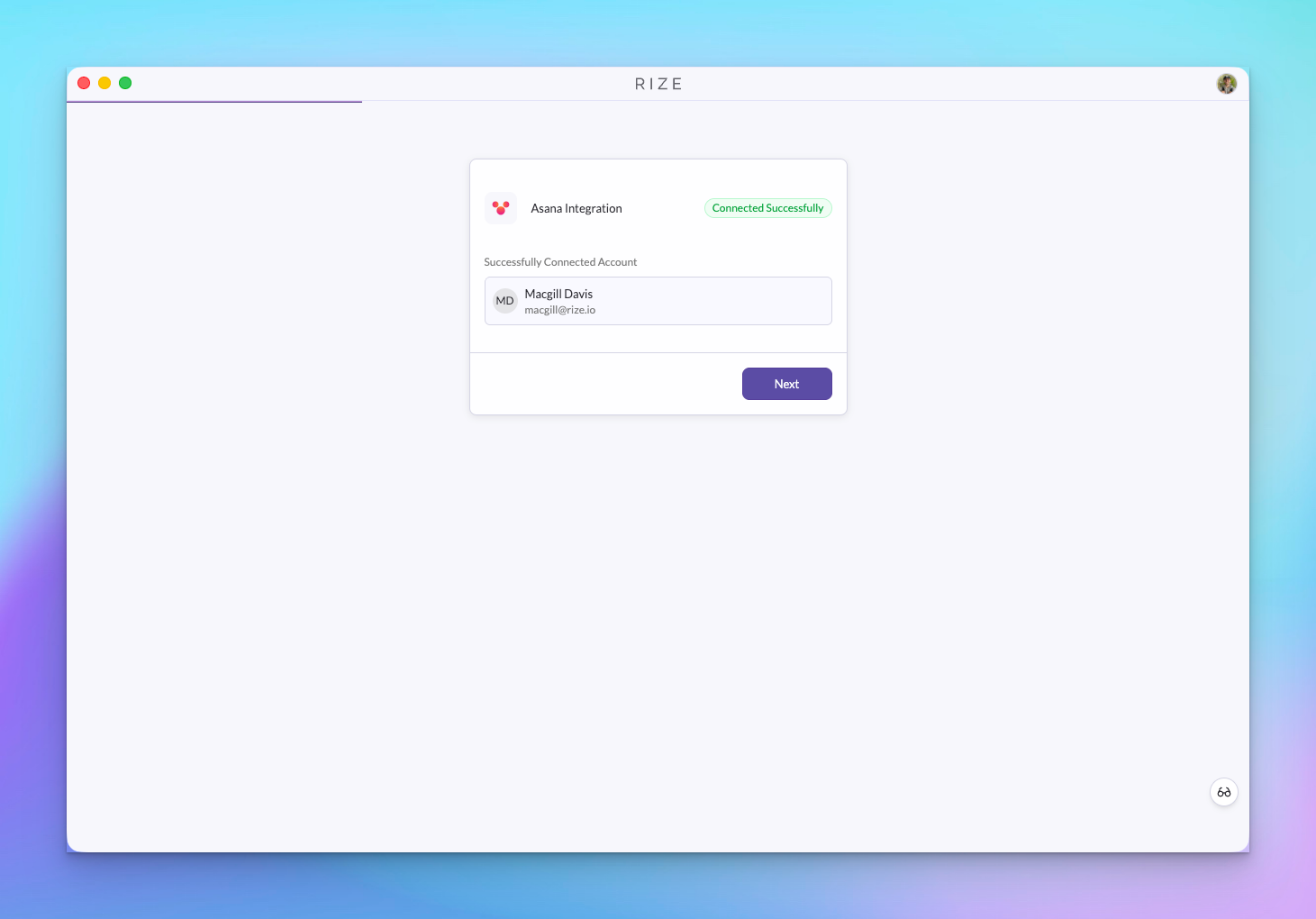
The Asana integration is out of beta. Rize tasks stay in sync with Asana, and time tracked in Rize is written to the matching Asana task as a time tracking entry, updated when the entry changes, and removed when it is deleted.
All of it in the Agent, API, and MCP
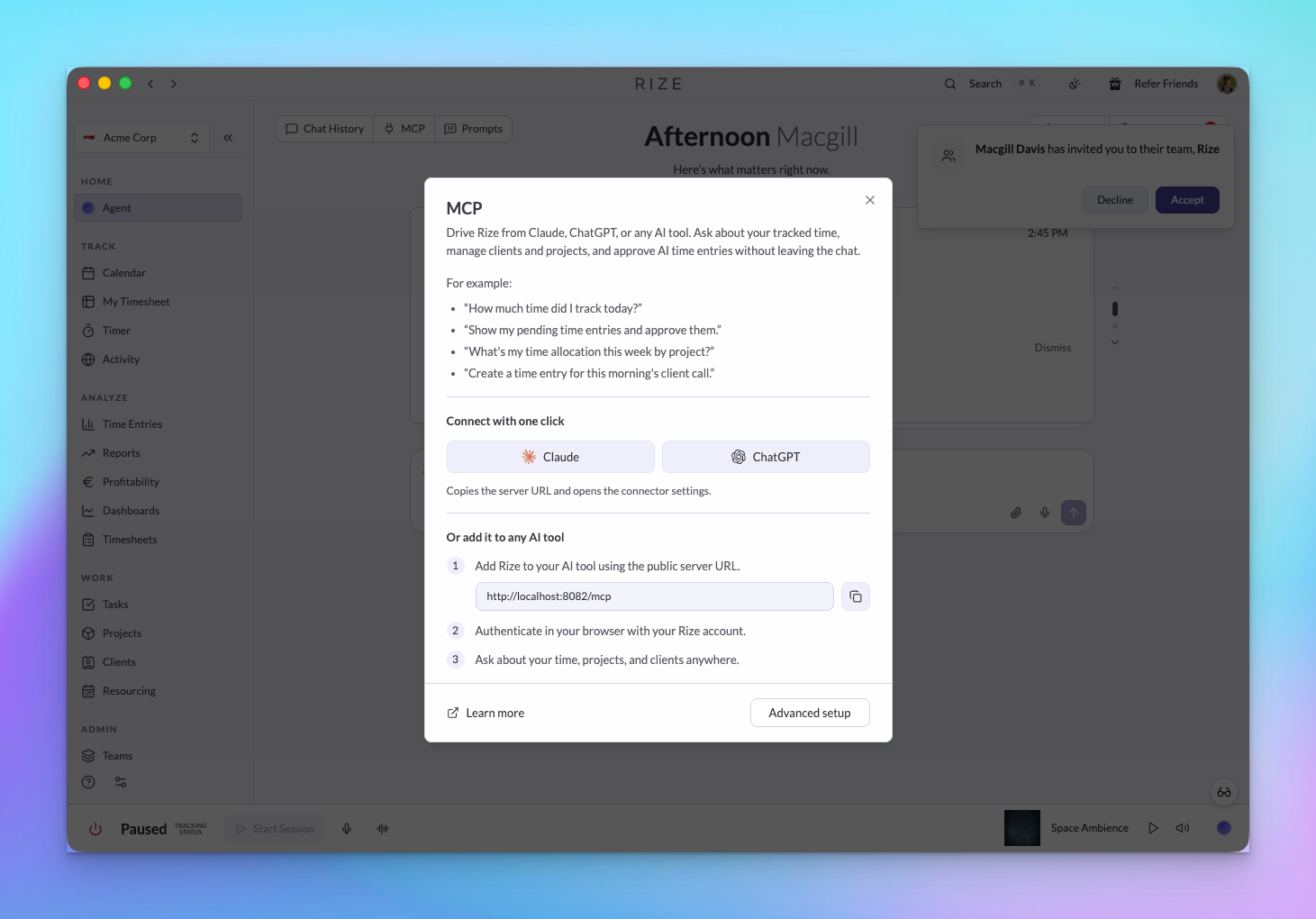
Profitability, contracts, expenses, planned allocations, teams, members, and time approvals are available through the Rize API and MCP. Ask Claude or ChatGPT which client had the lowest margin last month, or let an internal agent approve pending time and update a contract.
Read the API and MCP changelog
SOC 2
We've started our SOC 2 process with security-consultant.com.
RUN YOUR AGENCY ON RIZE
Together these let a firm run resourcing, billing, and client reporting from data that was captured, not typed in. The Rize Agent can answer questions about any of it, Routines can deliver the numbers on a schedule, and the API and MCP let your own agents act on them.
If you run a team of 10 or more and want to see how this fits your firm, book a demo.