Once a firm passes about twenty people, "admin or not" stops working. A people manager needs their reports' time. A finance lead needs rates and margins across every team but should not be able to remove anyone. An ops lead needs to plan one team's capacity. Rize permissions now model those jobs directly.
WHAT IS IT?
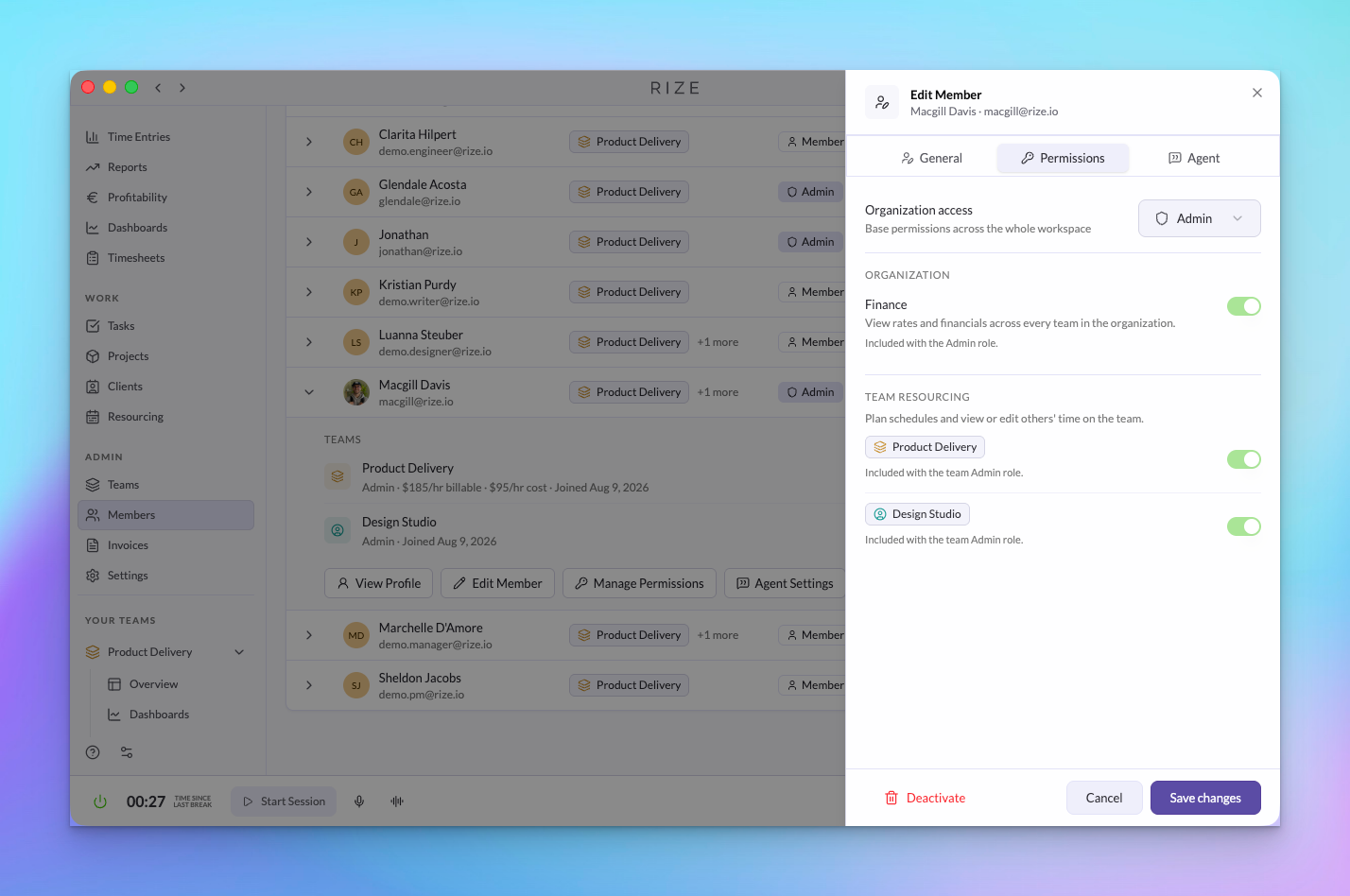
Access in Rize has three layers: a role at the organization level, a role on each team, and two optional grants that layer on top. Most people only need a team role. The grants exist for the exceptions.
WHY IS IT IMPORTANT?
Time and rate data is sensitive. Firms adopt automatic tracking faster when each person can see that their access matches their role, and admins can hand off management without handing over billing.
NEW
Organization roles: Admin and Member
Organization admins control billing and seats, workspace settings, and every team, with implicit admin access to all teams. Members get their access entirely from team memberships. Rize will not let you demote the last admin.
Team roles: Admin, Manager, Member, and Viewer
- Admin manages members, settings, and rates and can view and edit everyone's time on the team.
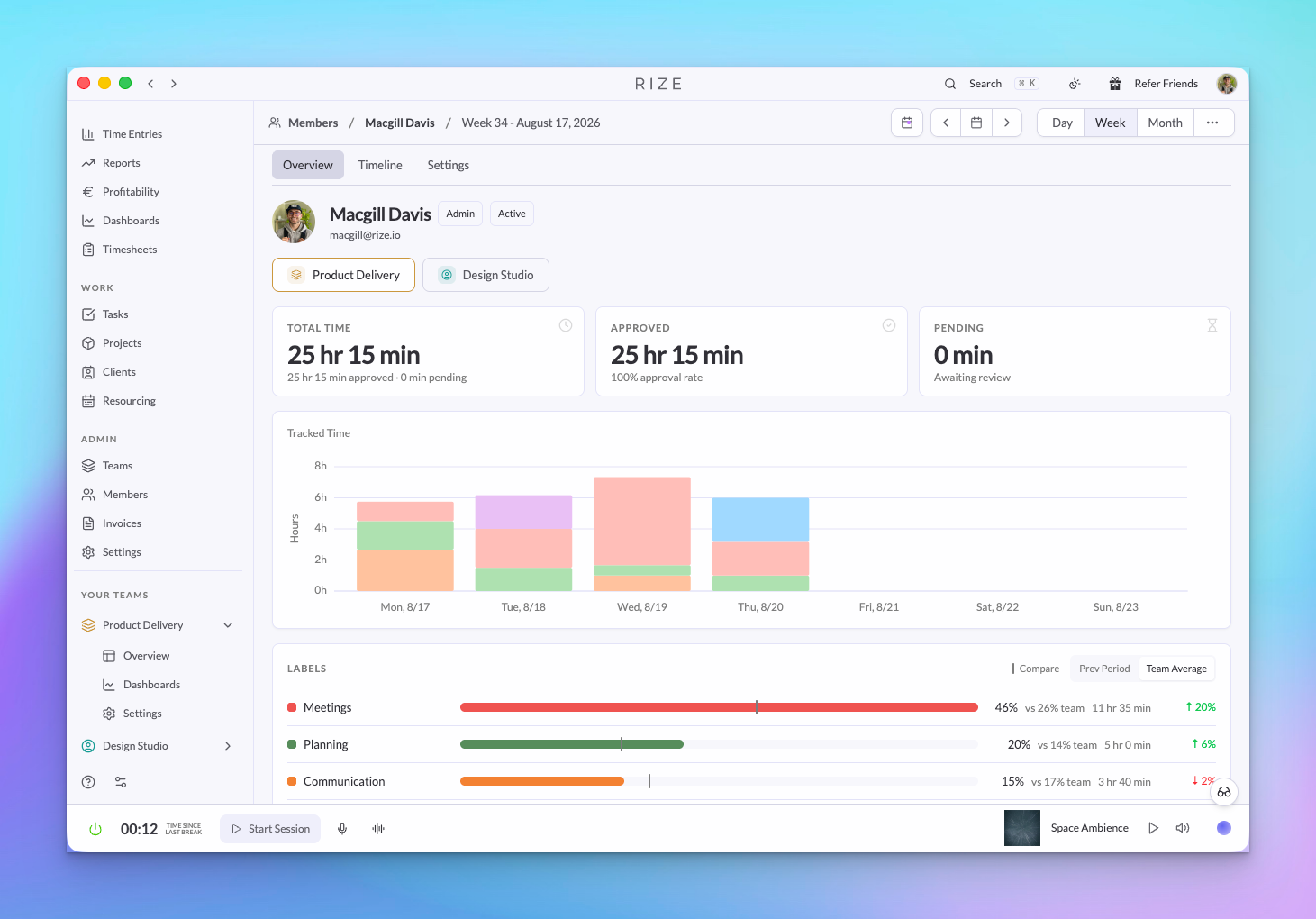
- Manager sees and can edit the time of their direct reports, plus their own. Assign a manager to each member from the member edit sheet; the Members page shows reporting lines as a pill.
- Member tracks their own time and sees their own data.
- Viewer has read-only visibility of the whole team's time and reports without tracking time themselves. Viewers cannot change tasks or projects, even ones they created.
Finance grant
Organization-wide, read-only visibility into bill rates, cost rates, and profitability across every team, including teams the person is not on. Use it for a finance or operations person who needs the numbers without being an organization admin.
Resourcing grant
Granted per team, it unlocks capacity planning and lets the person view and edit anyone's time on that team, whatever their team role. Team admins have it implicitly.
One organization Members page
Every member across the organization is listed with their teams, roles, status, and rates, with filters and a per-member overview, timeline, and breakdowns. Change roles, assign managers, set rates, and toggle grants from the member edit sheet. Removed members are archived rather than deleted, so their time stays in reports.
Permissions apply everywhere
The same rules gate the web app, the Rize Agent, the API, and MCP. Team visibility, time editing, and financial fields are enforced on the server, so an agent or integration can never see more than the person it is acting for.
USE IT FOR
- Letting managers review their reports' time without team admin rights
- Giving a bookkeeper margins across the firm with the Finance grant
- Giving a delivery lead planning access on one team with the Resourcing grant
- Adding a client-side or executive Viewer who reads but never tracks
- Handing team management to leads while the org admin keeps billing
See Roles and Permissions in the docs for the full capability matrix.