Rize is now an official ChatGPT Partner, with a published app in the ChatGPT directory. Open the Rize app in ChatGPT, click Connect, and ChatGPT can read and update your time data with the same permissions your Rize account has.
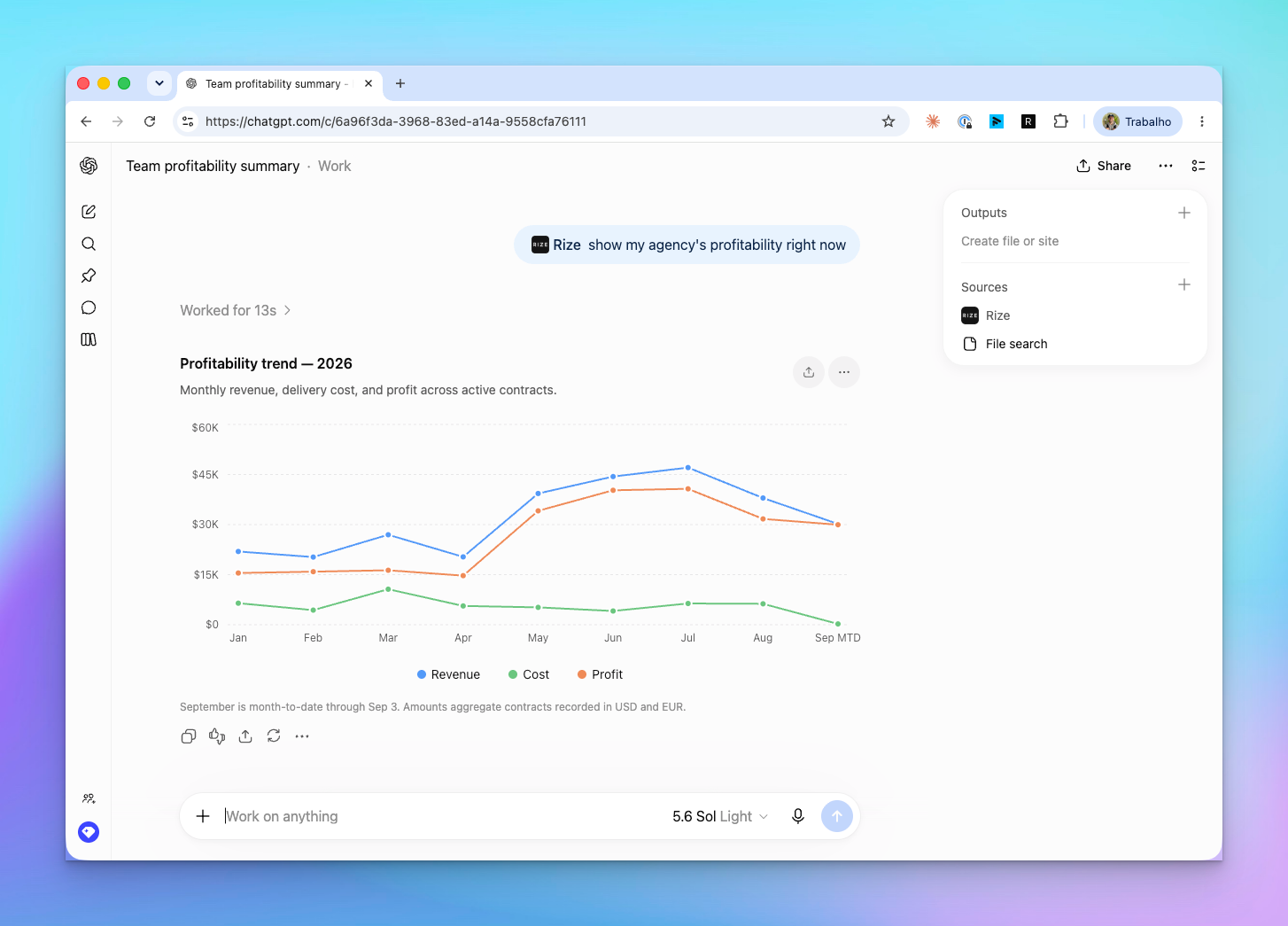
That chart took one message: @Rize show my agency's profitability right now. ChatGPT called the Rize profitability trend tool, plotted revenue, cost, and profit for the year, and footnoted that September is month to date.
WHAT IS IT?
The Rize MCP server, listed as a first-party app inside ChatGPT. When we launched Rize MCP in April, connecting it to ChatGPT meant turning on developer mode and pasting a server URL. The directory listing replaces that with a Connect button, ships with example prompts, and puts Rize in the composer's Plugins menu so you can tag it with @Rize in any conversation.
WHY IS IT IMPORTANT?
ChatGPT is where a lot of people already do their thinking. Now the numbers are there too. Ask for last week's hours by client, the pending suggestions worth approving, or the contract that is losing money, and the answer comes from your tracked time instead of a dashboard you had to open first. Every tool runs as you, so a member sees their own time, a manager sees their reports, and an org admin with the Finance grant sees profitability.
NEW
One-click connection
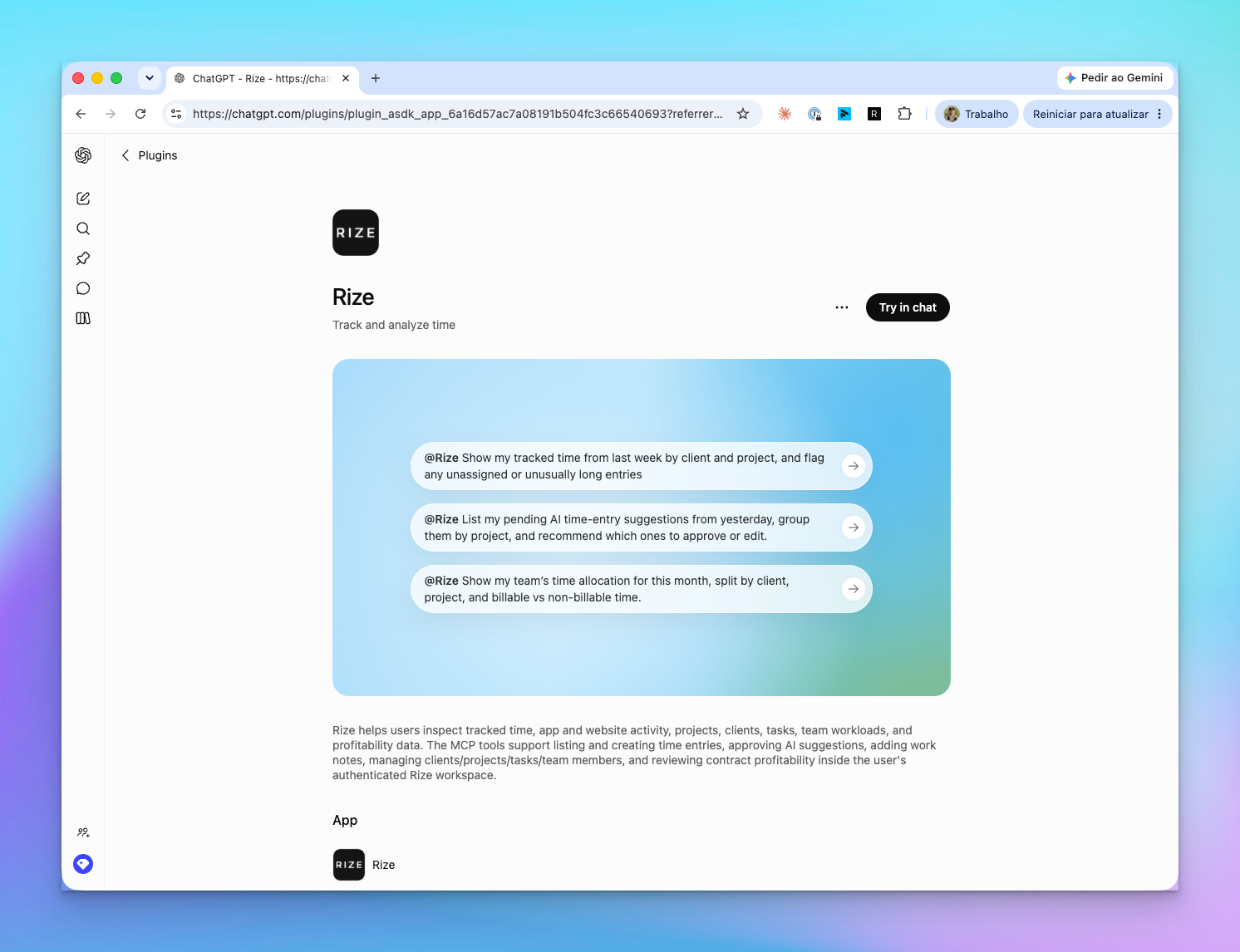
- Open the Rize app in ChatGPT
- Click Try in chat, then Connect
- Sign in to Rize with Google or a magic link and click Approve
- Type
@Rize show my time entries from today
Tag Rize from the composer
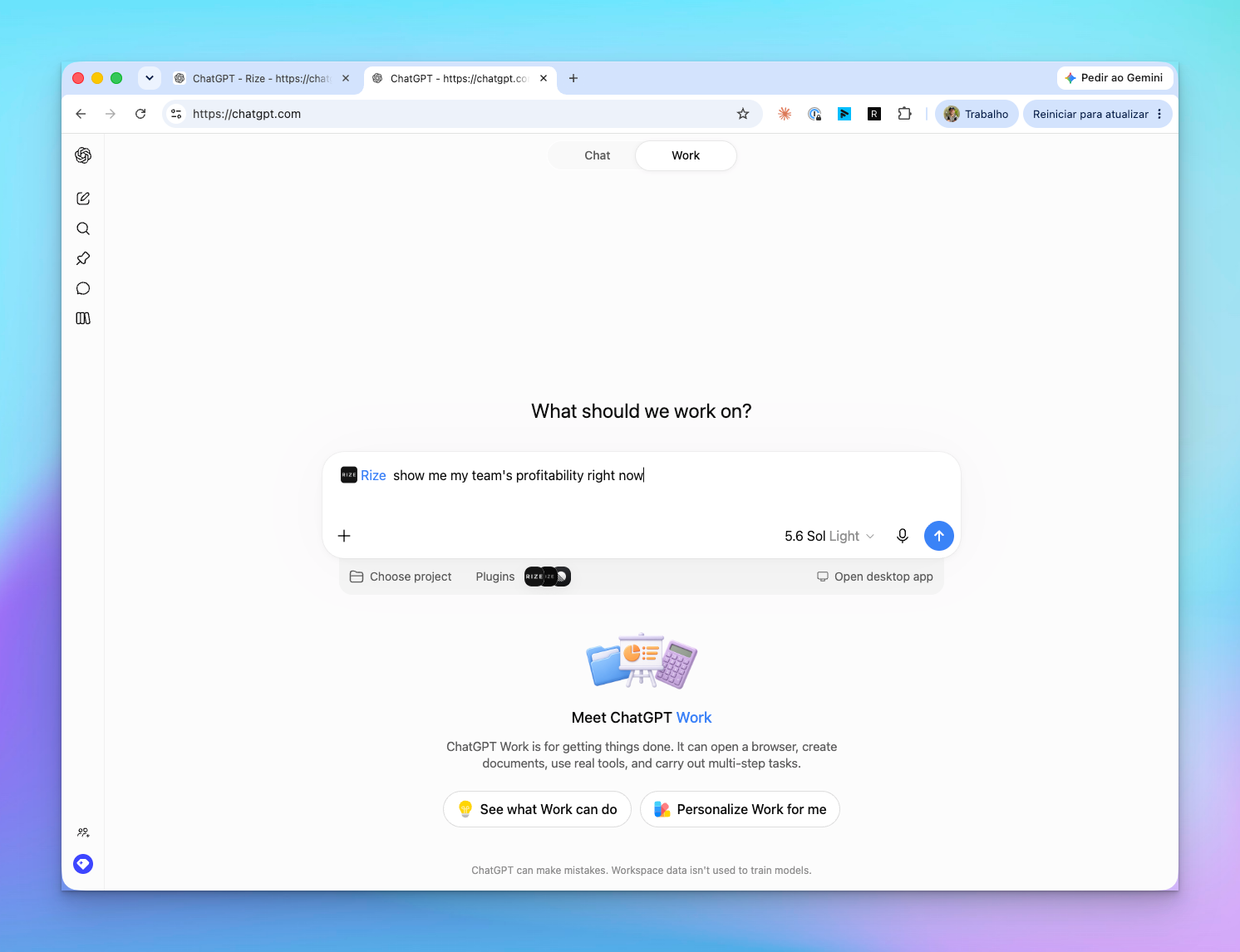
Type @Rize or pick Rize under Plugins. ChatGPT calls the tools it needs and lists Rize under Sources on the answer. Because the directory description tells ChatGPT what Rize holds, it can also pick Rize on its own when a question is about time, projects, or profitability.
Analysis, not just numbers
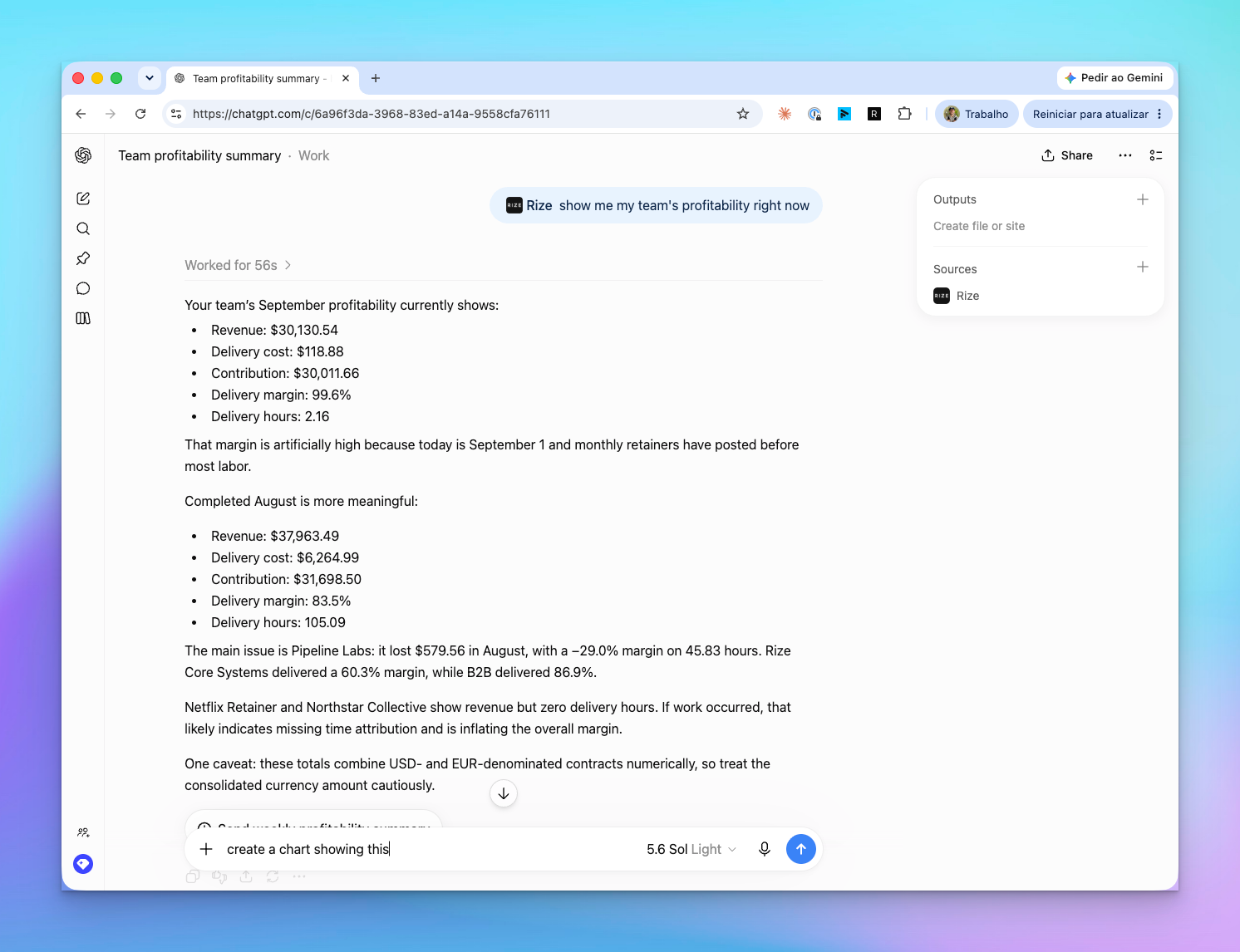
Asked for the team's profitability, ChatGPT read September and August side by side, noticed the current month's margin was inflated because retainers post before the labor does, and pointed at the one contract losing money and the two clients showing revenue with zero delivery hours.
The full toolset
The app exposes every Rize MCP tool: list, create, update, and delete time entries; approve or reject AI suggestions; add work notes; manage clients, projects, tasks, labels, and keywords; list teams and members, invite and update members, and read team time allocation; and report organization, contract, and trend profitability. Claude, Cursor, and every other MCP client keep working through https://mcp.rize.io/mcp exactly as before.
USE IT FOR
- "@Rize Show my tracked time from last week by client and project, and flag any unassigned or unusually long entries"
- "@Rize List my pending AI time entry suggestions from yesterday, group them by project, and recommend which ones to approve or edit"
- "@Rize Show my team's time allocation for this month, split by client, project, and billable vs non-billable time"
- "@Rize Which contracts have revenue but no tracked hours?"
- "@Rize Create a 45 minute time entry for the Acme kickoff call at 2pm"
Included on Team and Enterprise plans. Professional plan users get read-only access to their own time data. Setup for every client is in the AI assistants guide, and the full tool list is on the Rize MCP page. Invoicing is not yet in MCP; tell us if that is what you need next.