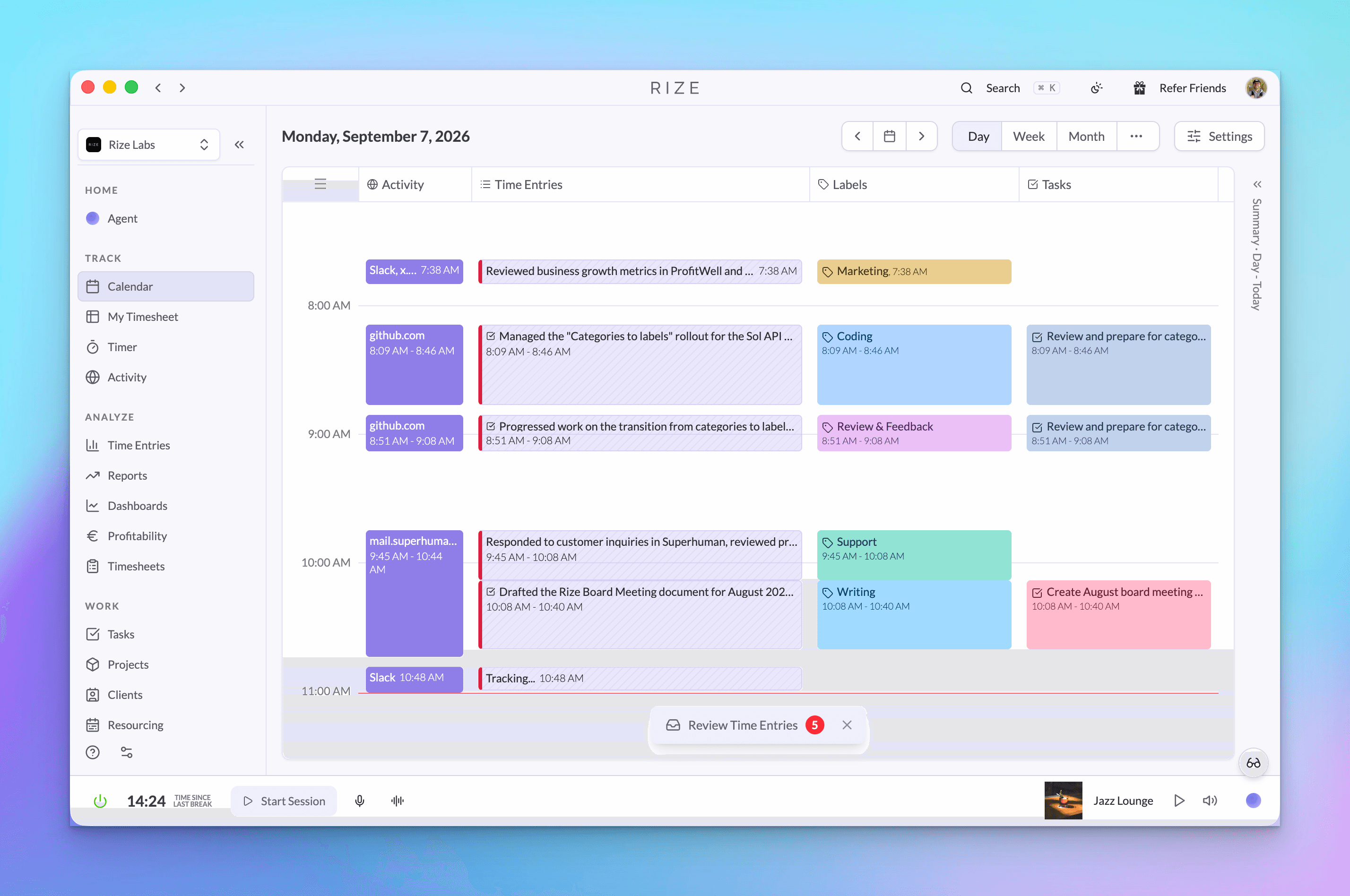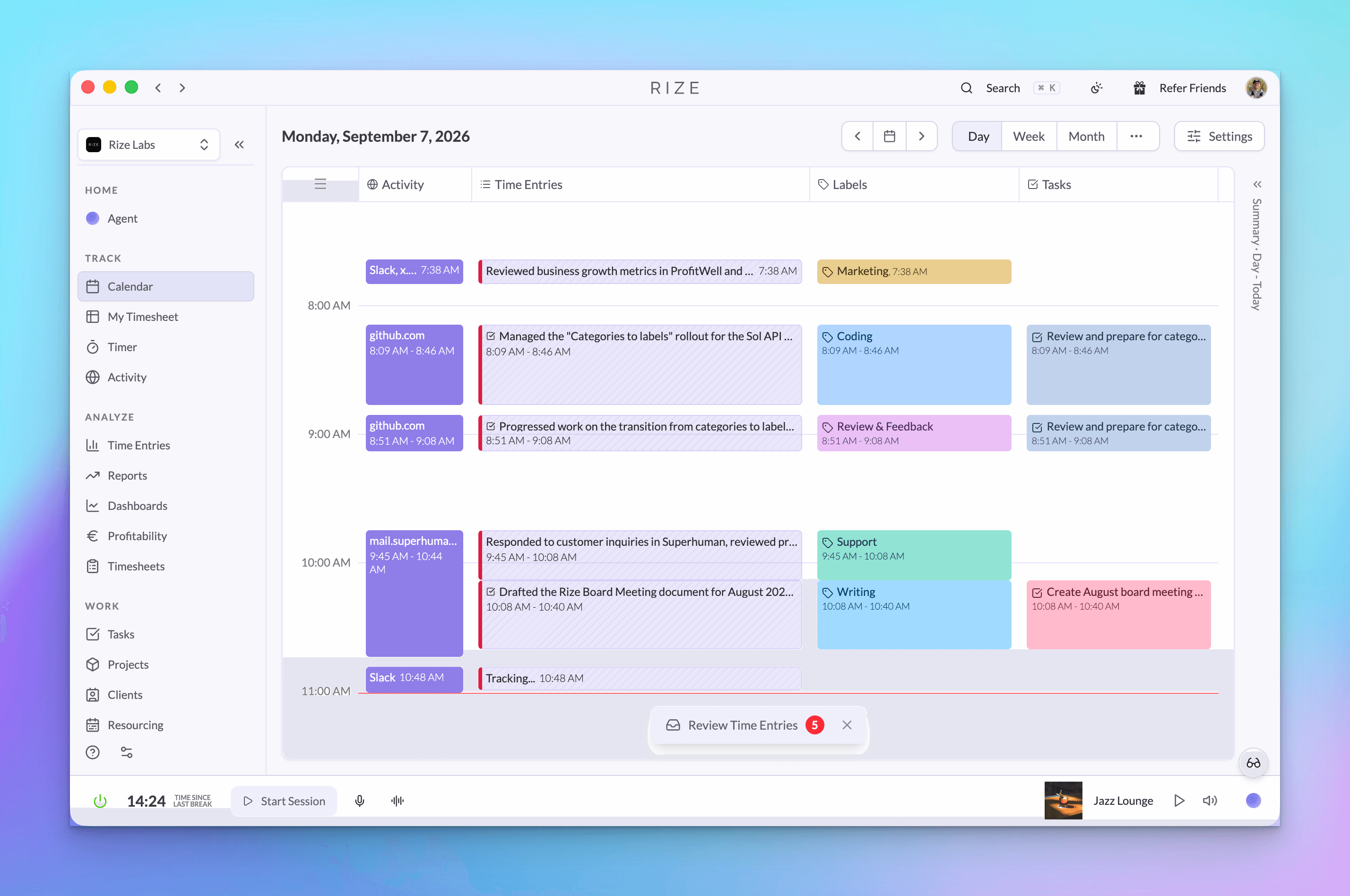
Rize is now an official ChatGPT Partner, with a published app in the ChatGPT directory. Open the listing, click Connect, and ChatGPT can read and update your time data with the same permissions your Rize account has.
When we launched Rize MCP in April, connecting it to ChatGPT meant turning on developer mode and pasting a server URL. That step is gone. Search for Rize in the ChatGPT app directory, or type @Rize in any conversation, and ask.
Quick answer: Rize is listed in ChatGPT as an app called "Rize: Track and analyze time." Connecting takes one click and a sign-in. Once connected, type @Rize followed by a question about your hours, projects, team allocation, or client profitability, and ChatGPT answers from your real tracked data.
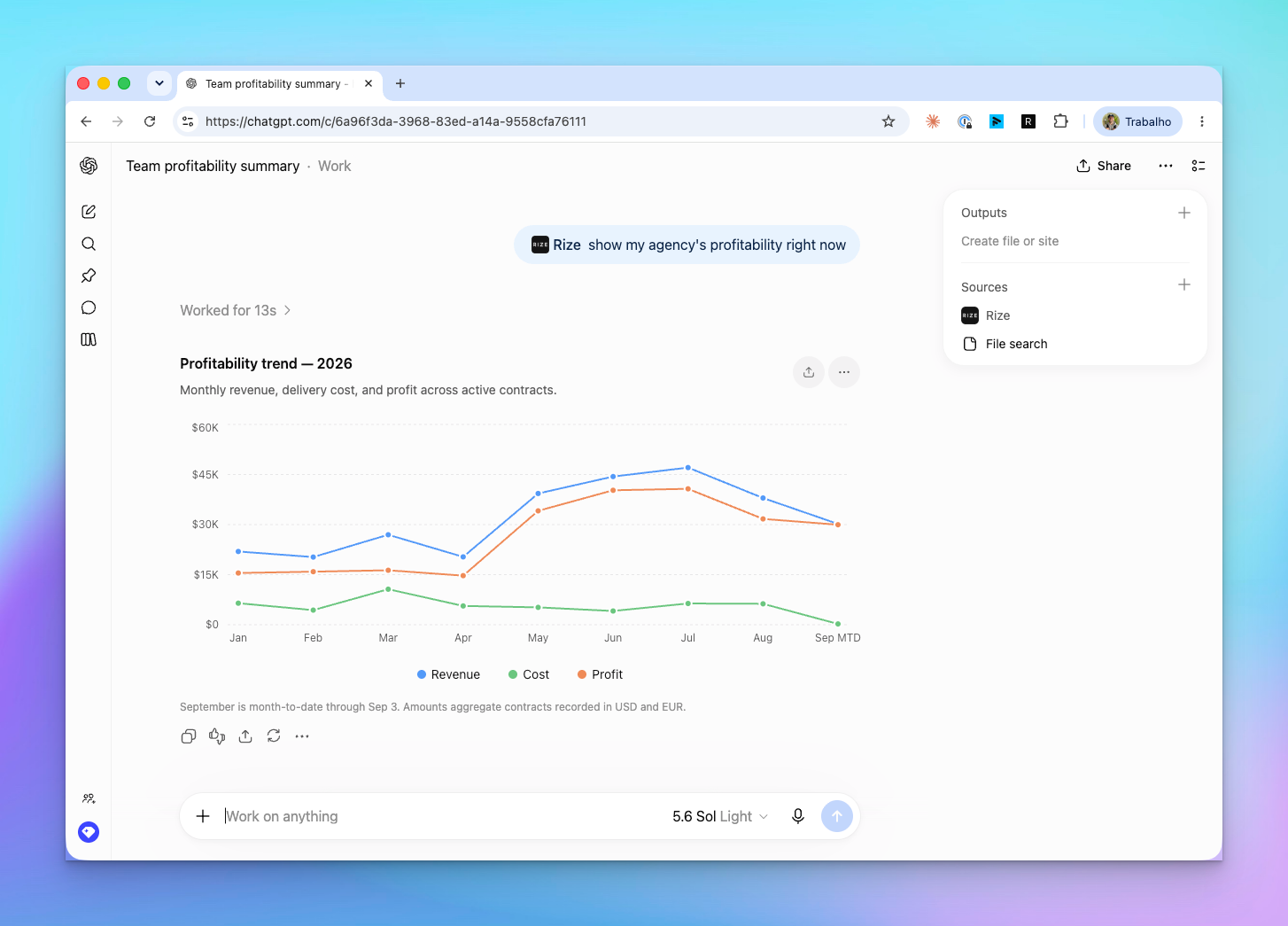
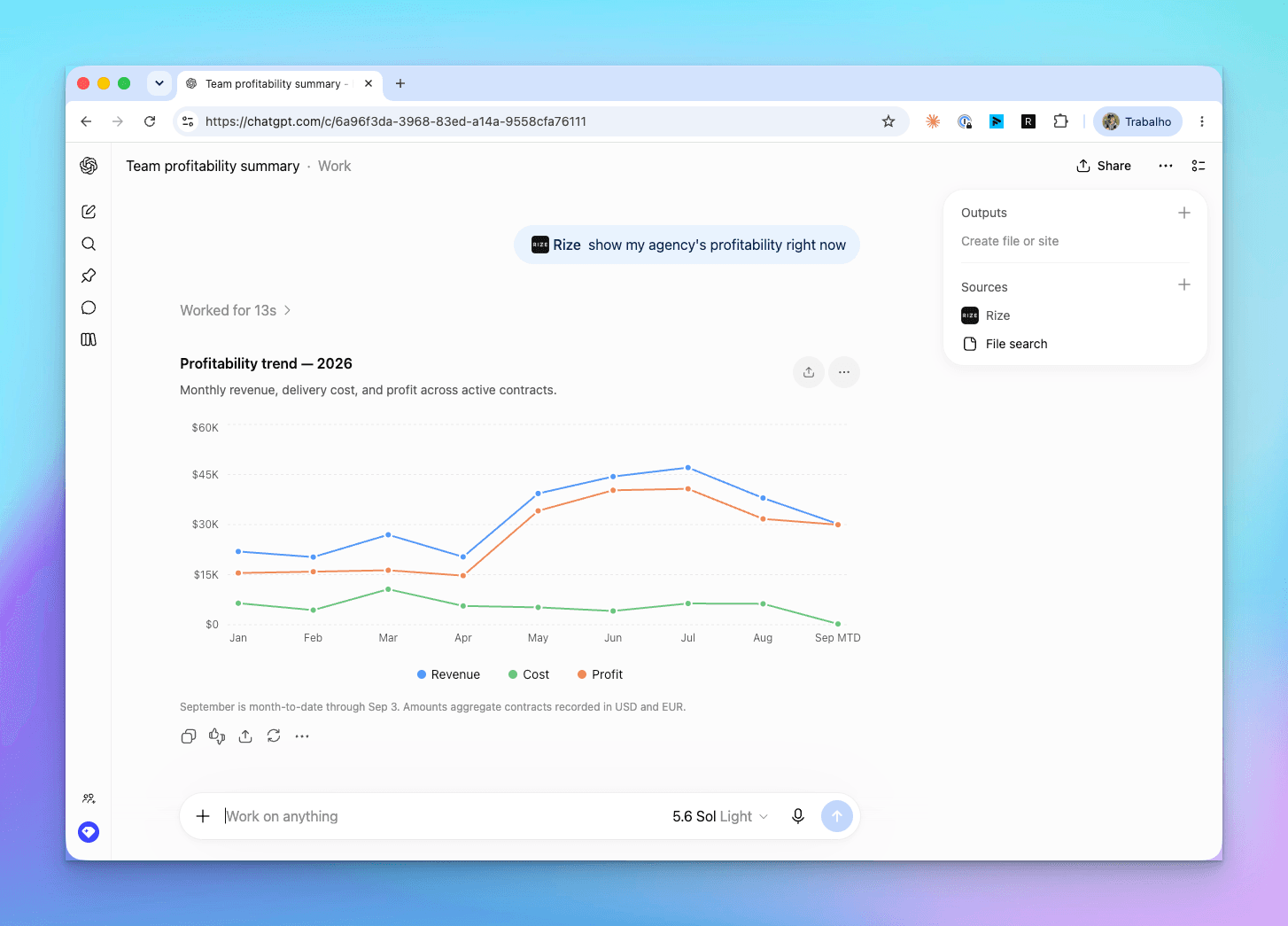
That chart took one message: @Rize show my agency's profitability right now. ChatGPT called the Rize profitability trend tool, plotted revenue, cost, and profit for the year, and footnoted that September is month to date. No export, no spreadsheet, no report builder.
What changed from the MCP beta
The Rize MCP server is unchanged. What changed is that ChatGPT now lists it as a first-party app, so connecting is one click instead of a settings dive.
Before, you had to open ChatGPT settings, enable developer mode, add a custom connector, and paste https://mcp.rize.io/mcp. That route still works, but nobody should need it. The directory listing handles authentication, shows example prompts, and makes Rize available from the composer's Plugins menu.
The listing also means ChatGPT knows what Rize is for. When you ask about "my team's profitability" without tagging Rize, ChatGPT can pick the Rize app on its own because the directory description tells it that Rize holds tracked time, projects, clients, workloads, and profitability data.
How to connect Rize to ChatGPT
Connecting takes under a minute and needs nothing but your Rize login.
- Open the Rize app in ChatGPT
- Click Try in chat, then Connect when ChatGPT asks for access
- Sign in to Rize with Google or a magic link
- Confirm the URL is
app.rize.ioand click Approve - Back in ChatGPT, type
@Rize show my time entries from today
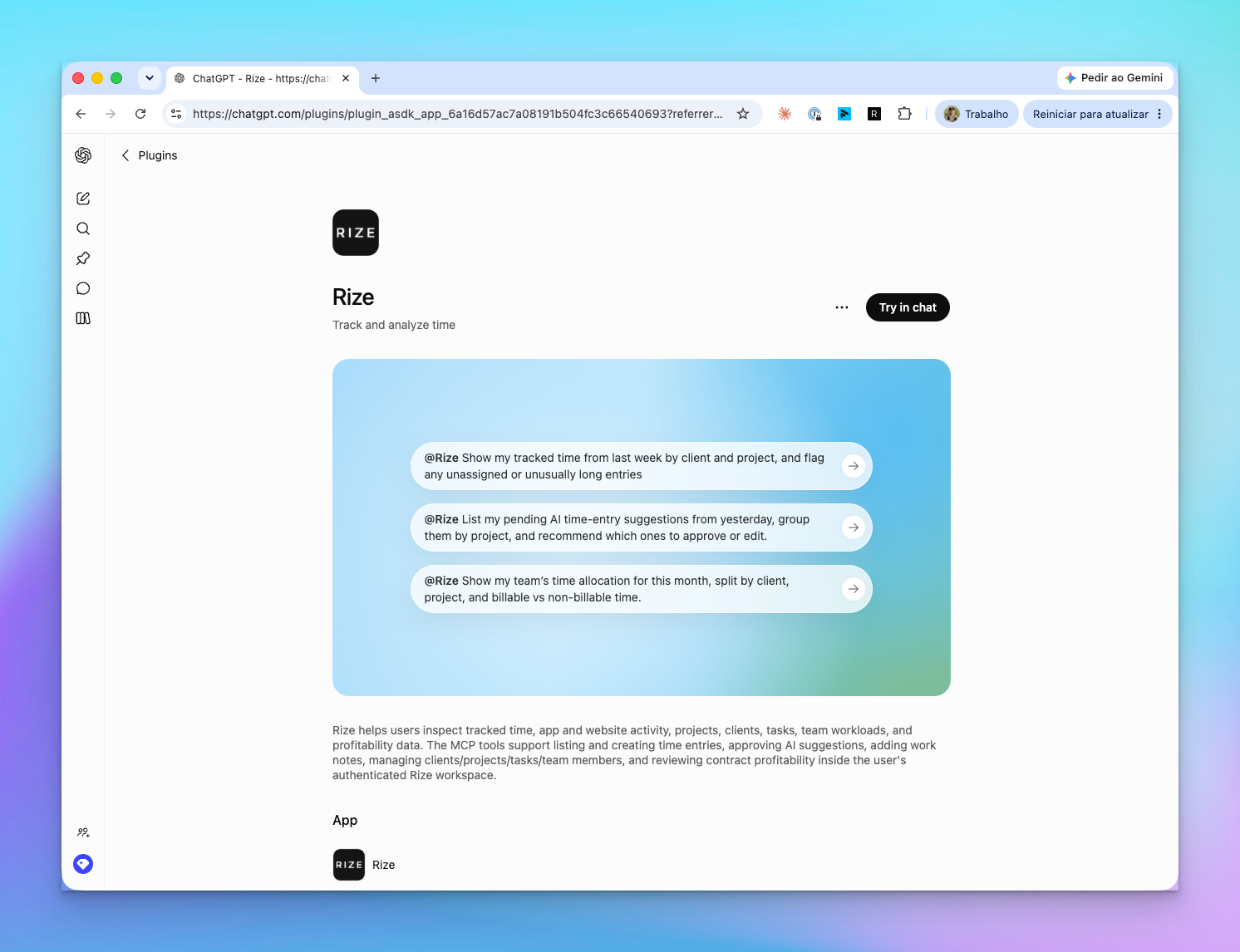
You approve the connection once. After that, Rize shows up under Plugins in the composer and under Sources on every answer that used it.
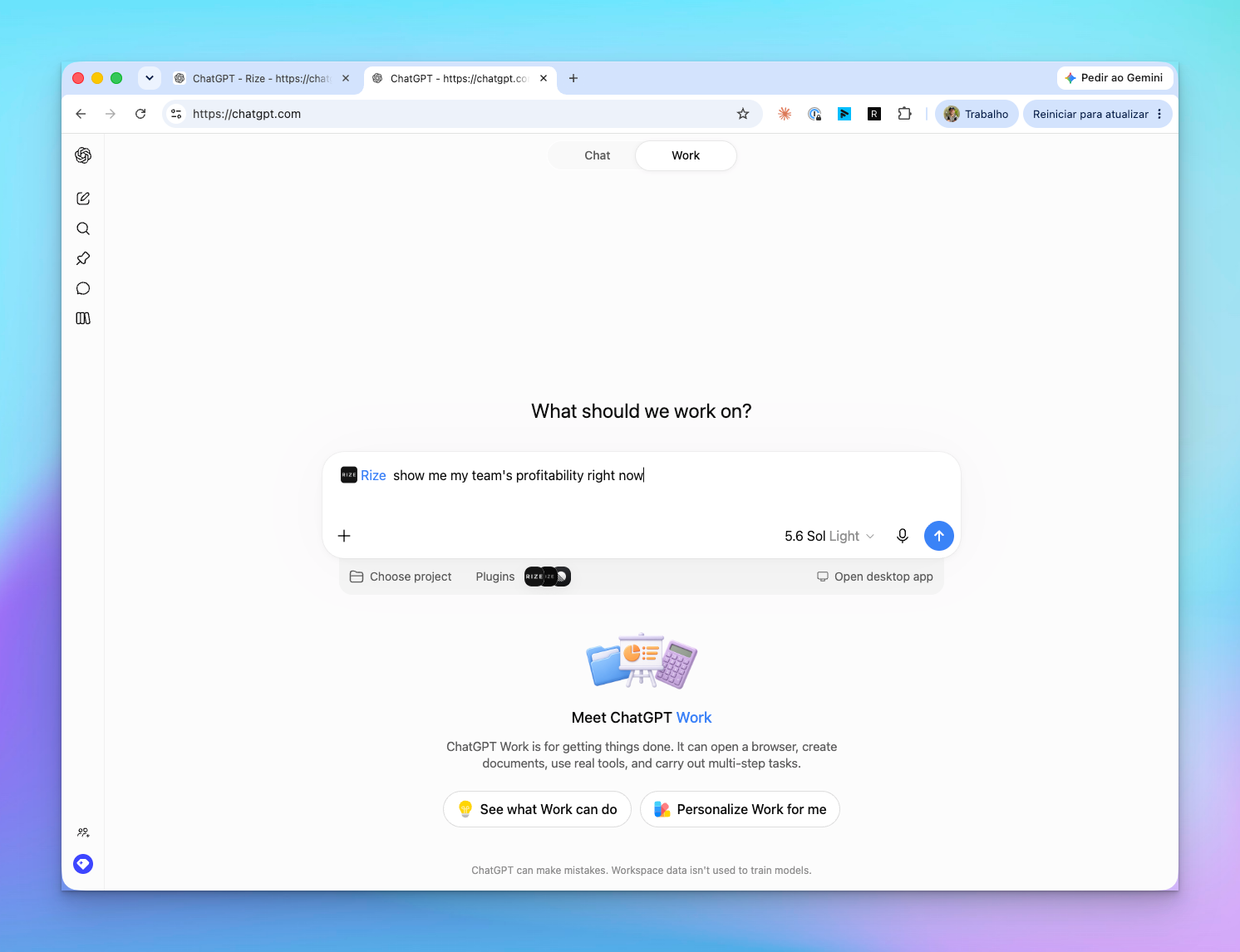
What you can ask
ChatGPT can answer any question that Rize's own reports can answer, plus the follow-ups a report cannot.
The directory listing ships with three example prompts, and they are a good place to start:
@RizeShow my tracked time from last week by client and project, and flag any unassigned or unusually long entries@RizeList my pending AI time entry suggestions from yesterday, group them by project, and recommend which ones to approve or edit@RizeShow my team's time allocation for this month, split by client, project, and billable vs non-billable time
Charts are one output. Analysis is the other. We asked for the team's profitability in plain text, and ChatGPT pulled September and August from Rize, noticed the current month's margin was inflated because retainers post before the labor does, and pointed at the one contract losing money.
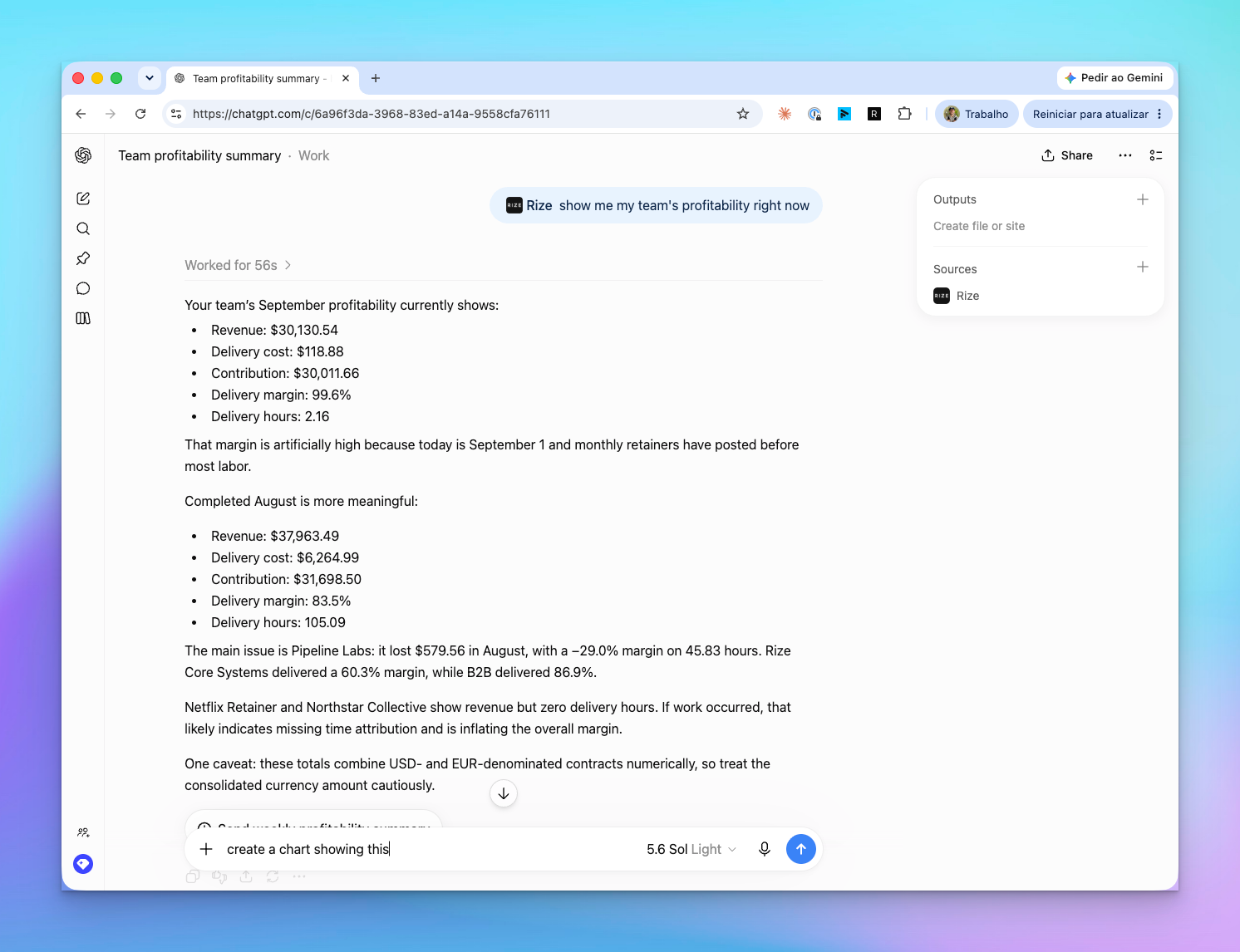
That caveat about retainers is the difference between a chart and an analyst. The numbers came from Rize. The interpretation came from ChatGPT reading two months side by side and noticing that two clients showed revenue with zero delivery hours.
More prompts that work well:
For individuals
- "How much of my time this week was billable?"
- "What apps ate most of my afternoon yesterday?"
- "Create a 45 minute time entry for the Acme kickoff call at 2pm"
For managers
- "Who on the team has the most pending time entries?"
- "Approve everything from Monday that is tagged to a client project"
- "Which projects are over budget this month?"
For billing and finance
- "What is our margin on each retainer client this quarter?"
- "Which contracts have revenue but no tracked hours?"
- "Draft a summary of last month's hours for the Northstar invoice"
Ask ChatGPT about your time
Open the Rize app in ChatGPT, click Connect, and type @Rize with the question you would normally build a report for.
Start Free TrialWhat Rize can do inside ChatGPT
The app exposes the full Rize MCP toolset, so ChatGPT can write as well as read.
| Area | What ChatGPT can do | |---|---| | Time entries | List, create, update, and delete entries. Add work notes. Regenerate an AI entry. | | Suggestions | List pending AI suggestions, then approve or reject them in bulk. | | Clients, projects, tasks | List and create clients and projects, create and update tasks, manage labels and keywords. | | Teams | List teams and members, invite a member, change a role, read team time allocation. | | Profitability | Organization profitability, contract profitability, the profitability trend, contracts, expenses, and revenue entries. | | Activity | Apps and sites used, calendar events, meetings, and your own time tracking signals. |
Every tool runs as you. A team member's ChatGPT sees their own time. A manager's sees their reports' time. An org admin with the Finance grant sees profitability. Nothing in the ChatGPT app widens access beyond what the Rize dashboard already allows.
Privacy and what ChatGPT never sees
The connection uses OAuth, you approve it explicitly, and you can revoke it from Rize or ChatGPT at any time.
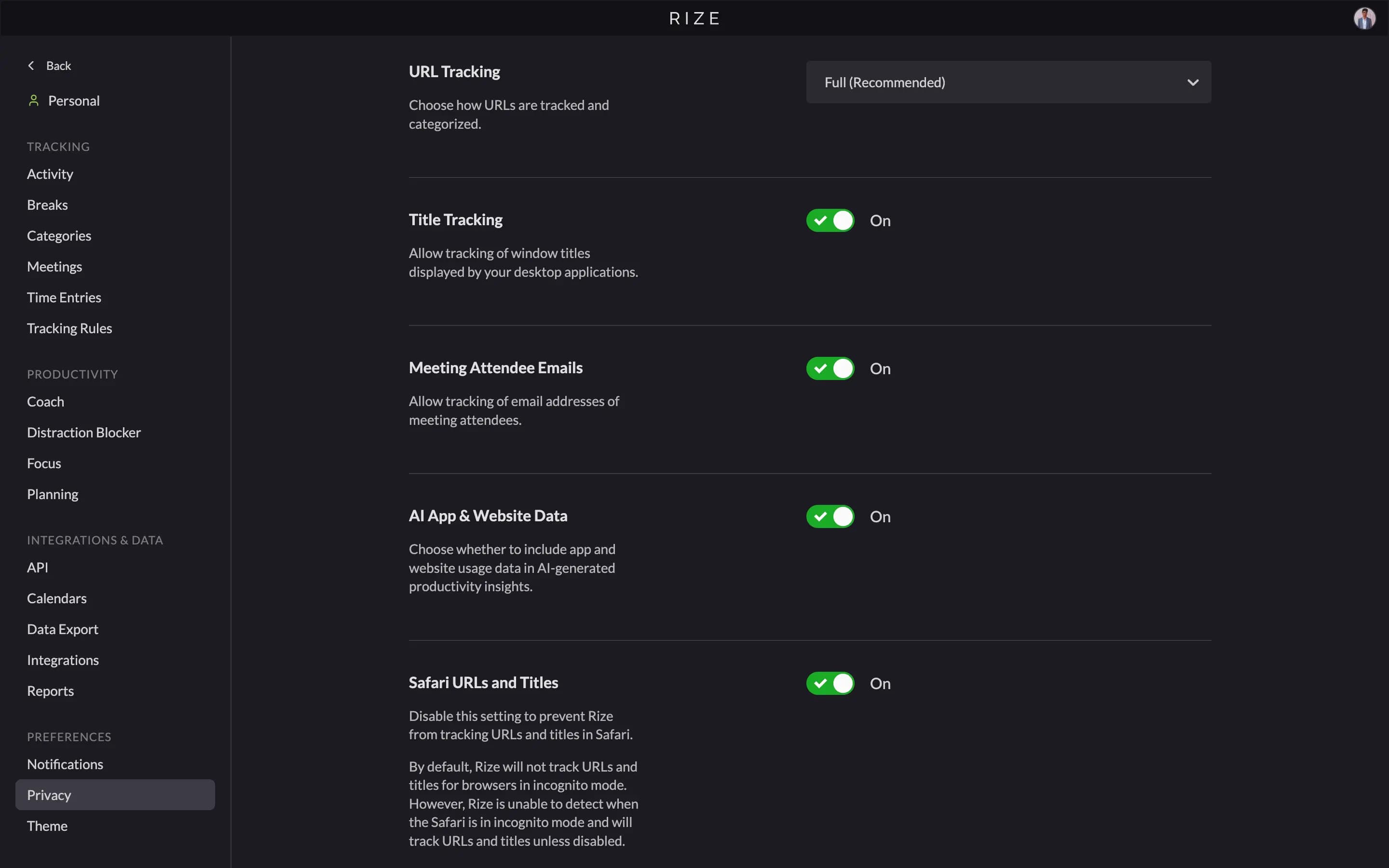
Rize shares time entries, project and client names, categories, durations, and summaries through the app. It never shares screen content, keystrokes, mouse activity, screenshots, or the text of prompts you send elsewhere. The what Rize tracks post covers the tracking side in detail.
To disconnect, remove Rize from your ChatGPT apps, or revoke the connection from Settings, then MCP in the Rize web app.
Plans and pricing
The ChatGPT app is included on Team and Enterprise plans at no extra cost.
Professional plan users get read-only access to their own time data, which covers every "how did I spend my week" question. Team and profitability tools need a Team or Enterprise plan and the matching role.
Claude, Cursor, and everything else still work
The ChatGPT listing sits on top of the same MCP server every other client uses, so nothing changes for Claude users.
Claude Desktop connects through Customize, then Connectors with the server URL https://mcp.rize.io/mcp. Cursor, Windsurf, and any other MCP-compatible client connect the same way. Per-client steps are in using Rize with AI assistants, and the full tool list is on the Rize MCP page.
If you would rather stay inside Rize, the same tools power the Rize Agent in the web app. Ask it the same questions from the chat panel.
What's next
We are watching which prompts people run in ChatGPT and using that to decide what the next tools should be.
Two things are on the list already. Invoicing is not yet in MCP or the API, and the "draft a summary for the invoice" prompt above works around that by reading time entries. Report runs and routines are exposed, but a "schedule this question weekly" flow from inside ChatGPT is not. Reply to the launch email or use the support widget and tell us which one you want first.