The best automatic timesheet software for managers who are tired of chasing timesheets is Rize for desk-based teams, because it fills each timesheet from captured work and leaves people only a review step. Timely is the closest alternative, Clockify is the budget option, and Buddy Punch fits hourly field crews. This guide compares six tools on what actually ends the Friday chase: automatic drafting, a review queue, and a manager view of who still has pending time.
Quick Answer
Best automatic timesheet software to stop chasing timesheets: Rize captures work in the background on Mac and Windows, drafts entries with client, project, and task attached, and puts them in a To Review tab. Managers check pending and approved hours in Team Timesheets instead of messaging the team. Team plan is $29.99/seat/month billed annually, with a 7-day free trial.
Why Do Managers End Up Chasing Timesheets?
Managers chase timesheets because a blank timesheet asks people to reconstruct their week from memory, and most people put that off.
Recall is the weak link. Research by Gloria Mark at UC Irvine found it takes an average of 23 minutes to return to a task after an interruption, and a day with dozens of switches is hard to rebuild on Friday. Harvard Business Review reported that inaccurate timesheets cost US businesses billions per workday. Reminders get the timesheet submitted; they do not make it accurate.
For hourly staff the stakes include compliance. The US Department of Labor requires employers to keep records of hours worked each day and each workweek for non-exempt employees, so a missing timesheet is a records gap, not just an admin annoyance.
What Should Automatic Timesheet Software Do?
Automatic timesheet software should draft entries without timers, route them to a review queue, and show managers only the exceptions.
1. Draft entries from real work. The timesheet should already contain hours, with a client or project attached, before anyone opens it.
2. Make review fast. Approving a drafted day should take minutes. Editing should be possible; retyping should not be required.
3. Show managers pending time. A view of pending versus approved hours by person replaces the team-wide reminder with a short follow-up list.
4. Feed billing and payroll. Approved hours should export or sync to invoicing and payroll without a spreadsheet in the middle.
Automatic Timesheet Software Compared
| Tool | How the timesheet fills | Review and approval | Platforms | Best for |
|---|---|---|---|---|
| Rize | Automatic capture, AI assigns client, project, task | To Review tab on every Team plan | macOS, Windows, web | Desk-based teams that bill clients |
| Timely | Automatic Memory capture, person drafts entries | Daily confirmation by each person | Desktop, iOS, Android | Teams that want capture plus mobile |
| Clockify | Manual timers or entries | Approvals and locking on Standard | Web, desktop, mobile | Budget teams |
| Toggl Track | Manual timers | Approvals on Premium | Web, desktop, mobile | Teams that will press start |
| Harvest | Manual timers | Approvals on Enterprise | Web, desktop, mobile | Invoicing from tracked time |
| Buddy Punch | Punch in and out | Pending Approval queue on every plan | Web, iOS, Android, kiosk | Hourly and field crews |
Rize: Best Automatic Timesheet Software for Desk-Based Teams
Rize is the best automatic timesheet software for desk-based teams because the timesheet is already filled when people open it.
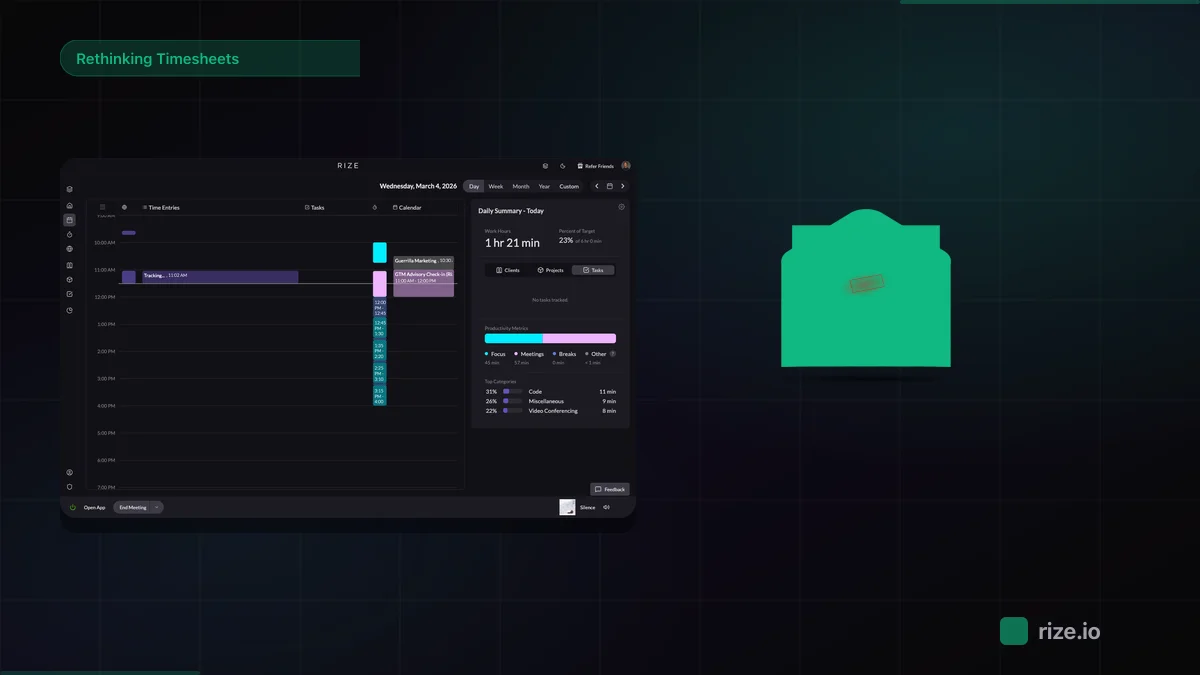
Rize runs in the background on Mac and Windows and records app, document, and browser sessions. It drafts entries with a client, project, task, and label attached, plus a short description of the work. Entries land in a To Review tab in My Timesheet, where each person approves, edits, or rejects them. There are no screenshots, keystroke logging, or GPS.
Managers open Team Timesheets for a weekly or monthly grid of team hours, pending time, utilization, and capacity, filtered by client, project, task, label, team, or member. The follow-up becomes a short list of people with pending time. Approved hours turn into invoice line items, export as CSV, or reach QuickBooks, Xero, and FreshBooks through Zapier.
Limits: capture is desktop only, so phone calls appear only if they are on the calendar. Teammates approve their own hours; managers view other people's days read-only. Pricing: Team is $29.99/seat/month billed annually ($39.99 monthly), 2-seat minimum, 7-day free trial. See pricing.
Stop chasing timesheets
Rize drafts every timesheet from captured work. Your team reviews and approves instead of typing.
Start Free TrialTimely: Automatic Capture With a Daily Confirmation Step
Timely is the closest alternative to Rize, with automatic capture on desktop and mobile apps, but each person confirms a drafted timeline before hours count.
Timely records background activity through its Memory app and lets each person turn it into time entries. The confirmation step gives control at the cost of a few minutes per person per day, and unconfirmed days are what managers end up chasing. Timely adds capacity forecasting and GPS on mobile. It starts at $9/user/month billed annually. Read Rize vs Timely for the full comparison.
Clockify: Budget Timesheets With Approvals
Clockify is the budget choice for teams that will keep logging time manually and want approvals and locked timesheets.
Clockify is free for up to 5 users and runs on web, desktop, and mobile. Approvals and locked timesheets start on the Standard plan at $5.49 per seat. Entries still come from timers or manual input, so the chase moves from "submit" to "fill in." See Rize vs Clockify.
Toggl Track and Harvest: Manual Timers With Approvals on Higher Plans
Toggl Track and Harvest are polished manual trackers, but both put timesheet approvals on their upper plans.
Toggl Track has the least friction for people who will press start, and approvals sit on Premium. Harvest pairs timers with invoicing and client payments, and approvals sit on Enterprise. Both depend on people remembering to run the timer. Compare Rize vs Toggl and Rize vs Harvest.
Buddy Punch: Best for Hourly and Field Crews
Buddy Punch is the right pick when the people you chase are hourly staff clocking in on-site rather than at a computer.
Buddy Punch supports phone, browser, kiosk, and QR code punching with optional GPS, and every plan includes a Pending Approval queue. It connects directly to QuickBooks, Gusto, ADP, Paychex, and Rippling. It is a punch clock, not automatic capture, so it fits shift work rather than client billing.
How to Choose Automatic Timesheet Software
Choose by where the work happens: desktop capture for computer-based teams, a punch clock for hourly crews, and manual timers only if the team already logs reliably.
If the team bills clients from laptops and you spend Fridays chasing hours, start with Rize. If you also need capture on phones, test Timely. If budget decides everything, Clockify's free plan is the floor. For hourly crews, use Buddy Punch. For a hands-on test of five of these tools, read The 5 Best Timesheet Software in 2026, or see how Rize automates timesheet review. Browse all comparisons or book a demo.
Start tracking time automatically
Join thousands of professionals who stopped guessing where their time goes. Free for 7 days.
“Rize has been a no-brainer for me.” — Ali Abdaal Read more →
Macgill Davis is cofounder of Rize, an automatic time tracker that improves focus and builds better work habits.