Timely and Hubstaff are the best mobile time tracking apps for automated capture in 2026. Timely records GPS locations on the phone and drafts your day from its desktop Memory tracker, and Hubstaff clocks field workers in and out by geofence. Most other mobile apps still depend on someone remembering to press start.
That last point is the part most "best mobile time tracker" lists skip. A phone is a bad place to capture work automatically. Apple and Google sandbox every app, so a time tracker on your iPhone cannot see that you spent 40 minutes in Gmail and 20 in a client's Google Doc. What it can see is where you are, what is on your calendar, and when you open it.
So the honest question is not "which app tracks my phone automatically," but "which app captures the most without me, and how does it combine with my desktop." This guide ranks seven tools on exactly that.
Quick answer
For automatic capture on a phone, pick Timely (GPS plus desktop Memory) or Hubstaff (geofenced clock-in for field teams). For the best manual mobile timer, pick Toggl Track. For free, pick Clockify. If most billable work happens at a Mac or PC, Rize captures it with no timer and a mobile timer covers the rest.
What "automatic" means on a phone
Automatic mobile time tracking means location, calendar, or schedule triggers start and stop time, because iOS blocks, and Android gates behind a manual permission, access to other app usage.
Apple's DeviceActivity framework only exposes Screen Time data to parental-control style apps, and it returns usage in a privacy-protected report the app itself cannot read or upload. Android's UsageStatsManager is more open, but it requires a special permission users must grant by hand in system settings. That is why every app below falls into one of four capture methods:
- GPS and geofencing. Time starts when you arrive at a saved location and stops when you leave. Best for job sites and client visits.
- Calendar import. Meetings on Google Calendar or Outlook become draft entries.
- Desktop capture plus mobile review. The desktop app records apps and documents, and the phone app is where you check or fix the day.
- Manual timer. One tap to start and stop, often with reminders and offline sync.
Manual timers fail at context switches. Every meeting, call, or drive between sites is a moment where a timer gets left running or never started. The more of your day that runs through triggers instead of memory, the better your timesheet.
The best mobile time tracking apps at a glance
| Tool | Mobile apps | Automatic capture on mobile | Best for | Pricing |
|---|---|---|---|---|
| Timely | iOS, Android | GPS locations plus desktop Memory | Automatic capture across desk and phone | From $9/user/mo (annual) |
| Hubstaff | iOS, Android | Geofenced clock-in and GPS | Field and on-site crews | Paid plans, GPS on higher tiers |
| Jibble | iOS, Android, kiosk | Geofenced clock-in | Attendance for hourly staff | Free plan, unlimited users |
| Toggl Track | iOS, Android | None (manual timer, calendar) | The best manual phone timer | Free / from $9/user/mo |
| Clockify | iOS, Android, kiosk | None (timer, offline sync, GPS on paid) | Free team tracking | Free / from $3.99/user/mo |
| Harvest | iOS, Android | None (manual timer) | Billing time and expenses from a phone | Free (1 seat) / $11/user/mo |
| Rize | Mobile web beta | Fully automatic on Mac and Windows | Desk-based teams who also work on the go | From $9.99/mo; Team $29.99/seat (annual) |
Prices were checked on vendor pricing pages in October 2026 and change often, so confirm before you buy.
1. Timely: best automatic capture across desktop and phone
Timely is the most automatic mobile time tracker because its iOS app records GPS locations and its desktop Memory app drafts the rest of your day.
According to Timely's App Store listing, the app tracks time spent in "web & desktop applications, GPS locations, meetings, documents, browsers, emails." On the phone, that means a client visit shows up as a location block next to the desktop work captured by Memory. You review the drafted timeline and turn blocks into entries.
The trade is that nothing counts until you confirm it, so Timely still asks for a few minutes of review each day. The iOS listing also carries a 3.0 rating from 32 reviews, which matches complaints about sync reliability. Timely suits agencies and consultancies that want one vendor for automatic capture on a Mac and an iPhone.
Pros: GPS capture on mobile, automatic desktop Memory, private-by-default activity data, project budgets. Cons: Entries need manual confirmation; mixed App Store reviews. Pricing: From $9/user/mo billed annually.
2. Hubstaff: best for field teams with geofenced clock-in
Hubstaff is the best mobile time tracker for field crews because geofences start and stop time when workers arrive at or leave a job site.
Managers draw a geofence around each site, and the Hubstaff mobile app prompts or clocks the worker in on arrival. GPS points attach to each entry, so a manager can see where time was logged and roll it into payroll and job costing. For construction, cleaning, home services, and other on-site work, this removes most of the forgotten-timer problem.
The same location data makes Hubstaff a poor fit for knowledge workers. Continuous GPS and the activity monitoring Hubstaff sells on desktop read as surveillance to salaried staff, and the American Psychological Association's 2023 Work in America survey found that 32% of monitored workers reported fair or poor mental health, compared with 24% of workers who were not monitored.
Pros: Geofenced clock-in, GPS on each entry, payroll and job costing. Cons: Location and activity tracking feel invasive to office teams; GPS features sit on higher tiers. Pricing: Paid plans only; check Hubstaff's pricing page for current GPS tiers.
3. Jibble: best free geofenced clock-in for hourly staff
Jibble is the best free mobile clock-in app because its free plan covers unlimited users and supports geofenced and GPS clock-in.
Jibble is an attendance tool first. Staff clock in from the phone, a shared kiosk, or the web, and geofences can restrict clock-in to approved locations. Its desktop app can also clock you in automatically when you start working at the computer. Hours land on timesheets that still need client and project tags added by hand, so Jibble answers "when did people work" better than "what did they work on."
Pros: Free plan with unlimited users, kiosk and GPS clock-in, overtime and attendance rules. Cons: Project and client attribution is manual; built for shifts, not billable work. Pricing: Free; paid tiers add advanced attendance features.
4. Toggl Track: best manual mobile timer
Toggl Track has the best manual mobile timer, with polished iOS and Android apps that sync instantly to shared team reports.
The Toggl Track mobile apps start a timer in one tap, work offline, and pull in calendar events so meetings are easy to log. Reports roll up by project, client, and person, so a team that mixes desk and field time lands in one dataset. It captures nothing on its own, though. Accuracy depends on everyone remembering the timer.
Pros: Fast, reliable phone timer; calendar integration; free tier; 100+ integrations. Cons: No automatic capture on mobile or desktop beyond idle detection. Pricing: Free for basic tracking; paid plans from $9/user/mo billed annually.
Let your desktop track itself
Rize captures every app, document, and meeting on Mac and Windows with no timer, then pairs with whatever you use on your phone. Try it free for 7 days.
Start Free Trial5. Clockify: best free mobile time tracker for teams
Clockify is the best free mobile time tracker for teams because its iOS and Android apps, offline mode, and timesheets are all on the free plan.
According to Clockify's mobile page, the phone app is free on both platforms, tracks offline and syncs when you reconnect. Kiosk mode and GPS location tracking are paid features. The Auto Tracker that records app usage runs on desktop, not on the phone.
Pros: Generous free plan, offline tracking, kiosk and GPS on paid plans. Cons: Manual timers on mobile; reporting is basic. Pricing: Free; paid tiers from $3.99/user/mo billed annually.
6. Harvest: best for billing time and expenses from a phone
Harvest is the best mobile time tracker for billing because hours and receipt-photo expenses logged on the phone flow straight into invoices.
The Harvest iOS and Android apps run manual timers and let you snap a receipt as an expense, which is the standout for consultants who travel to clients. Logged time becomes a sendable invoice in Harvest without a second tool. There is no automatic capture, so Harvest works best for people disciplined about timers.
Pros: Invoicing and payments built in, expense capture on mobile, mature reports. Cons: Manual timers only; per-seat pricing adds up for larger teams. Pricing: Free for 1 seat and 2 projects; Pro at $11/user/mo.
7. Rize: best for desk-based teams who also work on the go
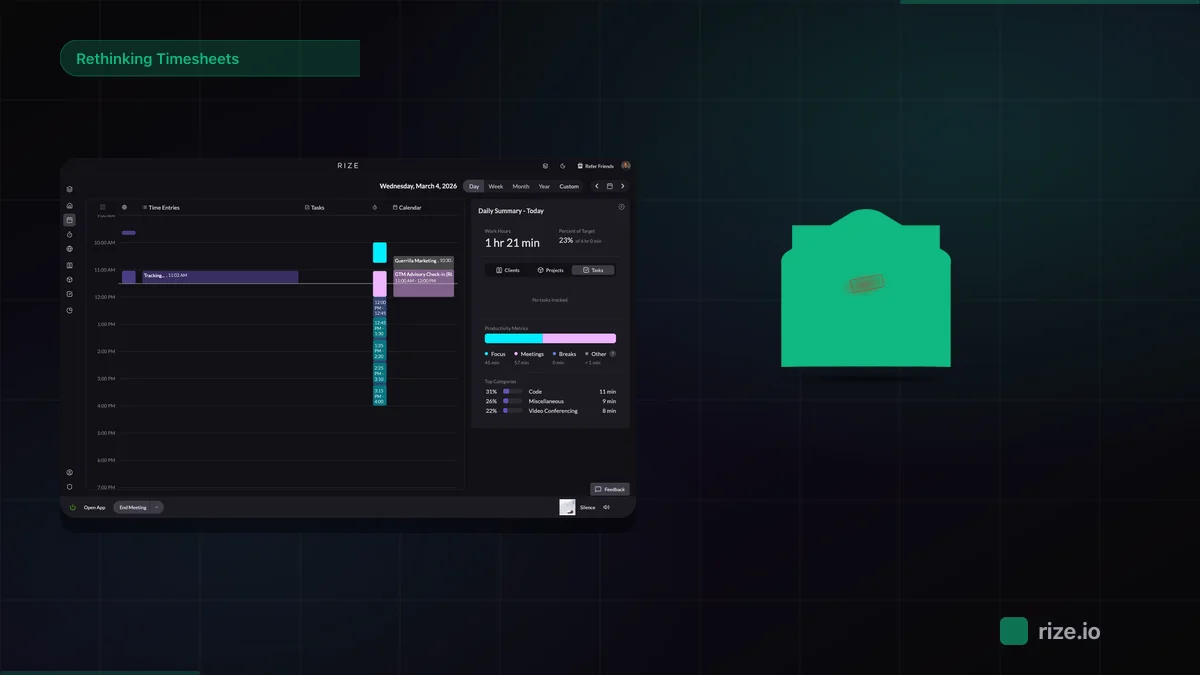
Rize is the best pick when most billable work happens at a computer, because it captures every app and document on Mac and Windows with no timer.
Rize runs in the background on the desktop, builds a timeline from app and window titles (never keystrokes), and suggests the client, project, and task for each block. You approve or edit the suggestions, and team admins can turn on team dashboards for hours by client and project.
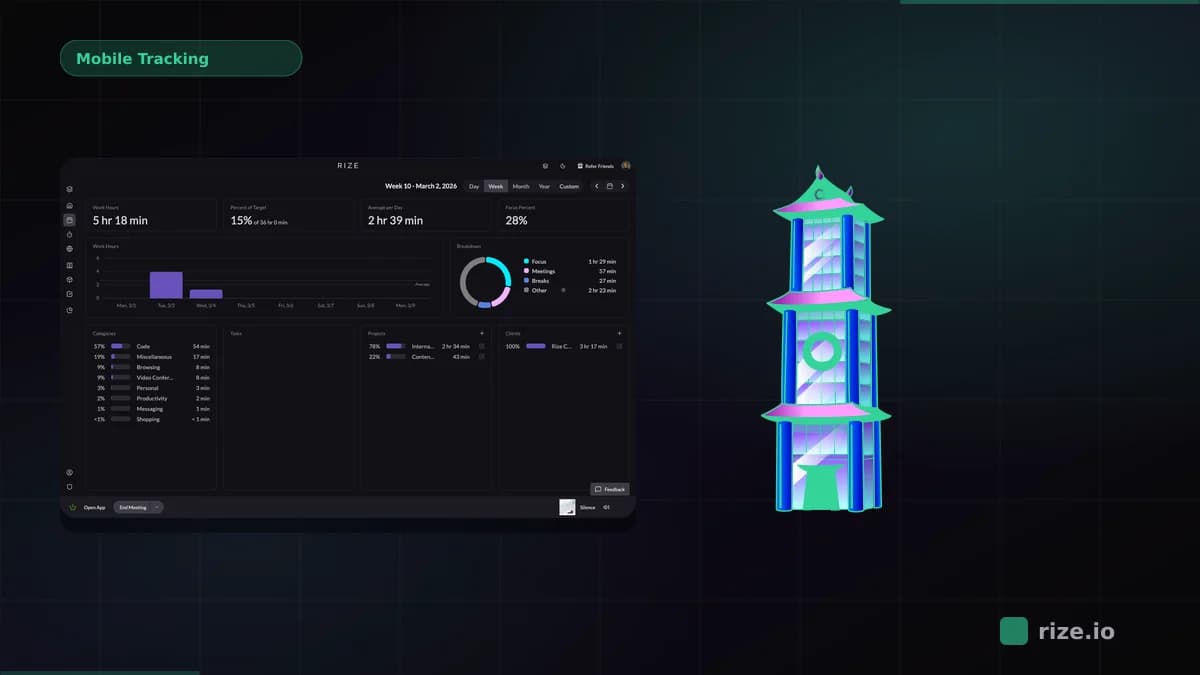
The mobile story is limited, and we would rather say so. There is no public iOS or Android app. Some accounts have a mobile web beta at app.rize.io/m that starts Focus, Meeting, In person, or Break blocks from a phone. Calendar events, manual entries in the browser dashboard, Zapier, and the API and MCP server cover the rest of off-desk time. Teams with heavy field work should pair Rize with Hubstaff or Clockify on the phone.
Pros: Fully automatic desktop capture, AI client and project suggestions, no screenshots by default. Cons: No native mobile app; capture is desktop only. Pricing: From $9.99/mo; Team at $29.99/seat/mo billed annually with a 2-seat minimum.
How to choose a mobile time tracking app
Choose a mobile time tracker by where the work happens: job sites need geofencing, client visits need GPS, and desk work needs desktop capture.
- Field crews and shift workers: Hubstaff for job costing, Jibble for free attendance.
- Consultants who visit clients: Timely for GPS capture, Harvest if invoicing and expenses matter more.
- Small teams on a budget: Clockify free, or Toggl Track if the team will use a timer that feels good.
- Agencies and firms where 80% of work is at a desk: Rize on every computer, plus a phone timer for the rest.
Whichever you pick, keep client and project names identical across the desktop and mobile tools so reports merge cleanly. For a desk-first view of the same market, see our comparison of time tracking apps for Mac and mobile and our guide to automated time capture for hourly workers.
Start tracking time automatically
Join thousands of professionals who stopped guessing where their time goes. Free for 7 days.
“Rize has been a no-brainer for me.” — Ali Abdaal Read more →