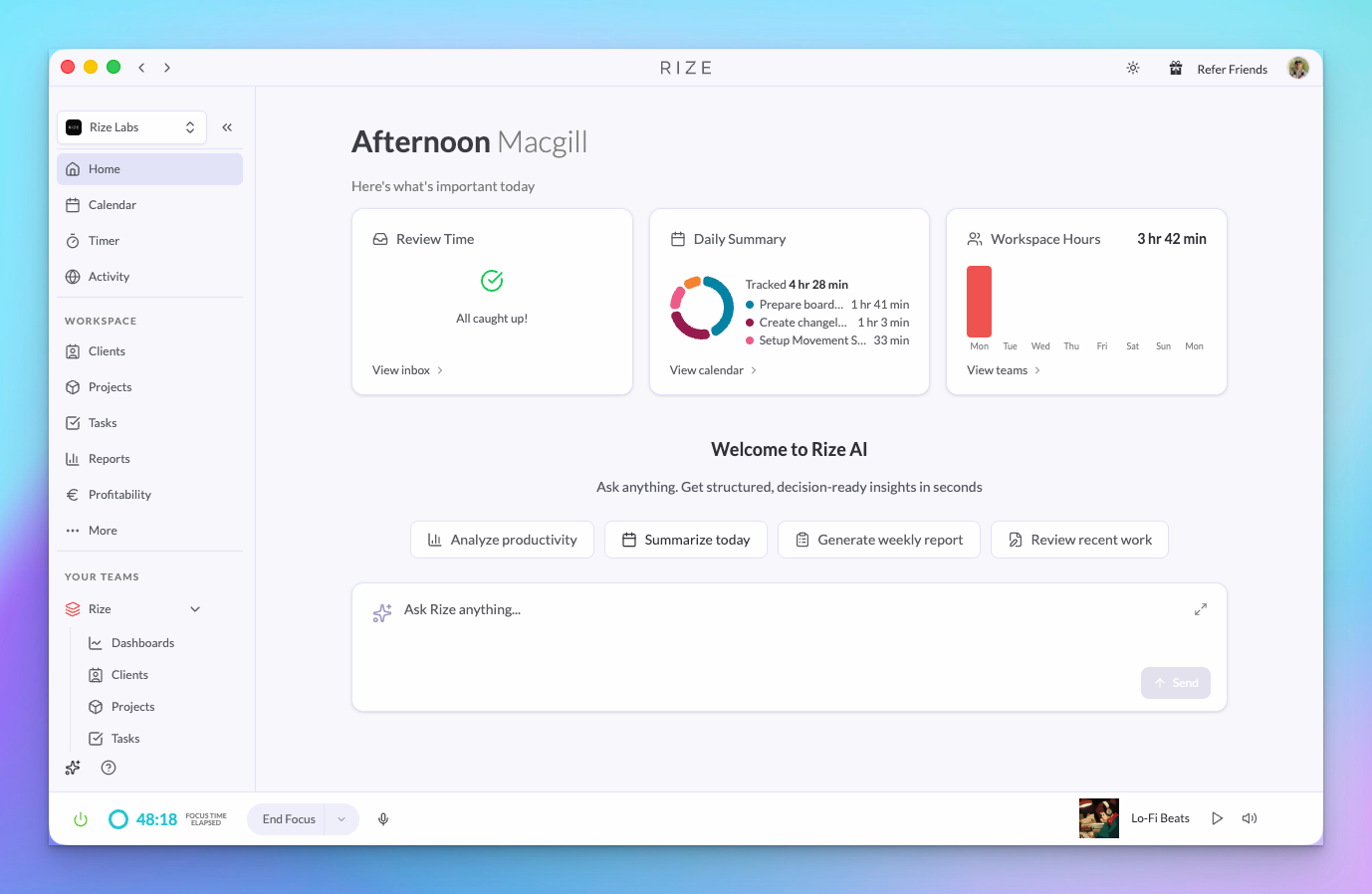
Rize v3.0.7 is here. The headline: admins can now fully manage time entries for their team, you can chat with your data inside Rize and Slack, reports got Group By, and the whole app is faster.
WHAT'S NEW
Slack Agent
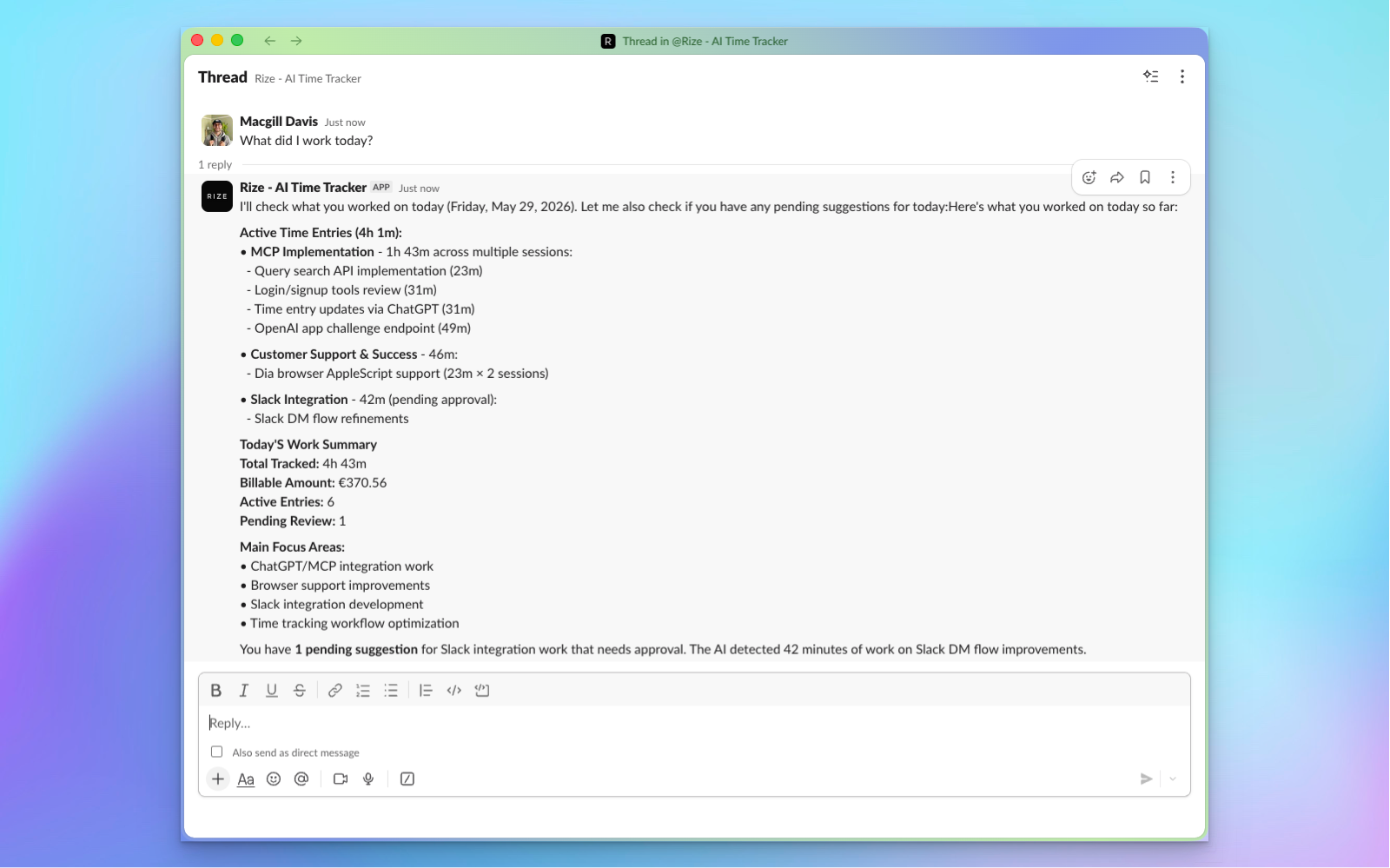
Install the Rize Slack Agent and ask questions about your time data directly in Slack. Same AI, same data, no context switching. Read the full announcement
MCP Chat in Rize
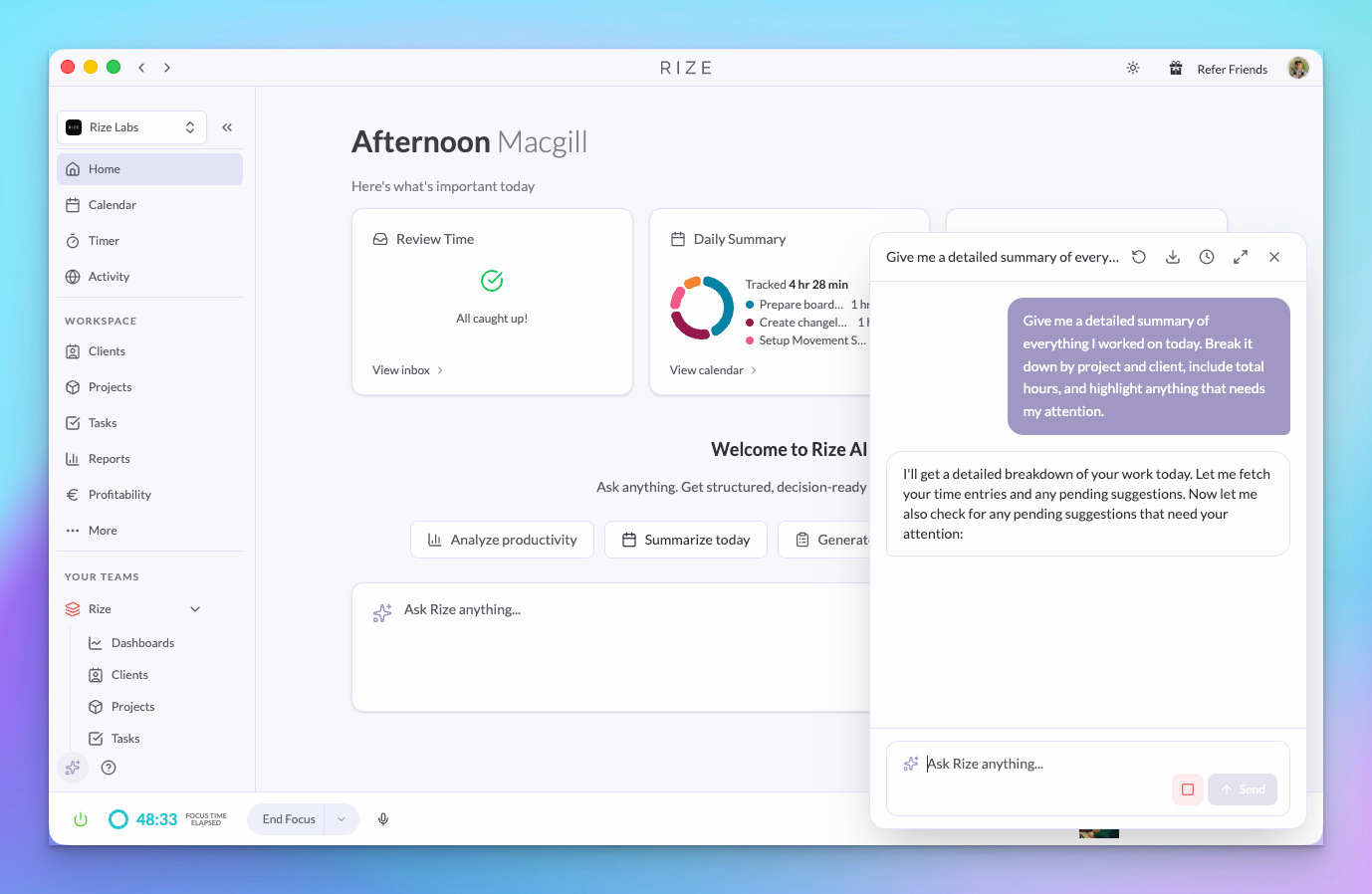
Chat with your time tracking data directly inside the Rize web app — no external AI tool required. Ask about your day, your team's hours, or project profitability in plain English. Read the full announcement
MCP: Profitability & Events Tools
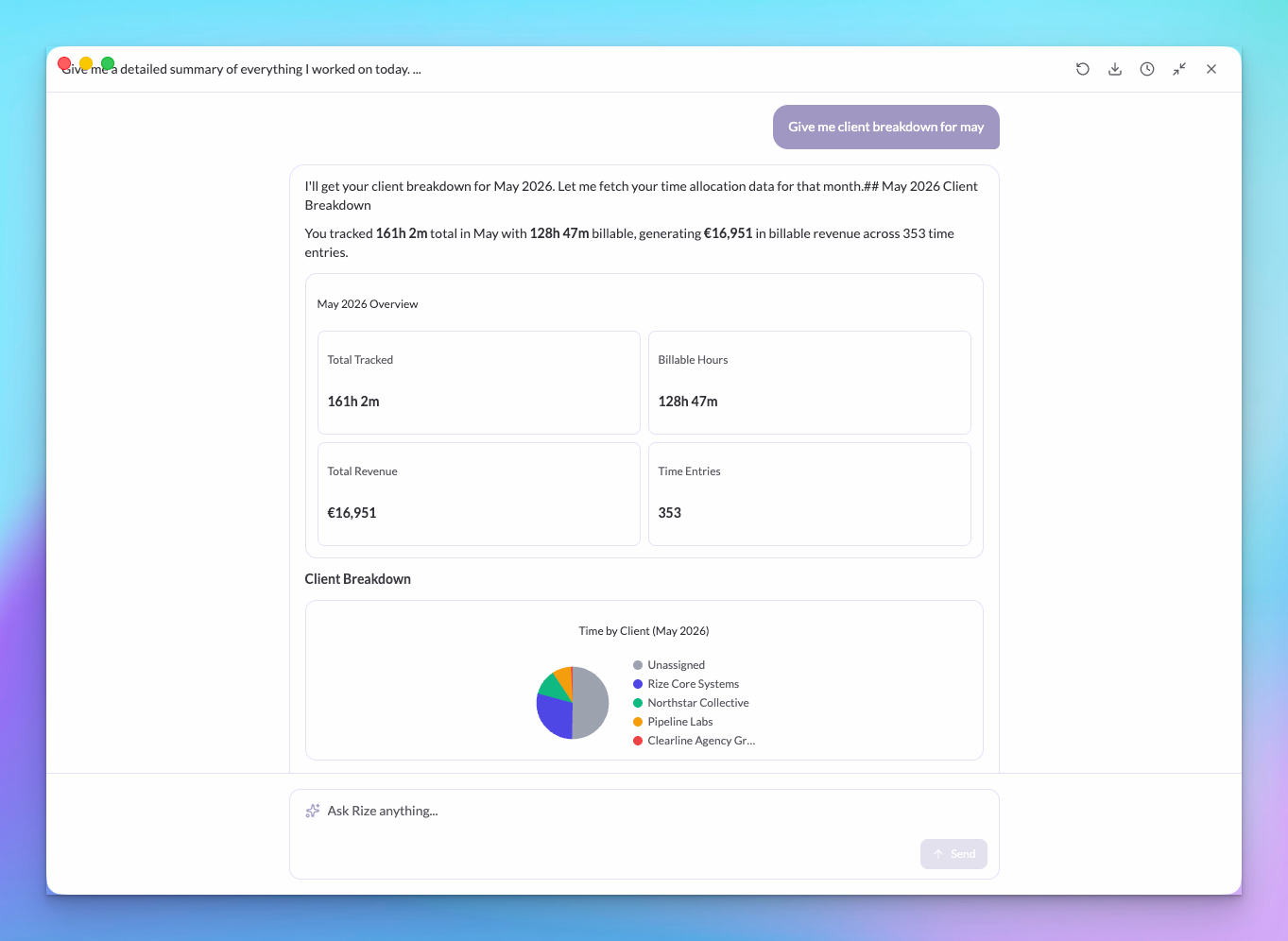
The Rize API and MCP now include profitability data and tracking events. Ask your AI assistant about revenue per client, billable utilization, or fetch granular activity data. Read the full announcement
Reports: Group By
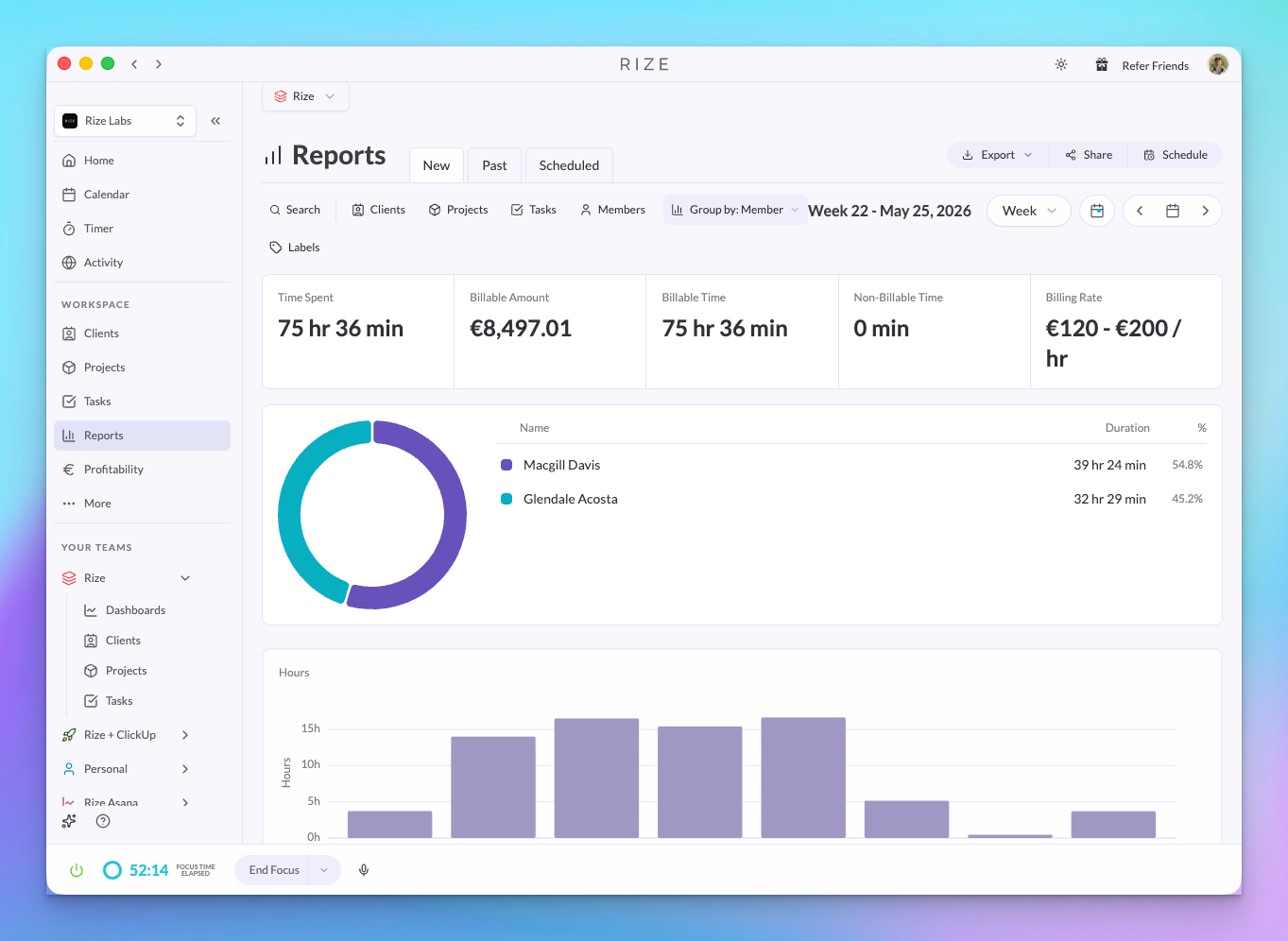
Group your reports by client, project, task, team member, or label. Each group shows a subtotal so you can see where time is going without exporting to a spreadsheet. Read the full announcement
Timeline Notes
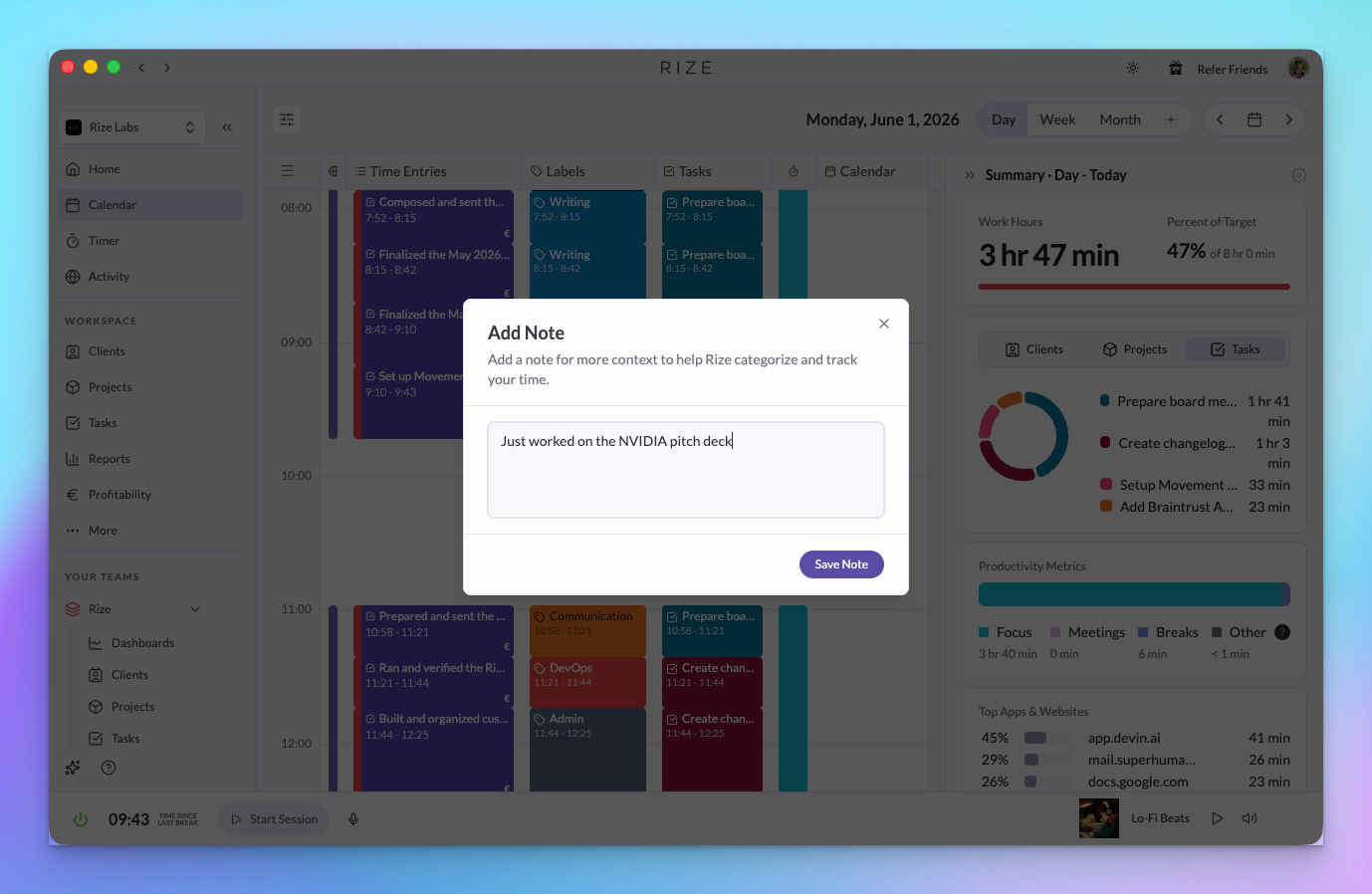
Add notes to any time entry for extra context — what you worked on, why something took longer, or a message for your admin. Notes show up in reports and exports. Read the full announcement
Admin Time Entry Management
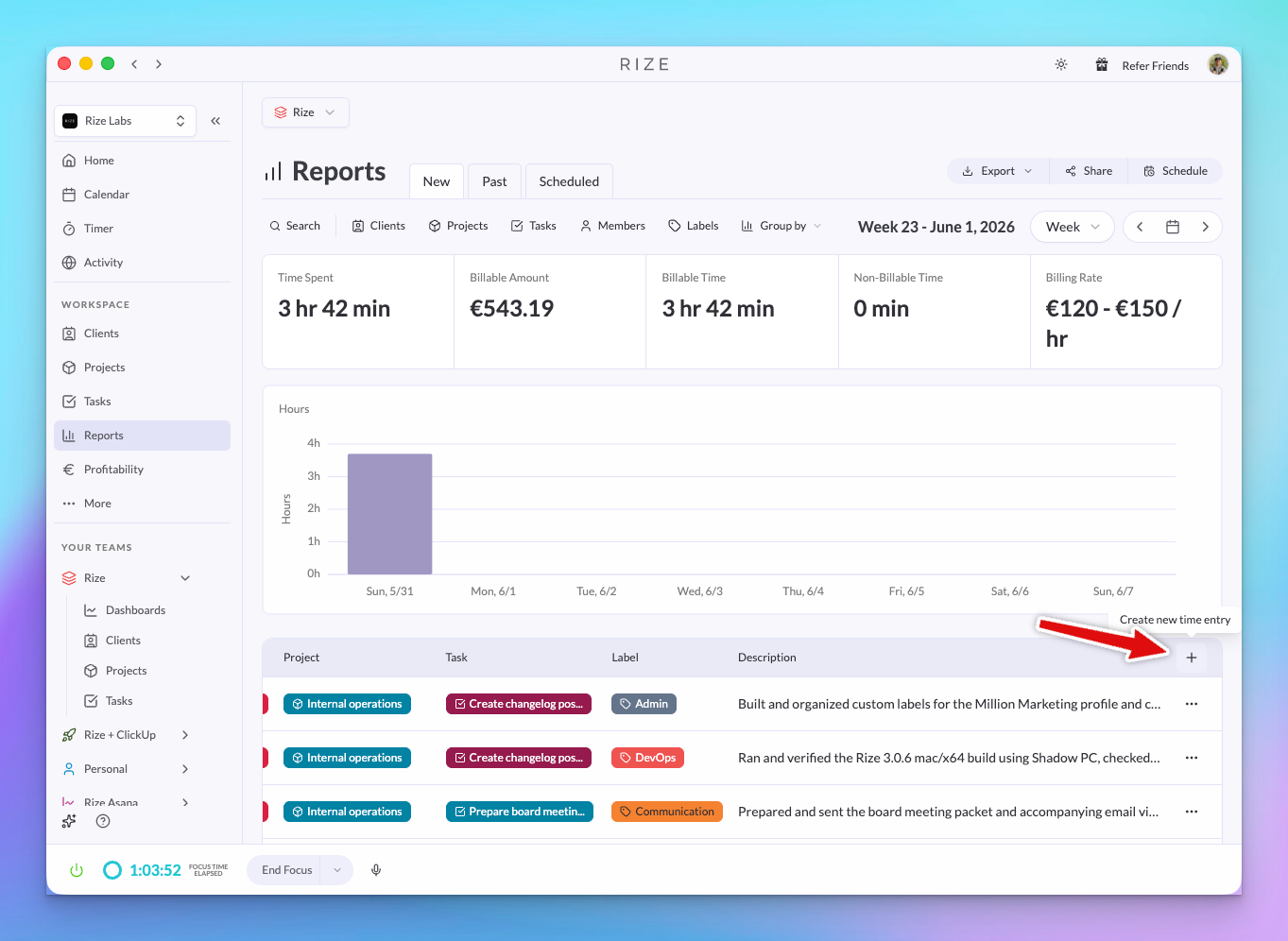
Admins can create, edit, and delete time entries for any team member. Entries show source labels — AI, AI Edited, or User — and team members now have titles. Read the full announcement
Dia Browser Support
Rize now tracks activity in Dia, the AI-native browser from The Browser Company. No setup required — if Dia is installed and Rize is running, tracking starts automatically. Read the full announcement
IMPROVEMENTS
Database performance
Major database optimizations make dashboards, reports, and the daily timeline load faster — especially for teams with months of data.
Automatic retry for failed time entries
If a time entry fails to save, Rize now automatically retries it on a schedule so nothing gets lost.
Load More for tasks, projects, and clients
Long lists now load incrementally with a "Load More" button instead of rendering everything at once.
FIXES
- End meeting early — Ending a meeting before its scheduled time now correctly stops the time entry
- Day report billable hours — Daily reports no longer pull in billable hours from the previous day
- Admin billable hours — Team-wide billable hour totals for admins now calculate correctly
- Lofi music channels — Updated stale YouTube channels so focus music keeps playing
See all bug fixes and improvements
WHAT'S NEXT
More reporting features, continued performance work, and deeper integrations. As always, let us know what you'd like to see — we read every piece of feedback.