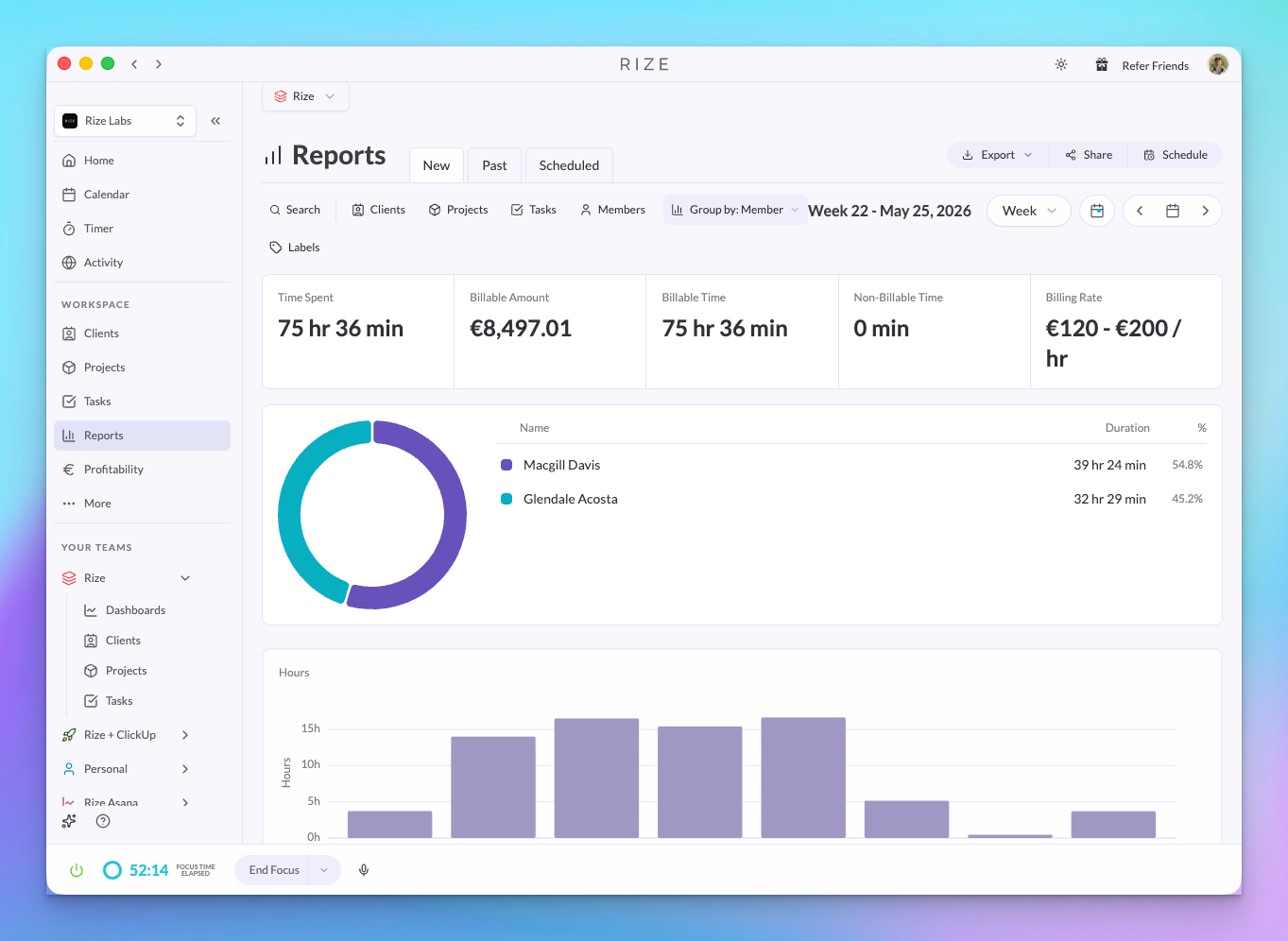
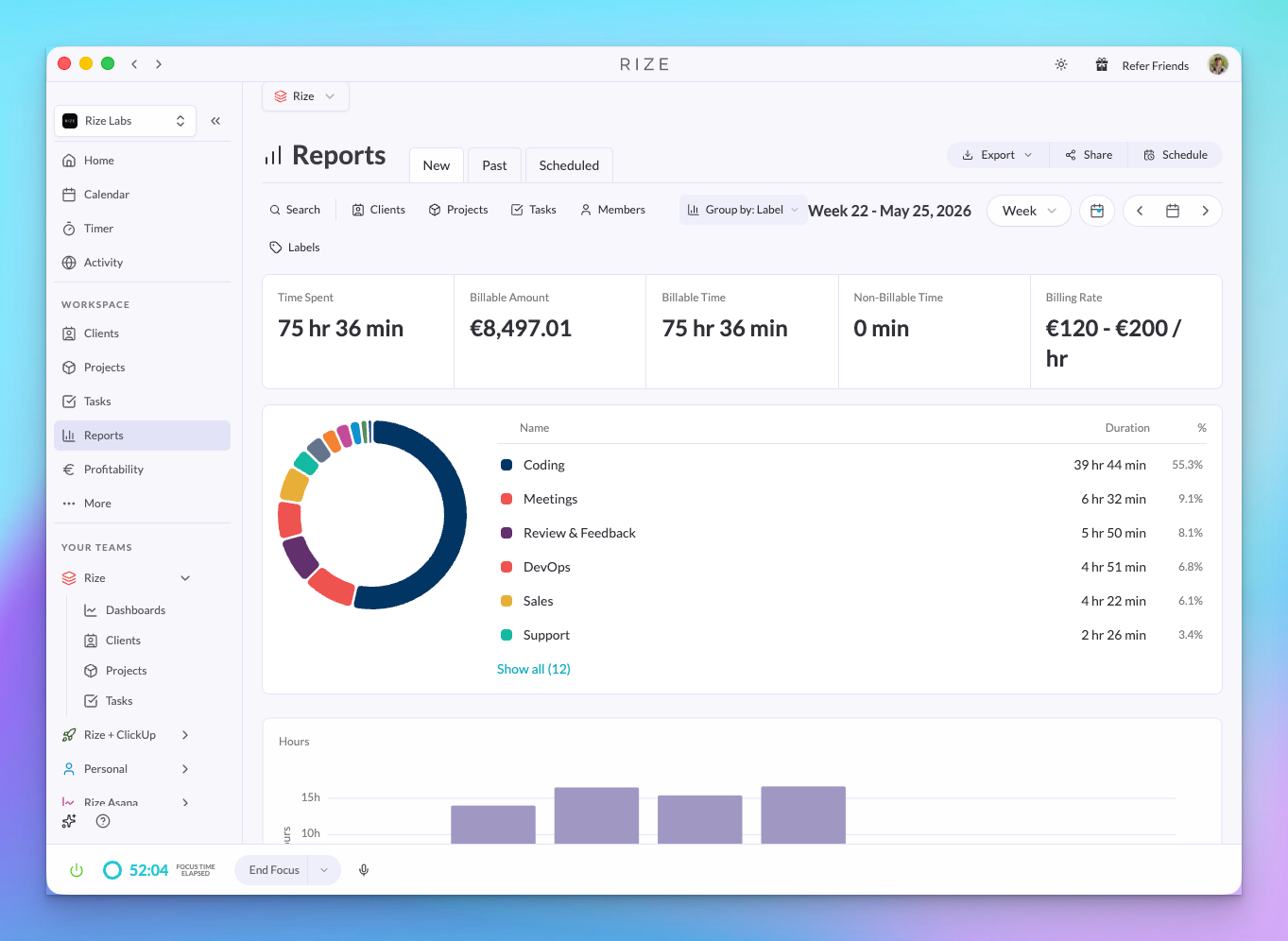
Reports now support grouping. Pick a dimension — client, project, task, team member, or label — and your report reorganizes around it.
NEW
Group by client, project, task, team member, or label
Instead of scrolling through a flat list of time entries, you can now group your report by:
- Client — See total hours per client at a glance
- Project — Break down time by project within each client
- Task — Get task-level granularity
- Team member — See who logged what
- Label — Group by AI-assigned category (e.g. "Meetings", "Planning", "Communication")
Each group shows a subtotal, so you can quickly spot where the most time is going without exporting to a spreadsheet. Combine Group By with date range filters and the existing search bar to slice your data exactly the way you need it.
WHY THIS MATTERS
- Weekly client reviews — Group by client to see total hours per client at a glance, then drill into projects within each
- Resource allocation — Group by team member to spot who's overloaded and who has capacity
- Invoice prep — Group by project, check the subtotals, and copy them straight into your invoice without a spreadsheet
- Understanding where time goes — Group by label to see how much of your team's week was "Meetings" vs. "Planning" vs. "Admin"