Two new categories of data are now available through the Rize API and MCP: profitability and tracking events.
NEW
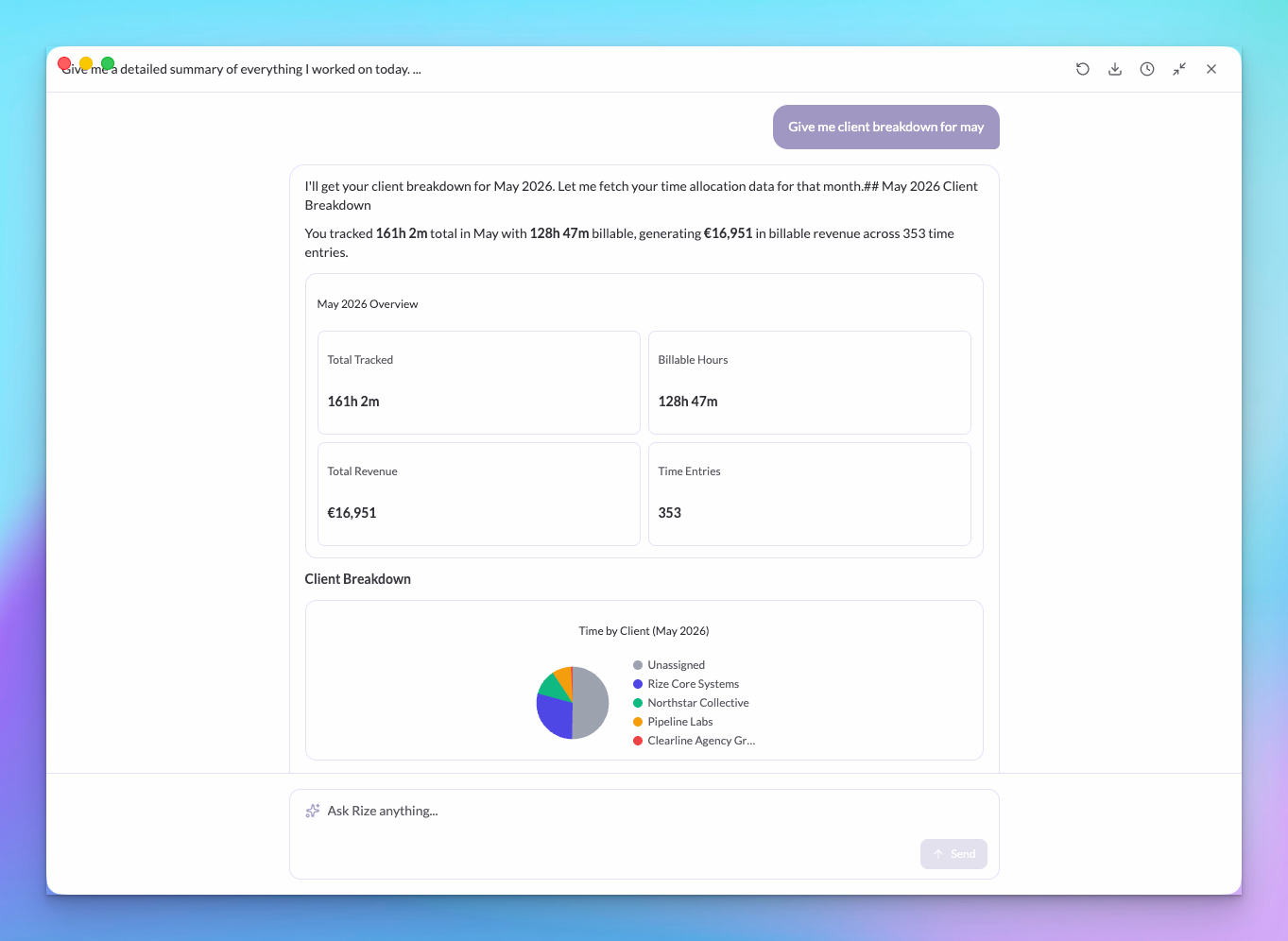
Profitability data in MCP and API
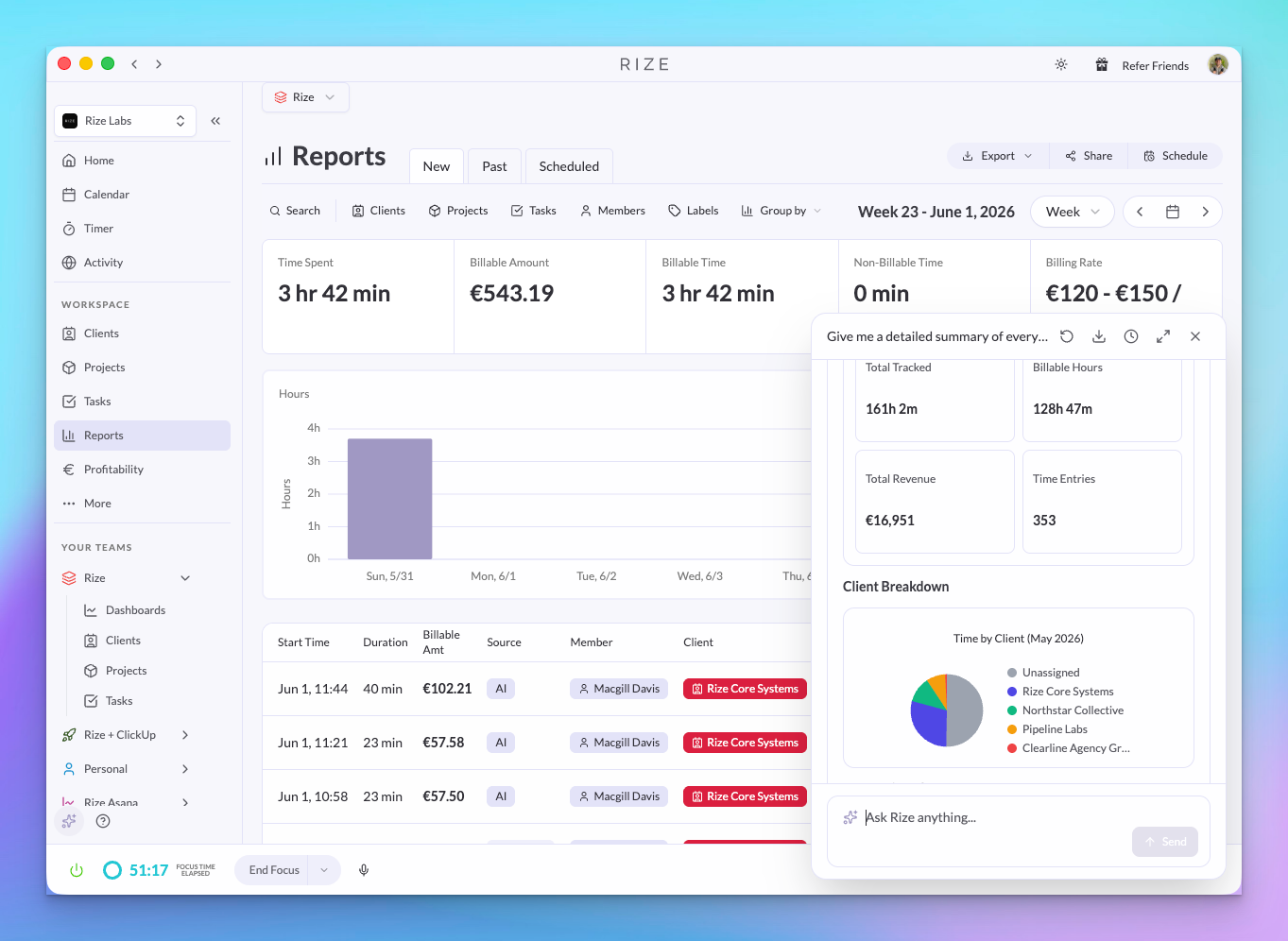
The Rize MCP and API now expose profitability information — billable hours, hourly rates, and revenue per client or project. If you've connected Rize to Claude, ChatGPT, or the Rize Slack app, you can now ask questions like:
- "Which clients are most profitable this month?"
- "What's our billable utilization rate this week?"
- "How much revenue did Project X generate last quarter?"
- "Which projects are losing money?"
The answers are grounded in your real Rize data — hourly rates, tracked time, and billable status — not estimates.
Tracking events in MCP and API
Tracking events — the granular 15-second activity chunks that Rize captures — are now available through the API and MCP. These are the raw building blocks behind your time entries. You can fetch and batch them for:
- Building custom reports on exactly what apps and sites were used
- Auditing how time entries were generated from raw activity
- Feeding detailed activity data into your own tools or dashboards
- Asking your AI assistant "What was I actually doing between 2pm and 4pm?"
Events give you the most detailed view of tracked activity — useful when time entries alone aren't granular enough.
WHY THIS MATTERS
- Agency owners tracking margins — Ask "Which clients are profitable and which are losing money?" and get real numbers, not guesses
- Ops teams building custom dashboards — Fetch raw 15-second tracking events via the API and pipe them into your own BI tools
- Developers integrating with internal tools — Pull profitability and activity data into your CRM, invoicing, or project management system
- Team leads auditing time entries — Drill into the raw events behind a time entry to see exactly what apps and sites were active