Changelog
See what's new and improved in Rize.
Try the latest features — start your free trial today.
Start Free TrialmacOS Performance Fix for 2.0
If Rize 2.0 runs slowly on macOS, reinstall with the correct installer. Apple Silicon Macs need the M-Chip build instead of the Intel version.

Time Entry Suggestion 2.0
AI-powered time entry suggestions based on your activity, with automatic client/project tagging and ClickUp/Linear sync.
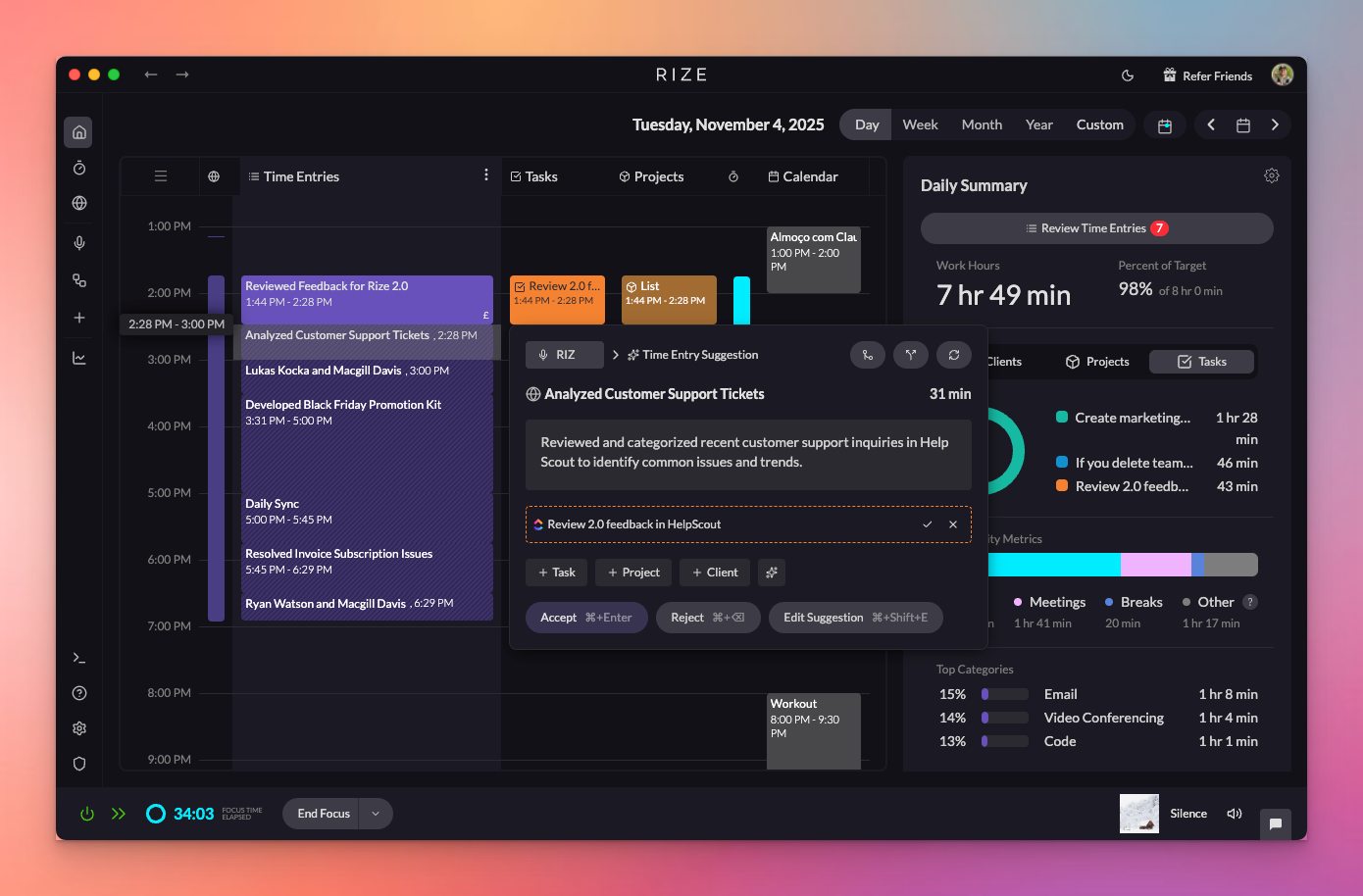
Rize 2.0 - The Next Evolution of Time Tracking
Rize 2.0 is part of a new generation of fully autonomous software — tools that don’t just track your work, but do the work for you
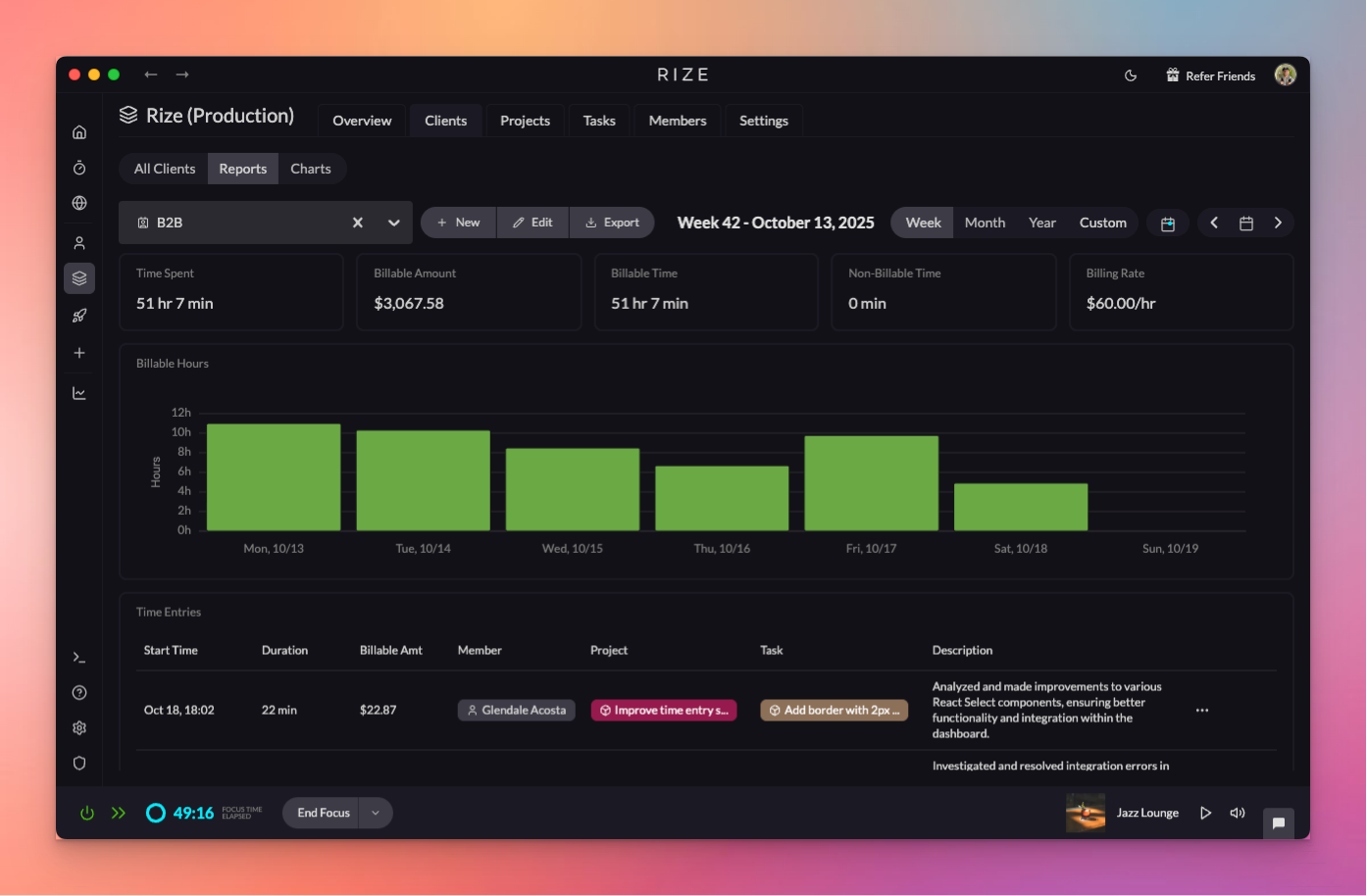
Time Entry Suggestions
Rize now uses AI to automatically generate time entries, splitting your day into work sessions with titles, descriptions, and suggested tags.

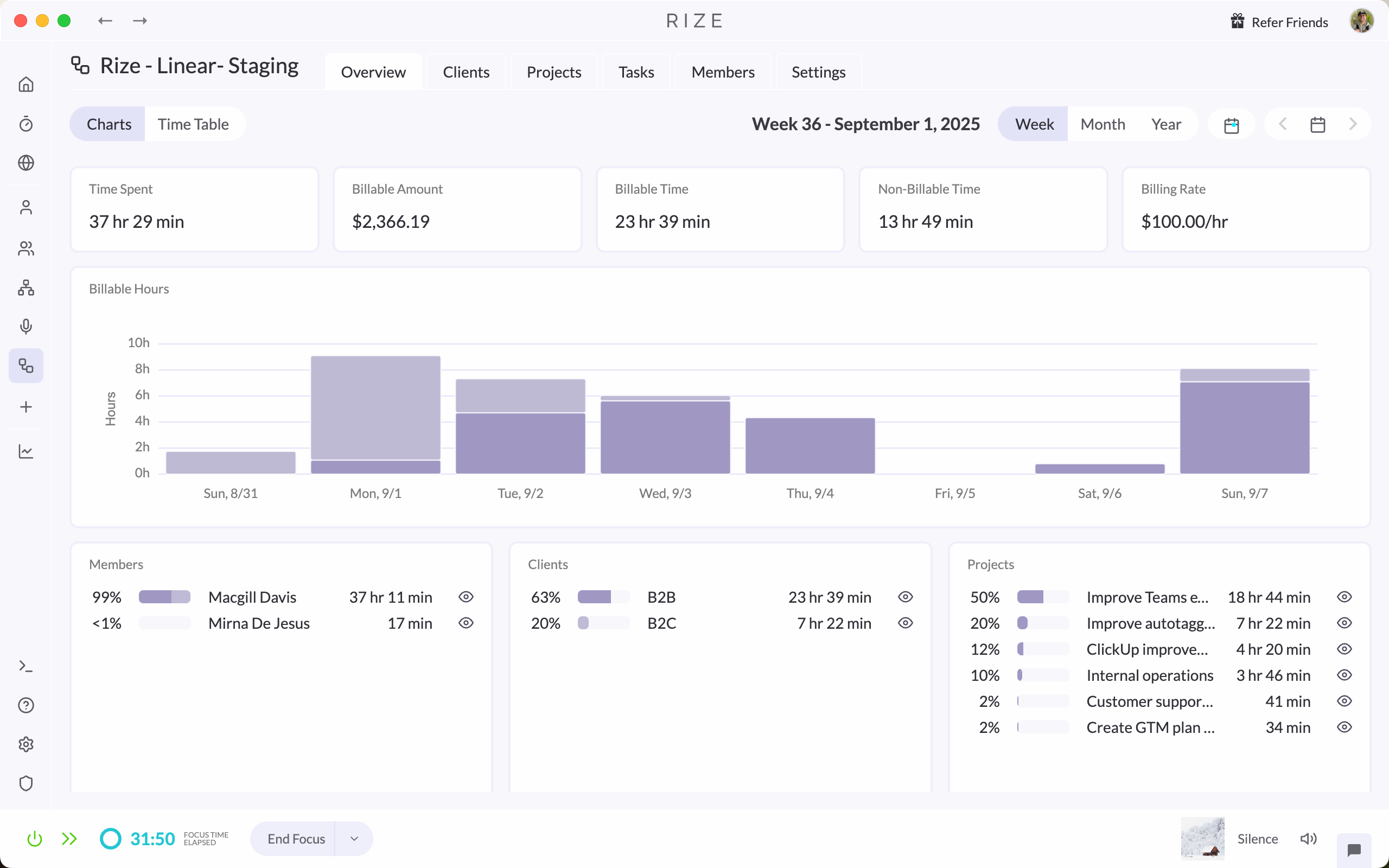
Launching Workspaces
Rize now supports Workspaces for separating work. Create Individual and Team Workspaces with custom names, colors, and icons.
1.6.0 Release
Rize 1.6.0 fixes an issue where the app would not appear in the macOS dock, along with other small bug fixes and stability improvements.

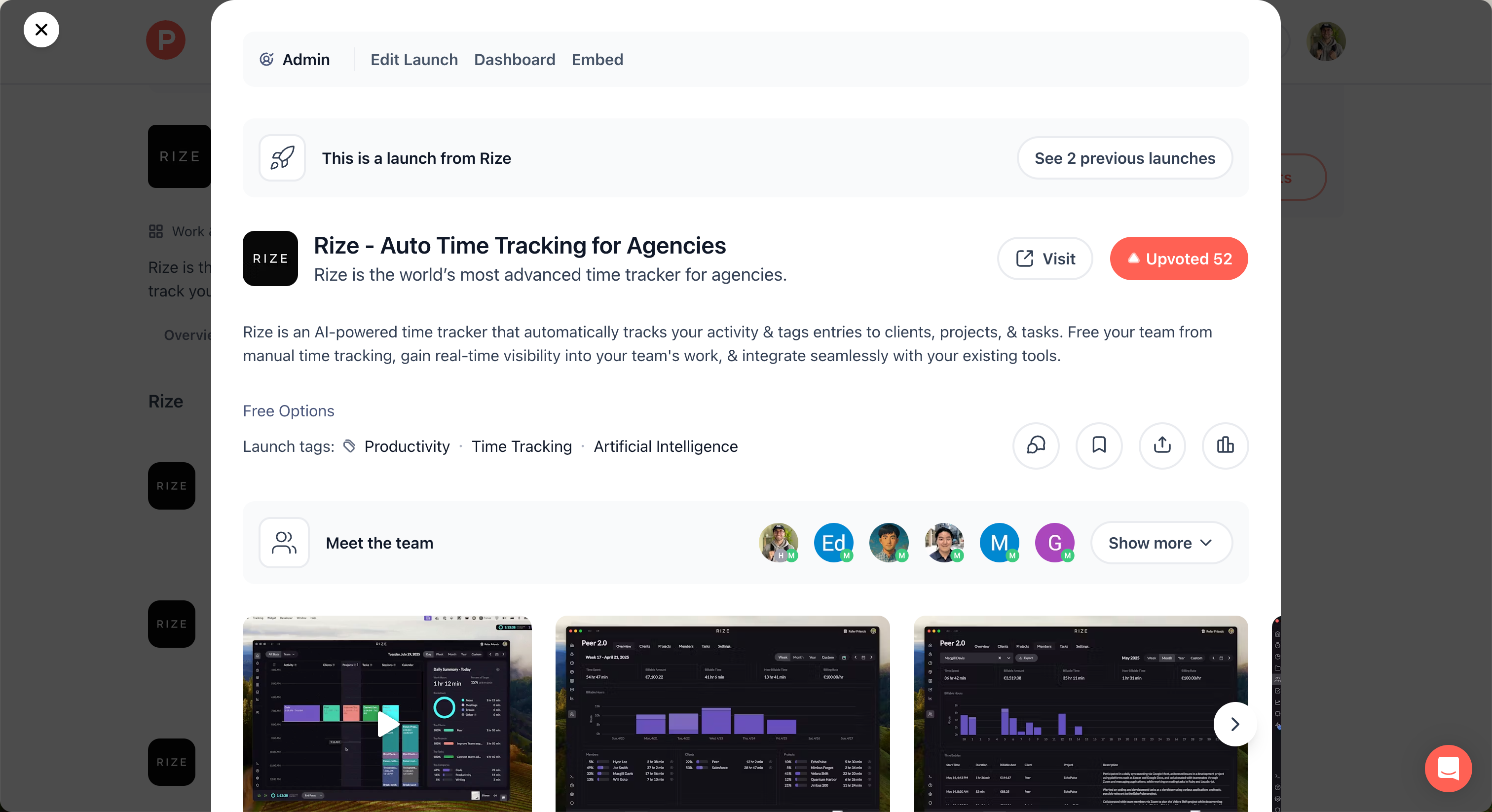
Rize Teams Product Hunt Launch
Rize Teams is live on Product Hunt, bringing AI-powered time tracking to teams with automatic categorization and detailed, auto-tagged time entries.
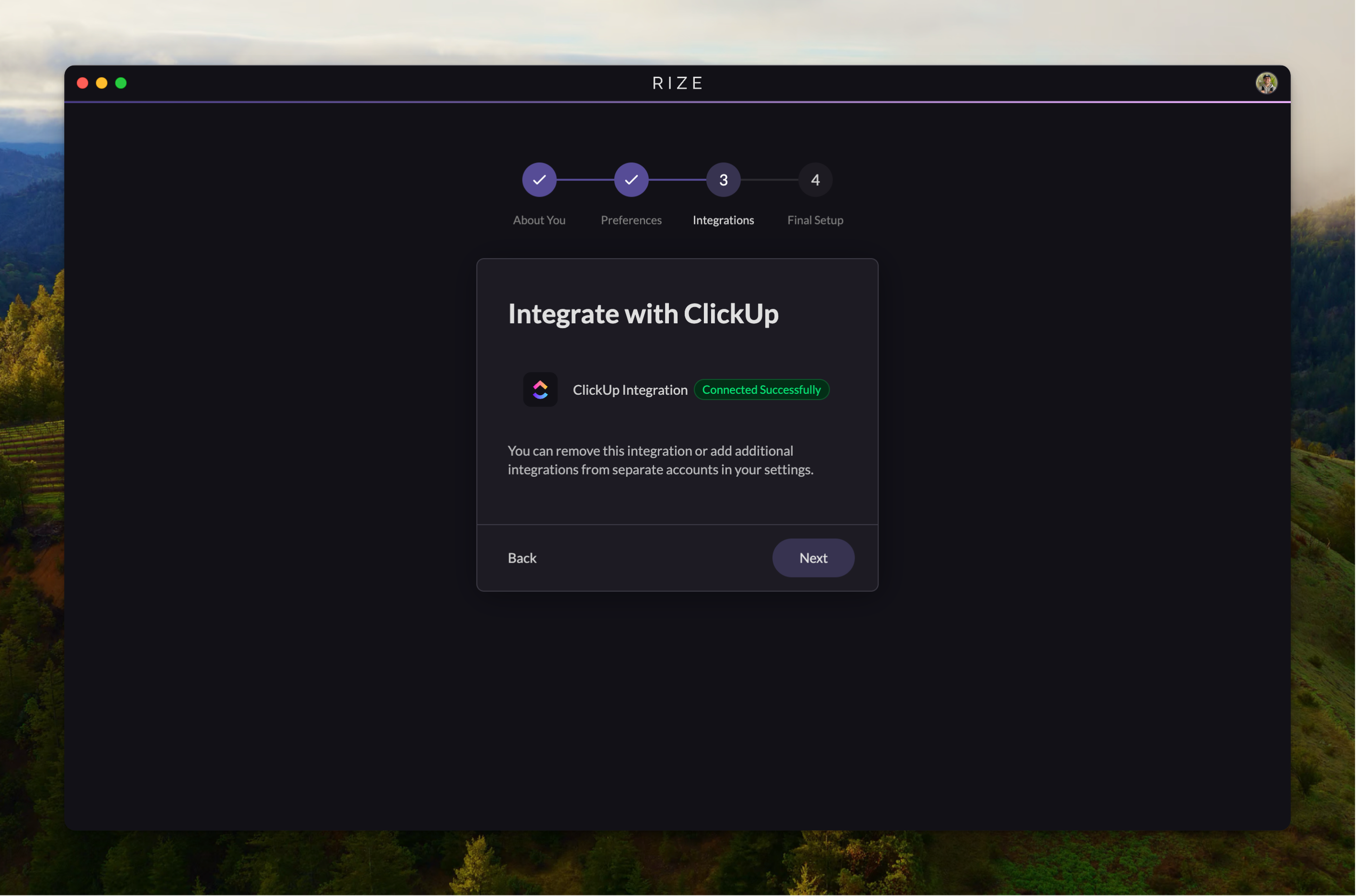
ClickUp Teams Integration
Create a team from your ClickUp workspace, sync members and tasks, and track time across both platforms automatically.
1.5.7 Release
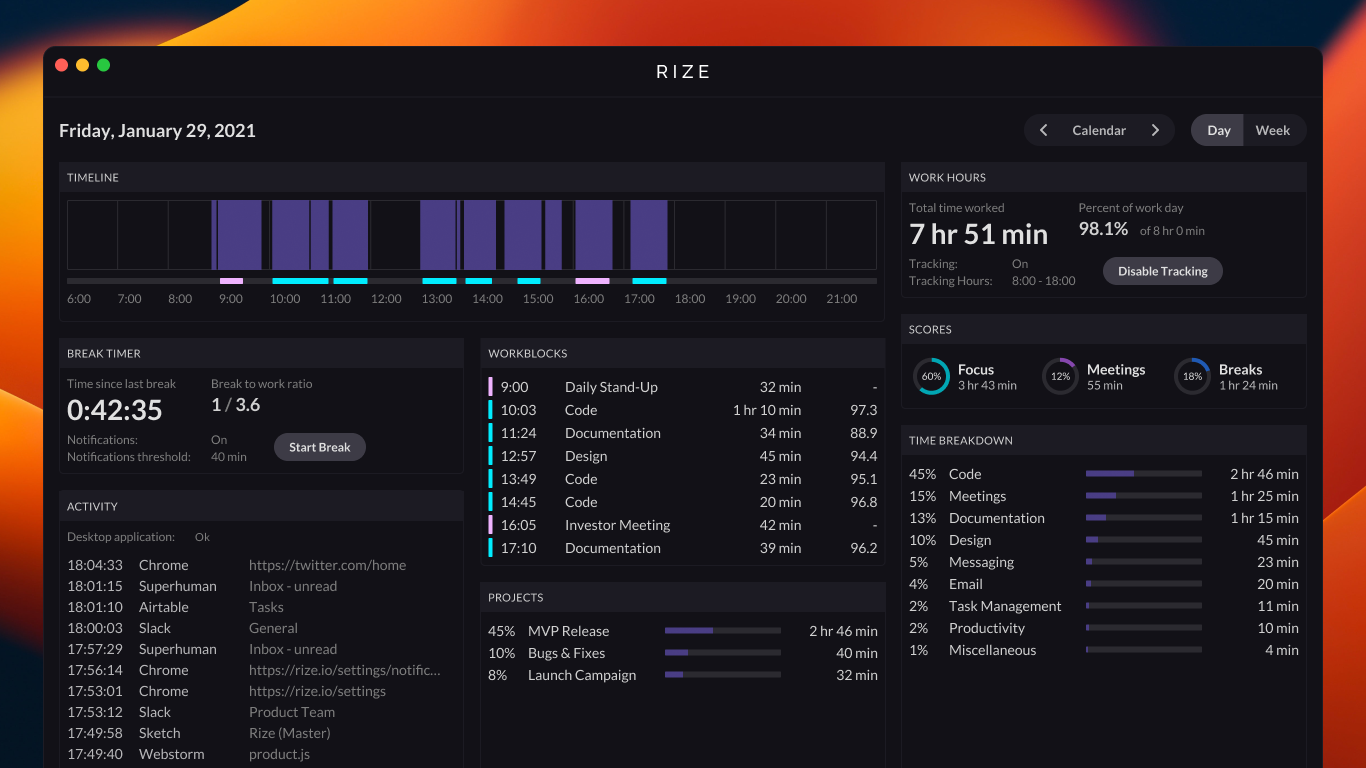
Rize 1.5.7 fixes a bug that prevented tracking from starting under rare conditions and resolves an app build issue in the desktop app.
AI-Powered Tagging for Clients, Projects, and Tasks
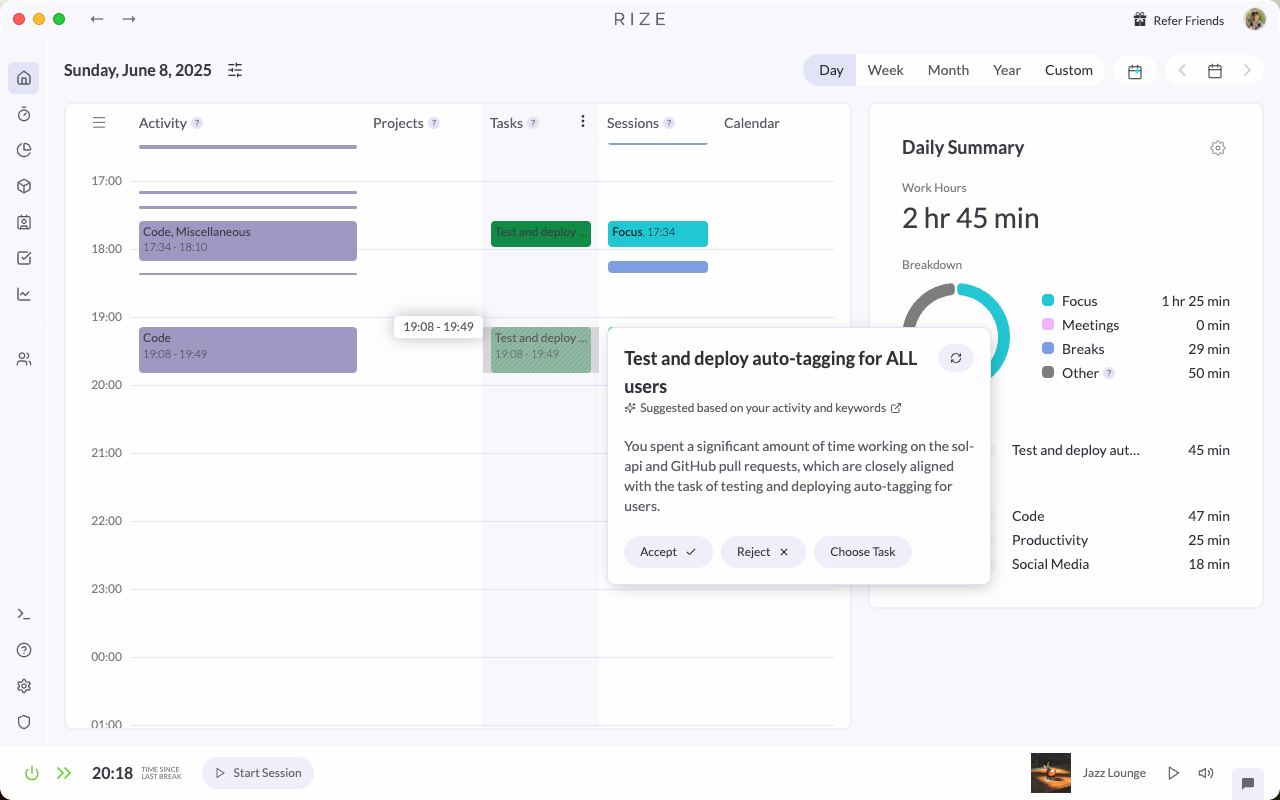
AI-powered tagging automatically generates and refines time entry suggestions for your clients, projects, and tasks.
Rize Teams
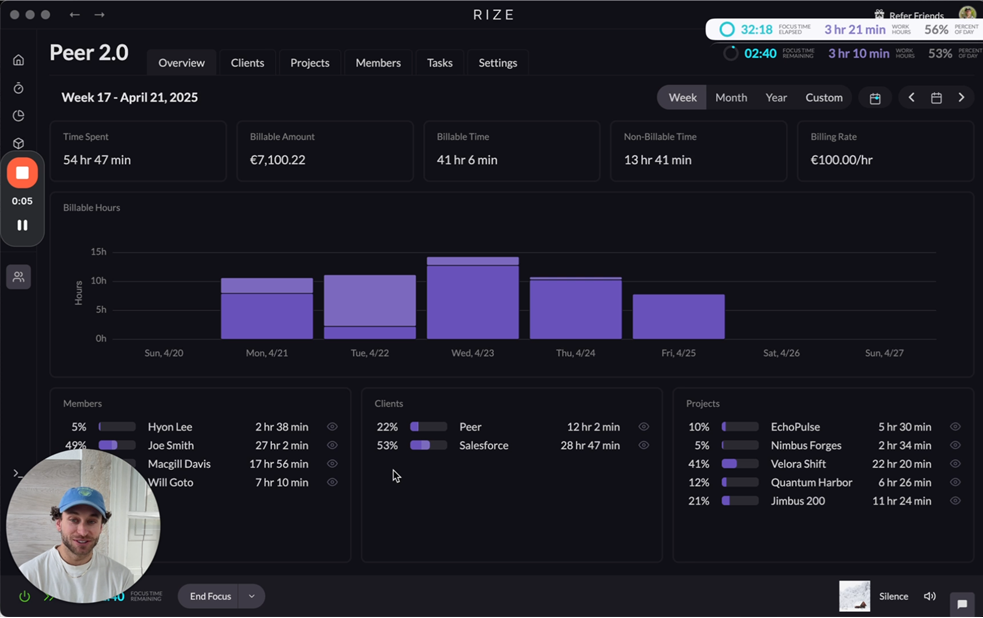
Rize Teams tracks your team's billable time automatically and shows productivity insights by tagging shared clients, projects, and tasks.
Set Hourly Rates for Clients
Set custom hourly rates for your clients to automatically calculate the invoice amount, streamlining your billing and invoicing.
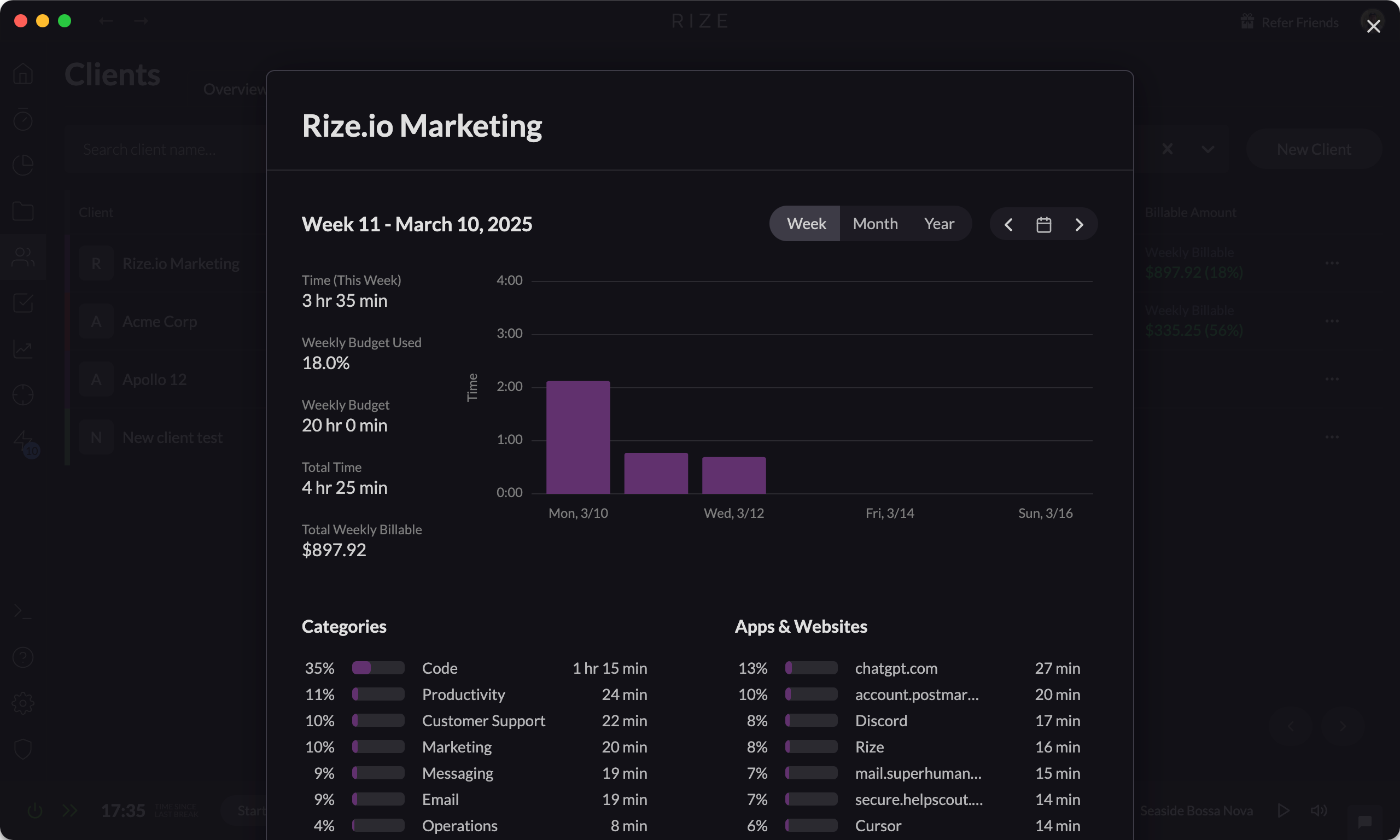
ClickUp Integration for Rize
Seamlessly sync your tasks between ClickUp and Rize to automatically post tracked time directly into ClickUp timesheets and reports.
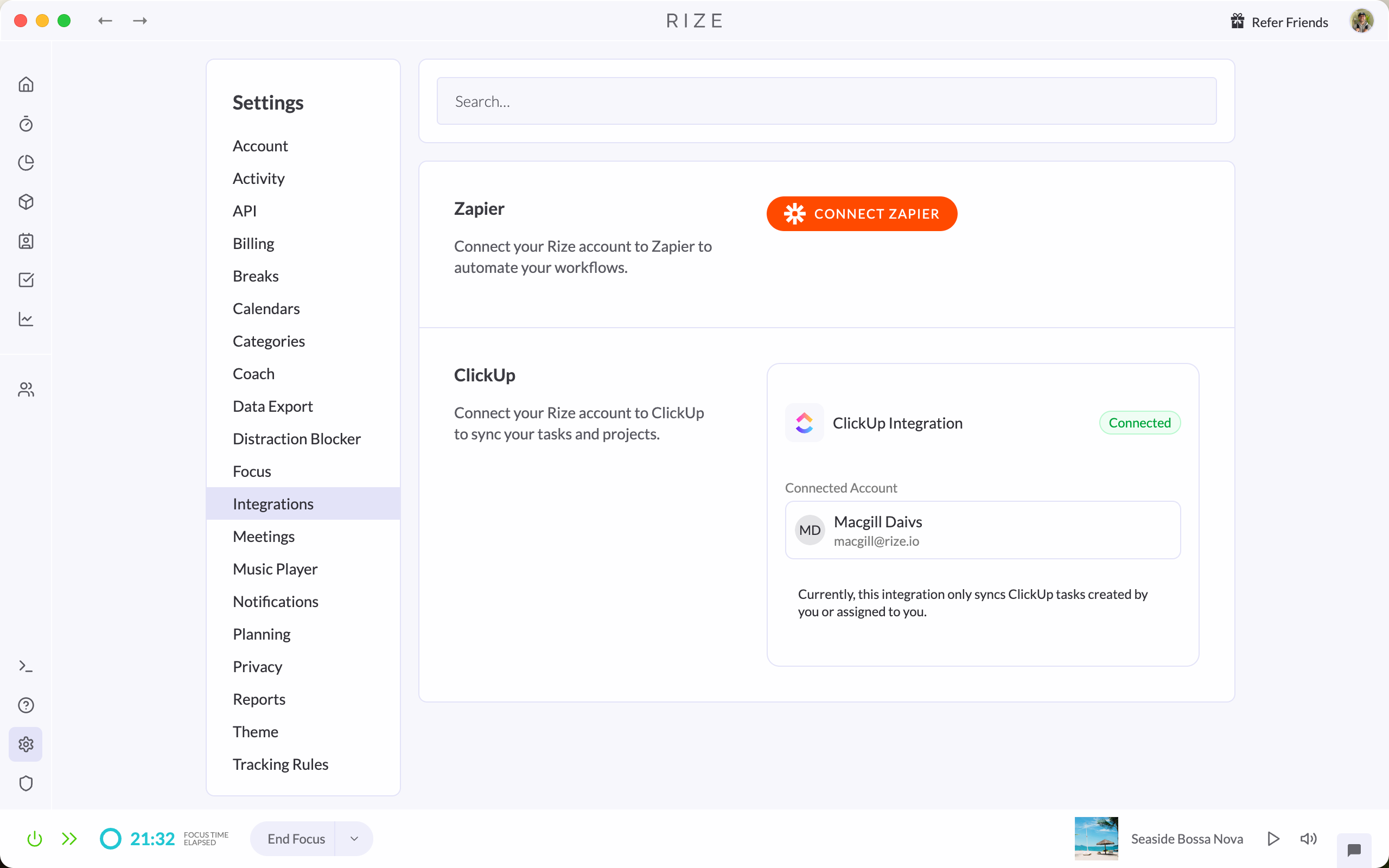
New collapsible sidebar for dashboard
The Rize dashboard now has a collapsible sidebar, giving you more space to view your stats and calendar while you work.
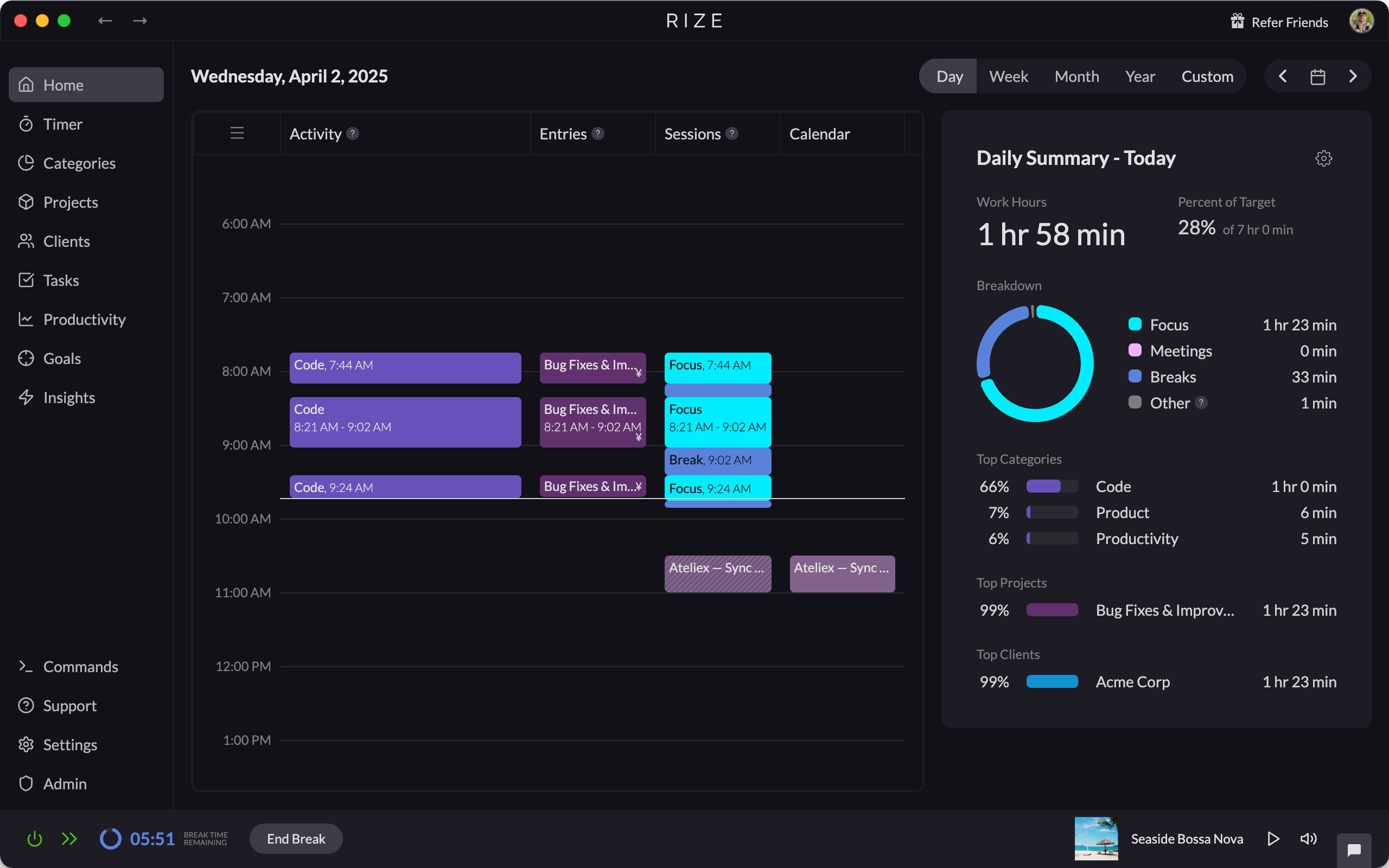
Custom Date Range for Reports
Generate and export Client, Project, and Task reports in Rize with custom date ranges, then download the results as CSV or PDF files.
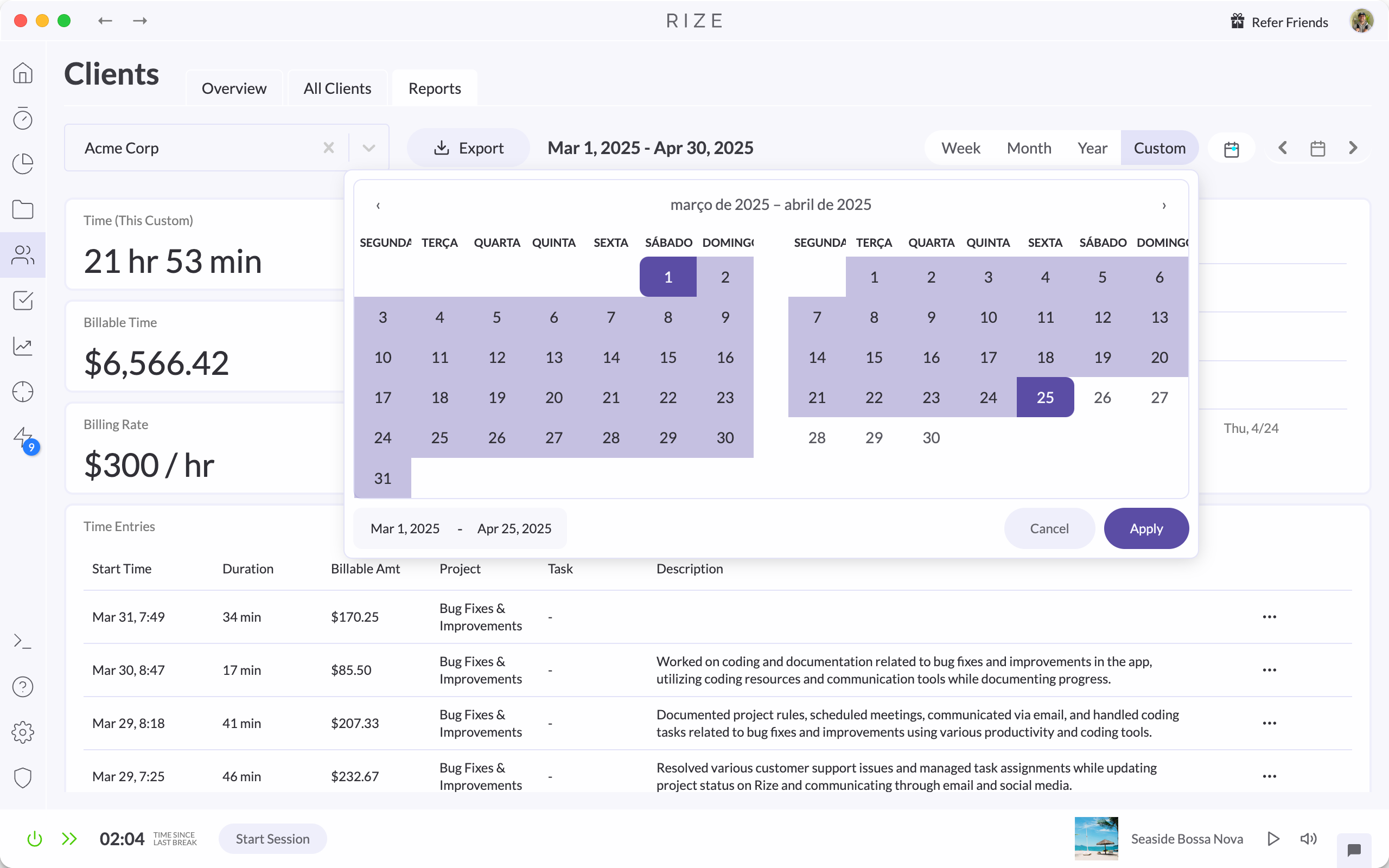
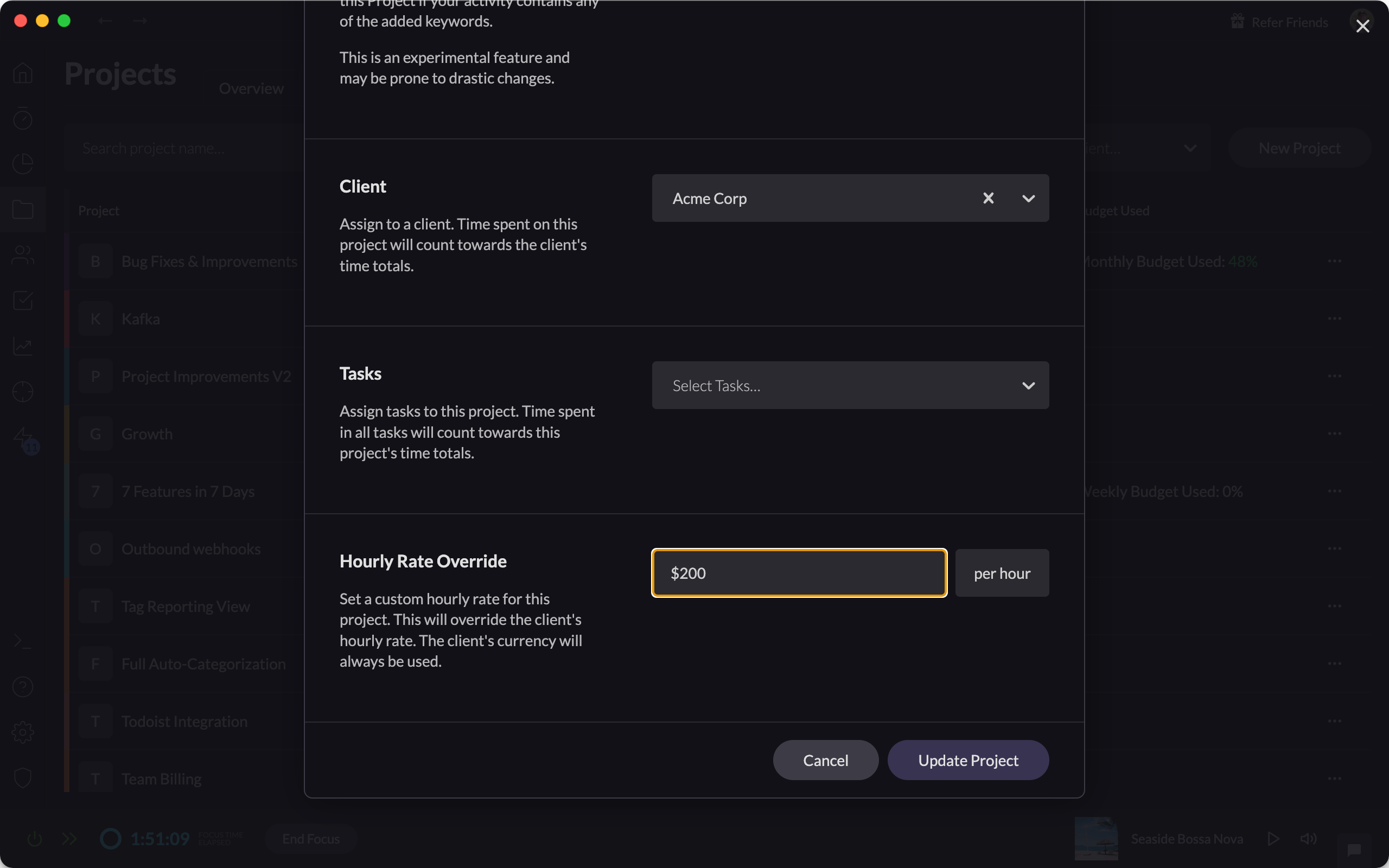
Custom Hourly Rates for Projects
Set and apply custom hourly rates for individual projects, enabling more accurate tracking for your billable hours.
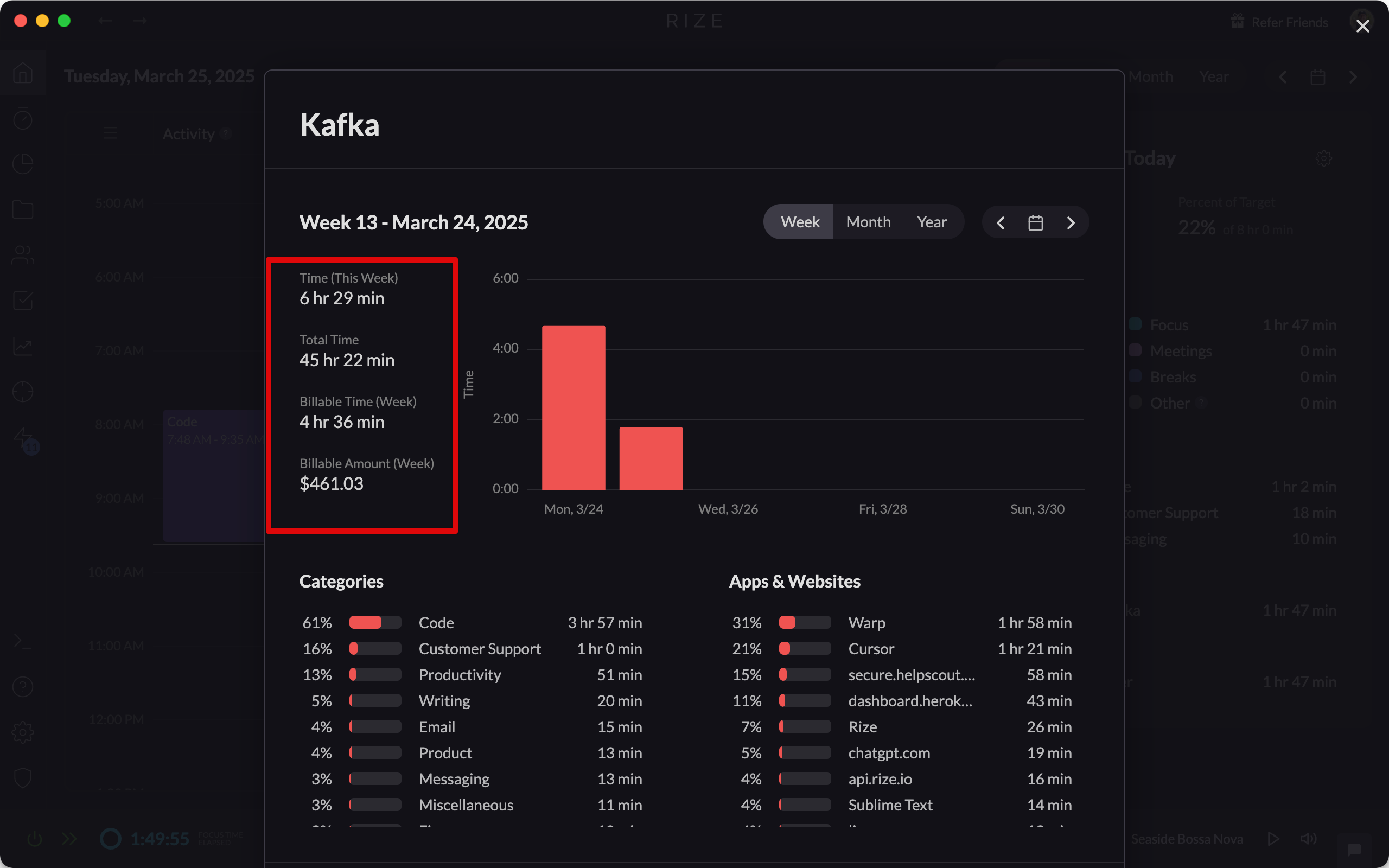
Improved Billable Time UI
Review billable time with improved clarity using currency labels, entry tooltips, and billable amounts shown in client modals and reports.
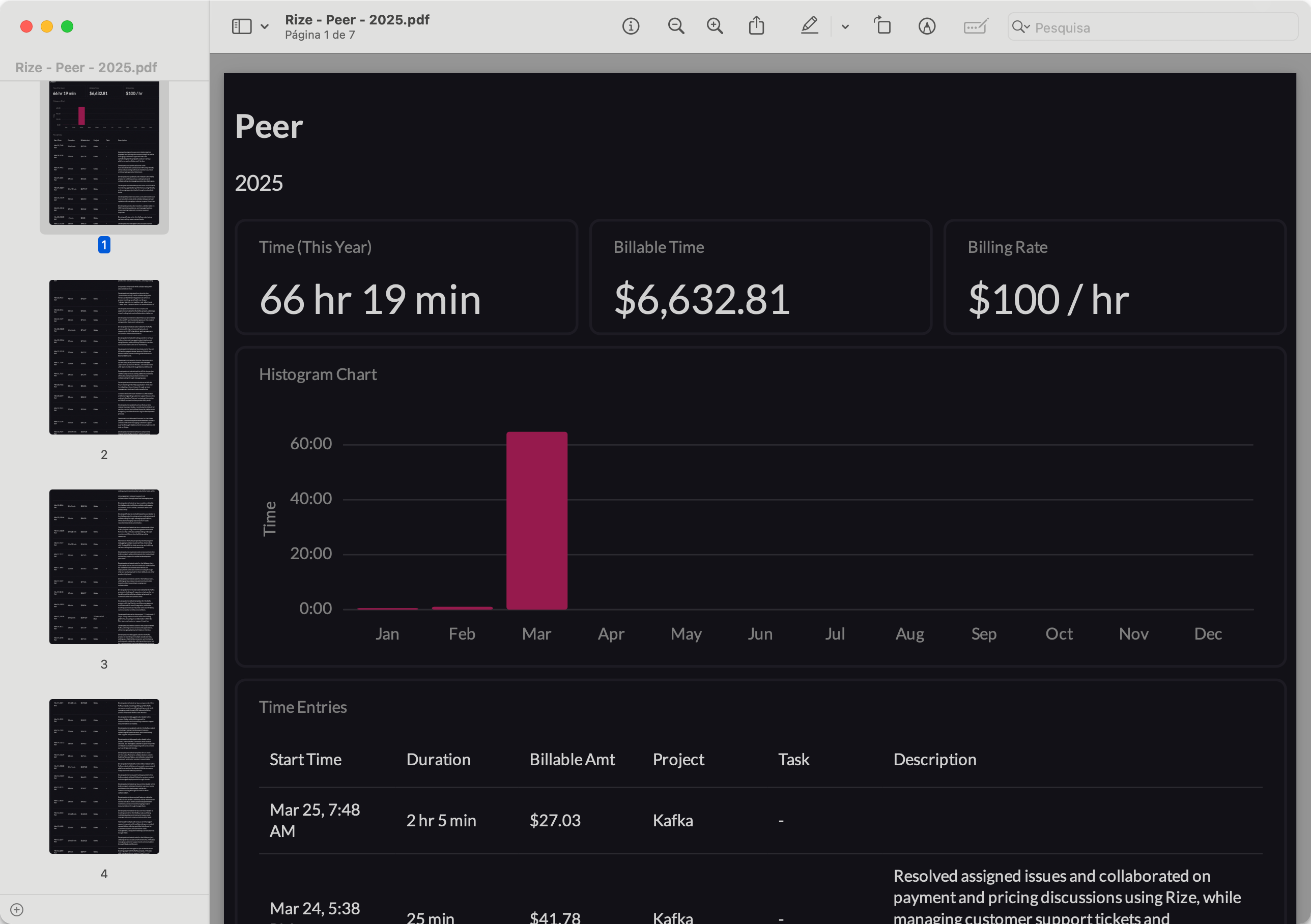
Improved Client PDF Reports
PDF reports for clients, projects, and tasks now include all time entries, not just the first page, plus totals, hourly rates, and histograms.
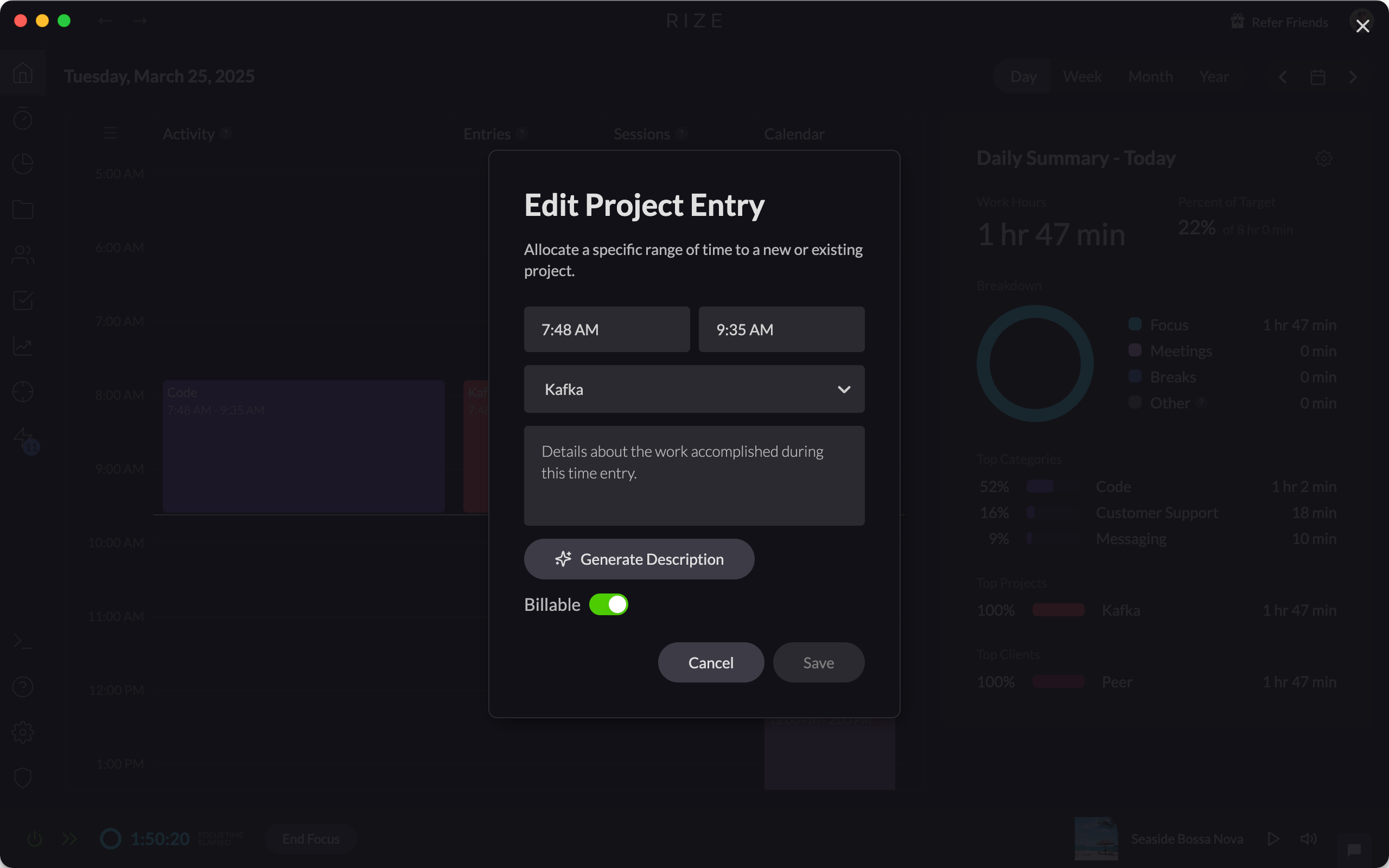
Mark Time as Billable or Non-Billable
Gain flexible and accurate tracking for your billable work by marking time entries as billable or non-billable across all your clients, projects, and tasks.
Release 1.5.5
Rize 1.5.5 fixes a race condition when quitting the app and adds stability and performance improvements for a smoother tracking experience.