Changelog
See what's new and improved in Rize.
Try the latest features — start your free trial today.
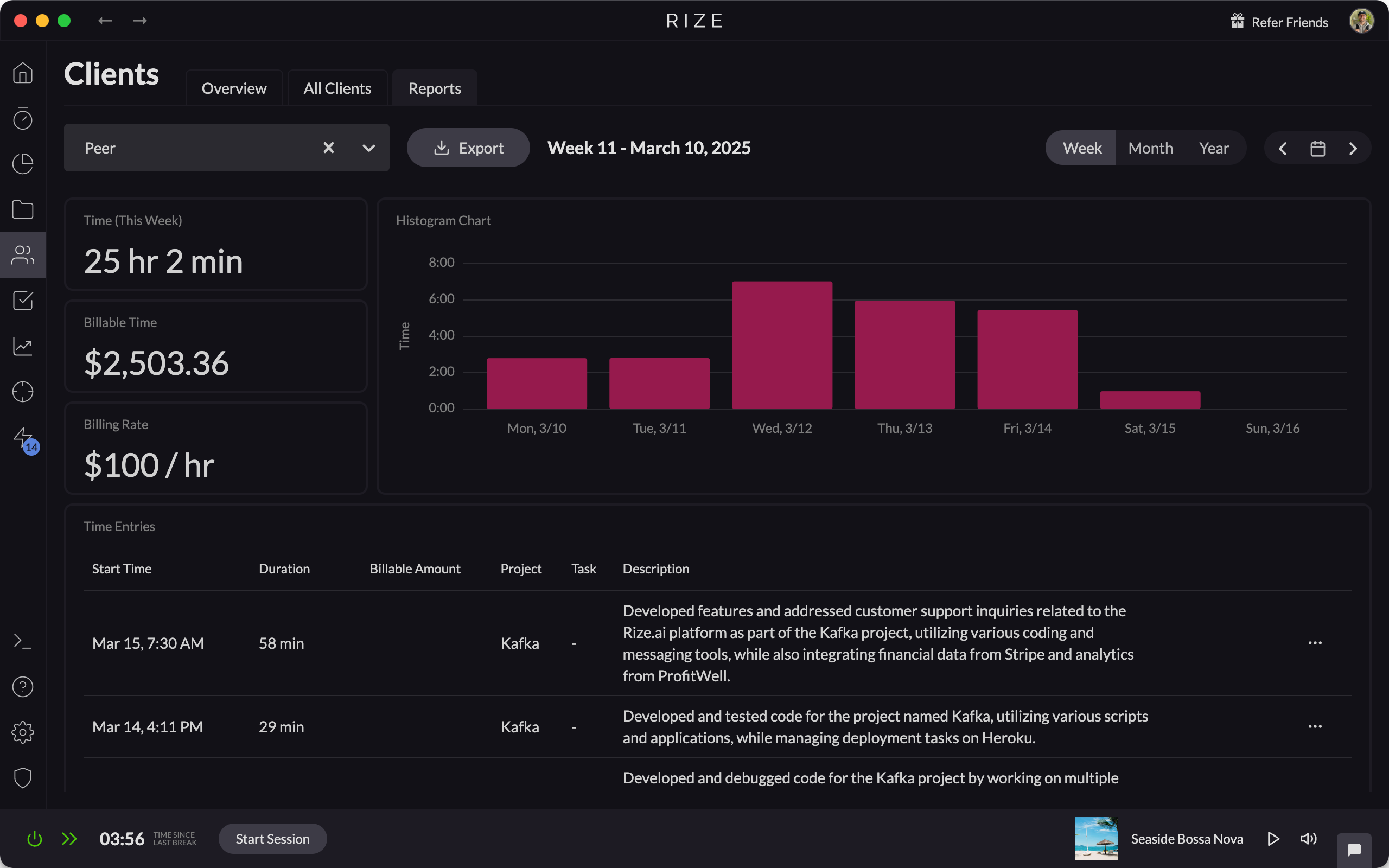
Start Free TrialClient, Project, and Task Reports
Generate detailed Client, Project, and Task reports, making it easy to document your billable time and share with clients.
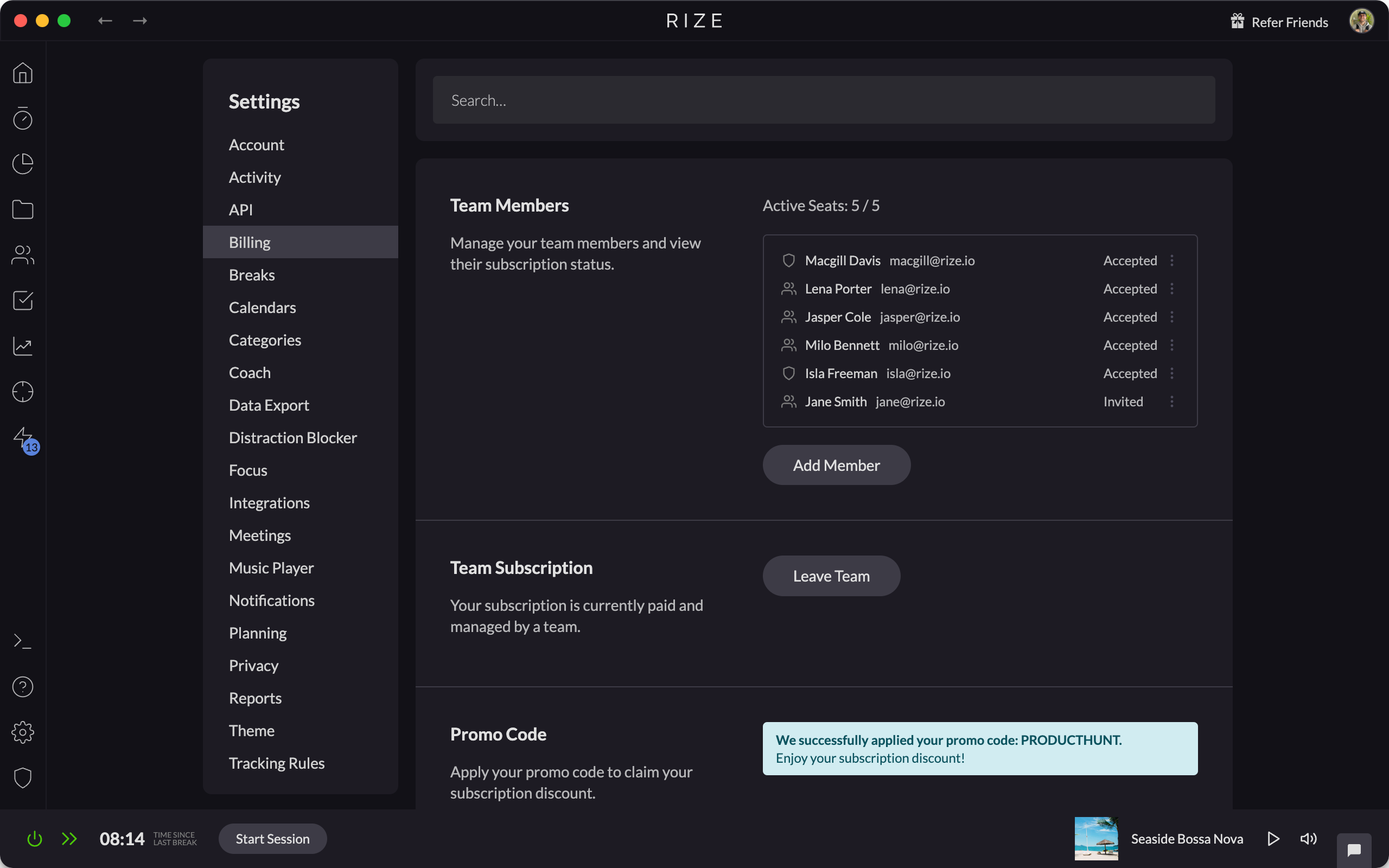
Team Billing
Streamline your Rize subscriptions and simplify expense tracking for your team by consolidating all payments under a single account.
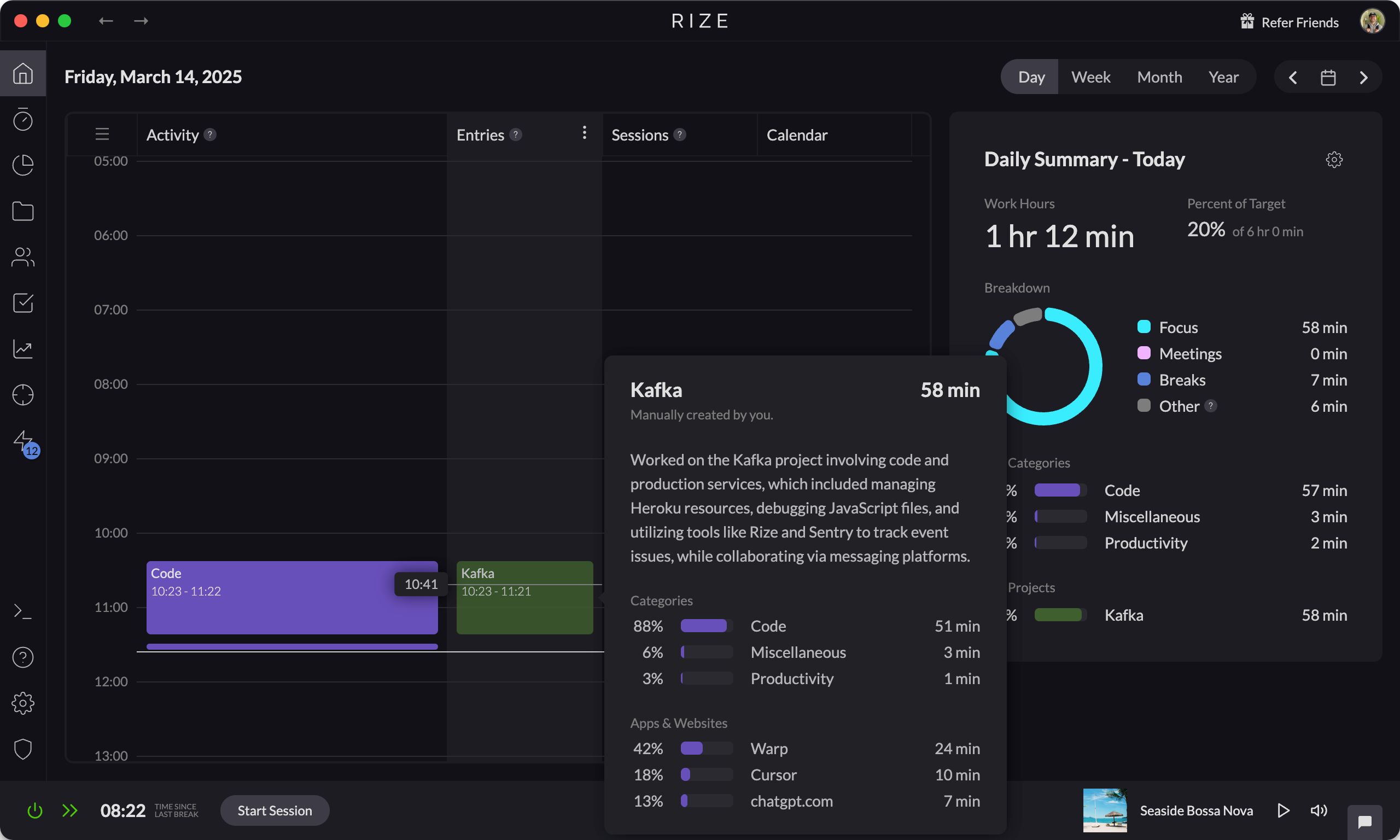
Automatic AI Generated Descriptions for Time Entries
Automatically generate detailed AI-powered descriptions for your time entries, saving time and improving time-tracking accuracy.
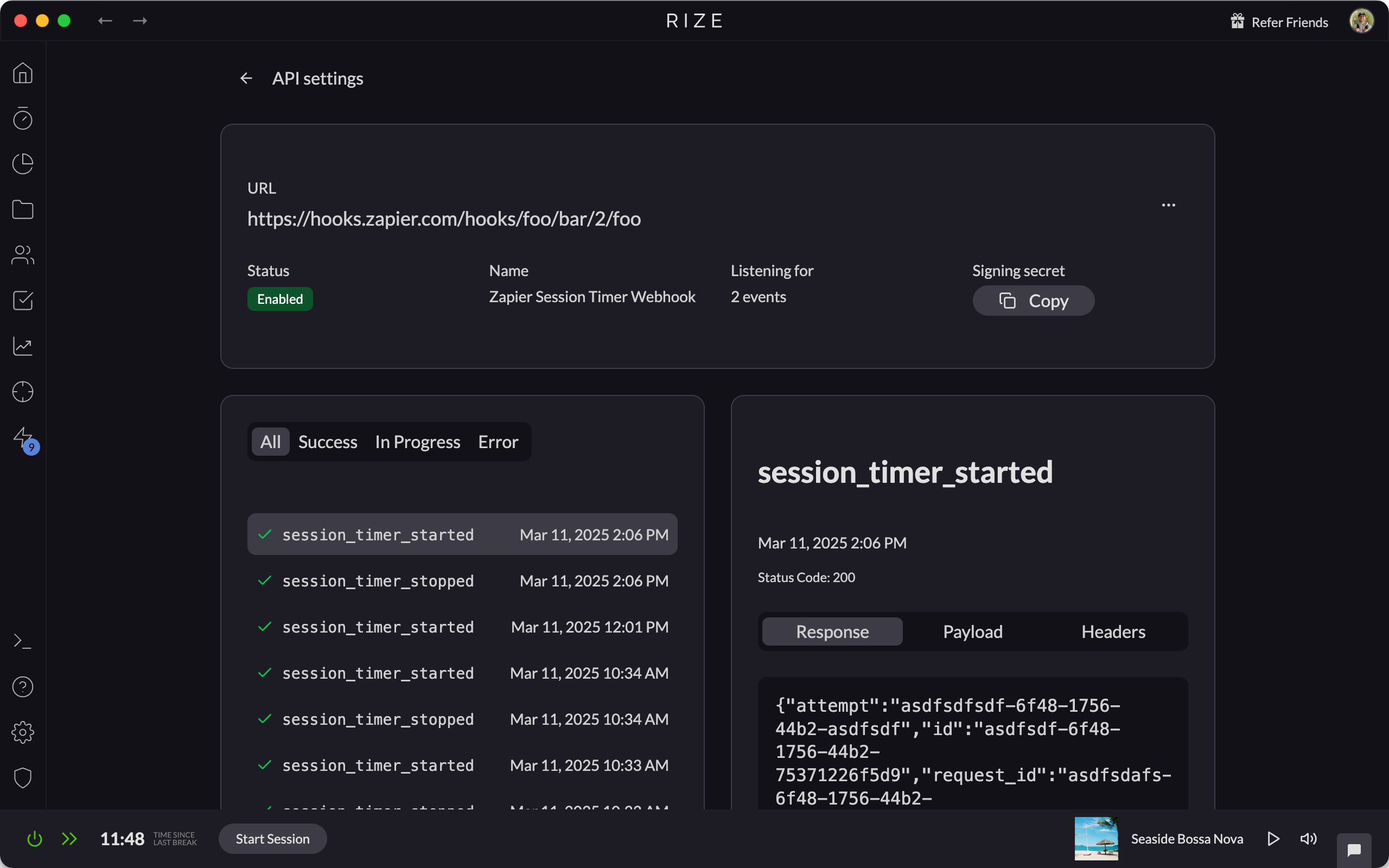
API Webhooks
Rize API webhooks send real-time session, category, and daily summary events to tools like Zapier, Slack, and Make to automate your workflows.
Full AI-Powered Auto-Categorization
Automate your time tracking with AI-powered auto-categorization, accurately organizing all your activity based on your job title.
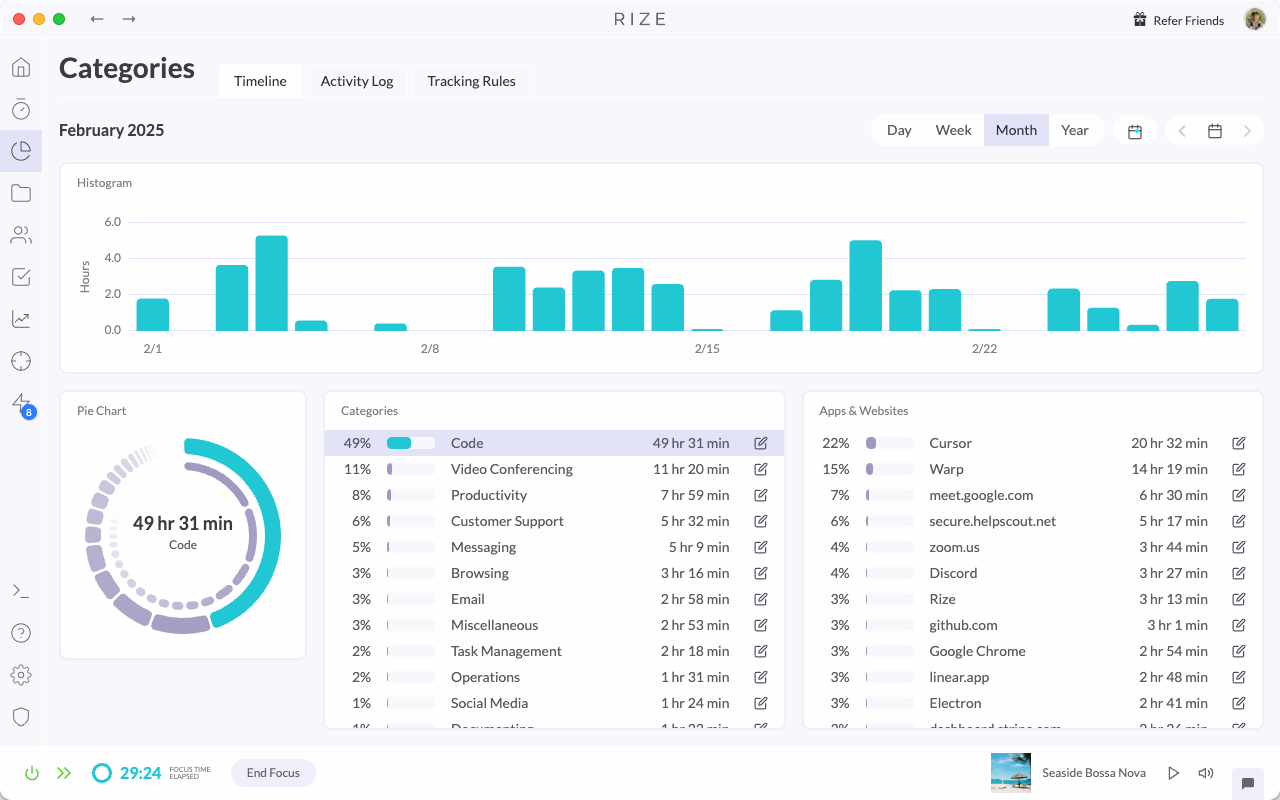
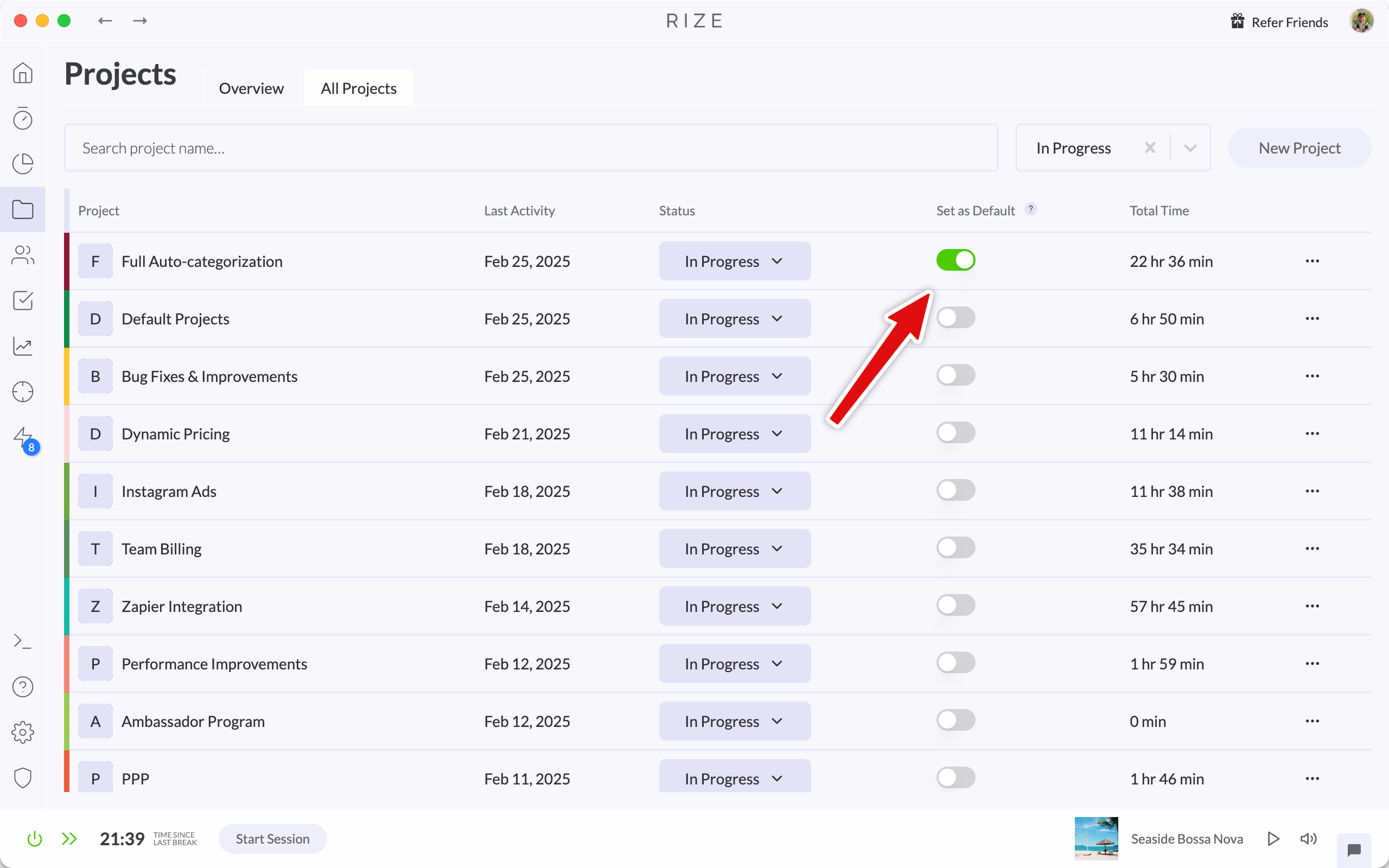
Auto-Tagging for Default Projects and Clients
Set a default project, client, or task in Rize and every new focus session is tagged with those defaults automatically, with no manual tagging.
Time Entry Suggestion Quick Actions Update
Major improvements to Time Entry Suggestions make reviewing, editing, and refining your day faster and more reliable.

Release 1.5.3
Rize 1.5.3 fixes dashboard focus issues when dismissing the blocker or break screen, keeps the widget on top on Windows, and improves stability.
Release 1.5.4
Rize 1.5.4 fixes the widget menu not dismissing on blur, adds better logging and error reporting, and includes stability and performance updates.
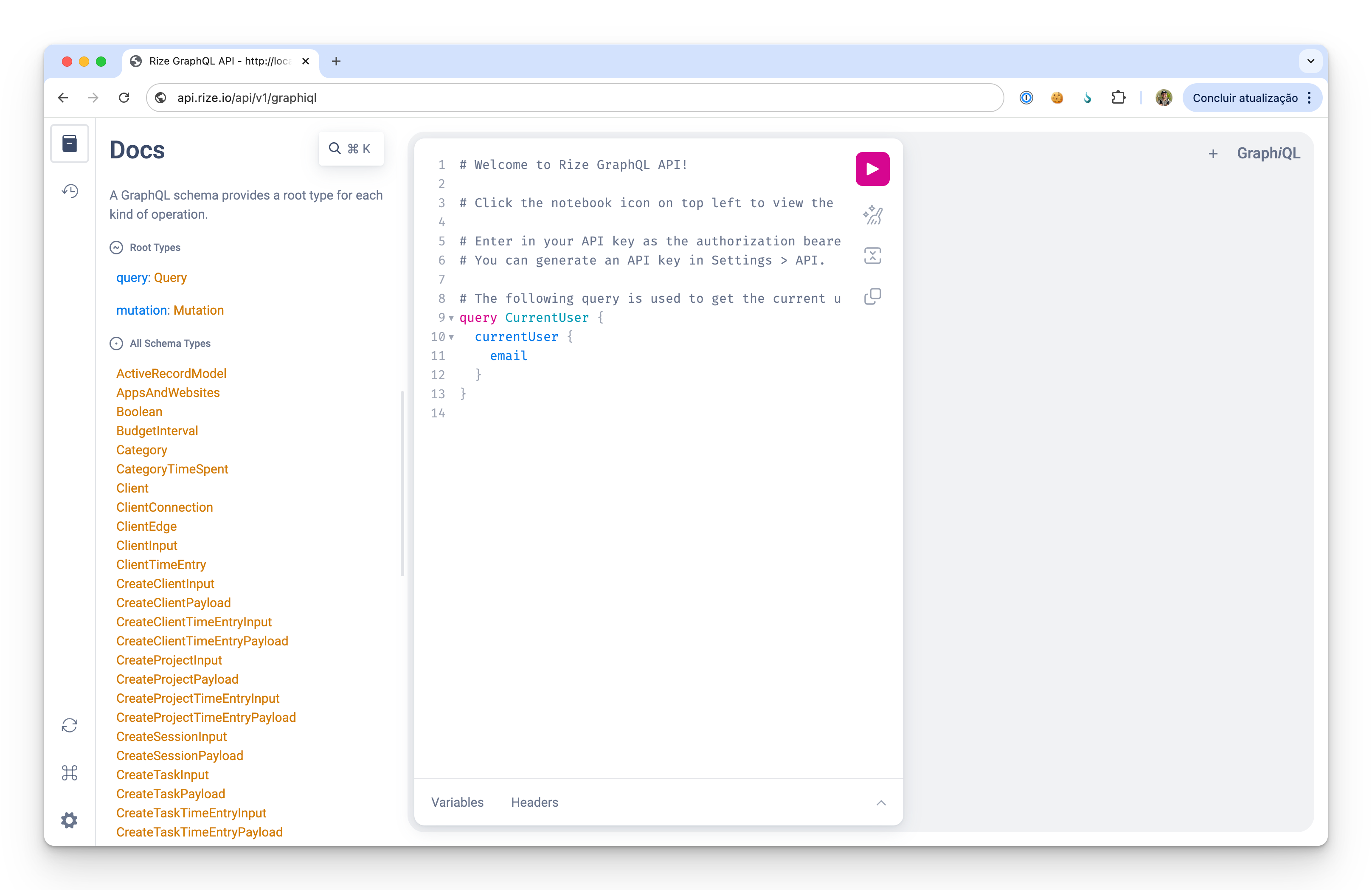
Release 1.5.2 - New Feature: Custom API
Rize 1.5.2 adds a custom API so you can connect Rize's time tracking and focus features to your own tools, scripts, and workflows.
Release 1.5.1
Rize 1.5.1 fixes idle tracking and planned session bugs and adds an option to disable auto-opening meeting links when meetings start.
Release 1.5.0 - Plan and Navigate Your Day
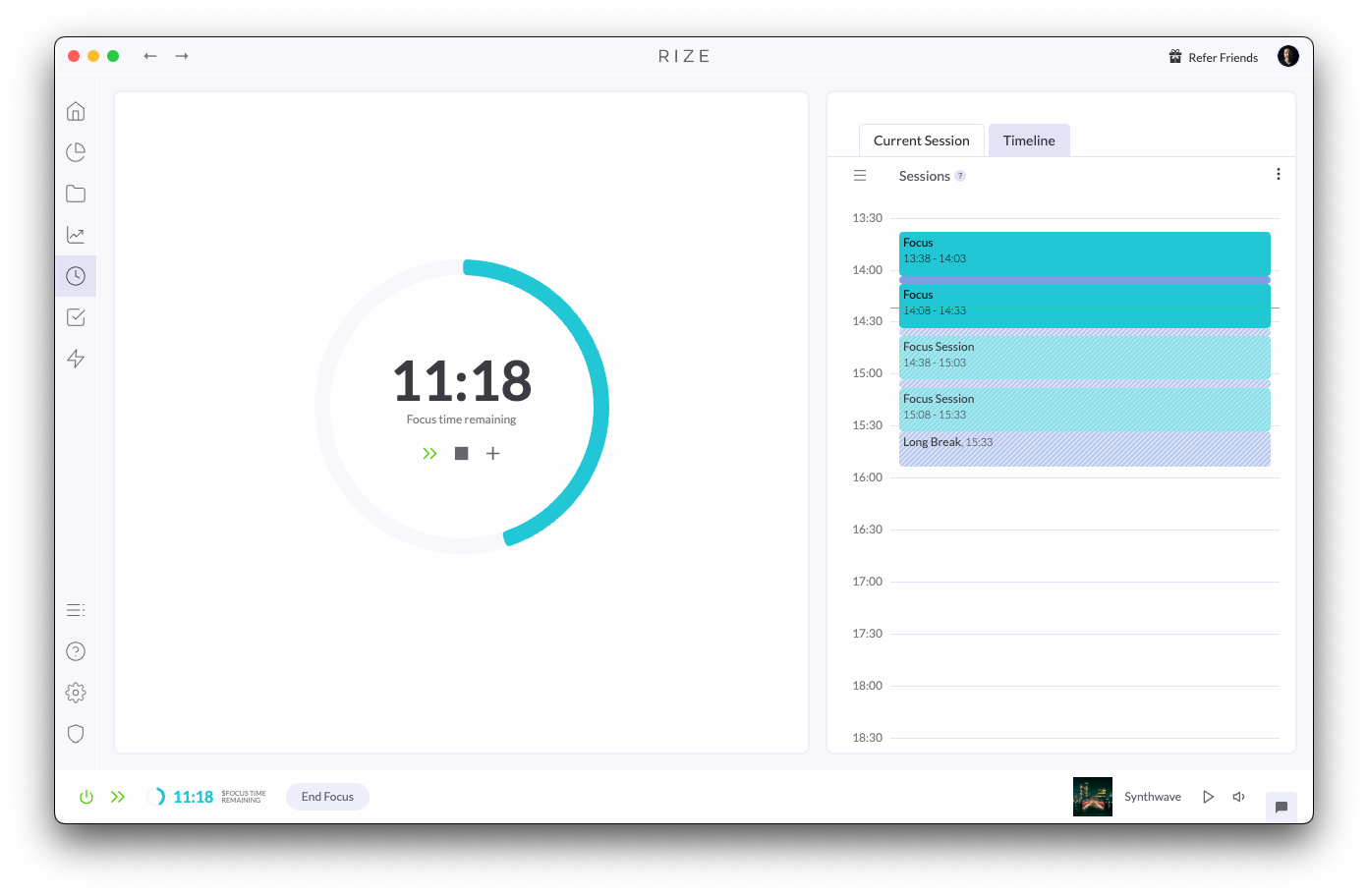
Plan and navigate your day with new Planned Sessions, allowing you to manually set your schedule or let Rize's AI optimize your focus time and breaks.
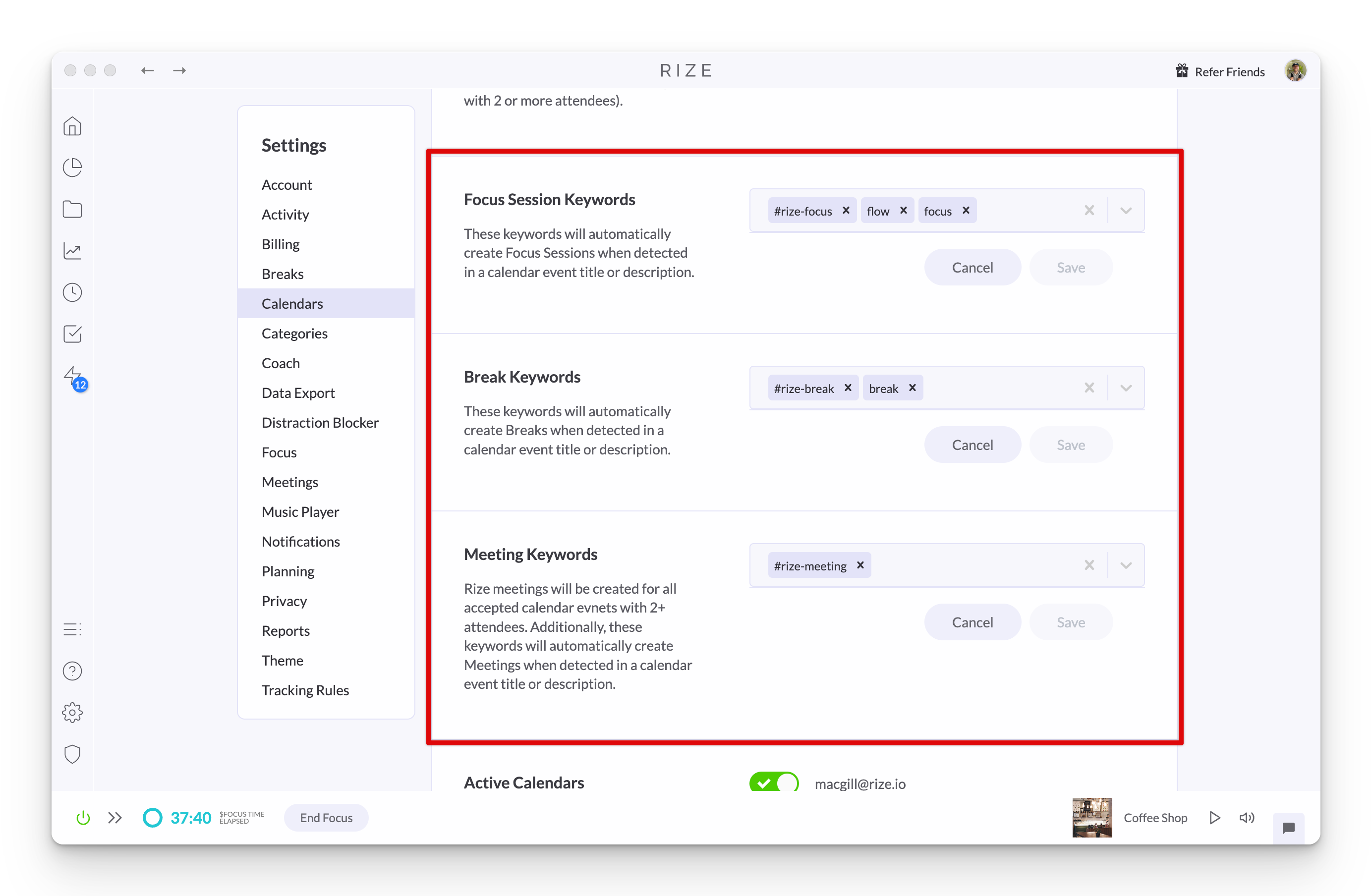
Custom Keywords for Calendar Session Creation
Automatically create Focus Sessions, Breaks, or Meetings from your calendar events using custom keywords, making it easier than ever to track your time.
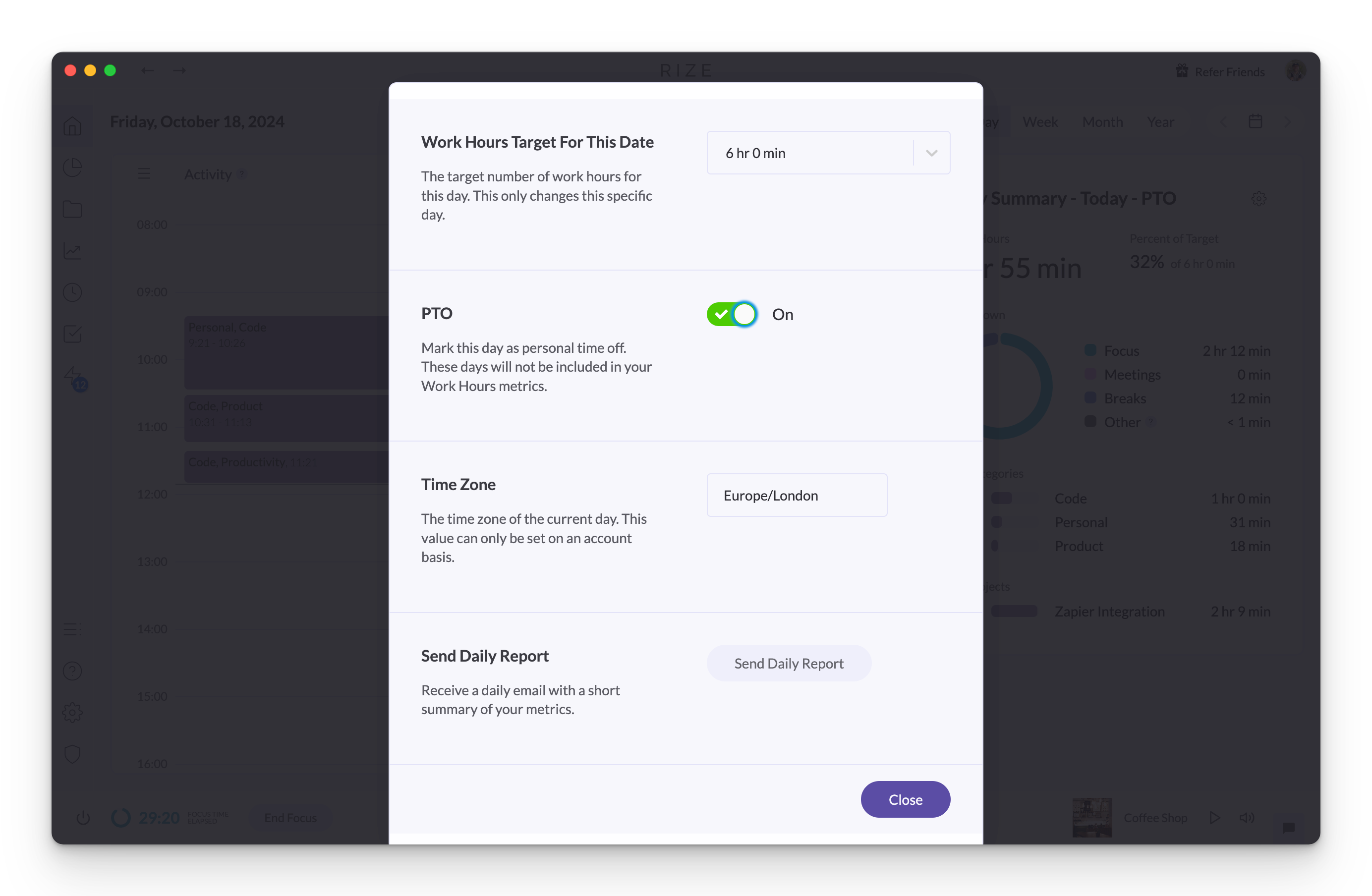
Mark Days as PTO
Mark days as PTO so they are excluded from your Work Hours daily averages. Days with PTO or OOO calendar events are marked automatically.
1.4.4 Release
Experience improved stability, data synchronization, and a smoother user experience with bug fixes in Rize version 1.4.4.
1.4.3 Release
Rize 1.4.3 fixes another issue where the time since last break value was not updating correctly in the macOS menu bar widget.
1.4.1 Release
Rize 1.4.1 fixes project views showing only the top 5 categories and apps, a crash in debug mode, and light mode styling in the categorization modal.
1.4.2 Release
Rize 1.4.2 adds a System theme option that follows your macOS setting and fixes idle detection, menu bar widget, and dashboard error issues.
1.4.0 Release - Light Mode
Rize 1.4.0 introduces Light Mode, a brighter interface you can enable in Settings > Theme, plus fixes for quitting and Windows bar theming.
1.3.26 Release
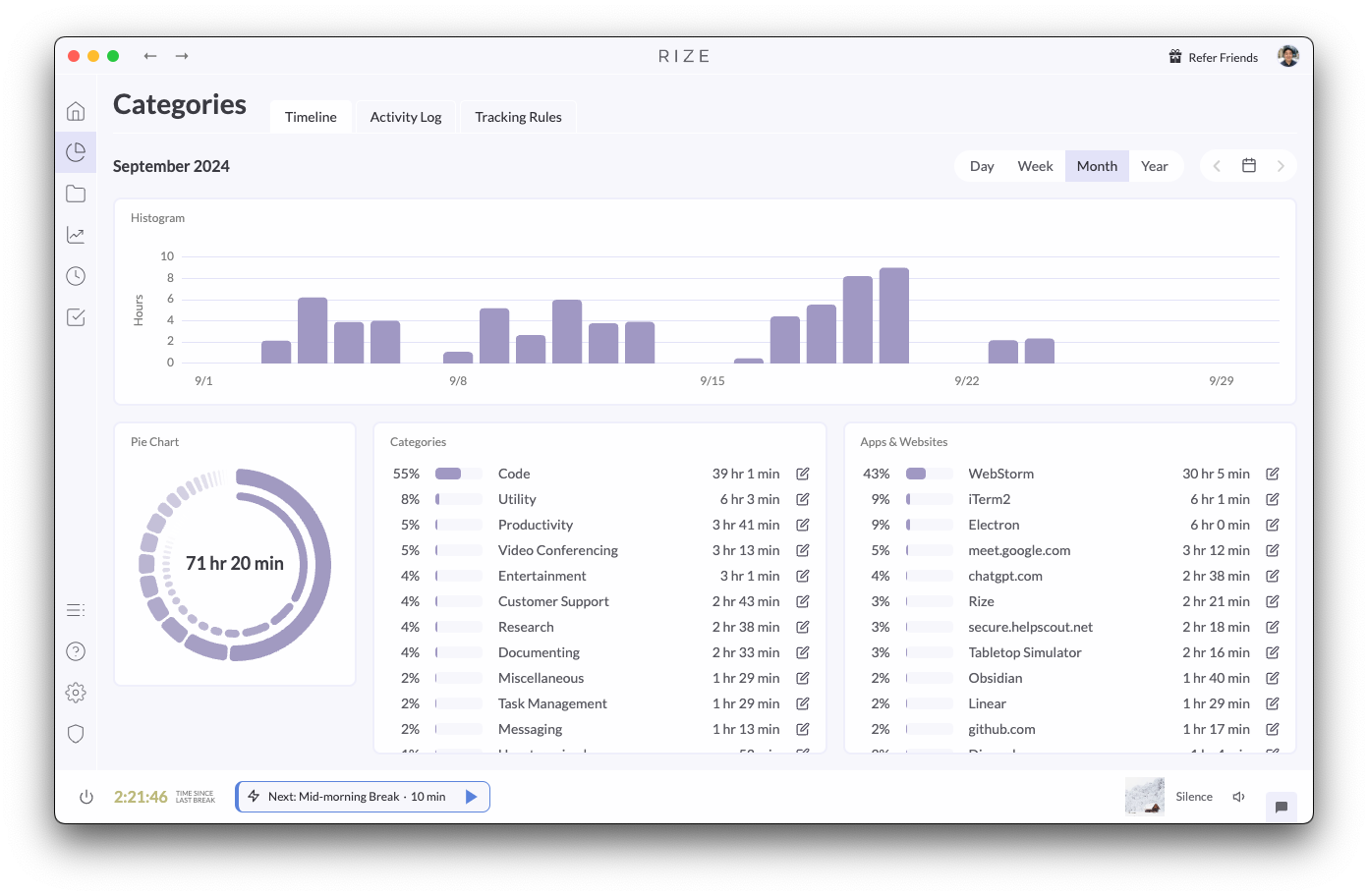
Rize 1.3.26 overhauls tracking logic for better stability, adds a daily work hours target setting, and pauses notification timers on hover.