An agency can justify a retainer price increase with time tracking data by showing the client three numbers: the hours the retainer was scoped for, the hours the team actually worked, and what the gap costs. When tracked hours run above scope for two or three months in a row, the retainer is underpriced, and the time data turns a rate conversation into a scope conversation the client can check.
Quick Answer
Raise a retainer when tracked hours exceed scoped hours for two or three consecutive periods, or when the account's effective hourly rate drops below your target. Calculate the new fee as actual hours times your target rate. Present the trend, the work that caused it, and two options: a higher fee or a smaller scope.
When Should an Agency Raise Retainer Prices Based on Tracked Time?
An agency should raise a retainer when tracked hours exceed scoped hours for two or three consecutive periods, not after one busy month.
One heavy month usually has a cause the client already knows about: a launch, a campaign, an extra round of revisions. Three heavy months mean the scope assumption behind the price was wrong. Use these triggers:
1. Burn above 110% for two or more periods. If a retainer scoped for 60 hours a month keeps landing at 66 hours or more, the overrun is structural.
2. Effective rate below target. Divide the monthly fee by the hours actually worked. A $9,000 retainer worked at 75 hours earns $120 an hour. If the account was priced at $150, every month gives away $30 per hour.
3. Cost rates rose and the fee did not. Salaries go up every year. The U.S. Bureau of Labor Statistics Employment Cost Index tracks that change in compensation costs each quarter. A retainer priced two years ago at the same fee covers less of the team's loaded cost today, even at the same hours.
4. The scope grew without a change order. New channels, extra reporting, or a second stakeholder who wants weekly calls all add hours. If tracked time shows a new category of work that was not in the original statement of work, the price should follow it.
The Data You Need Before the Conversation
A retainer price increase needs four inputs: scoped hours, actual hours by deliverable, loaded cost rates, and at least three months of history.
Scoped hours come from the original proposal or staffing plan. If the retainer was priced in dollars only, back into hours with the blended rate it was quoted at.
Actual hours by deliverable are the part most agencies are missing. A total like "78 hours" invites a negotiation. A breakdown like "22 hours of design revisions against 10 scoped" points at the cause. You need the hours split by department or work type, not one number per client.
Loaded cost rates mean salary plus benefits, payroll tax, and overhead per person. Employer Social Security and Medicare tax alone adds 7.65% on top of wages, according to the IRS (Topic 751). Without loaded rates, a senior-heavy month looks the same as a junior-heavy one, and the margin math is wrong.
Three months of history separates a trend from a spike. Clients accept a pattern more readily than a single month they can explain away.
If you already track retainer burn by client and department, most of this data exists. The question is whether the hours behind it are complete.
How to Calculate the New Retainer Price
The new retainer price equals the hours the client actually consumes multiplied by the hourly rate you need to earn on the account.
Here is a worked example with round numbers:
| Input | Value |
|---|---|
| Current monthly fee | $9,000 |
| Scoped hours per month | 60 |
| Priced hourly rate ($9,000 / 60) | $150 |
| Average tracked hours, last 3 months | 75 |
| Effective hourly rate ($9,000 / 75) | $120 |
| New fee at target rate (75 × $150) | $11,250 |
| Increase | 25% |
A 25% jump is a hard ask in one step. Many agencies split it: a smaller fee increase plus a scope cut that removes the lowest-value hours. If you remove 7 hours of work the client does not care about, the account needs 68 hours, and 68 × $150 is $10,200, a 13% increase.
The broader market supports moving rather than holding. The Promethean Research Digital Agency Industry Report found that only about one in five agencies raised rates in 2026, down from 28% in 2025, and almost a third of surveyed agencies now charge $175 to $199 per hour. Its 2025 State of Digital Services survey reported 8% average growth for agencies that raised rates versus 4% for agencies that kept rates flat.
Run the same math on margin, not only rate. The agency profit calculator shows what the account earns once loaded costs come out, which tells you the lowest fee you can accept.
How to Present the Increase to the Client
Present a retainer increase as a scope report first and a price change second, with the tracked hours as the shared evidence.
Show the trend. One chart of scoped vs actual hours by month. Three bars above the line say more than a paragraph of explanation.
Name the work. Break the overage down by deliverable or department: "Social reporting went from 4 hours to 11 because we added two platforms in June." Clients rarely dispute work they asked for once they see it listed.
Give two options. Option A keeps the current scope at the new fee. Option B keeps the current fee and removes specific deliverables. Either way the account stops losing money, and the client chooses which.
Give notice. Check the contract for a notice period and raise it at least one full billing cycle before the new rate starts. Tie the change to the renewal date when you can.
Bring the opposite case too. If another month came in under scope, say so. Showing both directions makes the data look like measurement, not a sales pitch.
When the Data Says Do Not Raise the Price
Tracked time sometimes shows that a retainer is fine and the team is inefficient, and that answer matters as much as an increase.
If hours ran over because of internal rework, slow handoffs, or a new hire ramping up, the client should not pay for it. Fix the process and re-measure for a month. If the overrun is concentrated in one deliverable, read the guide to agency over-servicing and decide whether that work is a deliberate investment in the relationship or a leak.
Under-burn is a signal too. A retainer that lands below 70% of scope for several months is at churn risk. The client will notice the drop in output before your renewal does.
Why the Hours Behind the Pricing Decision Have to Be Complete
A retainer price is only as defensible as the hours behind it, and manual timesheets undercount the small tasks that make up over-servicing.
The work that pushes a retainer over scope is mostly small: a quick revision, a Slack thread with the client, a 20-minute report fix. People forget to log those, or round them into a bigger entry at the end of the week. None of that shows up in a timesheet filled in from memory.
The result is a burn report that says 95% when the account is really at 115%. You end up asking for a smaller increase than the account needs, or none at all.
How Rize Produces the Evidence
Rize is an automatic time tracker that captures every work session in the background and assigns it to the right client and project, so retainer reports use real hours.
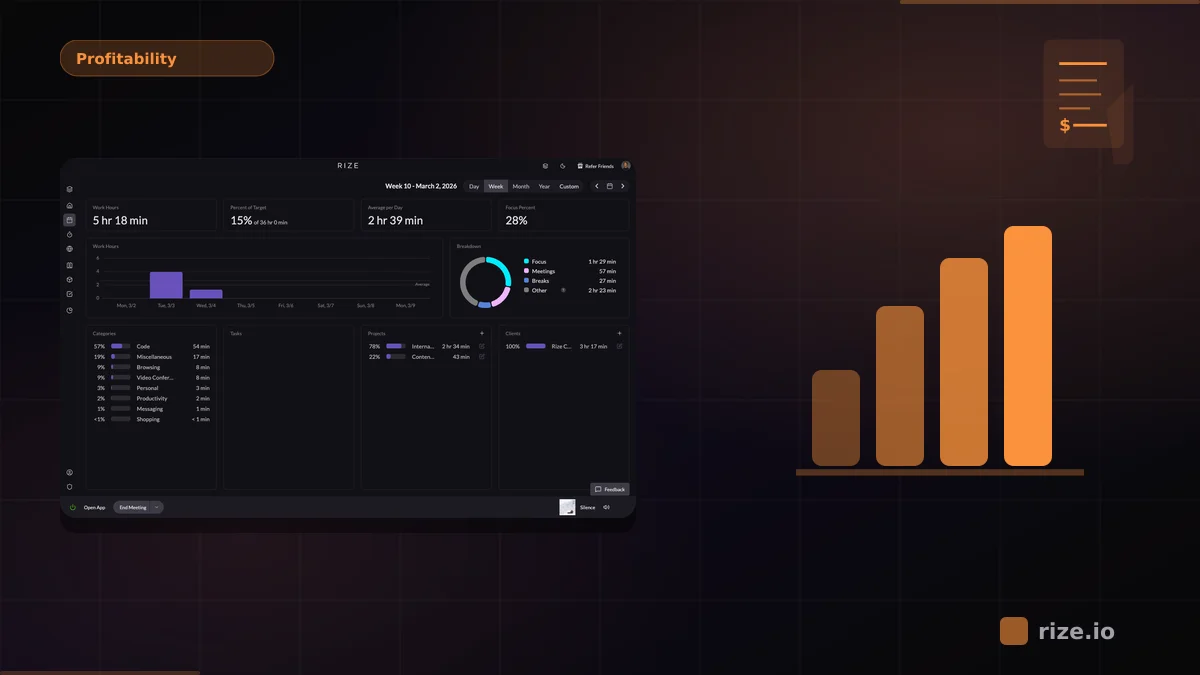
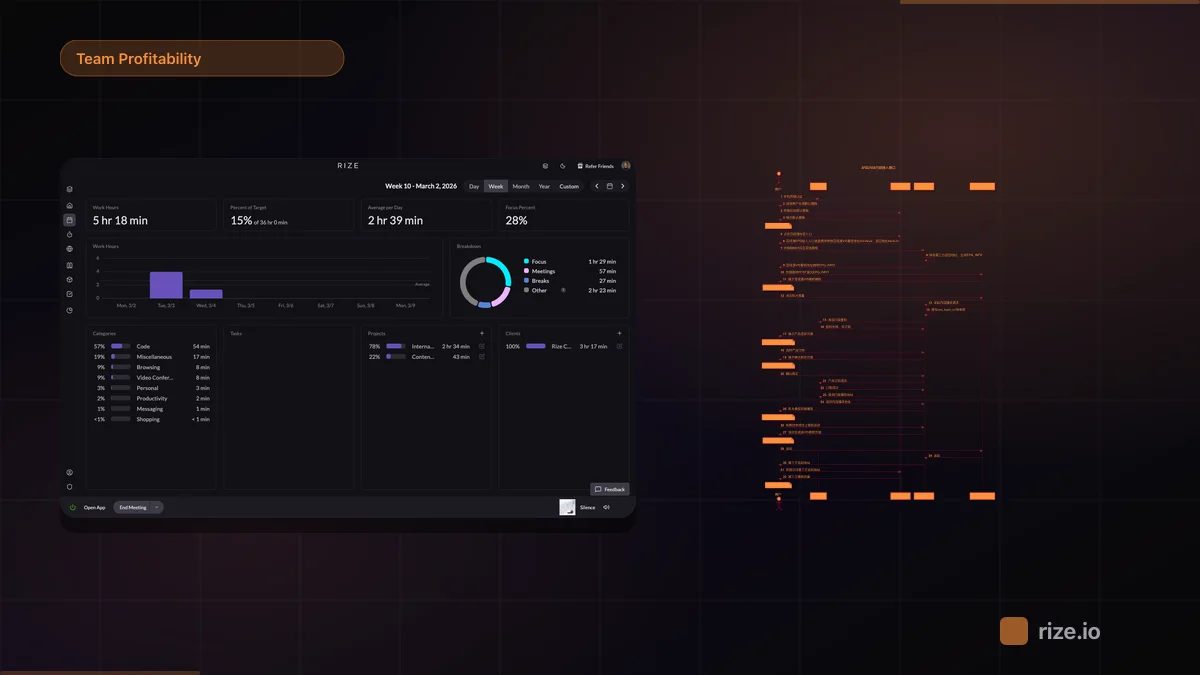
The desktop app records which apps, documents, and sites the team works in and categorizes the time to clients and projects. Nobody starts a timer. Rize does not require screenshots to track and does not log keystrokes. From that data the agency profitability dashboards show hours and margin by client, so the scoped vs actual comparison is ready before the renewal meeting.
Momentum Studio, a 12-person creative agency on retainer billing, moved to Rize after its designers kept forgetting to log time. Within the first month the team found it had been underbilling clients by 15 to 20%, and it adjusted its pricing with the new data. CEO Ben Jackson put it this way: "I'm a trusting leader, but I don't even trust myself to remember what I worked on two days ago. So how can I expect my designers to?"
Bring real hours to your next renewal
Rize captures agency time automatically and reports it by client and project. Start a free 7-day trial and see where each retainer's hours actually go.
Start Free TrialA Repeatable Retainer Review
Agencies that price retainers well review burn every week and pricing every quarter, using the same tracked hours for both.
Weekly: check each retainer's burn against how much of the period has passed. Catch a 130% month in week two, while you can still re-scope.
Monthly: record scoped hours, actual hours, and effective rate per client in one sheet or dashboard.
Quarterly: flag any account with two or more months over 110% or an effective rate below target. Those accounts get a pricing conversation before renewal.
For more on the agency side of this, see Rize for agencies or compare Rize with Float for burn reporting.
Start tracking time automatically
Join thousands of professionals who stopped guessing where their time goes. Free for 7 days.
“Rize has been a no-brainer for me.” — Ali Abdaal Read more →