Retainer burn tracking tells you whether the hours going into a retainer client match the hours the retainer was priced for. Most agencies discover burn problems at renewal, when the account manager says "we're doing way more than we scoped" and nobody can prove by how much. The fix is not a better spreadsheet — it is accurate hours, captured automatically and reported by client and department, so over-servicing shows up mid-period instead of after the margin is gone.
What Is Retainer Burn?
Retainer burn is the rate at which a team consumes the hours (or budget) a retainer was scoped against, relative to the period elapsed. A retainer priced for 100 hours a month that has consumed 60 hours by day 15 is burning at 120% of pace.
Retainers are priced off a staffing plan: a blended rate multiplied by estimated hours per department. Burn tracking compares the plan to reality. When reality consistently exceeds the plan, the agency is over-serving — delivering more than the fee covers — and the gap comes straight out of margin.
The Formula
Two numbers, updated continuously:
Burn % = (Actual hours worked / Scoped hours) × 100, compared against % of period elapsed.
Burn $ = Actual hours × each person's fully-loaded cost rate, compared against the retainer fee.
Hours are easy to count. The cost side needs loaded rates — salary plus benefits plus overhead per person — or you get a burn number that flatters the account. A senior-heavy month on a fixed-fee retainer costs far more than the same hours from juniors, and flat "hours remaining" views miss that entirely.
Why Manual Timesheets Break Burn Reports
Every burn report inherits the accuracy of its hours. Manual timesheets miss 15-40% of actual work — forgotten timers, rounded entries, the Friday-afternoon reconstruction of a week's activity. That error is not random: the missing hours are disproportionately the small tasks, quick revisions, and "while I'm in here" fixes that constitute over-servicing.
The result is systematic understatement. The burn report says 85% at month-end; the real number is 110%. The agency learns the truth only in aggregate, at the P&L level, with no way to attribute the loss to a client.
This is the exact problem that pushed a 200-person agency to move its 200 seats off Float timesheets in 2026 — the scheduling was fine, but burn by department required reporting built on real hours, not logged ones.
How to Set Up Retainer Burn Tracking
1. Define the scope unit. Convert each retainer to hours-per-period by department. If the retainer is priced in dollars only, back into hours with the blended rate it was scoped at.
2. Capture actual hours automatically. Manual logging at scale is the failure mode. Automatic capture tools like Rize record every work session in the background and categorize it to the right client — the team does nothing, and the data is complete from day one.
3. Report burn by client and department. A single agency-level number hides the problem. Burn reports need to split creative, strategy, social, and media separately, because over-servicing is almost always departmental — unlimited revisions in one pod, not uniformly distributed goodwill.
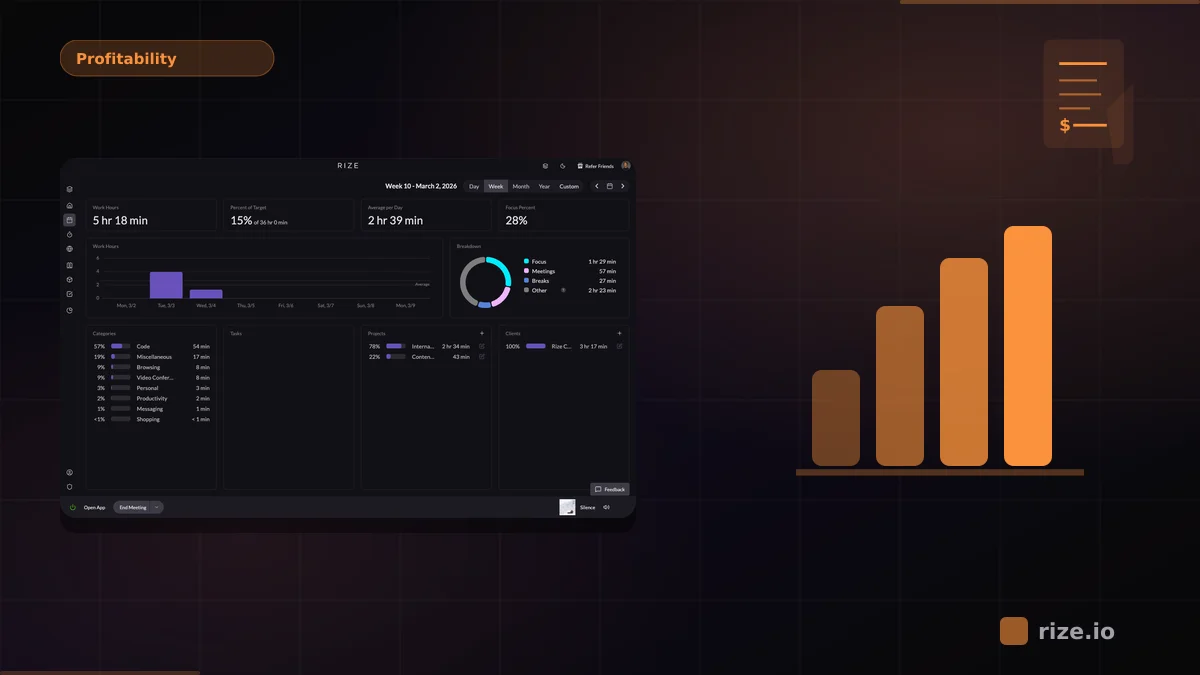
4. Review weekly, act monthly. Weekly review catches a retainer running 130% of pace in week two, when there is still time to re-scope. Monthly reviews only document losses. The agency profitability dashboards in Rize surface this continuously rather than at report time.
5. Take the report to the client. Burn data converts an awkward reprice conversation into a scope conversation. "Here is where the hours went" is evidence a client can engage with; "we need more money" is not.
Burn Rate Benchmarks
There is no universal target, but the operating bands are consistent:
85-100% of scoped hours — healthy. The client gets what they paid for and the margin holds.
100-115% — watch zone. One month here is noise; three consecutive months is a scope problem.
Above 115% — over-servicing. Re-scope or reprice at the next touchpoint; do not wait for renewal.
Below 70% — under-delivery risk. The client will notice before your report does, and the renewal conversation goes the other direction.
Common Mistakes
Tracking hours without cost rates. 100 hours of senior time and 100 hours of junior time cost different amounts. Burn in dollars, not just hours.
Reporting at the account level only. Agency-wide utilization looks fine while two clients eat the entire overrun. Burn has to resolve to the client, and ideally the department, to be actionable.
Reviewing at renewal. Burn found at renewal is a post-mortem. The point of tracking is to catch the overrun while the period is still open.
Treating over-servicing as free goodwill. Some over-service is deliberate investment. Fine — but it should be a decision made with numbers, not a default discovered at year end.
The agencies that fix retainer burn do it with data, not discipline. If your burn reports depend on people remembering to log time, the reports are already wrong. See how Rize compares to Float for burn reporting, or run the numbers in the profitability calculator.