You can automate project time tracking with Claude and ChatGPT by connecting them to an automatic time tracker through MCP. Rize captures your time in the background, and the Rize MCP lets Claude or ChatGPT set up projects, put time on the right task, and write the weekly project update. Nobody starts a timer or fills in a timesheet.
Quick Answer
Install Rize so time is captured automatically. Connect Rize to ChatGPT from the app directory or to Claude as a custom connector at https://mcp.rize.io/mcp. Then ask the assistant to create your clients and projects, fix unassigned time, and report how each project is tracking against budget.
Why Project Time Tracking Still Breaks
Project time tracking breaks because people have to remember to start timers or rebuild their week from memory.
Short tasks are the first casualty. A quick client call, a review in Figma, or a Slack thread rarely gets logged, and those minutes add up to the overruns that make projects unprofitable. PMI's Pulse of the Profession research reported that 52% of projects experience scope creep, and untracked small work is how scope creep stays invisible.
Context switching makes recall worse. A 2022 Harvard Business Review study found workers toggle between apps roughly 1,200 times a day. Nobody can reconstruct that on a Friday afternoon.
What Claude and ChatGPT Add
Claude and ChatGPT add a plain-English interface for setting up, correcting, and reporting on tracked time.
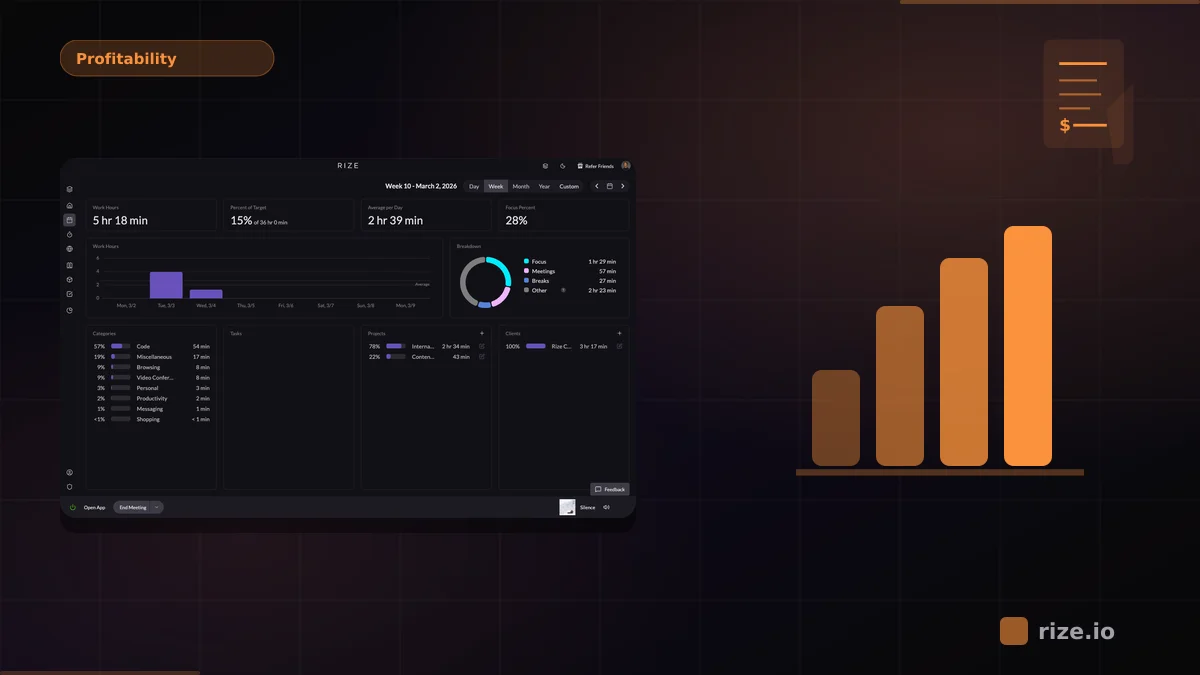
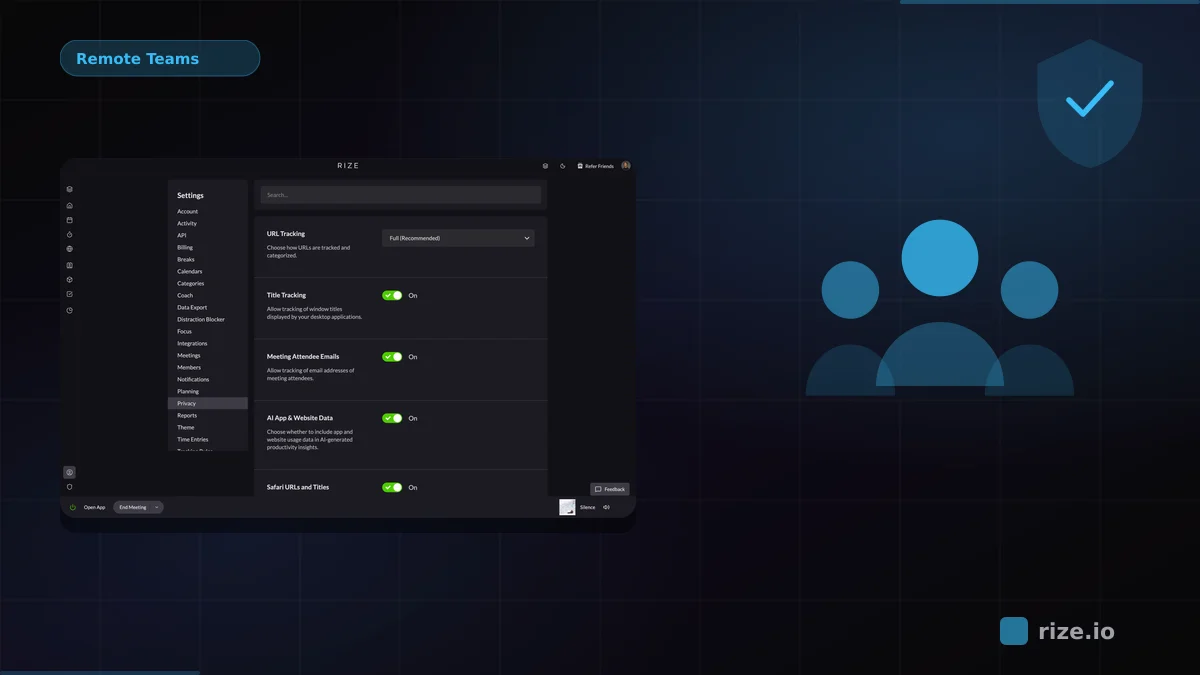
An assistant cannot see your day by itself. It needs a source of truth. Rize provides that: the desktop app records which apps, documents, and sites you work in and categorizes the time by client, project, and task, without screenshots or keystroke logging.
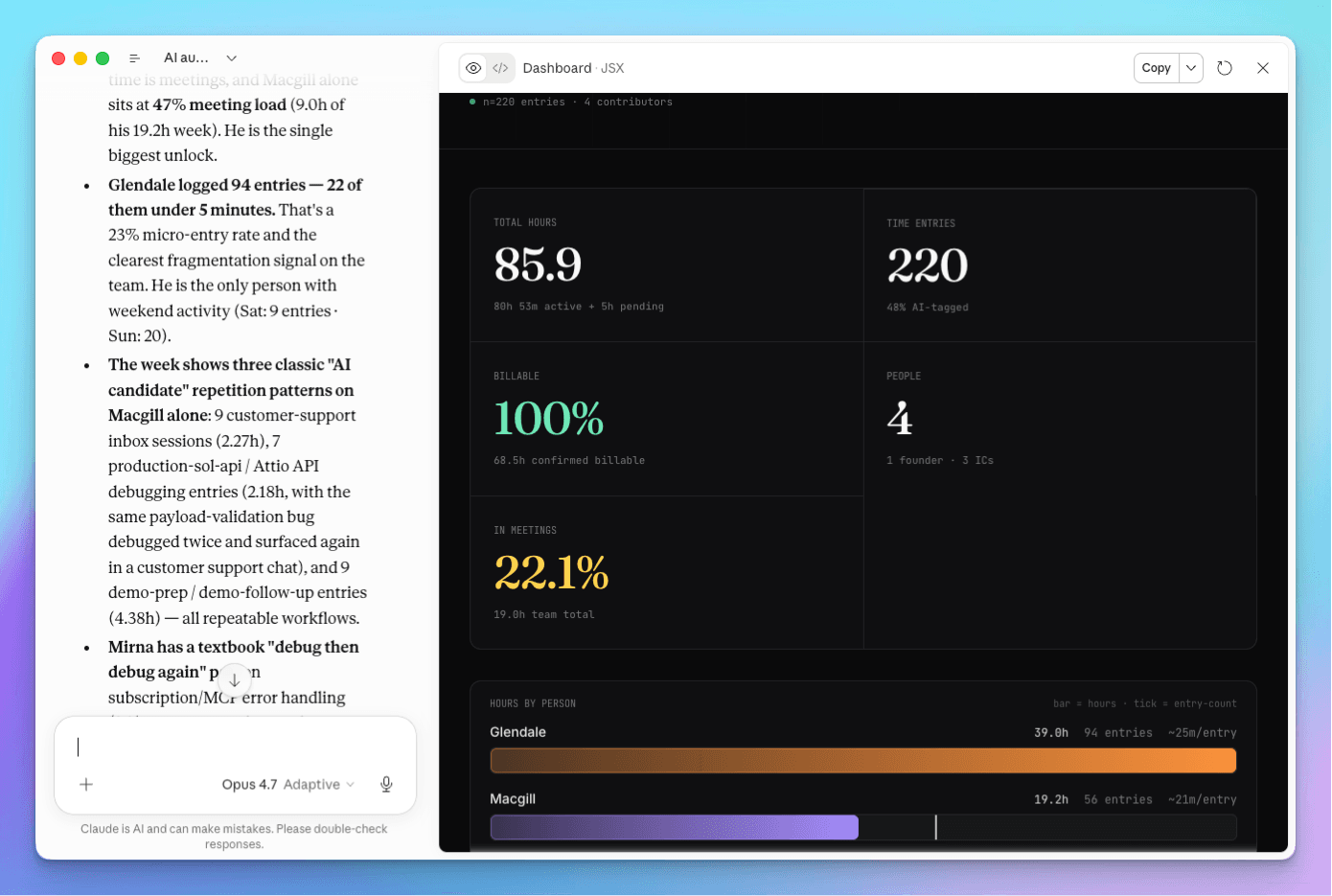
The Rize MCP exposes that data and the actions around it. MCP (Model Context Protocol) is an open standard, introduced by Anthropic, that lets AI assistants connect to external tools. Through it, Claude or ChatGPT can create clients, projects, tasks, and contracts, create and update time entries, approve suggested entries, and query time allocation and profitability.
Step 1: Connect Rize
Connect Rize to ChatGPT in one click from the app directory, or to Claude as a custom connector.
ChatGPT: open the Rize app in the ChatGPT app directory, click Connect, and sign in with your Rize account. Then type @Rize in any chat.
Claude Desktop: go to Customize, then Connectors, click Add Custom Connector, name it Rize, enter https://mcp.rize.io/mcp, and sign in. The full walkthrough is in how to chat with your time tracking data.
Step 2: Set Up Projects From a Prompt
Ask the assistant to create your clients, projects, and tasks so tracked time has somewhere to land.
Paste a client list, a proposal, or an export from your project tool and ask:
"Create these clients in Rize. For each one, add the projects and tasks listed, and add a retainer contract for the monthly fee shown."
Teams on ClickUp can import clients and projects with Rize's native integration instead, and Asana syncs projects and tasks. The assistant route helps most with tools Rize does not sync with directly, since any list Claude or ChatGPT can read can become projects in Rize.
Step 3: Get Time Onto the Right Project and Task
Rize suggests time entries automatically, and the assistant can review, correct, and approve them in bulk.
Useful prompts for a daily or weekly cleanup:
"Show my unassigned time this week and suggest the right project for each block."
"Move yesterday's 2pm to 4pm block to the Acme website redesign, Design task, then approve the rest of yesterday's suggestions."
Each person still reviews their own time. The assistant just turns a ten-minute click-through into one sentence.
Track project time without timers
Rize captures time automatically and connects to Claude and ChatGPT through MCP. Start a free 7-day trial.
Start Free TrialStep 4: Ask How Projects Are Tracking
With time on the right projects, the assistant can answer budget and profitability questions from real hours.
"Which projects are over budget this month, and what work drove the overrun?"
"What is our effective hourly rate on each active client?"
"Build a client-ready summary of hours by project for Acme for last month."
For a recurring version, set up a weekly project update as an AI report in Rize and a Routine to deliver it to you every Monday by email, in-app, or as a Slack DM. For the profitability side, see the client profitability analysis guide.
What Changes for the Team
The team stops logging time and spends a few minutes a week reviewing it instead.
Managers get answers in the tools they already use. According to Asana's Anatomy of Work Index, workers spend 58% of their day on "work about work." Time tracking and status updates are a large part of that, and both can come off the list.
Learn It Live
Rize runs a free workshop on automating project time tracking with Claude and ChatGPT.
In How to Automate Project Time Tracking With Claude and ChatGPT, Macgill Davis sets up projects, assigns time, and builds a weekly project update live. See every session on the Rize workshops page.
Start tracking time automatically
Join thousands of professionals who stopped guessing where their time goes. Free for 7 days.
“Rize has been a no-brainer for me.” — Ali Abdaal Read more →