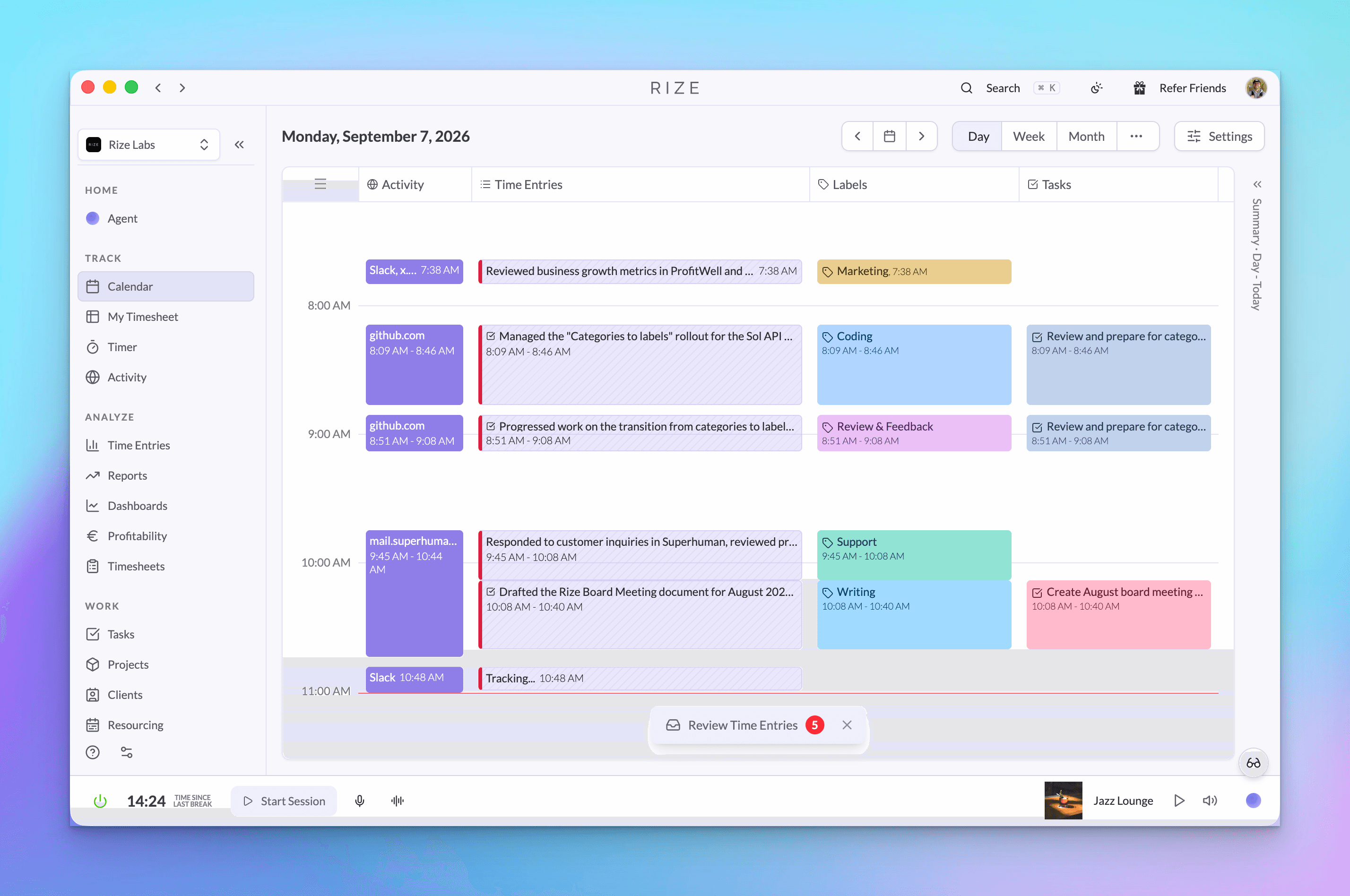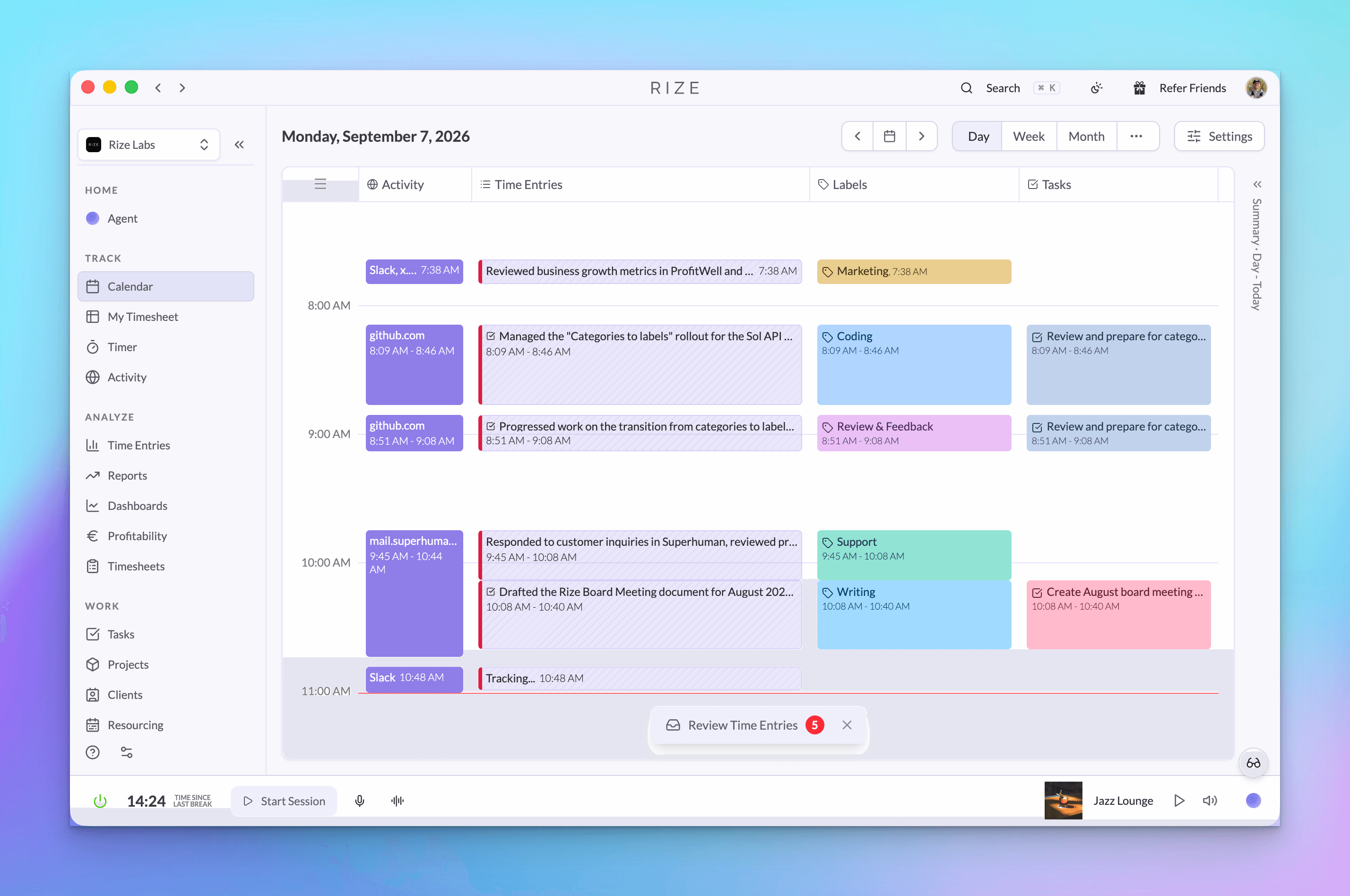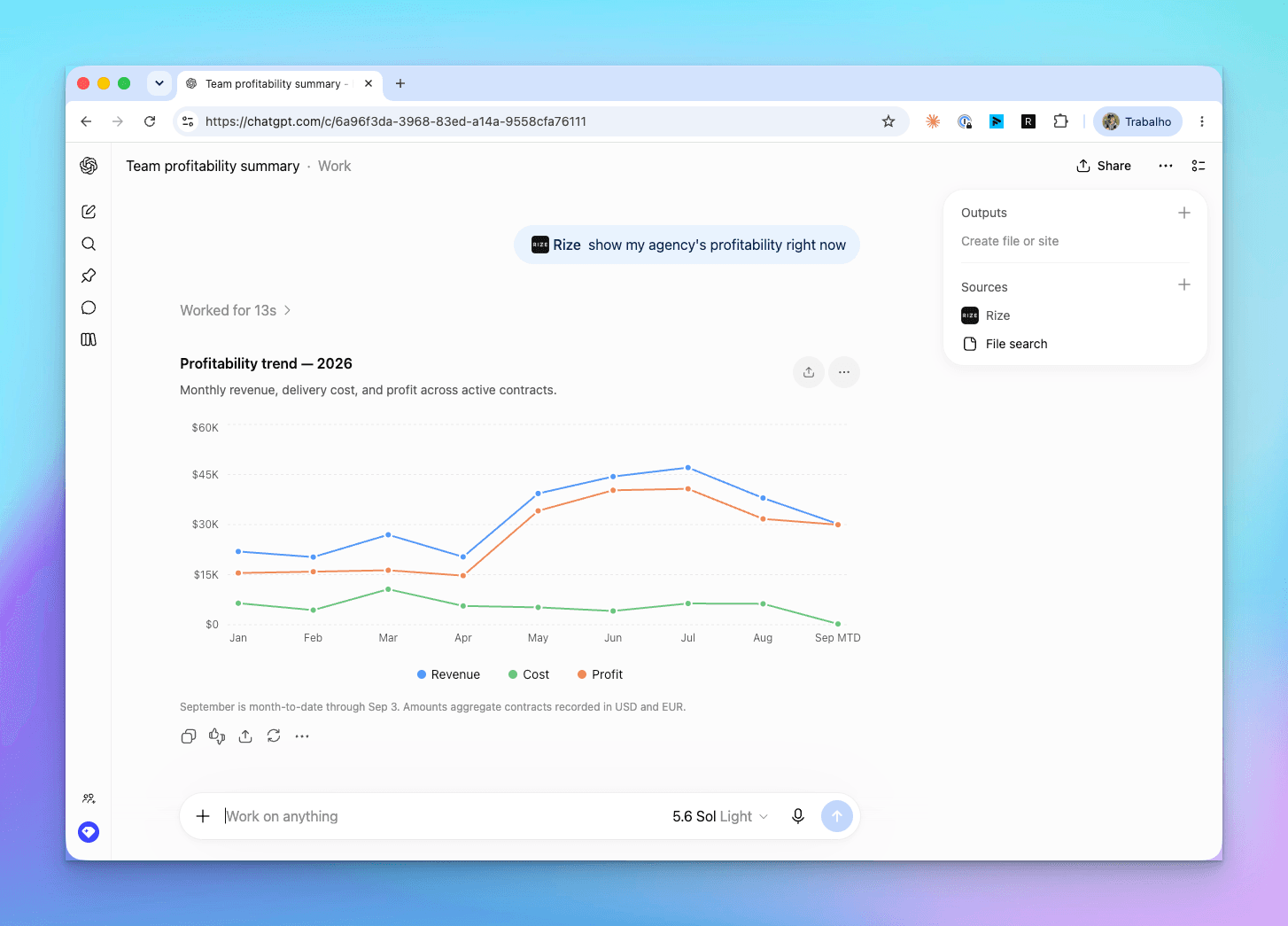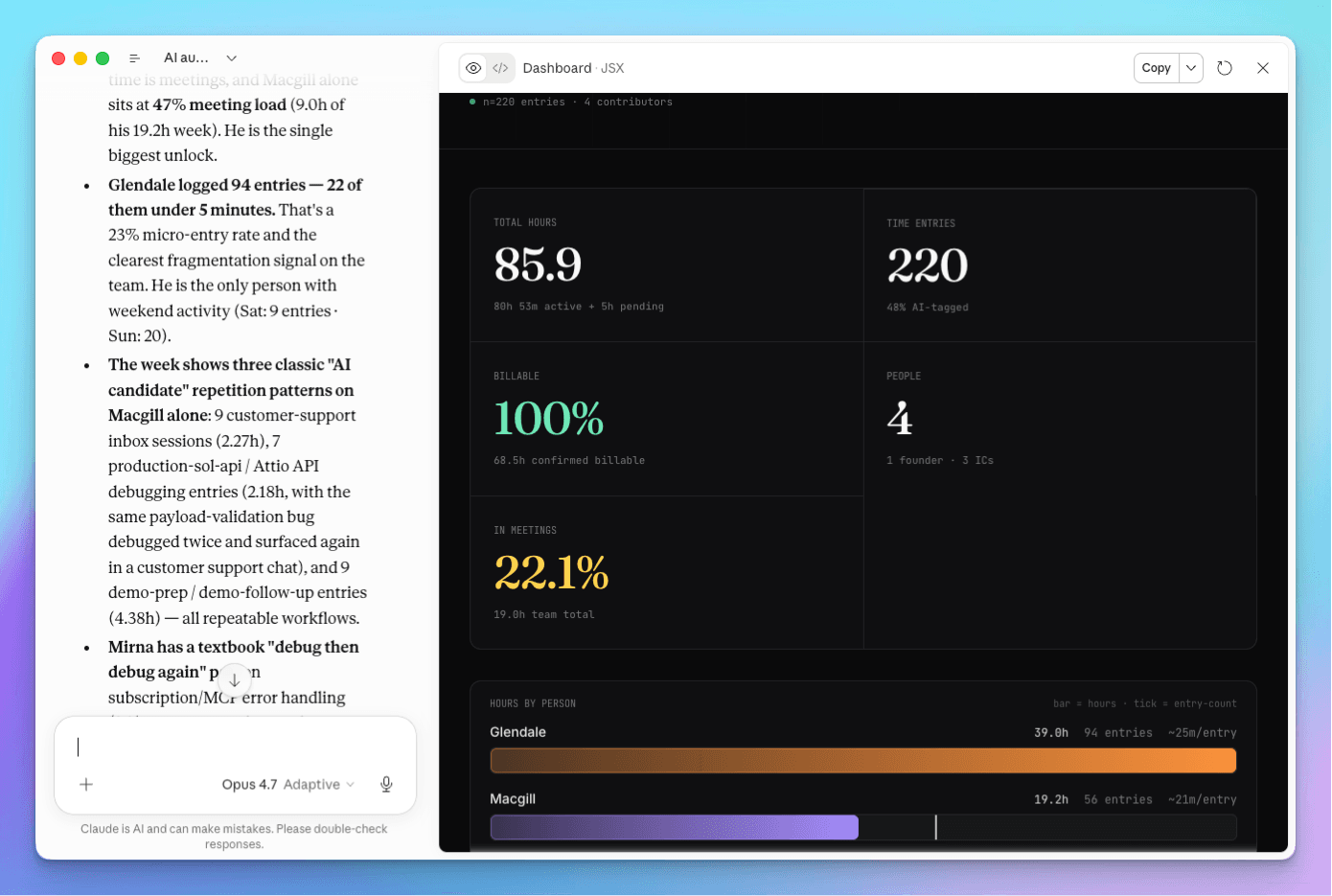
Rize MCP is now available in beta. Connect Rize to Claude, ChatGPT, or any MCP-compatible AI tool and have a real conversation with your time tracking data.
No dashboards. No CSV exports. No pivot tables. Just ask.
What is MCP?
MCP (Model Context Protocol) is the open standard that lets AI assistants securely read from external tools. Plug Rize in once, and any compatible assistant can answer questions about how you and your team are actually spending time.
Rize was one of the first time tracking platforms to ship an MCP integration. The server is live at https://mcp.rize.io/mcp. See what Rize MCP does for the full tool list.
What you can ask
The biggest gain is open-ended analysis. Instead of clicking through reports, ask the questions you actually have:
- How am I really spending my time?
- What projects are overrunning?
- Which clients are most profitable?
- What work is not billable but taking up most of my time?
- How much time do I spend in meetings vs. deep work?
- What tools or apps are consuming most of my time?
- Where should I incorporate AI into my workflow?
- What tasks should I automate?
The answers are grounded in your real Rize data, not generic productivity advice.
How to connect Rize to Claude
Claude Desktop is the easiest way to get started. Watch the full setup walkthrough:
Step-by-step:
- Open Claude Desktop
- Go to Customize, then Connectors
- Click Add Custom Connector
- Name it Rize and enter the URL:
https://mcp.rize.io/mcp - Click Connect and authenticate with your Rize account
- Try a query: "Show my time entries today"
That's it. Claude now has access to your time data, projects, clients, and categories.
How to connect Rize to ChatGPT
Rize is published in the ChatGPT app directory, so connecting is one click. Open the Rize app, click Connect, and sign in with your Rize account.
Step-by-step:
- Open the Rize app in ChatGPT
- Click Connect
- Authenticate with your Rize account via Google or a magic link
- Approve the connection
- Start querying your data inside ChatGPT
The video above shows the older manual setup. That route still works if you would rather add the MCP server URL https://mcp.rize.io/mcp yourself under Settings, then Apps, then Advanced Settings.
Real examples
Here are prompts you can copy and paste once connected:
For individuals:
- "Show me this week's time entries"
- "How much of my time this month was billable?"
- "What's my most productive time of day?"
For managers:
- "Approve all time entries from Monday"
- "What's our profitability on the Acme project?"
- "Who on the team has the most untracked hours this week?"
For billing:
- "Generate a time report for Client X, last 30 days"
- "What's our effective hourly rate on each active project?"
- "Which projects are over budget?"
Privacy and security
Rize MCP uses OAuth authentication. You explicitly approve each AI tool's access before any data is shared. Here's what Rize does and does not share:
Shared via MCP: Time entries, project names, client names, categories, durations, and summaries.
Never shared: Screen content, keystrokes, mouse movements, screenshots, or prompt text. Rize is privacy-first by design. Per-client setup steps live in using Rize with AI assistants.
What's next
This is V1. We shipped the tools and endpoints we thought would be most useful, but the next iteration should be shaped by how you actually use it.
- Which questions are you asking that the AI can't answer well yet?
- What tools or endpoints would you want exposed next?
- What workflows (reporting, invoicing, weekly reviews, team retros) should we make first-class?
Send us a note in the support widget or reply to the launch email. The more we hear, the faster MCP V2 ships.
Start tracking time automatically
Join thousands of professionals who stopped guessing where their time goes. Free for 7 days.
“Rize has been a no-brainer for me.” — Ali Abdaal Read more →