To find automation opportunities, run a time audit on your team's real hours, list the work that repeats every week, and rank each task by the hours it would save per month. The tasks at the top of that list are what to automate first. Most teams skip the audit and guess, which is why their first automation often saves twenty minutes instead of twenty hours.
Quick Answer
Track two to four weeks of team time, group it by task, and flag work that repeats, follows the same steps, and needs little judgment. Multiply hours per occurrence by occurrences per month to get hours saved per month. Automate the top three, then rerun the audit monthly.
Why Most Teams Guess at What to Automate
Teams guess at what to automate because the repetitive work they want to remove is the work nobody logs.
A weekly client status email, a timesheet chase on Friday, copying hours from one tool into another: each takes ten or twenty minutes, so none of it shows up in a timesheet. Across a team and a month, those small tasks become the largest block of recoverable time. According to Asana's Anatomy of Work Index, workers spend 58% of their day on "work about work" such as status updates, searching for information, and chasing approvals.
The opportunity is large. McKinsey's research on generative AI estimates that current generative AI and other technologies could automate work activities that absorb 60 to 70% of employees' time today. Knowing which of those activities your team actually does, and for how long, is the part a time audit answers.
Step 1: Capture Two to Four Weeks of Real Time
A time audit for automation needs two to four weeks of complete, task-level time data for the whole team.
Two weeks catches the weekly rhythm. Four weeks also catches month-end work like invoicing, reconciliations, and monthly client reports. Pick a normal stretch, not a launch week or a holiday.
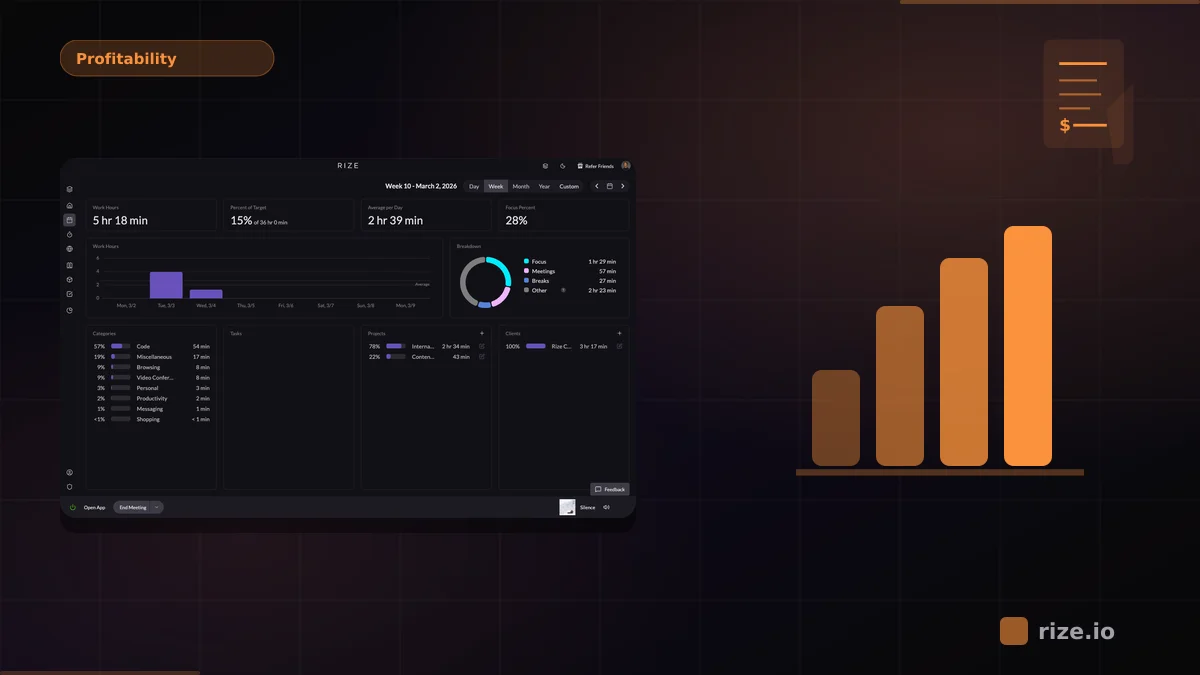
The data must be complete. Self-reported time undercounts exactly the short, repetitive tasks you are hunting for. Rize's automatic time tracking records which apps, documents, and sites each person works in and categorizes the time by client, project, and task. Nobody runs a timer, and Rize does not take screenshots or log keystrokes.
If you do not track time yet, the free agency time audit calculator gives a rough estimate of untracked hours to start from. For the classic personal version, see three ways to conduct a time audit.
Step 2: Group the Hours by Repeating Task
Group tracked hours by the task being done, not by person, so recurring work across the team adds up into one number.
Five people each spending 30 minutes on a weekly status update is one task worth about 10 hours a month, not five small habits. Build a simple worksheet with these columns:
| Column | What to record |
|---|---|
| Task | Client status report, timesheet prep, invoice prep |
| Frequency | Daily, weekly, monthly |
| Hours per occurrence | Average across the team |
| Hours per month | Hours per occurrence × occurrences per month |
| Repeatability | Same steps every time? High, medium, low |
| Judgment needed | Low (copy, format, summarize) to high (advise, decide) |
The free time audit template has these columns built in, ranks each task by hours saved per month, and exports the list as a CSV.
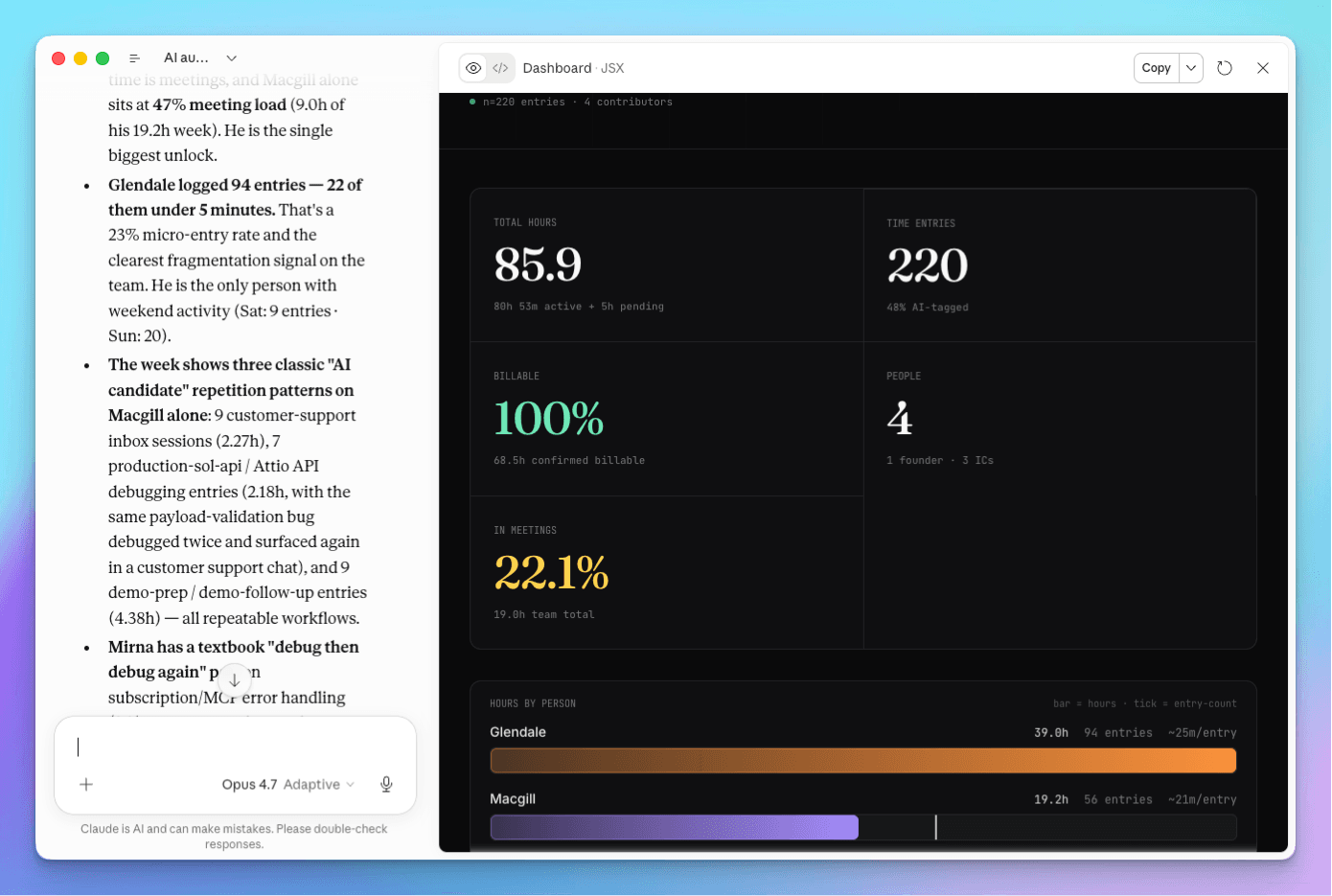
In Rize, the Tracked Time view groups hours by client, project, task, or app and saves the grouping as a dashboard. With the Rize MCP connected, you can also ask Claude or ChatGPT: "Group my team's time over the last four weeks by task and show which tasks repeat every week."
Step 3: Score Each Task for Automation
A task is a strong automation candidate when it repeats on a schedule, follows the same steps, and needs little judgment.
Automate now: high repeatability, low judgment. Weekly status reports built from the same data, timesheet reminders, moving hours into an invoice, formatting a monthly report.
Assist, do not replace: high repeatability, medium judgment. First drafts of client updates or proposals that a person edits before sending.
Leave alone: low repeatability or high judgment. Client strategy, pricing decisions, and anything where the value is the person's thinking.
Context switching adds a hidden cost to the first group. A 2022 Harvard Business Review study found workers toggle between apps roughly 1,200 times a day. Tasks that bounce someone across four tools to copy one number are worth more to automate than their raw minutes suggest.
Step 4: Rank by Hours Saved per Month
Rank automation candidates by hours saved per month, which is monthly hours on the task times the share automation can remove.
Here is an illustrative example for a 12-person agency. The figures are assumptions for the worked example, not benchmarks:
| Task | Hours/month | Share automatable | Hours saved/month |
|---|---|---|---|
| Weekly client status reports (8 clients × 1 hr × 4.3 weeks) | 34 | 75% | 26 |
| Timesheet prep and chasing (12 people × 30 min × 4.3 weeks) | 26 | 90% | 23 |
| Monthly invoice prep | 10 | 60% | 6 |
| Meeting notes and follow-ups | 20 | 25% | 5 |
The ranked list makes the first decision obvious. Status reports and timesheet prep together free about 49 hours a month in this example. Meeting notes feel like the bigger annoyance but save the least.
Run your time audit on real hours
Rize tracks team time automatically and sorts it by client, project and task. Start a free 7-day trial and see which repetitive work adds up.
Start Free TrialStep 5: Automate the Top Three and Re-Measure
Automate the top three tasks, then rerun the same audit a month later to confirm the hours actually came back.
Some of the most common wins live inside the time data itself. In Rize, an AI report can write the weekly client status update from tracked time, and a Routine can deliver it to you on a schedule by email, in-app, or as a Slack DM. Automatic capture removes timesheet prep entirely, since time is already sorted to clients and projects for each person to review and approve.
Re-measuring matters because automations drift. A report someone still rewrites by hand each week did not save the hours the worksheet promised. Rerun the audit monthly, compare hours per task to the baseline, and move down the list.
Learn It Live
Rize runs a free workshop on running a time audit and ranking automation opportunities by hours saved per month.
In How to Identify Automation Opportunities With a Time Audit, Macgill Davis runs the audit on a real workspace and builds the ranked list live. Browse every session on the Rize workshops page.
Start tracking time automatically
Join thousands of professionals who stopped guessing where their time goes. Free for 7 days.
“Rize has been a no-brainer for me.” — Ali Abdaal Read more →