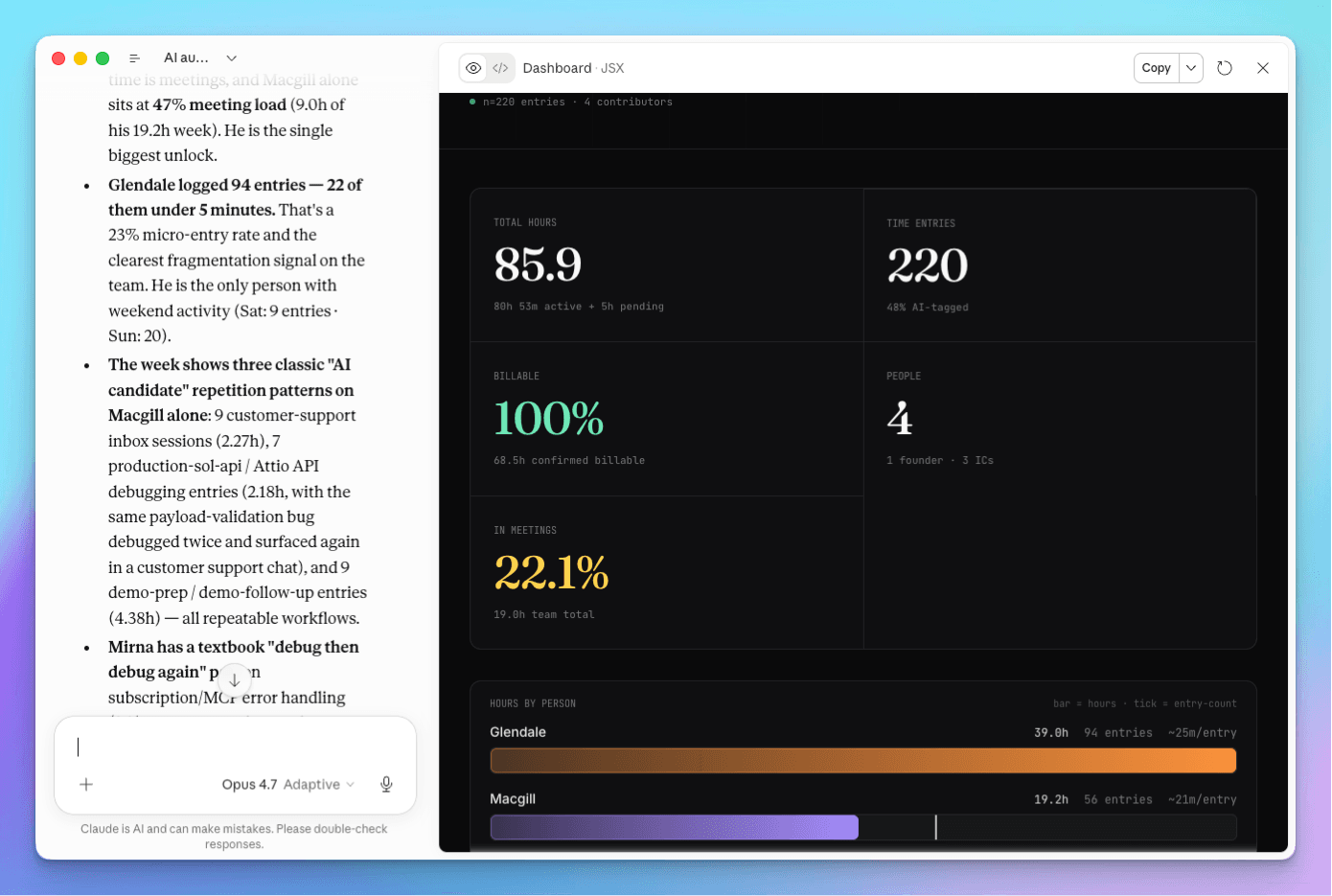
A weekly team status report built from tracked time shows where the team's hours went, who is overloaded, and what needs attention, without a status meeting or a round of Slack updates. The format that works has four sections: Status, Capacity, Fires, and Upcoming. Each one answers a question with numbers instead of opinions.
Quick Answer
Pick the three to five questions you need answered every week. Group them under Status, Capacity, Fires, and Upcoming. Pull the answers from tracked time by client and project, not from memory. Automate the report so it arrives every Monday, and use it to make one decision a week.
Why Status Updates Miss the Real Picture
Status updates built from memory miss the real picture because people report what they remember, not where the time went.
Most managers piece the week together from Slack threads, standups, and gut feel. That is slow and it is wrong in predictable ways: small client requests disappear, and overload shows up only when someone burns out. Coordination itself eats the week. According to Asana's Anatomy of Work Index, workers spend 58% of their day on "work about work" like status updates and chasing information.
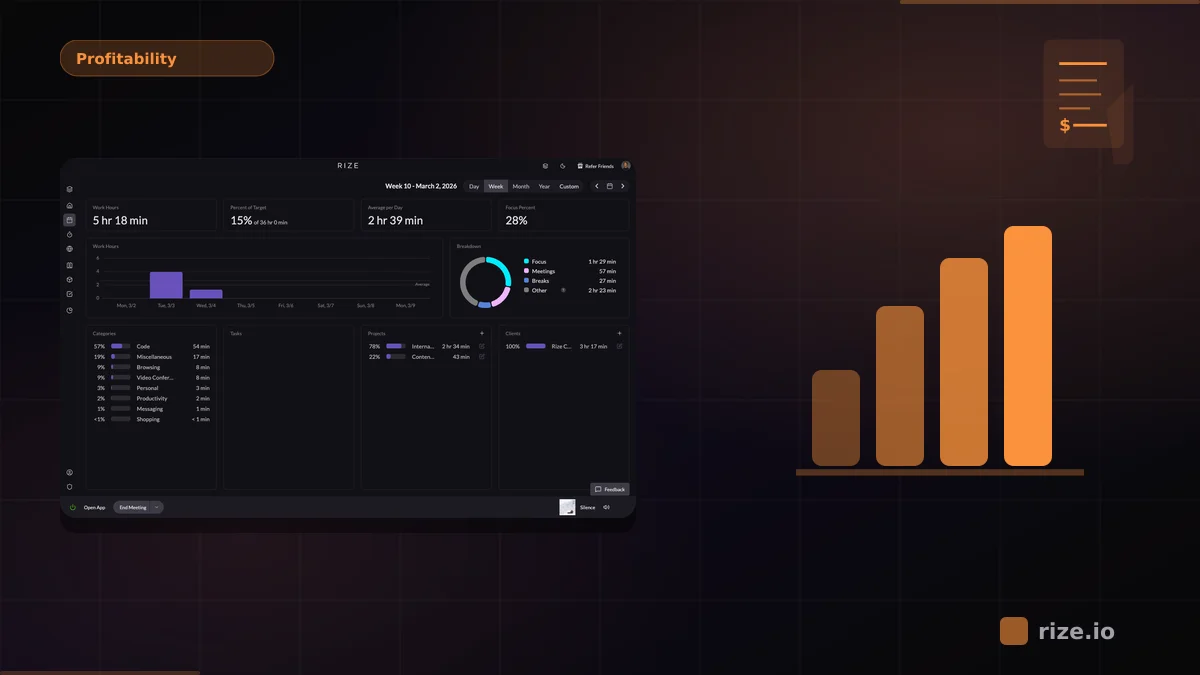
The cost shows in utilization. SPI Research's 2026 Professional Services Maturity Benchmark put billable utilization at professional-services firms at 66.4% in 2025, the lowest on record, against a 75% target.
The Four Sections of a Weekly Status Report
A weekly status report needs four sections: Status, Capacity, Fires, and Upcoming.
Status: how each client and project is tracking. Hours this week, hours used versus budget for the period, and whether it is on track.
Capacity: who is over or under loaded. Hours per person against their normal week, and how much went to client versus internal work.
Fires: what needs attention now. A client running ahead of its retainer, revisions piling up, or unassigned time that hides where hours went.
Upcoming: deadlines, renewals, and known busy weeks ahead, so capacity problems are visible before they happen.
Start small. Three to five questions under these headings beat a twenty-chart dashboard nobody reads. The free weekly status report template builds the sections and the AI prompt for you.
Build It From Tracked Time
A status report is only as accurate as the hours behind it, so build it from automatic time tracking.
Manual timesheets reintroduce the memory problem. Harvard Business Review has reported that workers are bad at filling out timesheets, and the errors cost businesses billions. Rize's team time visibility captures time automatically and sorts it by client, project, and task as people work.
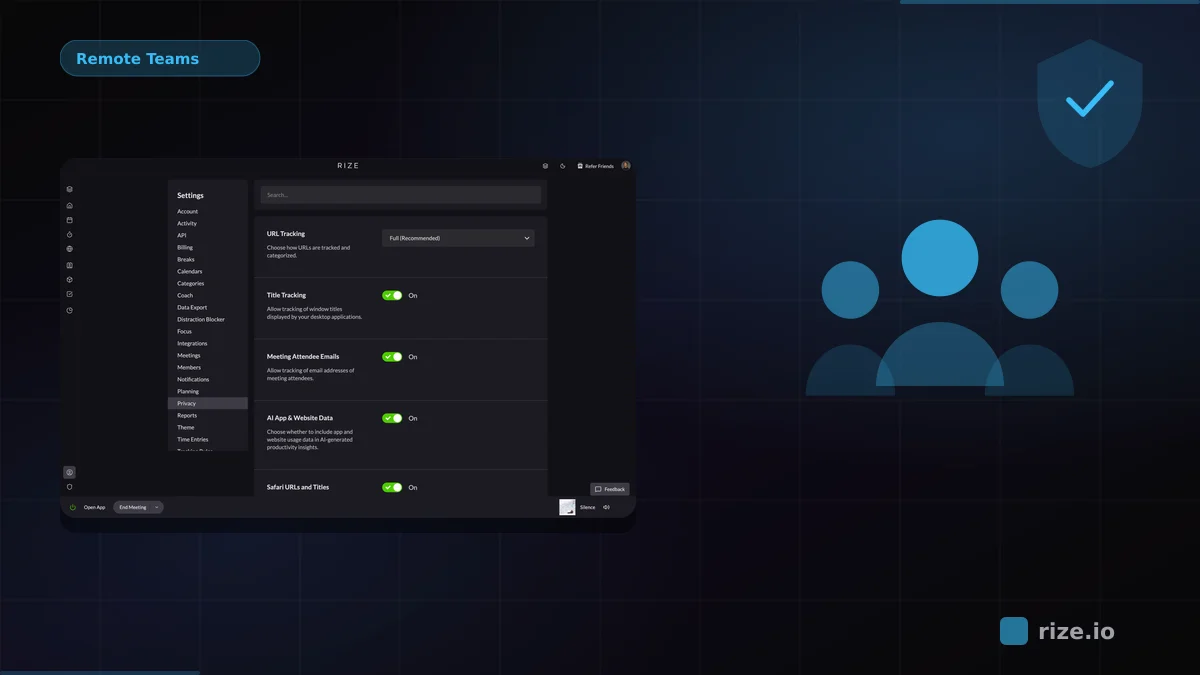
Privacy is built in. Rize captures metadata by default, with no screenshots or keystrokes. Team members control their own privacy settings and review and approve their own time, and managers see time by client and project, not what is on anyone's screen.
Let AI Write the Report
An AI report can write the weekly status report from tracked time using one saved prompt.
In Rize, create an AI report with a prompt like:
"Write this week's team report from tracked time. Status: hours by client and project against budget, flag anything off track. Capacity: hours per person against a 40-hour week, and client versus internal split. Fires: clients ahead of their retainer and any unassigned time. Upcoming: renewals and deadlines in the next two weeks. Keep it to one page and end with one recommended action."
Then set a Routine to deliver it to you every Monday morning by email, in-app, or as a Slack DM. You can also run the same prompt in Claude or ChatGPT through the Rize MCP and combine it with data from your other tools.
Get your weekly team report without timesheets
Rize tracks team time automatically and writes the weekly report for you. Start a free 7-day trial.
Start Free TrialTurn the Report Into One Decision a Week
A weekly report is only useful if it changes a decision, and one decision a week is enough.
Rebalance work from the person at 50 hours to the one at 30. Raise scope with the client running ahead of its retainer. Fix the workflow behind recurring revisions. Small, consistent changes beat a big quarterly reset.
Share the report with the team, too. Walking through it together shows people the data is used to spread the workload, not to watch them. For the bigger picture, read the guide to real-time team visibility.
Watch the Workshop
Rize's free team visibility workshop builds this weekly report live and shows how to roll it out to a team.
Watch How to Automatically See Where Your Team's Time Goes, and get the prompts and rollout script in the Team Visibility Playbook.
Start tracking time automatically
Join thousands of professionals who stopped guessing where their time goes. Free for 7 days.
“Rize has been a no-brainer for me.” — Ali Abdaal Read more →