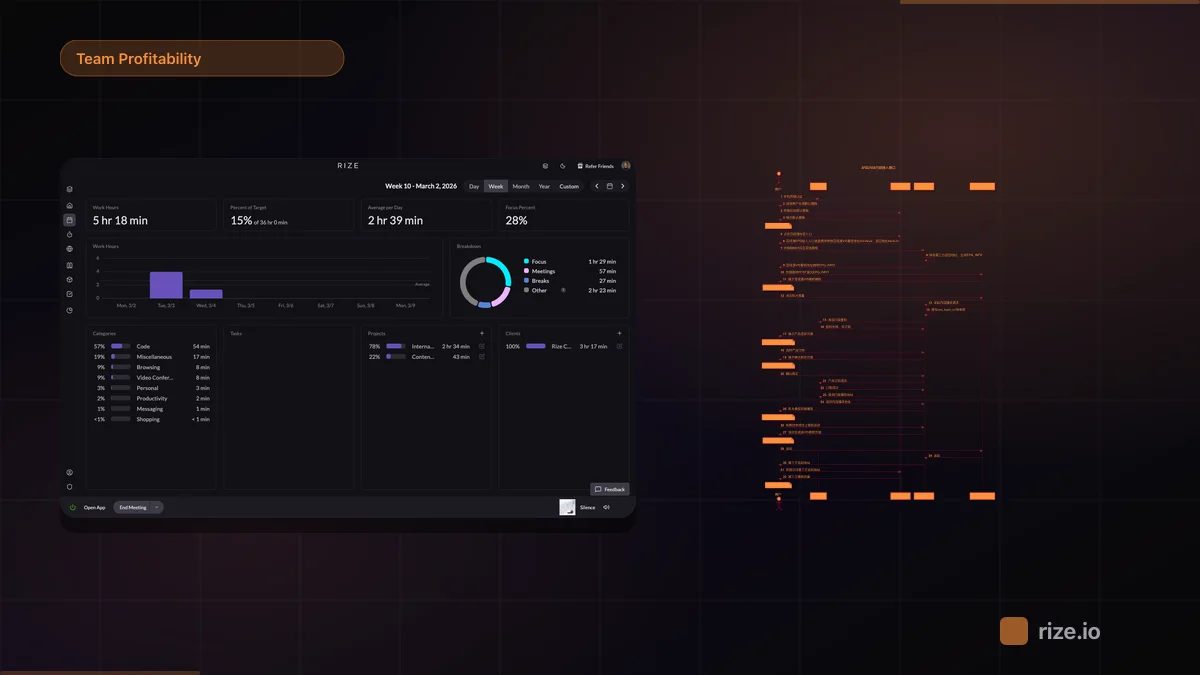
Automated client reporting means a scheduled process writes the client brief — hours vs scope, burn percent, where the time went — and delivers it on a cadence, so the account manager reviews and forwards instead of pulling timesheets every Friday. The report only works if the hours behind it are tracked automatically; a report assembled from manual timesheets is a manual report with extra steps.
Quick Answer
Automate client reporting in three steps: write the report prompt once (hours vs scope, burn %, work breakdown, one flag), schedule it per client on the cadence you bill, and deliver it to the account owner by email or Slack to review and send. In Rize, a Routine does all three.
The Manual Client Report Costs More Than It Looks
A client report built by hand costs the assembly time, the week-old data it is built on, and the accounts that quietly go unreported.
An account manager running six retainer clients spends an hour or more per report: pull the timesheet export, group hours by project, calculate burn, write the same email. That is a day a month on reporting alone — and the report still describes data from whenever the timesheets were last complete.
The hidden cost is inconsistency. Reports go out when someone has time, which means the client who is over scope gets the same "everything is fine" email as everyone else — until the invoice dispute.
What an Automated Client Report Should Contain
An automated client report needs three numbers and one flag: hours vs scope, burn percent, work breakdown, and anything that needs a decision.
| Section | Content | Example |
|---|---|---|
| Hours vs scope | Tracked hours this period against scoped hours | "18 of 15 scoped hours this week" |
| Burn percent | Cumulative tracked vs cumulative scoped for the period | "68% of monthly scope at day 20" |
| Work breakdown | Hours by project or deliverable | "Revisions 7h, reporting 5h, calls 6h" |
| Flag | One thing needing a decision | "Revisions are running 2x scope — extend or cut?" |
A report the client can check against the invoice gets fewer disputes than a narrative. Numbers first, commentary second.
How to Automate Client Reporting with a Routine
A Routine in Rize is a scheduled prompt: what to analyze, when to run, and where to deliver it — one routine per client report.
1. Write the prompt once. Tell the agent what the report covers: "Summarize Acme's tracked hours this week vs the 15-hour retainer scope, burn percent for the month, a breakdown by project, and flag anything running more than 20% over."
2. Schedule it on your billing cadence. Friday morning for weekly retainer clients, first business day of the month for monthly accounts. The report is waiting in your inbox before you would have started assembling it.
3. Deliver to the owner, forward to the client. The finished brief arrives in-app, by email, or as a Slack DM to whoever owns the account. They review it, adjust the wording for the client, and send — the draft, numbers, and breakdown are already done.
Each routine keeps its full run history next to its settings, so last month's report is one click away when the client asks "what did you say in October?" See how client reporting works for the full feature walkthrough.
Weekly Reports vs Monthly Reports
Weekly reports catch burn drift inside the billing period; monthly reports are a margin summary — run the cadence that matches how you bill.
Weekly for active retainers with hard scope limits. A client at 120% of scope in week two can still be re-scoped in week three. Monthly reporting discovers the same problem after the invoice.
Monthly for steady-state and fixed-fee accounts where the question is margin, not scope. Hours by deliverable against the fee tell you which clients are profitable and which consume the team — the same math behind retainer burn tracking.
Both cadences can run from the same data. The weekly status report template shows the format the routine output follows.
Where Automated Reporting Stops Working
Automated reporting fails when the hours behind it are incomplete — the report is only as good as the time data it summarizes.
If the team logs hours from memory, the automated report faithfully summarizes the gaps: the unlogged client call, the forgotten Slack thread, the 20-minute fix. Automated reporting on manual timesheets produces confident-looking reports on incomplete data, which is worse than no report.
Rize tracks time automatically by client and project, so the routine summarizes complete hours — meetings, revisions, and small tasks included. Pair it with scheduled AI reports on saved dashboards for the internal view, and client reporting becomes a review step instead of a production step.