Utilization rate is billable hours divided by paid hours after leave, times 100 — where "paid" means contracted hours minus PTO and holidays, not 40 times headcount. The formula is easy; the hard part is that both sides of it need real hours, and a utilization number built on remembered timesheets measures compliance, not capacity.
Quick Answer
Utilization = (billable hours ÷ paid hours after leave) × 100. Paid = contracted hours − PTO − holidays; internal meetings stay in. Measure it weekly per person, set the target from your own four-to-six-week baseline, and compare planned vs tracked hours to see whether the plan or the team is off.
The Utilization Rate Formula
Utilization rate = billable hours ÷ paid hours after leave × 100 — with "paid" meaning contracted hours minus PTO and holidays, not raw headcount times 40.
Worked example: a designer on a 40-hour contract takes 8 hours of PTO. Paid hours = 32. If 24 of those were client work, utilization is 75%. Their 2 hours of internal meetings count against the rate — they are paid time that did not generate revenue.
| Input | Value |
|---|---|
| Contracted hours | 40 |
| − PTO | 8 |
| = Paid hours | 32 |
| Billable hours tracked | 24 |
| Utilization rate | 24 / 32 = 75% |
The utilization rate calculator runs this math per person or per team.
What Counts as Billable (and What Quietly Should Not)
Only client-facing project work belongs in the numerator — internal admin, business development, and hiring belong in the denominator's subtraction or in their own bucket.
The two mistakes that corrupt the number:
Using 40 hours as the denominator. Nobody has 40 paid hours every week — PTO and holidays are real. A utilization rate computed against raw contracted hours reads 10-15 points low and makes a healthy week look like a failure.
Removing internal time from the denominator. It is tempting to subtract all-hands and admin so the rate looks healthy, but that measures capacity, not utilization — the rate improves just because more non-billable time was scheduled. Keep paid time in and look at internal time as its own bucket instead.
Letting "billable" drift. Client meetings count; the internal recap afterward usually does not. Pre-sales scoping calls do not. Decide the line once and hold it, or the rate means something different every quarter.
What a Good Utilization Rate Looks Like
There is no correct number — a good target comes from your own baseline, your mix of roles, and your pricing model.
Agencies commonly plan delivery roles around 70-85% utilization and senior roles lower, because principals carry business development and review time. Flat-fee accounting firms watching margin care less about the rate than about which clients consume it; in-house teams with no billable hours at all measure the same ratio as "share of available hours on planned work" — see measuring capacity without billable hours.
Whatever the target, the measurement comes first: four to six weeks of tracked hours tell you the real baseline, and the target sits above it — not above a number borrowed from a benchmark your team does not resemble.
Why Weekly, and Why Per Person
Utilization measured monthly is an accounting report; measured weekly per person, it is a planning tool that still has time to act.
A team-level monthly average hides the two failures that matter: one person running 110% while another runs 50%, and one client consuming unplanned hours across everyone. Neither is visible in an average. Weekly per-person numbers show both while there is still time to rebalance the plan or re-scope the account.
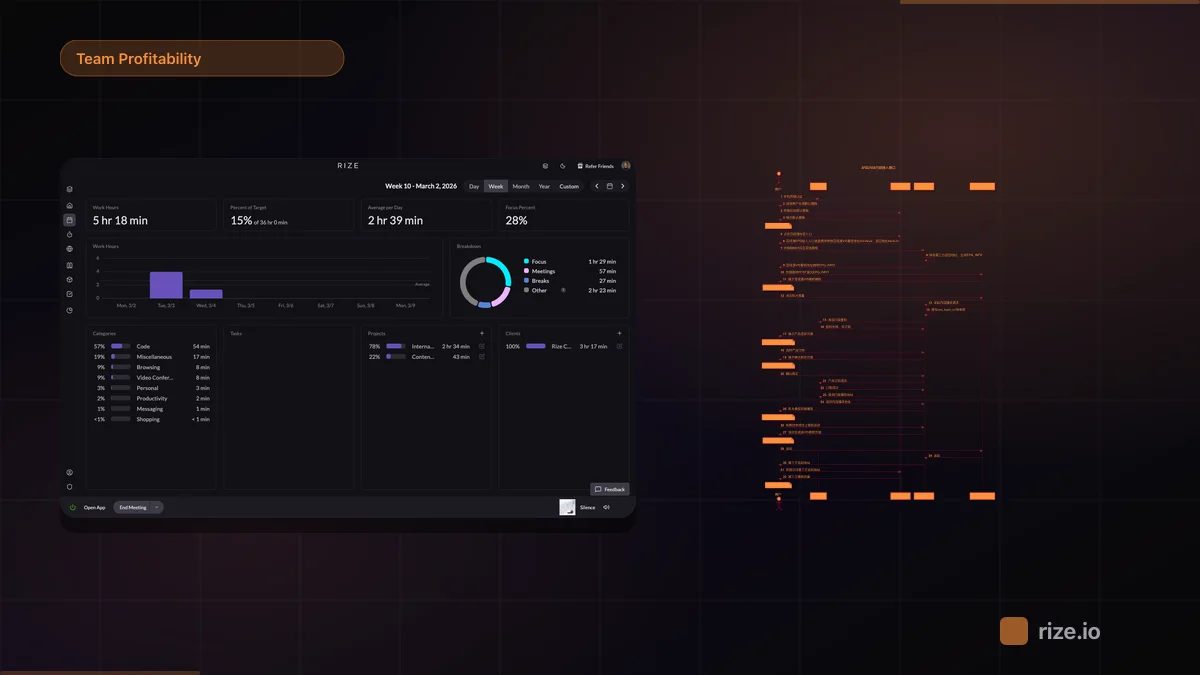
This is the difference between a utilization number and a utilization dashboard: the dashboard is a saved view — members by week, utilization by client, planned vs tracked — that opens on the current period every time, instead of a report somebody rebuilds. Rize dashboards are exactly that: a saved Tracked Time view with a rolling range, shareable at the team or workspace level.
Planned vs Tracked: The Number That Actually Predicts Trouble
Utilization tells you what happened; planned-vs-tracked tells you whether your plan matched — which is the earlier warning.
If you plan a person's week — so many hours per client — and compare it to tracked hours, the gaps flag a wrong estimate, a drifting client, or a process leak while the week is still recoverable. Utilization alone just tells you the week was light. Rize's Resourcing feature schedules those planned allocations per member per week and shows them beside tracked hours in the same view.
And if the point of the number is the weekly review rather than the number itself, scheduled AI reports can run the analysis on the saved utilization dashboard on a cadence — so the comparison happens whether or not anyone remembered to open it.