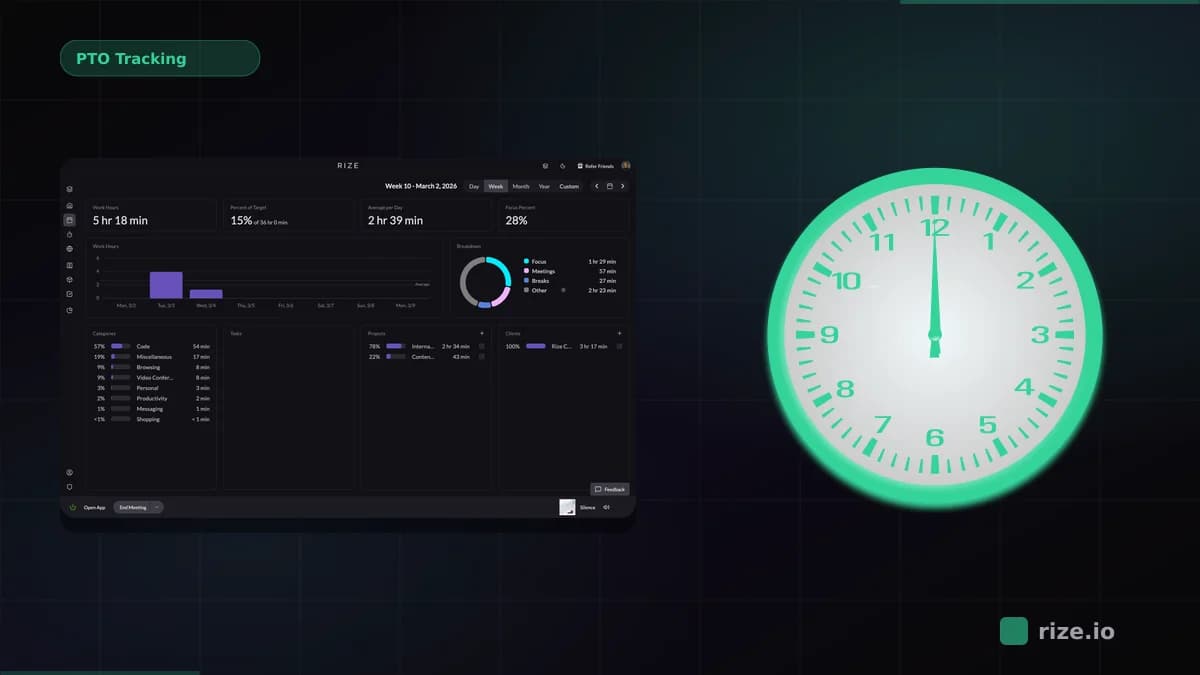
Salaried professional services teams measure capacity by comparing available hours against tracked hours on project and request work, not against billable hours. Available hours are contracted hours minus PTO and fixed internal time. Tracked project and request hours show where the rest actually goes, with meetings and admin kept in their own bucket so they are not counted twice. The gap between the two is real capacity, and loaded cost per hour turns it into a cost of goods sold figure finance can use.
Quick Answer
- Calculate available hours per person: contracted hours minus PTO, holidays, and fixed internal time.
- Track actual hours by work type and requester, ideally with automatic capture so nobody fills out a timesheet.
- Utilization = hours on planned work ÷ available hours.
- Cost per hour = loaded annual cost ÷ available hours. Multiply by tracked hours for the cost of each project or internal client.
Why Billable-Hour Capacity Models Fail for Salaried Teams
Billable-hour capacity models fail for salaried teams because the hours that drive the model are never recorded.
Agencies and law firms track time because they invoice from it. An in-house legal, finance, creative, or IT team has no invoice, so nobody logs hours, and the capacity plan runs on headcount and gut feel. The usual result is a team that reports being at 120% while the plan says 80%, and no data to settle which is right.
Asking a salaried team to start filling out timesheets rarely fixes it. People reconstruct the week from memory on Friday, round to the nearest project, and leave out the small requests that eat the most time. A capacity model built on that data inherits the same gaps.
Step 1: Calculate Available Hours
Available hours are the hours each person can spend on planned work after PTO, holidays, and fixed internal time are removed.
Start with contracted hours, for example 40 a week or about 2,080 a year. Subtract PTO and holidays. Then subtract the fixed internal load: team meetings, one-on-ones, training, and administration. Measure that last number from tracked data instead of guessing it, because it is usually larger than managers expect.
Because fixed internal time is already subtracted here, every later comparison uses tracked hours on project and request work only. Comparing available hours against all tracked hours would count meetings and admin twice and make a fully booked person look over capacity.
| Example (one person, one year) | Hours |
|---|---|
| Contracted hours (40 × 52) | 2,080 |
| PTO and holidays (25 days) | −200 |
| Fixed internal time (6 hours a week, 47 weeks) | −282 |
| Available hours | 1,598 |
Step 2: Track Actual Hours by Work Type
Capacity planning needs actual hours split by work type and requester, because a single total hides where the time goes.
Pick categories that match the decisions you make. For an in-house team that usually means internal client or department, project versus run-the-business work, and request type (contract review, campaign asset, month-end close). Keep the list short enough that every hour lands in exactly one bucket.
The hours themselves should come from capture, not recall. Automatic time tracking records work sessions in the background from the apps and documents people work in, so the data includes the quick requests and context switches that timesheets leave out.
This is what makes workload measurable for a salaried team that does many different tasks each day. Capture splits the day at the application and document level, so a person who touches a dozen tasks produces a dozen blocks of time instead of one blurry eight-hour line. The workload question becomes which tasks and requesters consumed the day, not whether anyone remembered to log it.
Step 3: Measure Utilization Against Planned Work
For a salaried team, utilization is the share of available hours spent on planned work, not the share spent on billable work.
Utilization = hours on planned work ÷ available hours. A person with 1,598 available hours who spends 1,200 on planned projects is at 75%. The other 25% is unplanned requests, interruptions, and overflow from the fixed internal load. That number tells you how much new work the team can take before something slips.
Do not import a target from billable firms. Set it from your own baseline: four to six weeks of tracked data shows what share of time realistically goes to planned work, and the plan should start from there. The utilization rate calculator runs the arithmetic per person or per team.
Step 4: Turn Hours Into Cost Per Hour and COGS
Cost per hour for a salaried team is the loaded annual cost of each person divided by their available hours.
Loaded cost includes salary, benefits, employer payroll tax, and a share of overhead such as software and space. According to the BLS Employer Costs for Employee Compensation release, benefits are a large share of total compensation, so salary alone understates cost per hour. If one person costs $130,000 a year loaded and has 1,598 available hours, the cost is about $81 per available hour.
Multiply that rate by tracked hours and you get the cost of anything the team delivers: a product launch, a department's support requests, or a recurring report. Teams that sit inside a services business can report this as COGS per account. Internal teams can use it for chargebacks, or to show leadership that one department's requests consume a third of the team's cost.
Step 5: Validate the Capacity Model Against Real Time Data
Validate a capacity model by comparing planned hours to tracked hours for the same period and investigating every gap above about 10%.
Run the plan for a month, then put planned and actual side by side per person and per work type. Three patterns show up most often:
Plan under actual on one work type. The estimate for that work is wrong. Re-baseline it from the tracked average.
Project and request hours above available for one person. That person is the bottleneck, often because requests route to them informally. Rebalance before it becomes burnout or attrition.
Planned work low across the team. Fixed internal time or unplanned requests are larger than assumed. Measure them and either cut them or plan for them.
For a deeper look at balancing load once the data is in, see the guide to workload management.
What to Look for in a Capacity Planning Tool for Salaried Teams
The best capacity planning tool for a salaried in-house team measures actual hours without manual entry and compares them to the plan.
Most capacity and resource planning tools are schedulers. They are good at assigning future work, and they depend on someone entering actuals afterward. For a team that does not log time, use these criteria:
1. Actuals without timesheets. The tool should capture hours on its own. If it needs people to start timers or fill in a weekly grid, a salaried team will not keep it current.
2. Breakdown by work type and requester. Totals per person are not enough to plan. You need hours by project, department, and request type.
3. Planned versus actual in one view. The comparison is the point of the exercise. Exporting two spreadsheets and joining them by hand every month does not last.
4. Cost reporting. Hours multiplied by loaded rates per person, so capacity and COGS come from the same data.
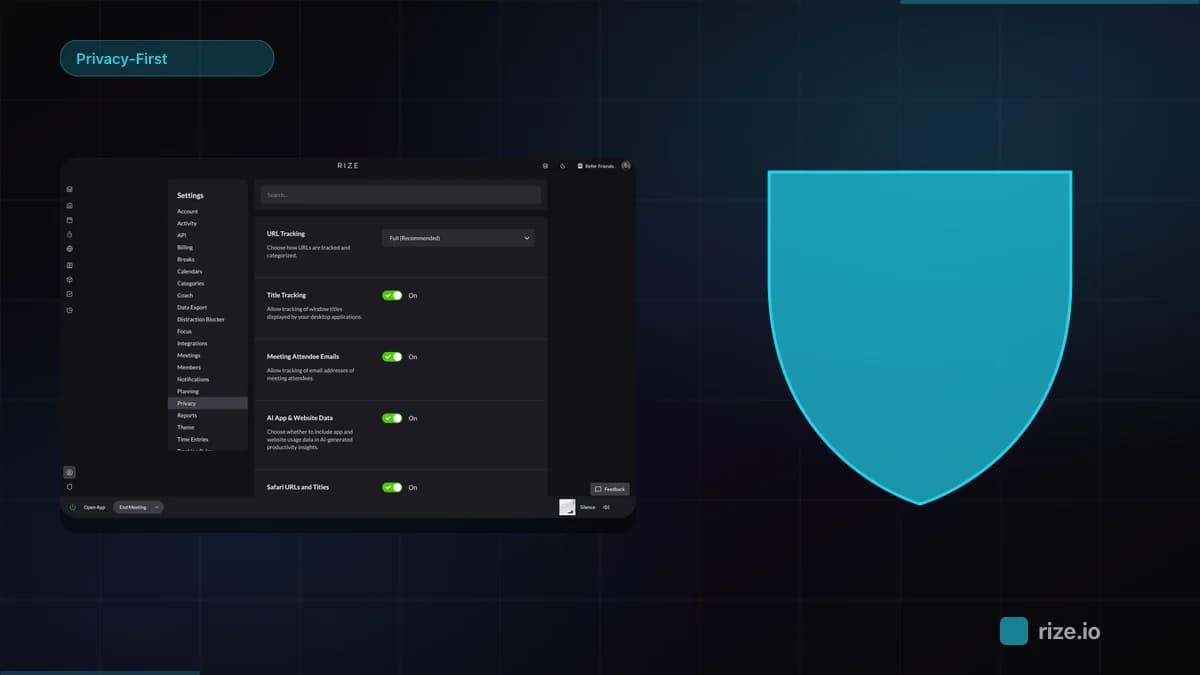
5. Privacy professionals accept. No screenshots, no keystroke logging. Salaried professionals push back on monitoring, and a tool they resist produces bad data.
If you already plan in a scheduler, compare how Rize and Float handle actual hours.
How Rize Measures Capacity for Salaried Teams
Rize is an automatic time tracker that measures how salaried teams actually spend their hours, so capacity and cost reports run on real data.
The Rize desktop app captures work sessions in the background and categorizes them by project and client. Nobody starts a timer, and Rize does not require screenshots to track and does not log keystrokes. The capacity planning reports show utilization and workload per person and per team, so the planned versus actual comparison stays current without a weekly timesheet. Operations and finance leaders can see the same data from the operations view.
Start tracking time automatically
Join thousands of professionals who stopped guessing where their time goes. Free for 7 days.
“Rize has been a no-brainer for me.” — Ali Abdaal Read more →