PTO tracking breaks in the same place at almost every small company: the balance lives in three places at once. The manager has a number in their head, the employee has a different one in a Slack thread from March, and payroll has a third one nobody has reconciled since the last hire.
That gap is expensive. In California, Colorado, Massachusetts, and a dozen other states, accrued PTO is earned wages and must be paid out when someone leaves. If your ledger says 6 days and the employee's records say 11, the burden is on you to prove yours. And in the other direction, a Pew Research Center survey from 2023 found that 46% of US workers take less time off than they are offered, most often because they worry about falling behind. People who cannot see their balance take fewer days, then burn out.
This guide covers the policy decisions you need to make before tracking anything, the accrual math (with the formulas), the three tracking systems that work at different team sizes, and the mistakes I have watched small agencies and startups make more than once. If you just want the number, skip to the free PTO calculator. It handles monthly, bi-weekly, and semi-monthly accrual and gives you a 12-month projection.
What is PTO tracking?
PTO tracking is the record of how much paid time off each employee has earned, requested, used, and has left, kept against a written policy. It is a ledger, not a calendar. A calendar tells you who is out Thursday. A ledger tells you whether Thursday was covered by a balance they had actually accrued.
Most PTO tracking problems come from mixing the two. Teams approve requests in a calendar tool, never update the balance, and then discover in December that two people have taken 19 days on a 15-day policy. The fix is boring: one source of truth per person, updated every time a request is approved.
What do you need to decide before you track anything?
You need five policy decisions written down before the first balance is calculated: allocation, accrual method, policy year, carry-over rule, and payout rule. Every tracking mistake I have seen traces back to one of these being undecided or decided differently by two people.
- Allocation. How many days (or hours) per year, and whether it changes with tenure. Bureau of Labor Statistics data puts the US private-sector average at 10 days after 1 year, 15 after 5 years, and 20 after 20 years. Most tech and agency teams start at 15.
- Accrual method. Front-loaded on day one, or accrued monthly, semi-monthly, or bi-weekly. Match it to your payroll schedule so the balance updates on the same day people get paid.
- Policy year. Calendar year (everyone resets January 1) or anniversary year (each person resets on their hire date). Calendar year is simpler to administer. Anniversary year is fairer to mid-year hires.
- Carry-over. Whether unused days roll into next year, and the cap. A common structure is carry over up to 5 days, forfeit the rest. Note that "use it or lose it" is illegal in California, Montana, and Nebraska, where accrued PTO cannot expire.
- Payout on exit. Whether accrued, unused PTO is paid out when someone leaves. Sixteen states require it regardless of your policy. In the others, your written policy controls, so write one.
Put these in a one-page document and link it from wherever people request time off. When a balance dispute comes up, and it will, the conversation is about the document and not about memory.
How do you calculate PTO accrual?
PTO accrual is the annual allocation divided by the number of accrual periods in the year, multiplied by the periods worked so far. For 15 days accruing monthly, that is 15 / 12 = 1.25 days per month, so an employee who started January 1 has 7.5 days accrued at the end of June.
Here is the per-period accrual for the three common schedules, using 15 days per year and an 8-hour day:
| Accrual schedule | Periods per year | Days per period | Hours per period |
|---|---|---|---|
| Monthly | 12 | 1.25 | 10.0 |
| Semi-monthly | 24 | 0.625 | 5.0 |
| Bi-weekly | 26 | 0.577 | 4.62 |
| Per hour worked (hourly staff) | 2,080 hours | 0.0072 | 0.0577 |
The balance formula is then:
accrued  = (annual_days / periods_per_year) * periods_elapsed
balance  = carried_over + accrued - used
Two details trip people up. First, periods elapsed counts completed periods, not the current one. Someone paid bi-weekly who started 5 weeks ago has completed 2 periods, not 2.5. Second, if you cap the total balance (say, 1.5x the annual allocation), the cap applies after accrual and before the new period is added, so an employee at the cap simply stops accruing until they take time.
Rather than hand-build this, drop your numbers into the PTO accrual calculator. It takes annual days, accrual method, start date, and days used, and shows accrued to date, remaining balance, the next accrual date, and a month-by-month projection you can paste into an offer letter or a 1:1 doc.
Should you track PTO in hours or days?
Track in hours if anyone on the team is part-time, hourly, or takes half days; track in days only if everyone is salaried on the same schedule. Hours are what payroll systems store, so a team that starts in days usually converts within a year anyway.
The conversion is the employee's standard workday, usually 8 hours. A 15-day policy is 120 hours. A part-timer at 20 hours a week on the same policy gets a prorated 60 hours, which is 15 of their 4-hour days. That proration is the main reason hours win: "15 days" means something different to a full-timer and a half-timer, but "60 hours" is unambiguous.
What are the three ways to track PTO, and which fits your team size?
Small teams track PTO in one of three ways: a shared spreadsheet, a payroll or HR system, or a dedicated leave tool, and the right one is mostly a function of headcount. Under 10 people a spreadsheet is fine. Between 10 and 50, PTO should live wherever payroll lives. Past 50, or with staff in more than one state, a leave system with policy rules pays for itself.
The spreadsheet ledger (1 to 10 people)
One tab per employee, or one row per employee with a transaction log on a second tab. Each row in the log is a date, a type (accrual, used, adjustment, carry-over), and a signed number of hours. The balance is a running sum. That structure sounds fussy, but it is the difference between a ledger and a number someone overwrote.
Minimum columns for the summary tab: name, hire date, annual hours, accrual method, carry-over in, accrued to date, used to date, balance, next accrual date. Feed the accrued-to-date column from the formula above. The PTO calculator gives you the same numbers for a single employee if you want to sanity check the sheet.
The failure mode is process, not math. The sheet only works if every approval updates it the same day. Put the approval and the update in one step: the manager approves by adding the row.
Payroll or HR software (10 to 50 people)
Gusto, Rippling, Justworks, BambooHR and similar tools all include PTO policies with accrual rules, request and approval flows, and balances that show up on pay stubs. The advantage is that accrual, payroll, and the employee-facing balance are the same record. Nobody can have a different number than payroll, because payroll is the number.
Set the policy up once, carefully. Most of these tools let you configure accrual frequency, waiting period for new hires, carry-over cap, and maximum balance. Misconfigure the waiting period and every new hire will ask why their balance says zero for 90 days.
Dedicated leave management (50+ or multi-state)
Once you have staff in several states, or separate banks for sick leave, vacation, and personal days, the policy logic gets complicated enough to want a tool built for it. Paid sick leave is mandated in 18 states plus DC as of 2025, each with different accrual rates and caps, and combining those with a general PTO bank in a spreadsheet is where mistakes become legal exposure.
What does PTO tracking have to do with time tracking?
PTO tracking records the hours people are not working; time tracking records the hours they are. A team that only has one of the two is reading half the story. Untaken PTO shows up in tracked hours long before it shows up in a resignation.
This is the part small agencies underinvest in. The PTO ledger says a designer has 14 of 15 days left in October. That is a policy fact. Her tracked hours say she has averaged 51 hours a week since June. That is the reason she has 14 days left, and it is the number a manager should be acting on.
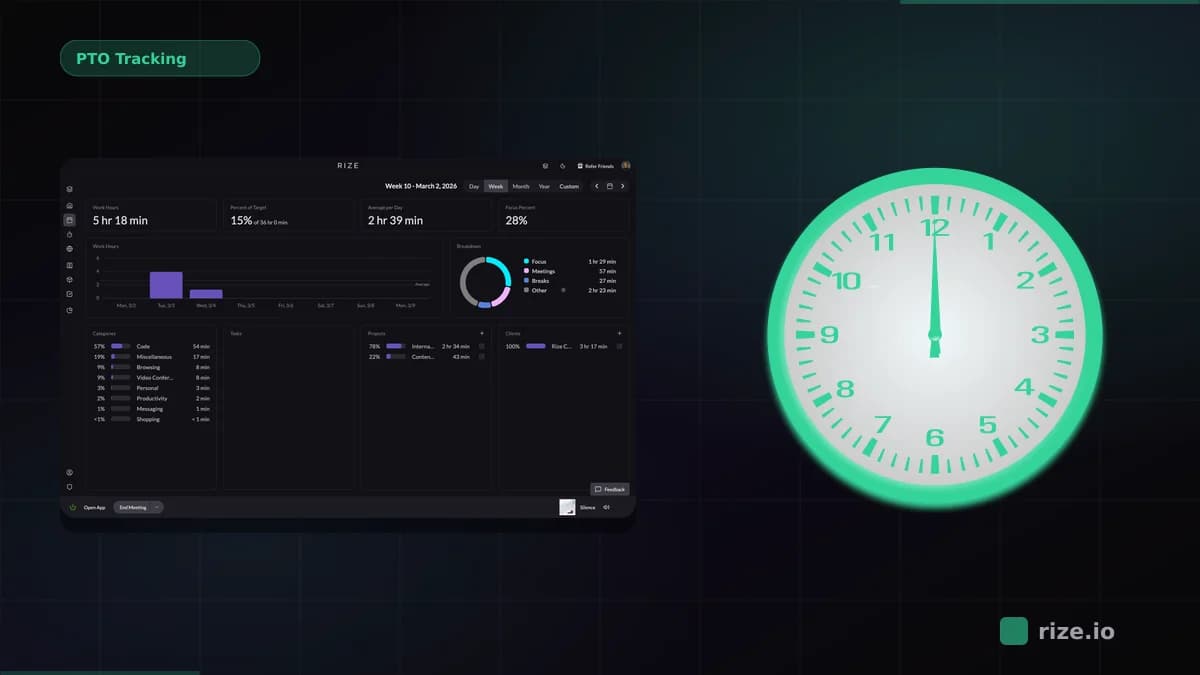
Rize tracks work hours automatically, with no timers to start, so a team's actual hours are always current without anyone filling in a timesheet. Rize does not replace your PTO ledger. What it gives you is the reconciliation: a day with zero tracked hours is either approved PTO or a question, and a month where tracked hours run 20% over the standard week is a prompt to look at who has not taken a day off. Pair the two and the 46% of workers who leave PTO on the table becomes a report you can act on instead of a statistic.
What are the most common PTO tracking mistakes?
The five most common PTO tracking mistakes are approving time off without updating the balance, front-loading without a payout policy, ignoring state payout and sick leave laws, letting balances hit the carry-over deadline unannounced, and treating unlimited PTO as "no tracking required."
- Approving in one place, tracking in another. Every Slack approval that does not hit the ledger is a future dispute. Make the ledger update the approval step.
- Front-loading without thinking about exits. If you grant 15 days on January 1 and someone leaves in February having taken 10, you have paid for 8.75 days they had not earned. Either accrue, or write a policy that reconciles on exit where state law allows.
- Assuming your state has no rules. Sixteen states require payout of accrued PTO on termination. Three ban use-it-or-lose-it. Eighteen mandate paid sick leave with their own accrual rules. Check before you write the policy, not after the first departure.
- Silent carry-over deadlines. A team member who forfeits 6 days on December 31 because nobody told them in November is a retention problem you created. Send balances out in Q4.
- "Unlimited" meaning untracked. Unlimited PTO removes the accrual math but not the need to record days taken. Employees on unlimited policies average 10 to 12 days a year, less than the 15-day fixed allocation, and without a record you cannot see who is at 3.
How do you set up PTO tracking this week?
Write the one-page policy, run each employee through the PTO calculator to establish an opening balance, and put those balances into a single ledger with a transaction log. That is a two-hour job for a team of ten, and it ends the three-numbers problem for good.
- Decide the five policy items above and write them down.
- For each employee, enter annual days, accrual method, policy start date, and days used so far into the PTO calculator. Record the accrued and remaining figures as their opening balance.
- Create the ledger (spreadsheet or payroll tool) and enter the opening balances with today's date as the first transaction.
- Change the approval process so approving a request means adding the row.
- Send every employee their balance, and set a calendar reminder to do it again in early Q4.
Then look at the other half. If you do not know what hours your team is actually working, the PTO ledger is a policy document and not a management tool. Rize fills that in automatically, and the utilization reports will tell you which balances are high because people are fine and which are high because they cannot stop.
See the hours behind the balances
Rize tracks your team's work hours automatically, so you can spot who isn't taking the time off they've earned. Try it free for 7 days — no credit card required.
Start Free TrialRelated reading
- Free PTO accrual calculator
- Work hours calculator
- Overtime calculator
- Automate timesheet review and reporting with Rize
- Where agency billable hours actually go
Start tracking time automatically
Join thousands of professionals who stopped guessing where their time goes. Free for 7 days.
“Rize has been a no-brainer for me.” — Ali Abdaal Read more →