The best remote employee monitoring software for knowledge-work teams in 2026 is Rize. It tracks how distributed teams spend their work hours by reading app and website metadata in the background, then uses AI to categorize every session into projects and clients. Unlike surveillance tools that capture screenshots and keystrokes, Rize answers "where did the hours go?" through automatic time tracking and team utilization dashboards — no screenshots, no keyloggers, no activity scores. For teams that need surveillance-grade monitoring, Teramind and Veriato remain the right fit. See team pricing or download Rize to start a free 7-day trial.
Quick Answer
Best remote employee monitoring software for knowledge teams: Rize tracks time automatically by reading app and website metadata. AI categorizes every work session into projects and clients. No screenshots, no keyloggers, no manual timers. Best for compliance-driven monitoring: Teramind for DLP and insider threat detection. Best budget option: Hubstaff at $4.99/user for screenshot-based tracking.
7 Best Remote Employee Monitoring Software at a Glance
| Tool | Tracking Method | Screenshots | AI Features | Price/User/Mo | Best For |
|---|---|---|---|---|---|
| Rize | Automatic (metadata) | Never | AI categorization | $9.99-$29.99 | Knowledge teams |
| ActivTrak | Agent-based activity | Optional | Partial analytics | $10 | Workforce analytics |
| Hubstaff | Timer + screenshots + GPS | Random intervals | No | $4.99 | Field teams, hourly |
| Time Doctor | Timer + screenshots + alerts | Configurable | No | $7 | BPO, call centers |
| Teramind | Agent + DLP + recording | Continuous | Rule-based | $15 | Compliance, security |
| Veriato | Agent + video + behavior | Video recording | Behavior analytics | $25 | Insider threat |
| InterGuard | Agent + content filter | Configurable | No | $9.99 | Regulated industries |
Which Type of Monitoring Software Fits Your Team?
Remote employee monitoring software splits into three categories, each designed for a different management question. Picking the wrong category means you get data that does not match what you need.
Time tracking tools (Rize) answer "where did the hours go?" They capture application metadata and categorize time into projects and clients. This is the right fit when the goal is accurate billing, utilization reporting, and capacity planning for knowledge workers.
Workforce analytics platforms (ActivTrak, Time Doctor) answer "how productive is this team?" They score activity levels and produce benchmark reports across departments. These fit large organizations that want aggregate productivity data without needing project-level time granularity.
Security and surveillance tools (Teramind, Veriato, InterGuard) answer "is anyone leaking data or violating policy?" They record screens, log keystrokes, and enforce DLP rules. These fit regulated industries, government contractors, and companies with insider threat concerns.
Most remote managers need the first answer but buy the second or third tool. According to Harvard Business Review research, inaccurate timesheets cost businesses $7.4 billion per day. The fix is better time data, not more screenshots.
Which Remote Workforce Monitoring Option Is Best for Time Tracking Teams?
Rize is the best remote workforce monitoring option for time tracking teams because it turns background activity into project-level time data automatically. It logs every application, document, and website switch on Mac and Windows, then AI assigns each session to a project and client. Managers get team utilization dashboards and billable hour reports without screenshots, keylogging, or activity scores.
That distinction matters for teams whose product is tracked hours: agencies, consultancies, and professional services firms. A monitoring tool that scores mouse movement tells you nothing about which client consumed last week. A time tracking tool that depends on manual timers misses the short tasks and context switches that make up most knowledge work. Automatic capture with AI categorization answers the billing question directly, and teams adopt it because nobody is being watched.
Hubstaff remains the better fit only when contracts require visual proof-of-work, such as outsourced hourly engagements. For a side-by-side breakdown of the two approaches, see our Rize vs. Hubstaff comparison for remote teams or the full remote workforce monitoring software ranking.
1. Rize: Automatic Time Tracking Without Surveillance
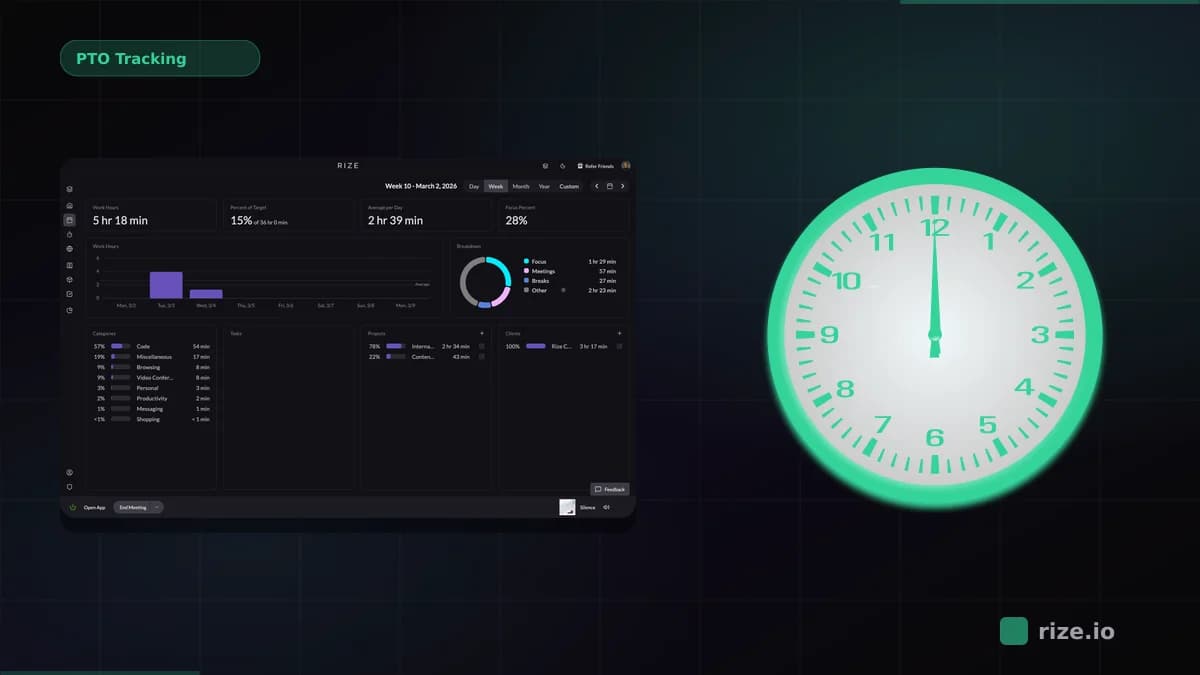
Rize is an automatic time tracker that captures every work session by reading app names, window titles, and browser URLs in the background. AI categorizes each session into projects, clients, and tasks without manual input. Managers see team utilization dashboards showing billable vs. non-billable breakdowns, project allocation, and capacity data in real time.
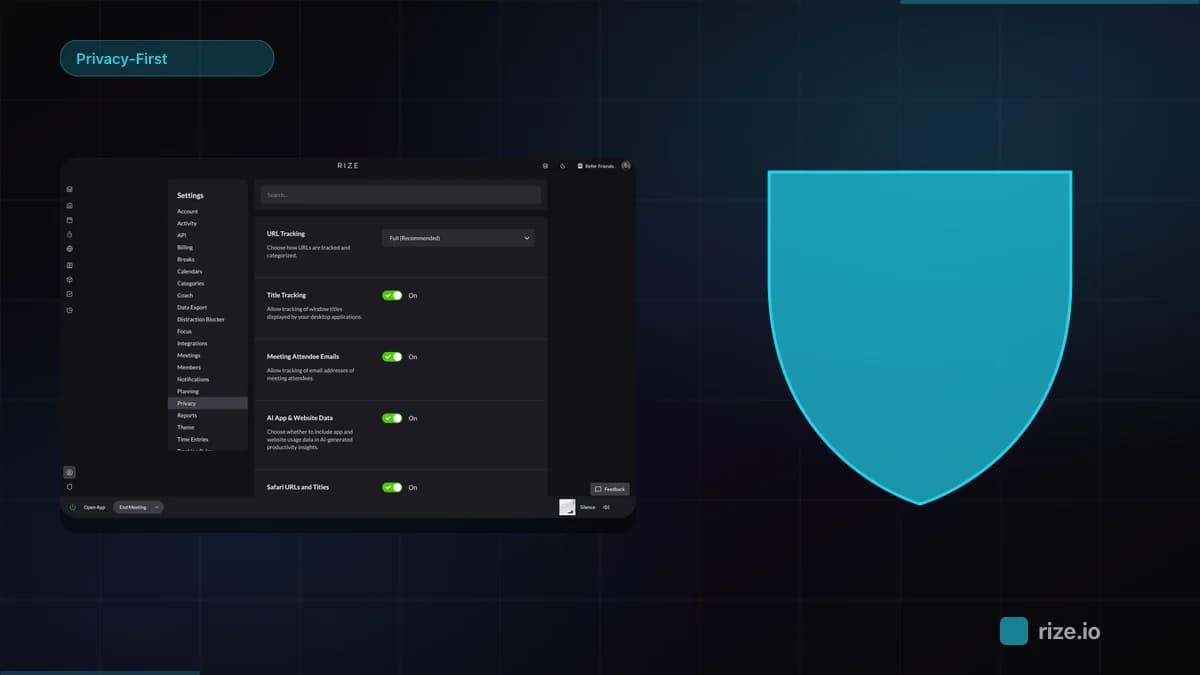
Rize is privacy-first, with no surveillance and no keystroke logging. It reads the same metadata your operating system already tracks. All raw activity data stays on each team member's device. What syncs to the team dashboard is project-level time totals. This architecture means GDPR compliance is built in, not bolted on.
Leonard Roussard, CEO of 6-person product studio Impulse Lab, reported "98% billing accuracy and 5x faster client reporting" after adopting Rize. For distributed teams, that accuracy matters more than screenshot frequency. According to American Psychological Association research, 56% of monitored workers report feeling tense or stressed at work, compared to 40% of non-monitored workers.
Pros:
- Fully automatic capture, no timers to start or stop
- AI categorization into projects, clients, and tasks
- Zero screenshots, zero keystroke logging
- Employees see their own data (transparency drives adoption)
- macOS and Windows support across time zones
Cons:
- No GPS tracking (not designed for field teams)
- No stealth mode (always visible to the user)
- Desktop only, no mobile app
Pricing: $23.99/month (Pro individual, billed annually) or $29.99/seat/month (Team, billed annually). Free 7-day trial with full features. Start free trial.
Track remote team hours without surveillance
Rize captures every work session automatically. No screenshots, no keyloggers, no timers. Your team gets privacy, you get accurate project data.
Start Free Trial2. ActivTrak: Workforce Analytics for Large Teams
ActivTrak is a workforce analytics platform that tracks application and website usage through a lightweight agent. It produces dashboards showing team productivity patterns, focus time, collaboration trends, and workload balance across departments. Screenshots are optional and disabled by default.
ActivTrak's strength is aggregate analytics. It compares productivity benchmarks across teams, identifies workload imbalances, and tracks trends over time. A SHRM survey found that 67% of employers increased monitoring after the shift to remote work. ActivTrak gives those employers analytics without the invasive feel of screenshot tools.
The trade-off: ActivTrak does not auto-categorize time to projects or clients. Its agent runs silently, which feels closer to monitoring than time tracking even when screenshots are disabled. It is best for HR and operations teams who want workforce-level dashboards, not project managers who need billable hour data.
Pros:
- Workforce productivity benchmarks and trends
- Optional screenshots (off by default)
- Free tier for up to 5 users
- Team comparison and workload balance reports
Cons:
- No project-level time categorization
- Silent agent feels like monitoring even without screenshots
- No AI auto-categorization of work sessions
Pricing: From $10/user/month. Free tier for up to 5 users.
3. Hubstaff: Timer-Based Tracking With Screenshots and GPS
Hubstaff combines manual timers with random screenshot capture, activity level scoring, and GPS tracking. It is built for teams that need proof-of-work documentation: field service crews, hourly contractors, and outsourced development teams billing by the hour.
Hubstaff takes screenshots at random intervals (configurable from 1 to 3 per 10 minutes) and scores activity based on mouse and keyboard input. Managers see an "activity level" percentage that drops when input pauses. GPS tracking shows where field workers are during work hours. According to Buffer's 2023 State of Remote Work report, 71% of remote workers say they are productive working remotely. Hubstaff's activity scoring can undercount that productivity for knowledge workers who think, read, and plan away from input devices.
For freelancers billing clients, Hubstaff's screenshot proof can build trust. For in-house teams, the same screenshots tend to erode it.
Pros:
- Lowest starting price ($4.99/user)
- GPS tracking for field and mobile teams
- Screenshot proof for client billing
- Integrations with 30+ project management tools
Cons:
- Manual timers miss short tasks and context switches
- Activity scoring penalizes thinking and research time
- Screenshot monitoring erodes trust with knowledge workers
Pricing: From $4.99/user/month (Starter). Free 14-day trial.
4. Time Doctor: Productivity Scoring With Distraction Alerts
Time Doctor tracks time through manual timers or a silent agent, captures screenshots at configurable intervals, and sends real-time alerts when it detects "unproductive" website or application usage. It is built for BPO operations, call centers, and teams with defined processes where distraction alerts match the work style.
The distraction alert feature pops up a notification when a user visits a website categorized as non-work. For call center agents following scripts, this keeps them on-task. For marketers researching competitor sites or developers reading Stack Overflow, it creates false positives. Time Doctor also provides "work-life balance" reports that track when employees start and stop working, which some managers find useful for identifying burnout risk in remote teams.
Time Doctor does not auto-categorize time to specific projects. Billing teams still need manual entry or integration with a project management tool for client-level reporting.
Pros:
- Silent or visible agent mode
- Distraction alerts for process-driven teams
- Work-life balance tracking
- Payroll integrations (Gusto, ADP)
Cons:
- Distraction alerts create false positives for knowledge work
- No AI project categorization
- Screenshots feel invasive for creative teams
Pricing: From $7/user/month. Free 14-day trial.
5. Teramind: Enterprise Security and Compliance Monitoring
Teramind is a data loss prevention (DLP) and insider threat detection platform with employee monitoring built in. It captures screen recordings, keystrokes, file transfers, email content, and chat messages. Compliance teams use it to enforce data handling policies, detect anomalous behavior, and produce audit trails for regulatory requirements.
Teramind is not a time tracking tool. It is a security product that happens to track employee activity. According to IBM's 2023 Cost of a Data Breach Report, the average insider threat incident costs $4.9 million. Teramind justifies its price against that risk. If your requirement is "prevent a contractor from emailing client data to a personal account," Teramind fits. If your requirement is "know how many hours the remote team spent on Acme this week," it is the wrong tool.
Teramind offers on-premise deployment for organizations that cannot send employee data to external servers, a requirement in defense, healthcare, and financial services.
Pros:
- DLP and insider threat detection
- Screen recording with playback
- On-premise deployment option
- Regulatory compliance audit trails (HIPAA, PCI, SOX)
Cons:
- Not a time tracking tool (no project categorization)
- Most invasive option (keystrokes, email, chat)
- High price ($15+/user/month)
- Requires IT deployment and policy configuration
Pricing: From $15/user/month. Enterprise and on-premise plans on request.
6. Veriato: Insider Threat Detection With Behavior Analytics
Veriato (formerly SpectorSoft) specializes in insider threat detection using behavior analytics. It records video of user sessions, tracks file movements, and uses machine learning to flag anomalous behavior patterns. Security teams use Veriato to investigate incidents after they happen and to detect threats before data leaves the network.
Veriato's machine learning model establishes a baseline for each user's normal behavior, then flags deviations: unusual file downloads, after-hours access to sensitive directories, or large email attachments to external addresses. This makes it more targeted than Teramind's rule-based approach, but also more expensive and complex to deploy.
For remote employee monitoring in the traditional sense of "tracking productivity," Veriato is overkill. It is designed for security operations centers and compliance teams, not managers who want to know where project hours are going.
Pros:
- Behavior analytics with ML-based anomaly detection
- Full session video recording
- Incident investigation and forensic replay
- Works with SIEM tools (Splunk, QRadar)
Cons:
- Most expensive option ($25+/user)
- Security tool, not a productivity tool
- Complex deployment requiring IT resources
- Overkill for time tracking or productivity monitoring
Pricing: From $25/user/month. Enterprise pricing on request.
7. InterGuard: Stealth Monitoring With Content Filtering
InterGuard provides employee monitoring with web content filtering and data loss prevention. It can run in stealth mode (invisible to the employee) or visible mode, and captures screenshots, keystrokes, email, chat, and file activity. Regulated industries use InterGuard for both monitoring compliance and enforcing acceptable use policies.
InterGuard's content filtering blocks access to specific websites and applications during work hours, similar to a corporate firewall but applied per-user rather than network-wide. This works for organizations with strict acceptable use policies. For remote knowledge workers who need broad internet access for research, content filtering creates friction and workarounds.
The stealth mode is InterGuard's most controversial feature. It installs without the employee's knowledge on company-owned devices. While legal in most US jurisdictions with proper disclosure in employment agreements, stealth monitoring creates significant trust issues if discovered.
Pros:
- Web content filtering and blocking
- Stealth or visible deployment
- DLP capabilities for regulated industries
- Acceptable use policy enforcement
Cons:
- Stealth mode erodes trust when discovered
- Content filtering blocks legitimate research
- No project time tracking or billing features
- Privacy concerns with keystroke logging
Pricing: From $9.99/user/month. Free trial available.
Privacy and Legal Considerations
Remote employee monitoring is legal in most jurisdictions when employees are informed. In the United States, the Electronic Communications Privacy Act (ECPA) allows employers to monitor communications on company-owned devices with notice. Connecticut and Delaware require explicit written consent. California, Illinois, and New York have additional restrictions on biometric data collection.
Under the EU's GDPR, employers need a lawful basis for monitoring (legitimate interest or consent), must inform employees of what is collected and why, and must apply data minimization. Screenshot and keystroke logging tools face higher compliance burdens than metadata-based trackers because they capture personal content visible on screen.
The practical rule: tools that read metadata (app names, URLs, window titles) face fewer legal challenges than tools that record screen content or keystrokes. Rize's metadata-only approach means GDPR compliance requires less documentation than Teramind's screen recording.
How to Choose the Right Remote Monitoring Software
The right remote employee monitoring software depends on what question you are trying to answer. Start with the use case, then pick the category.
"Where did team hours go?" You need time tracking, not monitoring. Rize captures time automatically with AI categorization and gives managers team dashboards without surveillance. Rize is best for agencies, consultancies, and product teams billing by the hour.
"How productive is each department?" You need workforce analytics. ActivTrak provides aggregate productivity benchmarks, focus time analysis, and workload distribution reports across large teams.
"Are my hourly workers on-task?" You need activity monitoring. Hubstaff and Time Doctor provide screenshot proof, activity scoring, and distraction alerts for BPO operations, hourly contractors, and field teams.
"Is anyone leaking sensitive data?" You need security monitoring. Teramind, Veriato, or InterGuard provide DLP, insider threat detection, and compliance audit trails for regulated industries.
Ben Jackson, CEO of creative agency Momentum Studio, saw the impact of choosing the right category: "I'm a trusting leader, but I don't even trust myself to remember what I worked on two days ago." After switching from manual timesheets to Rize's automatic capture, his team recovered "20% more billable time and saved 8 hours per week" on administration. The tool worked because it answered the right question: not "are they working?" but "where are the hours going?"
For more on specific comparisons, see our guides to Rize vs. Hubstaff, monitoring alternatives without screenshots, and monitoring without surveillance.
Start tracking time automatically
Join thousands of professionals who stopped guessing where their time goes. Free for 7 days.
“Rize has been a no-brainer for me.” — Ali Abdaal Read more →