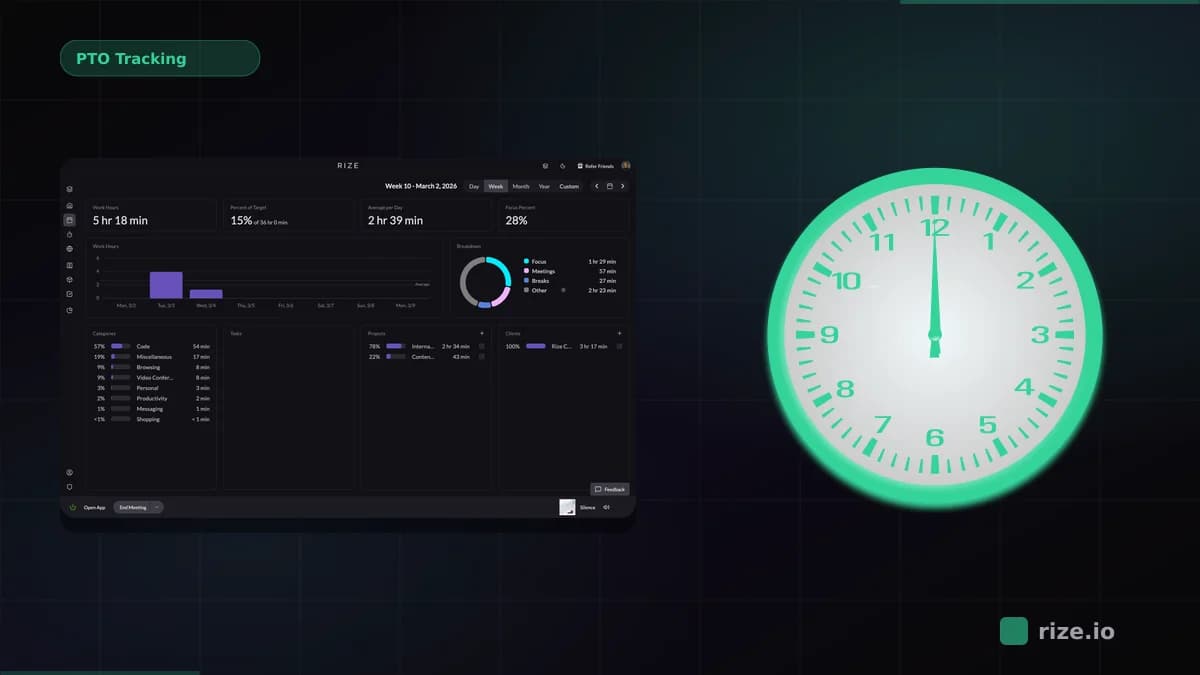
To calculate team profitability, subtract your team's fully-loaded cost from project revenue, then divide by revenue. The formula is simple. The hard part is the hours. Manual timesheets undercount delivery time, which means every project looks more profitable than it actually is. Rize captures hours automatically — no timers, no manual entry — so the formula runs on data that reflects what your team actually worked.
Key Takeaway
Agencies lose profitability not because of bad pricing, but because manual tracking understates real delivery hours. A profitability calculator is only as accurate as the time data going into it. Fix the input before optimizing the formula.
The Formula: Revenue vs. Fully-Loaded Cost
Team profitability is revenue minus fully-loaded labor cost, divided by revenue. A $20,000 project where your team spent 120 hours at an average fully-loaded rate of $85/hour costs $10,200 to deliver — a 49% gross margin. If the same project took 160 hours instead of 120, the margin drops to 32%. The difference is where profitability disappears.
Fully-loaded cost is not your team members' salaries. It includes employer payroll taxes (7.65% FICA), benefits, equipment, software licenses, and a share of fixed overhead like rent and tools. A team member earning $75,000 per year typically costs $95,000–$105,000 fully loaded. At 1,800 billable hours per year, that is roughly $53–$58 per hour in real cost — before any overhead allocation.
The margin calculation has four inputs:
- Project revenue — fixed bid, retainer amount, or hours billed at your rate
- Hours per team member per project — the input that is most commonly wrong
- Fully-loaded hourly cost rate — salary plus benefits, taxes, and overhead share
- Direct project expenses — contractors, software, or materials billed to the project
Gross margin = (Revenue − Total Cost) ÷ Revenue. Most agencies target 50–65% gross margin on project work. If your numbers consistently come in lower, the first question is whether your hours are accurate — not whether your rates are wrong.
Team profitability — gross margin per project calculated from revenue minus fully-loaded labor cost, expressed as a percentage. Agencies targeting 50%+ margins need accurate hour data at the project level to know whether they are hitting that number.
Why Spreadsheets Fail at Profitability Tracking
Spreadsheets fail at profitability tracking because the time data feeding them is inaccurate. Manual timesheets rely on memory. A designer who spends 40 minutes in Figma, then 15 minutes in Slack answering questions about the same project, then joins a 30-minute client call — will log the Figma time if she remembered to start a timer, maybe the call, and likely not the Slack time. That is 45 minutes of delivery cost that disappears from the record.
Multiply that gap across a team of 10 over a week and you have hours of unlogged work per person. The margin number your spreadsheet returns is not wrong because of the formula — it is wrong because the inputs understate real cost. Projects appear profitable on paper while losing money in delivery.
Spreadsheets also create lag. Profitability data is available weekly at best, often monthly, after someone exports timesheets and reformats CSVs. By the time you know a project went over budget, the work is done and the opportunity to intervene is gone. According to the PMI Pulse of the Profession, only about 58% of projects are completed on time and on budget — and delayed visibility into cost overruns is one of the primary factors.
The third failure mode is hidden costs. Spreadsheets track what people log. They do not capture the 20-minute context-switch tax every time a team member shifts between projects, the ambient communication overhead that UC Irvine researcher Gloria Mark found averages 23 minutes to recover from, or the unlogged administrative work that sits outside any project code. These costs are real and they eat margin.
What a Profitability Calculator Actually Needs
A profitability calculator is only as accurate as its weakest input, and for most agencies that input is hours. You can get project revenue from your invoicing tool and cost rates from payroll data. Hours require a reliable source — one that captures what team members actually worked, not what they remembered to log. Teams that pair a calculator with automatic time tracking get margin numbers based on reality rather than estimates.
Four inputs are required for a meaningful margin calculation:
Time data at the project level. Not just total hours — hours per project, per client, per team member. Without project-level attribution, you can calculate average utilization but not per-project margin.
Fully-loaded cost rates per person. Base salary alone understates cost by 25–40%. A senior developer at $90,000/year costs closer to $115,000–$125,000 loaded. Divide by 1,800 annual billable hours and the real hourly cost is $64–$69, not the $50 you would calculate from salary alone.
Overhead allocation. Fixed costs — office, software, equipment, management overhead — need to be allocated across projects proportionally. Many agencies skip this step and report inflated margins until overhead eats into cash flow.
Project revenue mapped to the same time period. For retainer clients, this is straightforward. For fixed-bid projects, you need to track revenue recognition against hours spent — not just invoice date.
Rize's free profit calculator estimates the revenue gap from untracked hours based on your team size and billing rates. It is a starting point — the real number comes from the full margin formula applied to actual project data.
How Rize Calculates Team Profitability Automatically
Rize is an automatic time tracker that captures every work session by app, website, and window title without manual timers. When a designer opens Figma on a client project, Rize logs it. When she switches to Slack to discuss the same project, Rize logs that too. Every hour is captured and categorized to the correct project without anyone on the team needing to click a button.
For profitability tracking, Rize's team dashboards apply cost rates to automatically captured hours and compare against project revenue. The margin calculation is the same formula as a manual spreadsheet — but running on data that reflects actual delivery time rather than self-reported estimates.
Setting up cost rates takes a few minutes per team member. After that, profitability data is available in real time. Project managers can see which projects are running over budget before they finish, not after the invoice is sent. Finance leaders get margin data per client and per project without waiting for monthly timesheet exports. See how this connects to project profitability tracking and review current pricing for team plans.
Momentum Studio, a 12-person creative agency that previously used manual timesheets, saw a 15% increase in project profitability after switching to Rize. Ben Jackson, CEO, put it plainly: "I'm a trusting leader, but I don't even trust myself to remember what I worked on two days ago. So how can I expect my designers to?" Their team also recovered 20% more billable time — hours that were always being worked but never logged.
See where your team's hours are actually going
Enter your team size and rates. Get a revenue gap estimate in under 2 minutes.
Try the Profit CalculatorRize vs. BigTime vs. Harvest vs. Spreadsheets
| Tool | Time Capture | Profitability Reporting | Real-Time Visibility | Best For |
|---|---|---|---|---|
| Rize | Fully automatic — no timers | Team dashboards with cost/revenue per project | Yes — live data | Agencies wanting accurate data with no manual effort |
| BigTime | Manual timesheets | Built-in P&L per project, phase, and client | Yes — after entry | Professional services firms needing full PSA |
| Harvest | Manual start/stop timers | Budget vs. actual hours; no built-in margin | Partial — budget alerts only | Teams with strong manual tracking habits |
| Spreadsheets | Manual entry from memory | Custom — requires formula setup | No — weekly or monthly lag | Small teams (1–3 people) with simple projects |
BigTime is the stronger choice if you need a full professional services automation platform — phase-level P&L, integrated invoicing, resource planning. The tradeoff is complexity: it takes longer to set up and requires consistent manual timesheet compliance to produce useful data.
Harvest covers the basics at a lower price point and has strong integrations with PM tools. Its weakness is the same as any manual tracker: the margin reports are only as good as the hours logged. Budget alerts help catch overruns, but they cannot recover unlogged time.
Spreadsheets work for very small teams where one person can track everything manually. They break down as soon as the team grows beyond three people or projects run concurrently. The formula is fine; the data collection process is not.
For agencies where the primary problem is data accuracy — not reporting structure — Rize gives finance leaders a real-time margin view built on automatic capture. The reporting is simpler than BigTime, but the underlying data is more reliable because it does not depend on manual input.
Case Study: Momentum Studio — 15% Profitability Increase
Momentum Studio is a 12-person creative agency running multiple client projects simultaneously. Before Rize, their team used manual timesheets. Creative professionals working across Figma, Zoom, Slack, and ClickUp consistently forgot to log time — particularly during rapid context switches between client work. The result was significant underbilling and profitability data that did not reflect actual delivery costs.
After switching to Rize, the team captured 20% more billable time in the first month — not because they worked more, but because every work session was recorded automatically. Project managers gained real-time visibility into hours per project. The underbilling that had quietly suppressed margins became visible, and the team adjusted pricing for future projects accordingly.
The profitability improvement did not come from working harder or cutting costs. It came from accurate data. Once Momentum Studio could see actual hours per project, they could calculate real margin — and the gap between their reported numbers and the true delivery cost became actionable. Ben Jackson, CEO: "Rize allows my team to get deep into work and go where their creativity leads them without really having to think about time tracking."
The 15% profitability increase reflected better pricing informed by real cost data, not a reduction in scope or team size. That is the compounding effect of fixing the time input: every downstream calculation — profitability, utilization, capacity planning — improves automatically.
Stop guessing which projects make money
Rize tracks every hour automatically and shows real-time margin by project. Free for 7 days.
Start Free TrialThe Right Starting Point
The team profitability formula is straightforward. Revenue minus fully-loaded cost, divided by revenue. The barrier is not the math — it is getting accurate hours into the calculation without asking your team to maintain perfect timesheet discipline across every project, every day.
Spreadsheets and manual trackers solve the reporting problem while leaving the data problem unresolved. You get a margin number, but it is built on undercounted hours and looks more favorable than reality. That gap hides the projects that are actually losing money.
Rize's profit calculator shows the revenue impact of untracked hours in under two minutes. For teams ready to move beyond estimates, Rize for agencies replaces the manual input step entirely — so every profitability calculation runs on what your team actually worked.