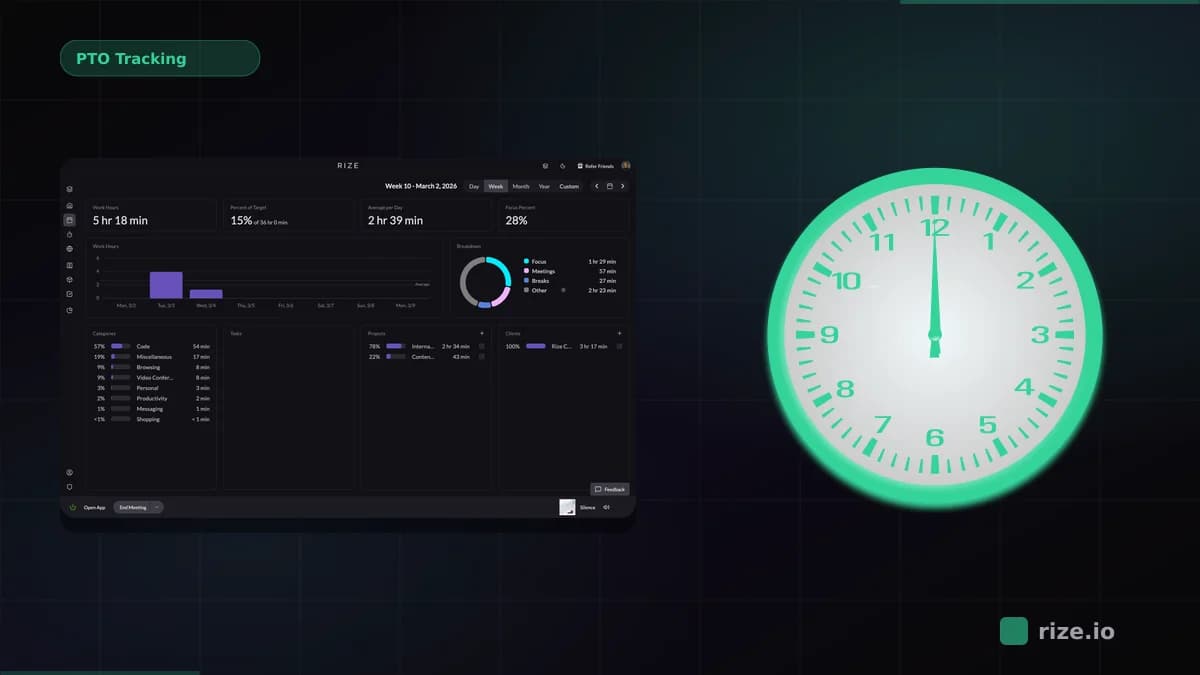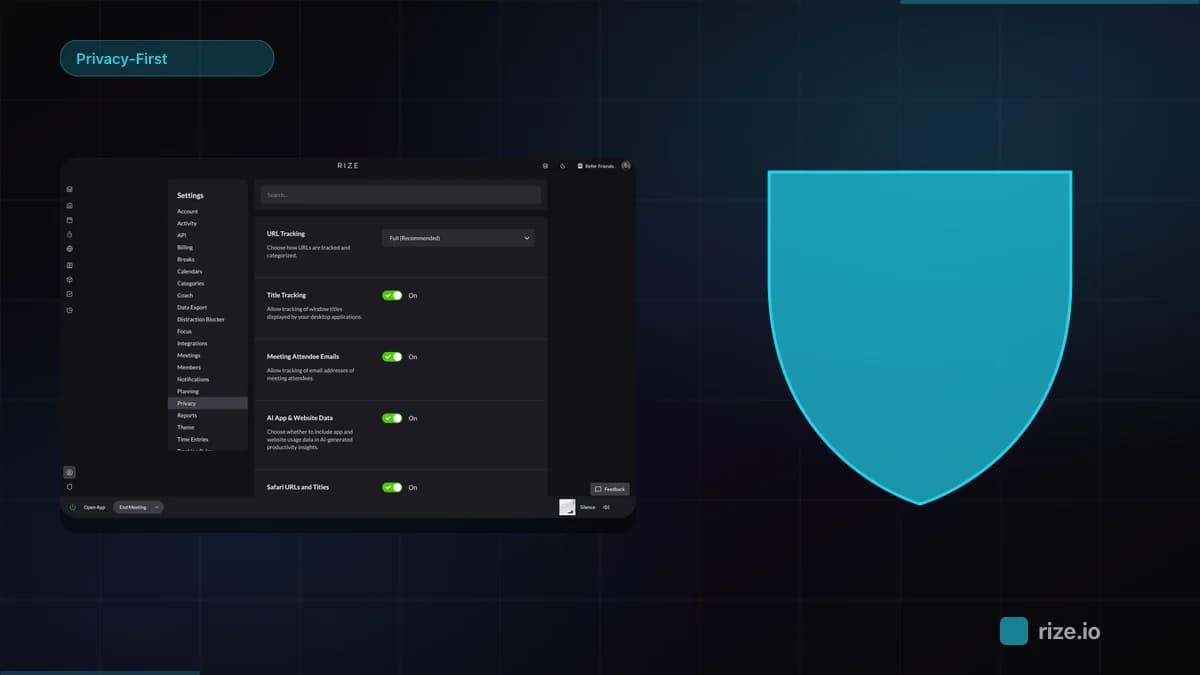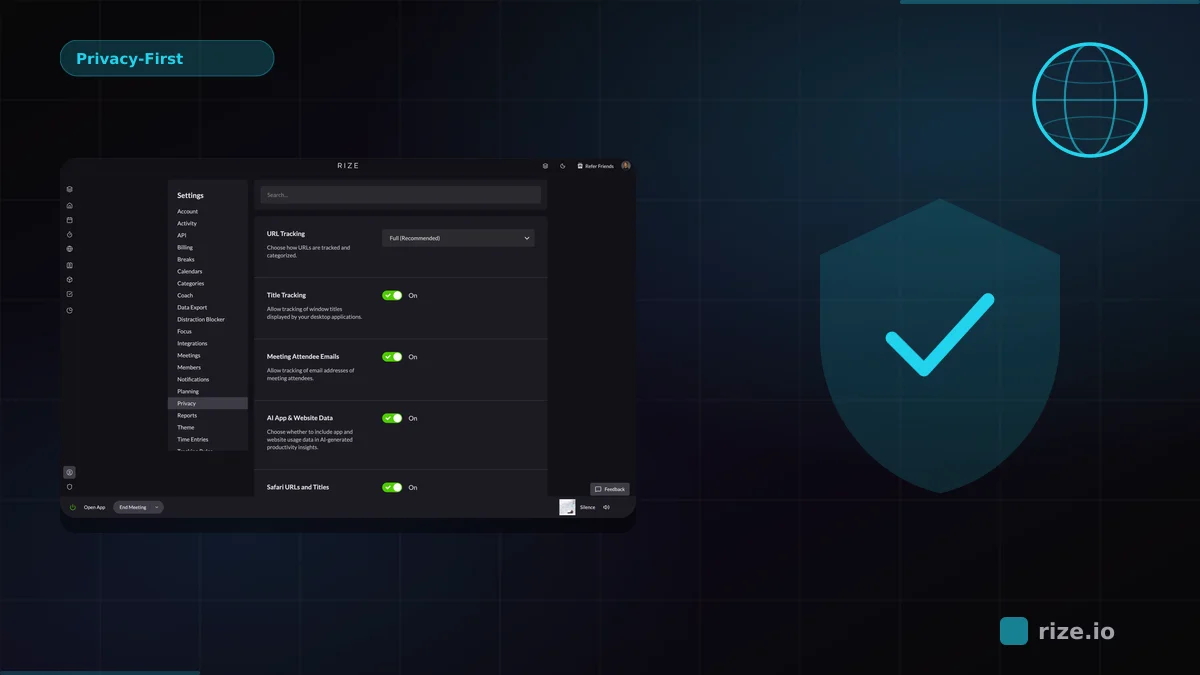
The best remote workforce monitoring software without surveillance is Rize. Instead of screenshots, keystroke logging, or mouse-movement scoring, Rize reads app and website metadata in the background and uses AI to categorize every work session into projects and clients. Managers get the answers they actually need — who is working on what, whether projects are on track, and if the team is over- or underutilized — through the Rize team dashboard and automatic time tracking. For teams that need compliance-grade surveillance, Teramind and Veriato remain the right fit. See team pricing or download Rize to start a free 7-day trial.
We compared 7 remote employee monitoring tools across privacy, accuracy, pricing, and team adoption to help you pick the right one without defaulting to surveillance.
Quick Answer
Best remote employee monitoring software without screenshots: Rize tracks project hours, utilization, and client profitability automatically with no screenshots or keylogging. Hubstaff is better for GPS or screenshot proof-of-work. Time Doctor and ActivTrak fit teams that want activity scoring. Teramind is the choice for insider threat detection and DLP.
Best Remote Employee Monitoring Software for 2026
Rize is the best remote employee monitoring software for teams that need accurate project hours without surveillance. It captures app, website, meeting, and document metadata automatically, then maps that work to clients and projects using AI. Managers see team time visibility, utilization, and project profitability without reviewing screenshots or activity scores.
Hubstaff is the better fit when monitoring means proof-of-work: GPS, screenshots, contractor payroll, and visual activity records. Time Doctor fits BPO-style teams that want distraction alerts and activity scoring. ActivTrak fits enterprise teams that want behavior analytics across apps. Teramind and Veriato serve compliance-driven environments that need insider threat detection, DLP, and forensic-grade audit trails. Those tools answer "is this person a risk?" Rize answers "where did team time go, and is the work profitable?"
| Use case | Best fit | Why |
|---|---|---|
| Project time tracking for remote teams | Rize | Automatic capture, AI project categorization, utilization, and profitability reporting |
| Contractor proof-of-work | Hubstaff | Screenshots, GPS, payroll workflows, and activity records |
| Outsourced operations monitoring | Time Doctor | Activity scoring and distraction alerts for high-supervision teams |
| Enterprise workforce analytics | ActivTrak | Behavior analytics and app-level productivity reporting |
| Insider threat detection and DLP | Teramind | Real-time policy enforcement, forensic audit trails, HIPAA/PCI-DSS compliance |
| Forensic investigation and legal holds | Veriato / InterGuard | Post-incident analysis, stealth monitoring, internal investigations |
If your remote team bills clients, the best monitoring data is time allocation by client, project, and work type. Start with Rize's automatic time tracking, then use the project-based time tracking guide to compare tools built around profitability rather than surveillance.
What Remote Managers Actually Need to Monitor
Remote managers need utilization, project allocation, billable split, and capacity data. When agency owners search for "remote workforce monitoring," they almost never want to see their team's screens. They want answers to four questions, and none of them require surveillance to answer.
Utilization rates. What percentage of each person's time goes to billable work versus internal tasks, meetings, or idle periods? This is the single most important metric for any team that bills for hours. If your senior developer is at 45% utilization when they should be at 70%, you have a staffing or workflow problem — and you can spot it without a single screenshot.
Project allocation. Which clients or projects are consuming the most hours? When three people are all spending 30+ hours on one account while another client gets 5 hours a week, that imbalance shows up in project-level time data. No screen recording needed.
Billable vs. non-billable split. Internal meetings, Slack threads, admin tasks — these eat into billable capacity without anyone noticing. Tracking the ratio across your team tells you where to cut overhead. Professional services firms that can't measure billable utilization accurately can't catch revenue shortfalls until it's too late.
Capacity planning. When a new project lands, can your team absorb it? Or are three people already at 90% capacity while two others sit at 50%? Real-time utilization data makes this question easy to answer. Surveillance data — screenshots of someone's desktop — tells you nothing useful here.
How 7 Remote Employee Monitoring Tools Compare
Not all remote employee monitoring software approaches this the same way. Some default to full surveillance and add project tracking as an afterthought. Others start with time data and skip screen capture entirely. Here is how the seven most common options stack up.
| Feature | Rize | Hubstaff | Time Doctor | ActivTrak | Teramind | Veriato | InterGuard |
|---|---|---|---|---|---|---|---|
| Tracking method | Automatic app/site metadata | Manual timers + activity | Manual timers + activity | Agent-based behavior analytics | Agent-based DLP + monitoring | Agent-based insider threat | Agent-based stealth monitoring |
| Screenshots | Never | Yes (configurable) | Yes (every 3 min) | Yes (on-demand) | Yes (continuous) | Yes (continuous) | Yes (continuous) |
| Keylogging | Never | No | No | No | Yes (full content) | Yes (full content) | Yes (full content) |
| Project tagging | AI auto-categorization | Manual assignment | Manual assignment | Category-based | Manual/rule-based | None | None |
| Starting price | $29.99/seat/mo (teams, annual) | $7/user/mo | $8/user/mo | Free (3 users) | $14/user/mo | $15/user/mo | Custom quote |
| GDPR compliance | Compliant by default | Requires screenshot opt-out | Requires screenshot opt-out | Requires screenshot opt-out | Requires DPIA | Requires DPIA | Requires DPIA |
| Best for | Agencies + knowledge-work teams | Hourly contractors | BPO + outsourced teams | Enterprise productivity | Insider threat + DLP | Forensic investigations | Stealth compliance |
The spectrum is clear: Teramind, Veriato, and InterGuard are security-first tools built for compliance, insider threat detection, and data loss prevention. Hubstaff and Time Doctor sit in the middle with activity-based monitoring for contractors and outsourced teams. ActivTrak focuses on enterprise behavior analytics. Rize sits at the opposite end, built for output-driven teams where the question is "how are hours being allocated across clients and projects?" not "is this person a threat?"
When Full Surveillance Monitoring Makes Sense
Not every team should avoid screenshots. If your primary concern is data loss prevention, insider threat detection, or regulatory compliance in industries like healthcare, finance, or government, security-focused remote employee monitoring software like Teramind, Veriato, or InterGuard exists for good reason.
Teramind combines user activity monitoring with DLP policy enforcement. It can block file transfers, flag policy violations in real time, and produce forensic audit trails. Starting at $14/user/month, it is built for security teams that need to prove compliance with frameworks like HIPAA, PCI-DSS, or SOX. The monitoring is invasive by design because the use case demands it.
Veriato (formerly SpectorSoft) focuses on insider risk management and forensic investigation. It records user behavior for post-incident analysis and is used primarily by security operations teams, not line managers. Pricing requires a custom quote and typically targets organizations with 100+ seats.
InterGuard offers stealth-mode monitoring where employees may not know the agent is installed. This is a niche tool for internal investigations, legal holds, and compliance audits where covert monitoring is legally authorized. It is not a productivity tool and should not be used as one.
The distinction matters: these tools answer "is this person a security risk?" That is a fundamentally different question from "where did the team's hours go?" Using a DLP tool for time tracking is like using a fire truck to water your garden. If your team bills clients and you need utilization data, skip the surveillance stack and use a tool built for project time tracking.
The Problem With Screenshot-Based Monitoring
Screenshot monitoring creates three problems that most managers do not see until it is too late.
It rewards performative busyness
When people know their screen is being captured, they optimize for appearances. Mouse jigglers — both hardware and software — exist precisely because surveillance tools measure input activity, not output quality. A developer thinking through a system design looks "idle" to a screenshot tool. A designer reviewing competitors in their browser looks "off-task." The data these tools produce is measuring the wrong thing.
It damages trust — even when that's not the intent
Ben Jackson, CEO of 12-person creative agency Momentum Studio, saw this firsthand with manual tracking tools: "It wasn't just a financial issue — it was a relational one. You end up interrogating your team about time logs, and that breaks down trust." Screenshot monitoring amplifies that dynamic. When the system's default message to your team is "we're watching," trust erodes whether you intend it to or not.
It drives away experienced talent
Senior professionals with options will not tolerate screenshot surveillance. When experienced engineers, designers, and strategists have offers from companies that don't monitor their screens, the surveillance becomes a retention liability.
The hiring math makes this concrete: according to Gallup research, replacing a mid-level knowledge worker costs 50-200% of their annual salary. If invasive monitoring pushes even two experienced people out the door per year, the recruiting cost alone exceeds the subscription price of any monitoring tool. The teams most likely to accept surveillance are the ones with the least bargaining power — which means you are selecting for compliance, not competence.
It creates legal exposure
Under GDPR, capturing screenshots of an employee's screen constitutes processing of personal data that requires explicit consent and a documented legitimate interest. If a screenshot captures a personal banking tab, a medical appointment, or a private message, your company is now holding sensitive personal data it never needed. CCPA imposes similar requirements in California. The legal overhead of managing screenshot data properly often exceeds the monitoring benefit.
Monitor productivity without surveillance
Rize tracks utilization automatically — no screenshots, no keylogging. Your team stays focused, you get the data.
Start Free TrialHow Privacy-First Monitoring Works
We built Rize around a simple principle: you can get accurate data without watching people. Instead of capturing screens, Rize reads metadata: which application is in the foreground, what the window title says, which URL is loaded in the browser. This is the same information your operating system already tracks in its activity logs.
The AI categorization layer takes that raw metadata and assigns it to projects automatically. If someone spends 45 minutes in Figma with a window title containing "Acme Corp - Landing Page v3," that time gets tagged to the Acme Corp project without anyone clicking a timer or filling in a form. Calendar events, Slack huddles, and Zoom calls get categorized the same way.
Managers see the team dashboard, which shows utilization rates, project breakdowns, and billable/non-billable splits across the team. They do not see raw activity logs, individual app usage, or anything resembling a screen recording. The view is designed around the questions managers actually ask: "Is the team at capacity? Which project is burning hours? Where is non-billable time clustering?"
All raw data stays on each team member's device. What syncs to the dashboard is project-level time totals — the same information people would manually enter in a timesheet, except it is accurate and it updates in real time. For a closer look at the tracking model, see how automatic time tracking works.
Making the Business Case for Non-Invasive Monitoring
Switching from surveillance to privacy-first monitoring is not just a morale play. There are measurable business outcomes.
Better data quality. Research from Harvard Business Review shows inaccurate timesheets cost businesses $7.4 billion per day. When people are not gaming the system with mouse jigglers and tab-switching, the time data reflects actual work patterns. Momentum Studio, a 12-person creative agency, recovered 20% more billable time after switching from Harvest to Rize — not by working longer hours, but by capturing client work that previously went unlogged. Managers get accurate utilization numbers instead of inflated activity scores. That accuracy matters when you are pricing projects, forecasting capacity, or defending hours to a client.
Higher retention. According to Gallup workplace research, replacing a mid-level knowledge worker costs 50-200% of their annual salary. If invasive monitoring pushes even two or three experienced people out the door per year, the hiring cost alone dwarfs the subscription price of any monitoring tool. Non-invasive tracking removes a significant source of friction from the employment relationship.
Stronger compliance posture. With no screenshots or keystroke data to manage, your GDPR and CCPA obligations shrink dramatically. There is no sensitive personal data to secure, no retention policies to enforce for screen captures, and no risk of accidentally storing someone's medical or financial information. Your legal team will thank you.
Faster adoption. Privacy-first tools face less resistance during rollout. When you can tell your team "this tracks project time, not your screen," onboarding conversations are shorter and adoption sticks. Teams using non-invasive tracking report higher compliance rates than those using screenshot-based alternatives.
What Changes in the First 90 Days
Switching from a surveillance tool to metadata-based tracking is not just a software change. It is a culture change, and the first 90 days look different from steady state.
In the first two weeks, expect time data to look noisier than usual. Auto-categorization needs a baseline of activity to learn each project's pattern. Some hours will land in "uncategorized" until the team confirms or corrects the AI's guesses. This is normal and resolves quickly with light review. Set a recurring 15-minute calibration block on Friday afternoons during this stretch so the data starts the next week clean.
By day 30, utilization numbers stabilize and project-level hours start matching what your invoices ought to look like. This is the point where most agencies catch billable work that was previously going unlogged. Project managers usually report that weekly status meetings get shorter because the data is already in front of everyone, which means the meeting can focus on decisions rather than recapping where the hours went.
By day 90, the dashboard becomes the source of truth for capacity planning. Hiring conversations shift from "we feel busy" to "we are at 87% utilization with two open scopes coming next month." That precision is the difference between guessing and forecasting, and it is the real return on switching away from surveillance-based tools.
In Practice: Momentum Studio
Momentum Studio, a 12-person creative agency, had tried manual time tracking tools before switching to Rize. Designers forgot to log time or guessed at hours later, which meant leadership couldn't trust the data for billing or resource planning. As founder Ben Jackson put it: "I'm a trusting leader, but I don't even trust myself to remember what I worked on two days ago."
After rolling out Rize, the team recovered 20% more billable hours — not because people were working more, but because automatic tracking captured client-related work that had previously gone unlogged. Project managers saved 8 hours per week on admin work that had been spent chasing timesheets and reconciling entries. Because Rize tracks app and site metadata rather than screen content, the team adopted it without the resistance that surveillance-style tools typically create.
Frequently Asked Questions
How do you choose the right remote employee monitoring software?
Start with what you actually need to monitor. If your goal is utilization tracking, project allocation, and billable hour accuracy, Rize covers all three through automatic app and site tracking with AI-powered project categorization. If you need DLP, insider threat detection, or forensic audit trails, look at Teramind or Veriato. If you need visual proof-of-work for contractors, Hubstaff is the standard. For knowledge-work teams and agencies, the Rize team dashboard gives managers the visibility they need without the privacy tradeoffs.
What is the best remote employee monitoring software for agencies?
For agencies and teams that bill by project or client, Rize is the best remote employee monitoring software. Hubstaff and Time Doctor lead in screenshot-based monitoring, which suits compliance-heavy outsourcing environments. Rize provides more accurate time data because it tracks automatically, categorizes time to projects using AI, and connects that data to project profitability. The absence of surveillance features also means faster team adoption and lower GDPR exposure.
Can you monitor remote employees without screenshots?
Yes. Privacy-first remote employee monitoring software like Rize tracks which applications, websites, and documents a person uses throughout the day — metadata only, no screen content. That metadata gets auto-categorized into projects, and managers see aggregated utilization reports. This approach actually produces more reliable data than screenshots because it captures 100% of work time automatically, rather than sampling random screen captures every few minutes.
Is remote employee monitoring software legal under GDPR?
Remote employee monitoring software is legal under GDPR, but the method matters. Screenshot capture and keylogging are classified as processing personal data and require explicit consent, a documented legitimate interest, and data protection impact assessments. Metadata-based tracking — recording app names and URLs without screen content — carries significantly fewer obligations because it avoids capturing sensitive personal data. Security-focused tools like Teramind require a full DPIA before deployment in the EU.
How does Rize compare to Hubstaff and Teramind?
Hubstaff tracks time through manual timers paired with screenshots and activity monitoring. Teramind adds DLP, insider threat detection, and full keystroke logging for security-focused teams. Rize tracks time automatically by reading app and site metadata, then uses AI to assign hours to projects. Hubstaff gives managers a visual record of screens; Teramind gives security teams forensic audit trails; Rize gives managers utilization rates and project breakdowns. For teams that bill clients, Rize is the better fit. For contract compliance, Hubstaff. For insider risk, Teramind. See the full Rize vs Hubstaff comparison for more detail.
Related reading: best remote employee monitoring software, employee monitoring alternatives without screenshots, and best remote employee productivity monitoring tools.
Start tracking time automatically
Join thousands of professionals who stopped guessing where their time goes. Free for 7 days.
“Rize has been a no-brainer for me.” — Ali Abdaal Read more →