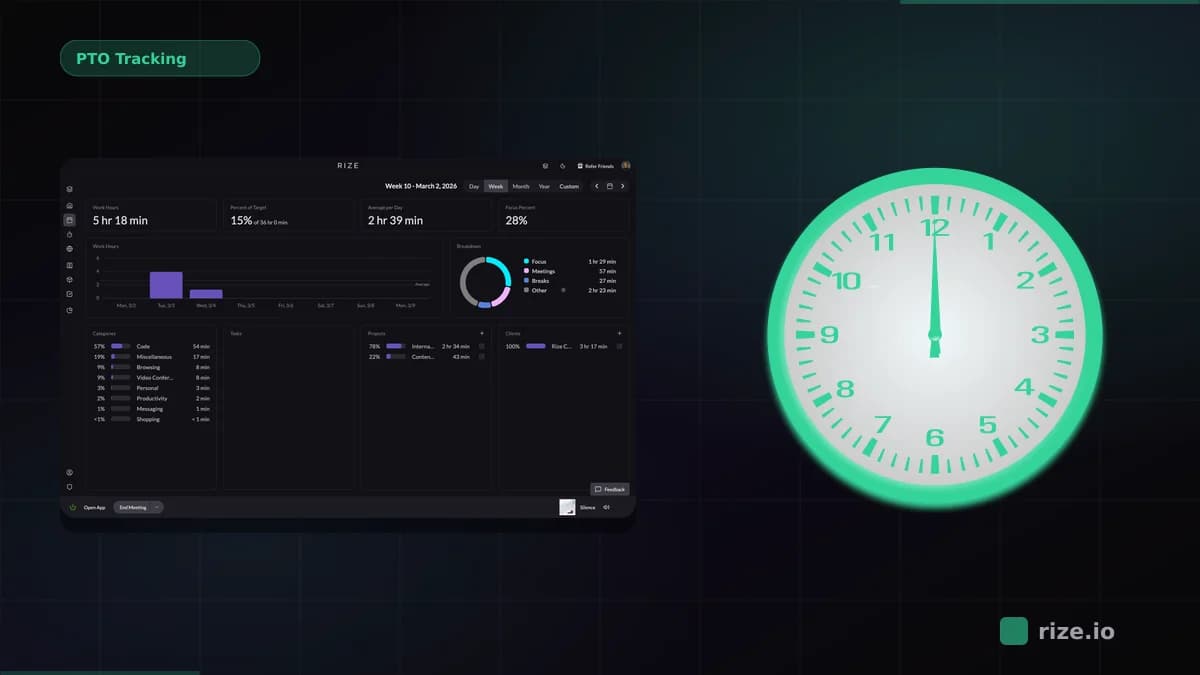
The best way to track remote agency teams without surveillance software is to use automatic time tracking that reads app and website metadata in the background, then uses AI to categorize hours into projects and clients. Rize does exactly that: no screenshots, no keystroke logging, no screen recording. Managers see billable hours, utilization rates, and project allocation in the Rize team dashboard, while the team keeps their privacy. Remote agencies have a billing problem that has nothing to do with rates: Harvard Business Review research found that inaccurate timesheets cost the U.S. economy $7.4 billion per day, and firms using manual tracking typically underreport 10-30% of actual working hours. For a 20-person agency billing at $150/hour with 65% target utilization, losing even 15% of billable hours means leaving over $480,000 on the table every year. Leonard Roussard's 6-person team at Impulse Lab achieved 98% billing accuracy with Rize and saw 30% revenue growth. The fix is not surveillance software — it is automatic time tracking that works without your team resenting it. See team pricing or download Rize to start a free 7-day trial.
Why Remote Agencies Lose Billable Hours
The core issue is simple: manual timesheets rely on memory, and distributed teams have more distractions, more context-switching, and fewer built-in accountability cues than in-office teams. When a designer hops between Figma, Slack, a client call, and a quick browser search, they are not going to remember — or bother to log — every transition at the end of the day.
For agencies, much of the untracked time is not wasted — it is billable work that never makes it onto an invoice. The most common culprits:
- Quick client calls that last 10-15 minutes and never get logged
- Research sessions that feel too short to bother recording
- Revision rounds scattered across Slack threads and email
- Context-switching between projects that eats time nobody accounts for
And the problem compounds with team size. A 5-person team might self-correct through sheer proximity to leadership. At 15-30 people across multiple cities, the gap between work done and work billed widens fast. If you are running a remote agency and your billable utilization feels lower than it should, the data is probably right — you are just not capturing the full picture.
What to Look For in Remote Time Tracking
Not every time tracking tool solves the remote problem. Many were designed for in-office environments, where a manager could tap someone on the shoulder and ask what they are working on. When you are evaluating tools for a distributed agency, there are four things that actually matter.
Automation over manual entry. If your team has to remember to click "start" and "stop," you have already lost. Automatic time capture records which apps, sites, and documents people use throughout the day — no timers, no remembering, no friction. This alone can recover 10-20% of previously untracked billable hours.
Integrations with your existing stack. Your team already lives in ClickUp, Linear, Google Calendar, or whatever your PM tool is. Time tracking that pulls context from those tools and auto-tags entries to the right project eliminates double-entry and makes the data actually useful for billing.
Privacy and compliance. GDPR, CCPA, and basic professional trust all point the same direction: you need time data, not screen data. Tools that take screenshots or log keystrokes create legal risk and cultural damage that far outweigh any visibility gain.
Adoption that sticks. The best tracking tool is the one your team actually uses. That means lightweight installation, minimal config, and no daily maintenance. If onboarding takes more than 10 minutes per person, expect adoption to crater within the first month. Leonard Roussard, who runs a 6-person web AI agency called Impulse Lab, put it bluntly: "I installed it and forgot about it for two weeks. When I came back, everything was tracked. I could trust the data completely."
Feature Priority Table
| Must-Have | Nice-to-Have |
|---|---|
| Automatic background tracking (no timers) | AI-generated daily/weekly summaries |
| Project/client auto-tagging | Custom categorization rules |
| Calendar and PM tool sync | Billing/invoicing integration (QuickBooks, Xero) |
| No screenshots or keylogging | Focus/distraction scoring |
| Team-level dashboards with utilization data | Exportable audit trails for client disputes |
| Sub-10-minute onboarding per person | Mobile app for on-the-go logging |
Start tracking time automatically
Join thousands of professionals who stopped guessing where their time goes. Free for 7 days.
Start Free TrialThe Monitoring Spectrum: From Timesheets to Surveillance
There is a wide range of approaches to tracking remote work, and the differences matter more than most agency owners realize. The tool you choose sends a message to your team about how much you trust them.
| Approach | How It Works | Privacy Level | Examples |
|---|---|---|---|
| Manual timers | User clicks start/stop for each task | High privacy | Toggl Track, Harvest |
| Automatic capture (privacy-first) | Tracks app/site usage, auto-tags to projects, no screen data | High privacy | Rize, Memtime |
| Screenshot monitoring | Captures screenshots every 5-10 minutes, tracks activity levels | Medium privacy | Hubstaff, Time Doctor |
| Full surveillance | Keylogging, screen recording, app usage logging, email scanning | Low privacy | ActivTrak, Teramind |
Manual timers are privacy-friendly but rely on human discipline — which is why agencies using them consistently undercount billable hours. Full surveillance tools capture everything but create a panopticon that drives away senior talent and exposes you to legal liability under GDPR and similar regulations.
The sweet spot for most agencies is automatic capture without screen data. You get the accuracy of always-on tracking with the trust that comes from never recording what is actually on someone's screen. As a founder, I think about it this way: if you would not stand behind your designer's chair watching their screen all day, you should not install software that does it for you. Your team knows they are being tracked for billing purposes, not watched for compliance purposes. That distinction is the difference between a tool people tolerate and a tool people actually use. For a deeper comparison, see our breakdown of privacy-first time trackers.
How Privacy-First Tracking Actually Works
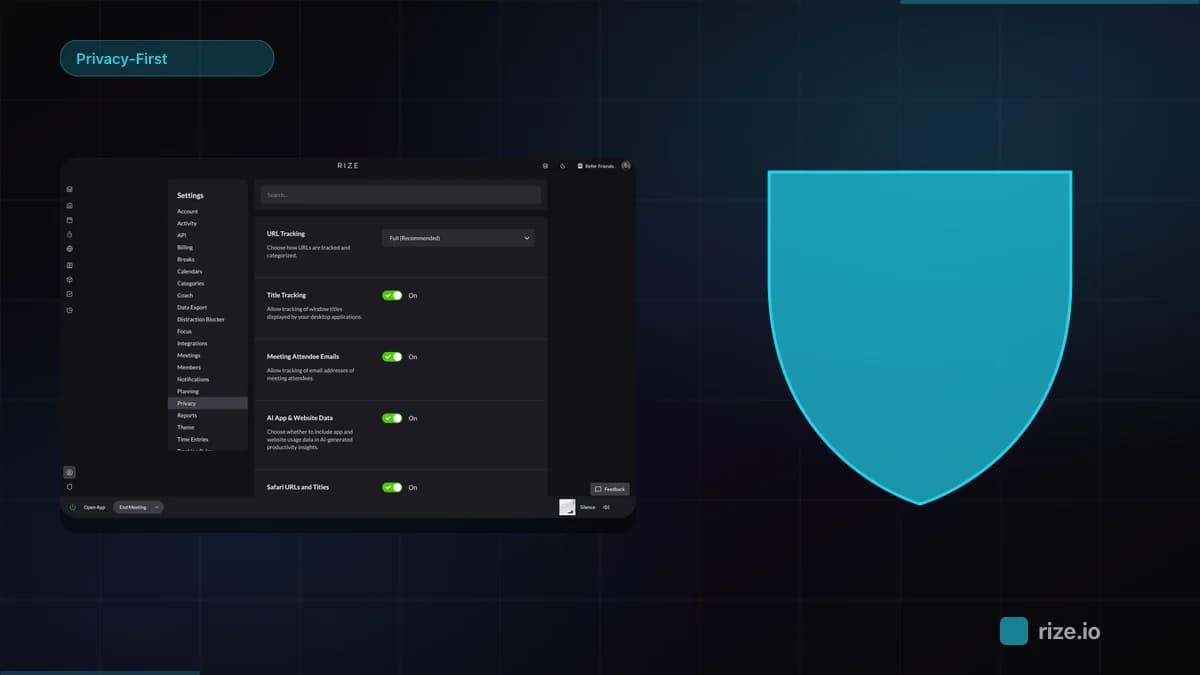
When we say "privacy-first," it helps to be specific about what that means in practice. Rize runs locally on each team member's machine. It reads window titles, application names, and website URLs — the same metadata your operating system already exposes — and uses AI to categorize that activity into projects and clients.
What it does not do: take screenshots, record keystrokes, capture clipboard contents, or monitor webcams. There is no screen recording. There is no "activity score" based on mouse movement. The raw activity data is processed on the device first, and managers see aggregated project-level reports — not a minute-by-minute replay of someone's workday.
This is a fundamentally different model from tools like Hubstaff or Time Doctor, where screenshot frequency and activity percentages become proxies for productivity. Those metrics reward mouse-jiggling and punish thinking. A developer staring at a whiteboard working through an architecture problem looks "idle" to surveillance software. In Rize, that same developer's calendar event and the subsequent code editor activity tell the real story.
For agencies billing clients, the output is what matters: accurate hours tied to the right projects, ready to drop into an invoice. You do not need to see your team's screens to get that. You can learn more about how team visibility works without surveillance in our full guide.
Integration Matters: Billing, PM, and Calendar
Time data in isolation is only half the story. The other half is connecting that data to the tools where work actually happens. When your time tracker syncs with Google Calendar, it can automatically tag meeting time to the right client. When it connects to ClickUp or Linear, task-level tracking happens without anyone switching context.
This matters because double-entry kills adoption. If your team has to track time in one tool and manage tasks in another, they will eventually stop doing one of them — and it is usually the time tracking. Direct integrations between your tracker and your PM, calendar, and billing tools mean the data flows without extra steps.
For billing specifically, the ability to export tracked hours directly to QuickBooks, Xero, or your invoicing tool closes the loop from work done to revenue collected. No more reconciling spreadsheets at month-end. No more arguing with clients about hours — you have the audit trail right there.
Rolling It Out Without the Backlash
Even the most privacy-respecting tracking tool will meet resistance if you drop it on your team without context. How you introduce time tracking matters as much as what you introduce. Here is what works.
Communicate before you install. Tell your team why you are adding tracking, what it does, and — critically — what it does not do. Be explicit: "This tool does not take screenshots. It does not log what you type. It tracks which apps and sites you use so we can bill clients accurately." Most resistance comes from assumptions about surveillance. Kill those assumptions early.
Frame it as a billing tool, not a monitoring tool. Your team should understand that the goal is accurate invoicing and better project estimates — not checking whether they are on Twitter at 2pm. When people see tracking as something that helps the business get paid (which funds their salaries), the dynamic shifts from adversarial to cooperative.
Start with volunteers. Ask 3-5 people to try it for two weeks. Let them report back to the team on what the experience is actually like. Peer endorsement is more convincing than any all-hands presentation. If your early adopters say "I barely notice it running," you have already won the rollout.
Share aggregate data, not individual surveillance. Use team dashboards to show project-level utilization and billable hour trends. Avoid singling out individuals in team settings. The goal is to spot patterns — which project types consistently run over budget, where non-billable time clusters — not to rank employees by activity score.
For more strategies on equipping your distributed team, check out our guide on the best tools for remote work.
Common Rollout Pitfalls to Avoid
Even with a clean playbook, agencies trip on the same handful of issues during the first 30 days. The most common is announcing tracking on a Friday and expecting installation by Monday. Compressing the change leaves no room for questions, which guarantees the rumor mill fills the gap. Give your team at least one full work week between announcement and rollout, with a written FAQ they can read in private.
The second pitfall is treating tracking data like performance review material in the first quarter. Early dashboards will show oddities: weeks where senior people look underutilized because they were unblocking junior staff, projects that look overbudget because the scope shifted mid-cycle. Treat the first 90 days as a calibration period, not a scoreboard. Share what you are seeing with the team and let them help you interpret it.
The third is forgetting to revisit category and project rules after the first month. Auto-tagging gets more accurate as the AI sees more of your team's work, but it benefits from a manual review at the four-week mark to fix any miscategorized clients or recurring meetings. Skipping this step is the difference between data your team trusts and data they argue with.
Start tracking time automatically
Join thousands of professionals who stopped guessing where their time goes. Free for 7 days.
“Rize has been a no-brainer for me.” — Ali Abdaal Read more →
Frequently Asked Questions
What is the best remote workforce monitoring solution for time tracking?
For agencies, the best option is automatic time tracking that captures billable hours without screenshots or keylogging. Tools like Rize track app and website usage in the background, auto-tag activity to projects, and sync with PM and billing tools — giving you accurate data without the cultural cost of surveillance software. The right solution depends on your team size, billing model, and how much you value employee trust.
Does AI-powered time tracking work for remote teams?
Yes, and it solves the biggest problem with remote time tracking: manual entry compliance. AI-powered tools run in the background and categorize activity automatically, which means your team does not have to remember to start and stop timers across time zones. Rize's AI reads window titles and app names to assign time to the correct project, even when someone switches between five tools in a single work session.
How do I track remote employees without invading their privacy?
Choose a tool that tracks metadata (app names, website URLs, calendar events) rather than content (screenshots, keystrokes, screen recordings). Look for local-first data processing, where raw activity stays on the employee's machine and only aggregated reports are visible to managers. Avoid any tool that advertises "stealth mode" or hidden installation — transparency is the baseline for trust.
What is the difference between time tracking and employee monitoring?
Time tracking measures how work hours are allocated across projects and clients. Employee monitoring watches what employees are doing and often includes screenshots, keystroke logging, and activity scoring. The first is a billing and operations tool. The second is a compliance and surveillance tool. According to a study published in the European Journal of Work and Organizational Psychology, electronic monitoring reduces trust and increases workplace stress. Agencies that bill clients for hours need time tracking, not surveillance — and the ones that install monitoring typically see higher turnover and lower morale as a result.
How much billable time do remote teams typically lose?
Industry research consistently shows that manual time tracking underreports actual working hours by 10-30% in professional services firms — and the gap widens for remote teams because distributed work involves more context-switching, more async communication, and fewer natural checkpoints to log time. Separately, the PMI Pulse of the Profession reports that organizations waste 11.4% of every dollar invested due to poor project management, with inaccurate resource tracking cited as a contributing factor. Rize recovers a significant portion of those lost hours by capturing activity that would otherwise go unrecorded — short client calls, quick email threads, and research sessions that feel too minor to log manually. Impulse Lab recovered enough untracked time to achieve 98% billing accuracy after switching.
Related reading: best remote employee monitoring software, remote workforce monitoring without surveillance, and best remote employee productivity monitoring tools.