Screenshot-based time tracking destroys trust. When employees know their screens are being captured every few minutes, they shift focus from doing good work to looking like they are doing good work. The best time tracking software proves productivity through output data, not surveillance. Here are the top privacy-first time trackers that capture accurate billable hours without screenshots, keylogging, or screen recording.
Why No-Screenshot Tracking Is Better for Your Team
Teams resist time tracking when it feels like monitoring. Ben Jackson, CEO of 12-person creative agency Momentum Studio, switched to privacy-first tracking because surveillance tools were undermining his team's culture: "Rize allows my team to get deep into work and go where their creativity leads them without really having to think about time tracking." Screenshot tools like Hubstaff and Time Doctor create an adversarial dynamic where workers minimize personal tabs instead of focusing on deep work. The result is lower morale and data that reflects performance anxiety rather than actual productivity.
Privacy-first trackers take a different approach. They capture which applications, websites, and documents you use without recording what is on your screen. This gives managers the billable hours data they need while giving employees the autonomy they deserve. We designed Rize around this principle from day one — you should not have to sacrifice your team's dignity to get accurate time data.
Privacy Comparison
| Feature | Rize | Memtime | Toggl Track | RescueTime | ActivityWatch |
|---|---|---|---|---|---|
| Screenshots | Never | Never | Never | Never | Never |
| Keylogging | Never | Never | Never | Never | Never |
| Data Storage | Local-first processing | Local only (no cloud sync) | Cloud | Cloud | Local only (self-hosted) |
| AI Categorization | Yes, automatic | No (manual review) | No (user rules) | Basic (productive vs distracting) | No |
| Tracking Method | Fully automatic, zero-touch | Automatic background capture | Manual timers + timeline | Automatic background | Automatic background |
| Pricing | From $9.99/mo | From $14/user/mo | Free tier; from $9/user/mo | From $7/mo (annual) | Free (open source) |
1. Rize
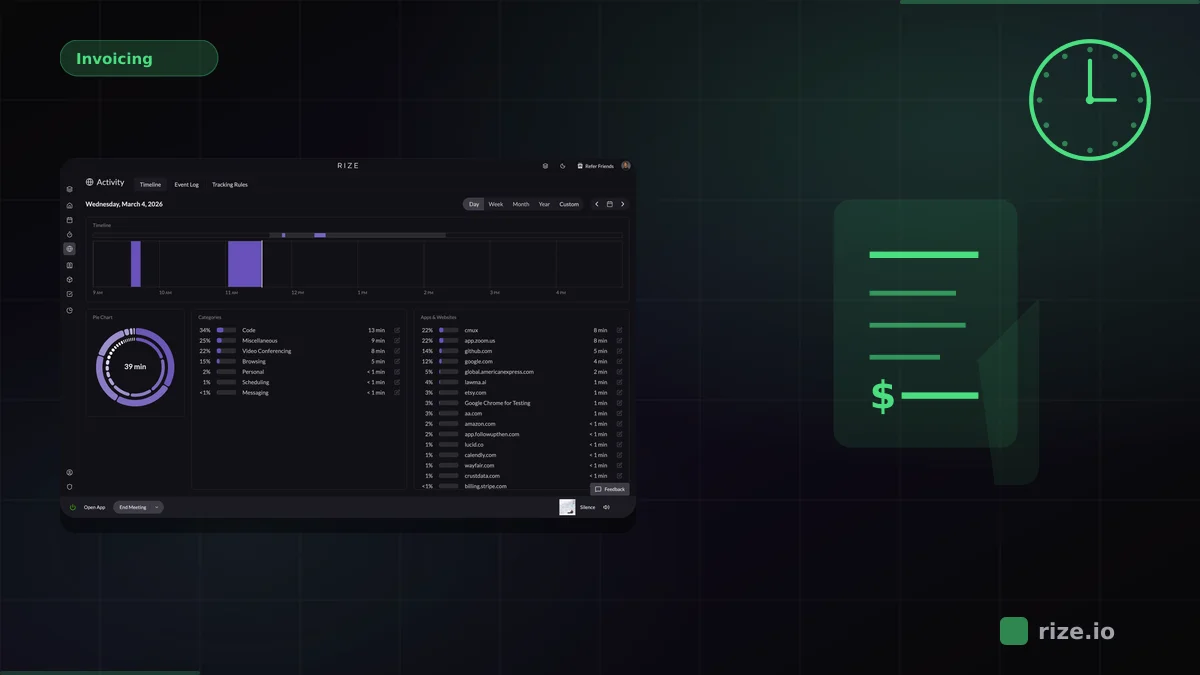
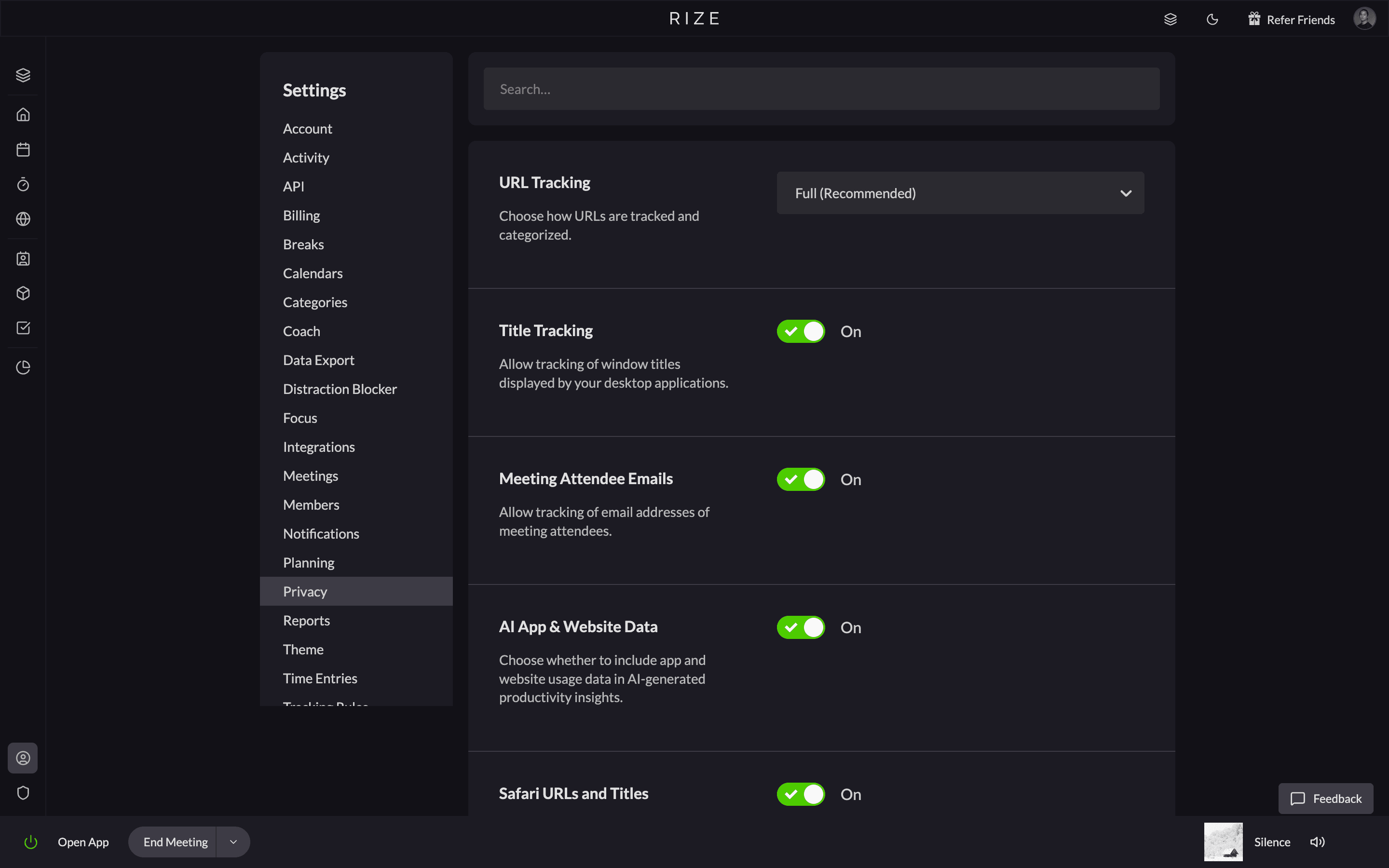
Rize is the strongest option if you want both privacy and automation. It tracks which applications, websites, and documents you use and automatically categorizes that activity by client and project using AI. There are no screenshots, no keylogging, and no screen recording. Activity data is processed locally first before syncing. Your team gets accurate timesheets without the surveillance tax.
What sets Rize apart from other privacy-first tools is that it does not require any manual review step. Memtime and Toggl both need you to organize tracked data into time entries yourself. Rize handles that automatically. Momentum Studio switched from Harvest to Rize and recovered 20% more billable time while saving 8 hours per week on admin — without any screenshot monitoring.
Key strengths:
- Fully automatic AI categorization with no manual review step
- Local-first data processing — activity never leaves your device unprocessed
- Team dashboards and billable hours reports without any surveillance features
Possible limitations:
- No free tier — 7-day trial only
- Desktop only (macOS and Windows), no mobile tracking
- Best For: Agencies and teams that want zero-touch tracking with zero surveillance.
- Pricing: Basic $9.99/month; Pro $23.99/month; Team $29.99/seat/month (annual). Free 7-day trial.
Start tracking time automatically
Join thousands of professionals who stopped guessing where their time goes. Free for 7 days.
Start Free Trial2. Memtime
Memtime records your desktop activity silently in the background with all data stored locally on your device. Nothing is sent to the cloud unless you explicitly export it. The tradeoff is that Memtime requires you to manually review captured activity and drag it into time entries at the end of the day. It is private by design, but not fully automatic.
Key strengths:
- All data stored locally on your device with no cloud component
- Silent background capture with no performance impact
- Integrates with popular project management and billing tools for export
Possible limitations:
- Requires manual end-of-day review to turn activity into time entries
- No AI categorization — you organize everything yourself
- Higher starting price than most competitors at $14/user/month
- Best For: Consultants and professionals who want strict local-only data storage.
- Pricing: From $14/user/month.
3. Toggl Track
Toggl Track has an explicit anti-surveillance policy. There are no screenshots, no camera tracking, and no keystroke logging. The Timeline feature records background app usage, but the primary tracking method is still manual start/stop timers. Privacy is strong, but accuracy depends on your team remembering to use the timers.
Key strengths:
- Explicit anti-surveillance policy with no screenshots, camera, or keystroke logging
- Generous free tier for up to 5 users
- Strong ecosystem of integrations (100+ apps) and a polished mobile app
Possible limitations:
- Primary method is manual start/stop timers — accuracy depends on user discipline
- Timeline background tracking is a secondary feature, not the core experience
- No AI-powered categorization or automatic project assignment
- Best For: Teams already comfortable with manual timers who want a privacy guarantee.
- Pricing: Free tier; Starter at $9/user/month.
4. RescueTime
RescueTime does not collect keystrokes, form input, screenshots, or webpage content. It tracks which apps and websites you use and categorizes them as productive or distracting. The privacy posture is strong, but the categorization is too broad for client billing. RescueTime is best for personal productivity habits rather than agency billable hours.
Key strengths:
- Strong privacy posture — no keystrokes, form input, screenshots, or webpage content collected
- Built-in focus sessions and distraction blocking tools
- Long track record with over a decade of development
Possible limitations:
- Categorization is limited to productive vs distracting — too broad for client billing
- No project or client-level tracking for agencies or consultants
- Primarily a personal tool with no team management features
- Best For: Individuals focused on personal productivity and distraction blocking.
- Pricing: From $7/month (billed annually).
5. ActivityWatch
ActivityWatch is open source and completely free. All data stays on your device. It tracks application and browser usage automatically with no cloud component at all. The downside is that there is no AI categorization, no team features, and no invoicing. You get raw activity data and need to process it yourself.
Key strengths:
- Completely free and open source with no vendor lock-in
- All data stays on your device — zero cloud dependency
- Extensible with community plugins and watchers
Possible limitations:
- No AI categorization, team features, or invoicing
- Requires technical comfort to set up and maintain
- Raw activity data needs manual processing to become useful reports
- Best For: Privacy-conscious individuals who want full control and do not mind manual data processing.
- Pricing: Free (open source).
How to Choose the Right Privacy-First Time Tracker
Use these criteria to narrow down which tool fits your workflow:
- Data storage location. Decide whether local-only storage is a hard requirement or if cloud sync with encryption is acceptable. Memtime and ActivityWatch keep everything on-device. Rize processes locally first, then syncs.
- Level of automation. If you want zero manual input, choose a tool with automatic categorization (Rize). If you are fine reviewing activity at end of day, Memtime works. If you prefer manual timers, Toggl is the fit.
- Team vs individual use. Solo users can pick any tool on this list. Teams need shared dashboards, role-based access, and aggregated reports — only Rize and Toggl offer these.
- Billing and invoicing needs. Agencies and consultants need project-level and client-level tracking that feeds into invoices. RescueTime and ActivityWatch lack this. Rize, Memtime, and Toggl support it.
- Budget. ActivityWatch is free. Toggl has a free tier for up to 5 users. Rize and RescueTime start under $10/month. Memtime is the most expensive at $14/user/month.
- Platform support. Confirm the tool runs on your operating system. Most support macOS and Windows. ActivityWatch also supports Linux. None of these tools currently offer mobile tracking.
- Integration ecosystem. Check whether the tool connects to your existing stack — project management, billing, calendar. Toggl has the widest integration library. Rize integrates with major calendar and project tools. ActivityWatch relies on community plugins.
Start tracking time automatically
Join thousands of professionals who stopped guessing where their time goes. Free for 7 days.
“Rize has been a no-brainer for me.” — Ali Abdaal Read more →
The Bottom Line
Every tool on this list respects your team's privacy. The difference is how much work they save you after capturing the data. If you want your time automatically organized into billable entries without lifting a finger, Rize is the clear choice. If local-only storage is non-negotiable, Memtime or ActivityWatch are your options. Learn more about how Rize's automatic tracking works, or see how it compares to Toggl, Harvest, and Clockify. For agency teams, see how Rize works for agencies. Browse more time tracking comparisons, start a free trial, or book a demo.