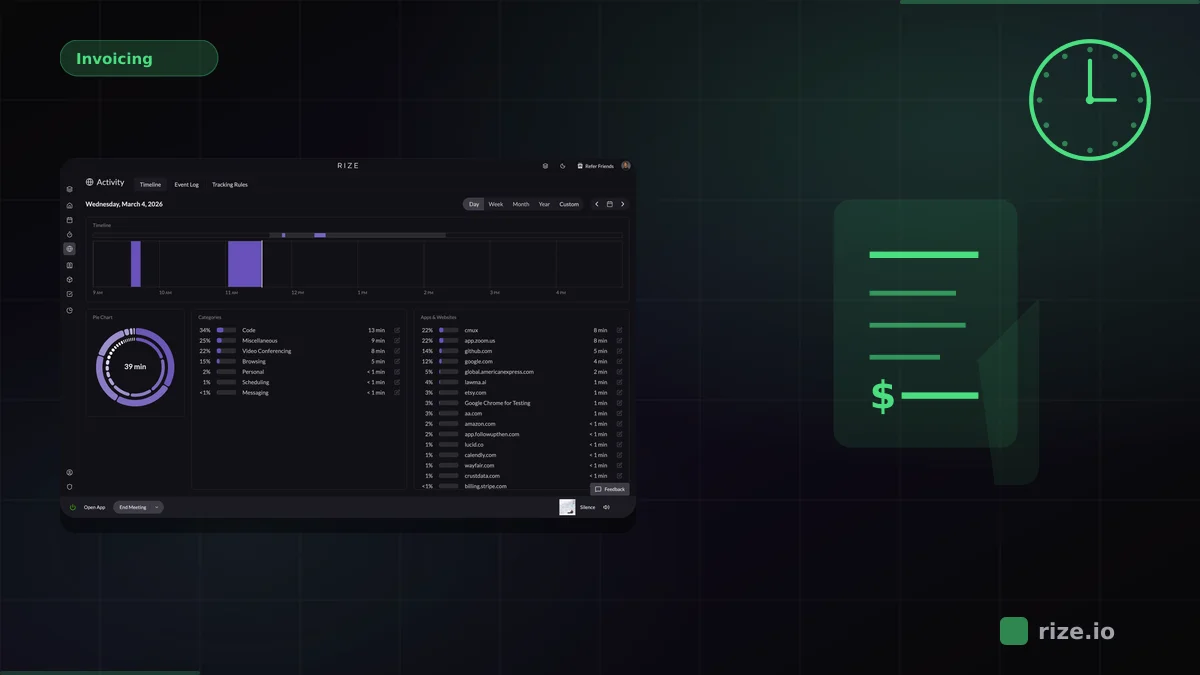
Every hour you worked but did not log is revenue you gave away. Manual timesheets miss 15-40% of actual billable time because short tasks, context switches, and quick client emails fall through the cracks. According to Harvard Business Review research, inaccurate timesheets cost businesses $7.4 billion per day. For agencies and professional services firms billing by the hour, that gap hits the bottom line directly. Rize solves this by capturing every work session automatically and using AI to assign time to the right project and client, giving you complete billable hour data without a single timer click.
Quick Answer
Best billable hours tracker: Rize captures every work session in the background and uses AI to assign time to projects and clients. No timers, no timesheets, no missed hours. For invoicing, export billable data to Harvest, FreshBooks, or QuickBooks. Start a free 7-day trial.
Why Manual Timers Lose Billable Hours
Manual timers lose billable hours because they depend on human memory and discipline. A 12-minute client email, a 7-minute Slack thread about project scope, a 20-minute review of deliverables: none of these get logged when you have to start a timer first. The small blocks add up. Across a team of 10 people working 8-hour days, even a 15% miss rate means 60 hours of billable work vanish each week.
The problem compounds at invoice time. When someone fills out a timesheet on Friday afternoon for work done on Monday, they are reconstructing from memory. Short tasks get rounded down or forgotten entirely. A 2023 study by Replicon found that professionals who log time weekly rather than daily lose 30% more billable hours. By the time the invoice reaches the client, it reflects what people remembered, not what actually happened.
Automatic time tracking eliminates this gap by capturing every active window, browser tab, and application session in the background. There is nothing to remember, nothing to start, and nothing to forget.
Comparison: Billable Hours Tracking Tools by Project
| Tool | Time Capture | Project Categorization | Built-In Invoicing | Billable/Non-Billable Split | Price (per seat/mo) | Best For |
|---|---|---|---|---|---|---|
| Rize | Fully automatic | AI auto-categorization | Export to invoicing tools | Automatic | $29.99 | Accurate billable data |
| Harvest | Manual timer + timesheet | Manual project assignment | Yes (built-in) | Manual tagging | $9 + usage fees | Time-to-invoice workflow |
| Toggl Track | Manual timer | Manual project assignment | No | Manual tagging | Free / $9 | Simple project tracking |
| FreshBooks | Manual timer | Manual project assignment | Yes (full accounting) | Manual tagging | $17 | Accounting + invoicing |
| QuickBooks Time | Manual timer + GPS | Manual job assignment | Yes (via QuickBooks) | Manual tagging | $10 + $8 base | QuickBooks ecosystem |
Rize: Automatic Billable Hour Capture With AI Categorization
Rize is an automatic time tracker that captures billable hours by project without manual timers. It runs in the background on macOS and Windows, reads app names, window titles, and browser URLs, and uses AI to assign every session to the correct project and client. The result is a complete, accurate record of billable time that no one had to remember to log.
Rize's AI learns your work patterns over time. When you open a specific client's project files in Figma, switch to their Slack channel, and review their deliverables in Google Docs, Rize categorizes all of that as billable time for that client. You can create custom categorization rules to fine-tune the AI, but most teams find the automatic assignments accurate within the first week.
Leonard Roussard, CEO of 6-person product studio Impulse Lab, reported 98% billing accuracy and 5x faster client reporting after adopting Rize: "We use Rize to know: 'We spent 30 hours on this client and got this result.' That's powerful when you're working lean and launching quickly." For agencies where billable accuracy directly determines revenue, that improvement pays for the tool many times over.
Pricing: $23.99/month (Pro) or $29.99/seat/month (Team), billed annually. Free 7-day trial with full features.
Stop losing billable hours to manual timers
Rize captures every work session automatically and assigns it to the right project with AI. No timers, no timesheets, no missed revenue.
Start Free TrialHarvest: Manual Time Tracking With Built-In Invoicing
Harvest is the most established time-to-invoice tool for agencies and professional services firms. It connects manual time entries directly to project budgets and client invoices, creating a straight line from tracked hours to billing. The invoicing integration eliminates the export step that most other time trackers require.
Harvest's strength is its billing workflow: set project rates, track time with timers or timesheets, review entries, and generate invoices from the same platform. Managers see budget burn, team capacity, and profitability by client. The limitation is that every entry depends on manual input. Ben Jackson of Momentum Studio described the issue directly: "The biggest issue with Harvest was designers would forget to track... With Rize, that's solved." When your team forgets timers, the invoice understates the work.
Pricing: Teams $9/seat/month (annual) plus usage-based fees. Free 30-day trial.
Toggl Track: Simple Project Timers With Clean Reporting
Toggl Track offers a clean start/stop timer interface with project tagging and team reporting. The free tier supports up to 5 users with basic project tracking. Paid plans add billable rates, project budgets, and detailed analytics.
Toggl does not include built-in invoicing, so you need to export time data to a separate billing tool. The Timeline feature logs background app usage but does not create time entries automatically. For small teams with disciplined timer habits, Toggl produces reliable per-project data. For teams where people forget timers, the billable hour totals will always be incomplete.
Pricing: Free for up to 5 users. From $9/user/month (paid). 30-day free trial.
FreshBooks: Accounting Platform With Time Tracking
FreshBooks is a small business accounting platform that includes time tracking as part of its invoicing and expense management suite. You track time with manual timers, assign entries to projects and clients, then convert tracked hours into invoices with a single click.
FreshBooks is the strongest option when your primary need is accounting, not time tracking. If you already use FreshBooks for invoicing, expenses, and financial reporting, the built-in timer avoids adding another tool. The time tracking itself is basic: manual timers, manual project assignment, no automatic capture, no AI categorization. Time data accuracy depends entirely on user discipline.
Pricing: From $17/month (Lite). Time tracking included on all paid plans.
QuickBooks Time: Time Tracking for the QuickBooks Ecosystem
QuickBooks Time (formerly TSheets) integrates with QuickBooks Online to connect time tracking with payroll, job costing, and invoicing. It supports manual timers, GPS tracking, and kiosk mode for on-site teams. Managers assign workers to jobs and see time allocation by project.
For teams already running their finances through QuickBooks, QuickBooks Time eliminates the data bridge between time tracking and accounting. GPS tracking makes it suitable for field service and construction crews. The desktop time tracking is entirely manual, with no automatic capture or AI categorization. Knowledge workers tracking billable hours across software projects will find the manual workflow limiting.
Pricing: $8/month base + $10/user/month. 30-day free trial.
How Automatic Billable Hour Tracking Changes Agency Revenue
The revenue impact of automatic billable hour tracking is straightforward math. If your team has 10 people billing at $150/hour and manual timers miss 15% of billable time, that is $150 per person per day in lost revenue, or roughly $30,000 per month for the team. Recovering even half of that gap pays for any time tracking tool.
Beyond revenue recovery, automatic tracking changes how you scope and price projects. When you know exactly how many hours each project type consumes, you stop underquoting. When you can show a client exactly where their hours went, you have the evidence to defend invoices and negotiate scope changes. According to the PMI Pulse of the Profession, organizations waste 11.4% of invested dollars due to poor project performance. Accurate time data directly reduces that waste.
Momentum Studio's experience illustrates the shift: after switching to automatic tracking with Rize, they recovered 20% more billable time and saw a 15% increase in project profitability. The time was always being worked. It just was not being logged.
Choosing the Right Billable Hours Tracker
Your choice depends on where in the billing workflow your biggest gap is. If you are losing billable hours because people forget to track, the gap is in data capture, and you need automatic tracking. If you are tracking hours accurately but spending too long creating invoices, the gap is in billing workflow, and you need integrated invoicing.
Choose Rize if your primary problem is data accuracy. Rize's automatic capture and AI categorization produce the most complete billable hour records of any tool on this list. Export to your invoicing tool of choice.
Choose Harvest if you need a direct time-to-invoice pipeline and your team can maintain timer discipline. Harvest's integrated invoicing saves a manual step in the billing workflow.
Choose FreshBooks or QuickBooks Time if you are already in their accounting ecosystem and want to avoid adding a separate time tracking tool. The time tracking is basic but the financial integration is tight.
Choose Toggl Track if you need simple, affordable project-level time tracking for a small team and handle invoicing separately.
For more on how time tracking connects to invoicing and profitability, see our guide to billable hours tracking, or explore how agencies use automatic tracking in our agency time tracking guide. To see billable hour dashboards in action, visit Rize Teams.
Start tracking time automatically
Join thousands of professionals who stopped guessing where their time goes. Free for 7 days.
“Rize has been a no-brainer for me.” — Ali Abdaal Read more →
Macgill Davis is cofounder of Rize, an automatic time tracker that improves focus and builds better work habits.