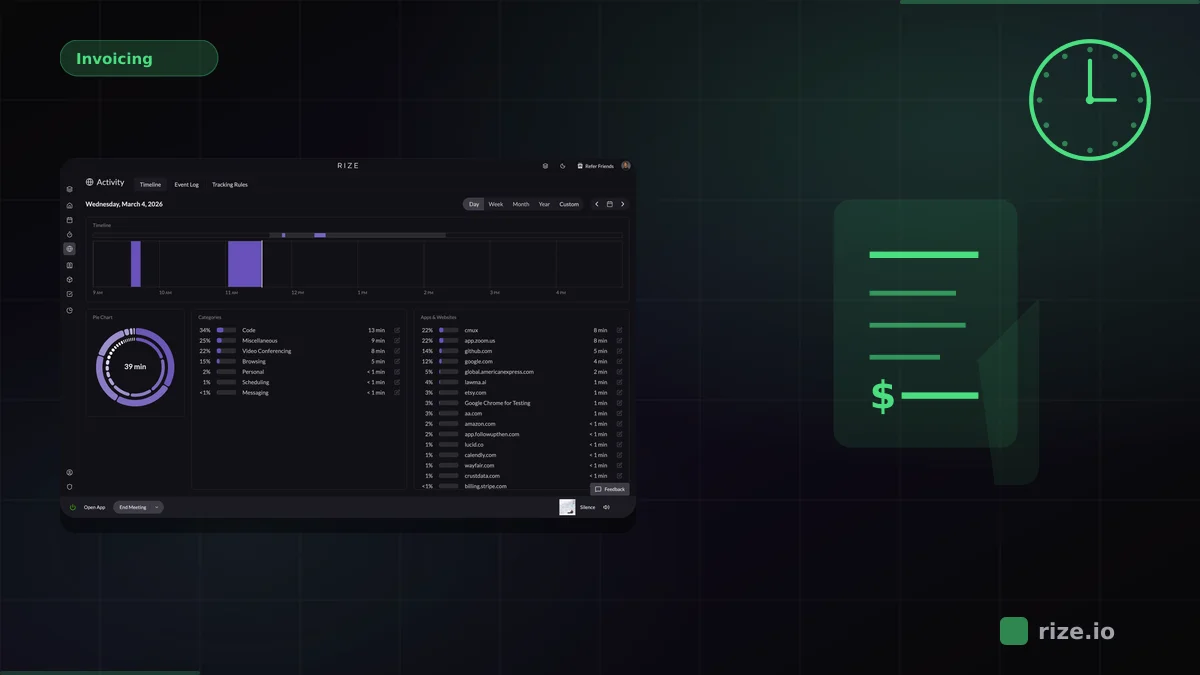
The best FreshBooks workflow is not the one with the most timer buttons. It is the one that gets accurate billable work into invoices. For most agencies and service teams, that means automatic capture in Rize first and accounting in FreshBooks second.
FreshBooks is strong on invoicing and accounting, but it is not where most work happens. The work happens in browsers, docs, meetings, Slack, Figma, and email. If time tracking starts only when someone opens FreshBooks, the data is already incomplete.
Quick Answer: Best Time Tracking for FreshBooks
Rize is the best time tracking tool for FreshBooks workflows when your biggest issue is missed billable time. It captures work automatically, categorizes it by client and project, and sends approved entries into FreshBooks through Zapier. FreshBooks is the better fit if you want accounting, invoicing, and basic manual time tracking in one product. Harvest is the best manual timer-first alternative for teams that want time tracking and invoicing in the same app.
Why FreshBooks Users Still Miss Billable Time
FreshBooks is good at turning time entries into invoices. It is not good at ensuring those entries represent everything the team actually did. Manual timers and after-the-fact entry still depend on memory, compliance, and people bothering to log short tasks.
That is where the leakage happens. Quick client replies, internal coordination, short review calls, and browser research sessions often never make it into the invoice even though they were part of delivery. Over a month, those fragments add up to a meaningful share of lost margin.
Teams using manual time tracking commonly lose 15-40% of billable hours to forgotten timers, rounded estimates, and work that feels too small to log. For FreshBooks users, that means the invoicing workflow can be clean while the inputs feeding those invoices are still incomplete.
| Tool | Tracking model | FreshBooks workflow | Best fit |
|---|---|---|---|
| Rize | Automatic background capture | Send approved entries to FreshBooks via Zapier | Agencies and service teams that care about billing accuracy |
| FreshBooks | Manual timer or manual entry | Native inside FreshBooks | Freelancers and small businesses wanting one product |
| Harvest | Manual timers | Time tracking and invoicing in one app | Teams that want timer-first billing workflows |
| Clockify | Manual timers | Export or connect through integrations | Budget-conscious teams |
| Toggl Track | Manual timers with timeline support | Export or connect through integrations | Teams with strong timer habits |
Why Rize Is the Best Fit for Billing Accuracy
Rize wins when the real problem is not “how do I send an invoice,” but “how do I make sure the invoice reflects the work that really happened.” It captures work automatically in the background, then turns that time into clean, billable entries before the data reaches FreshBooks.
That sequence matters. Instead of asking someone to rebuild the week from memory inside FreshBooks, you capture the work as it happens across all the tools your team actually uses. Then you push approved entries into the invoicing system once they are already accurate.
For agencies and professional-services teams, this is usually the highest-value setup because the tracking problem and the invoicing problem are different problems. Rize solves the tracking side. FreshBooks solves the invoicing side. Together they create a cleaner billing workflow than either one can alone.
"I installed it and forgot about it for two weeks. When I came back, everything was tracked. I could trust the data completely."
— Leonard Roussard, Founder & CEO, Impulse Lab
That trust is what invoice-ready data actually requires. Impulse Lab, a 6-person product studio, achieved 98% billing accuracy after switching from manual tracking to Rize. That is the kind of improvement that makes a FreshBooks workflow more than administratively neat. It makes it commercially dependable.
Need better billable data before it reaches FreshBooks?
Rize captures the work automatically first, then sends approved billable entries into your invoicing workflow.
Start Free TrialWhen FreshBooks Itself Is Enough
FreshBooks is enough if you are a solo freelancer or very small team that wants accounting, invoicing, and basic time tracking inside one product and does not mind manual entry.
That convenience is real. If you mostly work in large, uninterrupted blocks and already have good timer habits, the native workflow can be enough. The tradeoff appears when the work becomes fragmented or multi-client. That is when manual entry starts to undercount reality.
Harvest: Best Manual Alternative for Billing Workflows
Harvest is the best manual alternative if you want timers and invoicing in one dedicated tool. It is often a better fit than FreshBooks when the team wants more mature time-tracking features without leaving a billing-oriented workflow.
It still shares the same structural weakness as every timer-first product: if no one starts the timer, the work never exists in the record. For teams already leaking hours because of context switching and short tasks, Harvest improves the workflow but not the underlying capture gap.
Clockify and Toggl: Fine for Timer Discipline, Weak for Fragmented Work
Clockify and Toggl are solid options when teams reliably use timers. They are less compelling when work is fragmented across email, Slack, docs, calls, and browser tabs.
That fragmentation is exactly what makes FreshBooks users start looking for better tracking in the first place. If the team already forgets to track, changing timer brands rarely solves the problem.
Final Recommendation
If you want one product to do accounting and basic time entry, FreshBooks is a reasonable choice. If you want a stronger manual timer-to-invoice workflow, Harvest is better. If you want the lowest-cost timer, Clockify is fine.
If you want invoices in FreshBooks to reflect the work your team actually did, use Rize to capture time first. That is the best FreshBooks setup for agencies and service teams that care about profitability, billing accuracy, and reducing admin drag. Start with invoicing workflows, review invoicing solutions, explore accounting-firm workflows, run the profit calculator, compare pricing, or go straight to the demo.
Start tracking time automatically
Join thousands of professionals who stopped guessing where their time goes. Free for 7 days.
“Rize has been a no-brainer for me.” — Ali Abdaal Read more →