Bill4Time handles legal billing well: invoicing, payments, trust accounting, LEDES export. What it cannot fix is the input. Time entries still depend on someone starting a timer or reconstructing their day. For billable-hour firms, manual capture is not an admin annoyance; it is lost revenue, typically 15-40% of real work. The fix is an automatic capture layer that feeds Bill4Time, not a billing-system replacement.
Where Do the Hours Go Missing?
Bill4Time's timers work when used, but legal work fragments badly: a client call, an email thread, a document review, another call. Each switch is a timer the timekeeper has to stop, restart, or remember. End-of-day write-ups reconstruct the memorable work; the six-minute increments between them disappear.
The scale of the leakage is measurable. Clio's Legal Trends Report found the average lawyer captures about 3.0 billable hours in an eight-hour day, and only 2.6 of those hours make it onto an invoice. That is roughly a third of the working day reaching a bill, before accounting for the time lost to keeping timesheets at all.
This is not a legal-industry quirk. According to a Harvard Business Review analysis, unrecorded work costs the U.S. economy an estimated $7.4 billion per day, and accuracy drops sharply the longer someone waits to log. A Friday timesheet is a memory test, not a record.
How Does Automatic Capture Feed Bill4Time?
The architecture firms land on: Rize as the capture layer, Bill4Time as the system of record.
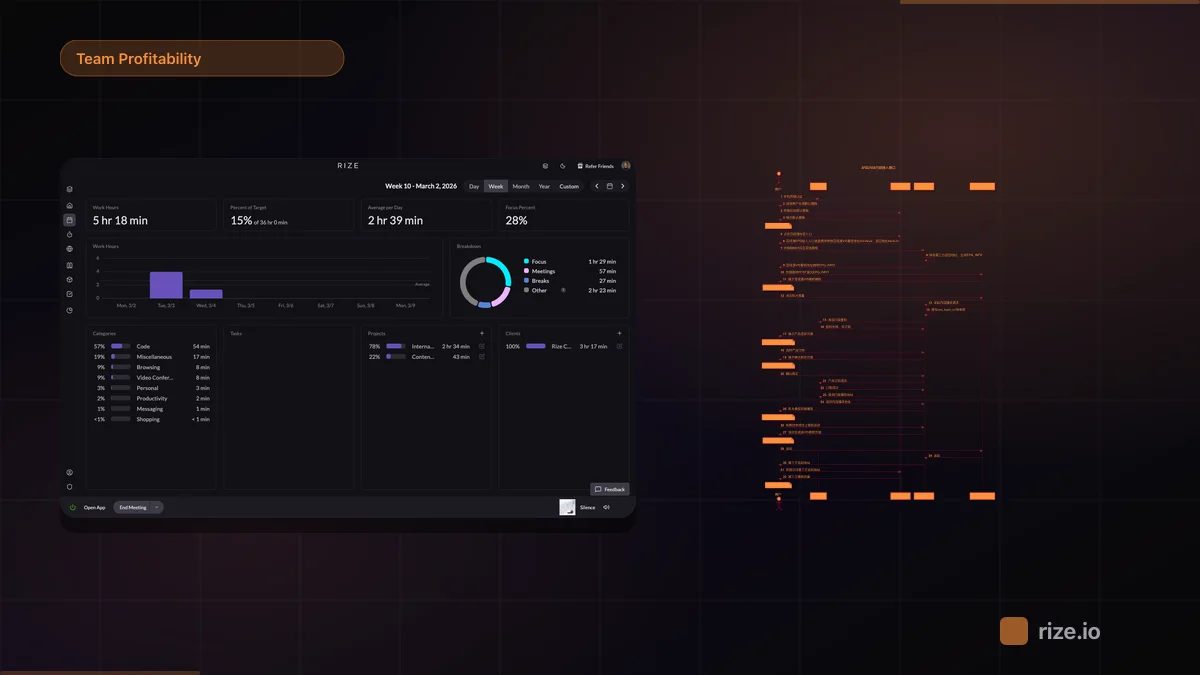
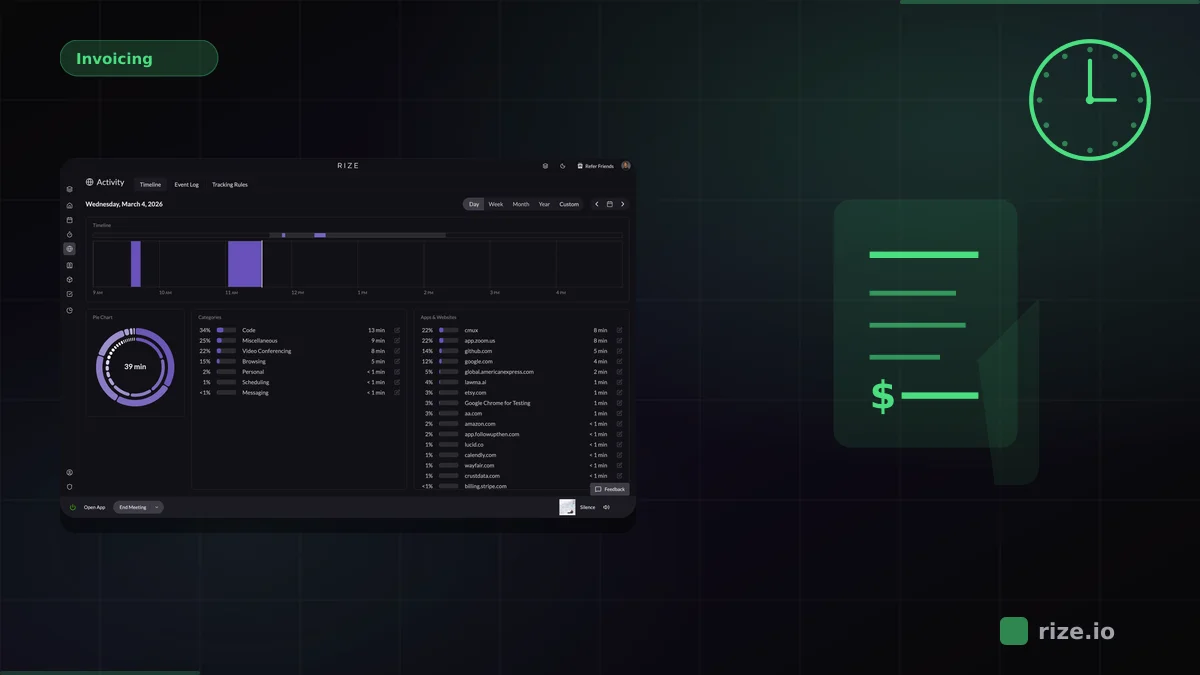
Rize is an automatic time tracker that records every work session in the background: documents, email, calls, research. It categorizes each session to the right client and matter, so the timekeeper's job shrinks to review. Look at the categorized day, confirm or correct, approve. Two minutes instead of reconstruction.
Approved entries export to CSV with client, matter, duration, and description, mapped to your Bill4Time client-matter structure and imported on the normal billing cycle. Nothing about invoicing, trust accounting, or LEDES changes. Rize captures 100% of tracked sessions, so the entries reaching Bill4Time reflect the whole workload instead of the remembered part of it.
Find your firm's untracked hours
Rize records work automatically and shows what manual entry misses. Start a free 7-day trial.
Start Free TrialWhat Does Complete Capture Do to Realization?
Recovered revenue, not extra hours. The gain is leakage recovery: work already performed finally reaching an invoice. At $300 per hour, recovering thirty minutes a day per timekeeper is roughly $39,000 per person per year.
Defensible time records. Entries built from actual work sessions, not Friday-afternoon memory, hold up better when a client questions a bill. A contemporaneous record of application and document activity is a stronger artifact than a handwritten narrative reconstructed days later.
Cleaner realization. Write-downs justified by thin or implausible time records drop when the underlying entries are complete and same-day. Firms typically see the difference in the first billing cycle: same workload, more invoiced time, fewer negotiated discounts off a weak-looking invoice.
Real capacity data. When capture stops depending on diligence, utilization reports finally reflect workload. That matters for staffing and hiring decisions, not just billing. A team at 90% recorded utilization on reconstructed timesheets might be at 110% on real hours, and those are different management problems.
Is Automatic Capture Appropriate for a Law Firm?
Firms rightly insist on review-then-bill: no auto-approved time, no unverified entries on an invoice. Rize matches that. Automatic capture produces a draft record; the timekeeper reviews and approves before anything exports. Screenshots are off by default, so the record is activity metadata: application, duration, category. Not surveillance.
The privacy posture is the same one we describe on the automatic tracking without surveillance page, and the law-firm workflow is covered on the Rize for law firms page.
What Does the Workflow Look Like Day to Day?
Morning: the timekeeper opens Rize and sees yesterday's sessions already grouped by client and matter. Afternoons of court, research, and drafting appear as a timeline rather than a blank form. They approve the day in a couple of minutes, and once a month the billing coordinator exports approved entries to CSV and imports them into Bill4Time alongside everything else.
For context on where automatic capture fits among legal tools generally, see our comparison of time tracking software for billable hours.
How Does This Compare to Bill4Time's Own Timers?
Bill4Time's built-in timers and mobile app are competent tools with the same dependency every timer has: the timekeeper. A timer that was never started produces no entry, and a timer left running produces a wrong one. Automatic capture removes the dependency because there is nothing to start.
The deeper difference is what happens at month-end. Timer-based firms reconstruct and estimate the gaps during pre-bill review, which is where leakage turns into write-downs. With a complete captured record, pre-bill review is a check on real data, and invoice narratives describe work that actually has a session behind it.
How Does Categorization Map to Matters?
Rize categorizes sessions using the signals already in the work: document names, client email domains, matter-related apps, and learned rules per project. The firm's client-matter list maps over during setup, so an entry that lands in Bill4Time carries the same identifiers the invoice system expects.
Edge cases get resolved in review rather than at capture time. A session split between two matters gets split by the timekeeper during the two-minute daily approval, while it is still fresh. That is a materially better moment to make the call than a month later staring at a blank timesheet row.
Which Firms Benefit Most?
The strongest fit is a small or mid-size firm where every timekeeper wears several hats and admin time competes with billable time. Solo and small practices feel it most: a two-attorney firm that recovers five billable hours a week each is effectively adding a part-time associate without hiring one.
Contingency and hybrid firms benefit differently. Contingency work still needs accurate hours for fee petitions, fee-shifting statutes, and post-hoc case profitability analysis. A complete activity record answers "was this case worth taking" with data instead of impression.
Larger firms with a dedicated billing department see the gain in review quality. When entries arrive complete and contemporaneous, pre-bill review stops being archaeology and becomes a quick check, which shortens the billing cycle and gets invoices out days earlier.
What If a Matter Doesn't Need Tracking?
Not everything needs a timer-grade record, and automatic capture handles that by staying out of the way. Personal browsing and non-work apps sit uncategorized or get filtered, and only approved, matter-attributed entries ever export. The record reflects billable work, not the timekeeper's whole day.
The principle is that capture should be total and export should be selective. Reconstruction fails because it forgets; automatic capture fails only if nobody reviews, which is why the daily review step is built in rather than optional.
What Does the Math Look Like?
The recovery math is simple enough to run on your own numbers. Take realized rate, multiply by the hours manual entry loses, and annualize. At $300 per hour and twenty unlogged minutes a day, one timekeeper leaks about $26,000 a year. A five-person firm at that rate leaves roughly $130,000 on the table annually.
Even conservative versions of the math clear the cost quickly. If capture recovers only a third of the estimated leakage, the tool pays for itself within the first billing cycle and everything after is margin. Firms skeptical of the 15-40% range can measure it directly: run Rize for two weeks alongside the existing timesheet and compare the totals. The gap between captured and logged hours is the number that matters, and it tends to settle the argument without a presentation.
The point is not that timesheets are dishonest. It is that human memory is a bad instrument for six-minute increments spread across a dozen matters, and the firm's invoice should not depend on it.
Firms that want proof before switching anything run a simple test: keep the existing Bill4Time timers for two weeks while Rize captures in the background, then compare totals. The delta between logged and actual hours is the recovery opportunity, measured on your own matters and your own timekeepers rather than an industry average. Most firms that run the comparison find the gap larger than they assumed, and the two-week parallel sample is usually enough to settle the decision for good.
If the firm bills by the hour and the timesheet is the bottleneck, the fix is upstream of billing. See how Rize works with your billing system, or run the billable hours calculator on your own numbers.
Start tracking time automatically
Join thousands of professionals who stopped guessing where their time goes. Free for 7 days.
“Rize has been a no-brainer for me.” — Ali Abdaal Read more →