Changelog
See what's new and improved in Rize.
Try the latest features — start your free trial today.
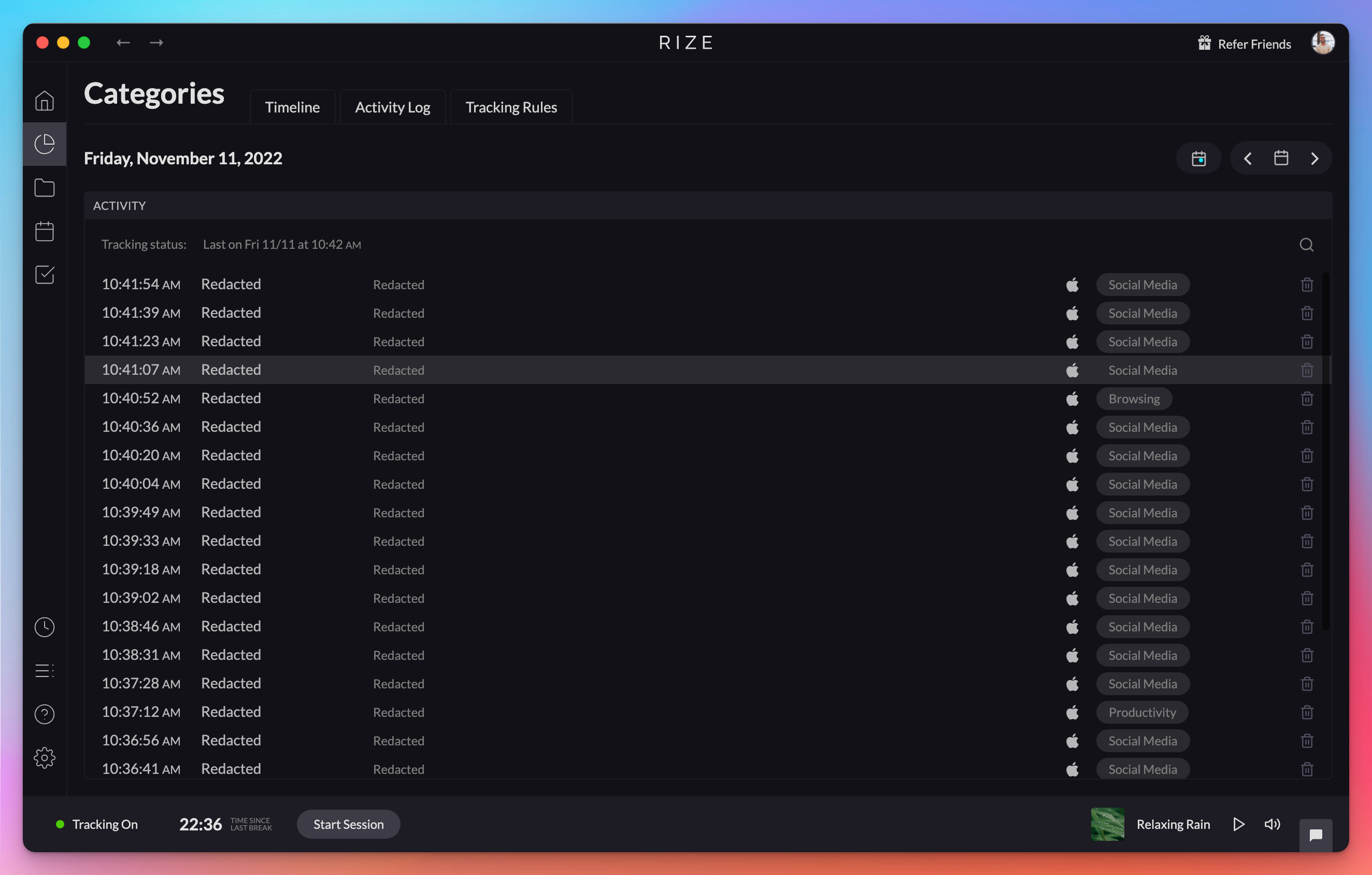
Start Free TrialRedact Tracked Data Privacy Setting
Enhance your data privacy by permanently removing identifying information like app names and URLs from all previously tracked data.
1.137 Release
Rize 1.1.37 is a maintenance release with bug fixes that improve the stability and reliability of the desktop time tracking app.
1.1.36 Release
Rize 1.1.36 updates the macOS Distraction Blocker to return you to your previous window after dismissal and disables the time zone check on Sonoma.
1.1.23 Release - Distraction Blocker Improvements
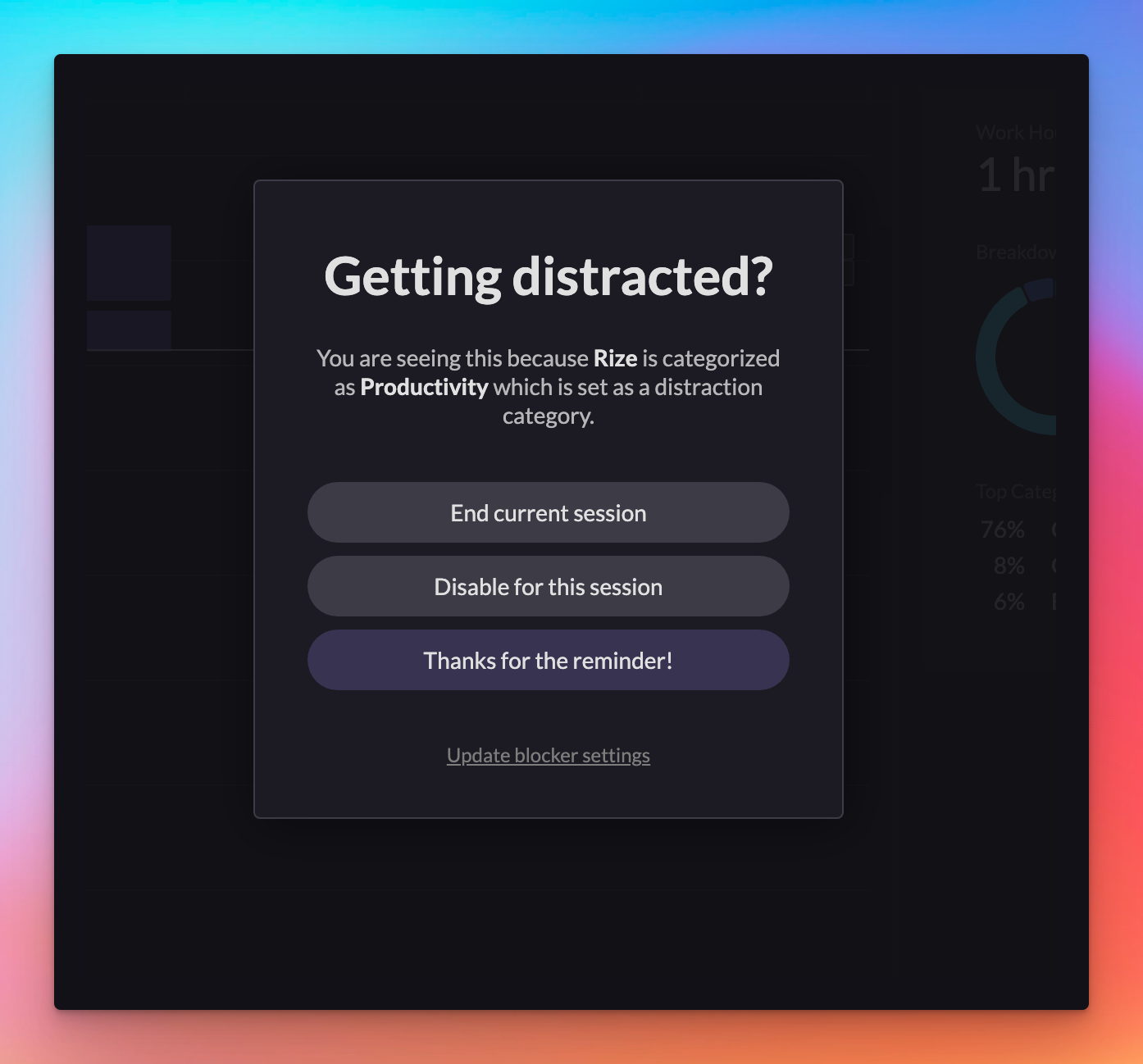
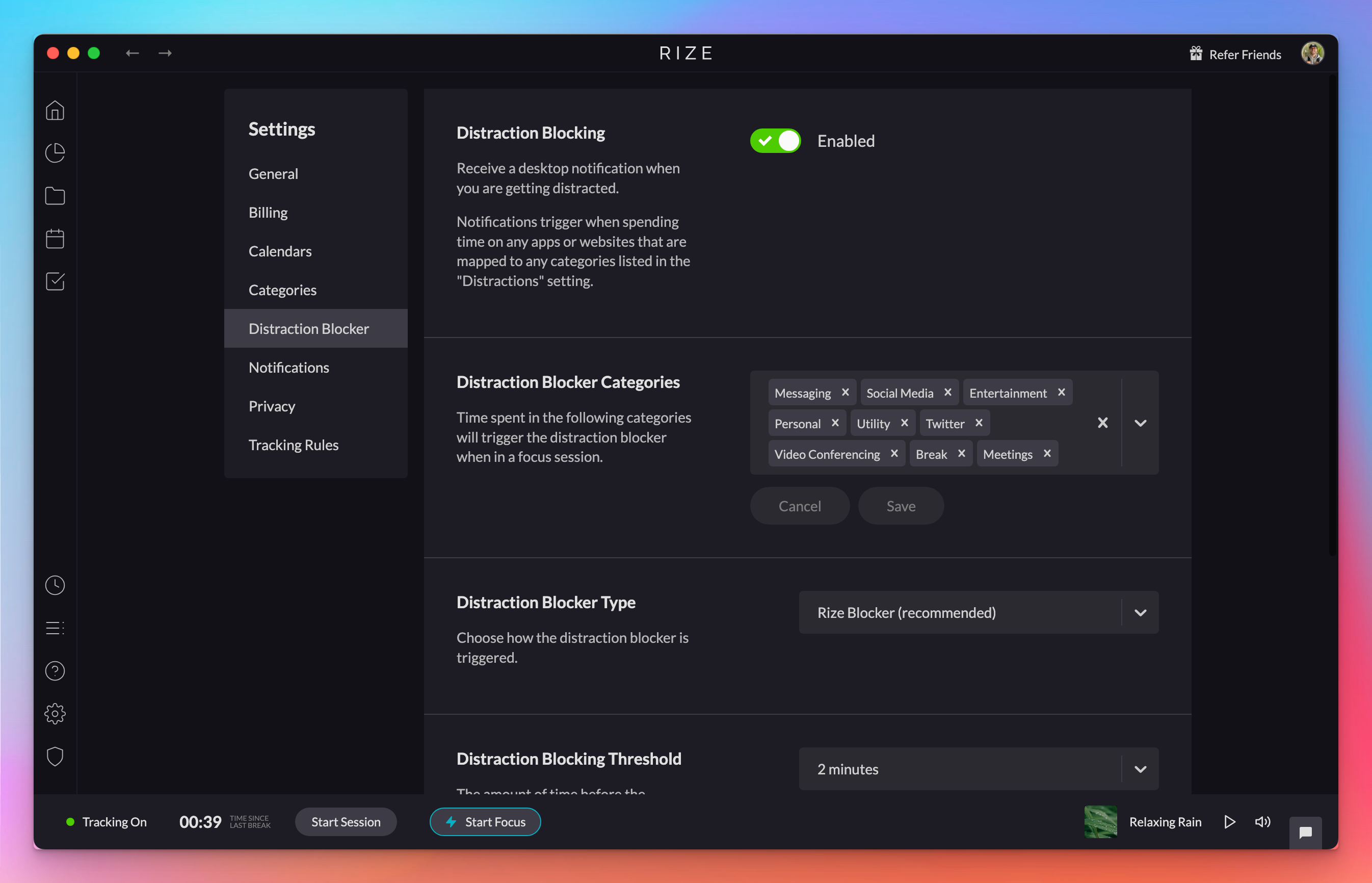
Improve your focus with the updated Distraction Blocker, including new settings, flexible notification options, and the "urge surfing" feature.
1.1.18 Release
Rize 1.1.18 fixes a bug where the Distraction Blocker ignored the threshold set in your notification settings, so blocking now triggers correctly.
1.1.13 Release
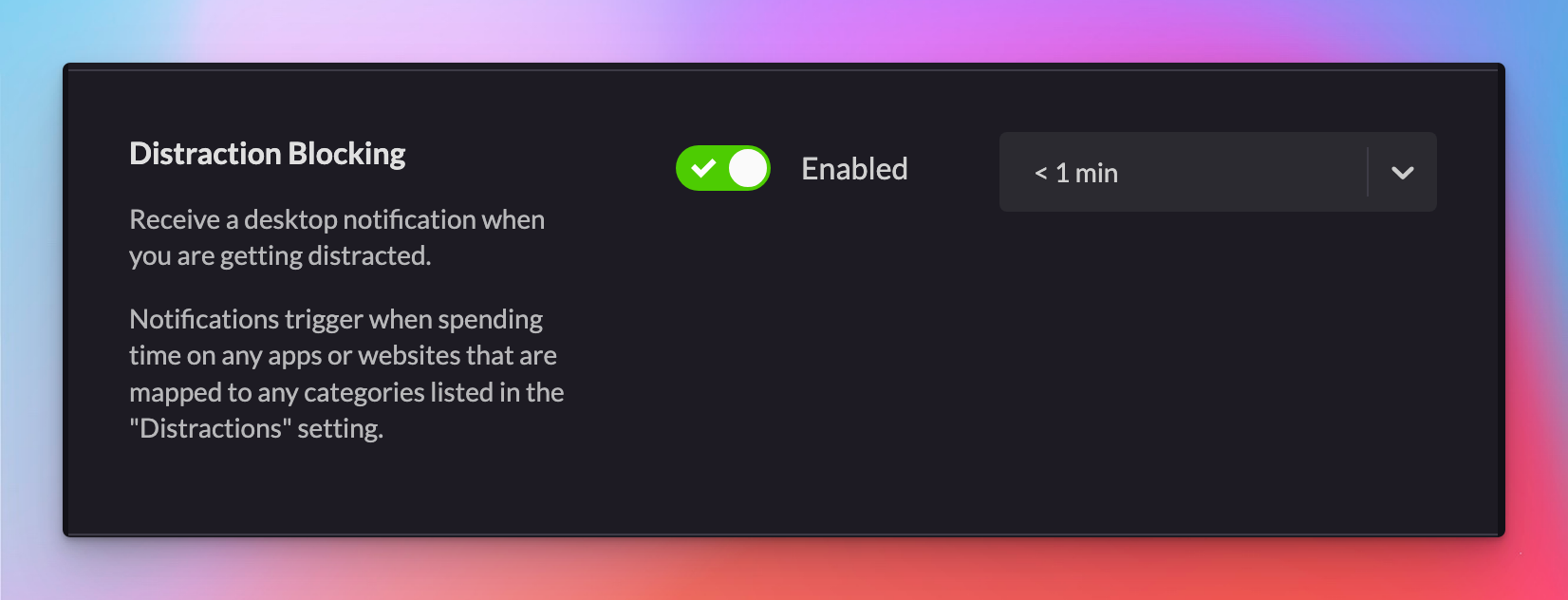
Rize 1.1.13 adds native OperaGX support for URL categorization on macOS, updates the categories page and distraction blocker settings, and fixes bugs.
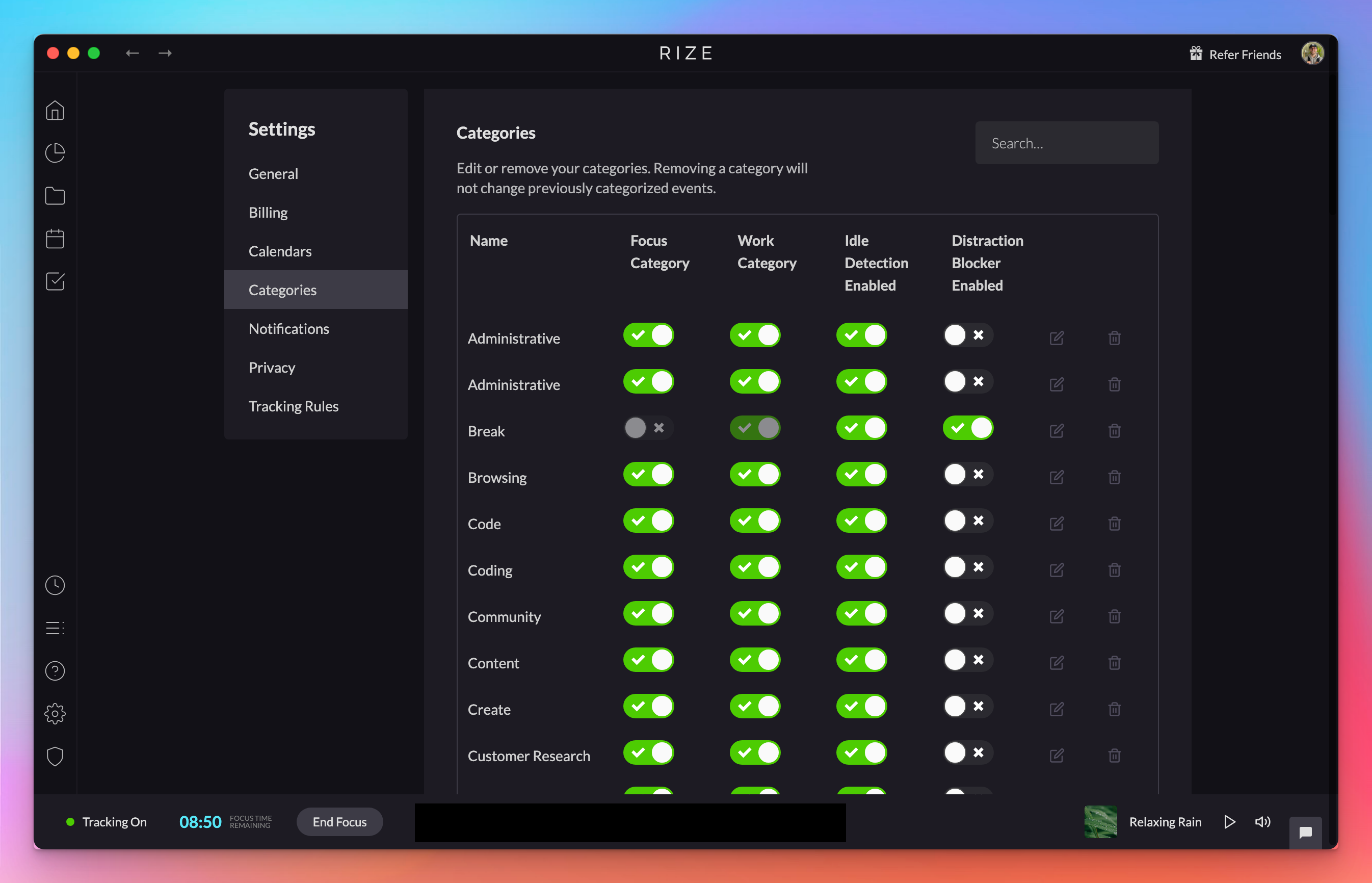
Updated Categories Page & Distraction Blocker Setting
The updated Categories page makes it easier to toggle Focus and Work categories, idle detection exemptions, and distraction blocker triggers.
1.1.8 Release
Rize 1.1.8 adds Orion browser support for URL categorization and fixes a bug that blocked tracking rules from loading on first app open.
1.1.5 Release
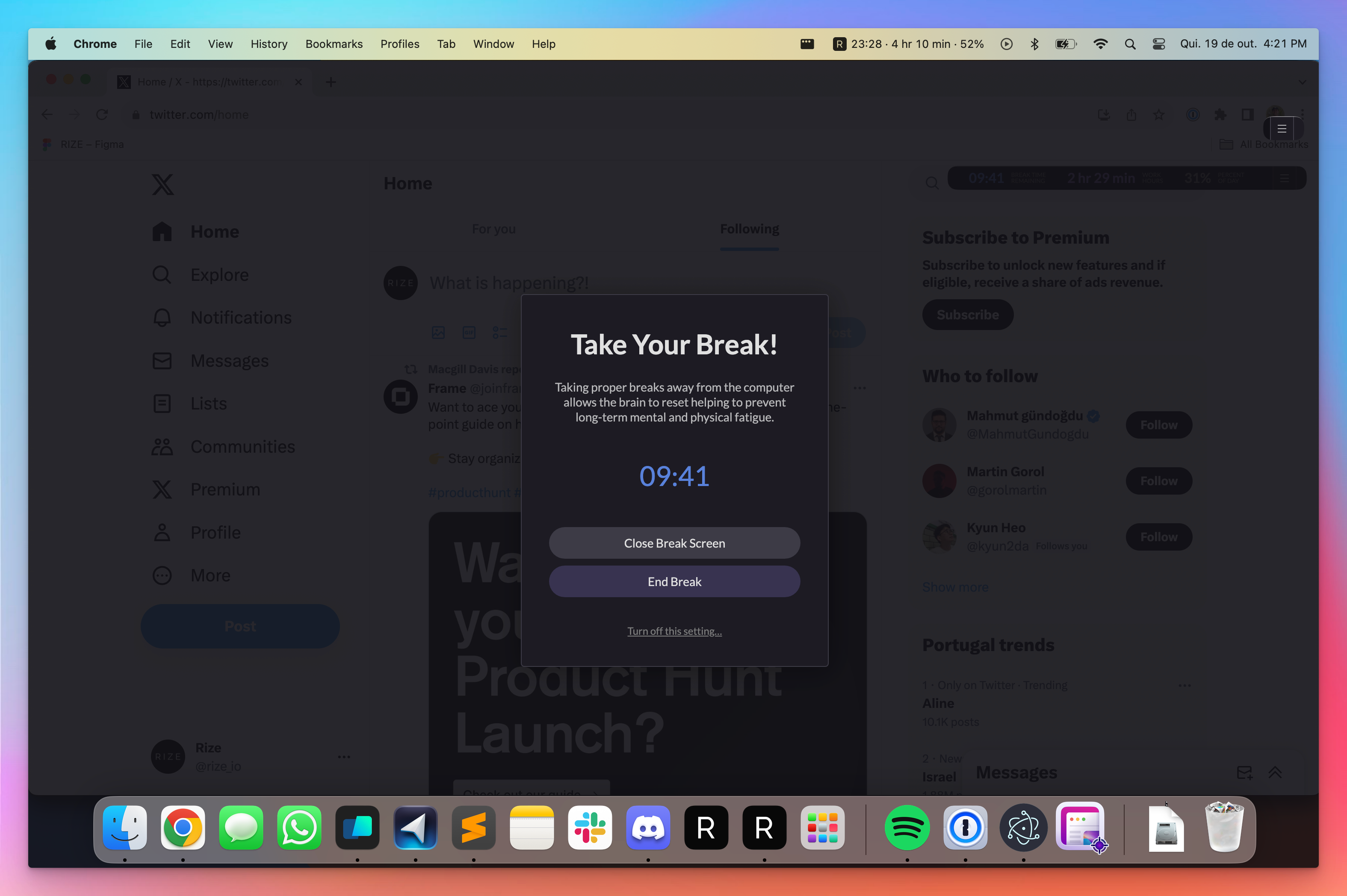
Achieve balanced workdays with the new Full Screen Break Mode and more accurate tracking with bug fixes in Rize version 1.1.5.
Full Screen Break Mode
Maximize your downtime with Full Screen Break Mode to ensure you fully step away from your computer during breaks.
macOS Menu Bar Widget
Rize v1.0.24 adds the option to show widget information in the macOS menu bar. Enable it under Widget > Show in Menu Bar. Not available on Windows.

1.0.22 Release
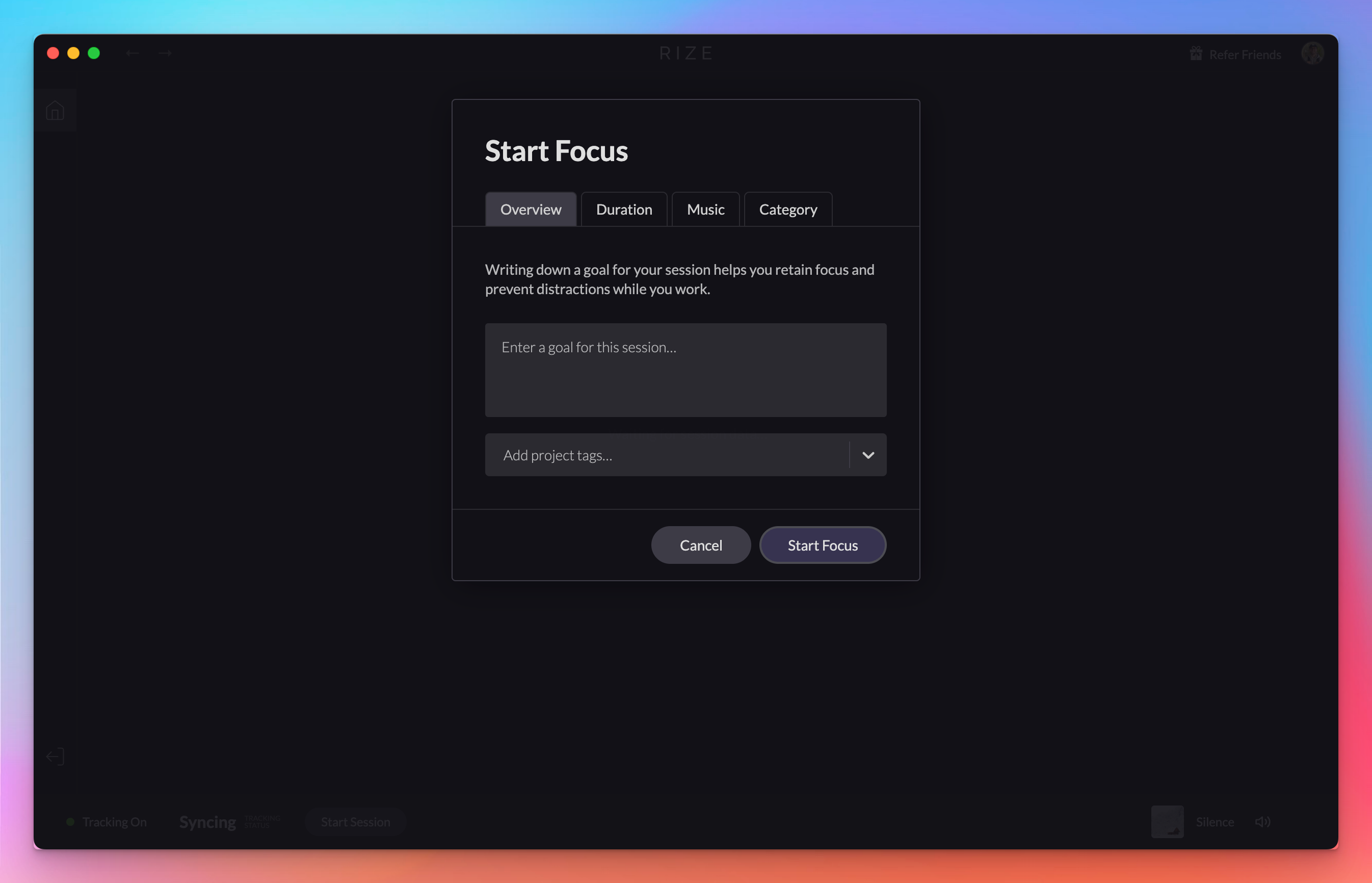
Rize 1.0.22 fixes tracking rules not updating when changing distraction categories and adds a new in-app tutorial for new users.
1.0.19 Release
Rize 1.0.19 includes bug fixes, shows your current version under Check for Updates, and adds a Reset Local Cache option for troubleshooting.
Distraction Blocker v1
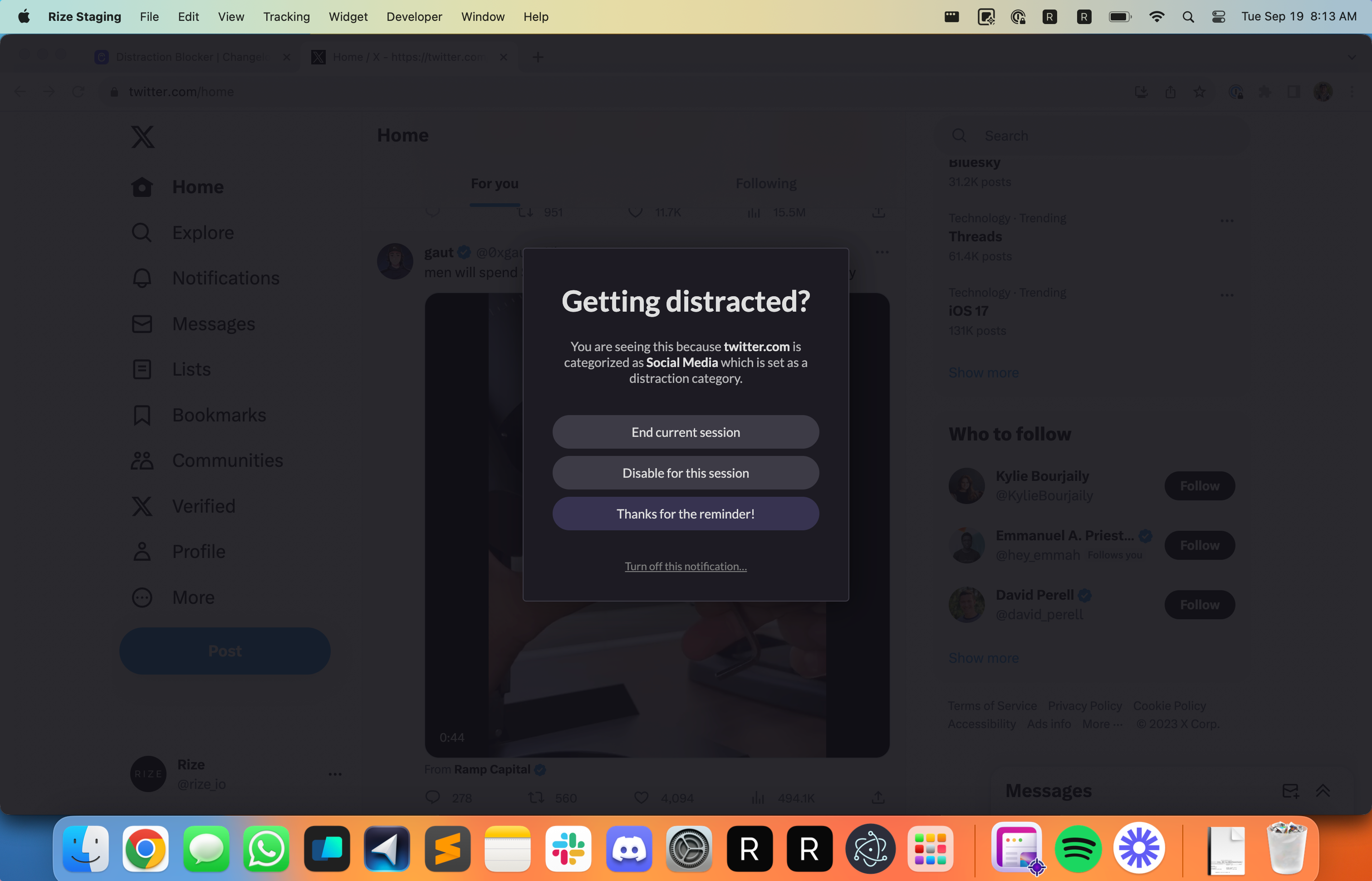
Stay focused and enhance your productivity by using the new Distraction Blocker to block apps during focus sessions.
Granular Tracking Rule Privacy Settings
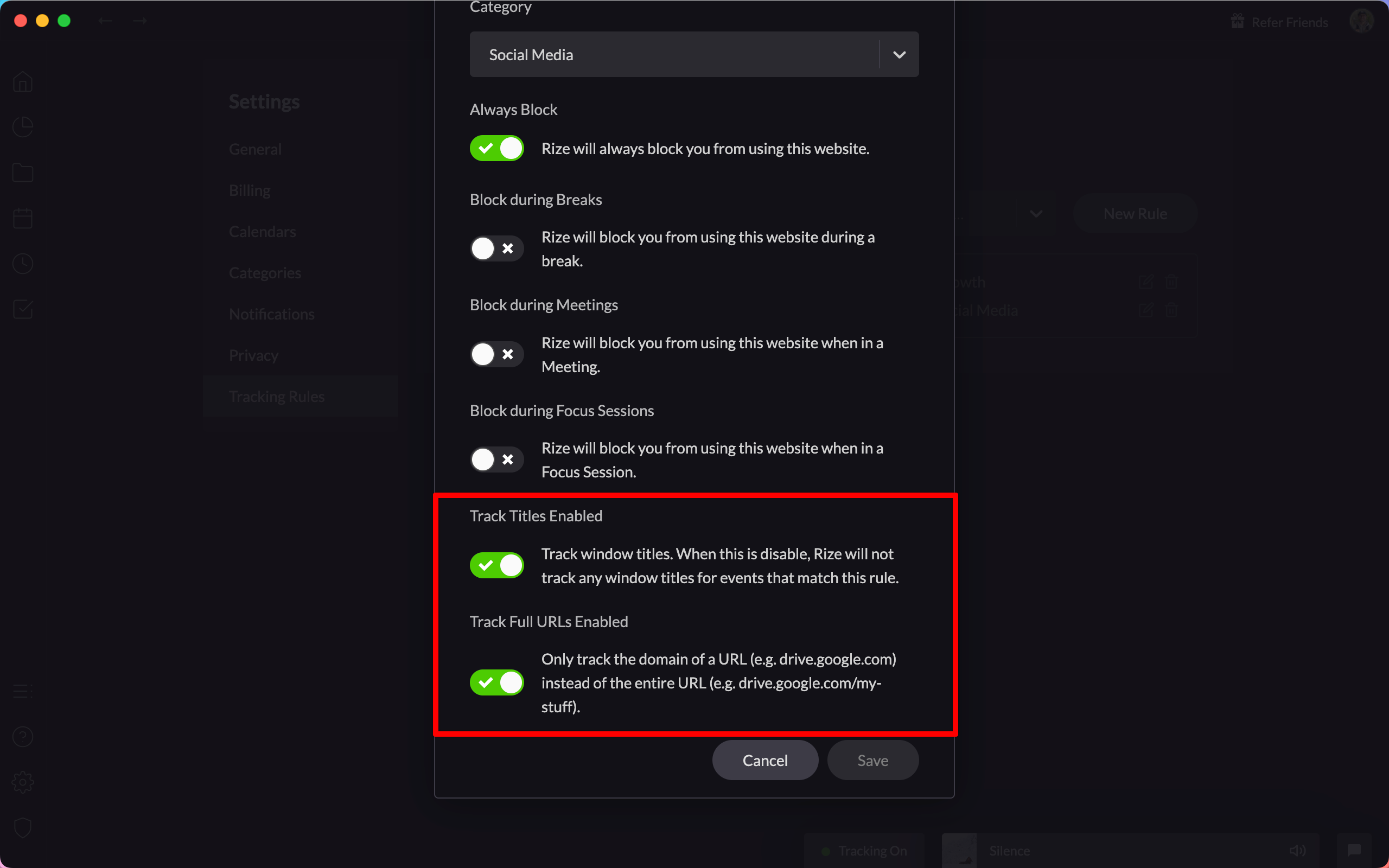
Enhance your data privacy with granular tracking rule settings, allowing you to control which window titles and URLs are tracked.
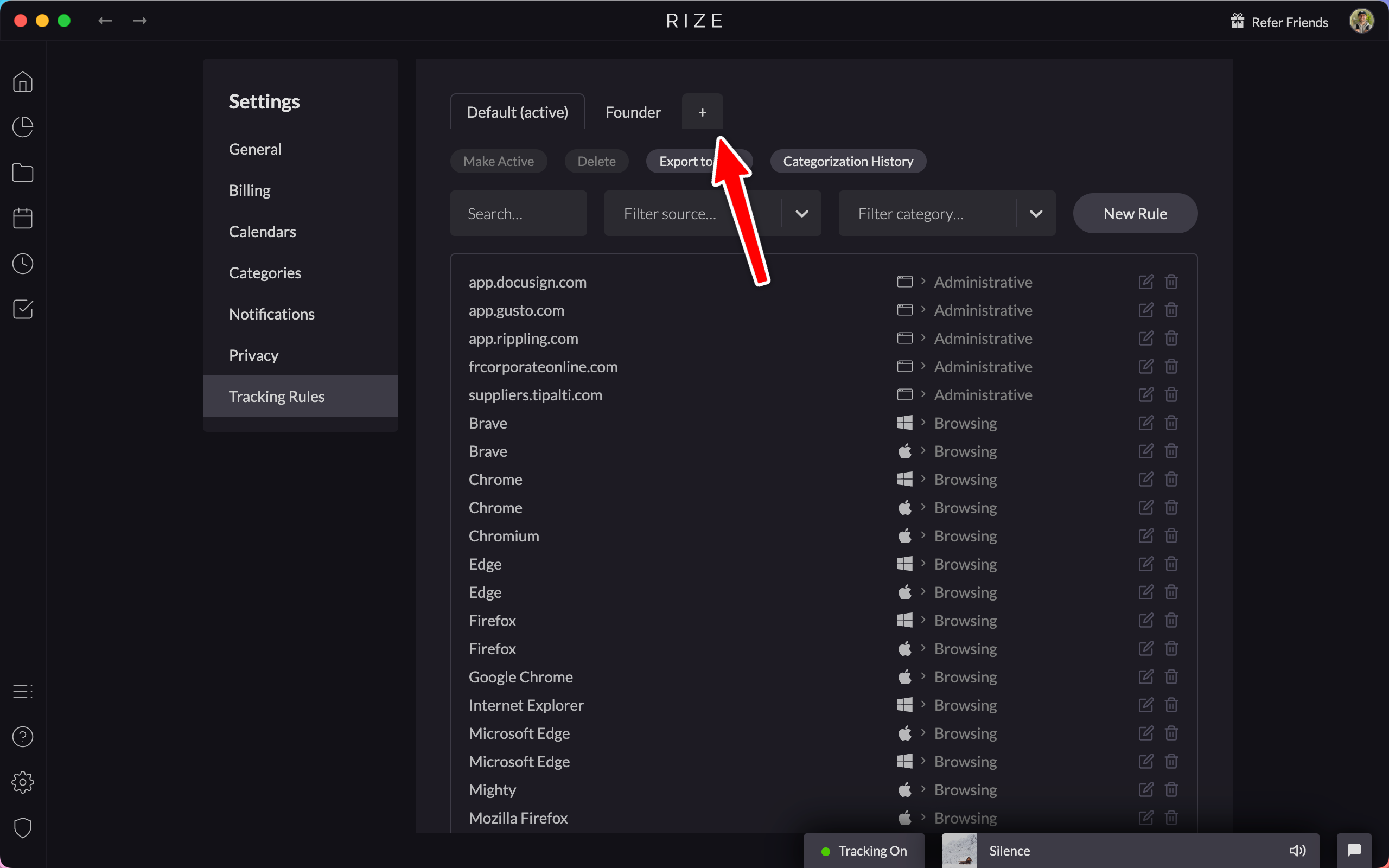
Import and Export Tracking Rules
Easily manage and share your tracking configurations by importing and exporting tracking rules using CSV files.
Improved Desktop Widget
The desktop widget now has a menu to pause tracking or start focus sessions, breaks, and meetings, and hides briefly when you scroll over it.

New and Improved Tracking Rules
Get more control over your time tracking with granular privacy settings and new role-based tracking rule packages.
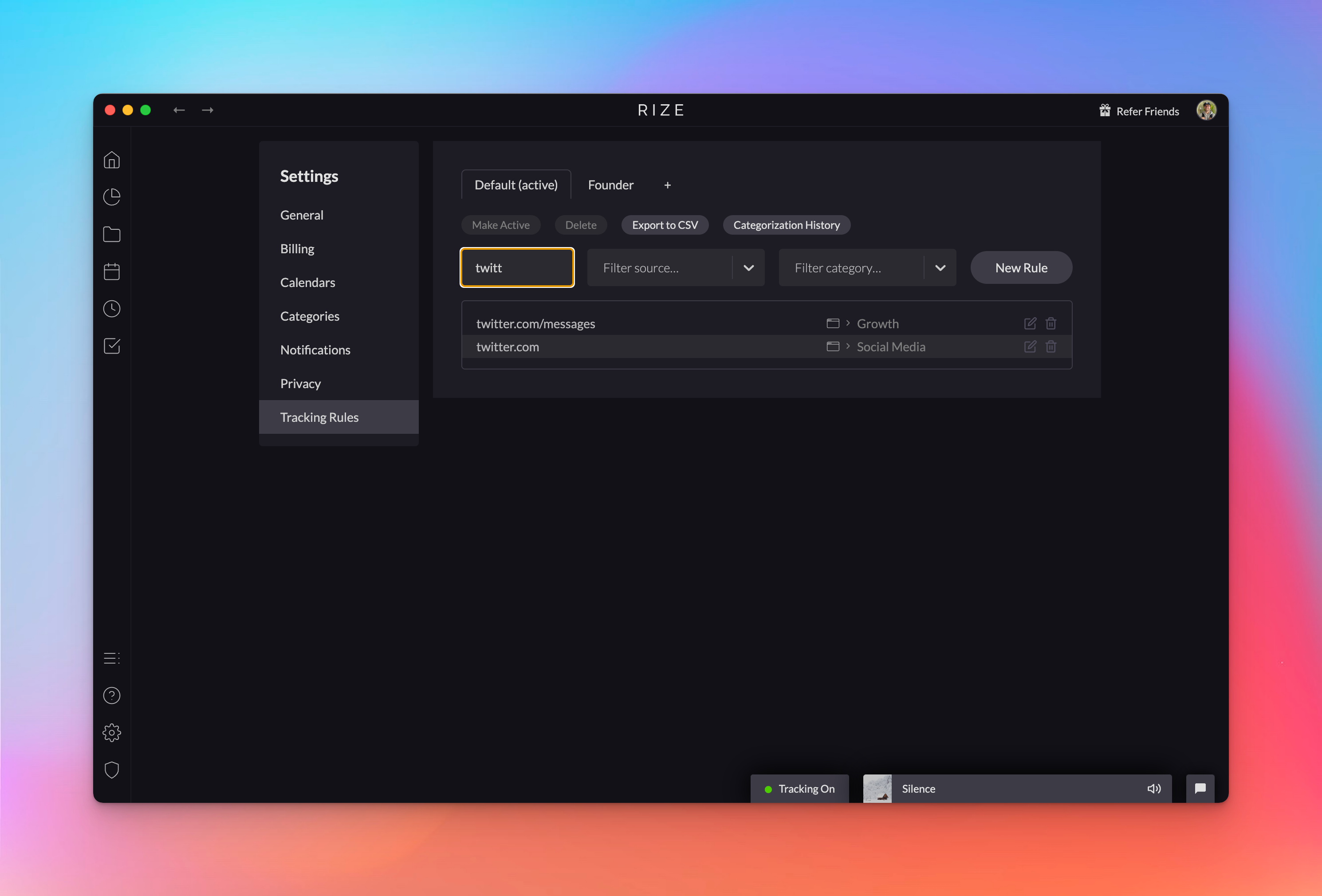
Tracking Rule Packages
Add flexibility to how you track your time by using tracking rule packages to easily switch between different tracking rule settings.
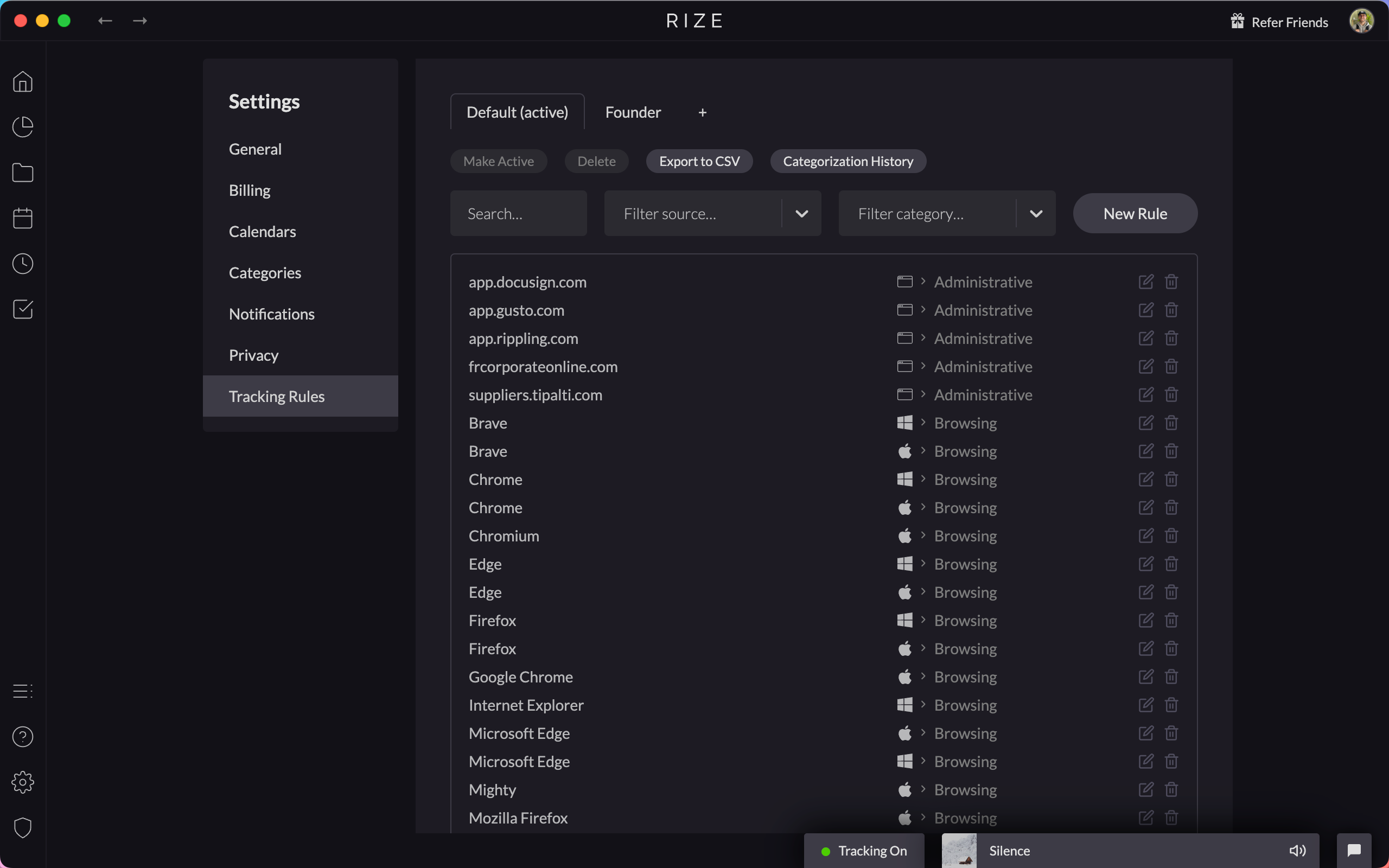
View Ongoing Categorization Updates
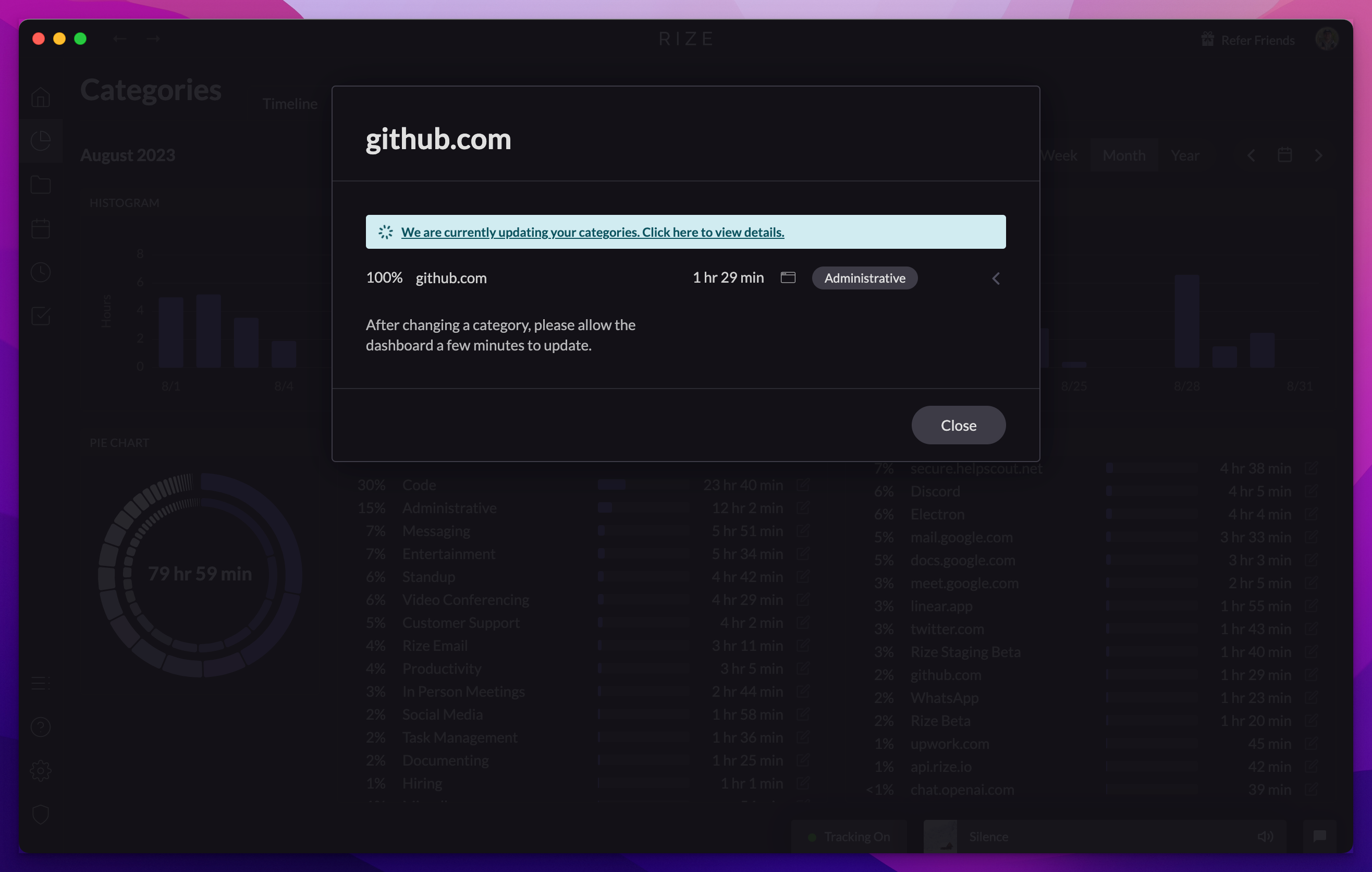
In the Rize Beta app you can now watch categorization updates in real time. Click the info bar after making a change to see updates in progress.