Changelog
See what's new and improved in Rize.
Try the latest features — start your free trial today.
Start Free TrialThe Rize Session Timer
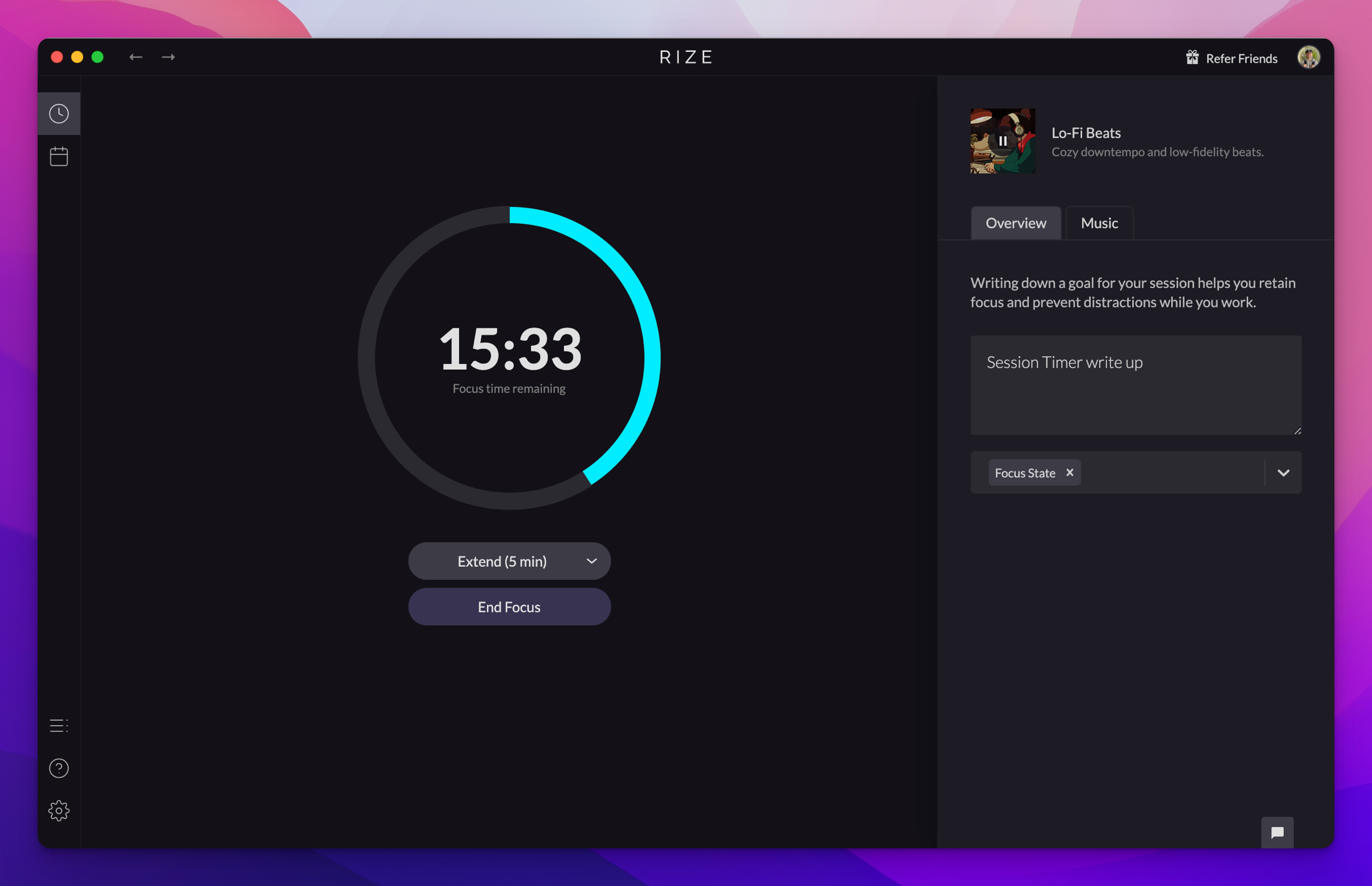
The new Rize Session Timer lets you start Focus Sessions, Breaks, and Meetings, pick durations and focus music, and rate each session's focus.
Customize the start of your day in Rize
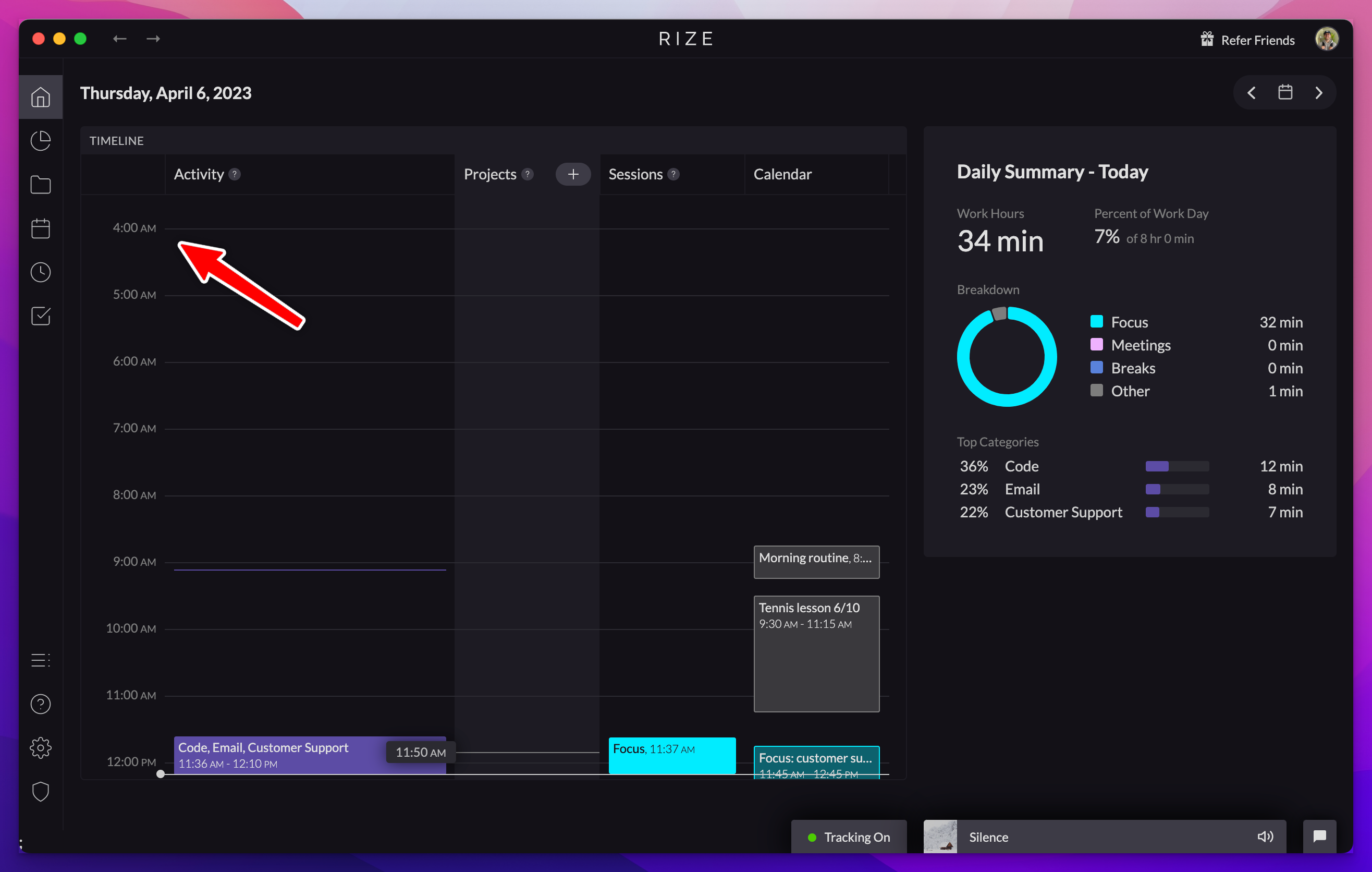
Your day in Rize now runs from 4am to 4am by default to support work across midnight, and you can customize the start time in settings.
Add URLs to Automatic Project Tagging
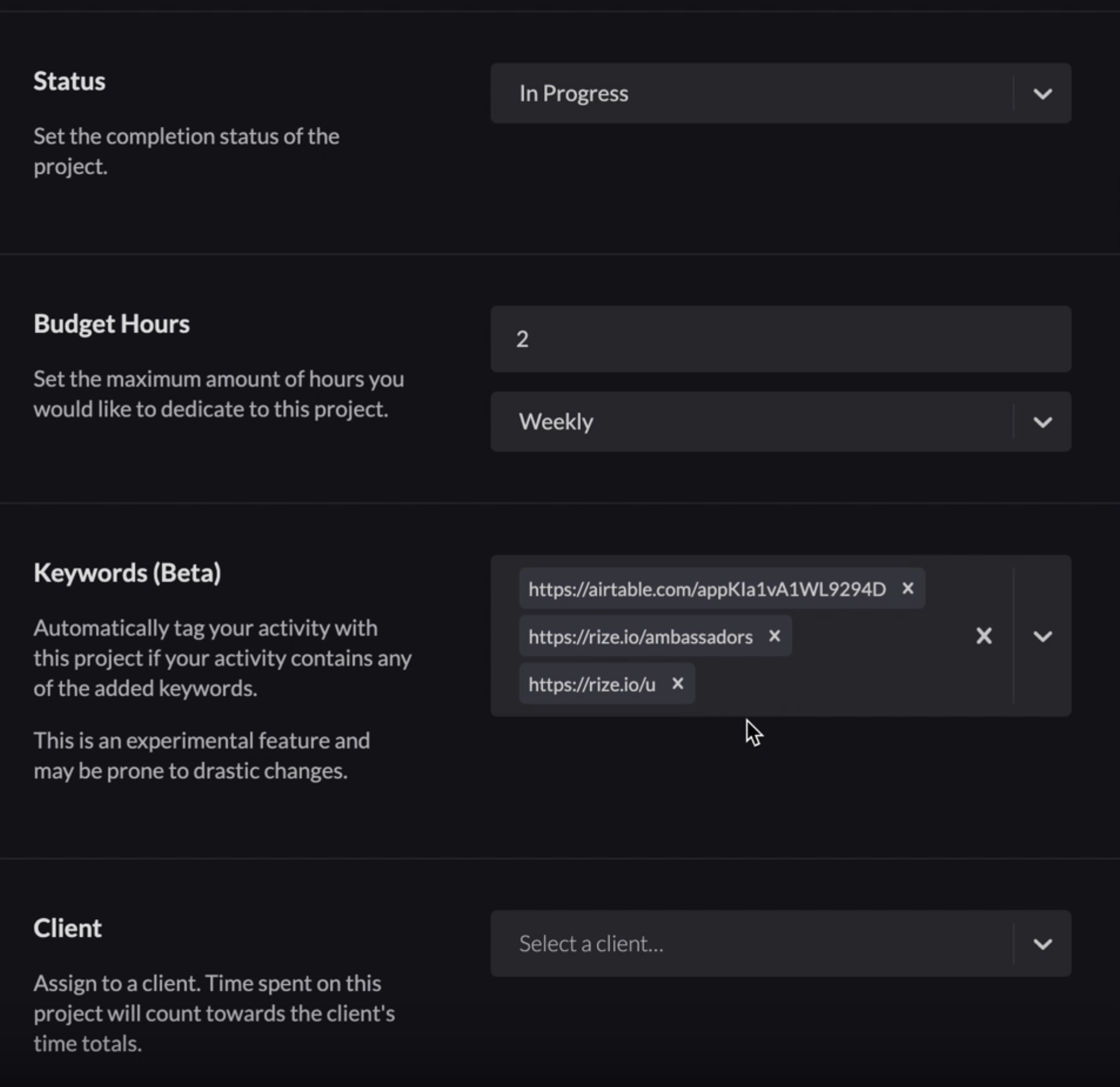
You can now add URLs to automatic project tagging in Rize, so time spent on specific websites gets tagged to the right project automatically.
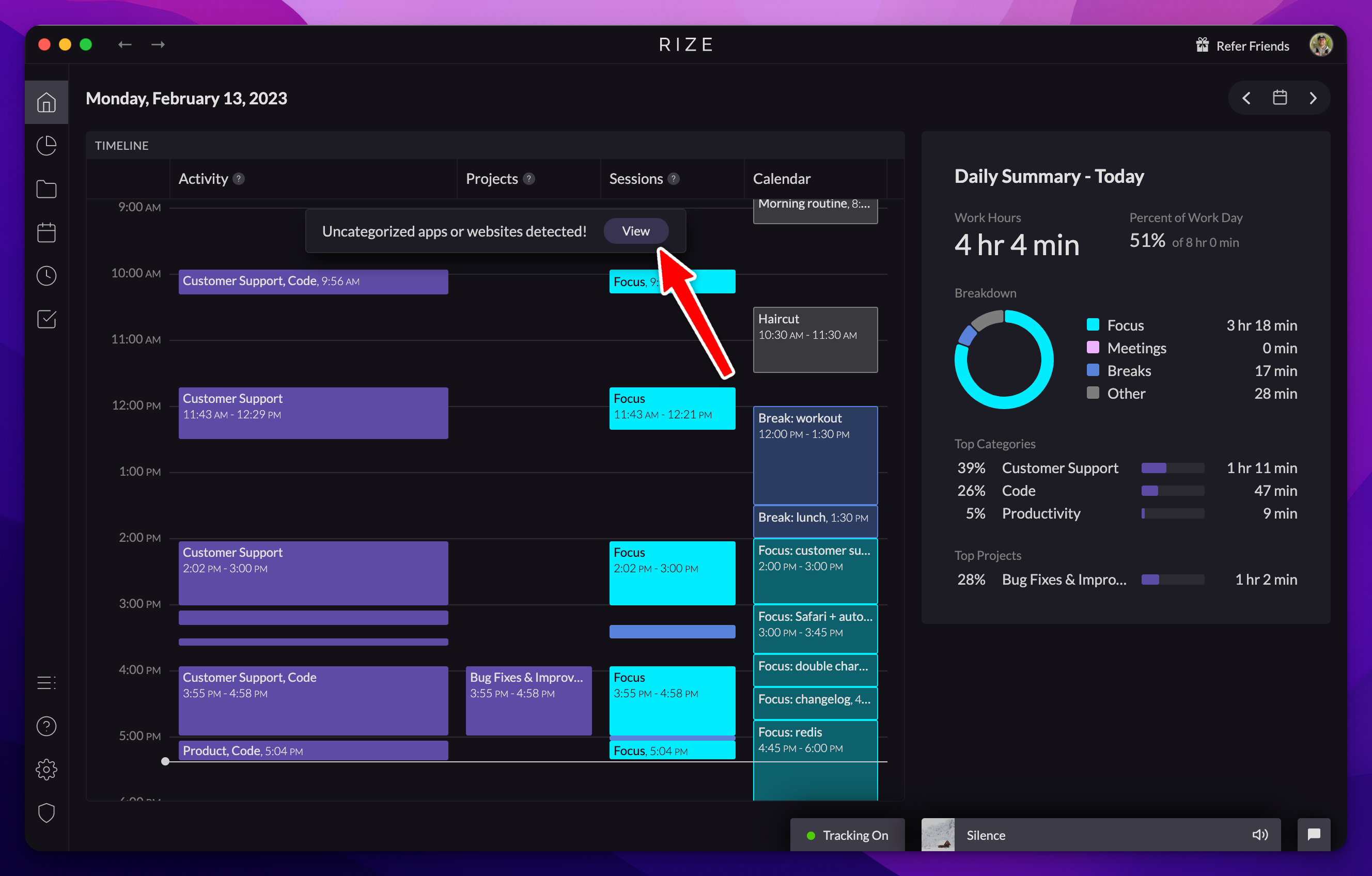
AI Categorization Suggestions
Rize now offers AI categorization suggestions for uncategorized apps and websites, which you can accept or dismiss to fetch a new suggestion.
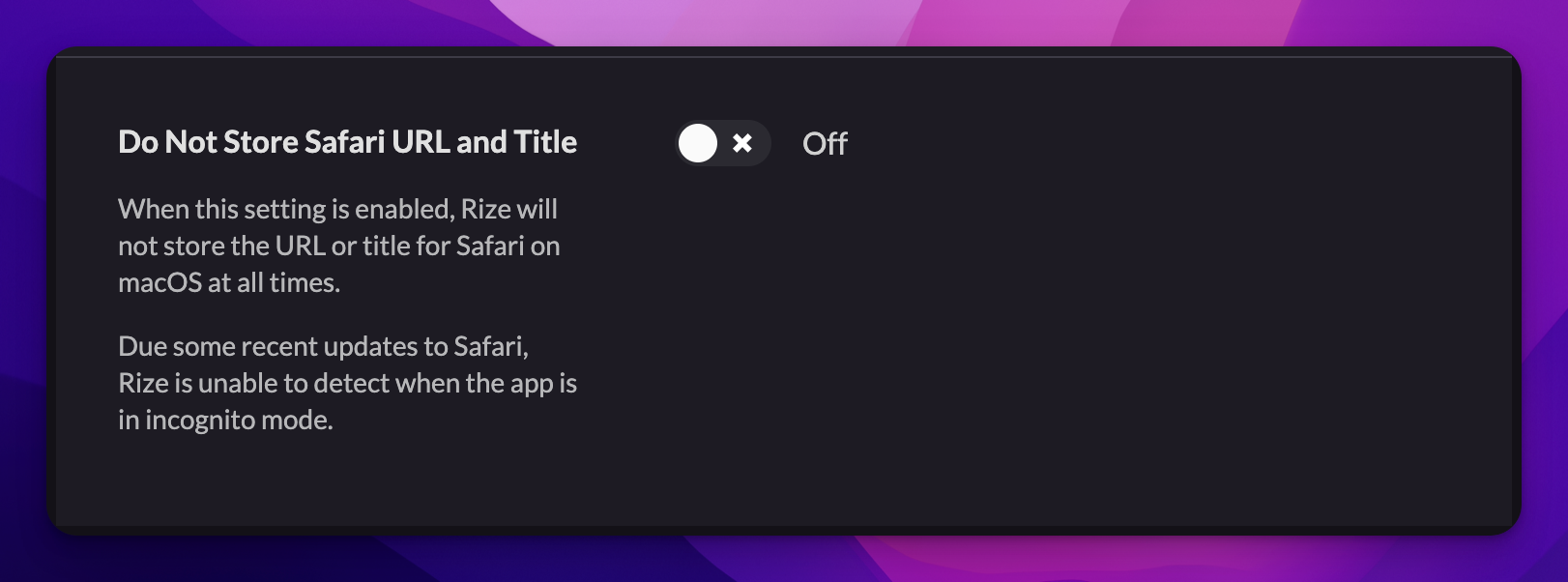
Do Not Store Safari URL and Title
A new privacy setting stops Rize from storing the URL and title of Safari tracking events, a temporary fix for incognito detection in Safari.
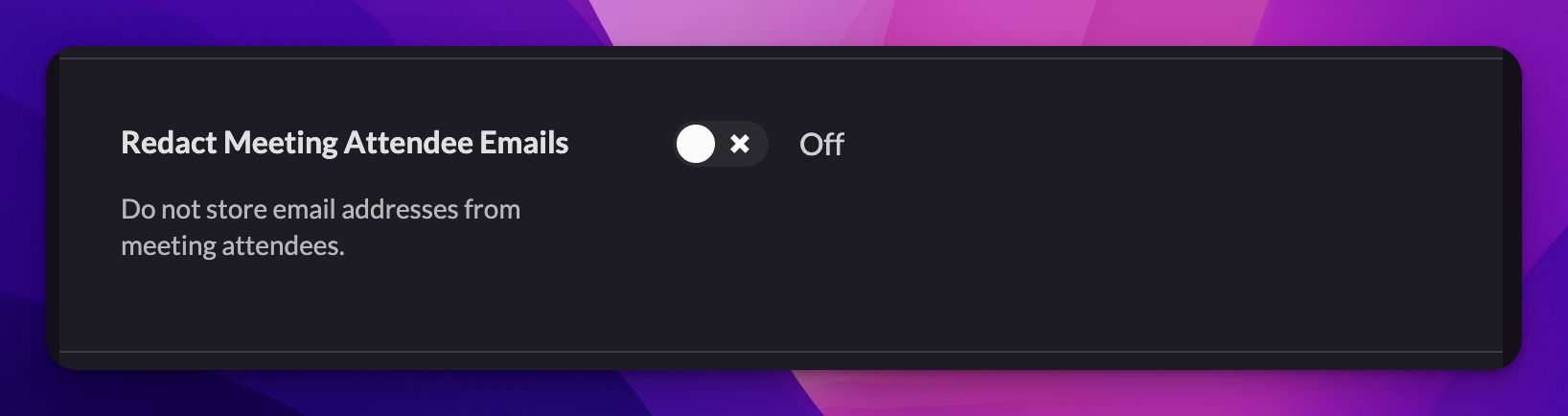
Redact Emails from Calendar Events
A new privacy setting redacts attendee email addresses from calendar events. Enable it under Settings > Privacy > Redact Meeting Attendee Emails.
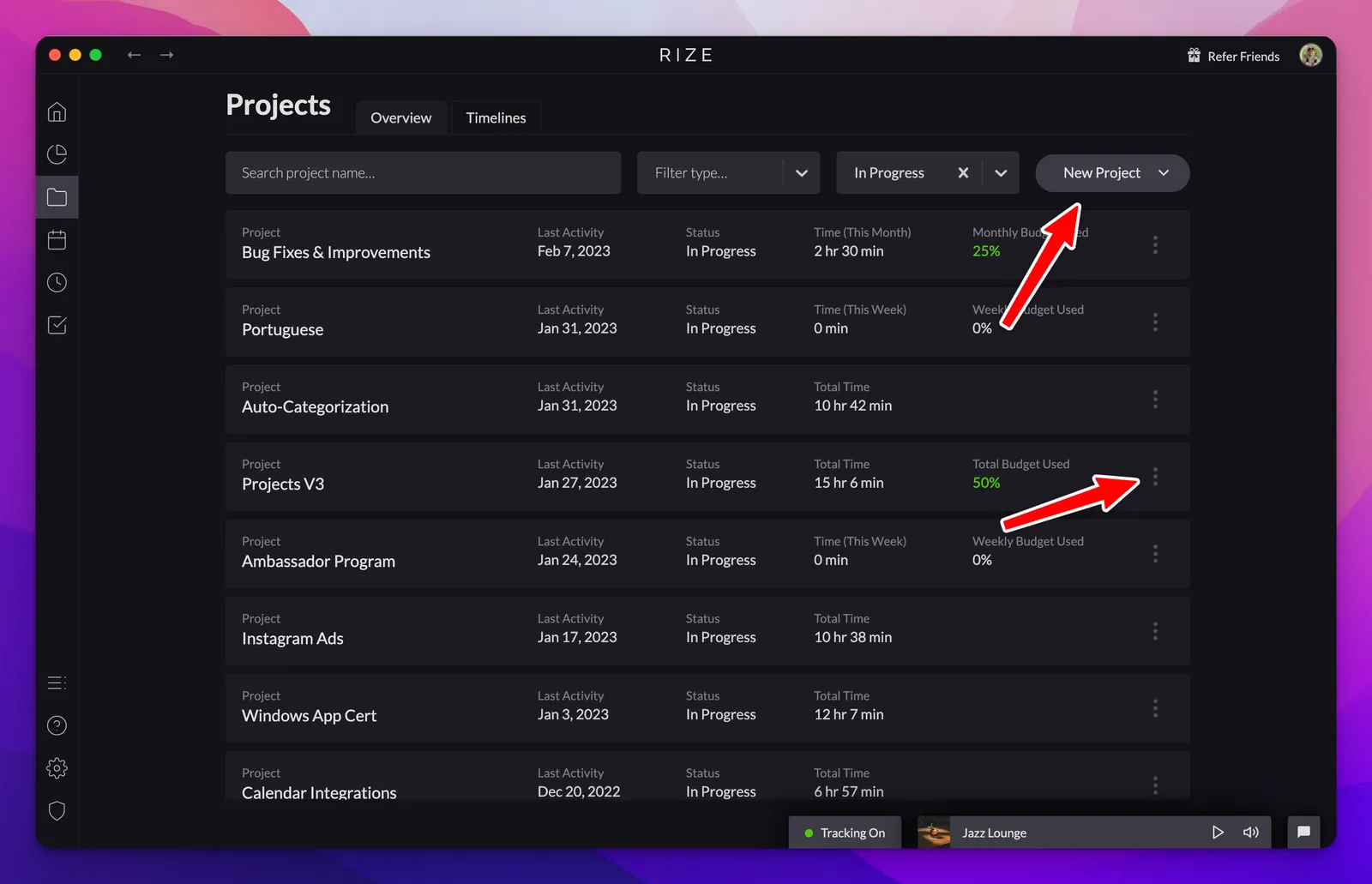
Automatic Project Tagging Based on Keywords
Add custom keywords to your projects and Rize will automatically tag blocks of time to the right project based on the titles of your activity.
Create Clients and Tasks for Specific Projects
Create Clients and Tasks alongside Projects in Rize, assign them to each other, and see child time totals roll up into parent totals.
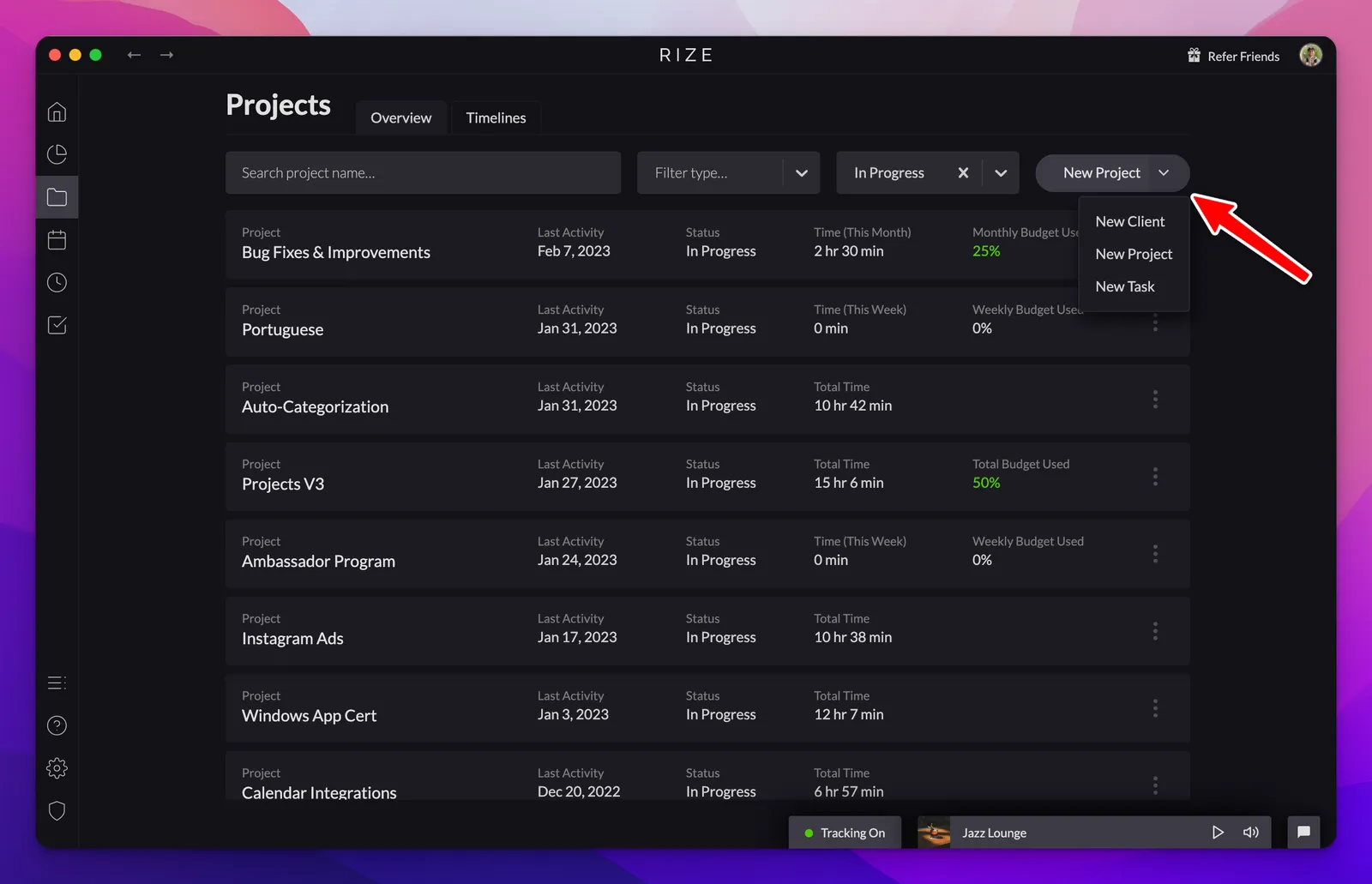
Exporting the Breakdown for Projects into a PDF
Generate detailed reports with project time breakdowns by exporting custom PDF reports for any selected time range.
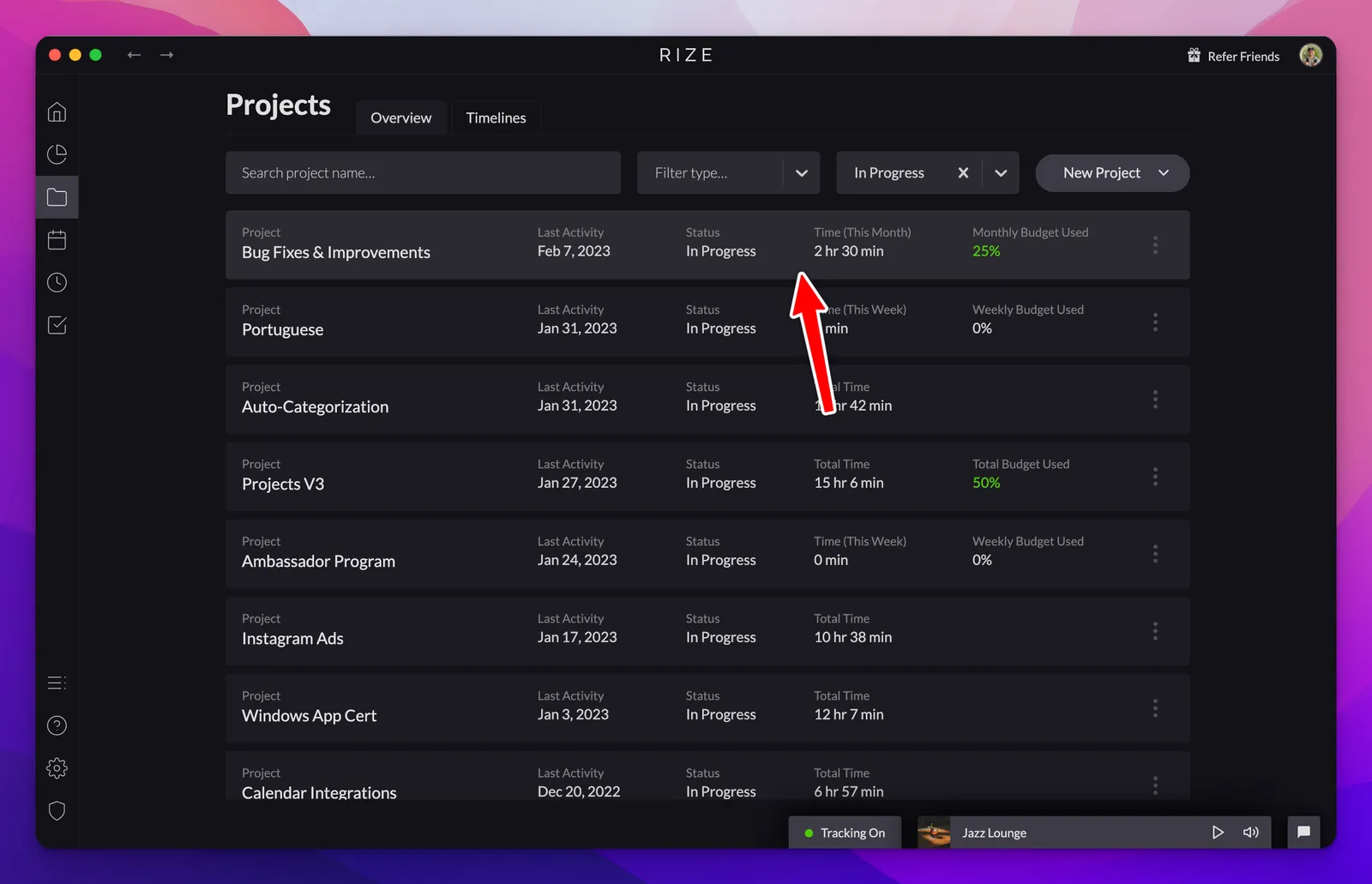
New Projects Tab and Functionality
Gain deeper insights about your workday with the new Projects tab, offering advanced tools for automatic tagging, time budgeting, and detailed reporting.
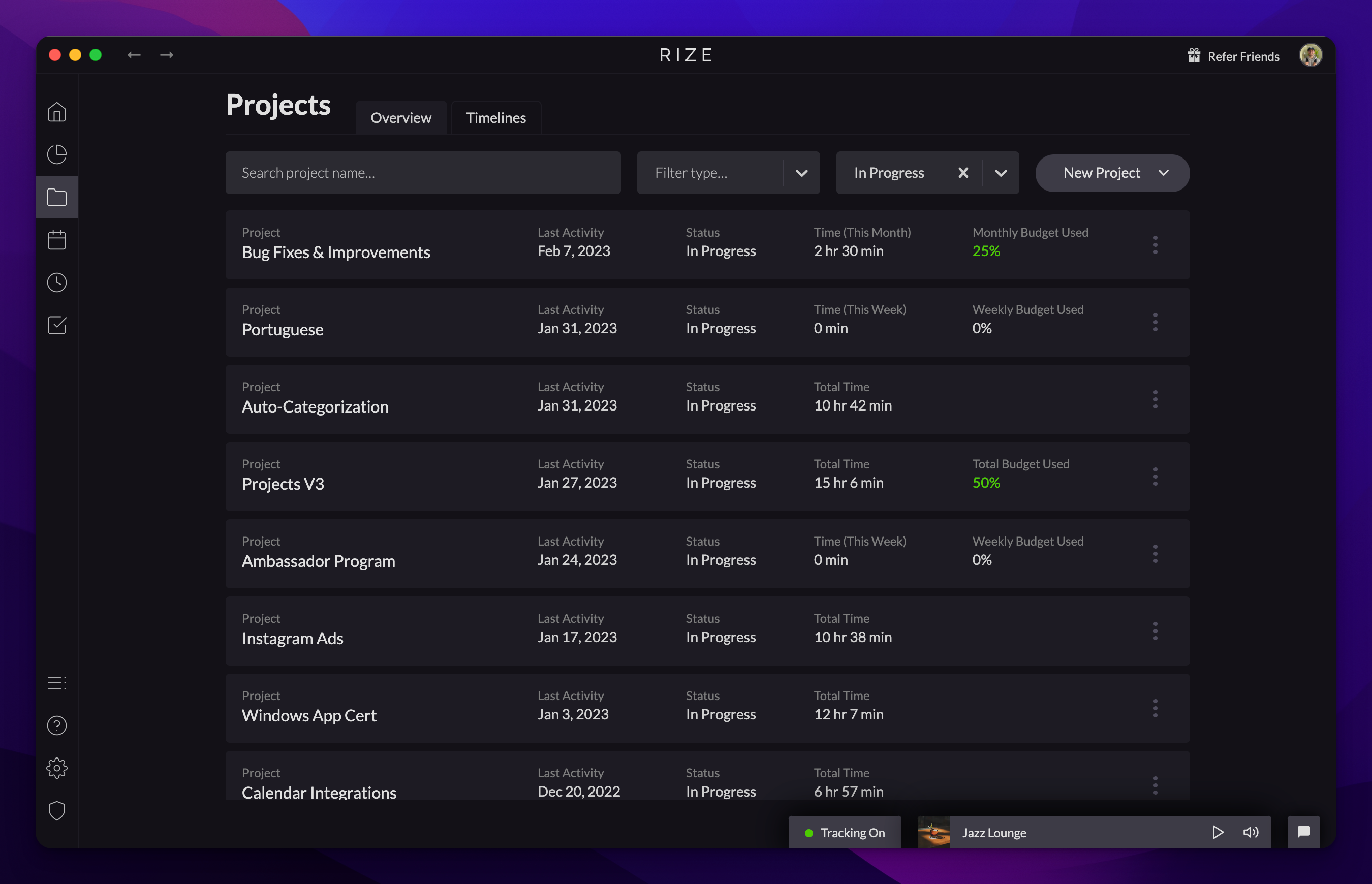
Project Time Budgets: Weekly, Monthly, or Total
Stay on target with your time management goals by setting weekly, monthly, or total time budgets for your projects.
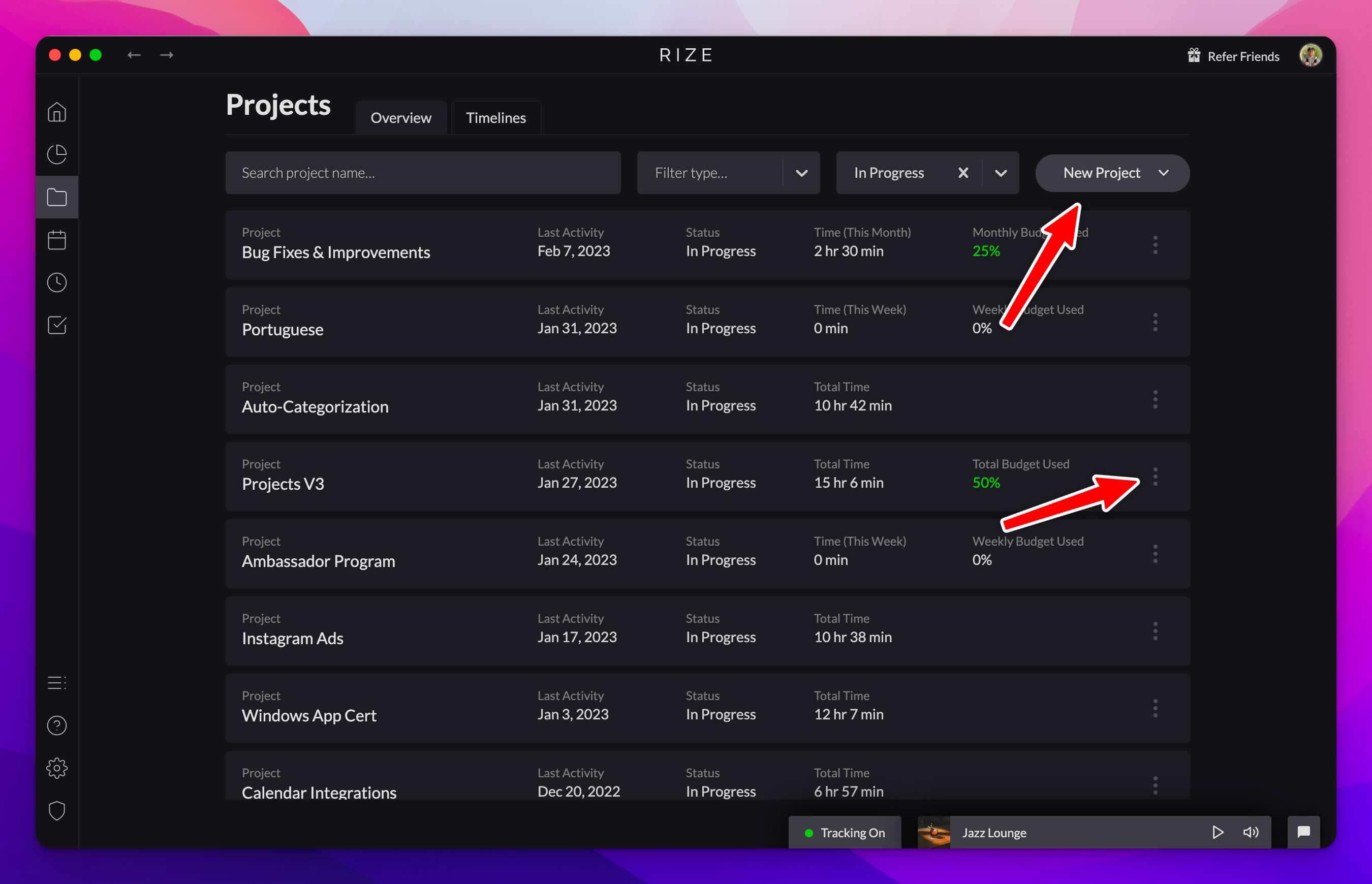
0.18.15 Release
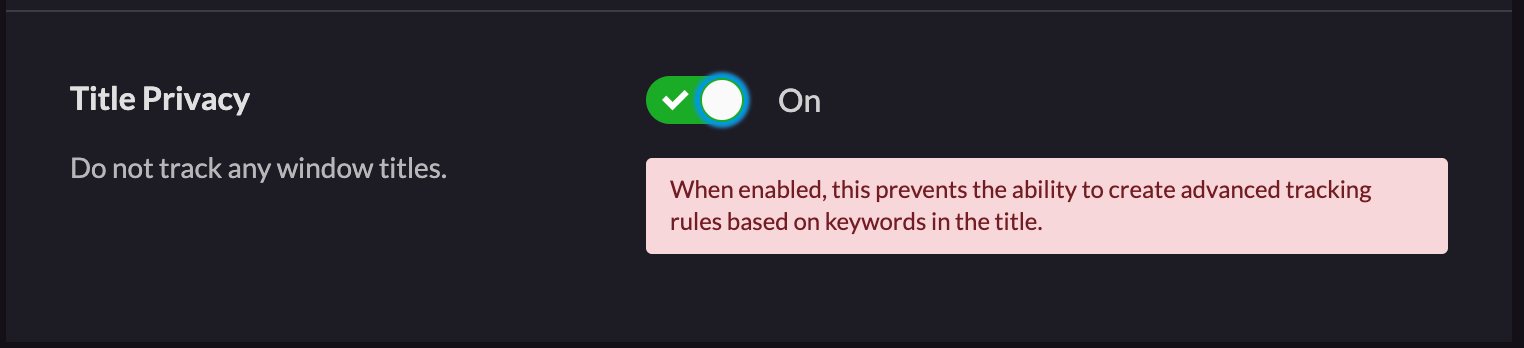
Upgraded Windows App Certification, new 'Do Not Track Titles' setting, and Firefox incognito fix in Rize version 0.18.15.
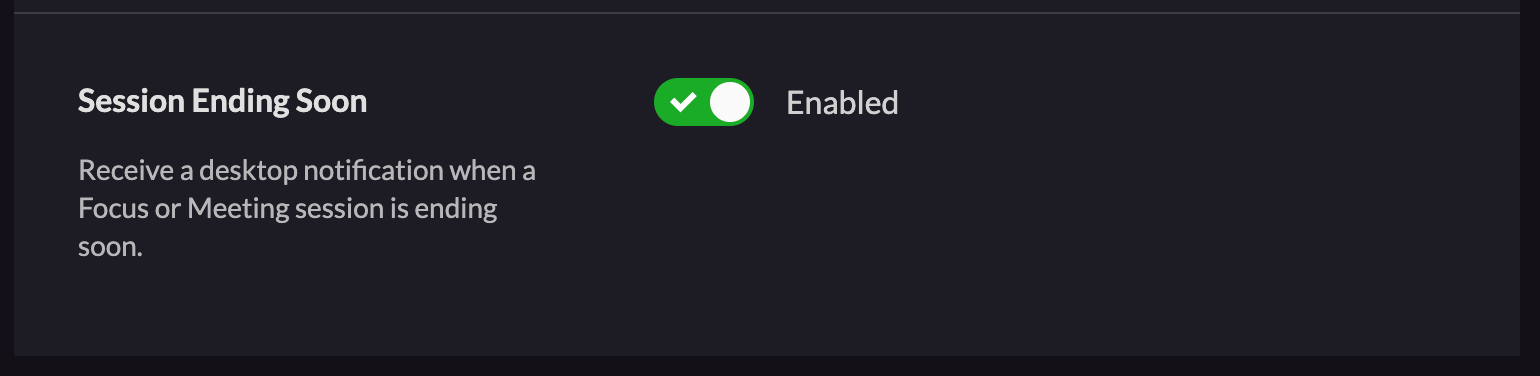
Focus Session & Meeting Ending Soon Notification
Stay on track with your schedule by utilizing the new notification that alerts you five minutes before your focus session or meeting ends.
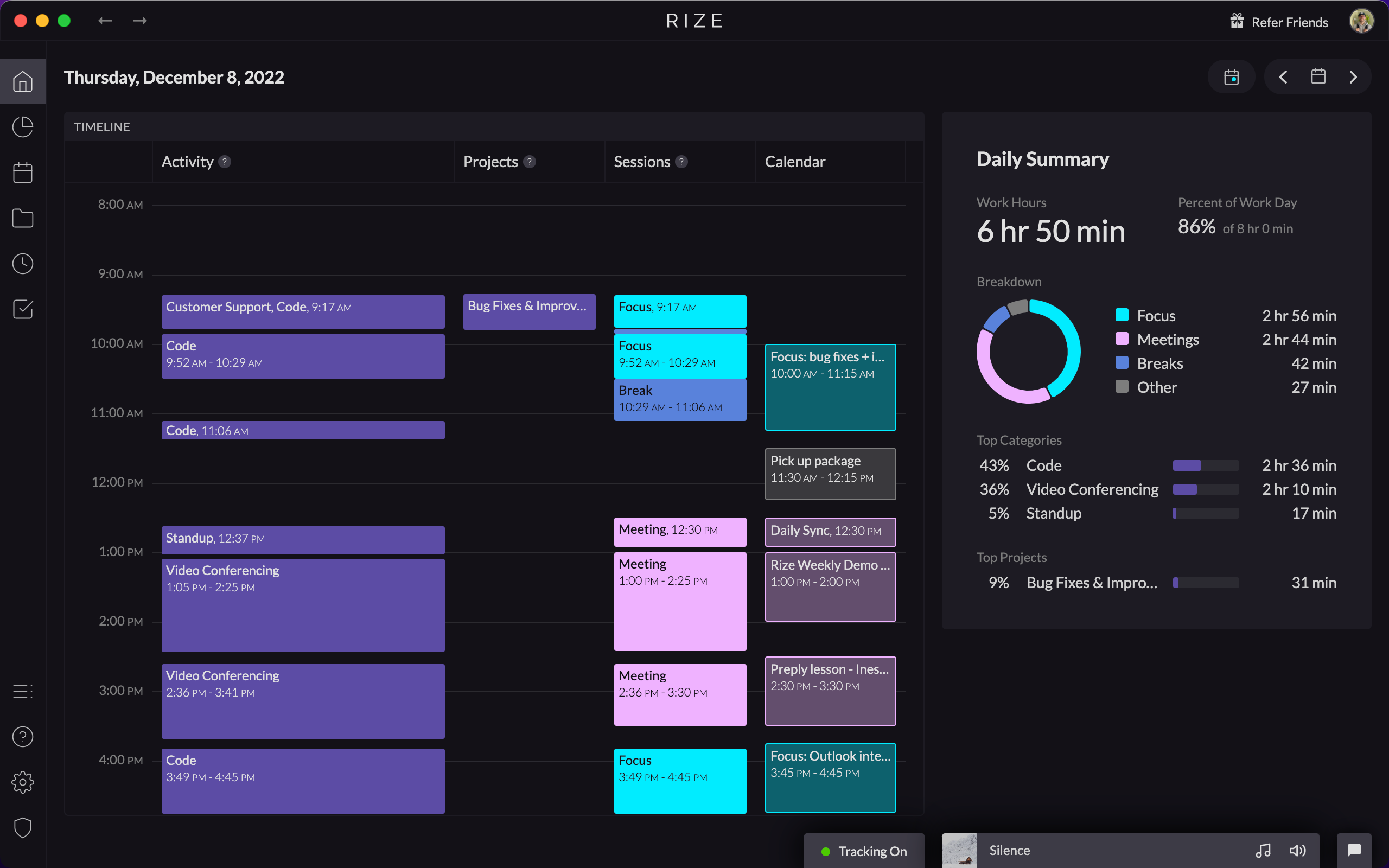
Launching the New Home Tab with Vertical Timeline
Visualize your entire workday with the new Home tab featuring a vertical timeline that displays all your activities, projects, and sessions.
Removing Work Hours without Breaks Feature
We are temporarily removing the Work Hours without Breaks setting due to technical blockers. Until it returns, Work Hours will include break time.
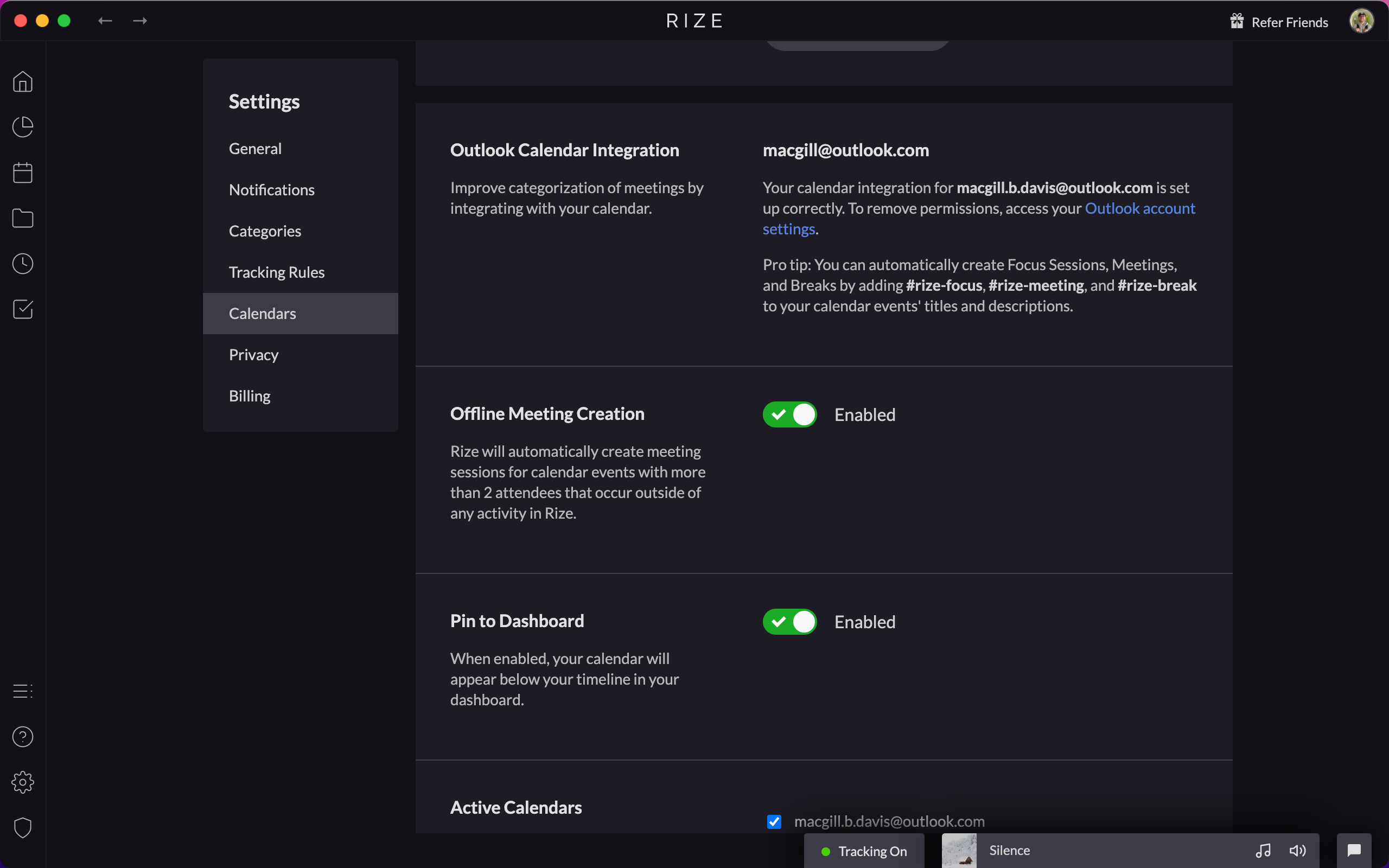
Outlook Calendar Integration
Connect your Outlook calendar to Rize under Settings > Calendars. The integration matches all the functionality of the Google Calendar integration.
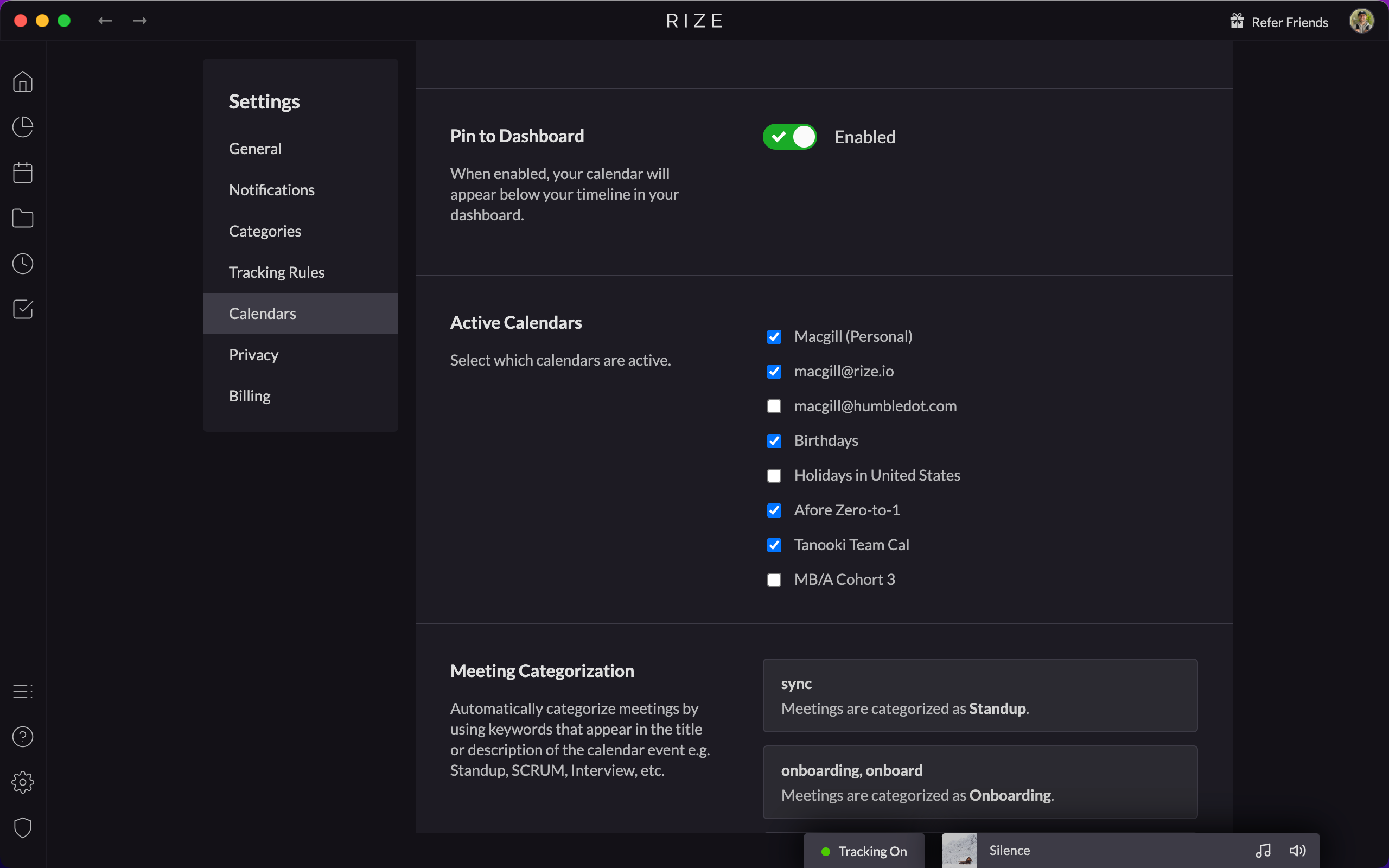
Add Secondary Google Calendar Support
Rize now integrates with any number of secondary Google calendars, not just your primary one. Check the calendars you want under Settings.
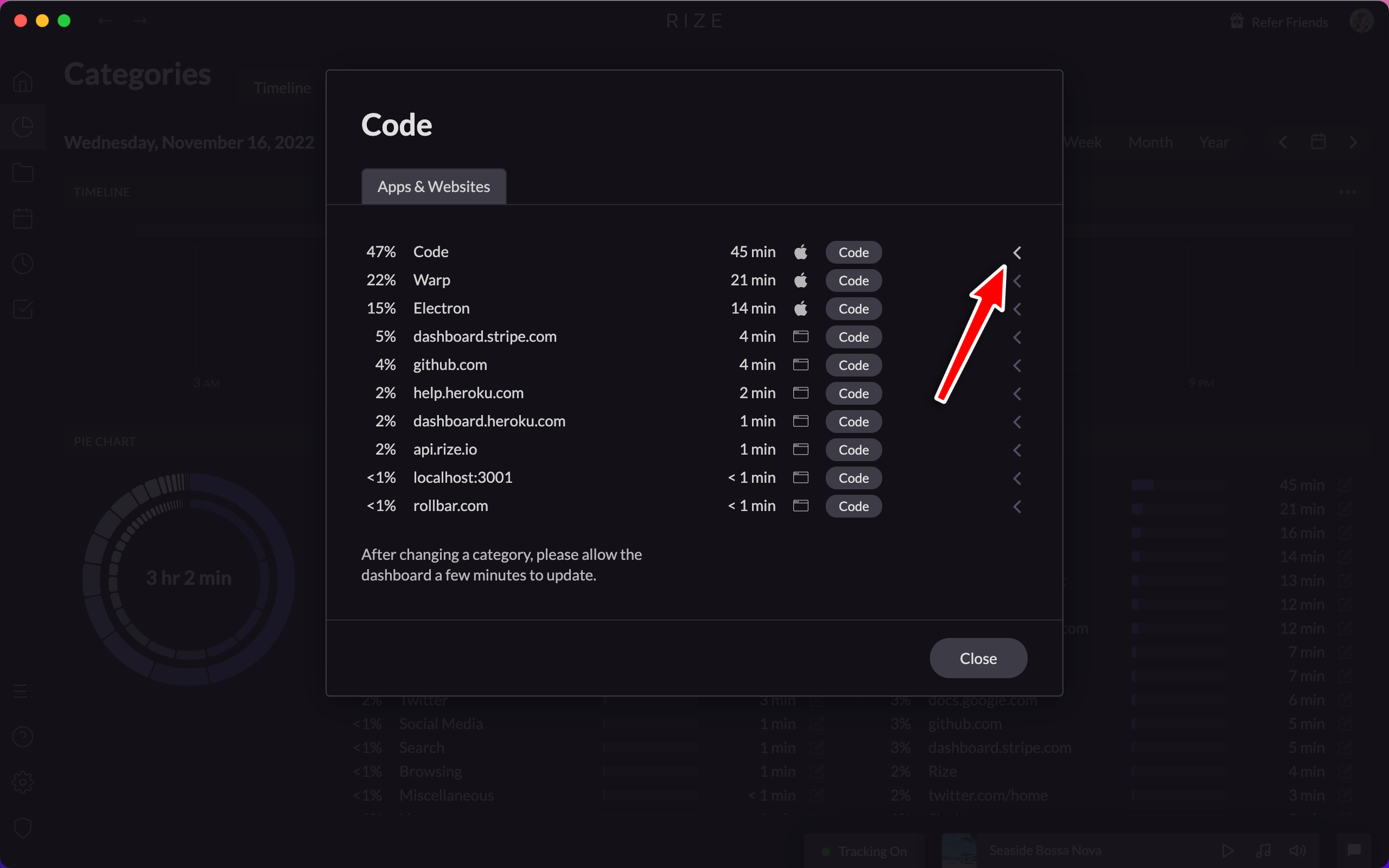
Improved Keyword and URL Categorization UI
Simplify configuring Rize's keyword and URL categorization with the improved UI, allowing advanced rules based on exact or partial title and URL matching.
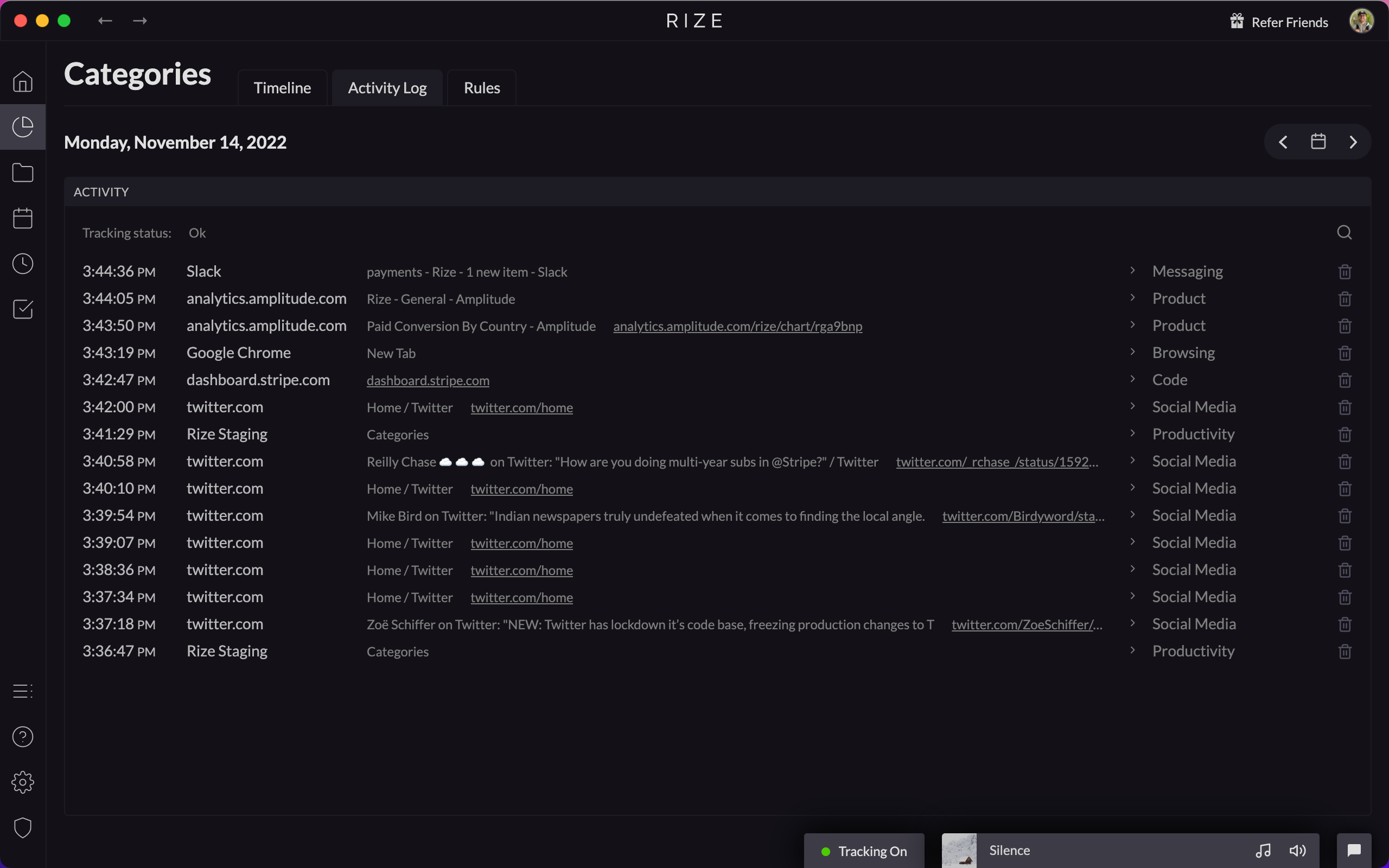
New Activity Log
The new Activity Log lets you view, search, and manage your recent activity history, with quick search and one-click event deletion.
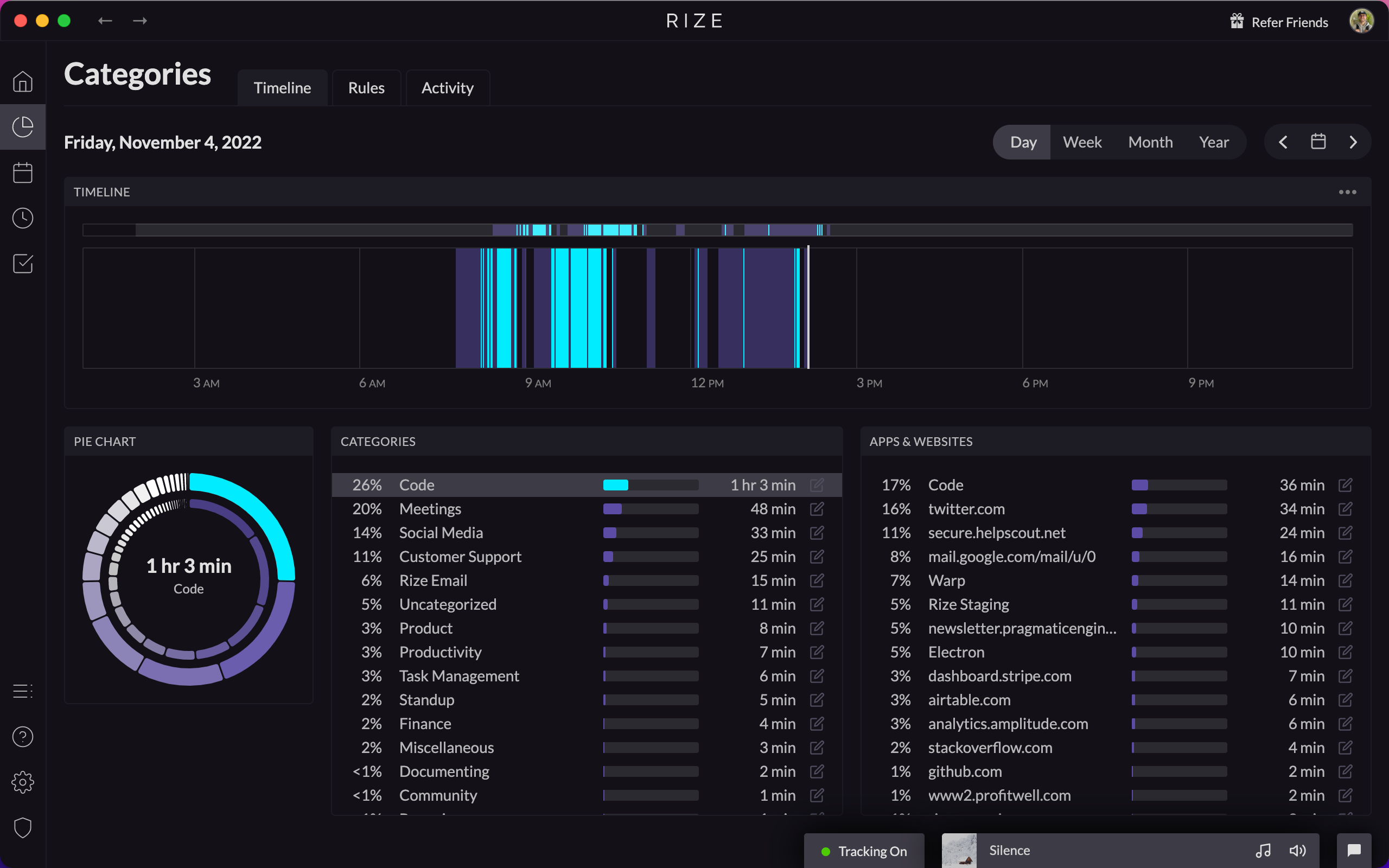
Dashboard Redesign
The Rize dashboard has been completely redesigned around time categorization, with new views for Home, Categories, Focus, Projects, and Goals.