Shared AI Skills are reusable saved prompts for the Rize Agent. Create a Skill once, choose who can use it, then reuse it across chat, Routines, and AI Reports.
WHAT IS IT?
Shared AI Skills are reusable instructions for the Rize Agent. Save a prompt once, share it personally, with a team, or across the workspace, then reuse it in chat, reports, and routines.
WHY IS IT IMPORTANT?
As teams grow, the same client rule, billing preference, or reporting format gets copied into too many places. Shared Skills keep that guidance consistent, so Rize interprets work the same way across members, teams, and recurring workflows.
NEW
Personal, team, and workspace Skills
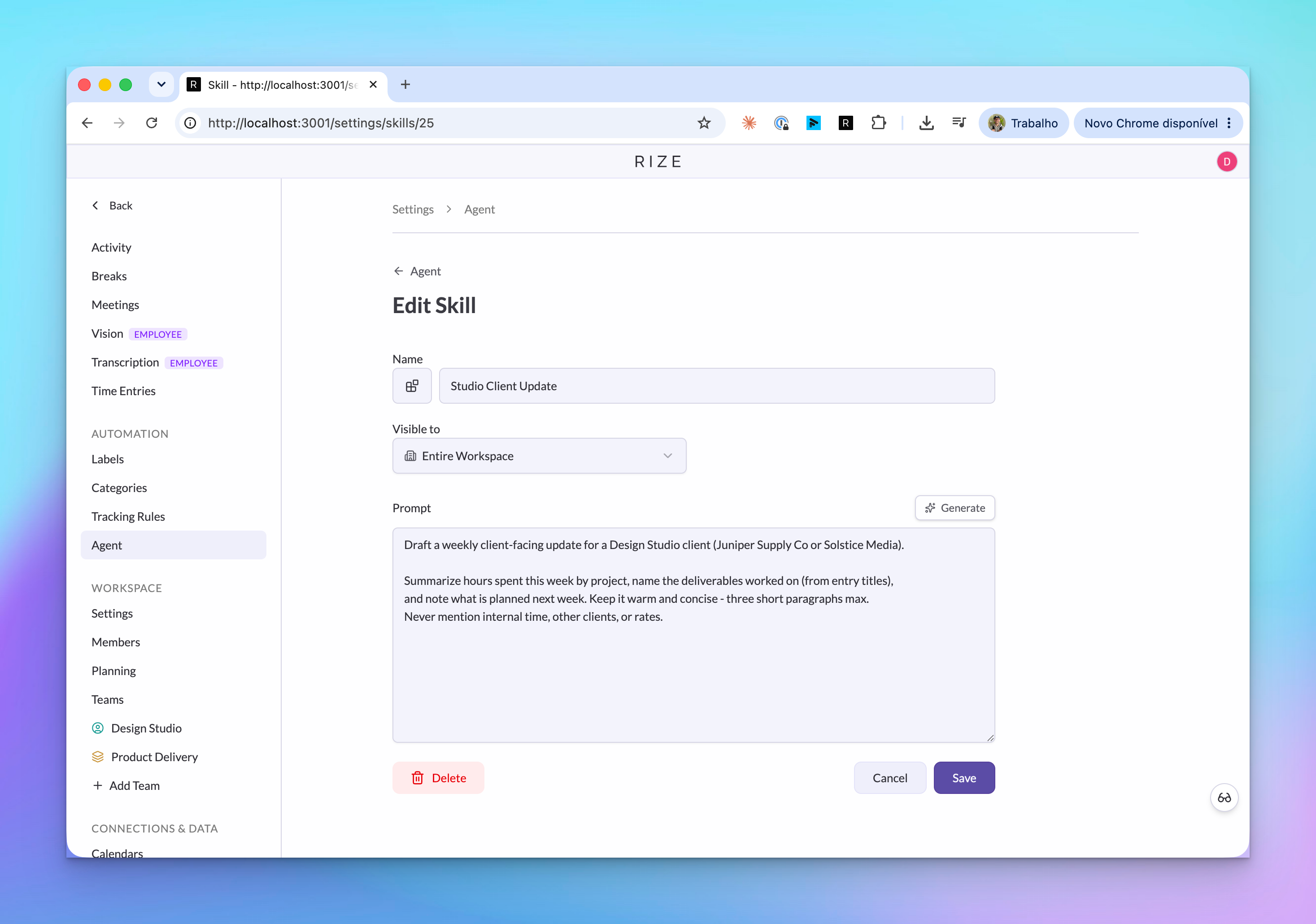
A Skill is a saved instruction for the Rize Agent. Use Skills for tagging policies, client-specific rules, daily updates, reporting preferences, or team operating notes that should be reused in more than one place.
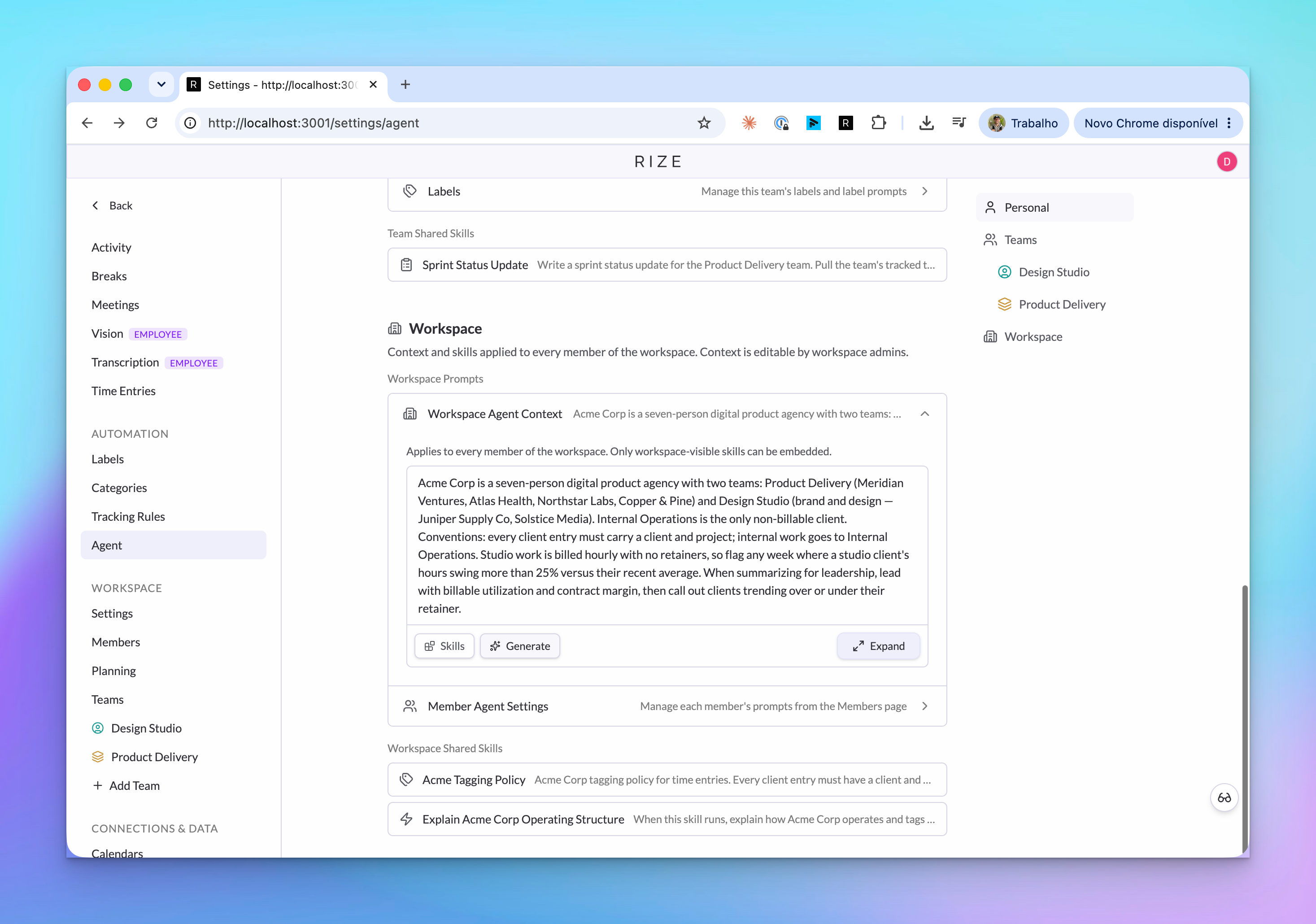
Skills can be private to you, shared with a team, or available across the whole workspace. Workspace Skills are available to anyone in the workspace. Team Skills are available to people on that team. Personal Skills are only yours.
Generate a stronger Skill from a rough draft
You do not have to write the perfect prompt. Start with a rough description like "give me a daily productivity overview," then use Generate to turn it into a more complete Skill you can review and edit.
Use Skills in chat
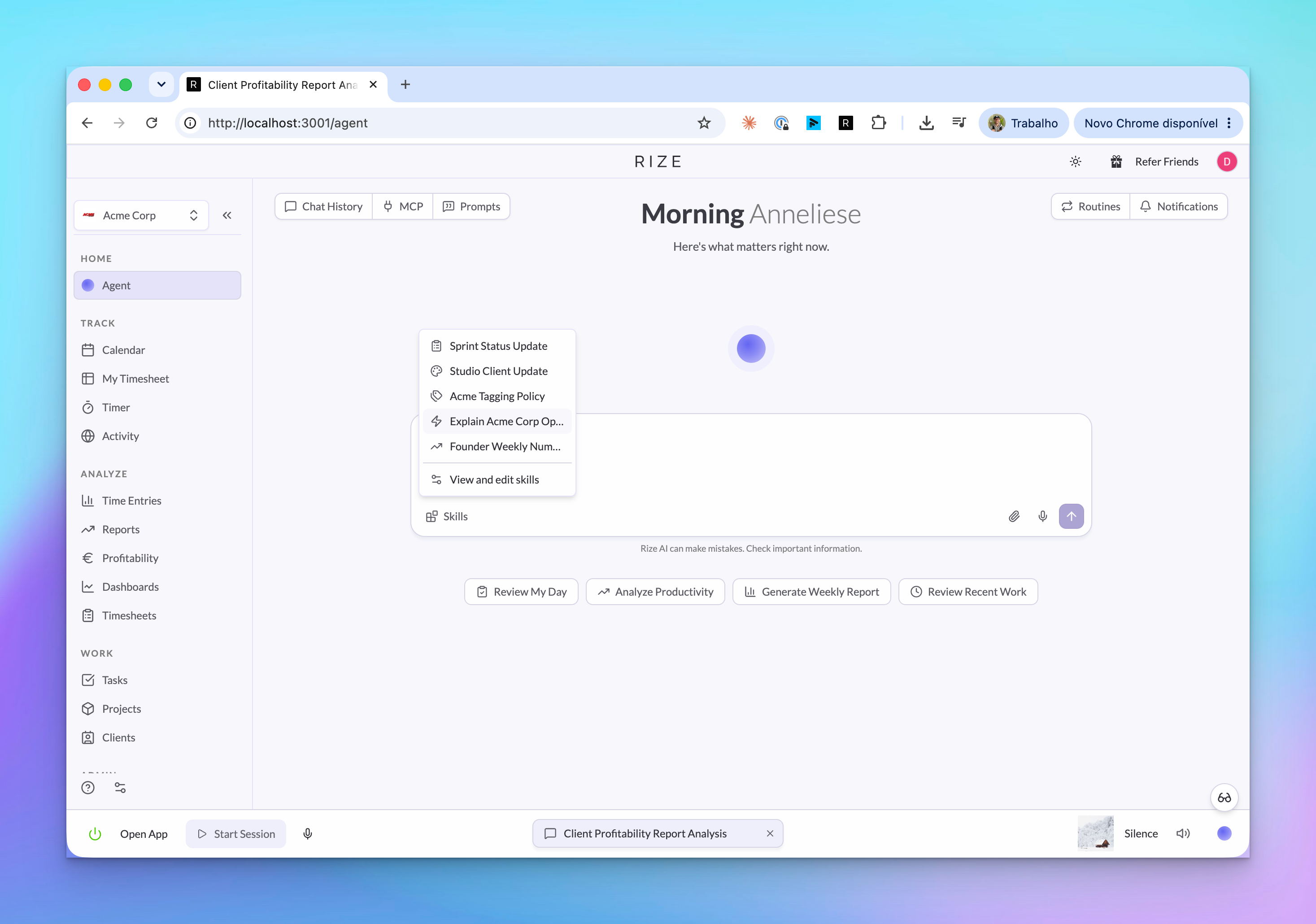
From the Agent page, open Skills and add one to the message composer. Rize inserts it as a chip in the chat, then expands and runs the saved instruction when you send the message.
Reuse Skills in Routines and AI Reports
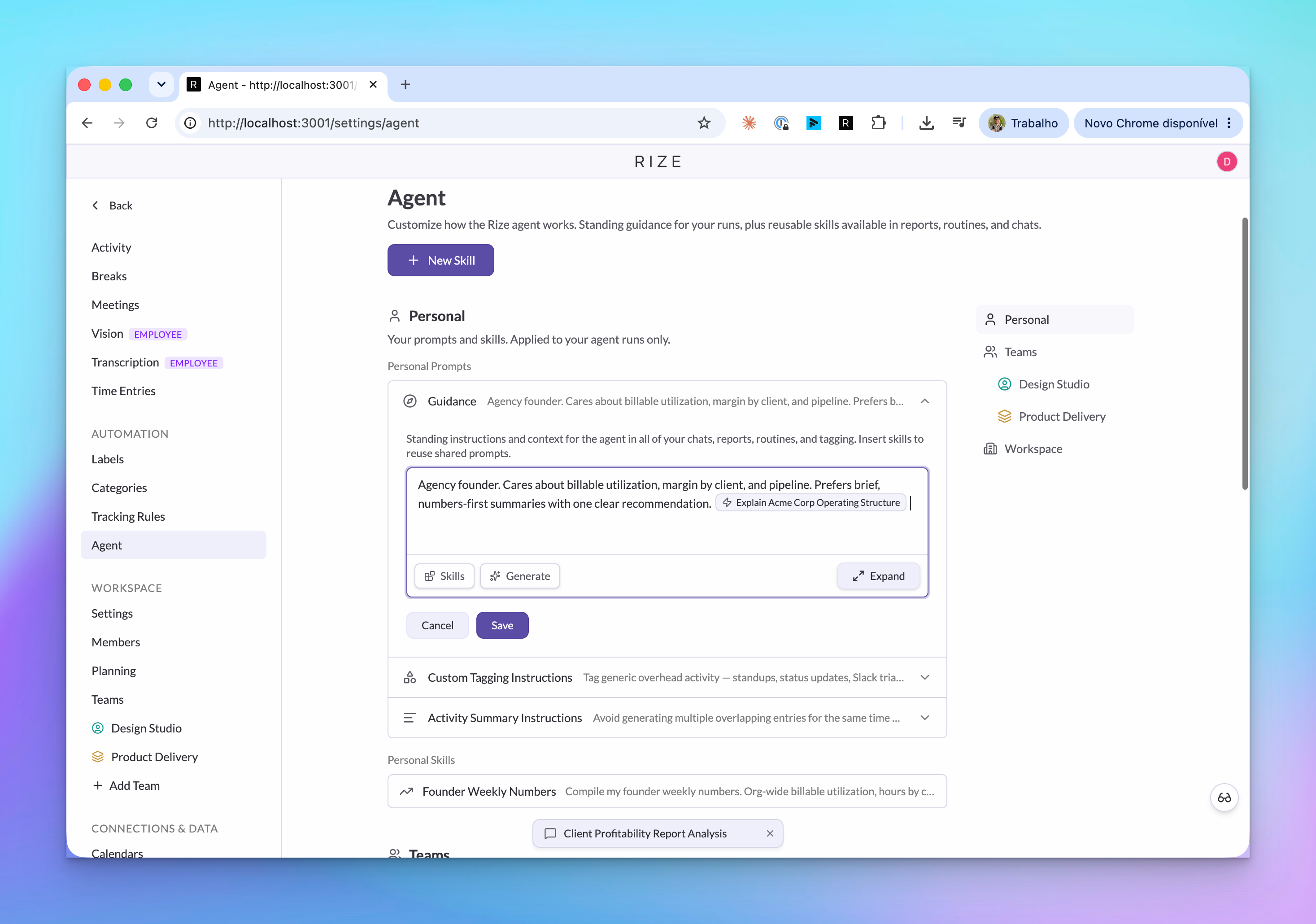
Skills can be embedded in Routine prompts and AI Report prompts. If you update the Skill later, the routines and reports that reference it use the updated instruction too.
Shared team and workspace context
Shared context lets your team define how work should be interpreted across the workspace. It can reference Skills, so updates propagate anywhere that Skill is used.
USE IT FOR
- Standardizing how a team tags clients, projects, and tasks
- Teaching Rize how a specific client or account should be handled
- Creating daily Slack updates or productivity reviews from a saved prompt
- Reusing reporting instructions across multiple AI Reports
- Giving routines the same operating context every time they run
- Keeping shared AI guidance aligned across a workspace