We're excited to announce that Rize is now officially listed as an integration partner on Linear's integrations page.
If you use Linear to manage your work, Rize automatically tracks the time you spend on issues — no manual timers, no browser extensions. Just work in Linear and Rize captures it in the background.
How It Works
The integration pulls your real Linear issues and projects directly into Rize. Instead of manually creating tasks to track against, Rize uses AI to automatically assign your tracked time to the correct Linear issues based on what you're working on. Issue titles, statuses, and assignments stay in sync as they change in Linear.
Time tracked in Rize flows back to Linear as logged time on the corresponding issues — so you always know how time is actually spent, without touching a timer.
What You Get
- Automatic time tracking that monitors your apps, websites, and documents
- AI-powered assignment of tracked time to the right Linear issues and projects
- Full workspace import — your teams and projects sync automatically
- Bi-directional sync so logged time appears on Linear issues
- Support for project estimation, utilization reporting, and time allocation analysis
Getting Started
Connect Linear during onboarding or head to Settings and Integrations in the Rize app. You'll need to be a Linear workspace admin to authorize the connection. Select which Linear teams to sync and you're done — tracking starts automatically.
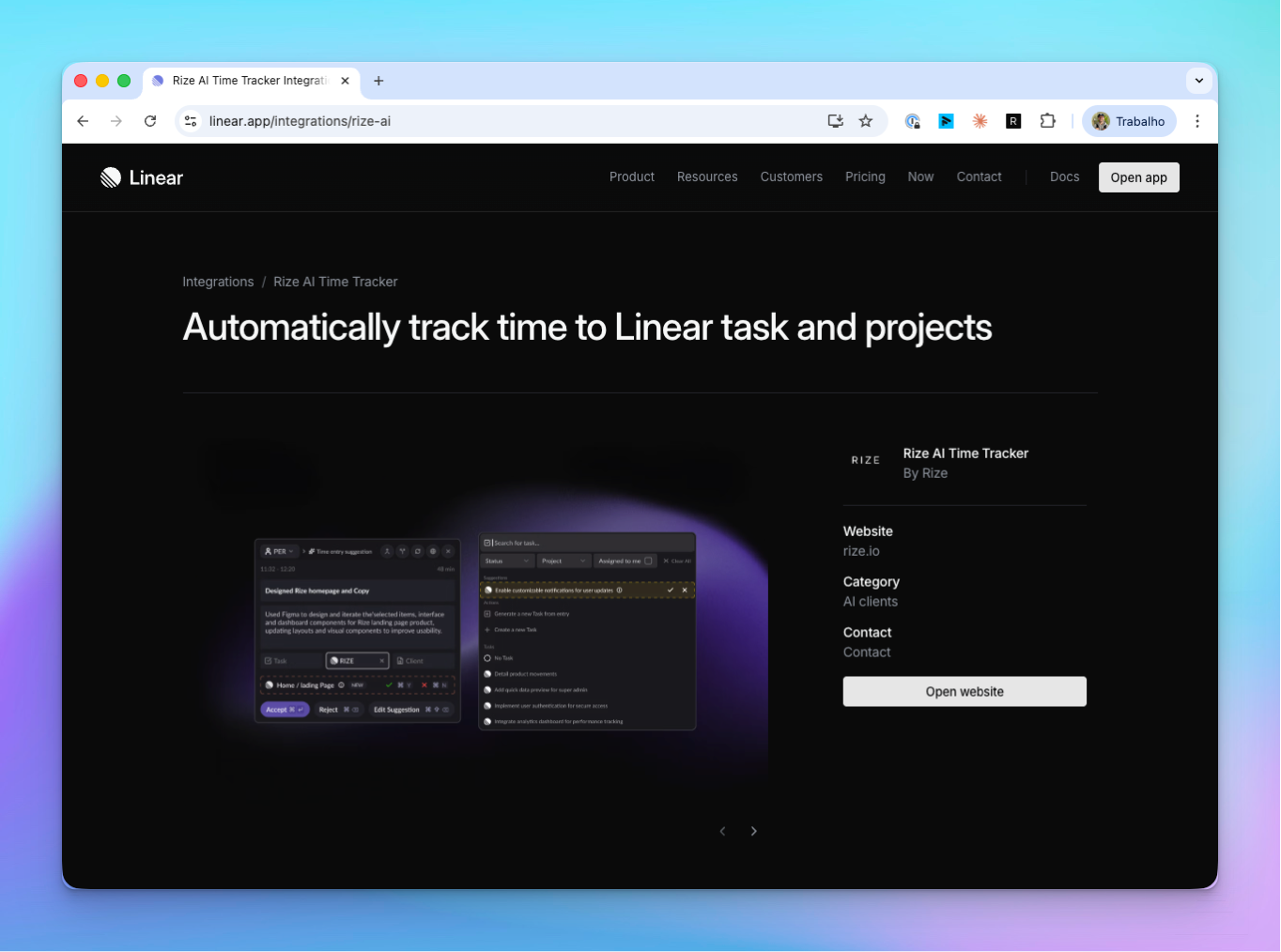
Check out our listing at linear.app/integrations/rize-ai.