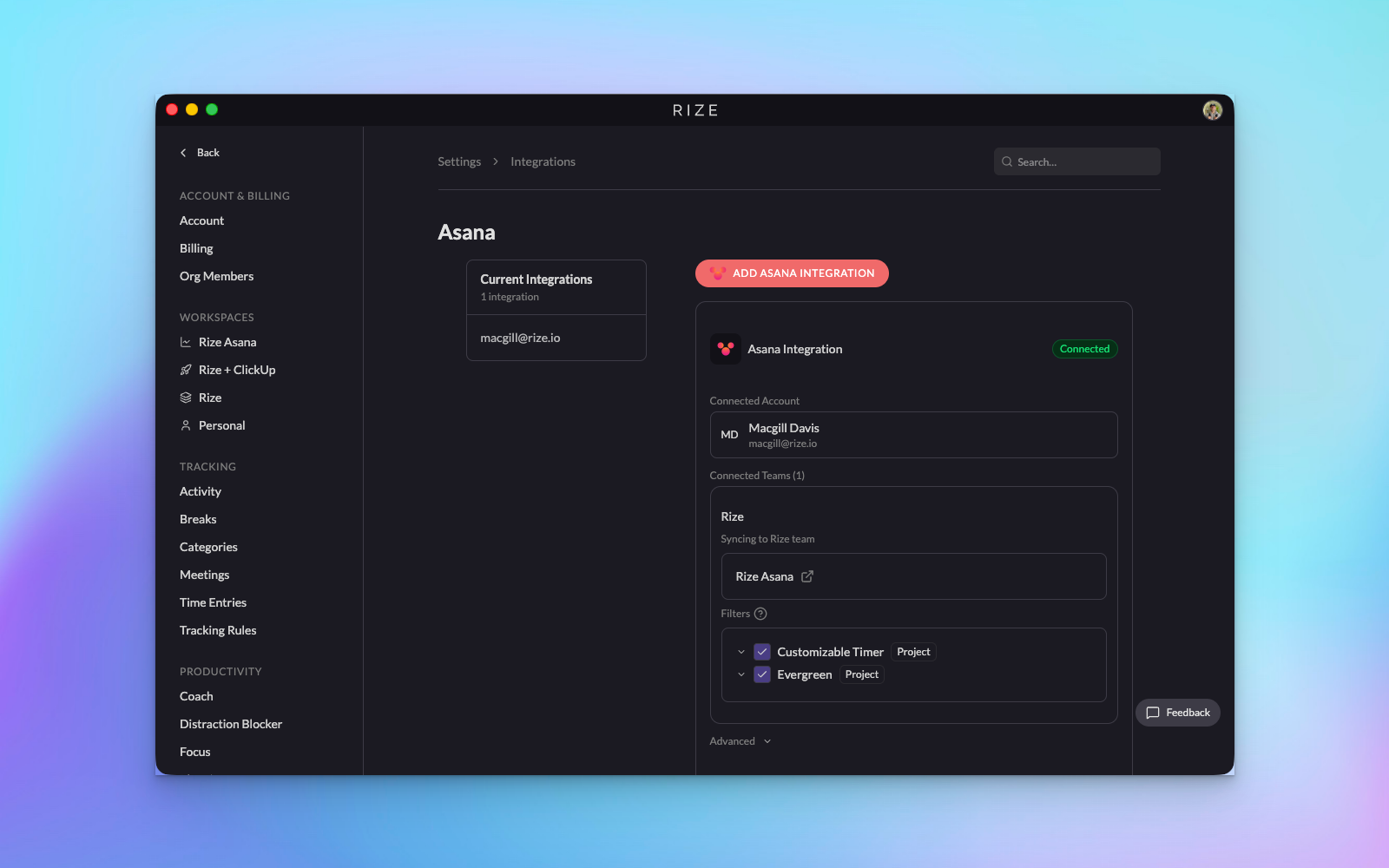
We're excited to introduce our Asana integration (Beta)—bringing seamless two-way sync between Rize's automatic time tracking and your Asana tasks. Now you can effortlessly log time against specific Asana tasks, keep your team's hours up-to-date, and maintain accurate project timelines without manual data entry.
Key Features
- Two-way sync: Time logged in Rize automatically updates your Asana tasks, and changes to task names in Asana sync back to Rize in real-time via webhooks
- Flexible workspace selection: Choose which Asana workspaces to sync and map them to specific Rize teams
- Granular control: Select specific team members and projects to include or exclude from syncing
- Automatic time entry suggestions: Rize's AI-powered tracking continues to work seamlessly, now with the ability to assign tracked time directly to Asana tasks
- Project and assignee tracking: All synced tasks maintain their project associations and assignee information
How It Works
- Navigate to Settings → Integrations and click on the new Asana integration
- Authorize the connection in your browser—you'll be redirected back to Rize automatically
- Select which Asana workspaces you want to sync and choose the corresponding Rize workspace
- Pick specific team members and projects to include (or sync everything)
- Once connected, Rize will pull in your Asana tasks with their projects and assignees
- When Rize generates time entry suggestions from your automatic tracking, simply select your Asana team, choose a task, and save
- Your logged time appears in Asana immediately, and any task updates in Asana sync back to Rize in real-time
This integration brings the best of both worlds: Rize's effortless automatic time tracking combined with Asana's powerful project management. As this is a beta release, we'd love to hear your feedback and any issues you encounter. Happy tracking!