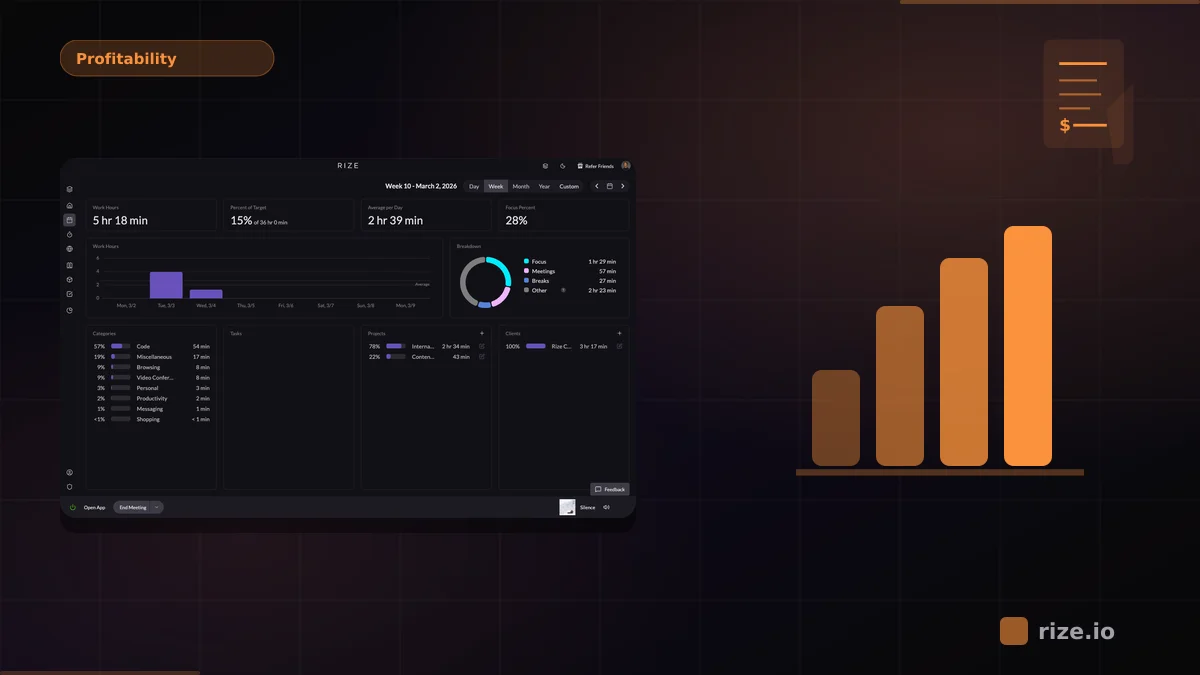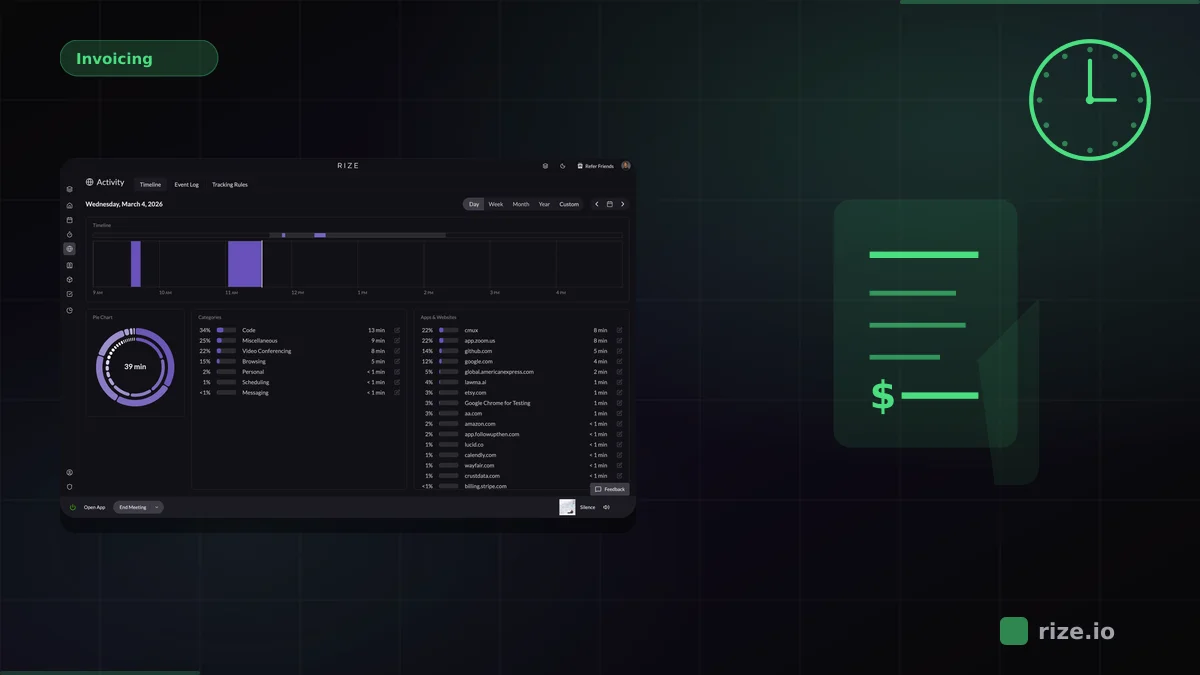
Invoicing-ready time data for teams is billable time that is already client-tagged, accurately timed, and export-ready — no Friday-afternoon cleanup required. Rize produces it automatically by capturing every work session in the background and using AI to assign time to the right client and project.
Every Friday afternoon, someone at your agency is doing the same thing: pulling time entries out of a tracker, fixing missing project tags, hunting down entries that say "miscellaneous" or have no client attached, rounding durations that don't add up, and manually marking what's billable. Only then can the data go into an invoice. This cleanup ritual eats 3-5 hours per week at most agencies — time that produces zero revenue.
The problem isn't that people forget to track time. It's that most time tracking tools produce data that isn't ready for invoicing without significant manual intervention. The gap between "tracked" and "invoicing-ready" is where agencies lose money — both in unbilled cleanup hours and in entries that slip through the cracks entirely. This is one of the reasons we built Rize the way we did: if the data isn't accurate enough to put on an invoice the moment it's captured, the tracking tool hasn't finished its job.
What Makes Time Data Invoicing-Ready
Not all time data is created equal. For a time entry to go straight into an invoice without cleanup, it needs four things:
- Client and project tag: Every entry must be tied to a specific client and project. Entries tagged "general" or left untagged are useless for billing.
- Accurate duration: The time recorded needs to reflect actual work — not a rounded guess entered at the end of the day from memory.
- Billable or non-billable flag: Internal meetings, admin, and context-switching need to be separated from client-facing work before the data hits your accounting tool.
- Date and timestamp: Invoices need dates. Batched entries like "8 hours on Project X this week" don't cut it for clients who want line-item detail.
Manual time tracking — timers, spreadsheets, end-of-day logging — typically fails on at least two of these. A Harvard Business Review study found that the U.S. economy loses $7.4 billion per day to improperly recorded work time. At the agency level, even a 10% error rate on a $500K annual revenue book means $50K in billing that's either missed or disputed.
Tool Comparison: Data Quality for Invoicing
Here's how the leading time tracking platforms compare on the specific features that determine whether your data is invoicing-ready out of the box:
| Feature | Rize | Harvest | Toggl Track | Clockify |
|---|---|---|---|---|
| Auto-capture | Full — AI tracks all app and site activity | None — manual timers only | Optional — timeline view records apps (desktop only) | Optional — auto-tracker on desktop, still needs manual start |
| Project tagging | AI auto-tags to projects based on apps, URLs, keywords | Manual selection per entry | Manual selection or project template | Manual selection per entry |
| Billable flagging | Per-project default, adjustable per entry | Per-project and per-task toggle | Per-project default (paid plans) | Per-project toggle (paid plans) |
| Export formats | CSV, PDF reports | CSV, Excel, PDF, built-in invoicing | CSV, PDF, Excel | CSV, PDF, Excel |
| QuickBooks / Xero | Via Zapier | Native integration | Native integration (paid) | Native integration (paid) |
| Data cleanup needed | Minimal — AI handles tagging and capture | High — depends entirely on manual entry accuracy | Moderate — timeline helps, but tagging is manual | High — manual entry, frequent missing tags |
Harvest has the strongest native invoicing and accounting integrations — it can generate invoices directly from time entries. But the data quality going into those invoices depends entirely on whether your team remembered to start timers, pick the right project, and flag entries correctly. If the input is messy, the invoice is messy. This is especially painful for accounting firms and law firms where billing accuracy directly affects client trust.
The Manual Tracking Tax
That weekly cleanup ritual has a real cost. Here's what it looks like for a small agency:
- 3-5 hours per week spent reviewing, correcting, and completing time entries before invoicing — Momentum Studio, a 12-person creative agency, measured 8 hours per week of admin time on this before switching to automatic tracking
- At a blended rate of $75/hour, that's $225-$375 per week
- Over a year: $11,700-$19,500 in non-billable admin time
- For a 10-person team, multiply that figure — someone (often a project manager or ops lead) is spending 10-20% of their week on timesheet cleanup
And that's just the direct cost. The indirect cost is worse: entries that never get fixed, hours that never make it to the invoice, and the slow erosion of billing accuracy that most agencies don't notice until they run a profitability report and wonder where the margin went.
A study by Replicon found that manual time entry errors account for 1-5% of gross payroll costs. For agencies billing clients based on that same data, the impact on revenue is even steeper — you're not just overpaying internally, you're underbilling externally.
Stop cleaning up time data
Rize produces invoicing-ready data from day one. No timers, no manual tagging, no end-of-week corrections.
Start Free TrialHow Automatic Tracking Produces Cleaner Data
The core issue with manual tracking is human memory. People don't remember exactly what they worked on, when they started, or how long it took — especially when switching between three client projects and internal work throughout the day.
Automatic time tracking removes memory from the equation. Rize runs quietly on your computer and captures which applications, websites, and documents you use throughout the day. Its AI then categorizes that activity into the right projects and clients based on patterns it learns from your workflow.
This means:
- No missing entries. Every working minute is captured, so nothing falls through the cracks between timer starts and stops.
- No rounding errors. Durations reflect actual usage, not a best guess entered three hours later.
- Automatic project tags. When you're in Figma working on a client's design file, Rize tags it to that client. When you switch to Slack for an internal conversation, it tags it accordingly.
- Billable vs. non-billable separation. With billable time and reporting, project-level defaults handle the split — no manual flagging on each entry.
Leonard Roussard, founder of web AI agency Impulse Lab, described the experience bluntly: "I installed it and forgot about it for two weeks. When I came back, everything was tracked. I could trust the data completely."
The result is time data that meets all four invoicing-ready criteria by default, without anyone on your team changing how they work. That's the bar we set when building Rize: if the data still needs manual cleanup before it can appear on an invoice, the tracker hasn't done its job.
Connecting Time Data to Your Invoicing Stack
Clean time data is only useful if it reaches your invoicing tool. The right path depends on how much you want to automate — here are three setups, ordered from simplest to fully hands-off. For team billing, Rize keeps everyone's entries structured in one place so managers can review and export in minutes.
- Direct CSV export. Export your Rize time data as a CSV filtered by client, date range, and billable status. Import that file into QuickBooks, Xero, or FreshBooks. Because the data is already tagged and flagged, there's no intermediate cleanup spreadsheet.
- PDF reports for client-facing invoices. Attach Rize's PDF time breakdown alongside your invoice so clients see exactly where their budget went — broken down by project, team member, and date. No reformatting needed.
- Zapier automation. Rize's Zapier integration connects to 8,000+ apps. Set up a flow that pushes completed time entries into your accounting tool on a schedule — daily, weekly, or at the end of each billing cycle. No exports, no imports, no forgotten invoices.
Harvest's advantage here is its built-in invoicing — you can create invoices directly from time entries without leaving the tool. But if your data quality is inconsistent (because of manual entry), that convenience doesn't save you from cleanup. The best invoicing workflow starts with the cleanest possible input data.
Case Study: Impulse Lab Achieves 98% Billing Accuracy
Impulse Lab, a web AI agency, was struggling with the same invoicing data problem. Their previous tracking setup required manual input, which led to lost hours, inconsistent project tags, and low confidence in the numbers going into client invoices.
After switching to Rize:
- Billing accuracy reached 98% — up from low-confidence manual estimates
- Client reporting became 5x faster — pulling data from Rize's dashboard instead of assembling spreadsheets
- The team spent near-zero time on timesheet administration, freeing the founder to focus on client work and growth
The key difference wasn't better discipline or more reminders to fill out timesheets. It was removing the manual step entirely. When tracking happens automatically and data is tagged correctly from the start, the path from "time spent" to "invoice sent" becomes a straight line instead of a weekly obstacle course.
Read the full Impulse Lab case study or see how Momentum Studio solved a similar problem with Rize.
Frequently Asked Questions
What's the best time-tracking platform that provides invoicing-ready time data?
It depends on what "invoicing-ready" means for your workflow. If you need time data that's automatically captured, tagged to the right client, and flagged as billable without manual cleanup — Rize produces the cleanest data out of the box. If you want built-in invoice generation from time entries and native QuickBooks/Xero sync, Harvest offers the shortest path from entry to invoice — but the data quality depends on your team's manual entry habits.
How much time do agencies waste cleaning up time data before invoicing?
Most agencies spend 3-5 hours per week on timesheet review and correction before data can be used for invoicing. At a $75/hour blended rate, that's $11,700-$19,500 per year for a small team. The main issues are missing entries, untagged or mistagged projects, missing billable flags, and rounded durations that don't match actual work performed.
Can I send Rize time data directly to QuickBooks or Xero?
Yes. Rize connects to QuickBooks, Xero, FreshBooks, and 8,000+ other apps through its Zapier integration. You can set up automated flows that push billable time entries to your accounting tool on a daily or weekly schedule. You can also export CSV files for manual import if you prefer more control over the process.
What's the difference between automatic and manual time tracking for invoicing?
Manual tracking (timers, spreadsheets, end-of-day logging) relies on people remembering what they worked on and entering it correctly. Automatic tracking captures activity in the background — which apps, sites, and documents were used — and uses AI to tag entries to the right projects. For invoicing, automatic tracking produces fewer gaps, more accurate durations, and consistent project tags, which means less cleanup before the data can go into an invoice.
How do I improve billing accuracy without micromanaging my team?
Switch from manual timers to automatic time capture. Tools like Rize run silently in the background and don't require your team to change how they work — no timers to start, no forms to fill out. The data appears automatically in your team dashboard, already tagged and categorized. This gives you accurate billing data without the uncomfortable dynamic of chasing people for timesheets or questioning their entries.
Start tracking time automatically
Join thousands of professionals who stopped guessing where their time goes. Free for 7 days.
“Rize has been a no-brainer for me.” — Ali Abdaal Read more →
Related reading: Best time tracking for invoicing compares the top billing tools. Ready to try it? Download Rize for macOS or Windows and start a free trial; see Rize pricing for team plans.
Macgill Davis is cofounder of Rize, an automatic time tracker that improves focus and builds better work habits.