Freelancers lose an estimated 15-40% of their billable hours to poor time tracking. For someone billing $100/hour and working 30 billable hours per week, that gap translates to $23,400 per year in lost revenue. YouTuber and author Ali Abdaal calls Rize "a no-brainer" for optimizing deep work time — and the math backs him up. The problem isn't laziness — it's that manual time tracking depends on human memory, and memory is unreliable when you're switching between clients, projects, and tasks all day.
Quick Answer
The best freelance time tracking method is automatic capture that runs in the background. Tools like Rize's AI time tracker categorize every work session by client and project — no timers, no manual entry, no end-of-week reconstruction. This eliminates the billable hour leakage that costs freelancers thousands per year.
Why Most Freelancers Track Time Wrong
Manual time tracking fails freelancers because it introduces a human bottleneck at the point of capture. You start a timer for Client A, get pulled into a Slack thread for Client B, forget to switch, and by Friday you're reconstructing your week from memory. Research from UC Irvine shows it takes roughly 23 minutes to refocus after a context switch — and every switch is a moment where your timer is probably wrong.
The most common freelance tracking methods, ranked by accuracy: automatic background capture (highest), manual timers with start/stop buttons, calendar-based estimation, and end-of-week timesheet reconstruction (lowest). Each step down the ladder costs you more billable hours. Automatic capture is the only method that doesn't depend on your memory.
The financial impact compounds. A freelancer billing $100/hour who undercounts by just 3 hours per week loses $15,600 per year — revenue that Rize's automatic capture recovers by logging every session without relying on memory. That's not a rounding error — it's a salary. And most freelancers undercount by more than 3 hours because short tasks (quick emails, 10-minute reviews, research sessions) never make it onto a timesheet. When we talk to freelancers switching from manual tools, the pattern is consistent — they discover hours they were already working but never billing for.
How Automatic Time Tracking Works for Freelancers
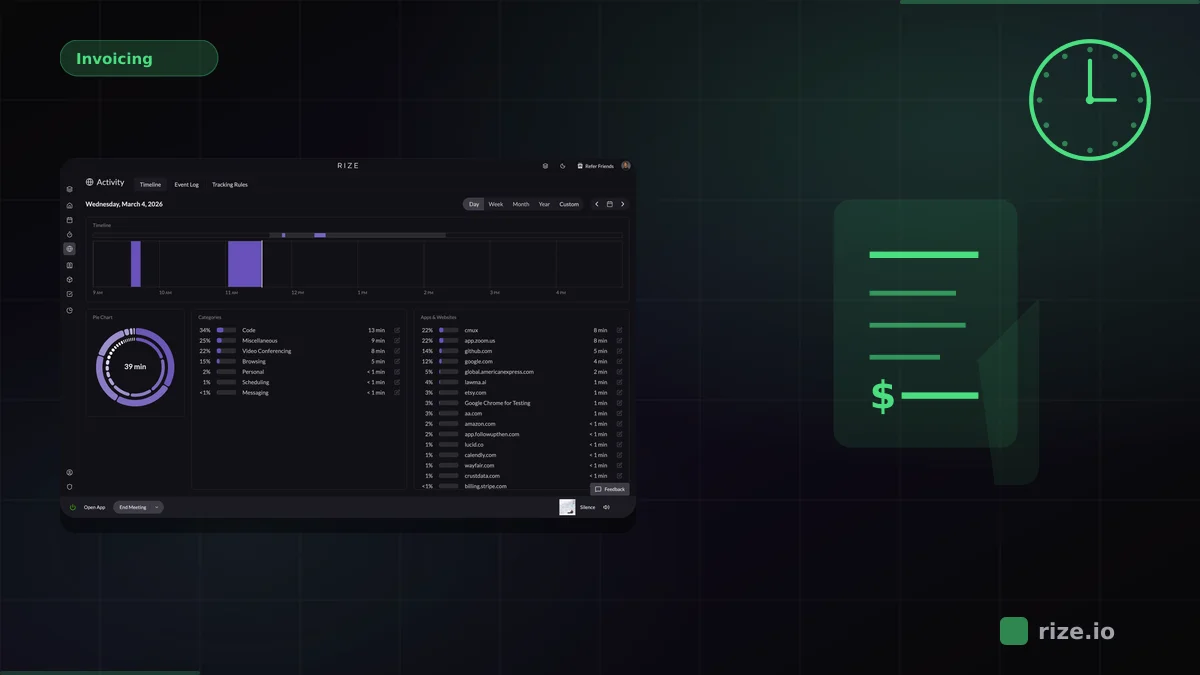
Automatic time tracking captures every application, website, and document you interact with throughout the day — without requiring you to press any buttons. The software runs in the background and uses AI to categorize your activity into client and project buckets based on patterns it learns from your workflow. YouTuber and author Ali Abdaal calls Rize "a no-brainer" for optimizing deep work time — as he put it, "Rize has been a no-brainer for me. It has been essential for me to optimize my deep work time when I sit down to work on my book."
For example, if you open Figma and work on a file named "Acme-Brand-Guidelines," an AI-powered tracker like Rize recognizes this as work for client Acme and logs the time automatically. When you switch to VS Code and a repository named "beta-corp-api," it logs that to Beta Corp. At the end of the day, you review the AI-generated time entries, approve them, and your timesheet is done.
The difference from manual tracking: with Rize, you capture 100% of your work sessions instead of the 60-85% you remember to log. That includes the 12-minute Slack conversation, the 8-minute code review, and the 20-minute research session that never would have made it onto a manual timesheet.
Stop losing billable hours
Rize captures every minute automatically — no timers, no manual entry. See what you've been missing.
Start Free TrialChoosing the Right Tool: What Freelancers Actually Need
The freelance time tracking market has dozens of options, but most are built for teams, not solo operators. A freelancer needs three things from a time tracker: automatic capture that runs without input, client-level categorization that assigns hours correctly, and clean reports that translate directly into invoices.
| Tool | Best For | Tracking Method | Pricing |
|---|---|---|---|
| Rize | Freelancers who want zero-touch accuracy | Fully automatic with AI categorization | From $23.99/mo Pro (annual) |
| Toggl Track | Freelancers who prefer manual control | Manual timers with background timeline | Free tier; Starter at $9/user/mo |
| Harvest | Freelancers who need built-in invoicing | Manual timers with project selection | Free (1 seat, 2 projects); Teams at $11/seat/mo + usage fees |
| Clockify | Budget-conscious freelancers | Manual timers and entry | Free (up to 5 users); Pro at $9.99/user/mo |
The critical difference between these tools is the capture method. Rize and Toggl both run on your desktop, but Rize captures automatically while Toggl requires you to start and stop timers. For a freelancer juggling 3-5 clients in a single day, that distinction is the difference between accurate billing and guesswork. For a detailed breakdown, see our Rize vs Toggl and Rize vs Harvest comparisons.
Features like invoicing (Harvest), team dashboards (Toggl), or unlimited free tracking (Clockify) matter, but they're secondary. If your time data is wrong because you forgot to start a timer, the invoice you generate from that data is wrong too.
Setting Up Time Tracking That Actually Sticks
The #1 reason freelancers abandon time tracking is friction. Any tool that requires daily manual input will be forgotten within two weeks. We learned this firsthand — before building Rize, we watched ourselves and every freelancer we talked to quit their tracking tool within a month. The setup that works long-term has three properties: it starts automatically when your computer starts, it categorizes without your input, and it produces reports without you building them.
Here's a practical setup using automatic time tracking:
- Install and forget. Set the tracker to launch at login. You should never need to open it manually.
- Create your client list. Add each active client as a project. The AI learns which apps, websites, and files belong to each client.
- Review weekly, not daily. Check your auto-generated time entries once per week (Friday afternoon works). Approve accurate entries, adjust any the AI miscategorized.
- Export to your invoicing tool. Pull the approved hours into your invoice. Rize exports to CSV, or you can use the Zapier integration to push data to QuickBooks, FreshBooks, or Xero.
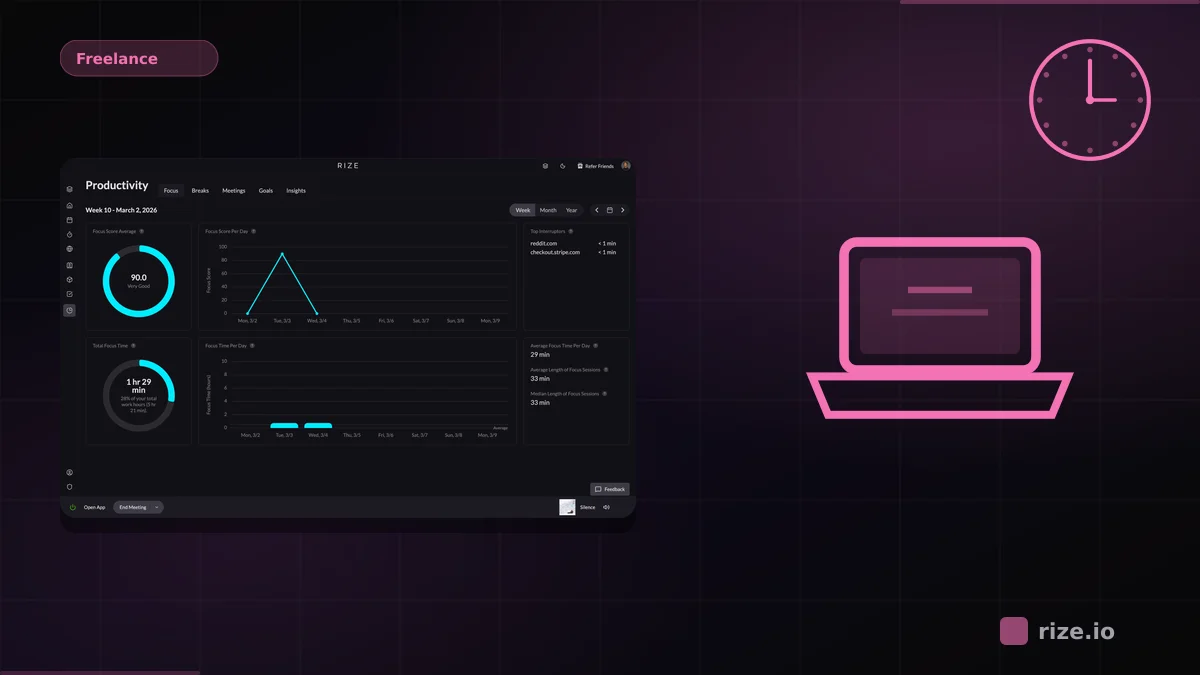
Total weekly time investment: 10-15 minutes. Compare that to the 2-3 hours per week most freelancers spend reconstructing timesheets manually. Ben Jackson, CEO of 12-person creative agency Momentum Studio, saw his team recover 20% more billable time after switching to Rize — hours that were always being worked but never logged.
Tracking Non-Billable Time (And Why It Matters)
Your effective hourly rate is not what you charge — it's your total income divided by your total working hours, including non-billable time. If you bill 30 hours at $100/hour but spend 15 additional hours on proposals, admin, bookkeeping, and client communication, your real rate is $66/hour. Most freelancers don't know this number because they only track billable work.
Tracking non-billable time shows you where the gaps are — which clients cost more to service than they pay (high admin-to-billable ratio), which activities eat the most unbillable hours (usually proposals and scope discussions), and whether your rates actually cover your total time investment.
A freelancer who discovers — through Rize's automatic tracking — that they spend 8 hours per week on unbilled client communication can make a concrete decision: raise rates by 15% to cover the overhead, or set boundaries that reduce communication to 4 hours per week. Without the data, you're pricing blind.
From Tracked Hours to Accurate Invoices
Time tracking data only matters if it flows into your billing workflow without manual re-entry. Every manual step between "tracked time" and "sent invoice" is an opportunity for errors, rounding, and lost hours.
The ideal workflow: automatic capture → AI categorization → weekly review → one-click export → invoice. Rize handles the first three steps. For the export-to-invoice step, connect to your accounting tool via integrations or export a CSV with client, project, hours, and date columns ready for import.
One often-missed detail: track your hours at the task level, not just the client level. An invoice that says "Client A: 24 hours" is less trustworthy than one that says "Client A: 8 hours design, 10 hours development, 6 hours revisions." The granularity builds client confidence and reduces disputes. Rize's AI categorization handles this automatically by detecting which applications and documents you used during each session.
Start tracking time automatically
Join thousands of professionals who stopped guessing where their time goes. Free for 7 days.
“Rize has been a no-brainer for me.” — Ali Abdaal Read more →
Common Mistakes That Cost Freelancers Money
Freelancers lose thousands per year to four tracking mistakes — all fixable by switching from manual to automatic capture.
Not tracking short tasks. The 10-minute email, the 15-minute phone call, the 5-minute review — these add up to 3-5 hours per week that never appear on a timesheet. Automatic tracking captures all of them.
Rounding down. Freelancers habitually round 47 minutes to 45 minutes, or 1 hour 10 minutes to 1 hour. Over a year, this courtesy costs thousands. Bill in actual minutes or use 6-minute increments (the legal industry standard) — never round against yourself.
Forgetting to track context switching. When you switch from Client A's project to Client B's Slack thread and back, both segments of work are billable. Manual timers miss the second segment entirely. Automatic tracking catches every switch.
Using the wrong tool for your workflow. If you're a solo freelancer, you don't need team dashboards, payroll integration, or enterprise SSO. You need accurate capture and clean reports. Pay for accuracy, not features you'll never use.
Check Rize's pricing — the Pro plan covers everything a freelancer needs. If you run a freelance agency or small team, see how Rize handles agency time tracking with per-client profitability dashboards. For more comparisons, browse our best automatic time tracking software guide.