
Shipped
- Score Details - We launched a brand new score details section. Click on the name of the score to see the main metrics that go into calculating each of your scores. Our goal is to show you what you are doing well and where you can improve. Check it out in your dashboard!
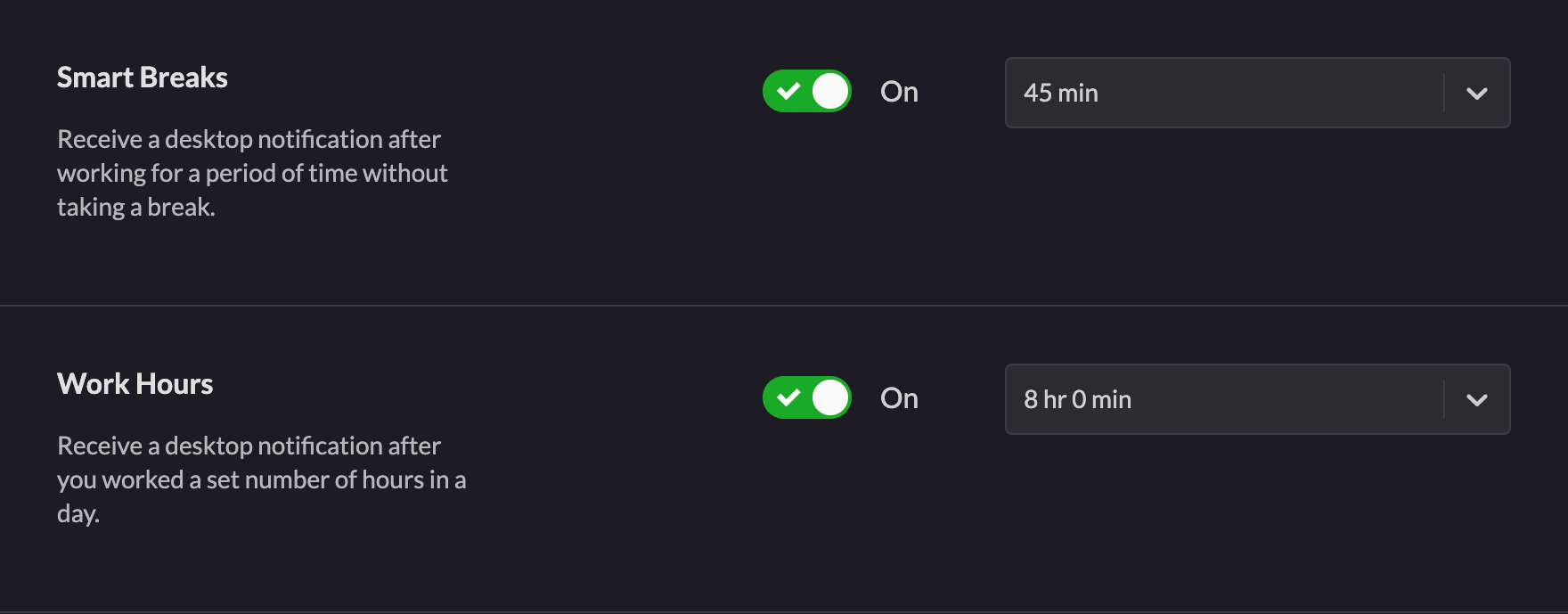
- Smart Notifications - We released two desktop notifications that we hope will help you work healthier and be more productive. The Smart Breaks Notification will alert you when you work 45 minutes in a work category without a break. The Work Hours Notification will alert you when you reach 8 hours of work in a day. You need to enable Notifications for Rize on macOS. You can change the notification thresholds or disable them entirely in your settings.
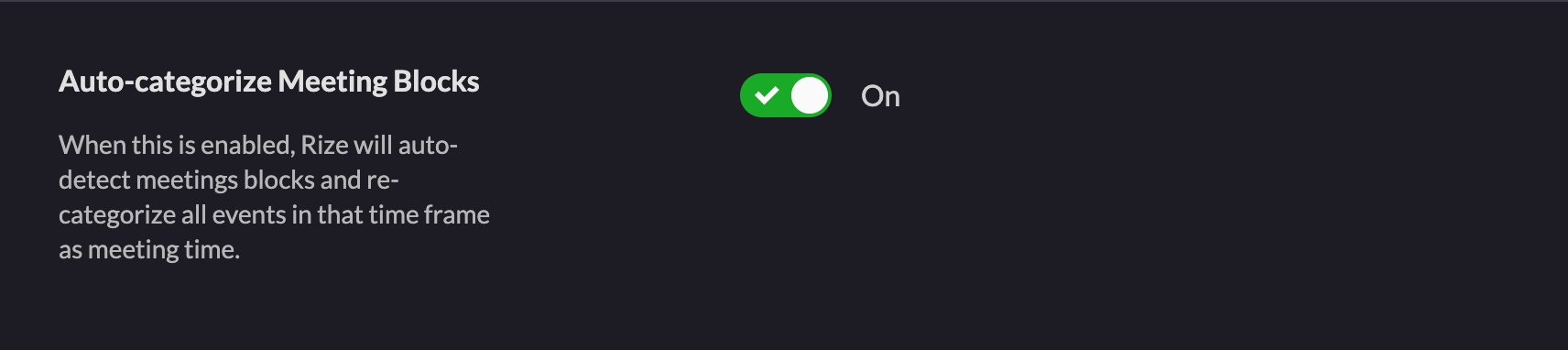
- Meeting Block Auto-categorization - Rize only tracks the in focus window. This can cause issues when tracking meeting time if you’re sharing your screen or taking notes. To help fix this issue, Rize will now automatically recategorize all time in a meeting block as meetings rather than by application or site. This means your timeline should much better represent how much time you're spending in meetings than it does now. You can turn the setting on and off in your settings. We're also exploring direct calendar integrations.
- Friday Issue - You may have ran into some strange behavior on Friday such as your dashboard not updating or receiving your daily digest notification a few hours late. We ran into a scaling issue where our asynchronous jobs got very backed up. The issue was fixed on Friday and your dashboard should be fully updated without any lost data. Apologies for any inconvenience!
Up next
- Weekly View - We’ve started work on a Weekly View. This is a feature we’ve been excited to build for a while and we think will provide a lot of value.
- Thanksgiving Holiday - Happy Thanksgiving to all our American users! We’ll be taking a short week for the holiday.
Thanks using Rize! If you know of anyone who might be interested in joining the Private Beta, feel free to email us and we’ll send them an invite.

.png&w=3840&q=75)