You did six hours of billable work today. Your timesheet says 4.2. That gap is the reason both Rize and DeskTime exist — and it is expensive, with Harvard Business Review putting the cost of bad timesheet data in the billions per day. Both tools close the gap by recording activity automatically instead of asking you to remember it.
They disagree on who the data belongs to. DeskTime is a monitoring product that reports to a manager. Rize is a tracking product that reports to you first, then rolls up into team dashboards without screenshots.
Quick Answer
Choose Rize if you want automatic time tracking without screenshots, plus client and project profitability for an agency or consultancy. Choose DeskTime if you need attendance, shift scheduling, and screenshot-backed oversight of hourly or in-office staff at the lowest per-seat price.
Rize vs. DeskTime at a Glance
| Feature | Rize | DeskTime |
|---|---|---|
| Automatic time capture | Yes, with AI categorization into clients and projects | Yes, scored as productive, neutral, or unproductive |
| Screenshots | Never, on any plan | Yes, on Premium and Enterprise |
| What gets captured | Window metadata only — app, URL, window title | App and URL activity, document titles, optional screen captures |
| Profitability reporting | Client and project profitability, budgeting, forecasting | No — productivity percentages and attendance |
| Shift scheduling and attendance | No | Yes, on Premium |
| Entry-level price | $9.99/mo individual (annual); $39.99/seat Team | $6.42/user/mo Pro; $9.17 Premium |
Is DeskTime employee monitoring software?
Yes. DeskTime is built around manager oversight, with screenshots, attendance records, and a productivity score per person.
That is a legitimate product for a legitimate problem. If you run a shift-based or hourly workforce and need to prove attendance, DeskTime's Premium tier at $9.17 per user per month bundles screenshots, shift scheduling, and an API into one of the cheapest packages available.
It is also the source of most adoption resistance. Screenshots make the tool visibly a surveillance product, and teams behave differently once they know a camera is pointed at their desktop.
What DeskTime does better
DeskTime wins on attendance, shift coverage, and price. If those are your requirements, it is the stronger product and this comparison is short.
Shift scheduling is built in on Premium, so you can set expected hours per person and see who deviated. Rize has no scheduling layer at all. DeskTime also reports absence and late arrivals as first-class data, which matters if you are running a support desk, an agency with in-office hours, or any team where coverage is the constraint rather than margin.
It is also cheaper per seat at every tier, and it has been in market longer, which shows in the breadth of the admin surface: shift templates, absence types, and team hierarchies are all mature.
Rize has none of that. It has no concept of an expected schedule, because it is built to answer a different question — where the hours went, not whether someone was at their desk.
Why teams abandon time trackers
Adoption fails on friction and trust, not on features. A tracker that the team quietly stops running produces worse data than a manual timesheet, because nobody knows it is missing.
Two forces drive that. The first is effort: any tool that asks for a daily action gets skipped on the days that are busiest, which are exactly the days worth measuring. According to Harvard Business Review, poor timesheet data costs organizations billions per day, and the cause is not laziness — it is reconstruction from memory after the fact.
The second is surveillance. Screenshots change how people work: they close tabs they would otherwise leave open, they avoid the messy exploratory research that real work requires, and they treat the tool as an adversary. Research from Gloria Mark at UC Irvine puts the cost of a single interruption at roughly 23 minutes to return to the original task — and a tool that makes people self-conscious about what is on screen is an interruption generator.
Both tools solve the first problem. Only one of them avoids creating the second.
What does Rize capture instead?
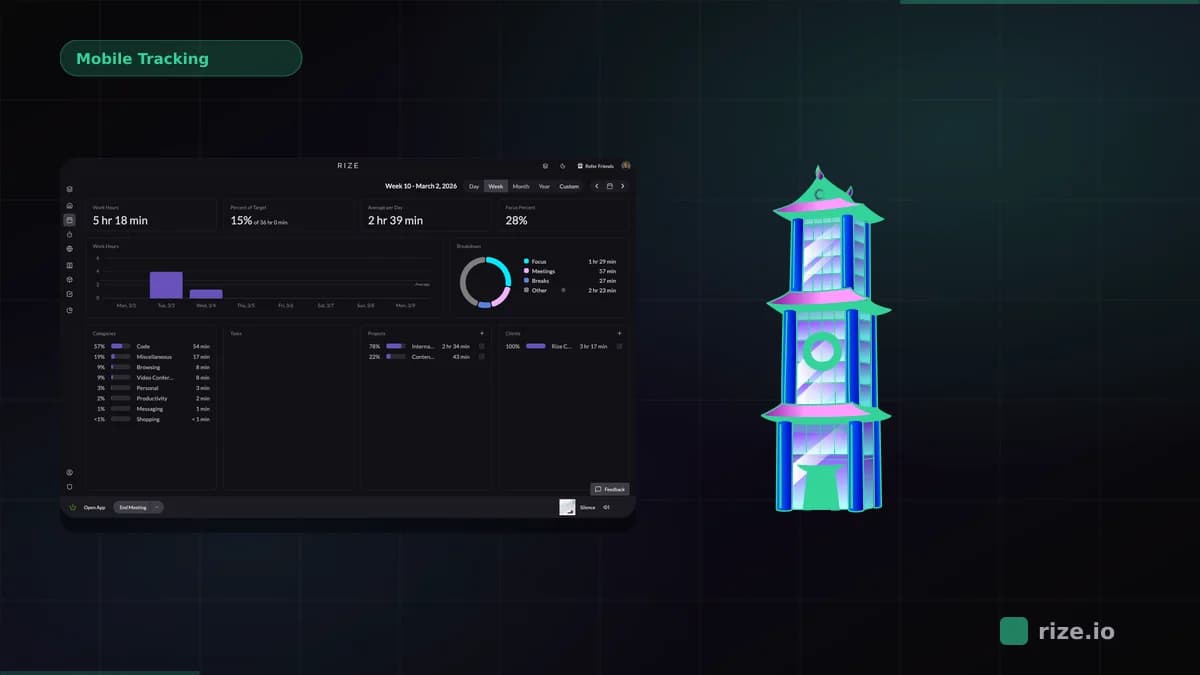
Rize captures window metadata only: the app name, the URL, and the window title. Automatic tracking runs with no screen recording, no keystroke logging, and no content inspection.
The practical framing is counting phone calls without listening to them. Rize can tell that you spent 90 minutes in Figma on a file named for a client, and file the time against that client, without ever storing a picture of your screen.
That difference is structural rather than a setting. The EU AI Act places AI systems used for worker management and monitoring in its high-risk category, which carries impact assessments, human-oversight duties, and transparency obligations. Those obligations attach to how a system is used rather than to how it captures data, so a no-screenshot, no-keylogging architecture does not by itself change the classification. What it narrows is the personal data you have to account for under it.
If you operate in the EU, or sell to clients who audit their vendors, that is a procurement question rather than a preference. Adding a screenshot tool to a workflow that touches client data is a decision your clients may reasonably want to know about.
Which one recovers more billable time?
Rize, because it files activity against clients rather than scoring it. Recovering billable time requires knowing whose work it was, not how productive it looked.
Manual logging loses an estimated 10-30% of billable time to memory gaps and rounding. Both tools remove the manual timer, so both close part of that gap. Only Rize turns the captured activity into a client-attributed entry that can be reviewed, approved, and invoiced.
DeskTime will tell you a designer spent 78% of Tuesday productively. Rize will tell you 4.2 of those hours belong to Acme and are unbilled.
Track time without watching people
Try Rize free for 7 days. Automatic capture, no screenshots, and time filed against clients instead of scored against a productivity target.
Start Free TrialWhich one shows whether a client is actually profitable?
Rize. The Team plan includes client and project profitability, budgeting, and forecasting, so hours land against a rate and produce a margin.
DeskTime reports productivity percentages, attendance, and shift coverage. Those answer whether people showed up and stayed on task. They do not answer whether the Acme retainer is underwater, which is the question that changes what an agency does next quarter.
If your reason for buying a tracker is margin rather than oversight, that gap decides the comparison.
The same Tuesday, reported two ways
Take a designer who spent the day across Figma, Slack, a client call, and two hours of research in a browser. Both tools capture the same raw activity. The reports diverge completely.
DeskTime returns a productivity percentage. Figma counts as productive, Slack is neutral or unproductive depending on how you classified it, and the browser research is scored by domain — which means an afternoon on Reddit reading a competitor teardown may land as unproductive time. The manager sees a number, and the designer has to explain the number.
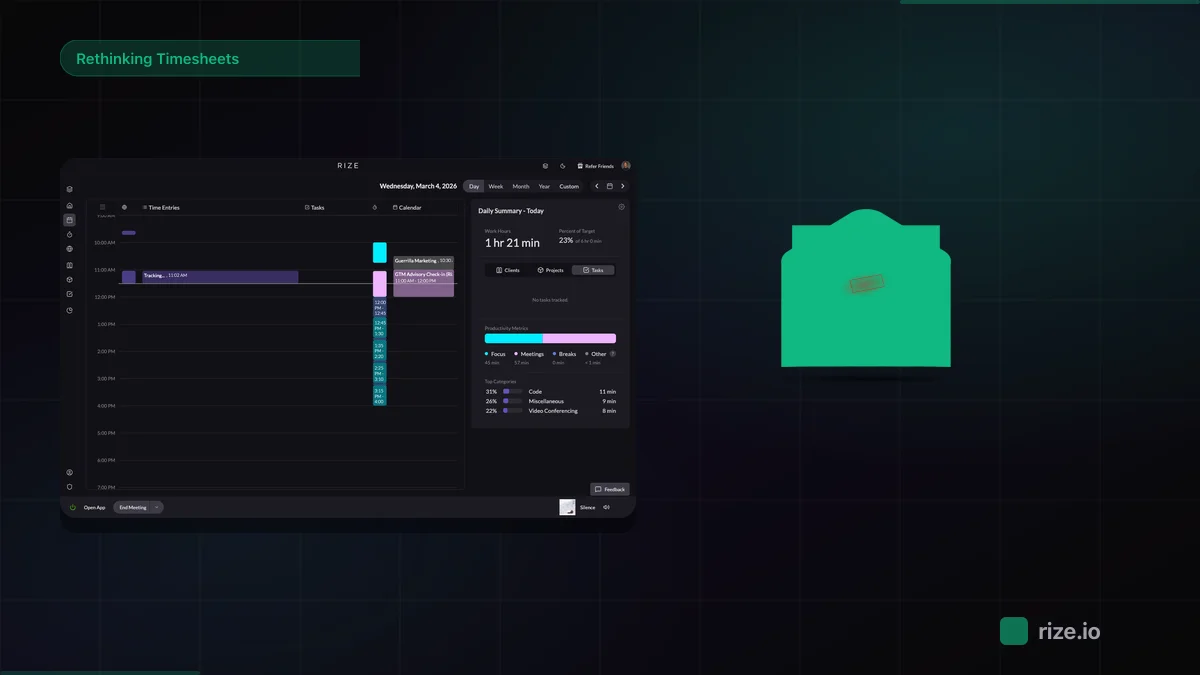
Rize returns a set of client-attributed entries: 3.1 hours on Acme, 1.4 hours on Northwind, 2 hours internal. The browser research is filed against whichever client the reading served. The manager sees where the day went, and the conversation is about whether Acme's retainer covers 3.1 hours of design.
The second report is harder to argue with because it makes no claim about the person. It makes a claim about the work.
That is the whole difference, and it decides which tool you want long before any feature comparison. One measures compliance. The other measures where the money went.
Pricing: DeskTime is cheaper per seat
DeskTime costs less per person at every comparable tier. DeskTime Pro is $6.42 per user per month and Premium is $9.17, both billed annually with a month free.
Rize Team is $39.99 per seat per month with a two-seat minimum. Rize individual plans run $9.99, $23.99, and $39.99 per month on annual billing for Basic, Pro, and Max.
For a five-person team, that is roughly $46 per month on DeskTime Premium against $199.95 on Rize Team. The premium buys profitability reporting, AI categorization into clients, and no surveillance layer to negotiate with your team. If you need attendance records at the lowest possible cost, DeskTime wins on price and should.
What switching actually involves
Neither tool imports the other's history, so plan on a clean break rather than a migration.
Both run a desktop agent, so the rollout work is the same: install, sign in, and let it collect for a week before anyone reads a report. The first week of data from either tool is unrepresentative — people behave differently when a tracker is new.
The difference is what you configure. DeskTime asks you to define productive and unproductive apps up front, which is a policy decision someone has to own and defend. Rize asks you to confirm a handful of AI-proposed client assignments in the first few days, after which the categorization improves on its own.
If you are leaving DeskTime specifically because of the screenshots, tell the team that is why. The tool change lands differently when the reason is stated.
Who should choose which
Choose DeskTime for hourly, shift-based, or in-office staff where attendance and oversight are the job to be done.
Choose Rize for knowledge workers, agencies, and consultancies where the job is recovering unlogged billable hours and seeing which clients make money. The no-screenshot architecture also matters if you have tried a tracker before and the team refused to keep it running.
The two products look similar in a feature grid and solve different problems in practice. Pick the one whose reports you would be comfortable showing to the person being tracked. If that is Rize, compare plans or start a trial below.
Start tracking time automatically
Join thousands of professionals who stopped guessing where their time goes. Free for 7 days.
“Rize has been a no-brainer for me.” — Ali Abdaal Read more →