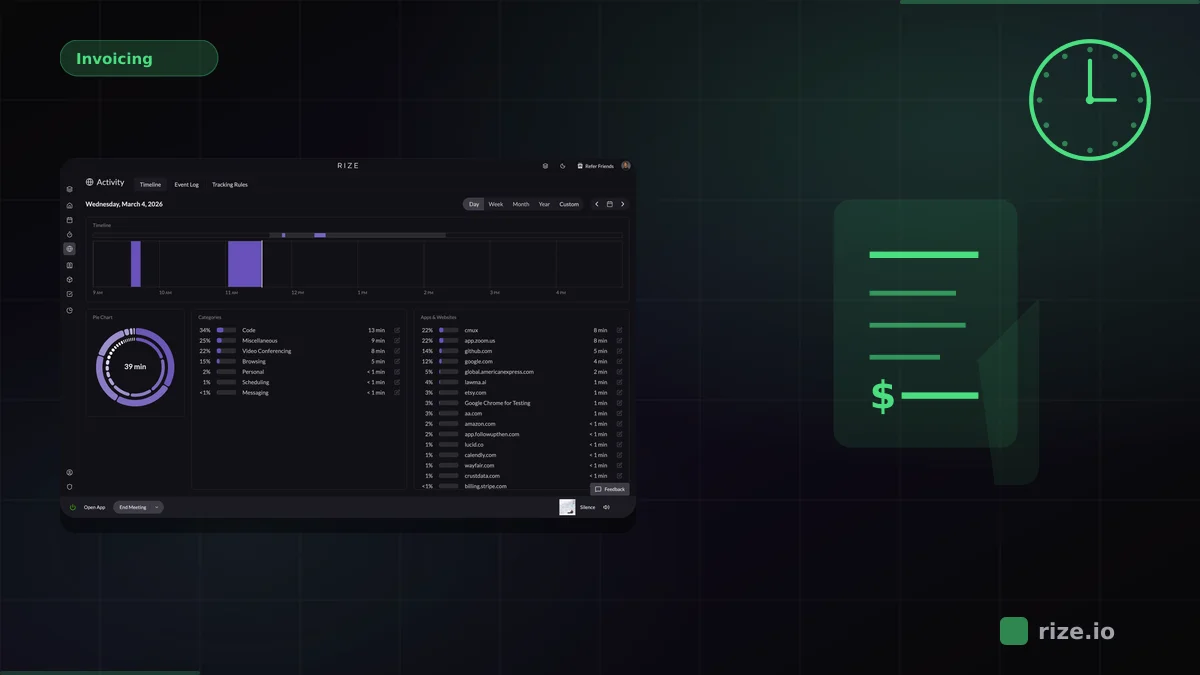
Slack is where a huge amount of real work gets coordinated, but almost none of that time is tracked accurately with manual timers. Rize captures Slack time automatically, logs huddles as meeting time, and pushes summaries back into Slack so teams can see where their hours actually went.
If your agency or service team lives in Slack, the real problem is not whether people are working. It is whether the short bursts of coordination work ever make it into billable records, capacity planning, or profitability reports.
Quick Answer: Best Time Tracking for Slack Teams
Rize is the best automatic time tracker for Slack-based teams. It tracks Slack activity in the background, captures huddles and calls as meeting time, works across the rest of your stack, and includes a native Slack integration for summaries and alerts. Timely is the closest alternative for background capture, while Toggl Track and Clockify are better fits for teams that are comfortable with manual timers.
Why Slack Breaks Manual Time Tracking
Slack work happens in fragments. A four-minute client reply, an eight-minute internal thread, a 12-minute huddle, a quick review loop with design, then back to focused work. Those fragments are real work, but they rarely get logged when tracking depends on a person deciding to start and stop a timer.
For agencies and professional-services teams, that gap is expensive. Communication time is often necessary to move client work forward, but it disappears from the record because it does not look like a clean, one-hour task. That creates underbilling, weak project estimates, and misleading utilization reports.
Manual time logging consistently undercounts actual work. Agencies commonly lose 15-40% of billable hours to forgotten or rounded-down time entries, especially when coordination work is spread across Slack, meetings, and browsers instead of one task view. Automatic capture closes that gap by recording each session whether or not someone remembers to hit start.
| Tool | Slack coverage | Tracking model | Best fit |
|---|---|---|---|
| Rize | Tracks Slack activity, huddles, and summaries | Automatic background capture | Agencies and teams that lose billable hours to communication work |
| Timely | Captures app activity, no Slack-specific workflow | Background capture with approval | Teams focused on utilization and resource planning |
| Toggl Track | Only what you remember to track | Manual timers | Teams with strong timer discipline |
| Clockify | Only what you remember to track | Manual timers | Budget-conscious teams |
Why Rize Wins for Slack-Based Workflows
Rize is the only option in this group that treats Slack as part of the actual workstream instead of assuming the team will reconstruct communication time later. It tracks Slack activity automatically, logs huddles as meeting time, and connects that work to the rest of your stack.
That matters because Slack work rarely exists in isolation. A typical billable session starts in a task manager, moves into Slack for clarification, continues in a browser or design tool, then ends in a client call. Rize captures the full sequence. Timer-first tools capture only the portion someone remembered to mark as running.
Rize also has a native Slack integration that posts summaries and alerts into channels, so managers do not need to open another dashboard just to understand billable time, utilization, or where the team spent its day.
"I'm a trusting leader, but I don't even trust myself to remember what I worked on two days ago. So how can I expect my designers to?"
— Ben Jackson, CEO, Momentum Studio
That is why the Slack problem matters commercially. Momentum Studio, a 12-person creative agency, recovered 20% more billable time after switching from manual tracking to Rize. The work was already happening across Slack, Figma, Zoom, and browsers. Rize simply made that work visible enough to bill and manage accurately.
Need Slack time to count toward real project work?
Rize captures the conversation time, the huddles, and the context switching automatically instead of asking your team to reconstruct it later.
Start Free TrialTimely: Closest Alternative for Automatic Capture
Timely is the strongest alternative if you want background capture but do not specifically need Slack-native workflows. It records application activity and drafts time entries for people to review before finalizing them.
That review step gives teams more control, but it also adds a layer of cleanup that Rize avoids. For Slack-heavy work, the extra review burden can become its own form of admin overhead. Timely is best for teams that care most about utilization and planning, not necessarily billing every short communication fragment accurately.
Toggl Track and Clockify: Fine if Your Team Actually Uses Timers
Toggl Track and Clockify are credible tools when the team has high timer discipline. If your main requirement is a manual timer and basic reporting, both can work well.
The issue is not product quality. The issue is workflow fit. Slack creates dozens of small work sessions per day that do not naturally translate into timer starts and stops. If the communication layer is where your missing hours live, manual tools leave the core problem unsolved.
Best Fit by Team Type
- Choose Rize if your team does meaningful work inside Slack and you want that time to show up in billing, profitability, or utilization without manual effort. Best for agencies, consultants, and service teams. Start with Rize for Teams or review profitability workflows.
- Choose Timely if you want automatic capture but are more focused on resource planning than Slack-specific tracking.
- Choose Toggl Track if your team is comfortable with timers and you want straightforward reporting.
- Choose Clockify if budget is the main constraint and you are willing to accept manual-entry tradeoffs.
Final Recommendation
If Slack is just a side channel for your team, almost any tracker will do. If Slack is where your real client coordination, internal handoffs, and quick unblockers happen, then the choice changes. You need a tracker that captures those fragments automatically and ties them back to project work.
That is why Rize is the best automatic time tracker for Slack teams. It captures the communication work, preserves privacy, and routes the resulting data into the reporting and profitability workflows that matter. Start with the Slack integration, then connect it to profitability analysis or pricing if you are planning a team rollout.
Start tracking time automatically
Join thousands of professionals who stopped guessing where their time goes. Free for 7 days.
“Rize has been a no-brainer for me.” — Ali Abdaal Read more →