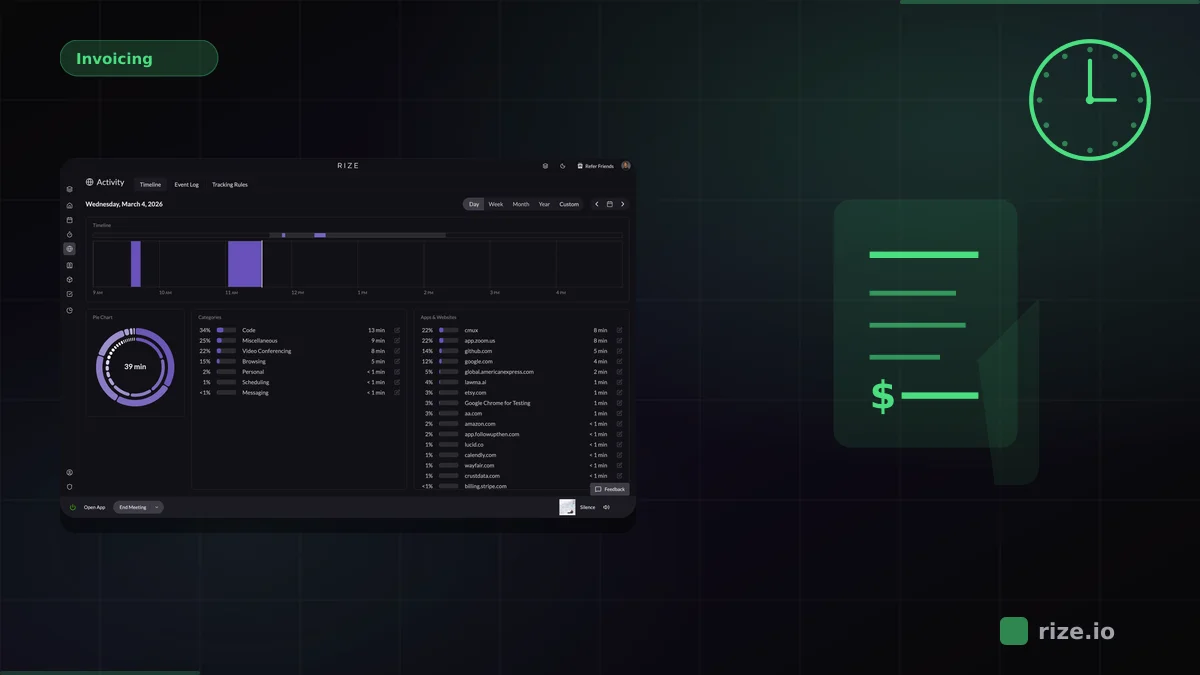
The best automatic time tracking app for Mac runs in the background, captures what you work on, and turns that activity into organized time entries without timers or timesheets. After testing the leading options, Rize is the clear choice for fully passive, AI-categorized time tracking on macOS.
This guide compares four Mac time trackers: Rize (fully automatic), Timely (background capture with manual approval), Toggl Track (manual timers), and TimeCamp (rule-based auto-tracking). Manual methods lose an estimated 15-40% of billable hours.
Quick Answer
Best automatic time tracking app for Mac: Rize for fully passive capture with AI categorization and no screenshots. Timely for background capture with manual review, Toggl Track for manual timers, or TimeCamp for rule-based auto-tracking.
The lost hours come from constant task switching, not laziness. According to the American Psychological Association, shifting between tasks can cost up to 40% of your productive time. A 2022 Harvard Business Review study found the average digital worker toggles between apps and websites nearly 1,200 times a day, and research by Gloria Mark at the University of California, Irvine, measured for Gallup, put the average recovery time at 23 minutes and 15 seconds per interruption. A manual timer never logs those fragments. Rize captures each one automatically.
Comparison: Mac Time Tracking Apps
| Feature | Rize | Timely | Toggl Track | TimeCamp |
|---|---|---|---|---|
| Tracking Method | Fully automatic | Background + manual approval | Manual timer + timeline | Rule-based auto-tracking |
| AI Categorization | Yes | Partial | No | No |
| Manual Effort | None | Daily review | Start/stop | Rule setup |
| Privacy | No screenshots | No screenshots | No screenshots | Optional screenshots |
| Pricing | From $23.99/mo (Pro, annual) | From $9/user/mo | Free tier; from $9/user/mo | Free tier; from $3.99/user/mo |
Rize: Fully Automatic Time Tracking for Mac
Rize is the only fully automatic time tracker built as a native Mac app. It lives in the menu bar, launches at startup, and captures every application, browser tab, and document you work on. AI categorizes each activity into projects and clients, so your timesheet is ready without daily review.
The Mac app uses macOS system APIs for foreground detection, stays under 1% CPU, and processes data locally without screenshots or keystroke logging. For teams, it adds utilization dashboards and project profitability tracking. Momentum Studio recovered 20% more billable time after switching to Rize.
Timely: Background Capture with Manual Review
Timely's Memory feature logs app and website usage on Mac, then drafts a visual timeline for review. It captures more than manual timers, but still requires daily cleanup. Activity is not categorized automatically; you assign blocks to projects during review. For a direct comparison, see Rize vs Timely.
Toggl Track and TimeCamp
Toggl Track is a manual timer with a background Timeline feature that records app usage but does not create entries automatically. TimeCamp offers keyword-based auto-tracking and a free tier, but requires ongoing rule maintenance. Neither matches Rize for zero-touch billing accuracy. Compare plans on the pricing page.
Which Mac Time Tracker Should You Choose?
Choose based on how much manual work you want and whether you need billing data or productivity insights.
- Rize — fully automatic tracking with AI categorization. Download the Mac app for a free 7-day trial.
- Timely — background capture with manual review. From $9/user/mo.
- Toggl Track — manual timers with a timeline backup. Free tier available.
- TimeCamp — rule-based auto-tracking with a free tier.
See also our roundups of the best Mac productivity apps and best focus apps for Mac.
Track every Mac work session automatically
No timers, no manual entry. Rize captures every billable minute — including the short tasks other tools miss.
Start Free Trial