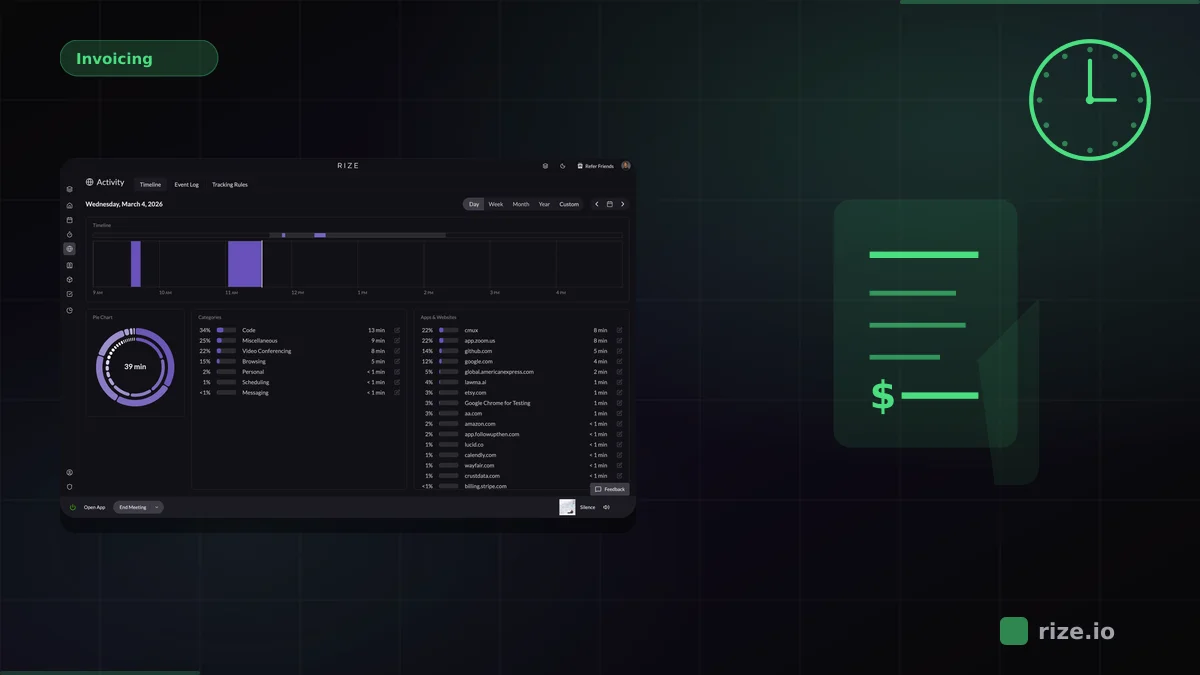
HubSpot is central to modern agency and marketing operations, but it does not solve time tracking. Rize fills that gap by capturing time automatically while your team works across HubSpot, email, analytics tools, meetings, and campaign assets.
That matters because HubSpot work rarely happens in one clean block. A strategist touches CRM records, reviews a landing page, answers a client email, checks campaign performance, and joins a quick call. Most manual trackers miss a meaningful share of those short sessions.
Quick Answer: Best Time Tracking for HubSpot Users
Rize is the best automatic time tracker for HubSpot-heavy teams. It captures browser-based HubSpot work in the background, categorizes time by client and project, and covers the rest of the delivery stack as well. Harvest is strong if you want manual timers paired with invoicing. Timely is a decent alternative for automatic capture. Clockify is the budget option if your team is willing to manage timers.
Why HubSpot Teams Lose More Time Than They Think
HubSpot work is unusually fragmented. The job is not just “inside the CRM.” It spans campaign edits, reporting, email threads, meeting prep, landing-page reviews, Slack conversations, and browser research. A timer that only runs when someone remembers to click it inside one tool will undercount the real work.
That is why marketing and agency teams often feel busy while their time reports look incomplete. The missing hours are not imaginary. They are spread across many short sessions that no one bothers to enter manually because each one feels too small to log in the moment.
That pattern is expensive. Agencies using manual tracking typically lose 15-40% of billable hours to forgotten timers, rounded durations, and unlogged short tasks. HubSpot-heavy work makes the problem worse because so much of the delivery flow happens in fragmented browser sessions rather than in one clear timer window.
| Tool | HubSpot coverage | Tracking model | Best fit |
|---|---|---|---|
| Rize | Detects browser-based HubSpot work automatically | Automatic background capture | Agencies and marketing teams that need accurate client-level time |
| Harvest | No automatic HubSpot detection | Manual timers | Teams that want timer-to-invoice workflows |
| Timely | Captures browser activity, no HubSpot-specific workflow | Background capture with approval | Teams optimizing utilization and planning |
| Clockify | Only what people remember to track | Manual timers | Budget-conscious teams |
Why Rize Fits HubSpot Work Better Than Timer-First Tools
Rize works because it captures the whole delivery context instead of assuming HubSpot is the only place the work happens. It detects browser-based HubSpot sessions automatically, but it also captures the surrounding tools where client work actually gets done.
That makes it a strong fit for agencies, RevOps teams, and marketing teams managing many clients or campaigns at once. When someone moves from HubSpot to Google Ads to a browser tab to a quick client call, Rize captures the sequence and assigns it to the right project instead of dropping the non-HubSpot portions on the floor.
For commercial routing, this matters most for teams that care about client profitability. The HubSpot use case is rarely just “track time in one app.” It is “understand how much effort a client actually takes.” That is why HubSpot-heavy teams usually need marketing-team workflows plus profitability reporting, not just a timer.
"I'm a trusting leader, but I don't even trust myself to remember what I worked on two days ago. So how can I expect my designers to?"
— Ben Jackson, CEO, Momentum Studio
That quote applies directly to HubSpot workflows. The missing work is not laziness. It is fragmented execution spread across CRM updates, browser research, emails, calls, and internal coordination. Momentum Studio recovered 20% more billable time after switching from manual tracking to Rize, which is exactly the kind of gap HubSpot-heavy teams are trying to close.
Need real client effort data from HubSpot-heavy work?
Rize captures the campaign work, CRM updates, browser research, and communication time automatically so project profitability reflects reality.
Start Free TrialHarvest: Best Manual Option if Invoicing Comes First
Harvest is a good fit when your team wants a straightforward timer plus invoicing workflow in the same product. If the priority is billing workflow simplicity rather than complete capture, Harvest remains one of the best manual options.
The tradeoff is familiar: Harvest only knows what someone decided to track. It does not solve the HubSpot-specific problem that much of the work is fragmented and spread across tools. For teams already missing hours because of context switching, Harvest improves invoicing but not the capture gap itself.
Timely: Reasonable if You Want Automatic Capture but More Review
Timely is the closest alternative when you want automatic capture, but it requires more review and cleanup than Rize. That can be acceptable for internal teams focused on utilization or planning.
For agencies and external-service teams, the manual approval layer can still become operational drag. If the main goal is to recover missed client hours, lower-friction automatic capture tends to work better.
Clockify: Best for Cost, Not for Completeness
Clockify is attractive because the entry price is low. If your team is disciplined about timers and cost is the main filter, it can be a workable choice.
But HubSpot work is a bad fit for timer discipline. It is scattered, communication-heavy, and full of short actions. If completeness is the priority, the low price does not compensate for the missing time.
Final Recommendation
If your HubSpot usage is occasional, a simple manual tracker may be enough. If HubSpot sits at the center of campaign delivery, client communication, and RevOps work, then you need something that captures the actual work pattern instead of the idealized version of it.
That is why Rize is the best time tracker for HubSpot-heavy teams. It tracks the browser-based CRM work automatically, captures the surrounding execution work too, and turns the resulting time data into something finance and operations can actually use. Start with marketing-team workflows, review integrations, or move straight to the demo if you are evaluating rollout.
Start tracking time automatically
Join thousands of professionals who stopped guessing where their time goes. Free for 7 days.
“Rize has been a no-brainer for me.” — Ali Abdaal Read more →