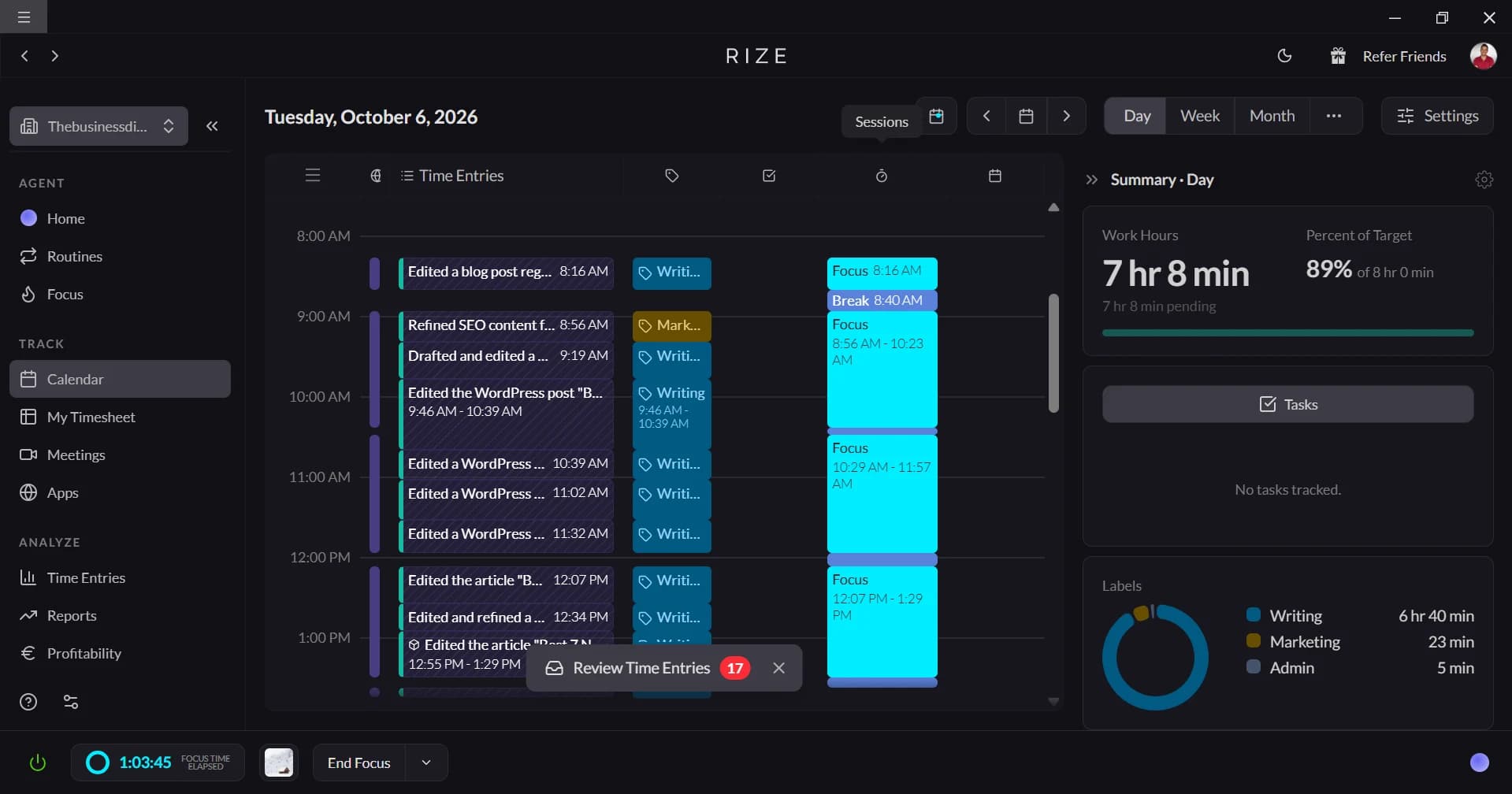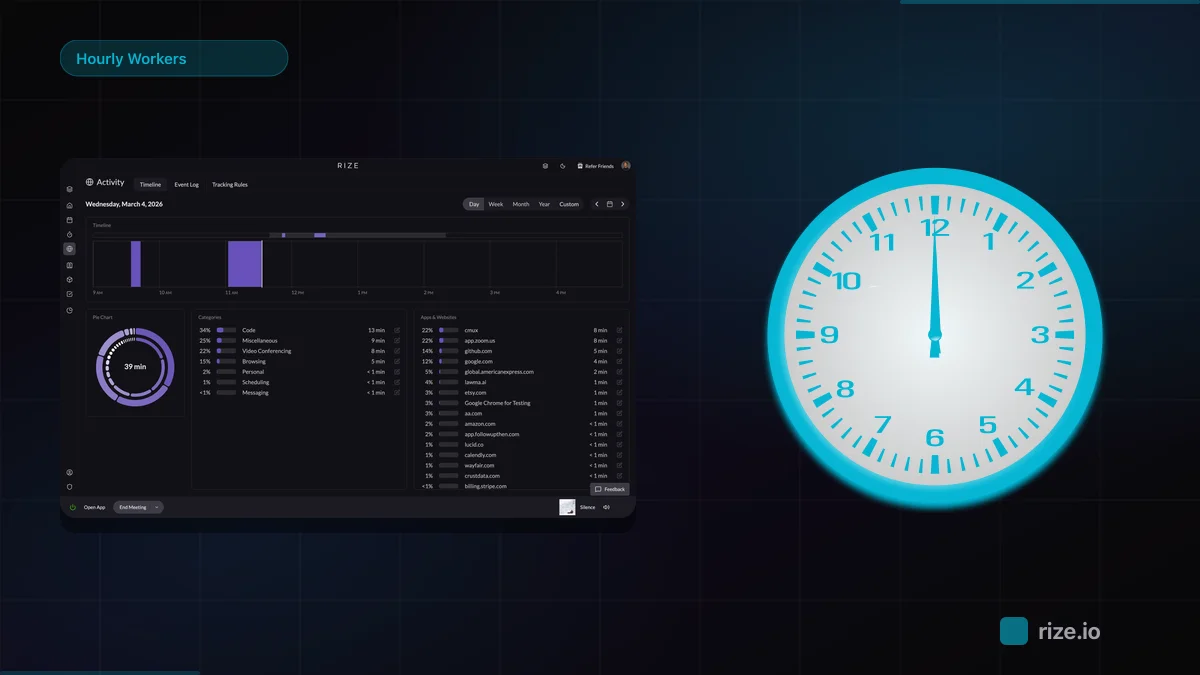
SaaS Trac is reviewing one AI agent every day for 100 days. On Day 2, the spotlight landed on Rize. In just over a minute, the review explains why automatic time tracking matters and why Rize earned a 9/10 rating.
Quick Take
SaaS Trac verdict: Rize automatically tracks apps, websites, and work activity in the background, then uses AI to organize everything into projects, clients, and tasks. No timers, no screenshots, and a 9/10 rating from the series.
What SaaS Trac Covered in Its Rize Review
SaaS Trac gave Rize a 9 out of 10, calling out automatic time tracking, focus scoring, burnout detection, and a no-screenshots privacy model. The 64-second review frames Rize as a tool that records your entire workday without a single timer.
The video asks one question: what if you could track every minute of your workday without ever starting a timer? For most knowledge workers, manual time entry is either forgotten or inflated. Rize removes that friction by running quietly in the background and building a complete record of where time actually goes. According to SaaS Trac, that is what separates Rize from the dozens of timer-based apps the series has reviewed.
SaaS Trac named five strengths that stood out during the review:
- Automatic time tracking: Rize detects active apps and websites and assigns time to the right project or client without manual timers.
- Focus score insights: users get a measurable view of how concentrated their work sessions are.
- Burnout detection: patterns like overwork and fragmented focus surface before they become problems.
- No screenshots: Rize captures time data, not surveillance footage.
- Privacy-friendly: the data model is built around user trust rather than keystroke logging.
The review closes with a simple lesson: you cannot improve what you do not measure. Most professionals lose hours every week because they do not know where their time is actually going. Automatic time tracking fixes that visibility gap, which is why the reviewer landed on a 9/10.
Why Automatic Time Tracking Beats Manual Timers
Manual timers lose an estimated 15-40% of billable hours to forgotten starts, rounded durations, and skipped short tasks. Automatic tracking closes that gap by recording every session as it happens, then assigning it to the right project with AI.
The expensive losses are usually the small ones. According to research from UC Irvine professor Gloria Mark, it takes about 23 minutes to fully refocus after an interruption, so the five-minute Slack reply and the quick client email rarely get logged even though they fragment the day. A designer might record 45 minutes in Figma and miss the 20 minutes spent answering questions about the same project. Over a week, those gaps compound across an entire team.
Rize's automatic time tracking records each session at second-level precision so nothing depends on memory. If you want the mechanics, our explainer on how automatic time tracking works walks through the capture, categorize, and report pipeline that powers the workflow SaaS Trac demoed.
What Focus Score and Burnout Detection Measure
Rize's focus score grades how concentrated each work session is, and its burnout signals surface overwork and fragmented attention before they cost you a person. Both run on the same passive activity data that drives time tracking, so there is nothing extra to set up.
Context switching is the hidden tax the review hints at. The more a day breaks into 15-minute fragments across Slack, email, and meetings, the lower the focus score and the higher the burnout risk. Rize turns that into a number you can act on. Managers use it to spot when someone is drowning in meetings, and individuals use it to protect deep work. Our breakdown of the hidden cost of context switching shows how those fragmented hours erode both output and margin, and Rize's focus and productivity insights make the pattern visible.
Why "No Screenshots" Matters
Rize captures app names, window titles, and URLs to categorize work, not screenshots, keystrokes, or screen recordings. That distinction is why the data model answers "where did my time go?" instead of "is this person working?"
The most common objection to automatic time tracking is privacy, and SaaS Trac calls out the no-screenshots design as a reason teams adopt Rize without resistance. Surveillance tools that log screenshots and activity levels create a trust problem that quietly raises stress and turnover. A privacy-first model removes that friction. For the full comparison, see our guides to privacy-first time tracking software and the best employee monitoring alternatives without screenshots. For distributed companies, this is also why Rize works for remote teams where trust affects retention.
See your whole workday without a single timer
Rize tracks apps, websites, and meetings automatically, then organizes everything into projects and clients. No timers, no screenshots. Free for 7 days.
Start Free TrialWhy Rize Fits Consultants, Agencies, and Freelancers
The review names freelancers, consultants, agencies, and lawyers as the professionals who benefit most because time is their product. When billable hours are undercounted, revenue disappears; when non-billable work goes untracked, margins become guesses.
The case studies back up the review. Momentum Studio, a 12-person creative agency, recovered 20% more billable time and saved 8 hours per week on admin after switching to Rize, according to its case study. Impulse Lab, a 6-person product studio, hit 98% billing accuracy, generated client reports 5x faster, and grew revenue 30%, according to its results. In both cases the projects did not change. The accuracy of the time data did.
Rize gives these teams accurate data without the cultural damage of surveillance tools. Project and client tagging happen automatically, and reports show billable utilization, focus trends, and workload patterns in one place. That maps directly to project profitability and billable time reporting. Whether you run an agency, bill solo as a freelancer, or track matters at a law firm, the workflow is the same: work as usual, and the timesheet builds itself.
Automatic time tracking: background time capture that logs every app, document, and website without manual timers, recovering the 15-40% of billable hours typically lost to manual logging.
Rize vs Manual Time Tracking at a Glance
The difference SaaS Trac highlights comes down to who does the work. Manual tools depend on people remembering to start, stop, and label timers; Rize captures and categorizes everything on its own.
| What you get | Manual timers | Rize |
|---|---|---|
| Time capture | Start/stop a timer by hand | Automatic, in the background |
| Project tagging | Pick from dropdowns | AI assigns by app, URL, and window title |
| Billable accuracy | Loses 15-40% of hours | Up to 98% accurate (Impulse Lab) |
| Privacy | Some tools take screenshots | No screenshots, no keystrokes |
| Admin overhead | Weekly timesheet cleanup | None (8 hrs/week saved at Momentum Studio) |
Watch the Full Series
SaaS Trac's 100 Days 100 AI Agents series reviews one AI tool per day. You can follow the series on the SaaS Trac YouTube channel and read the full Rize write-up at aiagents.saastrac.com.
Try Rize Yourself
If you want to see what automatic time tracking looks like for your own workday, you can start a free Rize trial or download Rize directly. It runs on Mac and Windows, connects with ClickUp, Linear, Asana, Google Calendar, and Outlook, and you can compare plans on the pricing page. Like SaaS Trac's reviewer, most people are surprised by how much of their day was going untracked.
Start tracking time automatically
Join thousands of professionals who stopped guessing where their time goes. Free for 7 days.
“Rize has been a no-brainer for me.” — Ali Abdaal Read more →