Rize tracks desktop activity for 50,000+ users across 40 countries. We see every app open, every website visited, every minute spent. When it comes to AI tools, the data tells a different story than the headlines.
Why this data is different from what you read elsewhere
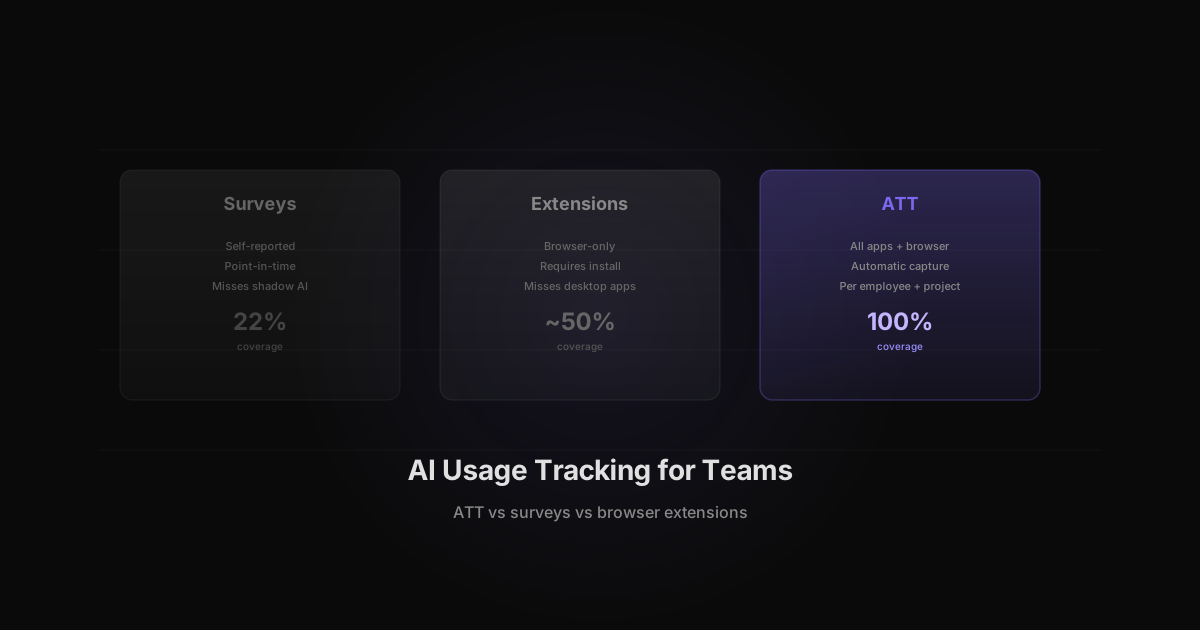
Most AI usage statistics come from surveys. Surveys have a consistent problem: people overestimate their AI usage when asked about it directly. According to McKinsey's 2024 State of AI survey, 72% of companies report using AI in at least one business function. But self-reported adoption numbers consistently run 40-60% higher than what automatic tracking shows.
Rize does not survey users. We track actual desktop app time, website visits, and active window data via an Electron agent. The numbers below come from our aggregated tracking data, a two-week rolling window across the full user base. This is what people actually had open on their screens, not what they said they used.
The difference matters. A tool someone opens for 30 seconds to check something shows up as usage in a survey. It shows up as ~1% of AI tool time in our data. That difference is the gap between hype and reality.
The rankings
We pulled a two-week rolling window from our production database. These are real usage numbers from real knowledge workers, not survey data or app store downloads.
AI tools by daily usage per active user
| Rank | Tool | Category | Avg. share of AI time per active user |
|---|---|---|---|
| 1 | Claude (desktop) | AI Chat | ~31% |
| 2 | Cursor | AI Coding | ~30% |
| 3 | Codex | AI Coding | ~25% |
| 4 | Devin | AI Agent | ~20% |
| 5 | Claude.ai (web) | AI Chat | ~10% |
| 6 | Windsurf | AI Coding | ~10% |
| 7 | ChatGPT | AI Chat | ~8% |
| 8 | Lovable | AI Builder | ~7% |
| 9 | Replit | AI Coding | ~6% |
| 10 | Gemini | AI Chat | ~6% |
| 11 | Perplexity | AI Search | ~3% |
| 12 | Copilot (web) | AI Chat | ~1% |
The first surprise: Claude (desktop app) is the #1 most-used app across ALL tools tracked by Rize. Not just AI tools. All tools. Ahead of YouTube, Chrome, Slack, Google Docs, and every other app in our dataset.
Combined Claude usage (desktop + web) accounts for over 40% of all AI tool time. ChatGPT, despite higher brand recognition, accounts for roughly 8%. See our full Claude vs ChatGPT comparison for a deeper breakdown.
Where Claude sits among all apps
Claude (desktop) ranks #1 across ALL applications tracked by Rize -- not just AI tools. It sits ahead of YouTube, Slack, VS Code, Microsoft Teams, Chrome, Google Meet, and Google Docs. Claude.ai (web) ranks in the top 10 as well. Combined, Claude accounts for over 40% of all AI tool time.
The engagement gap
Share of AI tool time tells a different story than total user counts. ChatGPT has more users, but Claude users show 3.7x more engagement. Cursor captures the largest share of any AI tool at ~30% of AI tool time, but it has fewer total users than either Claude or ChatGPT.
This matters for teams evaluating AI tools: the tool capturing the largest share of your team's AI time is not necessarily the one with the most seats. A tool used by 10 people who each give it 30% of their AI time delivers more value than a tool with 100 seats at 1% each.
The engagement gap is widest at the top. Cursor and Claude (desktop) each command roughly 30x more AI tool time than Copilot (web). If your team has Copilot licenses and no tracking in place, you may be paying for something your team has quietly stopped using.
What the role breakdown shows
AI tool usage splits significantly by job function based on our data:
Developers cluster around coding tools. Cursor, Codex, and Windsurf together account for the majority of AI time among users whose tracked apps include VS Code, GitHub, or terminal applications. Claude also appears heavily among developers, particularly for debugging and documentation. The Cursor vs Windsurf comparison shows how these IDE choices are shifting -- Windsurf usage dropped 65% in June while Claude Code vs Cursor shows Claude gaining share.
Operators and managers use Claude and ChatGPT for writing, summarizing, and analysis. Their sessions are shorter but more frequent than developer sessions. Average session length for ChatGPT among this group runs 3-5 minutes.
Designers and content creators show the widest tool variety: Claude for copy, Midjourney or similar image tools for visuals, and occasionally Lovable or v0 for prototypes. This group is also the fastest-growing in terms of new tool adoption.
The implication: a single AI tool policy for your entire team will miss the actual usage pattern. Developers and ops teams use AI differently. Tracking both groups separately tells you more than a company-wide average.
AI tool pairings
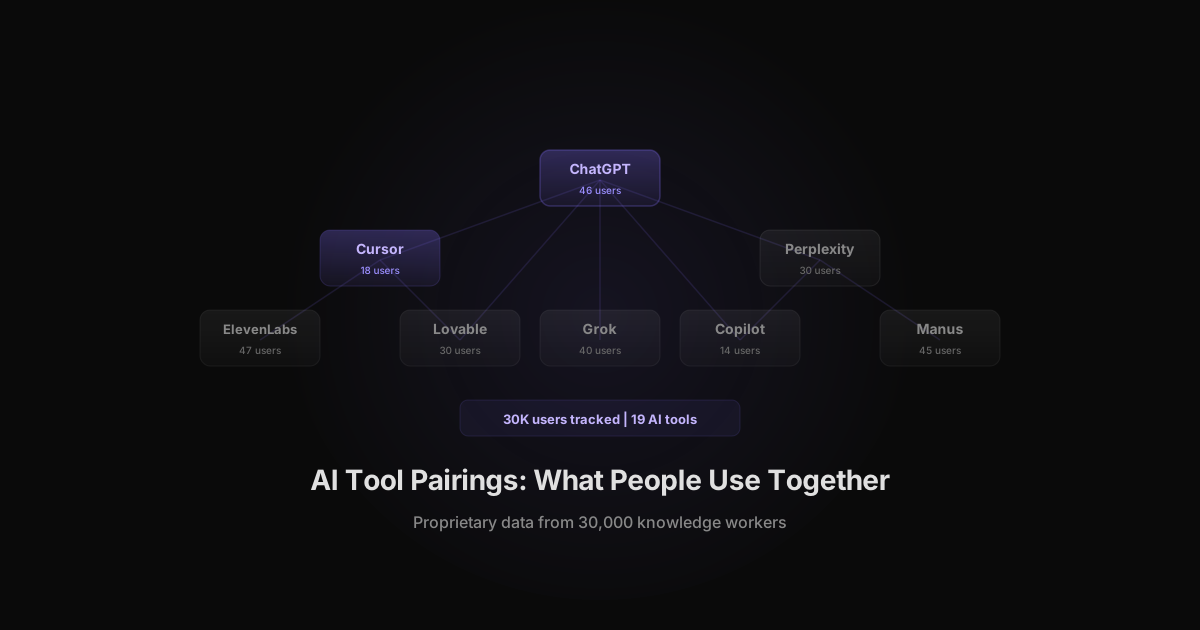
Most knowledge workers do not use a single AI tool. The most common pairings from our data:
| Pairing | Frequency |
|---|---|
| ChatGPT + Claude | Most common |
| Claude + Gemini | Common |
| ChatGPT + Gemini | Moderate |
| ChatGPT + Codex | Moderate |
| Claude + NotebookLM | Moderate |
The ChatGPT + Claude pairing is the most common by far. Users appear to use ChatGPT for quick lookups and Claude for longer work sessions, based on the engagement time difference. This two-tool pattern is worth knowing before mandating a single AI platform across a team.
According to the Stack Overflow 2024 Developer Survey, professional developers are increasingly using multiple AI coding tools in parallel rather than committing to one. Our pairing data shows the same pattern across the broader knowledge worker population.
Shadow AI: the tools your company does not know about
According to HelpNetSecurity, 78% of workers use AI tools their company does not officially provision. Our data confirms this. Across the 50K+ users tracked by Rize, we see dozens of AI tools appear in the dataset that most IT departments would not recognize: niche coding assistants, AI research tools, specialized writing apps, and consumer-grade chatbots accessed through browsers.
The gap between what companies provision and what employees use is not a small one. In most organizations, the approved AI stack represents a fraction of actual AI activity.
This matters for three reasons:
First, you cannot measure ROI on tools you do not know your team uses. Second, unapproved tools create data governance exposure: sensitive context entered into a consumer chatbot may not carry enterprise data agreements. Third, discovering which unapproved tools have the highest engagement often reveals the tools worth adding to the approved stack.
The GitHub Octoverse 2024 report found that developer AI adoption is dominated by self-initiated tool exploration rather than top-down mandates. Employees find tools that work and use them. The question is whether your organization has visibility into what that looks like.
What this means for teams
If you manage a team and want to understand AI tool ROI, three things matter:
Engagement per user, not seat count. A Cursor license capturing ~30% of a developer's AI tool time is delivering value. A Copilot license at ~1% is not.
Shadow AI is real. 78% of workers use AI tools their company does not officially provision. If your team uses Claude and ChatGPT and Perplexity and you are only paying for one, you have a visibility problem.
Track it or guess. The only way to know which tools your team actually uses is to measure. Survey data consistently overstates AI adoption by 40-60% compared to what automatic tracking shows. Self-reported numbers are unreliable.
Once you have the data, the decisions become straightforward. Rize's AI productivity metrics show which tools your team actually uses, how much time they spend in each, and which tools are being used without IT approval. That picture is the starting point for any meaningful AI tool strategy.
How we track this
Rize automatically tracks all desktop apps and websites via an Electron agent. We detect 23+ AI tools by app name and URL pattern. No screenshots, no keylogging, just window titles and URLs. The data in this post comes from our aggregated tracking data across 50,000+ users in 40 countries.
Start tracking time automatically
Join thousands of professionals who stopped guessing where their time goes. Free for 7 days.
“Rize has been a no-brainer for me.” — Ali Abdaal Read more →