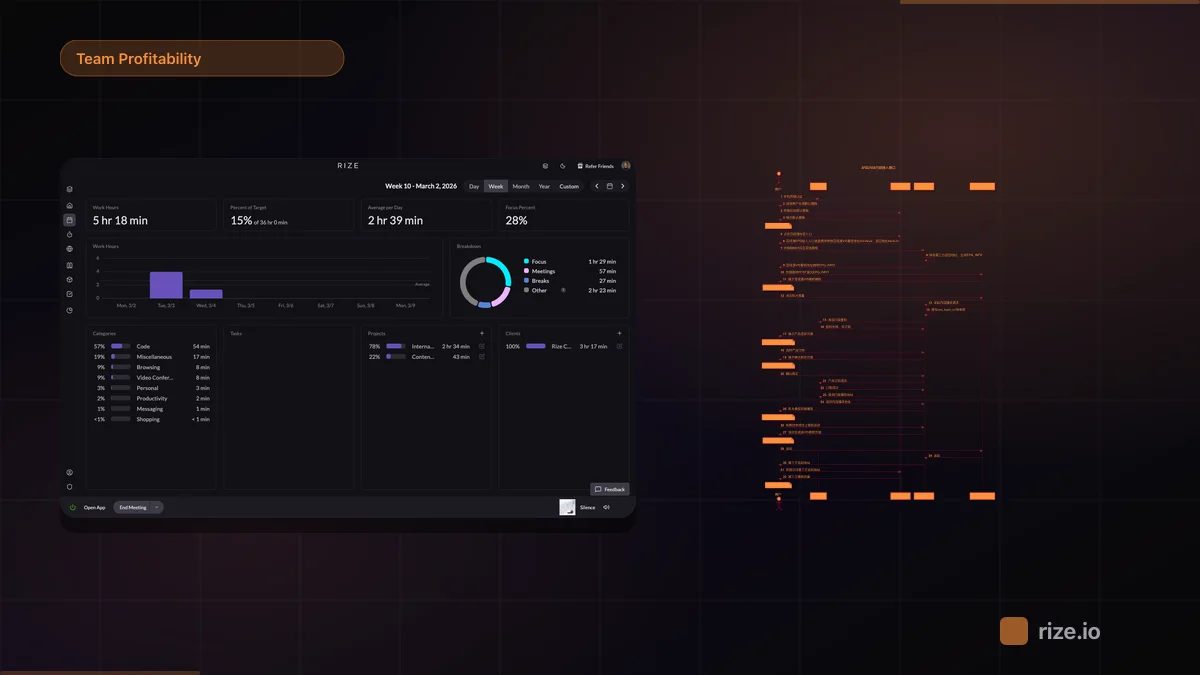
Rize is an automatic time tracker that captures every work session in the background — including time spent in Monday.com. It detects Monday.com activity in your browser, categorizes work using AI, and connects to Monday.com via Zapier to sync time entries to your boards. Native Monday.com support is planned for summer 2026.
If your team uses Monday.com for project management and needs accurate time data without the friction of start/stop timers, this guide compares the five main options: Rize, Monday.com's built-in time tracking, Toggl Track, Clockify, and Timely. According to Harvard Business Review research, inaccurate timesheets cost businesses $7.4 billion per day globally.
Quick Answer: Best Monday.com Time Tracking Integration
Rize is the best automatic time tracker for Monday.com teams. It captures time in the background across all apps — no timers, no browser extensions — and connects to Monday.com via Zapier with native integration support planned for summer 2026. Monday.com has a built-in time tracking column, but it requires manual start/stop and sees low adoption. Toggl Track and Clockify both offer Monday.com integrations through browser extensions, but they also rely on manual timers. Timely offers background capture but lacks a documented Monday.com connection.
Comparison: Monday.com Time Tracking Tools
| Feature | Rize | Monday.com Built-in | Toggl Track | Clockify | Timely |
|---|---|---|---|---|---|
| Integration Type | Zapier (native planned for summer 2026) | Built-in column | Browser extension | Browser extension | Not documented |
| Tracking Method | Fully automatic (zero-touch) | Manual timer (start/stop) | Manual timer (start/stop) | Manual timer (start/stop) | Background capture + manual approval |
| AI Categorization | Yes | No | No | No | Partial (auto-drafts) |
| Privacy | No screenshots, no keystrokes | N/A (manual entry) | Optional screenshots | Optional screenshots | No screenshots |
| Multi-Tool Support | Linear, ClickUp, Asana + 8,000+ via Zapier | Monday.com only | 100+ integrations | 80+ integrations | Limited native integrations |
| Pricing | From $9.99/mo (Basic, annual); $29.99/seat/mo (Team) | Free with Monday.com plan | From $9/user/mo | Free tier; from $3.99/user/mo | From $9/user/mo |
Rize: Automatic Capture for Monday.com Teams
Rize runs in the background on your Mac or PC and detects when you are working in Monday.com based on your active browser tabs, applications, and document context. It logs time automatically — no timers to start, no buttons to click, no browser extension to install.
Here is what the workflow looks like in practice:
- Install Rize and connect Monday.com via Zapier in Settings.
- Work normally. Rize quietly captures time across all your apps, including Monday.com.
- AI categorizes each session — meetings, deep work, admin, project time — without manual tagging.
- Time entries sync to your Monday.com boards via Zapier.
- Pull time reports by project, category, or date range from the Rize dashboard.
Rize already has native integrations with Linear, ClickUp, and Asana. A native Monday.com integration with direct API sync is planned for summer 2026. In the meantime, the Zapier connection handles the sync, and automatic background capture works regardless — Rize tracks your Monday.com usage whether or not you connect Zapier.
Monday.com Built-in: Free but Manual
Monday.com includes a time tracking column you can add to any board. It works as a manual start/stop timer directly inside your tasks. It is free with your Monday.com plan, which makes it the lowest-friction option if your team already uses Monday.com.
The problem is adoption. Manual timers depend on every team member remembering to press start before working and stop when they finish. In practice, most people forget — especially during context switches, quick tasks, or meetings. According to Gloria Mark's research at UC Irvine, it takes roughly 23 minutes to refocus after a context switch, and those fragmented moments are exactly the ones people forget to log. The result is incomplete time data that underrepresents actual work done. If you are tracking time for billing or capacity planning, gaps in the data cost you money.
The built-in column also lacks reporting depth. You get basic totals per item, but there is no breakdown by activity type, no AI categorization, and no cross-tool visibility. For teams that need Monday.com time tracking alongside other tools, the built-in option does not extend beyond Monday.com boards.
Toggl Track: Popular Timer with Monday.com Integration
Toggl Track is one of the most widely used time tracking tools, with Monday.com time tracking available through its browser extension. It adds a timer button inside Monday.com so users can start and stop tracking from their tasks.
Toggl Track's strength is its reporting. It offers detailed time reports, team dashboards, and project profitability views that go well beyond Monday.com's built-in column. The integration also supports billable rates, rounding rules, and client tagging.
The trade-off is the same as any manual timer: accuracy depends on user discipline. If someone forgets to press start or leaves a timer running through lunch, the data is wrong. Toggl Track does offer idle detection to help catch mistakes, but it cannot capture time you never started tracking. Plans start at $9/user/month.
Clockify: Free Tier for Budget-Conscious Teams
Clockify offers a free tier covering up to 5 users (capped in April 2026) and a browser extension that adds timer functionality inside Monday.com. For teams that want basic time tracking without a per-seat cost, it is the most affordable option alongside Monday.com's built-in column.
Like Toggl Track, Clockify relies on manual timers. The browser extension adds a start/stop button to Monday.com tasks, and users need to actively trigger tracking. Paid plans starting at $3.99/user/month add features like time approval, invoicing, and scheduling. Clockify is a solid choice for teams that are comfortable with manual entry and want to minimize cost — but it does not solve the forgotten-timer problem that automatic trackers address.
Timely: Background Capture, No Documented Monday.com Integration
Timely records background activity using its Memory feature and drafts time entries for users to review and approve. It is a capable automatic tracker for general use, but its Monday.com integration is not documented on its integrations page as of April 2026.
Timely's approach is similar to Rize — background capture without manual timers — but it adds a manual approval step before time entries are finalized. For teams specifically looking for Monday.com task-level time tracking, Timely does not offer a direct connection. Its strengths are resource planning and team utilization dashboards for mid-to-large organizations. Plans start at $9/user/month.
Using Rize Across Multiple Project Management Tools
Rize supports native integrations with Linear, ClickUp, and Asana — plus Zapier connections to Monday.com, Notion, and 8,000+ other apps. According to a Harvard Business Review analysis, knowledge workers toggle between apps roughly 1,200 times per day, and each switch is a chance for a manual timer to be missed. Teams that split work across multiple tools do not need separate time trackers for each one.
A common setup for agencies: client-facing work managed in Monday.com, engineering sprints in Linear, and internal operations in Asana. Rize captures time across all three workflows automatically. Time entries route to the correct tool based on your project mapping, and you can pull unified reports across all integrations from the Rize dashboard.
This multi-tool coverage is where Rize separates from Monday.com's built-in column or single-integration options like Toggl Track and Clockify. Instead of choosing a time tracker that only works with one project management tool, you get automatic time tracking that follows you across your entire tool stack.
What Teams Actually See After Switching
Agencies that switch from manual Monday.com timers to Rize's automatic capture consistently report recovering billable time that was previously going unlogged. The difference comes from capturing every task — including quick Slack threads, design reviews, and client calls that no one remembers to track.
Momentum Studio, a 12-person creative agency, recovered 20% more billable time after switching to automatic tracking. Impulse Labs, a 6-person product studio, reached 98% client billing accuracy with Rize. At $150/hr billing rates, recovering even 10% of a team's lost billable hours pays for the tool many times over.
Which Tool Should You Choose?
The right choice depends on how your team works:
- Rize — best for teams that want fully automatic tracking with no timers, AI categorization, and coverage across Monday.com + Linear + ClickUp + Asana. Connects to Monday.com via Zapier today; native integration planned for summer 2026. Starts at $9.99/month (Basic, billed annually) or $29.99/seat/month (Team). Free 7-day trial on all plans.
- Monday.com Built-in — best for teams that want zero extra cost and are okay with manual timers. Free with your Monday.com plan, but low adoption rates mean incomplete data.
- Toggl Track — best for teams that want strong reporting and a polished Monday.com integration and are comfortable with manual timers. From $9/user/month.
- Clockify — best for budget-conscious teams that need basic manual time tracking on Monday.com. Free tier with unlimited users; paid plans from $3.99/user/month.
- Timely — best for teams focused on resource planning who want background capture but do not need a direct Monday.com connection. From $9/user/month.
For agencies and teams that bill by the hour and use Monday.com as their primary project management tool, the combination of automatic capture, privacy-first design, and multi-tool coverage makes Rize the most complete option. You can start a free 7-day trial and connect Monday.com via Zapier in under five minutes.
Stop losing billable hours in Monday.com
Rize captures every work session automatically — no timers, no manual entry. See where your team's hours actually go.
“Rize has been a no-brainer for me.” — Ali Abdaal Read more →