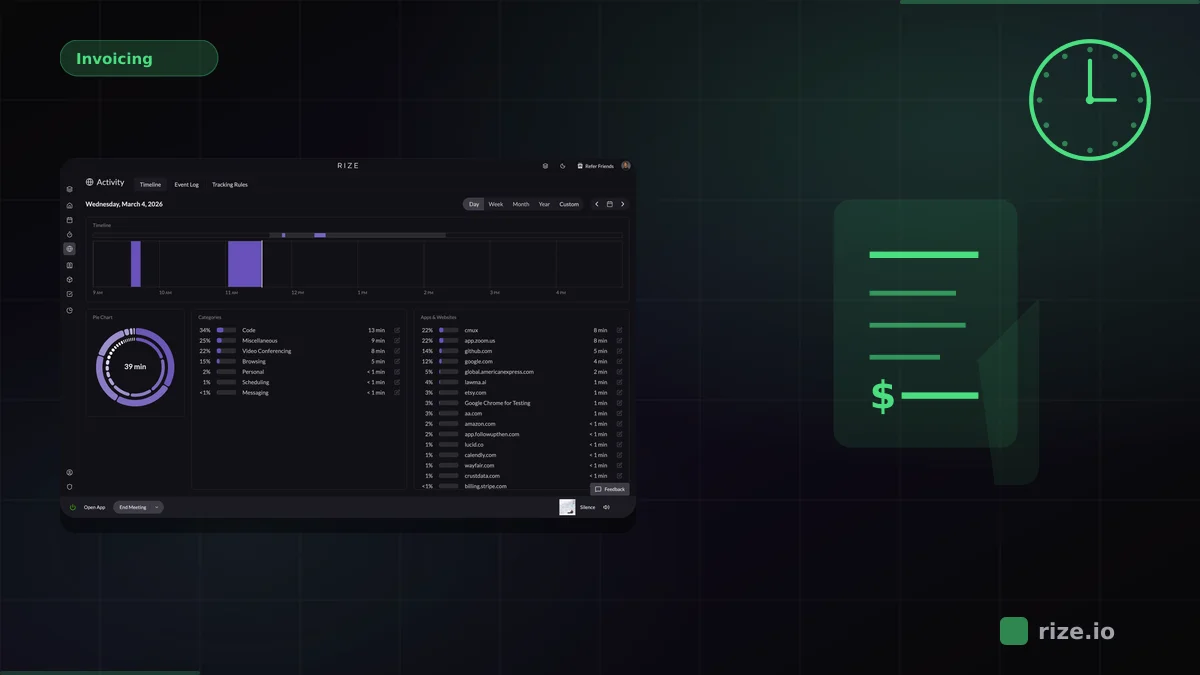
The best time tracking software with automated time capture eliminates manual data entry entirely. Leading options like Rize, Timely, and Toggl Track offer passive tracking features that run in the background while you work. For modern agencies, freelancers, and remote teams, zero-touch time capture is no longer a luxury — it is the baseline for accurate billing and understanding your work habits.
If you are new to the category, the short answer to "how does automatic time tracking work?" is that a desktop app detects your active apps and websites, then AI maps each session to the correct project without timers or manual entry. We break down the full pipeline in our guide: How does automatic time tracking work?.
Here are the top tools leading the market in automatic time capture this year.
| Tool | Best For | Zero-Touch Level | Pricing |
|---|---|---|---|
| Rize | Agencies, freelancers, and knowledge workers | Fully zero-touch with granular AI categorization | From $23.99/mo Pro; Team at $29.99/seat/mo (annual) |
| Timely | Mid-to-large teams needing resource planning | Background capture with manual approval of AI-drafted timesheets | From $9/user/mo |
| Toggl Track | Manual timer users who want a background safety net | Manual timers with background timeline based on user-defined rules | Free tier; Premium at $9/user/mo |
| RescueTime | Individuals focused on personal productivity | Passive tracking with broad productive/distracting buckets | From $7/mo (annual) |
| TMetric | Budget-conscious teams with invoicing needs | Background app/website capture with one-click time entry conversion | Free tier; Pro at $3.50/user/mo |
What Zero-Touch Actually Means
Most time tracking tools call themselves "automatic," but there is a real difference between semi-automatic and truly zero-touch. Semi-automatic tools record raw activity in the background, then ask you to review, edit, and approve time entries before they count. You still spend 10-15 minutes a day cleaning up data. That is not automatic — it is assisted manual entry.
Zero-touch means the software handles categorization on its own. It watches which apps you use, which URLs you visit, and which documents you open, then assigns that time to the correct project or client without you doing anything. No approvals, no drag-and-drop, no end-of-day cleanup. The data is just there when you need it.
This distinction matters most at billing time. If your team of eight designers each spends 10 minutes a day fixing timesheets, that is over 6 hours a week of non-billable work — time you are paying for but cannot bill. Momentum Studio, a 12-person creative agency, saved 8 hours per week on admin after switching to Rize's automatic tracking — even more than the hypothetical above. A truly automatic time tracking system removes that overhead entirely.
1. Rize
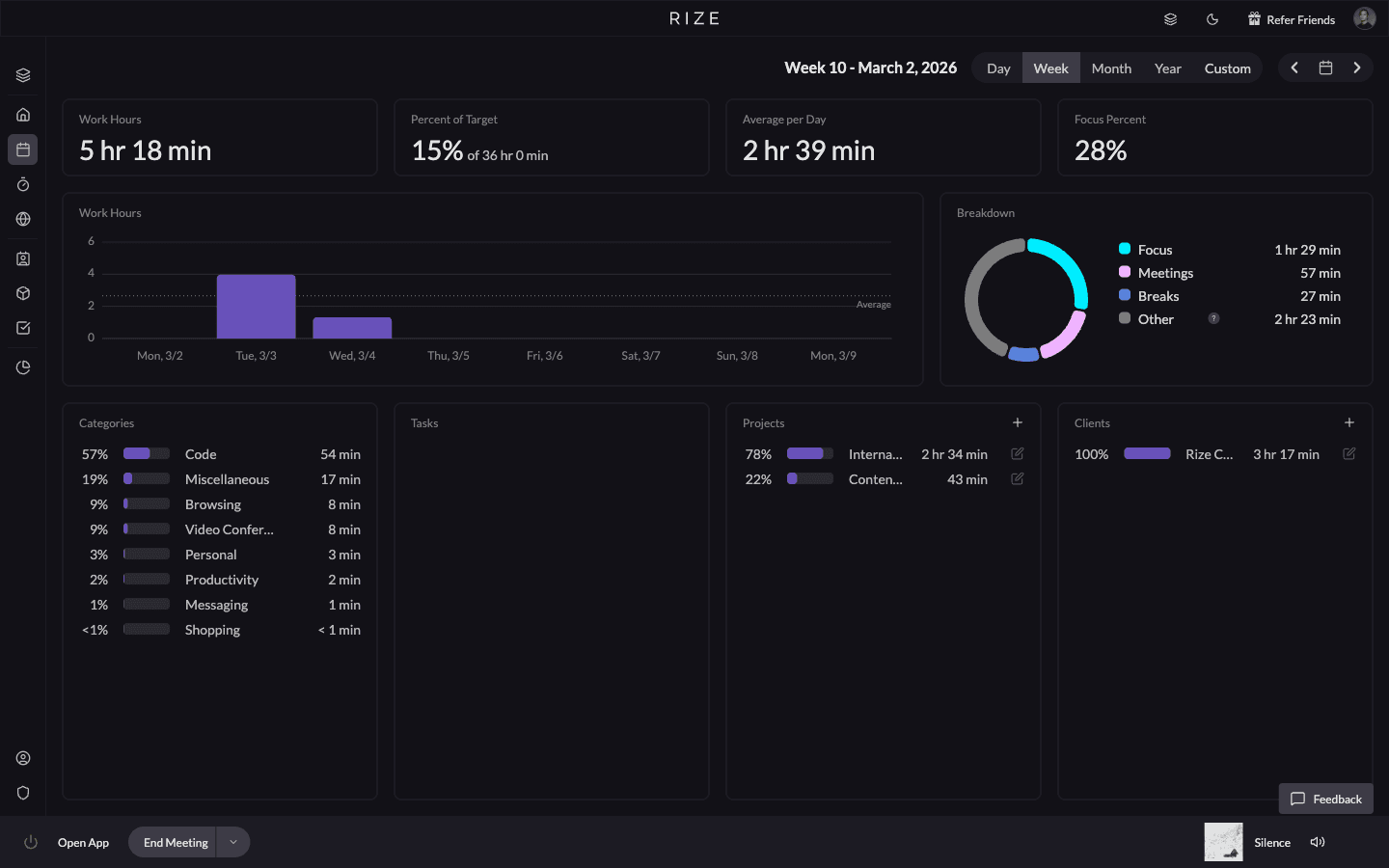
Rize is an AI-powered time tracker that improves focus and builds better work habits through completely zero-touch tracking. It analyzes your workday to provide insights into when you work best, without requiring you to manage a single timer.
Where Rize stands apart is its AI categorization engine. It does not just log that you spent 45 minutes in Figma — it identifies which client project you were working on based on file names, URLs, and context patterns. Leonard Roussard, founder of 6-person web AI agency Impulse Lab, experienced this firsthand: "I installed it and forgot about it for two weeks. When I came back, everything was tracked. I could trust the data completely." For agencies juggling multiple retainer clients, this means your billable hours are tagged correctly from the start. No one has to go back and manually assign blocks of time at the end of the week.
Rize also works well for distributed teams. Managers get a dashboard view of how team time breaks down across projects and clients, without seeing invasive activity logs or screenshots. It is built around the question "where is time going?" rather than "is this person working?"
- Best For: Agencies, freelancers, and knowledge workers prioritizing deep work and accurate billing.
- Automated Capture Accuracy: Extremely high. Rize uses granular AI categorization to automatically tag applications and URLs to specific client projects. It also includes reliable idle-time detection.
- Pricing: Basic at $9.99/month; Pro at $23.99/month; Team at $29.99/seat/month (billed annually). Free 7-day trial on all plans.
- Key strengths: Fully zero-touch — no timers, no approvals, no end-of-day cleanup. Granular AI categorization maps time to specific client projects automatically. Privacy-first team dashboards without invasive screenshots or activity logs.
- Possible limitations: Desktop only, with no mobile time tracking. Invoicing is built in, but card payments on the invoice require an external billing tool.
2. Timely
Timely automates company time tracking to help teams stay connected and report on project profitability. It captures background activity and drafts timesheets for users to review.
In practice, Timely works best for teams that already have a timesheet review process. Its Memory feature records everything you do across apps and calendars, then presents a draft timeline you can drag into your official timesheet. For project managers at mid-sized agencies, this cuts timesheet prep time significantly — but it still requires someone to sign off on each entry before it is final.
- Best For: Mid-sized to large teams needing broad resource planning.
- Automated Capture Accuracy: High. Its Memory app records background activity securely, though users still need to review and approve the AI's suggestions to finalize their timesheets.
- Pricing: Starts at $9/user/month.
- Key strengths: Strong resource planning and capacity management for larger teams. Memory feature captures activity across apps, calendars, and email. Built-in project budgeting and profitability reporting.
- Possible limitations: Requires manual approval of AI-drafted timesheets — not truly zero-touch. Higher per-user cost at scale compared to budget options. No free tier or trial on lower plans.
3. Toggl Track
Toggl Track is traditionally known for its simple manual timers, but it has introduced background tracking features to help users fill in the blanks of their workday.
The typical Toggl workflow looks like this: you start and stop timers manually throughout the day, and the background timeline catches anything you forgot. It is a useful safety net, especially for freelancers who sometimes forget to start a timer when switching between client calls and design work. But it does not replace the manual habit — it supplements it.
- Best For: Users who prefer manual timers but want a background safety net.
- Automated Capture Accuracy: Moderate. The automated timeline records websites and programs viewed for more than 10 seconds, but categorization relies heavily on user-defined rules rather than AI.
- Pricing: Free tier available; Premium starts at $9/user/month.
- Key strengths: Simple one-click timers with a gentle learning curve. Wide integration library (100+ tools including Asana, Jira, GitHub). Generous free tier for up to five users.
- Possible limitations: Background tracking relies on user-defined rules, not AI categorization. Still fundamentally a manual timer — automation is a supplement, not the default. No granular project-level auto-categorization from window titles or URLs.
Start tracking time automatically
Join thousands of professionals who stopped guessing where their time goes. Free for 7 days.
Start Free Trial4. RescueTime
RescueTime is one of the original background time trackers, heavily focused on personal productivity and blocking digital distractions.
If you are a solo freelancer trying to understand where your hours go each day, RescueTime gives you a clear picture. It categorizes everything into productive or distracting buckets and shows you daily scores. The FocusTime feature can block distracting sites during work hours. But it was not built for client billing — there is no way to assign tracked time to specific projects or generate invoices from it.
- Best For: Individuals looking to block out distractions and hit daily focus goals.
- Automated Capture Accuracy: Good for general productivity tracking, but less accurate for granular client billing, as it categorizes time into broad productive or distracting buckets.
- Pricing: Starts at $7/month (billed annually).
- Key strengths: Excellent distraction blocking with FocusTime feature. Clear daily productivity scores and trend reports. Fully passive — runs silently with zero configuration.
- Possible limitations: No project or client-level time breakdown — broad buckets only. Not designed for billing, invoicing, or team use. Limited integrations with project management tools.
5. TMetric
TMetric is a time tracking platform that quietly runs in the background, auto-logging every app switch and idle gap. It also includes invoicing, project budgeting, and team management features.
For small teams watching their budget, TMetric is hard to beat on price. The free tier covers basic tracking for up to five users, and the professional plan at $3.50/user/month adds integrations with tools like Jira, Asana, and GitLab. The trade-off is that its automatic categorization is not as intelligent as AI-driven tools — you will spend more time mapping activities to projects manually.
- Best For: Teams that want background tracking with built-in invoicing and budget controls.
- Automated Capture Accuracy: High. TMetric captures application and website usage automatically and lets you convert tracked activity into time entries with one click.
- Pricing: Free tier available; Professional starts at $3.50/user/month.
- Key strengths: Lowest cost option with a functional free tier for small teams. Built-in invoicing, project budgets, and client billing workflows. Wide integration library including Jira, Asana, GitLab, and Trello.
- Possible limitations: Auto-categorization is rule-based, not AI-driven — requires manual mapping. One-click conversion still means reviewing and approving entries. Reporting depth is limited compared to AI-powered alternatives.
Quick Comparison
Here is how these five tools stack up on the criteria that matter most for agencies and freelancers:
- True zero-touch (no approval step): Rize is the only tool on this list that categorizes time to specific client projects without any manual review. Every other option requires some degree of human input before the data is final.
- Best for teams: Rize and Timely both offer team dashboards and per-project breakdowns. TMetric includes basic team features at a lower price point. Toggl Track and RescueTime are stronger for individual use.
- Client billing accuracy: Rize and TMetric support project-level tracking that maps to billable hours. RescueTime does not break time down by client at all. Timely and Toggl can get there, but require manual cleanup.
- Budget-friendly: TMetric's free tier and $3.50/user/month professional plan are the cheapest option. Toggl also offers a free tier. Rize, Timely, and RescueTime are all paid-only.
- Integrations: All five tools connect with common project management and communication apps. TMetric and Toggl have the widest third-party integration libraries. Rize focuses on the apps knowledge workers actually use daily — Figma, Slack, VS Code, Chrome, Zoom.
Start tracking time automatically
Join thousands of professionals who stopped guessing where their time goes. Free for 7 days.
“Rize has been a no-brainer for me.” — Ali Abdaal Read more →
How to Choose the Right Tool
We built Rize because we kept hearing the same thing from agency founders: they wanted accurate time data, but their teams would not fill out timesheets consistently. Ben Jackson at Momentum Studio told us bluntly: "I'm a trusting leader, but I don't even trust myself to remember what I worked on two days ago. So how can I expect my designers to?" The right tool depends on how much manual effort you are willing to accept. If you want true zero-touch accuracy with granular AI categorization, Rize is the strongest option. If you need resource planning for a large team, Timely is a solid choice. If your team is already disciplined with manual timers and just needs a backup, Toggl Track works well.
Use these criteria to narrow your shortlist:
- Level of automation: Does the tool categorize time on its own, or does it require you to review and approve entries before they count?
- Categorization accuracy: Can it distinguish between client projects based on window titles, URLs, and file names — or does it only track which app was in focus?
- Team visibility: Does it give managers a project-level breakdown without invasive screenshots or keystroke logging?
- Billing readiness: Can tracked time flow directly into invoices or client reports, or do you need a separate step to map hours to projects?
- Integration depth: Does it connect with the tools your team already uses — Figma, Slack, Jira, Google Workspace, calendar apps?
- Privacy model: Does the tool store data locally or in the cloud? Does it capture screenshots, and can employees control what is shared?
- Total cost of inaccuracy: A cheaper tool that misses 15-20% of billable hours costs more per month than a pricier tool that captures everything.
Think about your actual workflow. If your team moves between Figma, Slack, and Google Docs across three different client accounts every day, you need a tool that can tell those contexts apart automatically. If your work is simpler — one project at a time, clear start and stop points — a manual timer with background capture might be enough.
Cost matters too, but not as much as accuracy. An $8/month tool that misses 20% of billable hours costs you far more than a $24/month tool like Rize that captures everything. Impulse Lab saw 30% revenue growth after switching to Rize — the accuracy improvement paid for itself many times over. Run the math on your own team's hourly rate and see where the break-even point falls. Check out Rize's pricing page to compare plans for individuals and teams.
For any tool on this list, the key question is the same: does it capture your real hours without you having to think about it? The closer the answer is to yes, the more accurate your billing and productivity data will be. Book a demo to see how Rize compares for your workflow.
Related Comparisons
For head-to-head breakdowns, read Rize vs Timely, Rize vs Toggl for agencies, or our three-way accuracy comparison. See the full feature tables on our Toggl alternative, Harvest alternative, and Clockify alternative pages. If you run an agency, see how Rize works for agency teams.