Invoicing-ready time tracking data is billable time that is already categorized by client, tagged as billable or non-billable, and structured for export — no reconstruction, no spreadsheet cleanup. Rize produces this state by default: it captures every work session in the background and uses AI to assign time to the correct client and project before you ever open an invoice.
Key Takeaway
The difference between "we tracked our time" and "we can send the invoice now" is data quality. Most time tracking tools produce raw logs. Invoicing-ready data requires client assignment, billability labeling, and export structure — all of which Rize handles automatically.
Why most time tracking data isn't invoice-ready
Manual time tracking creates a gap between hours worked and hours billed because the data depends entirely on human memory. A developer who spends 40 minutes debugging a client's API, then jumps to Slack to answer questions about it, then attends a standup — in a manual tool, they might log the first session. The Slack time and the standup typically go unlogged.
That gap compounds across a team and a billing cycle. By the time you open your invoicing tool at the end of the month, you're not looking at a clean export — you're looking at a raw log full of missing entries, wrong project labels, and durations that don't match actual work. The "invoice-ready" state is something you create manually, by going back through calendars, Slack threads, and half-remembered sessions.
This is not a discipline problem. It is a structural one. Manual tracking asks people to context-switch into an administrative task every time they switch between work tasks. Research by Gloria Mark at UC Irvine shows it takes about 23 minutes to regain full focus after an interruption. Asking your team to start and stop timers dozens of times per day is asking them to interrupt themselves constantly. They don't. So the time goes unlogged.
The result is what accountants call a reconstruction problem: before you can issue an invoice, someone has to reconstruct what actually happened from incomplete records. That reconstruction takes time, introduces error, and is never fully accurate.
What makes time data "invoicing-ready"
Invoicing-ready time data meets five criteria before the data ever reaches your billing tool. Each criterion that's missing adds manual work between tracking and billing.
1. Complete capture. Every work session is logged — not just the ones someone remembered to start a timer for. Short tasks, Slack conversations, and context switches are all in the record. Gaps force reconstruction, and reconstruction means the invoice reflects estimates, not reality.
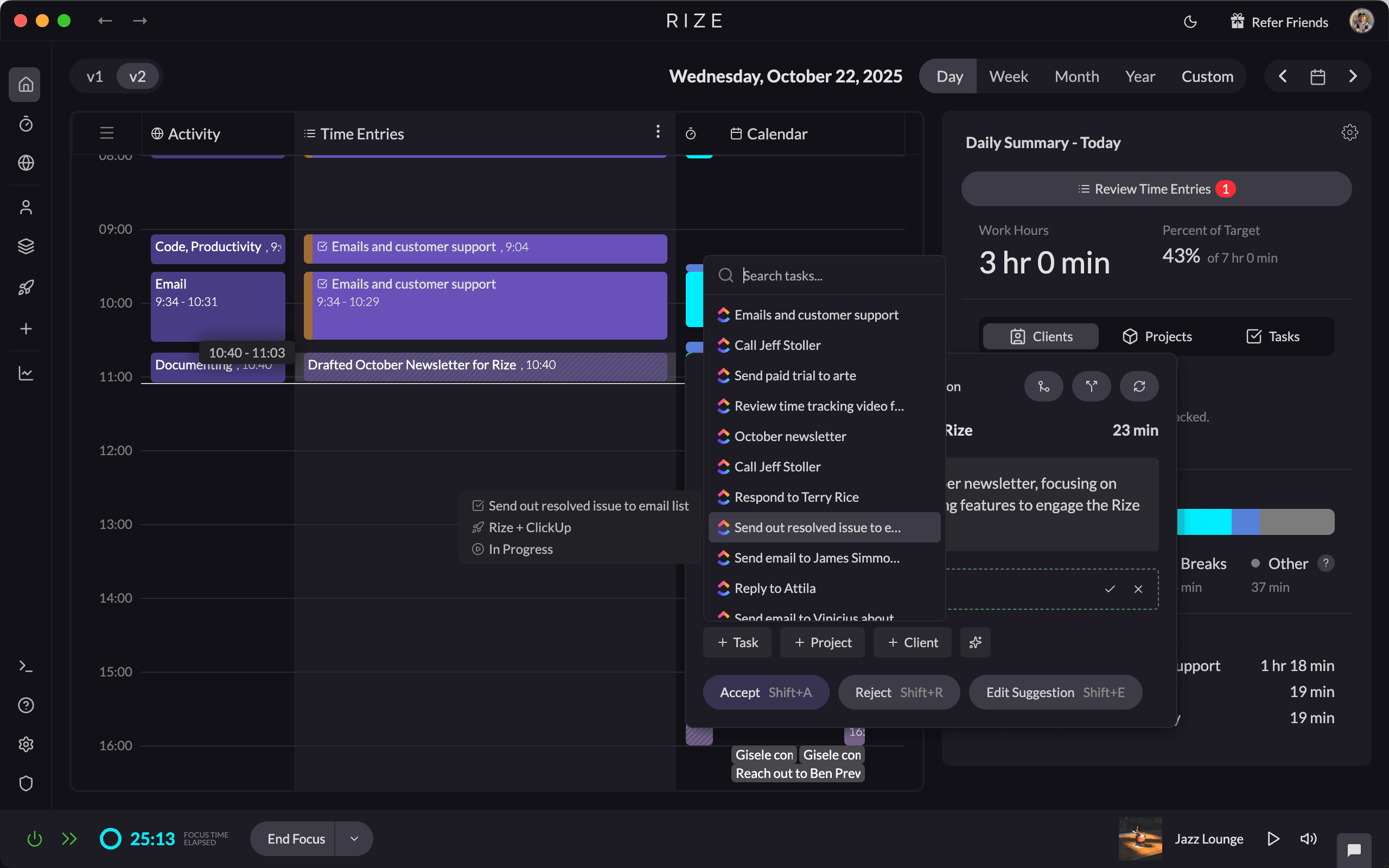
2. Client assignment. Each logged block of time is tagged to the correct client or project. In manual tools, this requires the team member to select the right project from a dropdown every time. In Rize, AI categorization handles this based on app context and window titles — a Figma file named after a client project gets logged to that client automatically.
3. Billability labels. Time entries are marked billable or non-billable at the point of capture. Internal meetings, admin tasks, and business development time should not show up on client invoices. The labeling needs to happen consistently, not as a cleanup step at month-end.
4. Accurate durations. Rounded or estimated durations — "about 2 hours" — accumulate into meaningful billing errors over a month. Automatic tracking records actual start and stop times to the minute, which is the only way to achieve reliable billing accuracy at scale.
5. Export structure. The data needs to match what your billing tool expects. Client name, project, hours, date, billability flag. If your time tracker exports a flat CSV and your invoicing tool expects structured line items, that translation work falls on you — or your admin.
How Rize produces invoicing-ready data automatically
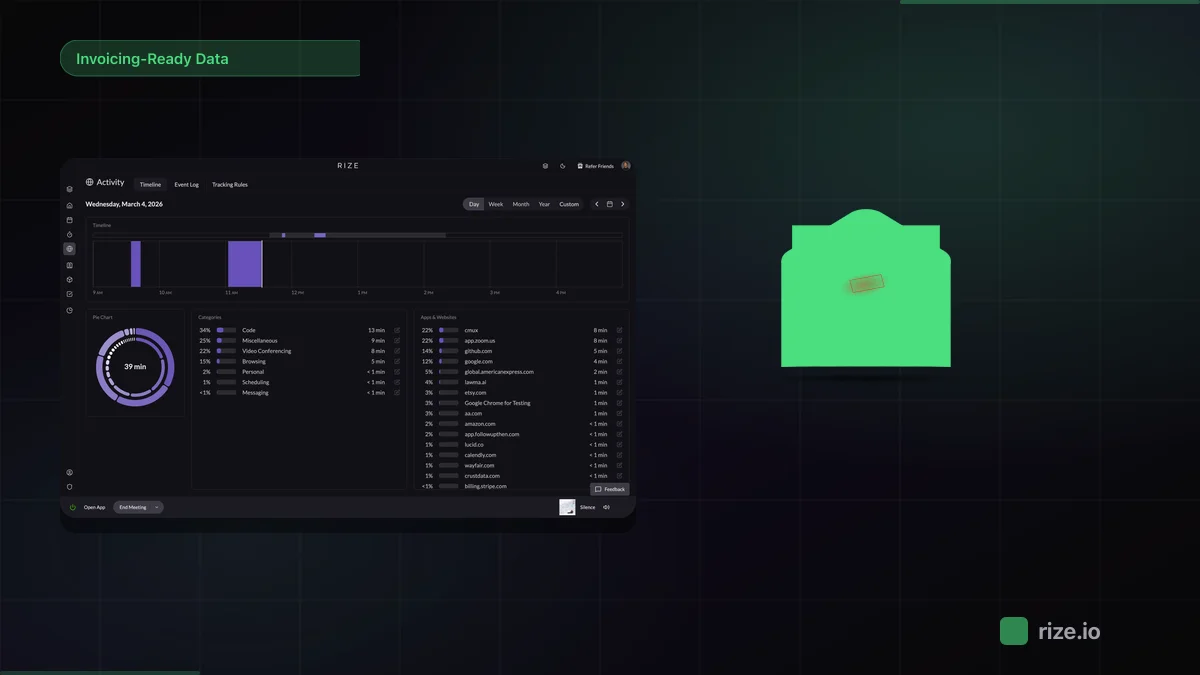
Rize eliminates the reconstruction problem by capturing time at the source — not from manual input, but from actual computer activity. Its automatic time tracking runs silently in the background, logging every application, document, and website with accurate timestamps. No timers. No project selection per session.
The AI categorization layer is what converts raw activity logs into client-tagged time blocks. Rize learns which applications and window titles belong to which clients and projects. A developer working in VS Code on a file path matching a client's codebase, switching to a browser tab pointed at that client's staging environment, and joining a Zoom meeting titled with the client's name — all of that gets assigned to the same client automatically. The team member does nothing.
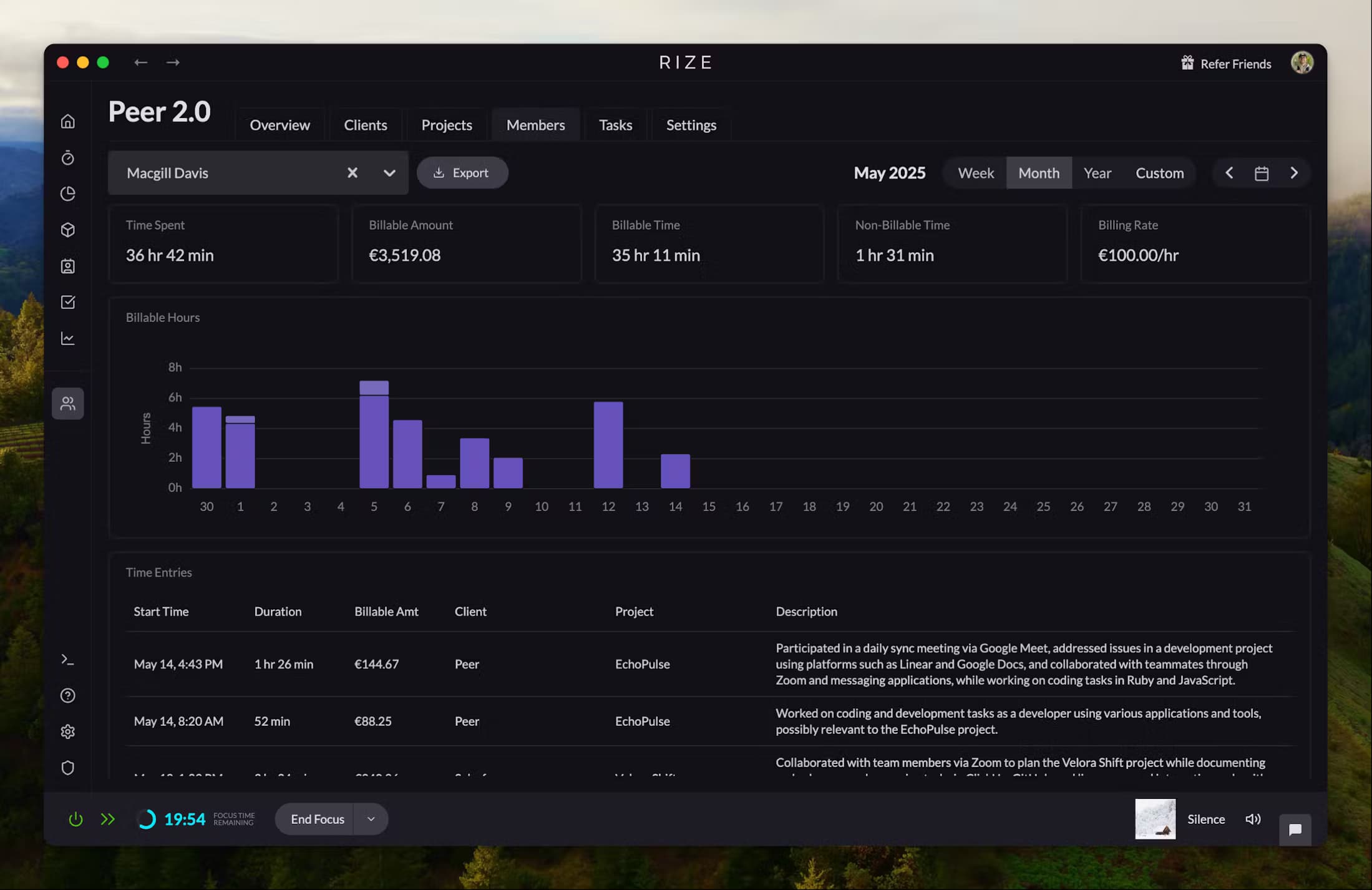
When it's time to invoice, Rize's team time reports show billable hours per client for any date range, already filtered and structured. Exporting to a CSV takes seconds. The data that comes out is client-labeled, date-stamped, and duration-accurate — which is exactly what an invoice needs as its input.
This is the difference in practice: instead of spending 45 minutes at the end of a billing cycle reconstructing what the team did for each client, you open Rize, select the client, select the date range, and export. The invoice-ready state was built passively throughout the month, not manufactured after the fact.
Rize vs Harvest vs FreshBooks vs Toggl for invoicing workflows
| Tool | Time Capture | Client Assignment | Invoice Generation | Best For |
|---|---|---|---|---|
| Rize | Automatic — AI captures every session | AI-assigned by app, URL, window title | Export to CSV or billing tool; no native invoicing | Teams where data accuracy is the bottleneck |
| Harvest | Manual — start/stop timers per session | Manual project selection per entry | Native invoicing with Stripe and PayPal integration | Teams with strong timer discipline and simple billing |
| FreshBooks | Manual timer or import from other tools | Manual — assign time to client per entry | Full invoicing, retainers, recurring billing | Freelancers and small teams prioritizing invoicing over tracking |
| Toggl Track | Manual — one-click timers with browser extension | Manual client/project tag per entry | Basic invoicing in Toggl Invoices (separate product) | Individuals and small teams wanting fast manual logging |
The pattern across Harvest, FreshBooks, and Toggl is consistent: all three require the person doing the work to make a decision about client assignment at the moment of logging. That decision only happens if the timer is running and the right project is selected. When either condition fails — forgotten timer, wrong project, multi-tasking — the data is wrong at the source, and no amount of reporting sophistication downstream fixes that.
Rize takes a different approach. The invoice-ready state is the default output, not a goal you work toward, and Rize generates the invoice from that data natively. Tracked entries become line items, the invoice sends as a PDF, and payments are recorded against it. Service businesses with an established billing workflow can still pair Rize with Harvest, FreshBooks, or QuickBooks, which is the right call when clients pay by card on the invoice itself.
Impulse Lab: 98% billing accuracy on a 6-person team
Impulse Lab is a product studio with 6 people that needed accurate client billing without adding administrative overhead. Before Rize, reconstructing time logs before invoicing took hours per billing cycle, and the numbers clients received didn't fully reflect the work done.
Leonard Roussard, Founder and CEO of Impulse Lab, deployed Rize across the team. His description of the onboarding process captures why invoicing-ready data matters: "We use Rize to know: 'We spent 30 hours on this client and got this result.' That's powerful when you're working lean and launching quickly."
The outcome was 98% client billing accuracy and 5x faster client reporting. The time that previously went into reconstructing logs and reconciling billing disputes now goes into client work. Read the full Impulse Lab case study.
The accuracy improvement came from removing the manual step. Impulse Lab's team did not change how they worked — they stopped needing to track how they worked as a separate activity. The data appeared in Rize without effort, already tagged to the right clients, ready to export.
Stop reconstructing time logs before every invoice
Rize captures every billable hour automatically — already tagged to the right client. Free for 7 days.
Start Free TrialThe right tool for the invoicing problem you actually have
If your invoicing process is slow or inaccurate, the problem is almost always upstream — in the quality of your time data, not in your billing tool. Adding better invoicing software to a broken data collection process gives you faster wrong numbers.
The practical test: at the end of last month, how long did it take to go from "billing period closed" to "invoices sent"? If the answer is more than an hour, most of that time is data cleanup — not invoice creation. That cleanup time is the cost of manual tracking.
For teams where that gap is significant, Rize's automatic time tracking addresses the problem at the source. The hours your team works are captured completely, assigned to the right clients, and ready to export — without asking your team to do anything differently. Download Rize for macOS or Windows and start a free trial; Rize pricing starts at $9.99/month for individuals and $29.99/seat/month for teams, billed annually.
Authoritative context on billing data quality: AICPA guidance on time and billing practices and PMI research on project delivery both identify manual data entry as the primary source of billing errors in professional services. The solution in both cases is the same: reduce the reliance on human memory at the point of capture.
Related guides: Best time tracking for invoicing compares the top tools for billing workflows. Invoicing-ready time data for teams breaks down the cost of manual cleanup. Best project-based time tracking with profitability reporting covers per-project margin analysis. Agency profitability tracking calculator walks through the fully-loaded cost formula. All four use the same data accuracy pattern that makes invoicing-ready tracking effective.
Start tracking time automatically
Join thousands of professionals who stopped guessing where their time goes. Free for 7 days.
“Rize has been a no-brainer for me.” — Ali Abdaal Read more →