You open your inbox to clear a couple of quick things. But an hour later, you're still in there.
You've skimmed some client feedback, answered a non-urgent message, and overthought a response that's sitting in Drafts. You felt busy the whole time, but you've made zero progress on your biggest priorities.
Email keeps projects moving, but it also eats a huge chunk of your team's time. When you look closely, the cost isn't just the hours spent replying — it's the constant pull on your attention throughout the day. We broke down the numbers to understand how much time is being lost, and what high-performing agencies are doing to regain control.
Quick Answer
Agencies lose up to 28% of their workweek to email. The fix isn't inbox zero — it's automatic triage that separates urgent client messages from noise, paired with time-boxed email sessions and automatic time tracking to measure the real cost.
Agencies Are Uniquely Vulnerable to the Email Time Leak
Email is still the default communication channel for agencies.
When you start out, it's frictionless: there's no need to onboard clients to new tools, manage guest access and permissions, or establish communication norms. A thread begins, people reply, and you're cooking on gas.
But in agency environments, email very quickly starts to become the work. A single project can involve multiple stakeholders, rolling feedback, shifting timelines, and parallel conversations across clients, prospects, and vendors.
Left unchecked, two forces cause email management to spiral out of control.
1. Email Overload
The average worker receives around 121 emails daily. In agencies, email volume is even higher — whether it's client feedback across six stakeholders, quick approvals that turn into reply-all epics, or new business conversations happening in parallel with looming deadlines.
At the same time, responsiveness isn't optional. Future engagements with your client rely on your reputation. Out of proactiveness (and maybe a little paranoia), you overcompensate by dipping in and out of your inbox, searching for important threads, or even double-checking you replied to an email.
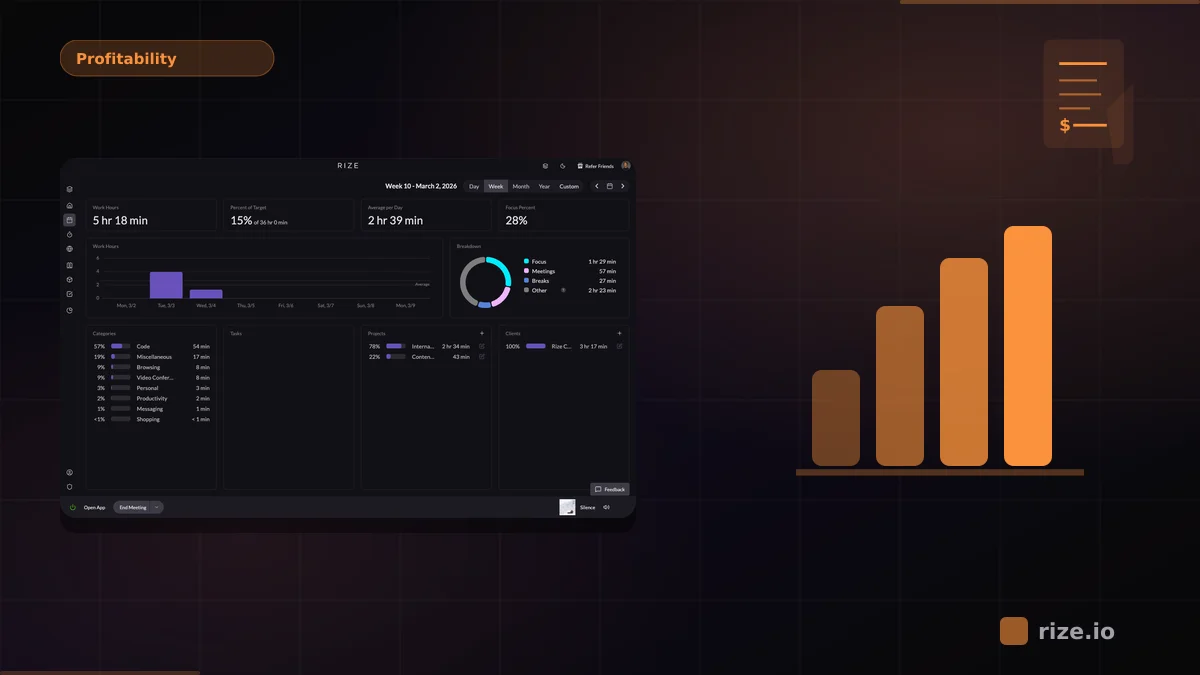
Before long, the morning is gone and the work that actually moves projects forward is still waiting. And if you're using automatic time tracking — maybe with a tool like Rize — then you can see it happening in real time.
2. Context-Switching
Email volume is a time-suck, but context-switching is where the real cost shows up.
Managing your inbox feels productive, but it puts other work on hold. And when you add up the numbers, it's a sobering picture:
On average, we spend almost 28% of the work week on email. If you have a team of four, that's the equivalent of a full-time worker who does nothing but email.
When you do finally get back to your most important work, your focus is impaired. On average, it takes 23 minutes to regain focus after being distracted by emails and notifications, and over time context-switching can reduce productivity by up to 40%.
Email doesn't just take your time — it fragments it. And for agencies, fragmented time is where your margins disappear.
Why Email Feels So Hard to Fix
According to behavioral design expert and author of Indistractable Nir Eyal, there are two forces compelling us to dip in and out of our email all day.
External triggers: These include email notifications, which can be hard to ignore if you're waiting on something.
Internal triggers: These stem from our desire to flee the discomfort of whatever we're doing in the moment (or that nagging feeling that we're forgetting something).
Most attempts to fix email overload end up adding another layer of process. Teams circulate inbox protocols, set response-time expectations, or document "best practices." It all sounds sensible, but it often creates more busywork without changing day-to-day behavior.
High-performing agencies take a different approach — by focusing on the biggest time leak: email triage.
How Effective Email Triage Can Help
Email triage is about making fast, intentional decisions about what's in your inbox, instead of reacting to everything in real time. The most efficient way to do this is with the Scan-Block-Ask method:
- Scan your inbox for important and urgent messages, and take care of those first.
- Block 30–60 minutes later in your day to process everything else in one pass, freeing you up to focus on more important work.
- Ask yourself if clearing your inbox is the best use of your time. Do this whenever you're tempted to open up your inbox.
"It wasn't just a financial issue — it was a relational one. You end up interrogating your team about time logs, and that breaks down trust." — Ben Jackson, CEO, Momentum Studio
This approach works because it shifts email from a constant treadmill of interruptions to a time-boxed activity. But for agencies dealing with high volume, this system only works if you add something else: automatic organization.
How High-Performing Agencies Do Email Differently
If you receive a high volume of emails, manual triage is time-consuming. You end up scrolling through a messy assortment of emails:
- A "Version3_final_FINAL" design proof from the team.
- A calendar invite to the end-of-month social.
- A "quick question" from a client that's anything but.
- A customer satisfaction survey from a vendor.
They all have different levels of importance, making it easy to get derailed from what you set out to do. This is where an email tool can help cut through the noise.
Automatic email triage removes distractions and cuts the process down to a few seconds. One tool for this is SaneBox, which instantly separates important messages from unimportant ones.
The Agency Email Toolkit
For busy agencies, the goal is to spend less time managing email by automatically filtering unimportant messages. Here's how it works with SaneBox:
Start your day with signal, not noise. Important emails land in your inbox, everything else goes to the SaneLater folder. Instead of losing time triaging your email, you can move quickly to meaningful work.
Time-box email to defined windows. When the afternoon rolls around, your Digest arrives — this is an executive summary of all your unimportant messages. Review them quickly in one session (and bulk-action them right from your Digest) instead of grazing throughout the day.
Never let potential revenue go cold. You can instantly group unanswered emails together, so you can monitor them easily (without using spreadsheets or to-do lists to track client outreach).
Avoid distracting newsletters. You can instantly gather newsletters into a single folder so they don't compete for your attention during focus time.
The Goal Isn't Inbox Zero, It's Control
Email isn't going away, especially for agencies. It's still the default way to communicate with clients and keep work flowing.
But left unmanaged, it comes with a hidden time leak: fragmented attention, slower execution, and a significant share of your team's capacity absorbed by inbox maintenance.
Agencies that scale efficiently limit how often they engage with their inbox. They automate what they can, and protect the team's attention as a finite resource. Tools like Rize's focus tracking make it easy to measure how much deep work your team actually gets each day.
And when you preserve focus, everything else — output, quality, and client results — tends to follow.
Start tracking time automatically
Join thousands of professionals who stopped guessing where their time goes. Free for 7 days.
“Rize has been a no-brainer for me.” — Ali Abdaal Read more →
Join thousands of SaneBox customers who are eliminating inbox anxiety and spending less time on email. SaneBox works with every email client. Nothing to download, no manual setup, it just works — sign up today and save $25 on any subscription.